

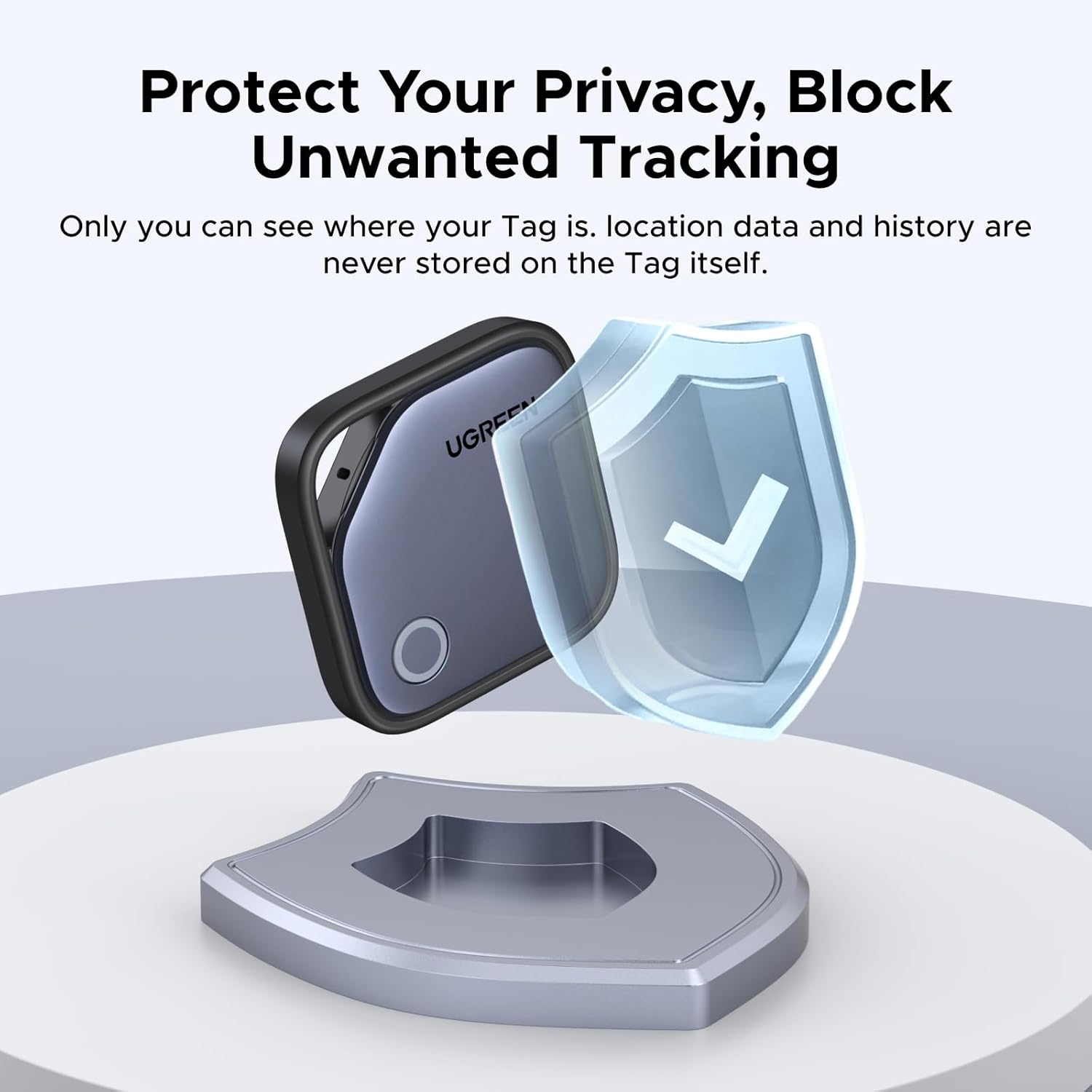
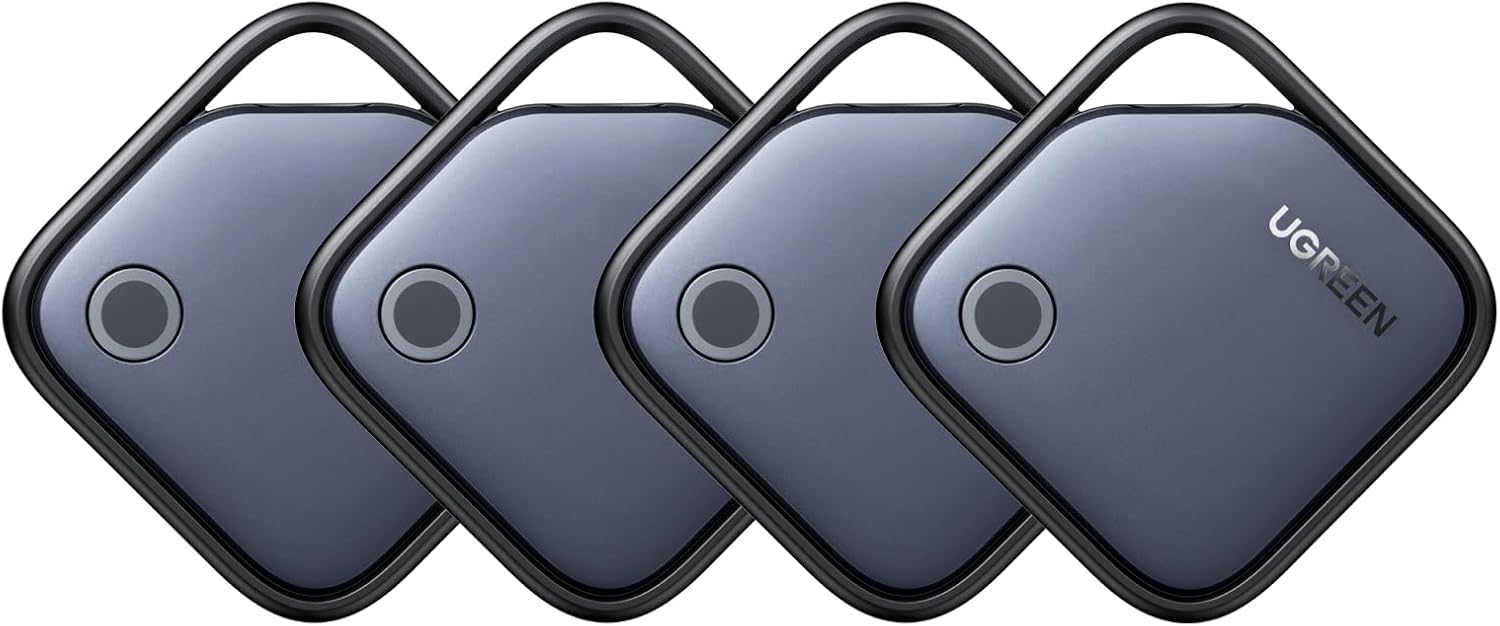
UGREEN Bluetooth tracker tag
Product description
Key points
Misplacing keys, a wallet or a passport is a nuisance, especially when you’re already heading out the door. The UGREEN FineTrack is a Bluetooth tracker tag designed to help locate those everyday items through Apple’s Find My app on an iPhone, with a built-in buzzer for nearby searches and a replaceable battery.
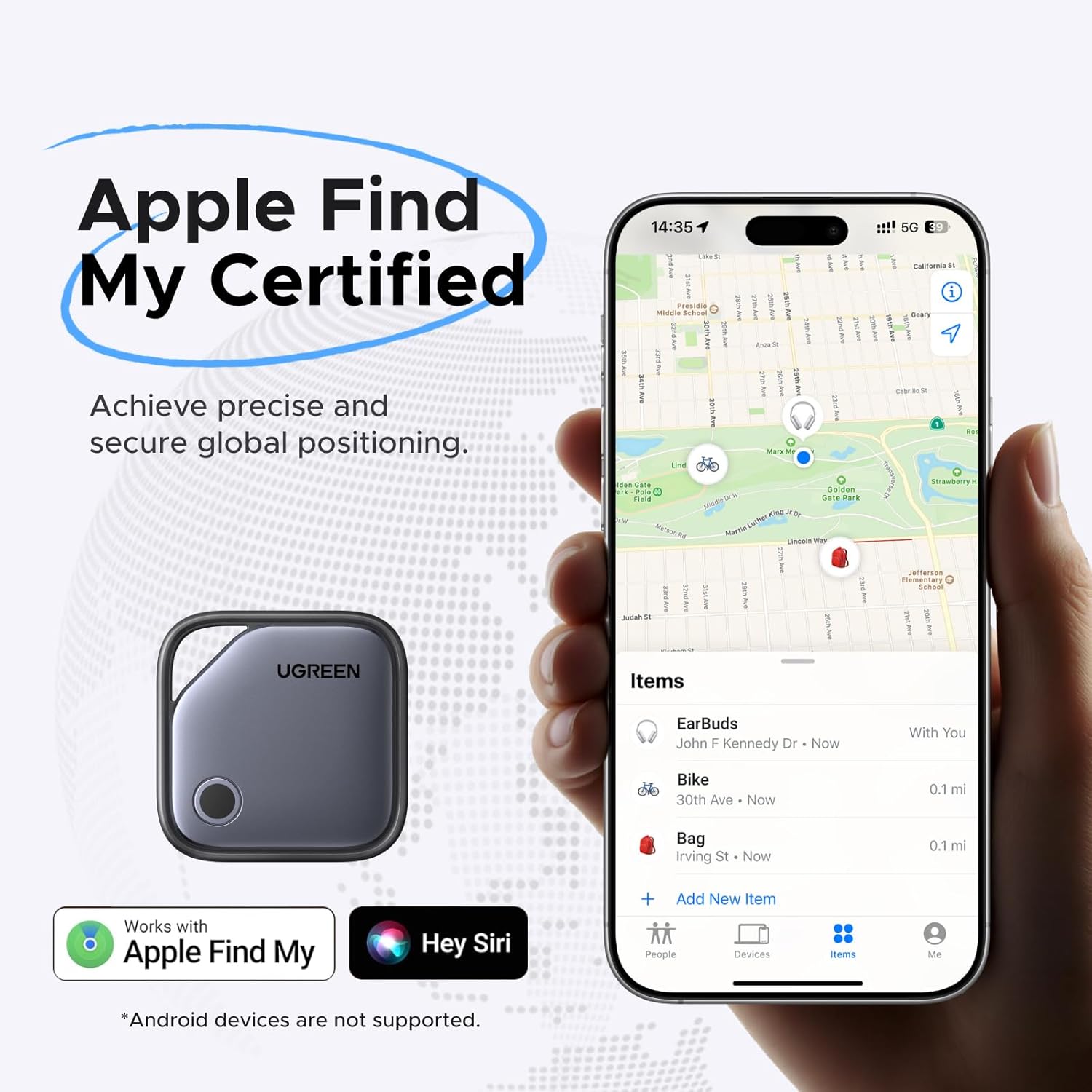
It’s an iOS-only choice, not a universal tracker. Keep in mind that Android devices aren’t supported.
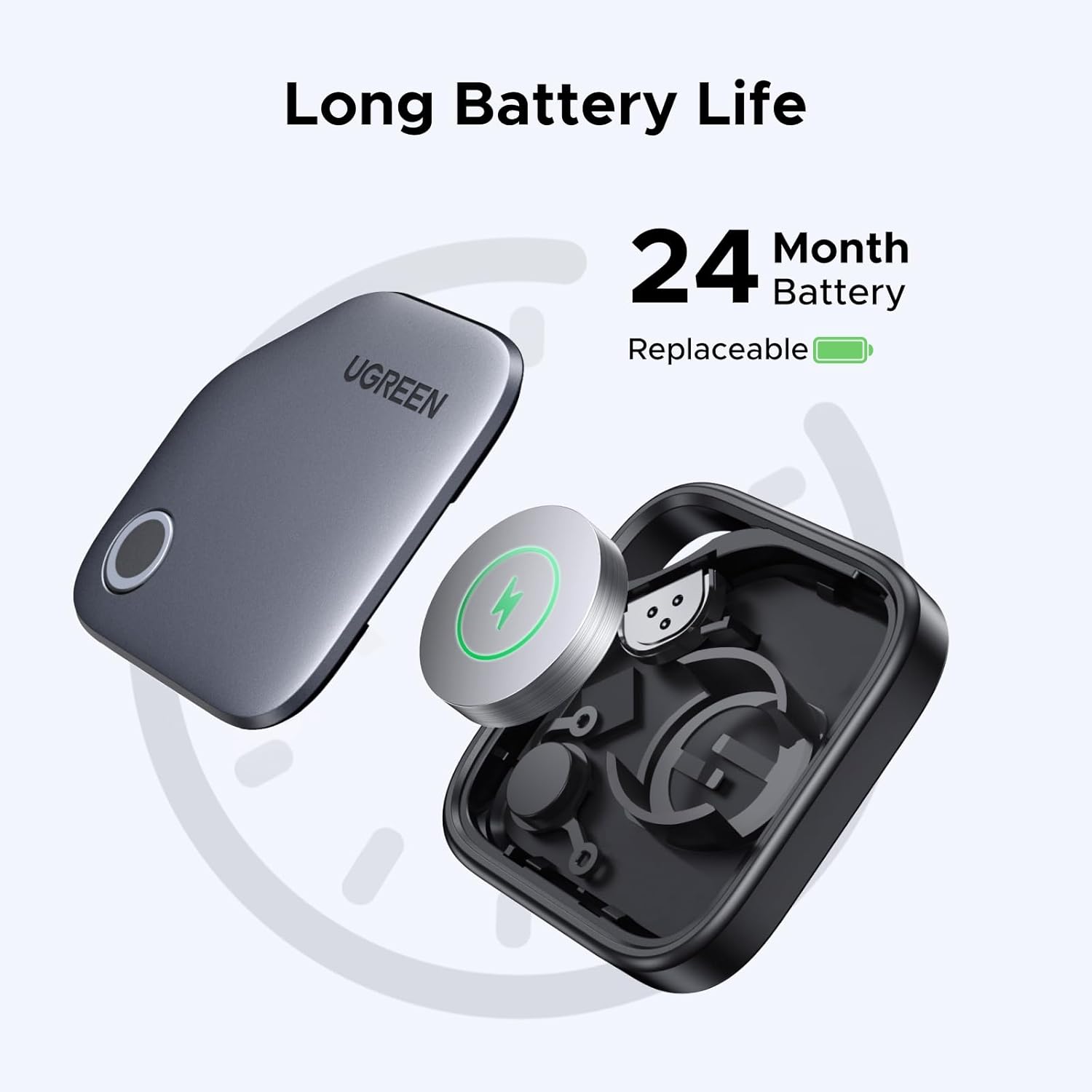
The tag uses a replaceable CR2032 button cell, with a stated service life of up to 24 months. Your phone can alert you when the battery is low. Its buzzer is rated up to 80 dB, and the Find My network can help locate an item worldwide when an iPhone is nearby. The product also supports sharing item information with up to five iPhones, one iPhone can connect to up to 32 smart tags.
Best use cases
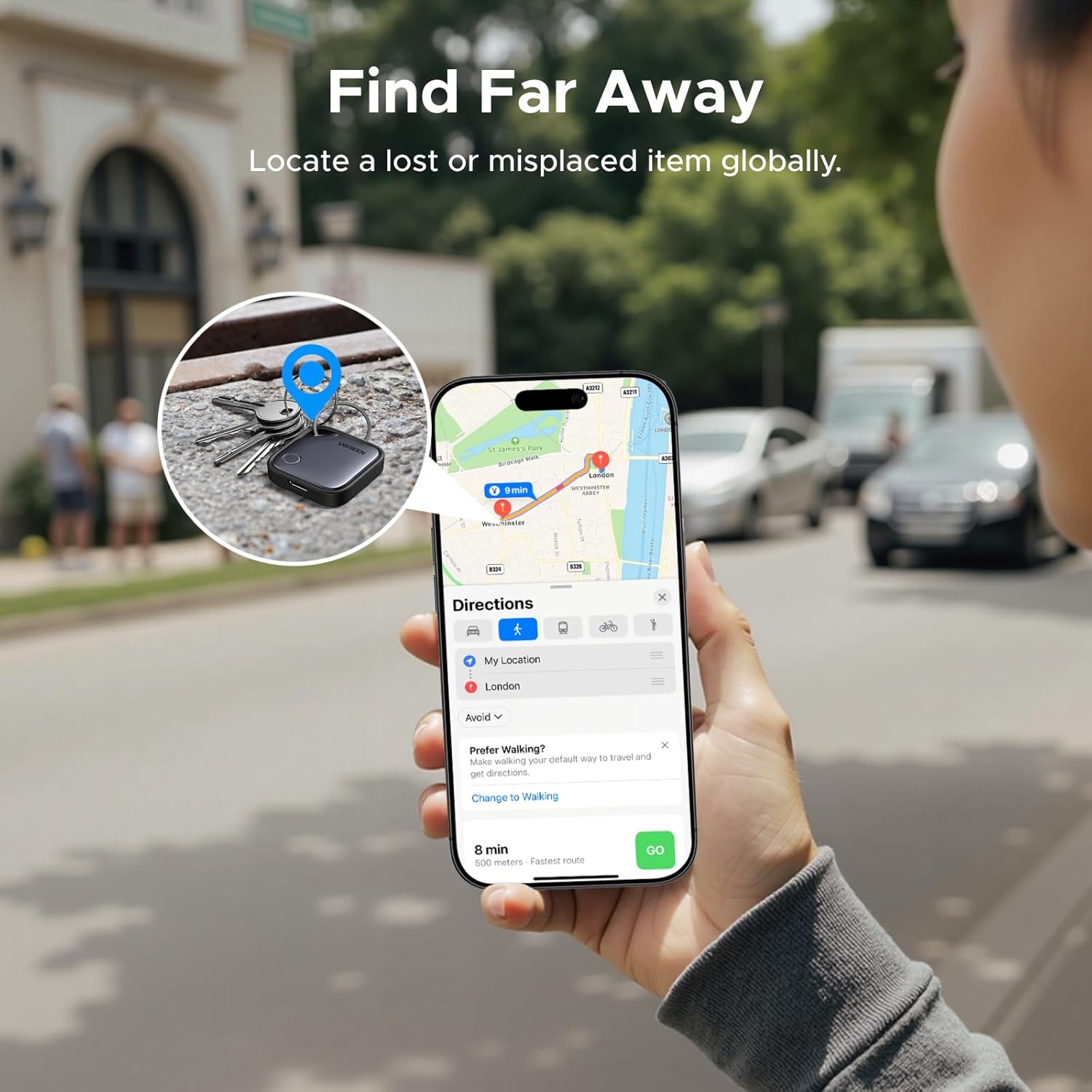
This makes most sense for belongings you tend to leave behind or want to find quickly: keys by the front door, a wallet tucked into a bag, or a luggage tag while travelling. For example, if your keys slip behind a chair, you can use Find My or Siri to trigger the buzzer rather than search each room by hand.
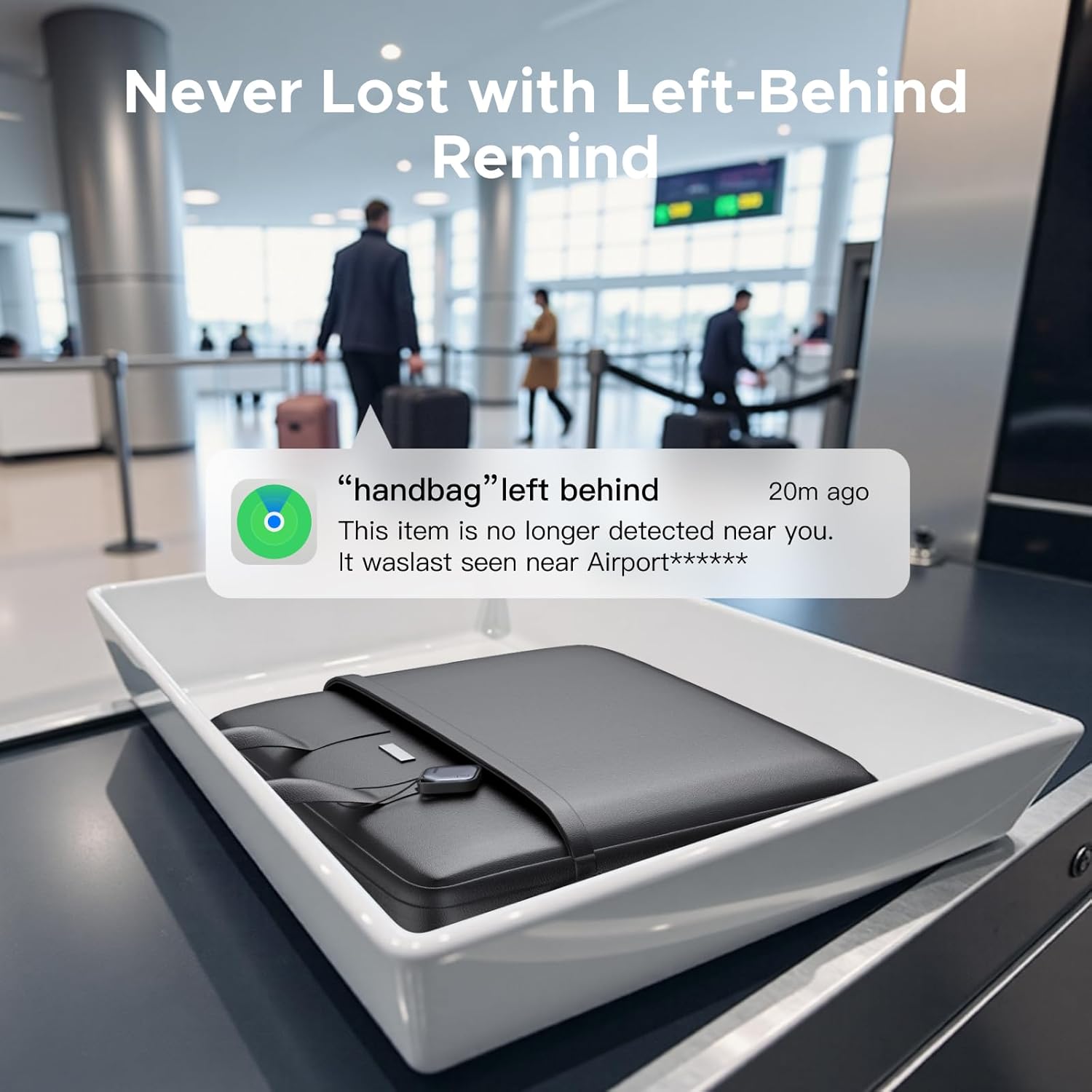
A left-behind alert can appear on your phone when you move a certain distance from the item. That distance varies with environmental interference, so it shouldn’t be treated as a guaranteed boundary. The tag relies on Apple’s Find My ecosystem, which is a different fit from a tracker intended to work across both iPhone and Android.
Tips for day-to-day use
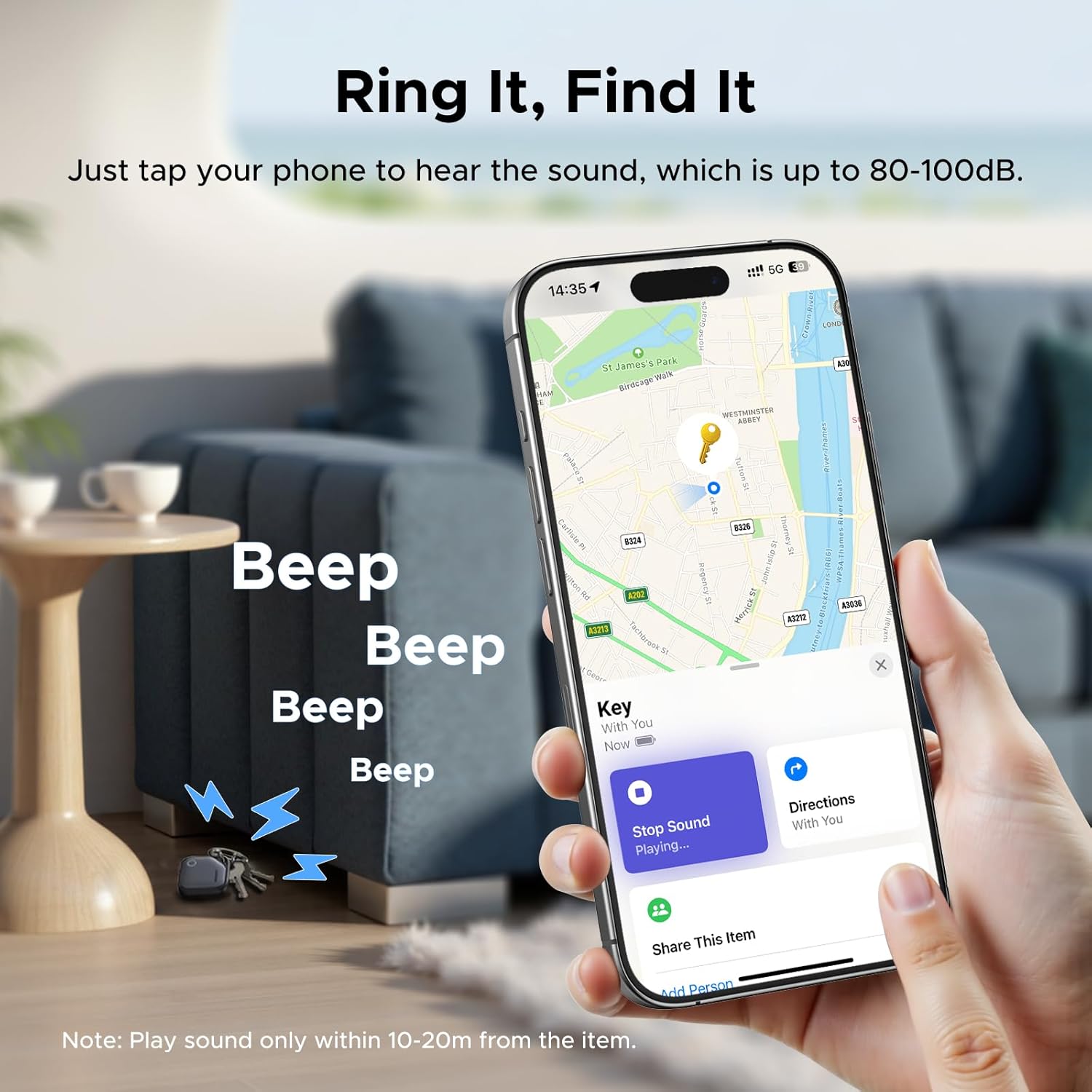
Connect it through the Find My app on your iPhone, the product description says no separate installation is required. Attach it to an item you regularly carry, then use the app or Siri when you need help finding it. If the low-battery reminder appears, replace the CR2032 cell rather than waiting until the tag stops responding.
Sharing can be useful in a household: the listed support allows item information to be shared with up to five iPhones. One reported limitation concerns newer software: on iOS 26 and above, the upgrade process will fail, although existing functions are stated to remain operational. The product also can’t be bound to a MacBook, macOS only supports viewing FineTrack positioning information.
Before you decide
Does it work with Android? No. The supplied information specifies iOS support only.
Can the battery be replaced? Yes. It uses a CR2032 button cell, and the stated runtime is up to 24 months.
Can family members access the item information? The tracker supports sharing with up to five iPhones. One iPhone can connect to up to 32 smart tags.
Is it worth it?
It may suit you if you use an iPhone, want a Find My-compatible tag for frequently misplaced belongings, and prefer replacing a battery over treating the tracker as disposable. The buzzer and left-behind reminder offer two different ways to track down an item, while sharing may help when several people need access.
It won’t suit you if you use Android, need to bind the tag to a MacBook, or expect the distance alert to work at a fixed range in every setting. For iPhone users who mainly want help finding keys, a wallet or luggage, its feature set is relevant, for mixed-device households, a cross-platform approach would be a better match.