

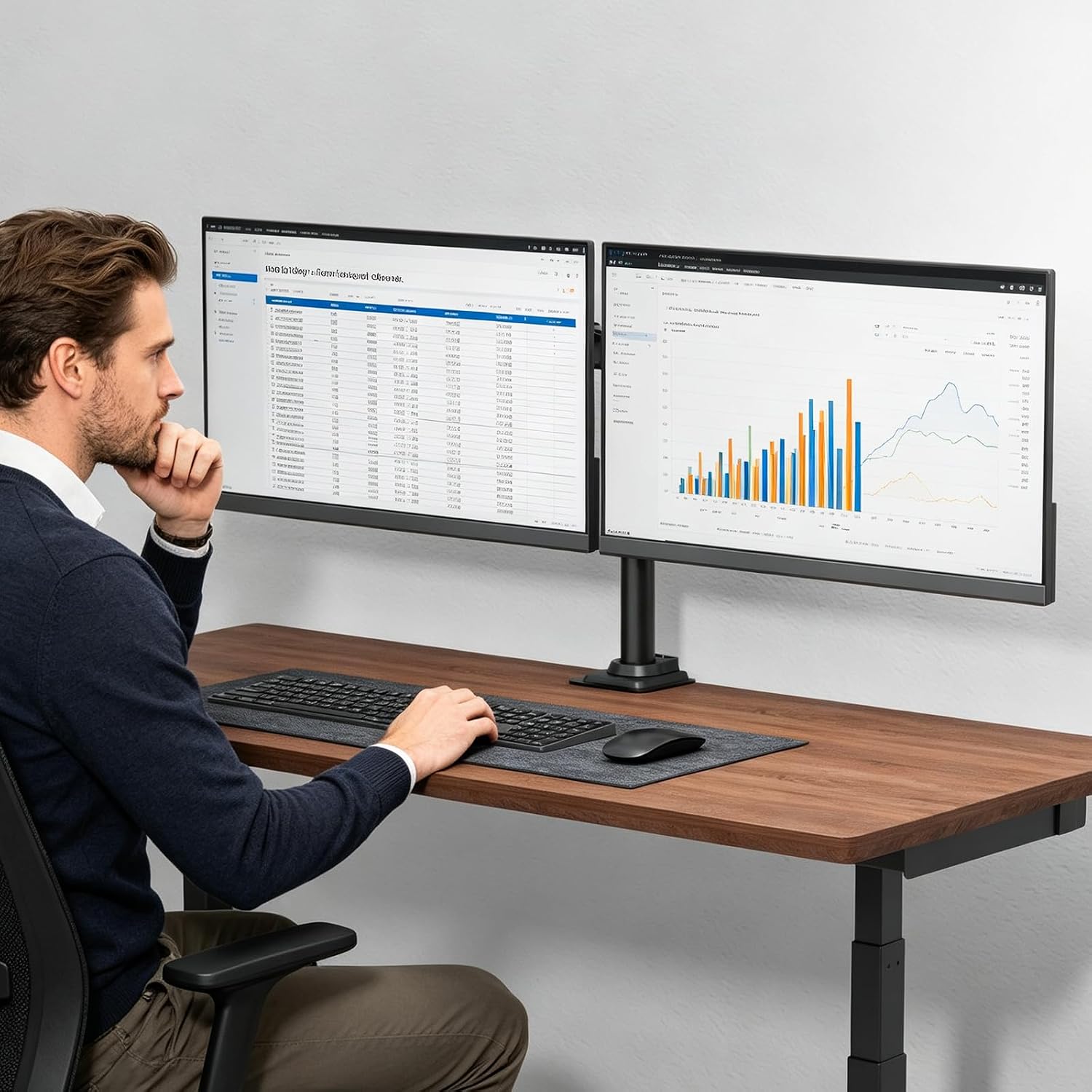
WALI M002 Dual Monitor Arm for 13–27-Inch Screens, Adjustable, VESA 75/100mm
Product description
Adjustable arms let you position two screens side by side or rotate them into portrait orientation, while lifting them off the desk. The WALI M002 supports monitors up to 27 inches and 10 kg each. It fits 75 x 75 mm and 100 x 100 mm VESA mounting holes. Its two mounting options suit a range of desk setups.
Highlights
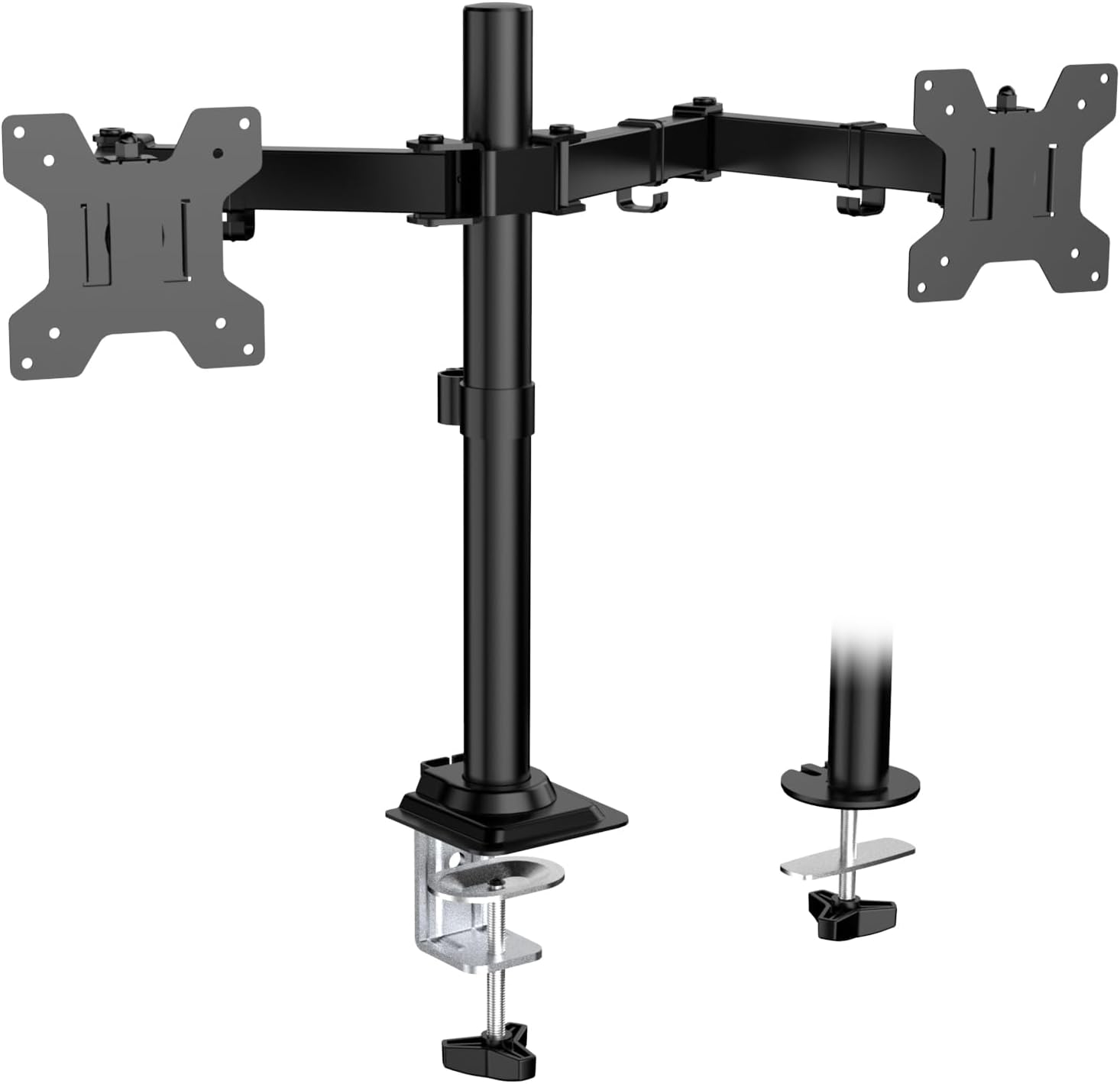
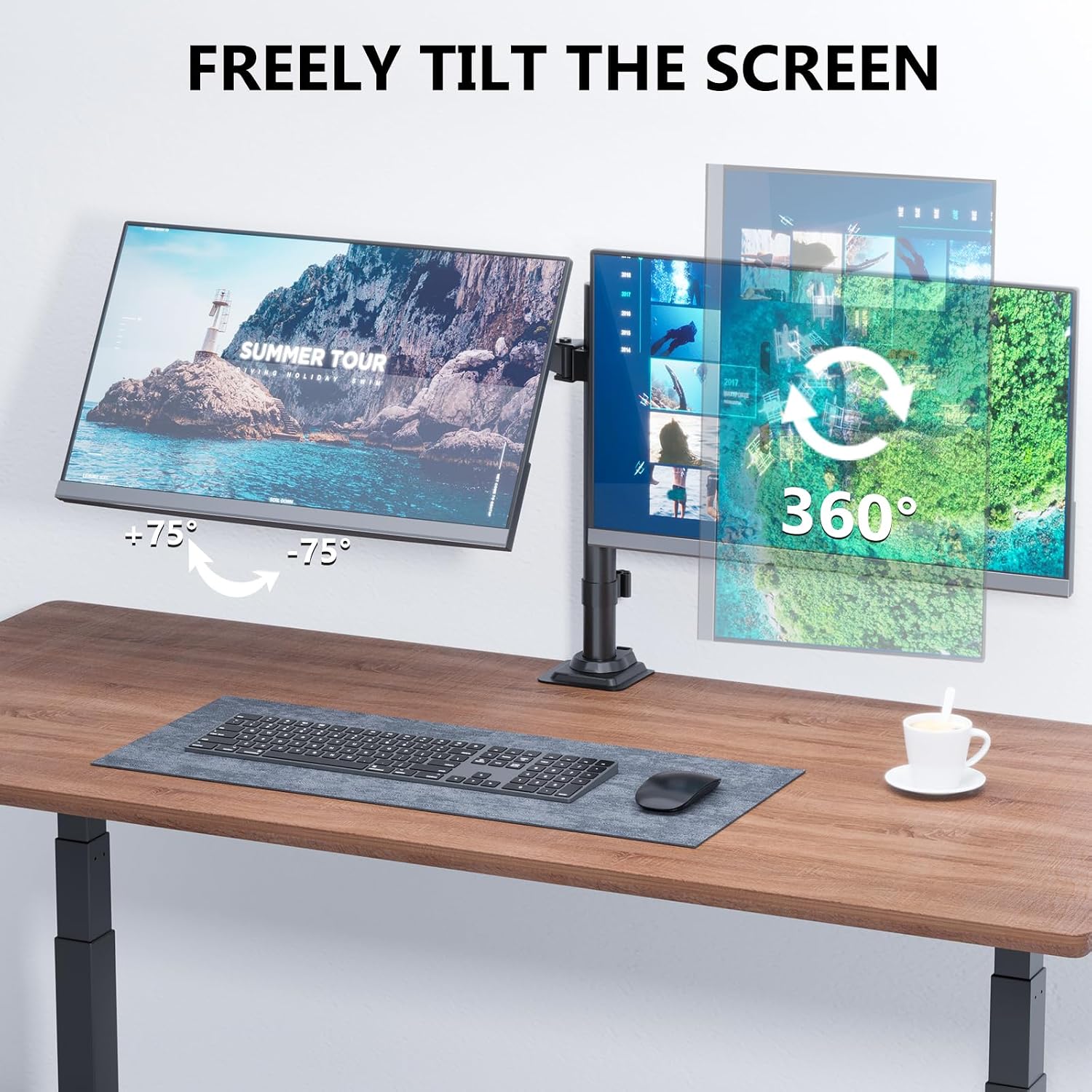
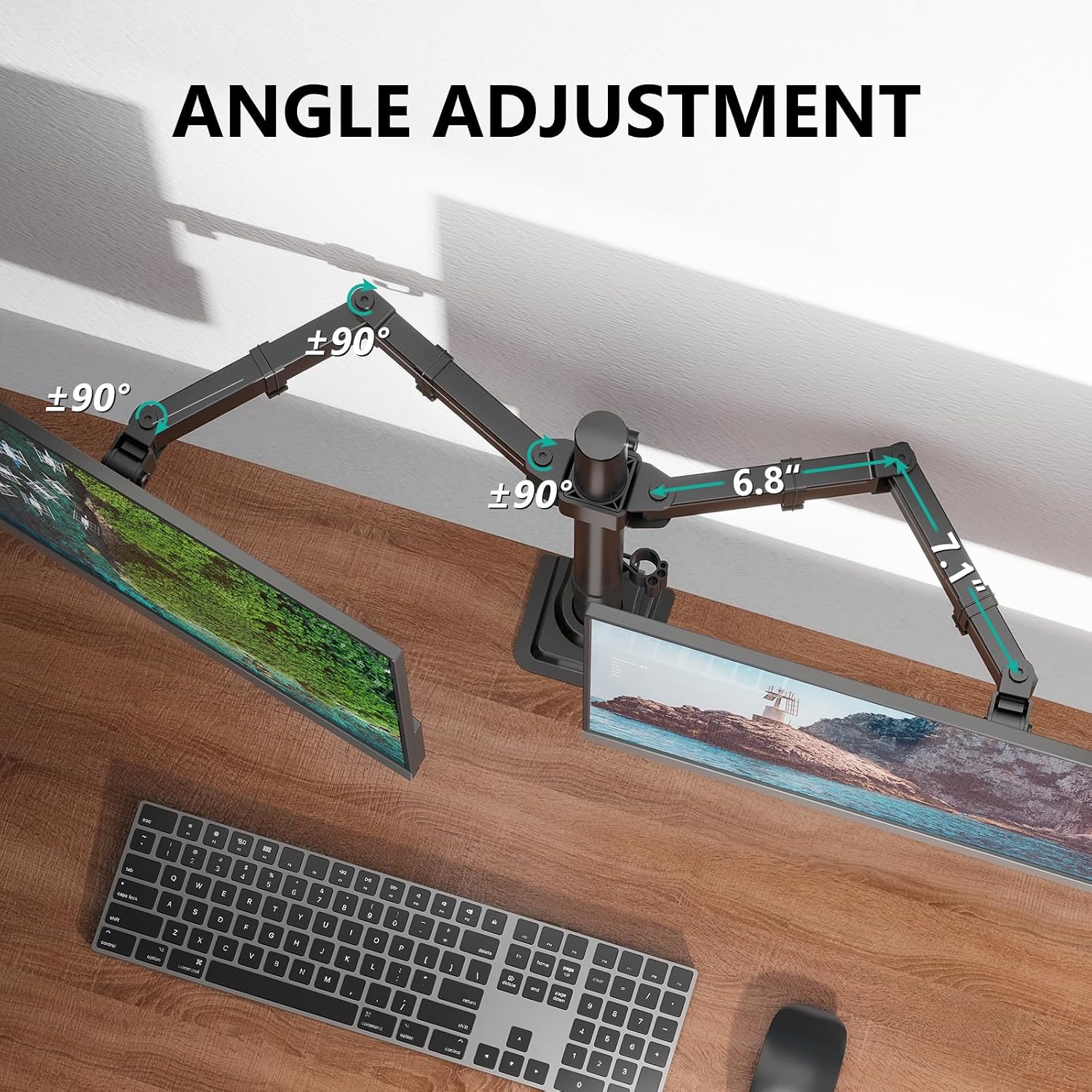
The arm’s movement range includes ±90° tilt, ±90° swivel and 360° rotation. That gives each screen room to be angled for reading, coding or switching between tasks, rather than keeping both fixed in one position. The detachable, height-adjustable VESA plates are included, as is hardware for assembly.
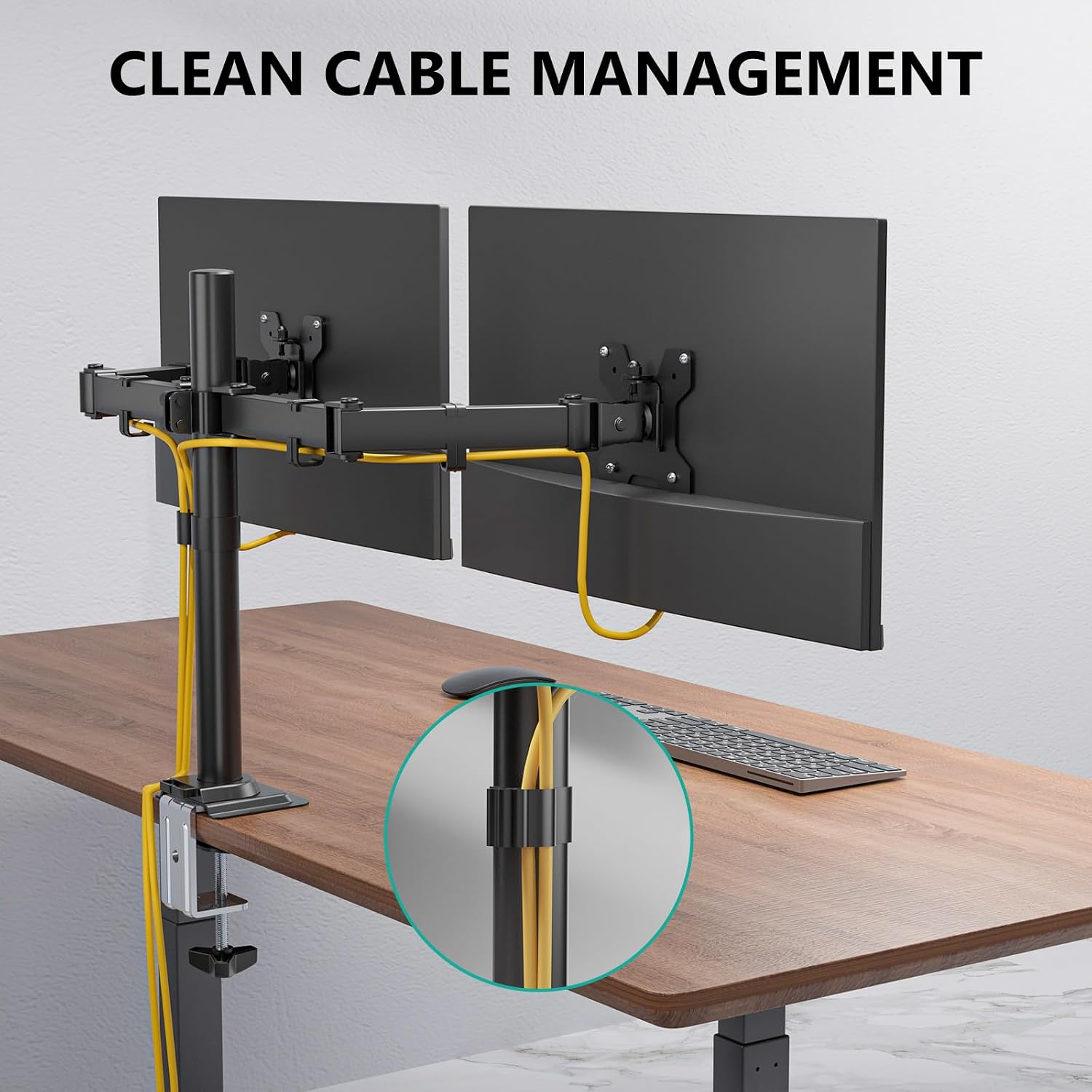
Raising the monitors can open up desk space for a keyboard, notebook or other everyday items. Cable management along the arms helps keep wires organized, which may be useful in a home office or gaming setup. These features make it a more flexible approach than placing each monitor on its own stand, though the fit still depends on the screens’ weight, size and VESA pattern.
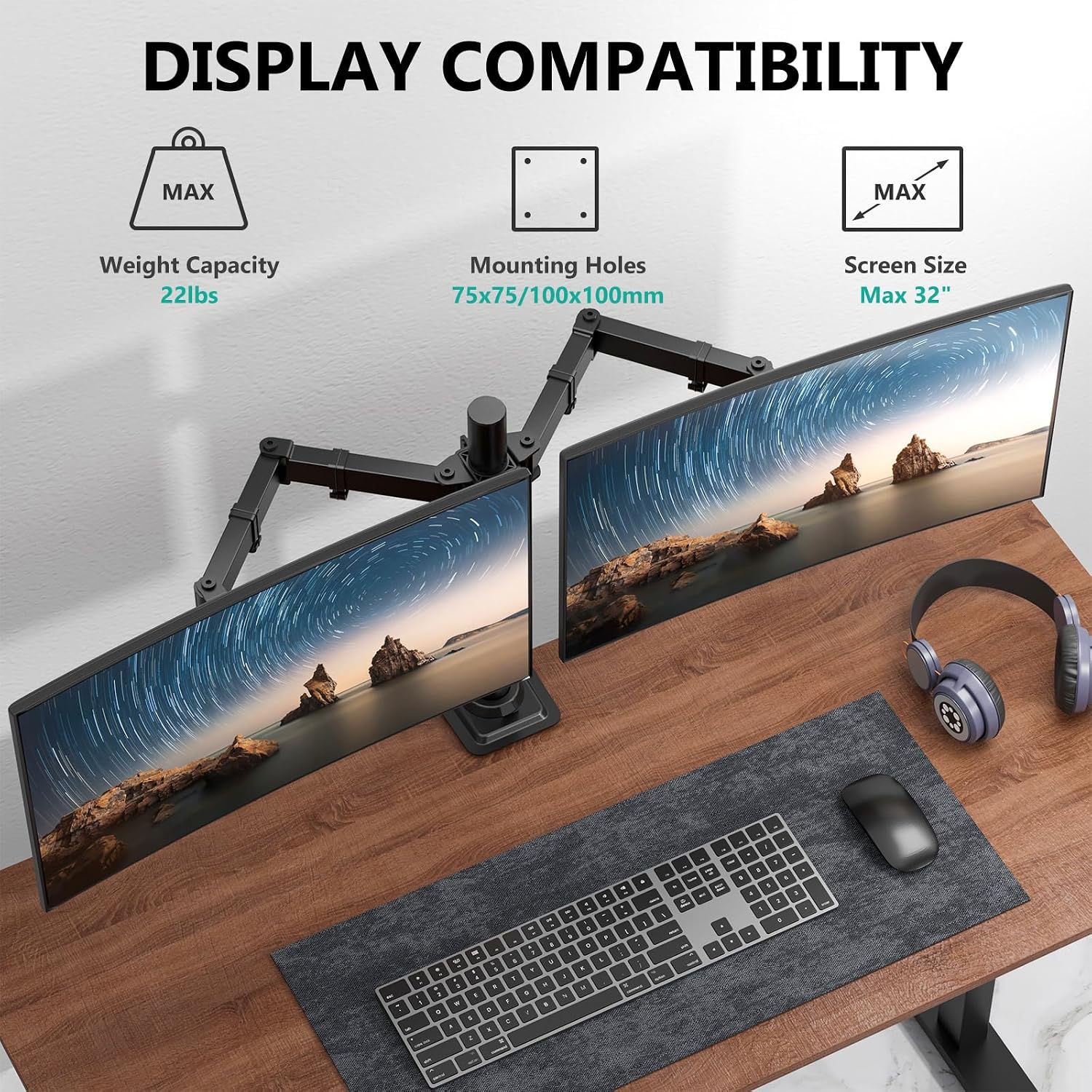
Buyers often praise the arm’s build and describe installation as straightforward. Feedback on adjustability and stability is more mixed, so the listed movement range should not be taken as a guarantee that every desk setup will feel equally secure or easy to position. Each monitor must stay within the stated 10 kg limit.
How it fits
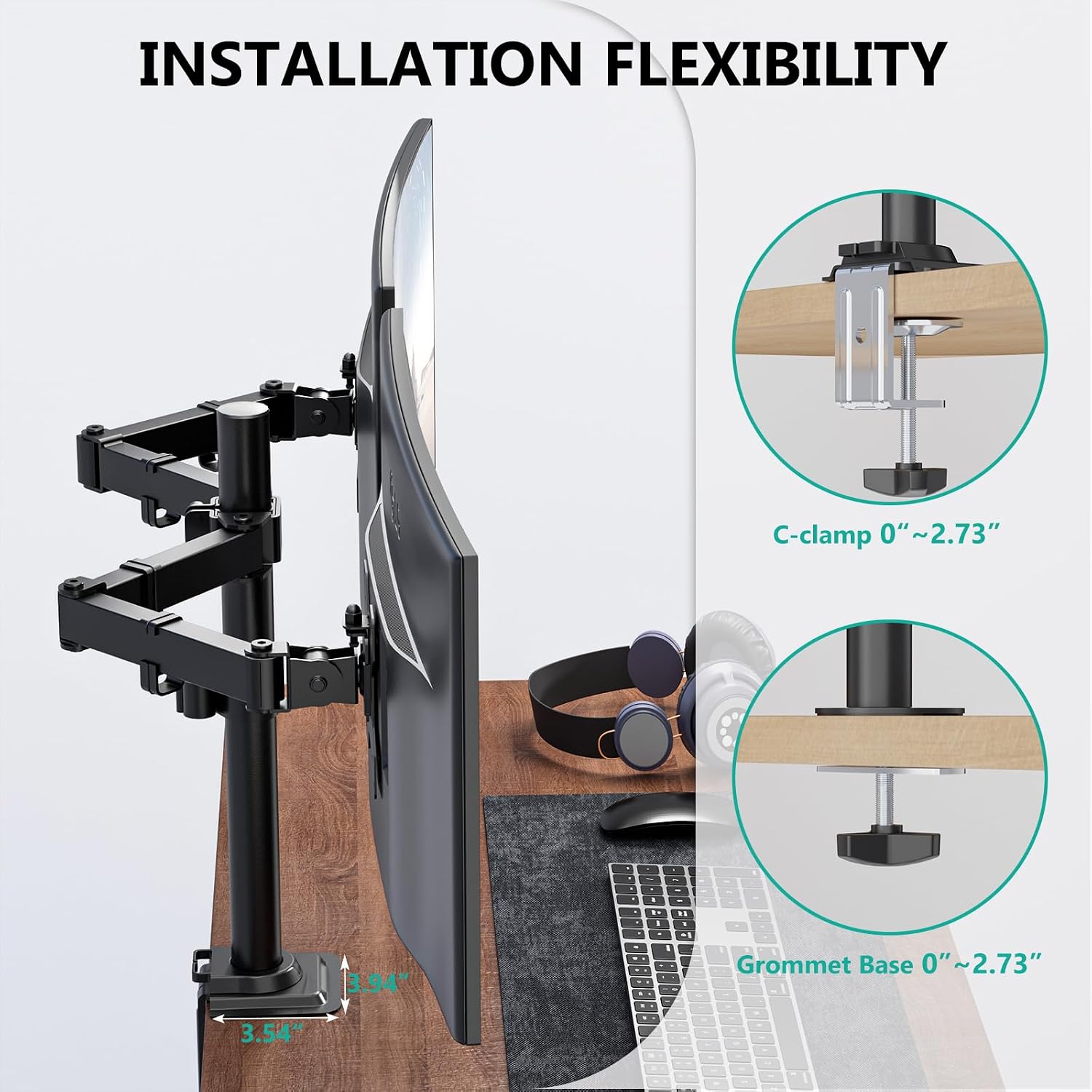
The M002 can be installed with a C-clamp for desk edges up to 8.9 cm or a grommet base for openings up to 6.1 cm. The two-stage locking system supports either method, and the required hardware is included. Before choosing a mounting method, match your desk to the relevant opening or thickness limit, the two options do not mean every desk surface or configuration will be suitable.
Once installed, the arms extend and retract, and the screens can be tilted, swivelled or turned between landscape and portrait. For a practical dual-screen setup, one display could stay in landscape for general work while the other is rotated for reading or coding. The arm is designed for LCD and LED monitors, but the product details do not specify other device types.
Who it’s for
You’ll like it if you want two compatible monitors raised from the desk and value the ability to adjust their orientation. It may suit a home office, gaming station or professional workspace where screen alignment and keeping the desk surface clearer are priorities.
Not the best choice if your monitors exceed 27 inches or 10 kg each, or do not have 75 x 75 mm or 100 x 100 mm mounting holes. If you prioritize a setup with no desk clamp or grommet installation, this mounting style may not suit your workspace. Buyers’ differing comments on stability also make it worth considering how securely either mounting option can be fitted to your particular desk.
Practical questions
What monitor sizes and weights does it support? Each arm is listed for monitors up to 27 inches and up to 10 kg, with 75 x 75 mm or 100 x 100 mm VESA holes.
Can the screens be used in portrait orientation? Yes. The arms rotate 360°, allowing a compatible screen to be turned between landscape and portrait.
What mounting options are included? The stand supports a C-clamp on desk edges up to 8.9 cm and a grommet installation for openings up to 6.1 cm. Hardware is included for assembly.
Is it worth it?
The WALI M002 is worth considering if your two monitors meet its size, weight and VESA requirements and you want adjustable positioning with a choice of desk mounting methods. Its space-saving layout and cable management offer practical benefits over separate monitor stands. The key decision is fit: check the screen limits and whether your desk can take the C-clamp or grommet base before choosing it.