


Selore&S-Global Triple-Monitor Laptop Docking Station with 3 HDMI and 2 DisplayPort
Product description
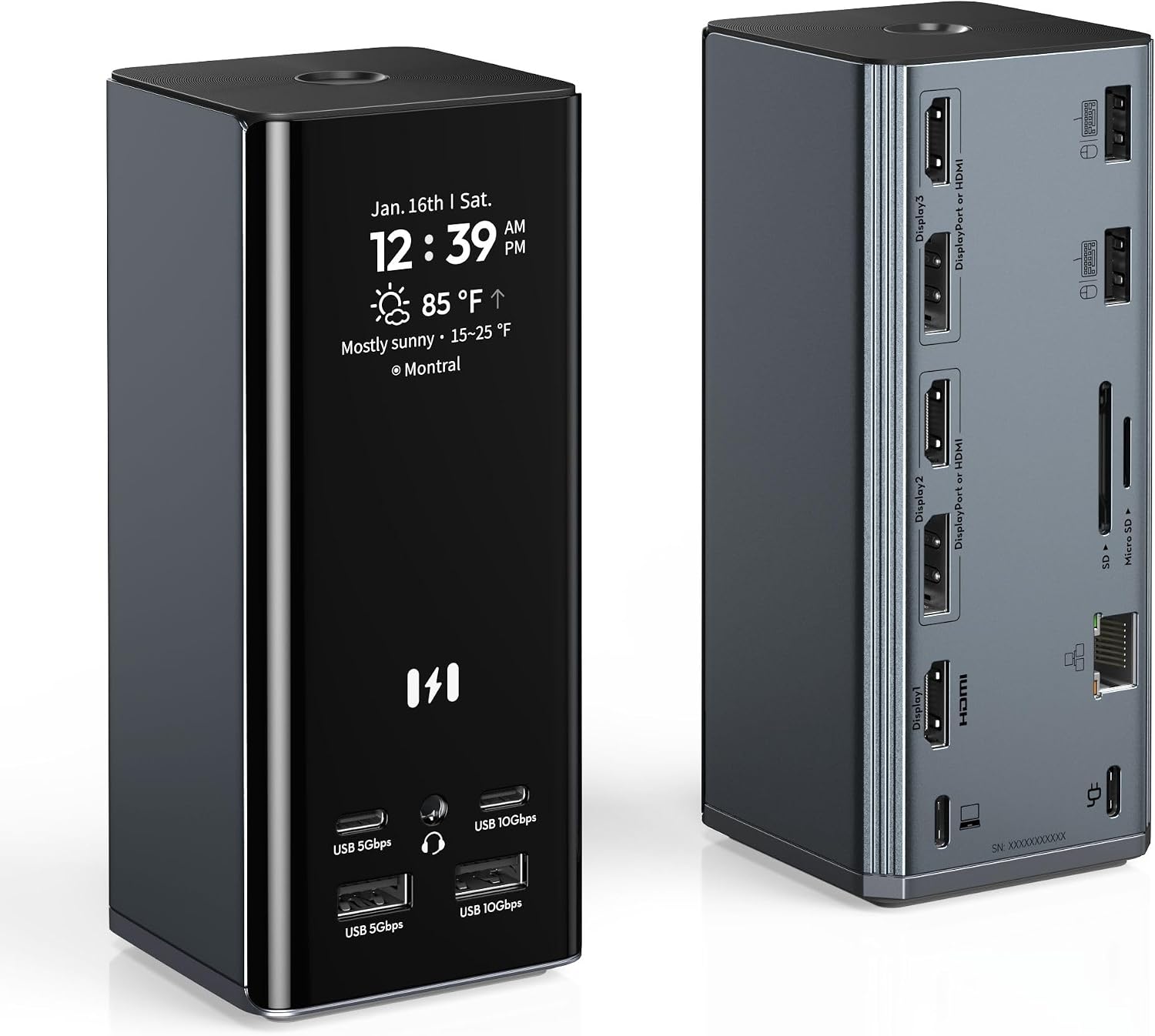
Choosing a dock for a desk setup comes down to whether you need a few extra connections or several displays and peripherals from one hub. The Selore&S-Global docking station connects to a host over USB-C and brings three HDMI ports, two DisplayPort outputs and other connections into a vertical desktop unit.
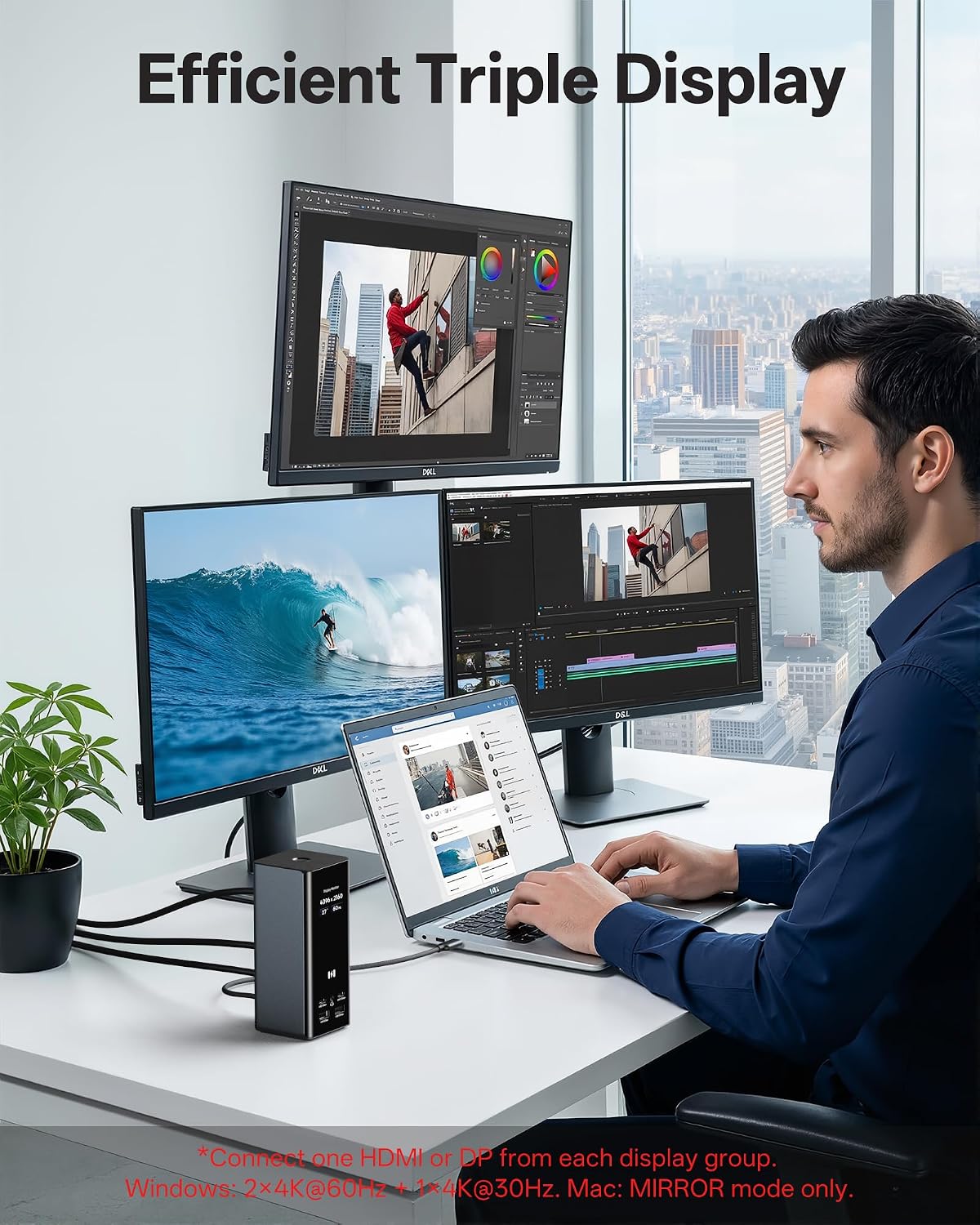
Its strongest fit is a Windows workspace that can use MST to extend across three displays. The display options are flexible: the product description says any three of the five video ports can be used for three independent 4K@60Hz displays on Windows. macOS is more restricted, supporting mirror mode or one extended display rather than three independent extended screens. That distinction matters more than the number of ports if multiple extended desktops are the main reason for buying it.
Why it makes sense
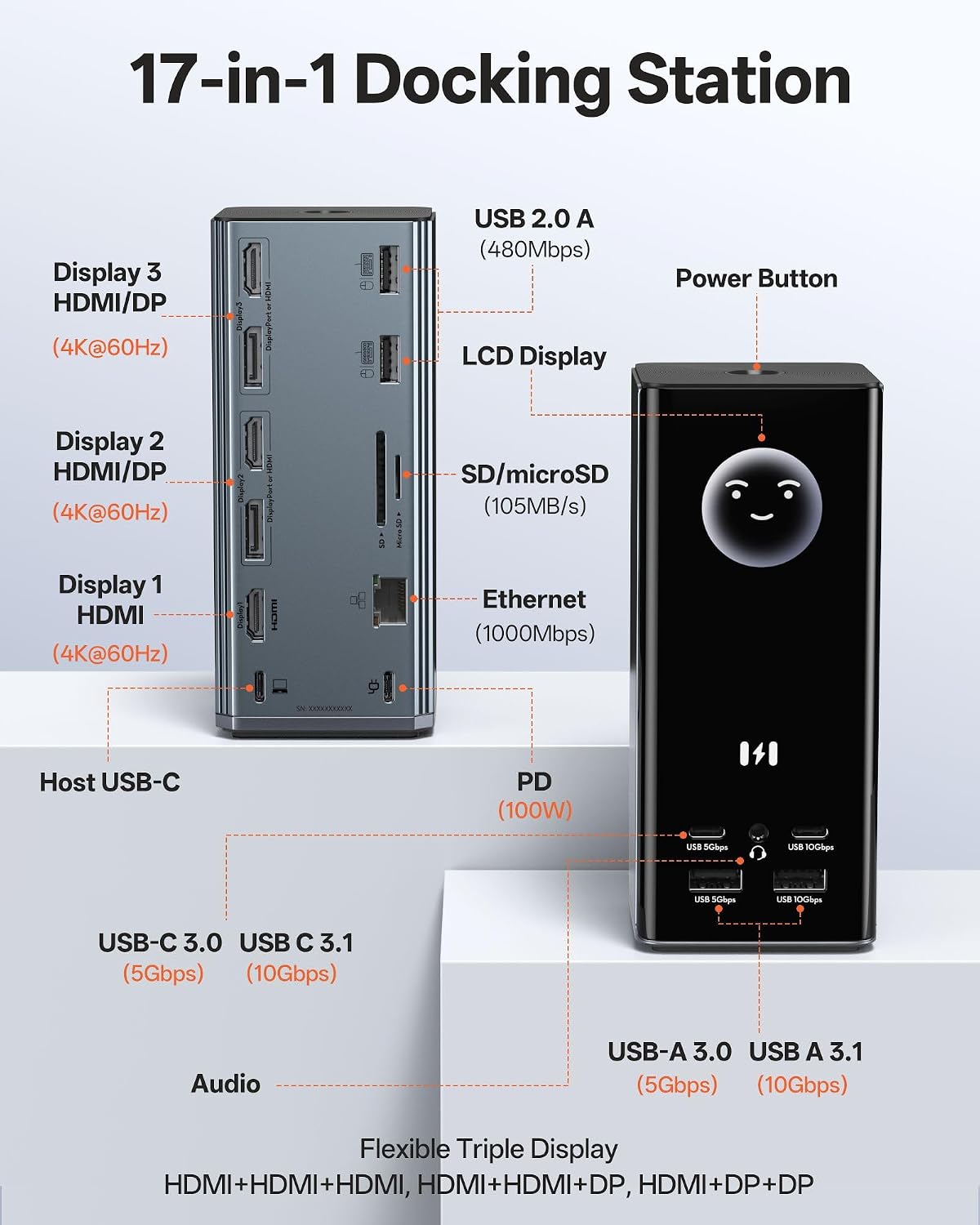
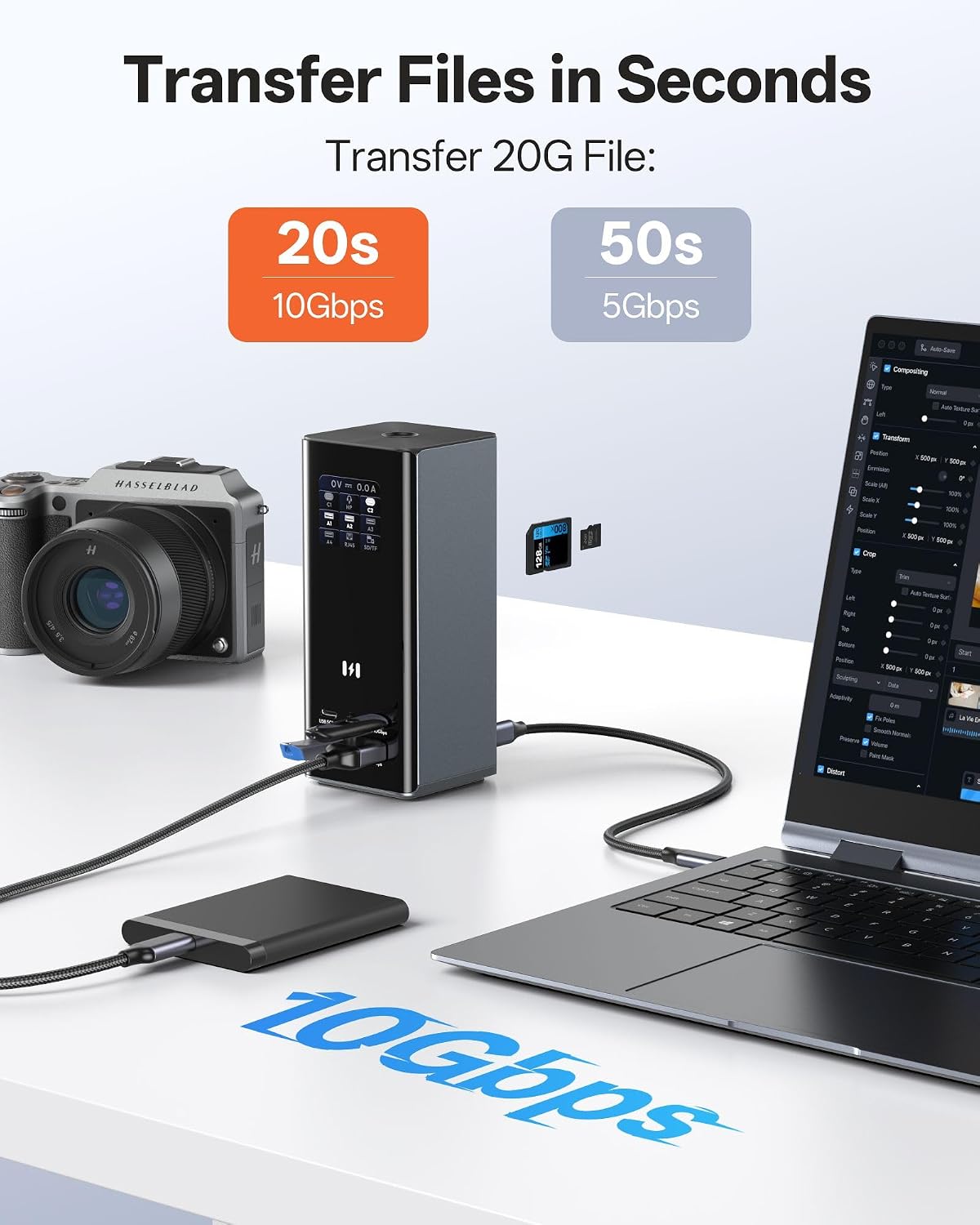
A single USB-C host connection can simplify a desk used for monitors, wired networking, USB accessories and memory cards. The dock has Gigabit Ethernet, SD and microSD 3.0 readers, a 3.5 mm audio connection, and USB-A and USB-C ports. The listing specifies 10Gbps and 5Gbps USB connections, with SD and microSD transfer speeds of up to 104MB/s. For example, a Windows laptop used for spreadsheets across several screens could also connect a wired network, keyboard and card reader through the same dock.
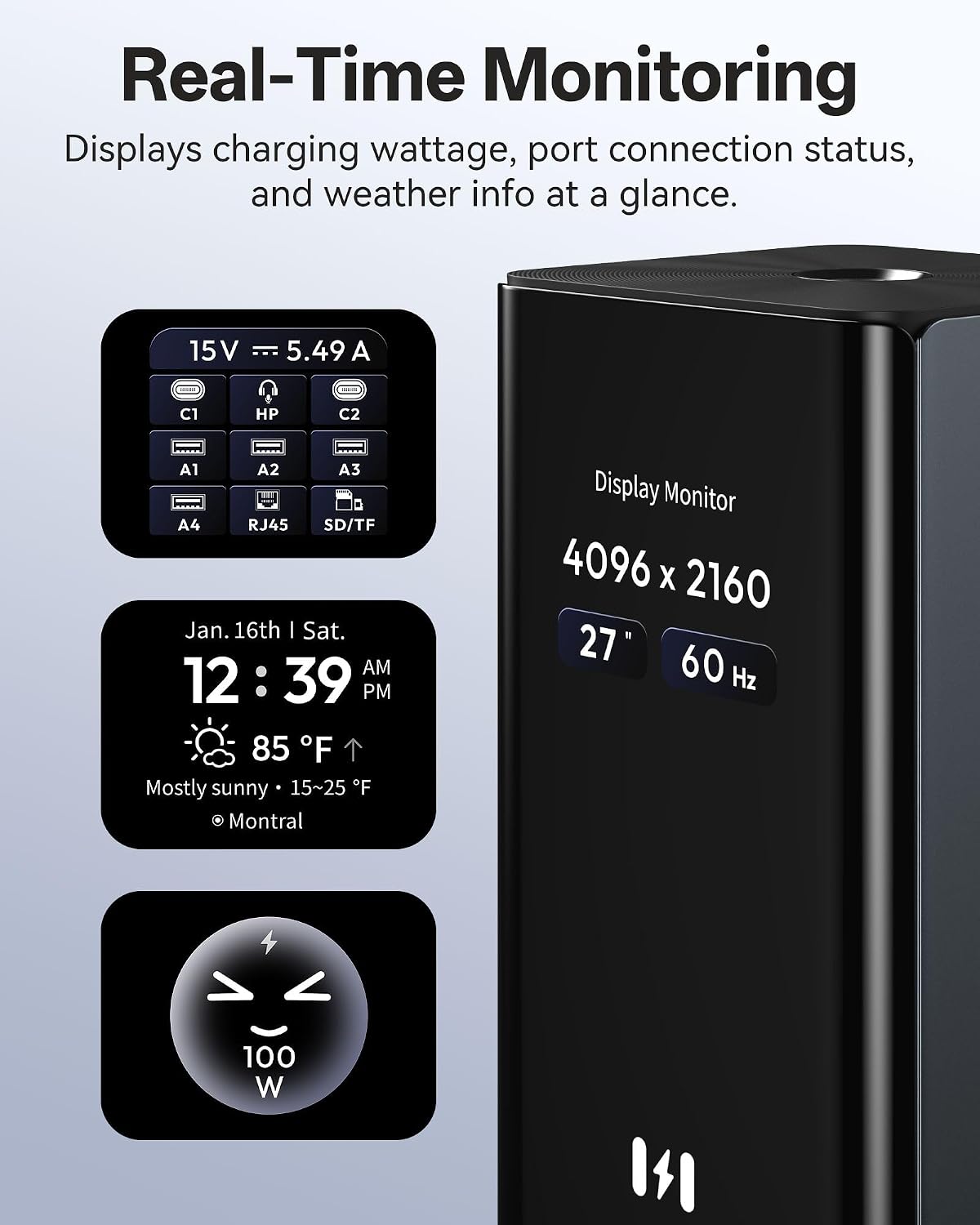
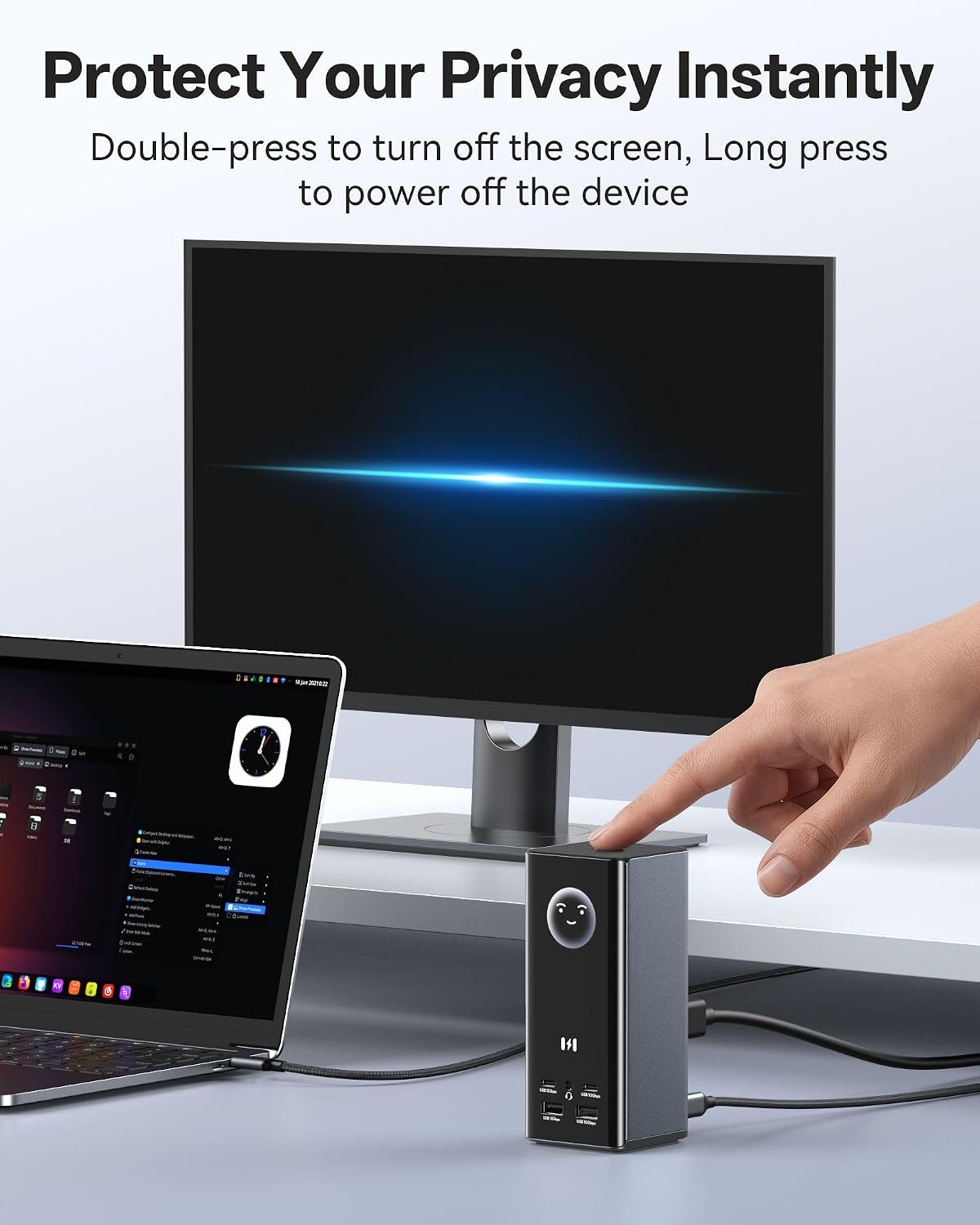
An LCD shows the time, local weather and charging status, with built-in Wi-Fi for syncing weather information. A double press of the power button turns off the external monitors, while a long press powers down the dock. The silicone suction base is intended to hold the unit in place. These touches may be useful on a desk where the dock is accessed often, rather than tucked away as a basic port expander.
Buyer feedback is positive about overall functionality, but reports on compatibility and stability are mixed. Some buyers also raise durability concerns. Those accounts are not a guarantee of how a particular setup will perform, so the host computer’s operating system and display requirements remain important to check. You’ll like it if you want multiple connections and Windows triple-display support in one unit.
Key features
The dock is listed with 17 ports, including three HDMI and two DisplayPort video outputs. Its DisplayPort outputs are specified for up to 8K@30Hz, the stated triple-display mode is three independent 4K@60Hz displays on Windows using any three of the five video ports. Display behaviour depends on the operating system: macOS supports mirroring or a single extended display, not triple extended mode.
For pass-through charging, the dock accepts up to 100W and is described as delivering approximately 85W to a laptop. A charger is not included, and the listing calls for one rated at 87W or higher. A USB-C host cable and user manual are included. Compatibility is listed for selected Dell, HP, Lenovo, Asus, Acer and other USB-C or Thunderbolt devices, as well as some tablets and phones, the named devices are not a substitute for confirming support on your specific computer.
Usage tips
Before setting up several screens, confirm that your laptop and operating system support the display arrangement you need. Connect the included USB-C host cable, then choose three video outputs for Windows MST use, do not expect macOS to extend to three independent displays. If you want charging through the dock, supply a compatible charger rated at 87W or higher, since the power adapter is sold separately. Its listed dimensions are 6 x 6 x 14.2 cm, with a weight of 550 g, so allow space for the vertical unit and attached cables.
Should you buy it?
This dock makes sense for a compatible Windows laptop when the goal is to consolidate several displays, wired networking, card reading and USB connections at one workstation. It offers more display and peripheral options than a simpler hub, while a setup that prioritizes extended displays on macOS calls for a different solution. Better avoided if three independent extended screens are essential on a Mac. Mixed buyer feedback on stability and durability is also worth weighing alongside the broad connection list.