

TIMBOOTECH 2027 Type-C Wireless HDMI Transmitter and Receiver, 328 ft Range
Product description
The TIMBOOTECH 2027 is a USB-C wireless HDMI kit with a transmitter-and-receiver format. It sends video from a compatible USB-C device to an HDMI screen without a direct video cable between them.
The kit offers a second, receiver-only mode, so the receiver can also act as a wireless display dongle. That gives it more than one setup for sharing a screen.
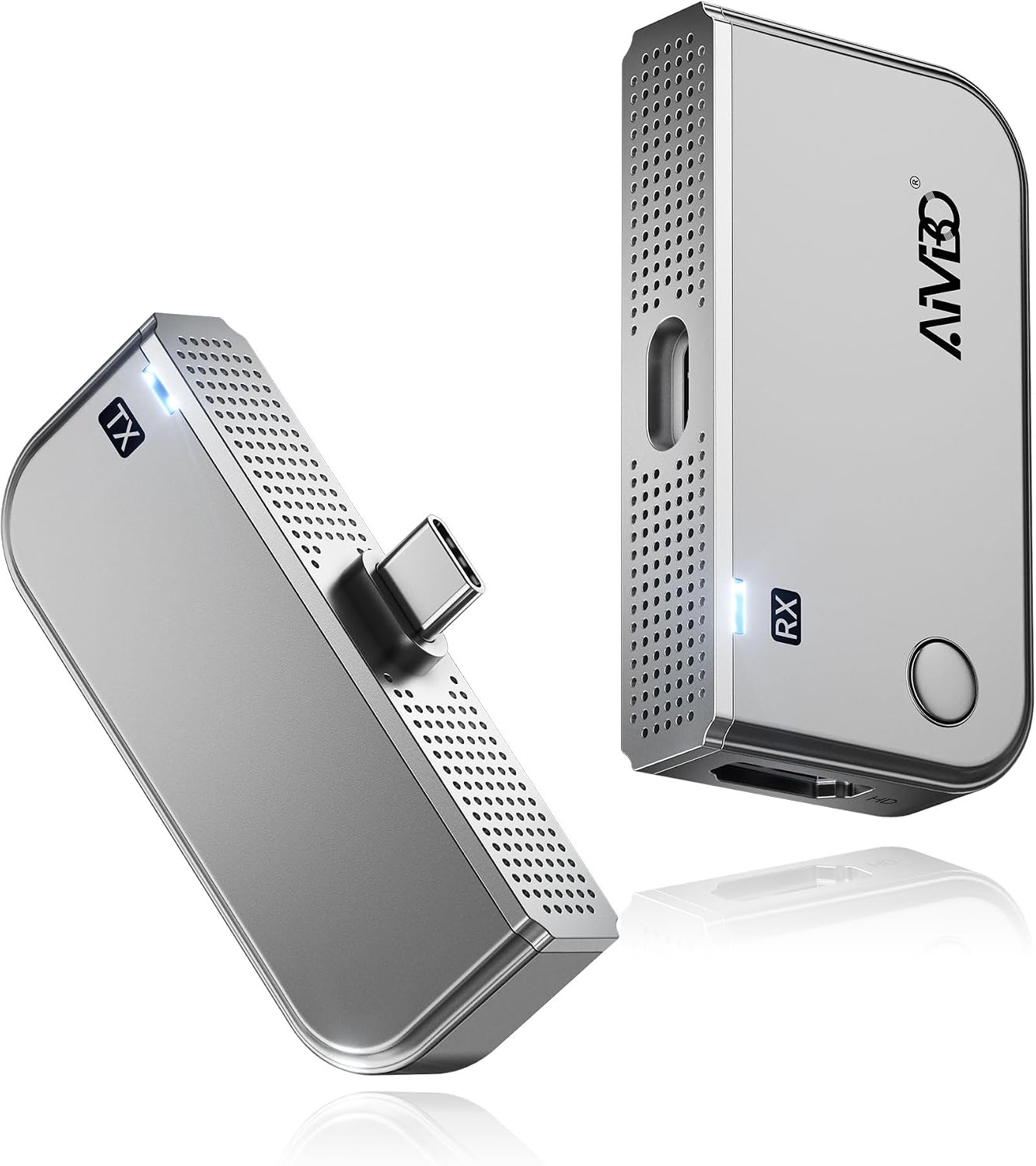
Its stated range is up to 328 ft, and standard transmitter-and-receiver use outputs at 1080p@60Hz from a 4K video source. The source device must support DP Alt Mode for video output.
Product specs
- Name: TIMBOOTECH 2027 Type-C Wireless HDMI Transmitter and Receiver
- Type: Wireless HDMI transmitter and receiver
- Format: Transmitter-and-receiver mode or receiver-only mode
- Resolution: 4K input to 1080p@60Hz output in transmitter-and-receiver mode, receiver-only mode allows 4K output through the settings interface
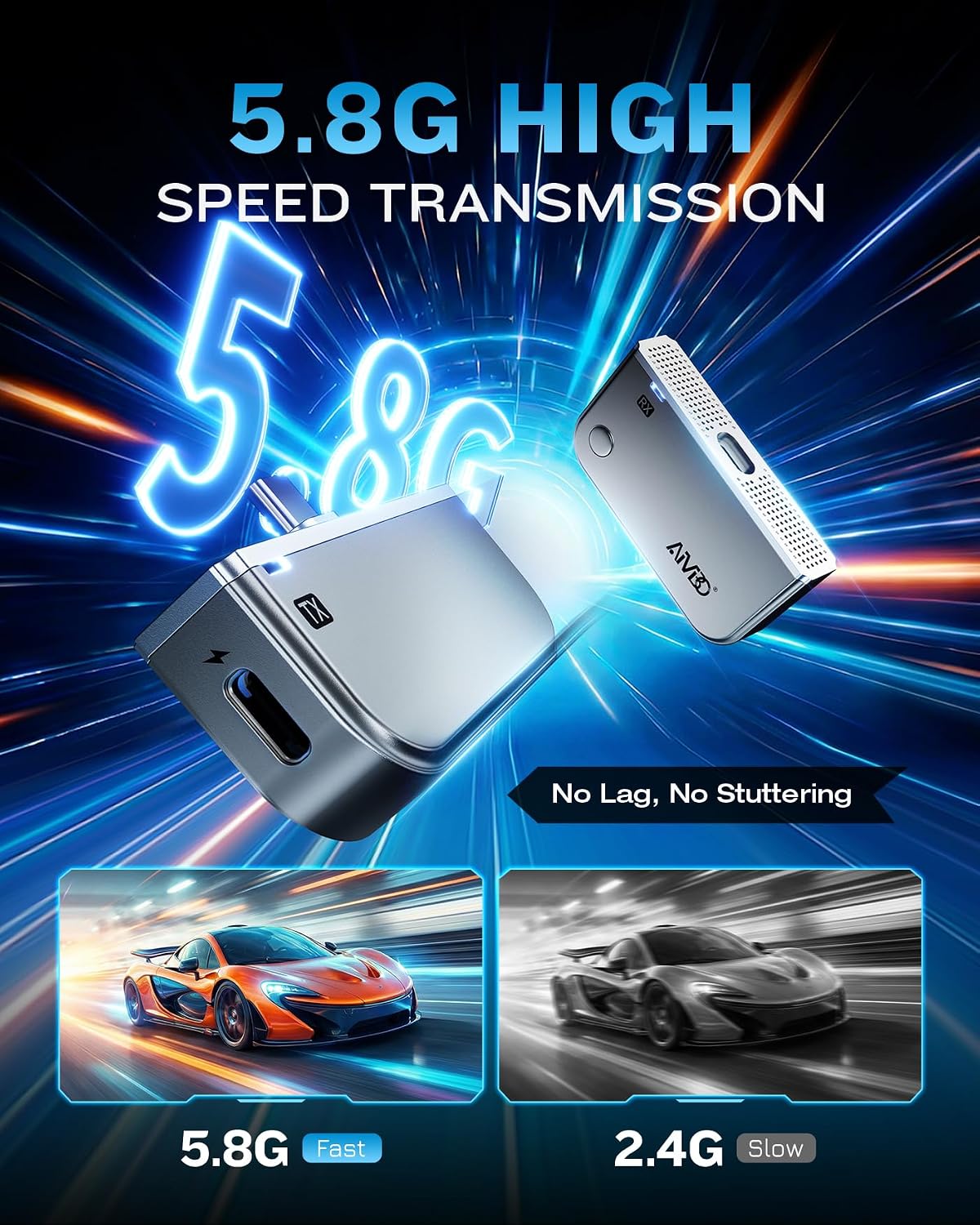
- Connectivity: USB-C transmitter, HDMI receiver, 5.8GHz+2.4GHz dual-band transmission
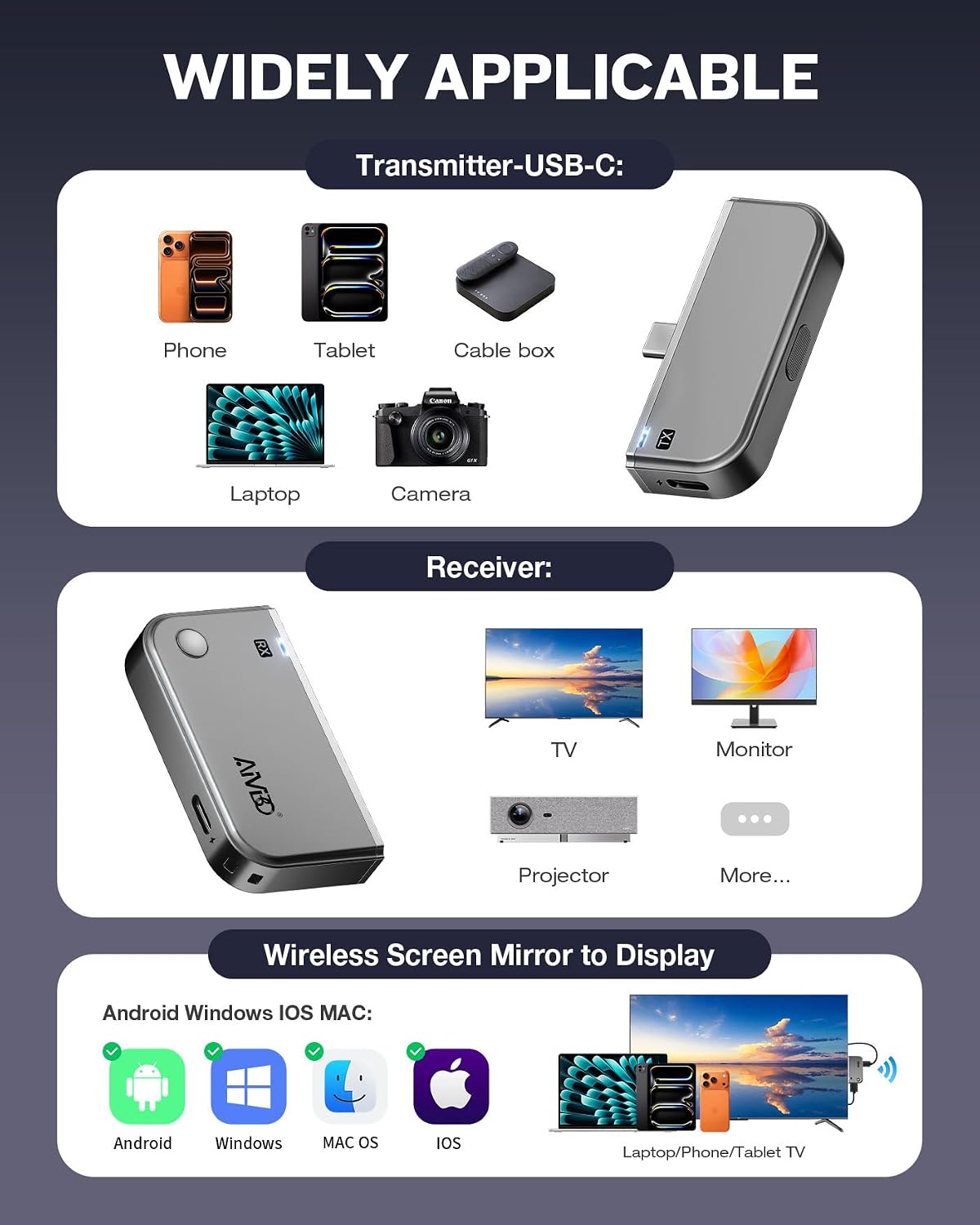
- Compatibility: USB-C devices that support DP Alt Mode, the manufacturer says it works with 90% of such devices
- Power: The transmitter has a USB-C port for power, an external 5V/2A adapter may be used if the connected device cannot power it. The receiver is powered via USB-C
- What’s included: Wireless transmitter and receiver
Everyday compatibility
The key compatibility check is video output over USB-C: the connected phone, tablet, laptop or PC needs DP Alt Mode. A USB-C connector alone does not establish that support. The product description lists iPhone 17/16/15, Samsung Galaxy, iPad, MacBook, Surface, Dell, HP, Huawei, Honor and Xiaomi as examples, but compatibility still depends on the individual device supporting DP Alt Mode.
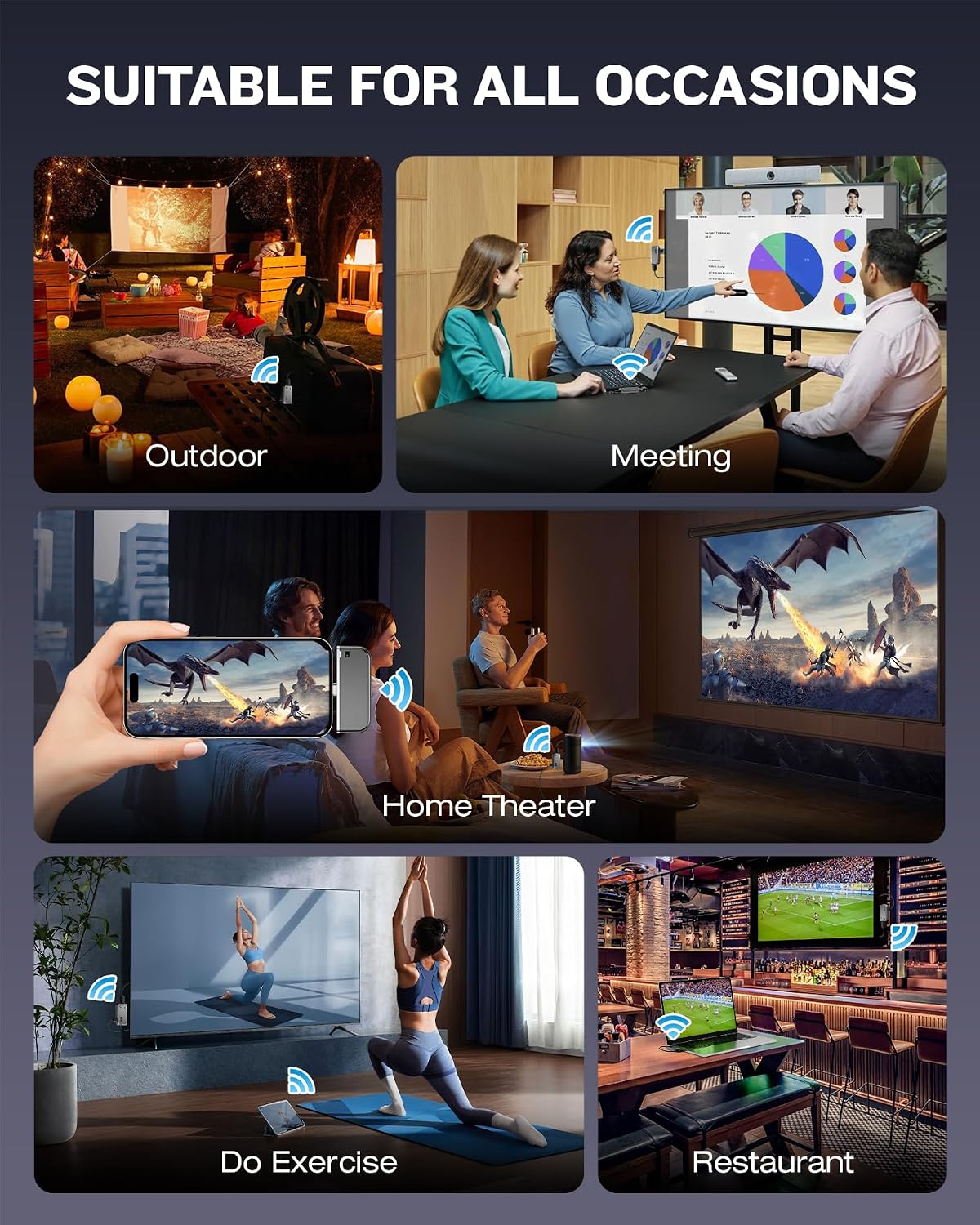
The receiver connects to an HDMI display, such as a TV, monitor or projector. In the usual two-piece setup, plug the transmitter into the source and connect the receiver to the display, the devices are described as auto-pairing without Wi-Fi, an app or Bluetooth. Worth considering if you want to share a laptop or phone screen in a meeting room without running a video cable across the space.
Everyday use
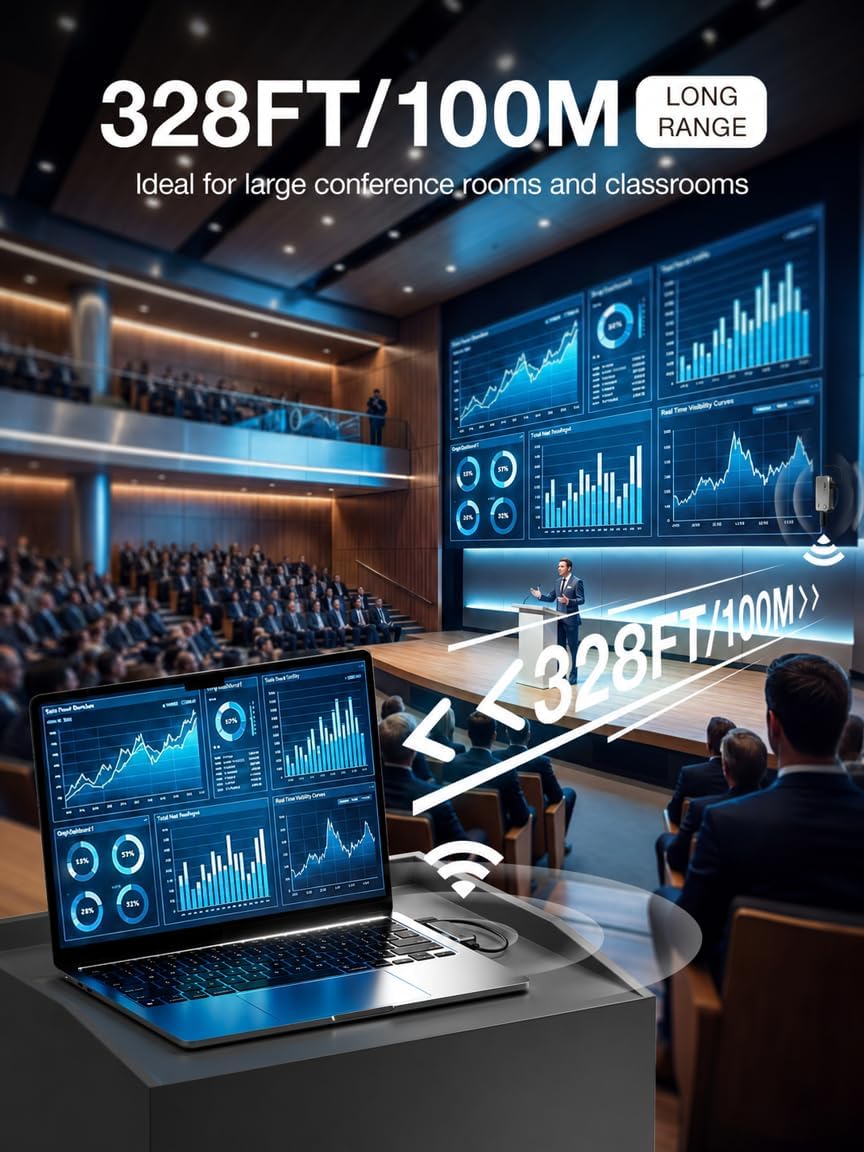
For presentations, classroom use or watching content on a larger screen, the wireless link can reduce the need to position the source beside the display. The advertised 328 ft range is a maximum, and the product details note that distance and speed may vary with obstructions. Treat that figure as a stated range rather than a guarantee for every room.
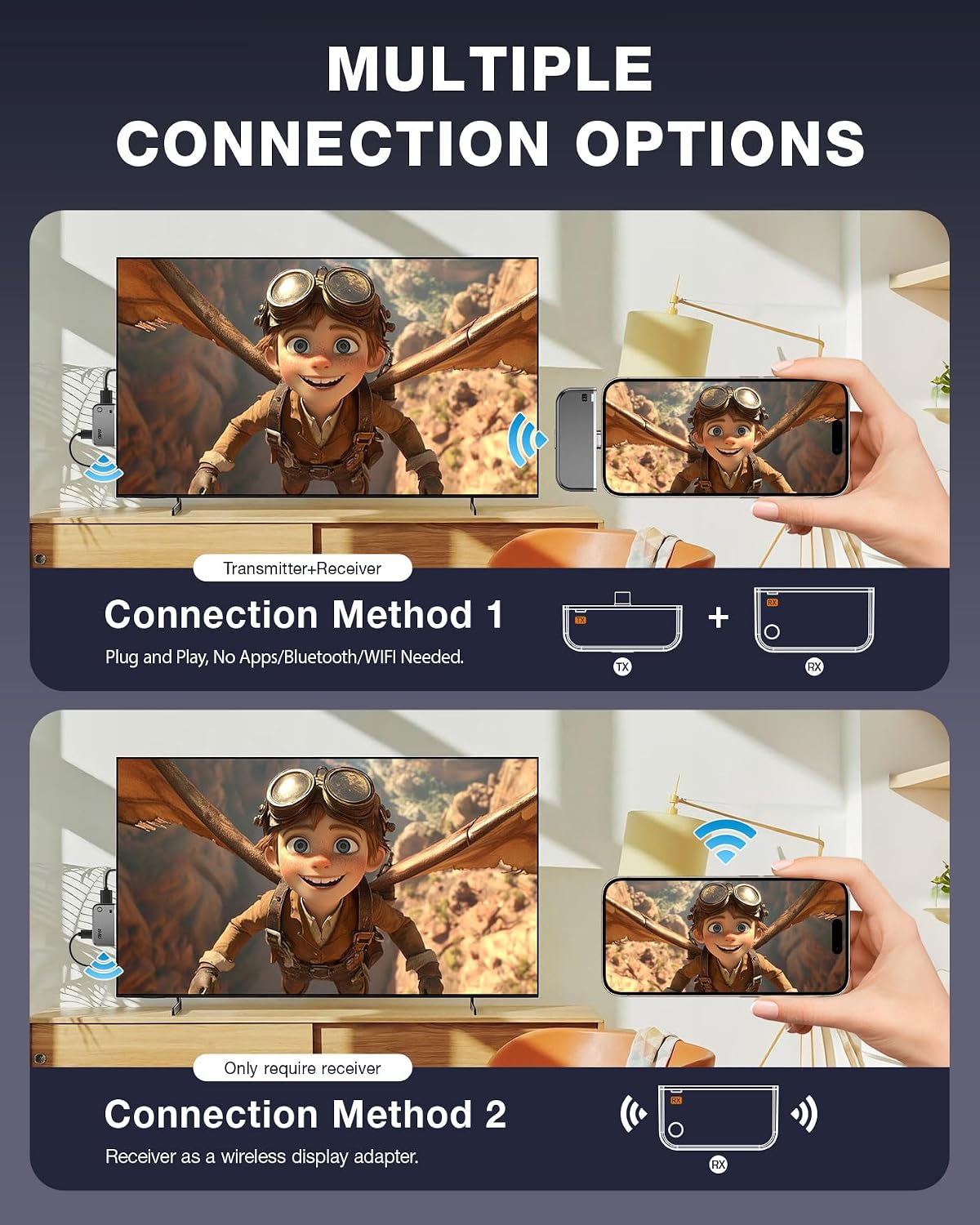
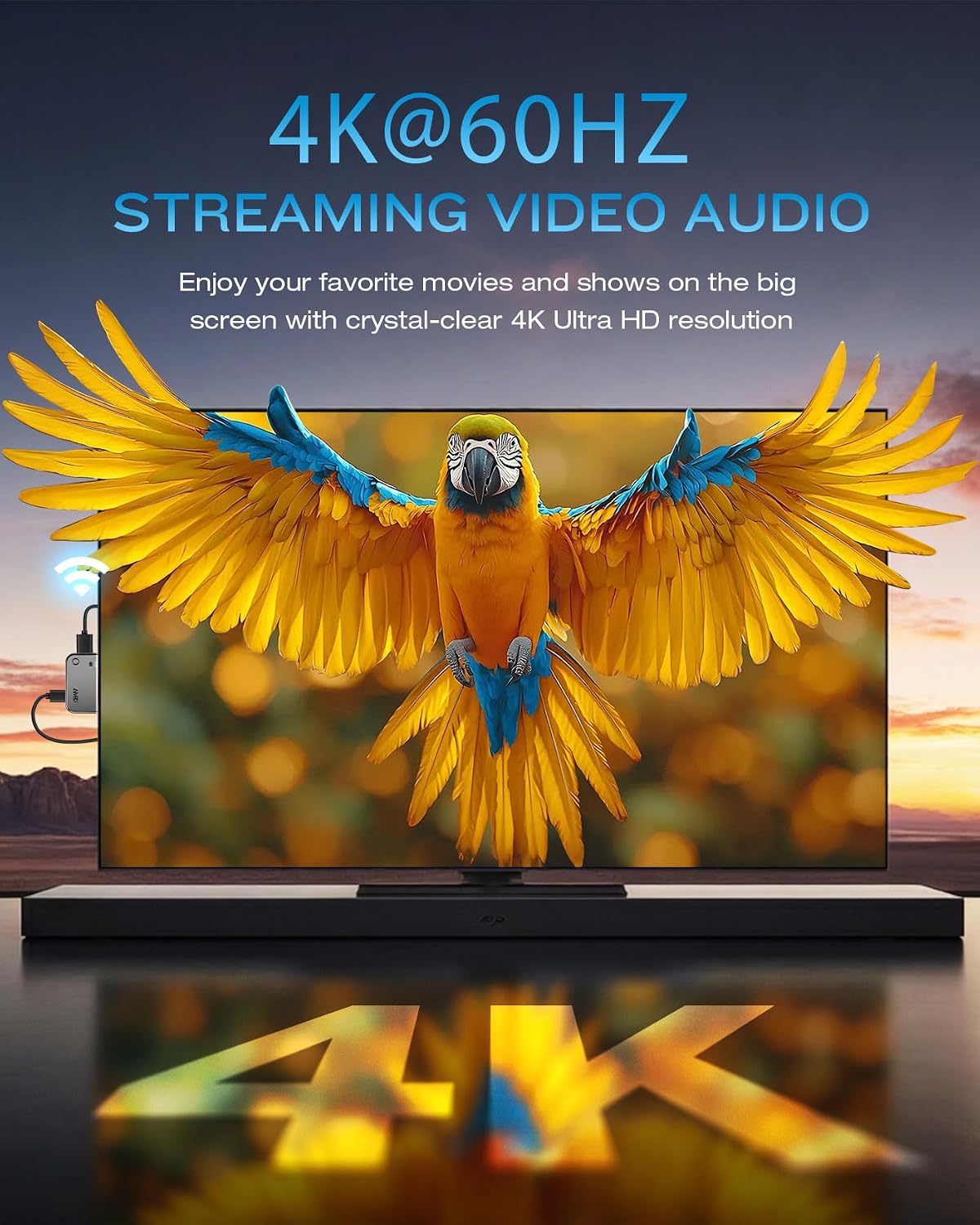
The 4K input support should not be confused with the standard output resolution: in transmitter-and-receiver mode, the listed output is 1080p@60Hz. The receiver-only mode is described as allowing 4K output through its settings interface. If your priority is 4K output from the full transmitter-and-receiver setup, that distinction matters when comparing it with a wired connection or another display adapter.
The transmitter can draw power from a compatible source device in most cases, according to the description. If the device cannot power it, a 5V/2A adapter is specified as an alternative, the product also describes charging a phone while mirroring. Not the best choice if your USB-C device lacks DP Alt Mode, since the stated setup depends on that video-output capability.
Questions before you buy
Does it need Wi-Fi or an app? No. The product is described as plug and play, with automatic pairing and no Wi-Fi, app or Bluetooth required.
Can it output 4K? The listed two-piece mode takes a 4K source and outputs 1080p@60Hz. The receiver-only mode allows 4K output through the settings interface.
Can the transmitter be powered by the connected device? In most cases, the description says it needs no external power. If the source cannot power it, use a 5V/2A adapter as specified.
Should you buy it?
Choose this kit if your USB-C device supports DP Alt Mode and you want a wireless route to an HDMI display, with both transmitter-and-receiver and receiver-only modes. Its most important trade-off is the stated 1080p@60Hz output in the standard two-piece setup, so compare that with your display needs before choosing it over a direct wired connection.