

TP-Link WiFi extender RE550
Product description
Quick overview
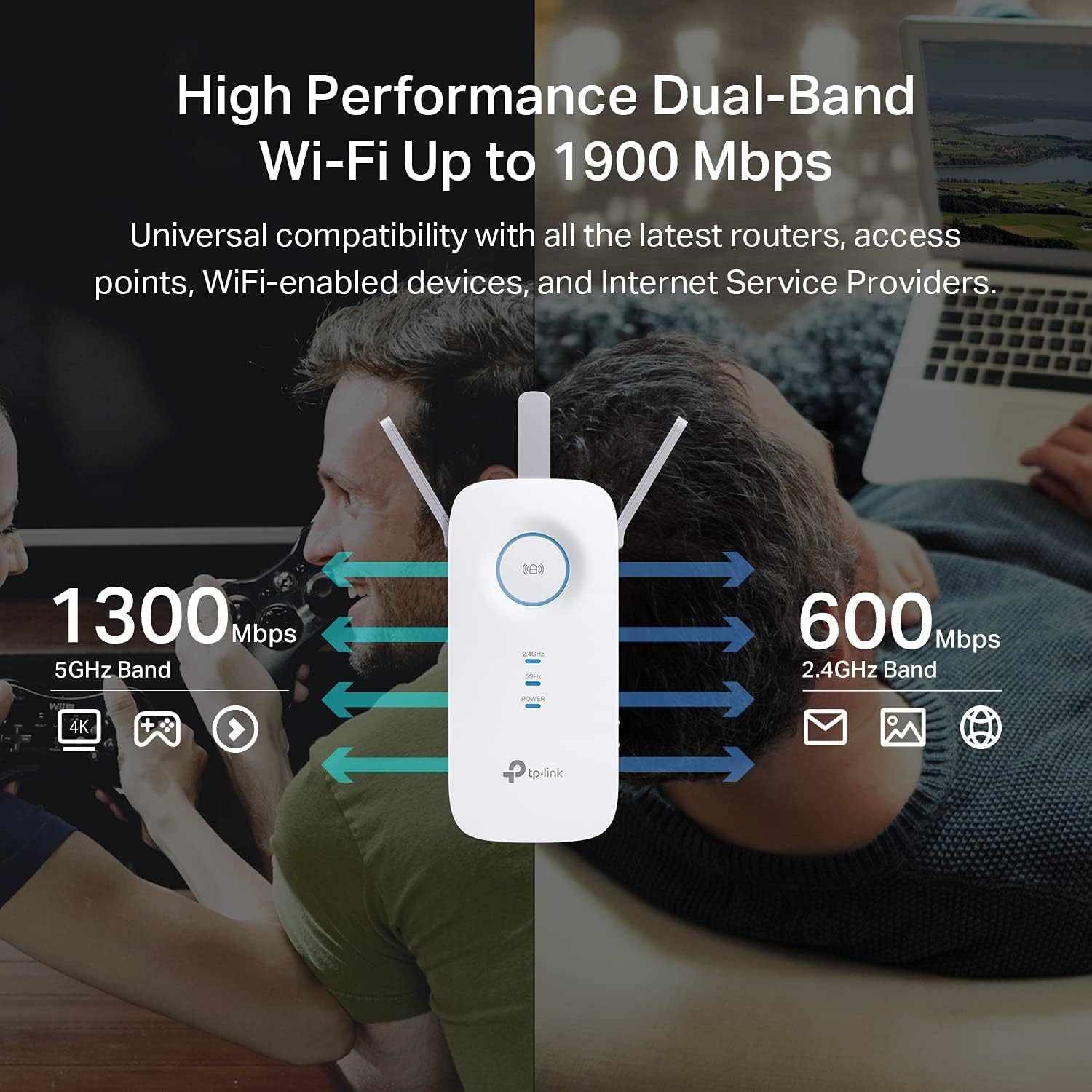
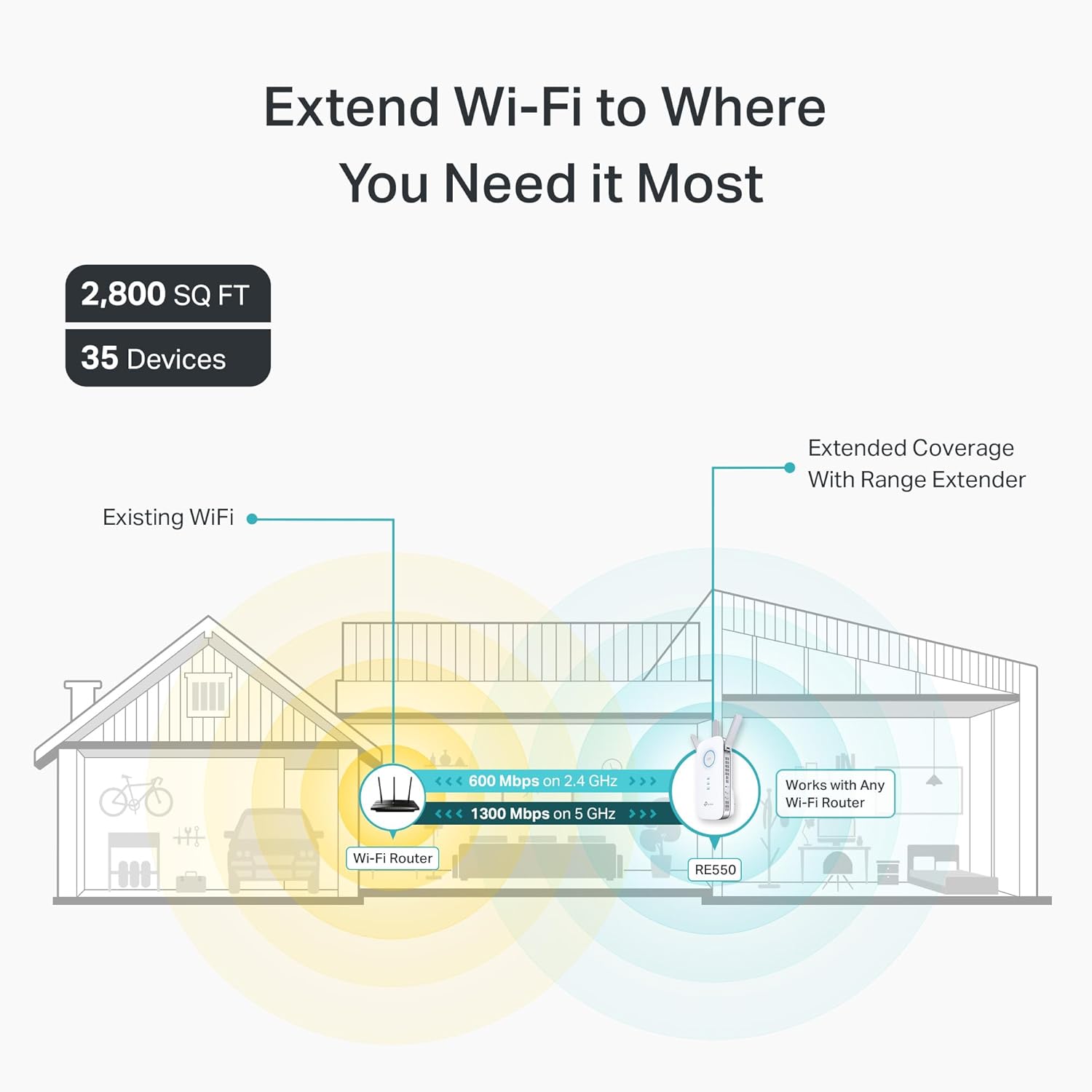
Three adjustable external antennas give the TP-Link RE550 a practical way to push Wi-Fi into a room where the router’s signal fades, without replacing the router. It’s an AC1900 dual-band extender, with listed wireless speeds of up to 600 Mbps on 2.4 GHz and 1,300 Mbps on 5 GHz, plus coverage of up to 2,800 sq. ft. and support for up to 35 devices.
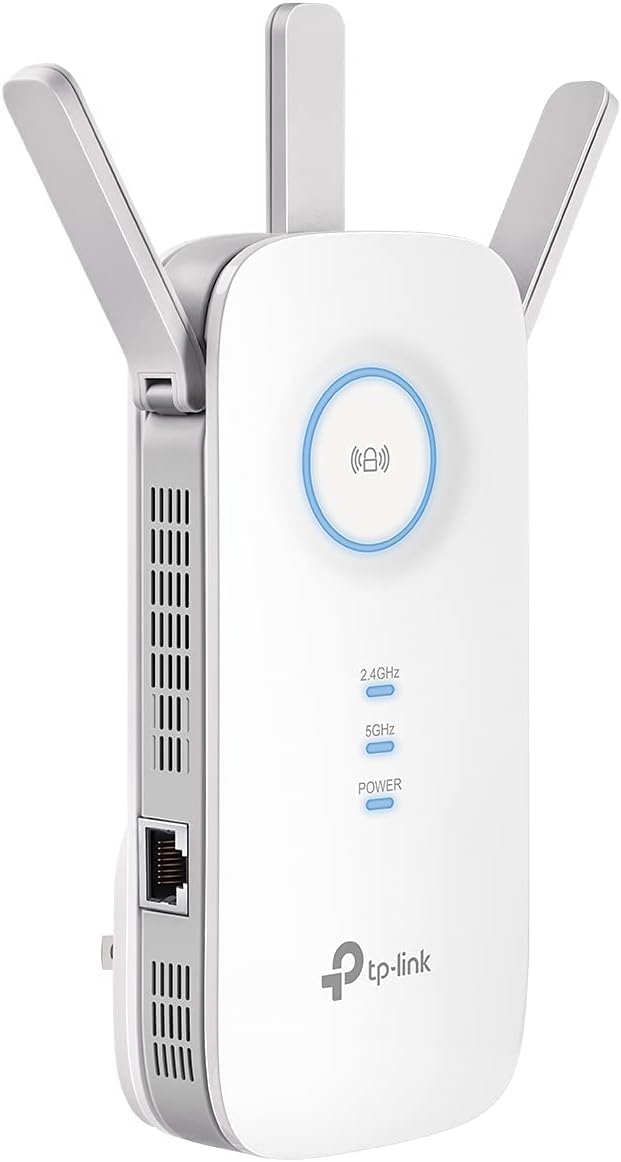
Those figures describe the product’s stated capabilities, not a guaranteed result in every home. The Gigabit Ethernet port also lets it act as a wireless bridge for a wired device, such as a TV, PC or gaming console.
Best use cases
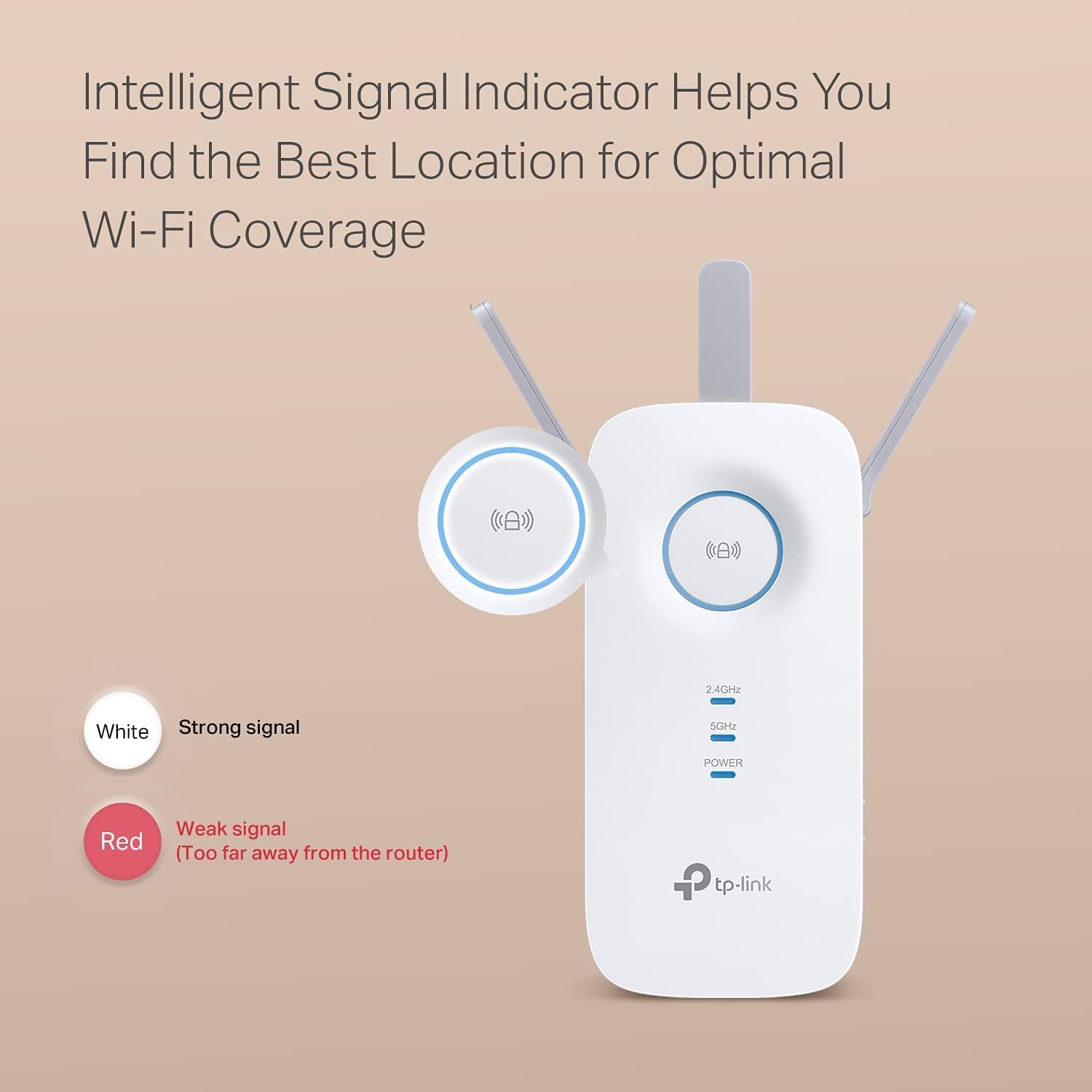
This model makes the most sense when most of your Wi-Fi works well but one area needs a stronger connection. For example, if a smart TV in a back room struggles to stay connected, placing the extender between that room and the router could help bring the signal further into the space. Its three antennas can be adjusted, and an intelligent signal indicator is provided to help find a suitable spot.
It supports standard Wi-Fi routers and access points, according to the product details, and can extend connectivity for devices such as phones, streaming devices and security cameras. It suits you if you want to address a specific weak area or connect a nearby device through Ethernet. If the main issue is a poor connection throughout the home, an extender may not address the underlying problem as well as changing the broader network setup.
Tips for day-to-day use
Start by looking for a position between the router and the area with weak coverage, rather than placing the extender inside the dead zone. Use the signal indicator to guide placement, then adjust the antennas to suit the space. Setup and network management are available through the TP-Link Tether app for Android and iOS.
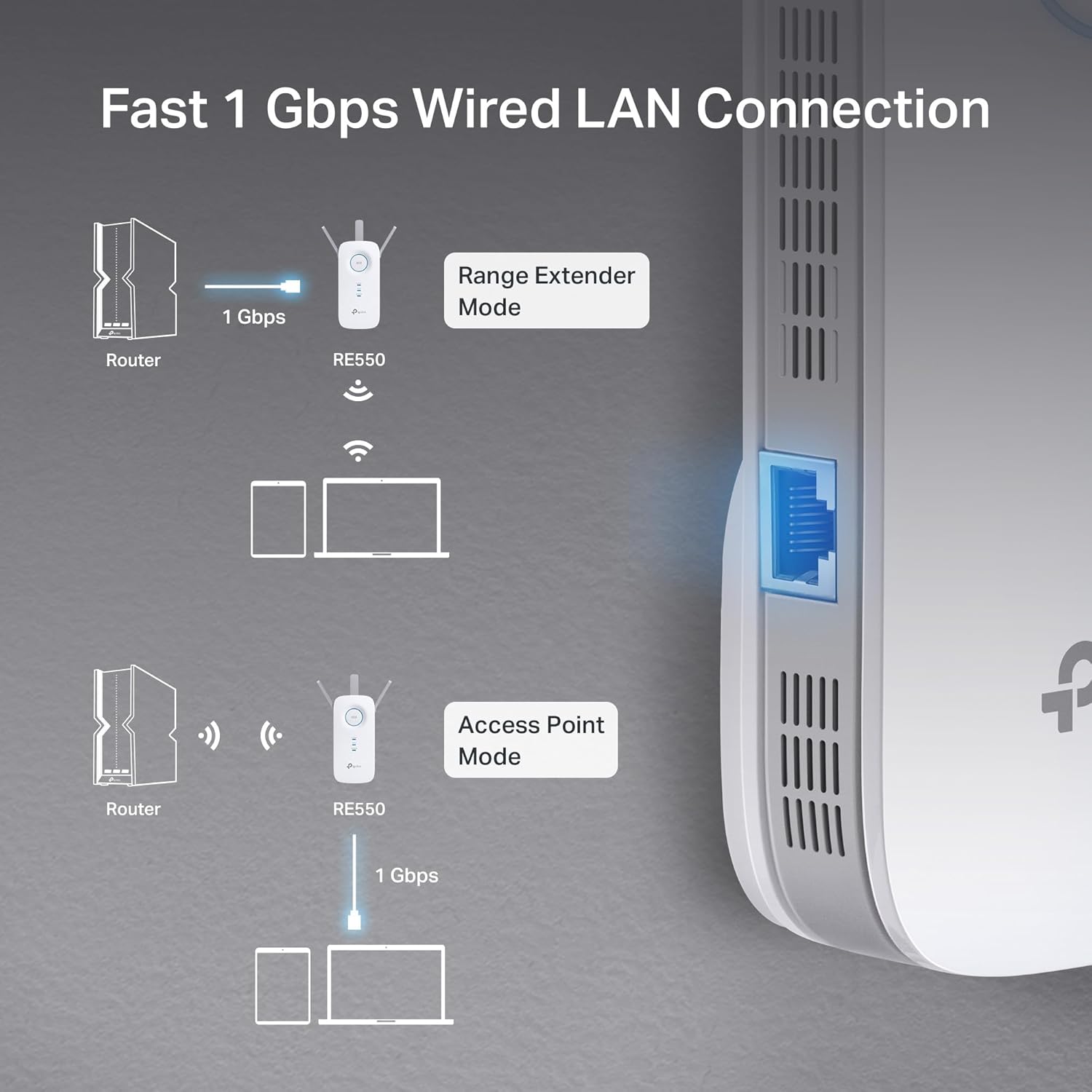
Keep in mind that the advertised coverage is an upper limit, walls, layout and the extender’s position can affect how much of that area gets a useful signal. An extender also works with the connection it receives from the router, so it is intended to improve reach, not replace an internet plan or fix every source of slow Wi-Fi. For a single wired device, the Gigabit port offers another option, it does not mean every wireless connection will run at Gigabit speed.
Buying questions

Can it connect to an existing router? The supplied details say it works with standard Wi-Fi routers and access points, making it a way to extend an existing network rather than replace the router.
Can I plug in a device with Ethernet? Yes. The RE550 has a Gigabit Ethernet port and can act as a wireless bridge for a wired device, including a PC, TV or gaming console.
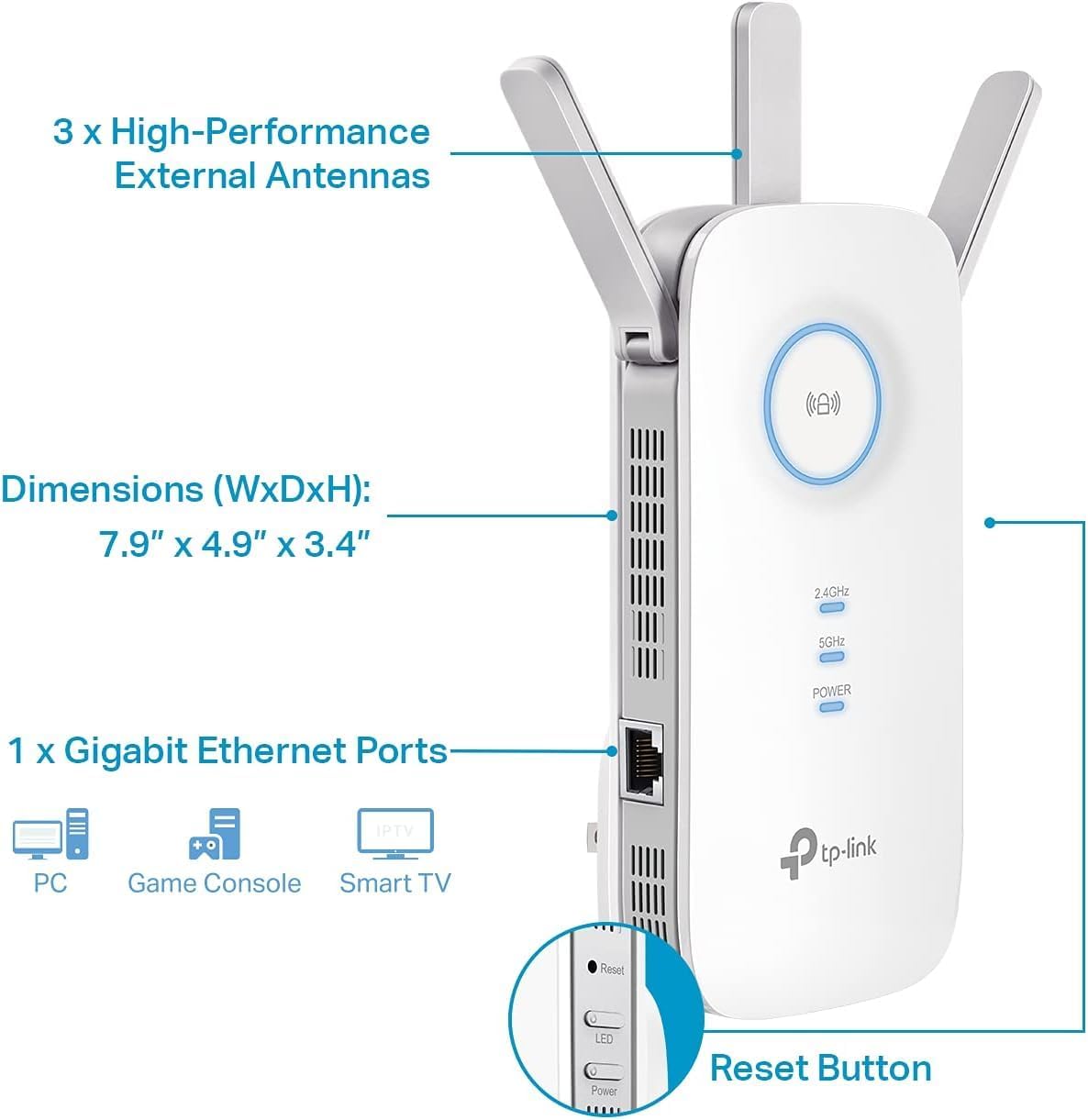
How is it set up? The TP-Link Tether app is listed for setup and network management. The signal indicator can help you choose where to place the extender.
Is it worth it?
The RE550 is worth considering if your router serves most of the home but leaves a particular room or corner short on signal, and you value having both dual-band Wi-Fi and a wired port in the extender. Its stated support for up to 35 devices may also suit a busy household, though that figure alone does not guarantee consistent performance for every device at once.
It won’t suit you if you need a guaranteed speed across the full advertised area, or if the router’s connection is already weak where the extender would need to sit. In that case, focus first on the source of the problem or consider a different approach to the home network. TP-Link lists a two-year warranty and 24/7 technical support for this model.