

Samsung LS27F320GANXZA 27-inch FHD IPS Monitor with 120 Hz Refresh Rate
Product description
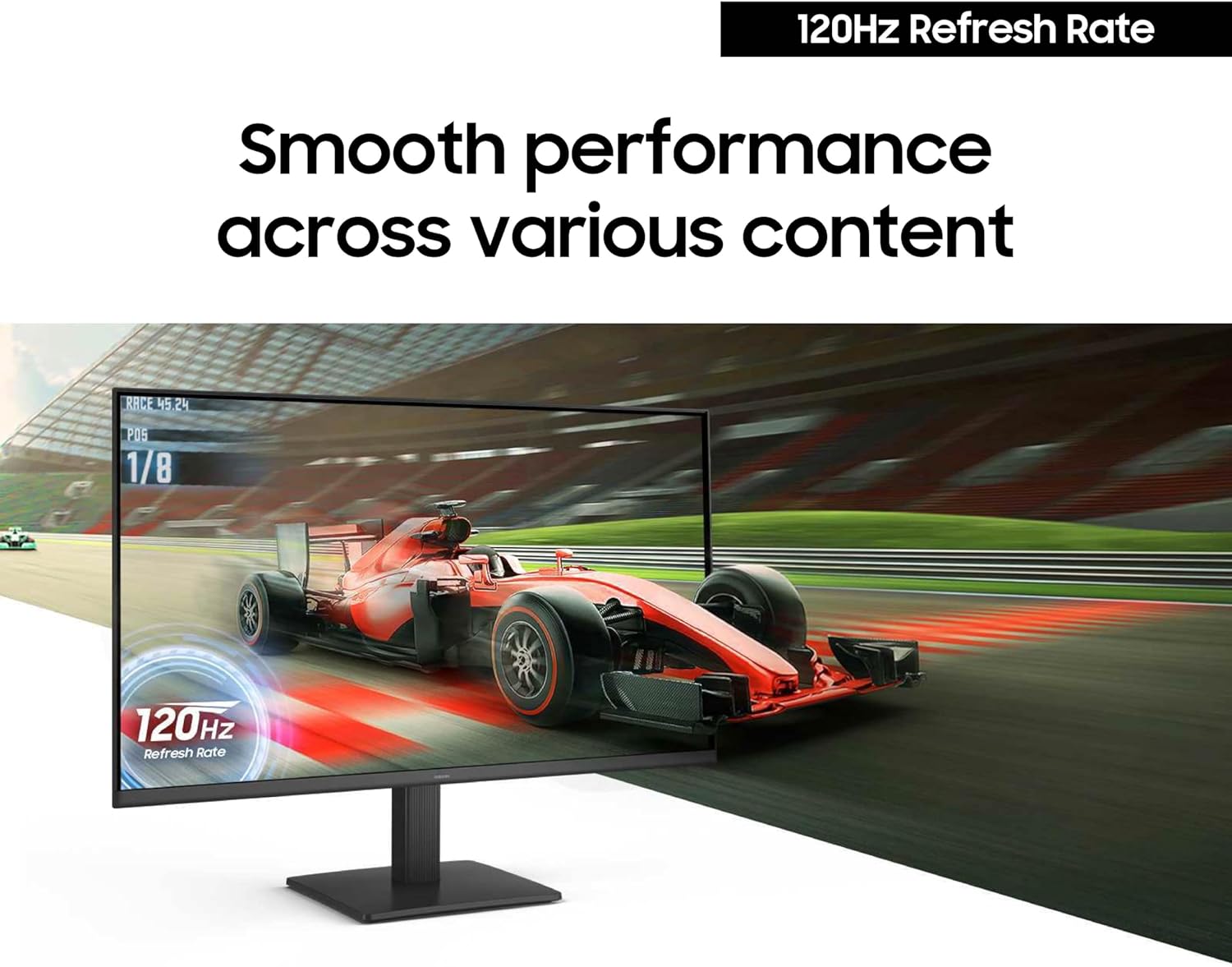
A monitor purchase can come down to two different priorities: smoother motion for games and video, or more screen detail for close-up work. This Samsung combines a 120 Hz refresh rate with a 27-inch FHD 1080p display, so it leans towards the first without claiming a higher-resolution picture.
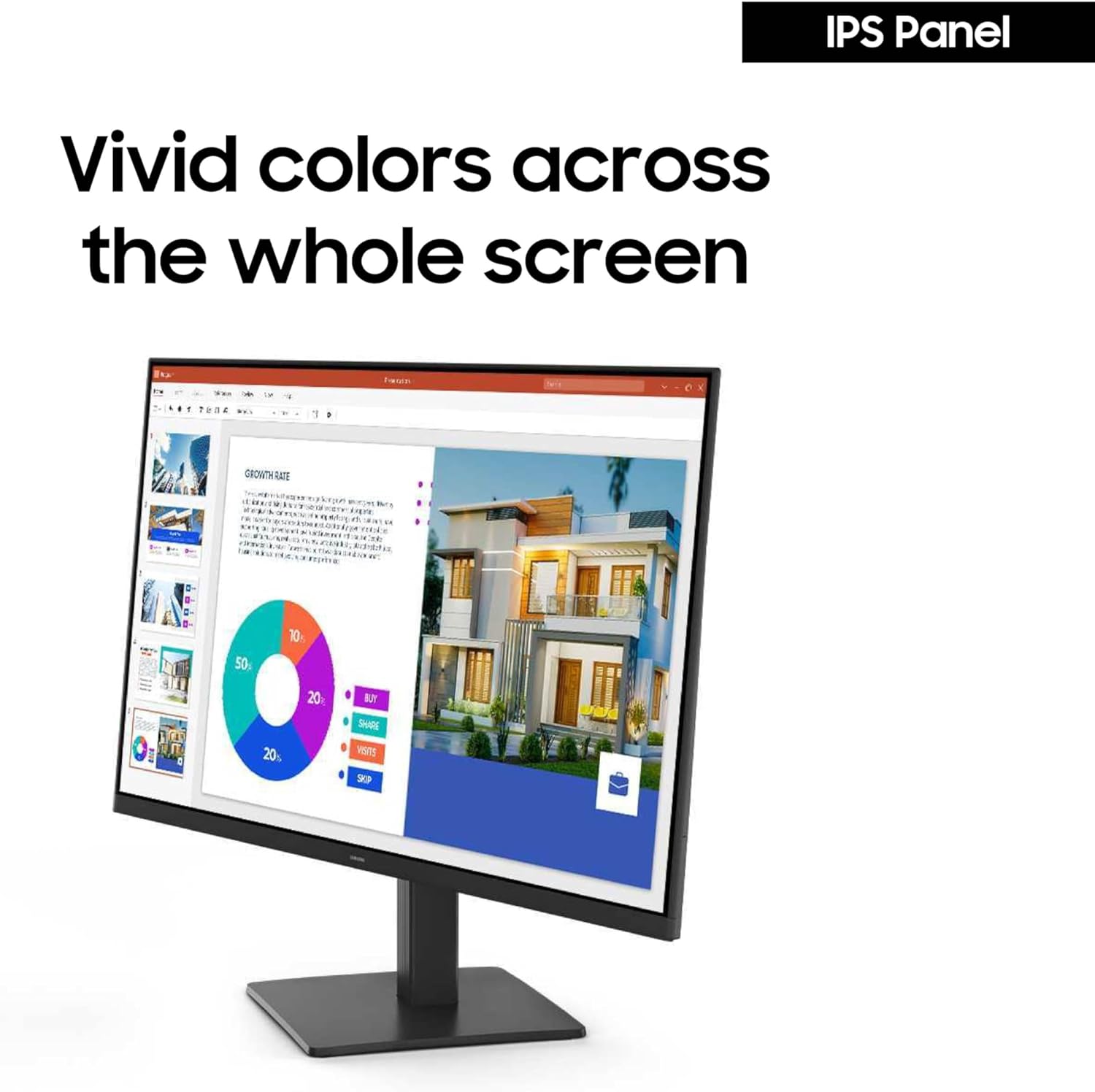
The IPS panel is intended to keep colours looking consistent when viewed from different angles. A glossy screen surface is also listed, which is worth noting if your workspace has reflections you would rather avoid.
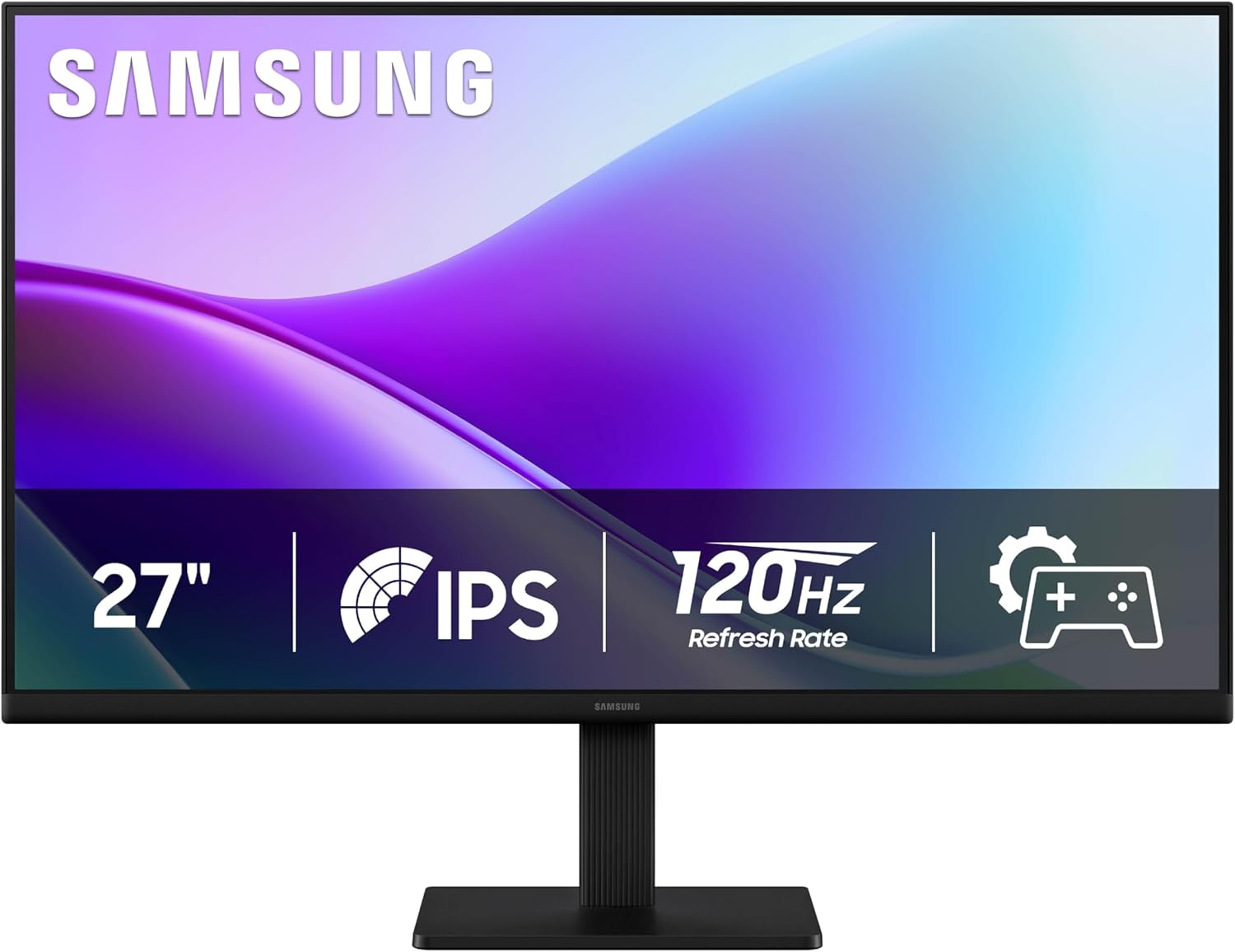
Its slim design and Game Picture Mode round out the feature set. The model number is LS27F320GANXZA, useful to keep on hand when comparing this exact version.
What matters most
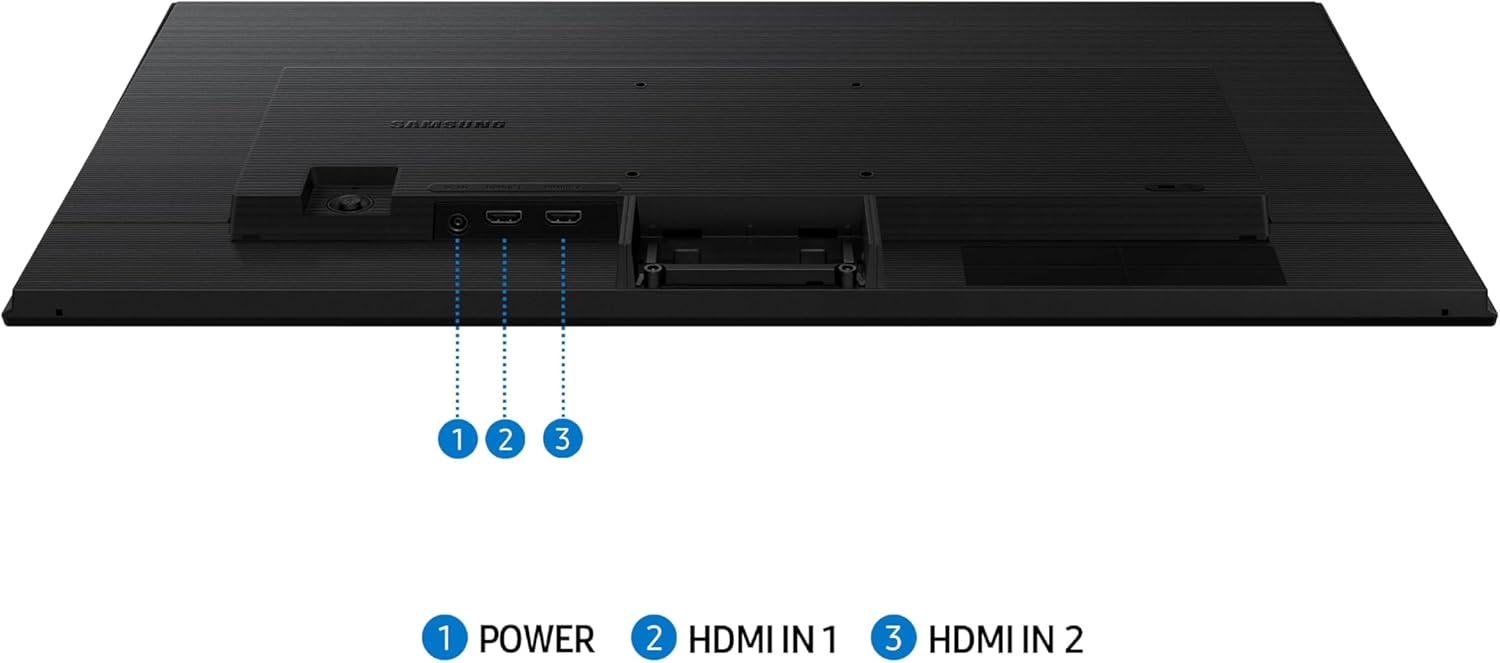
The clearest reason to consider this monitor is the combination of 120 Hz and an IPS panel. The higher refresh rate is designed to make movement feel smoother during fast-paced games, videos and creative work. Game Picture Mode can adjust colour and contrast to make darker scenes easier to see, though the available details do not specify further gaming features or connection options.
For everyday work, the 27-inch screen gives you room to keep more than one window visible. FHD means 1080p, so buyers focused on fine detail may prefer to compare it with a higher-resolution display. The listed details do not give pixel density, so close-desk sharpness is hard to judge without that measurement.
Buyer feedback is generally positive about the picture, colour, brightness and setup, with some also liking the screen size and appearance. There is a disappointed buyer in the mix, so those impressions are not a guarantee of an experience everyone will share.
Size & fit
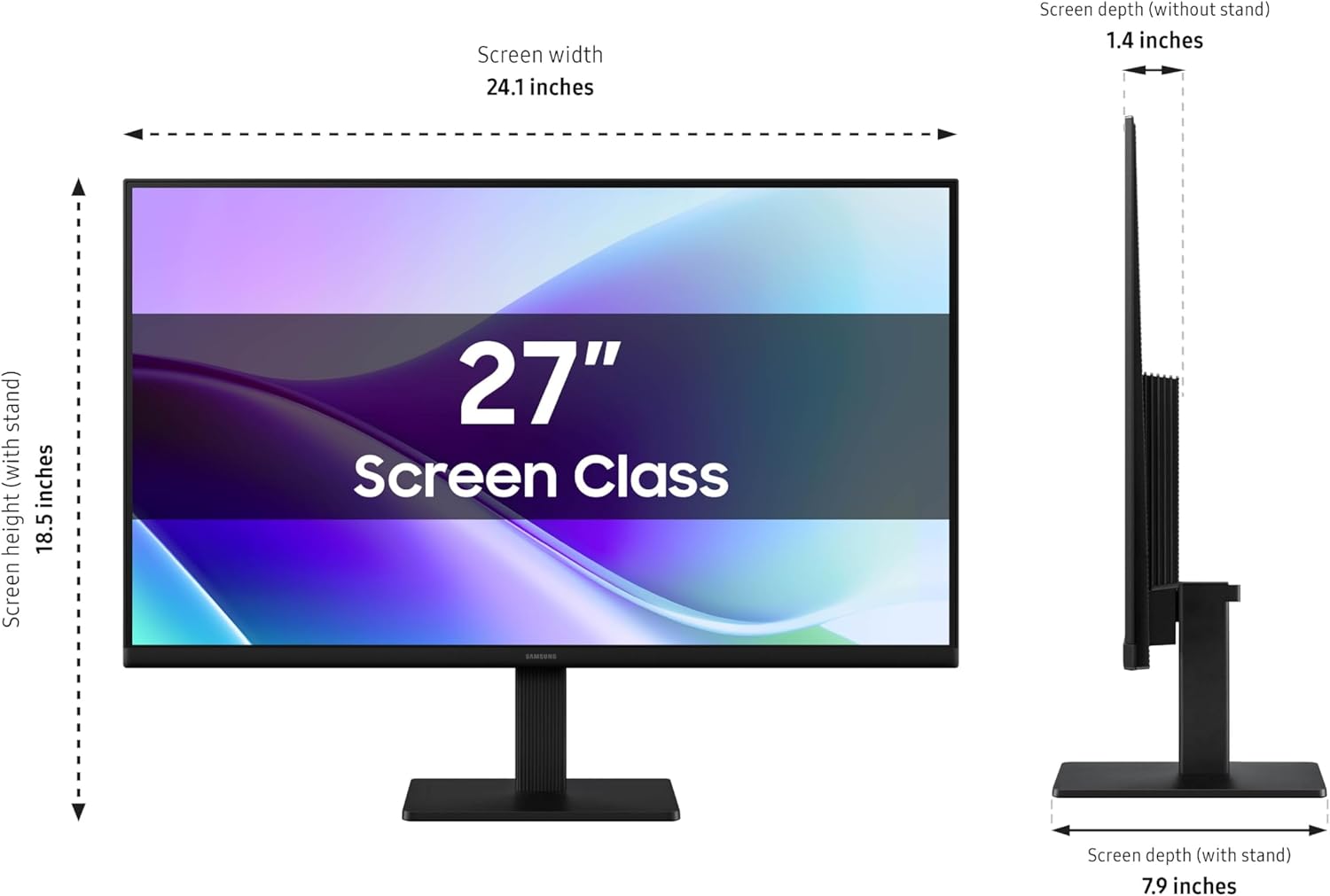
The screen measures 27 inches, with listed product dimensions of 19.99 x 61.21 x 46.99 cm and a weight of 3 kg. These figures help when planning desk space, but the information does not explain stand adjustment or the space needed behind the monitor. The slim bezels may suit a tidy-looking setup, the glossy surface is a more practical consideration if light sources are directly in front of it.
Tips for day-to-day use
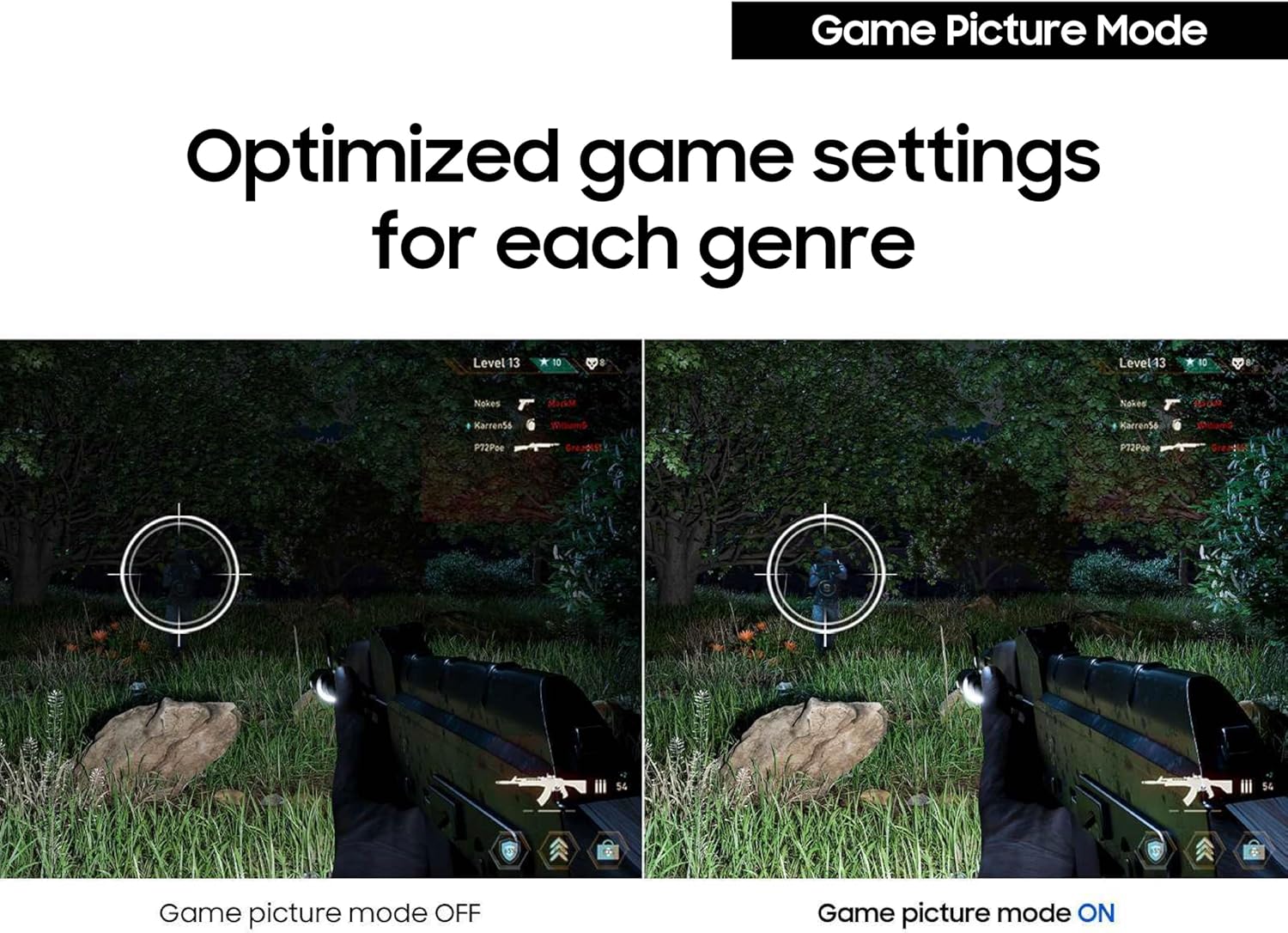
For a gaming session, Game Picture Mode is intended to adjust image colour and contrast, while the 120 Hz refresh rate targets smoother movement. For longer work or viewing sessions, Eye Saver Mode and reduced screen flickering are included to support viewing comfort. If you switch between spreadsheets and video, the IPS panel’s viewing-angle design may help keep colours more consistent as you shift position.
Practical doubts
Is this a 1440p monitor? No. The listed resolution is FHD 1080p, with a 16:9 aspect ratio.
Does it have a glossy screen? Yes. The screen surface is described as glossy, which may be noticeable in a bright room.
Is 120 Hz useful outside gaming? It is also presented as relevant to video and creative work, although the benefit depends on what you do and the capabilities of your connected device.
When it makes sense
It makes sense if you want a 27-inch IPS monitor with 120 Hz for a mix of gaming, video and everyday work, and FHD resolution suits your needs. You may want to skip it if sharper fine detail is your main priority, or if a glossy screen would be distracting in your setup. The balance here favours smoother motion and viewing angles over a higher-resolution specification.