

HUANUO Dual Monitor Arm for 13–40 Inch Monitors
Product description
What matters most
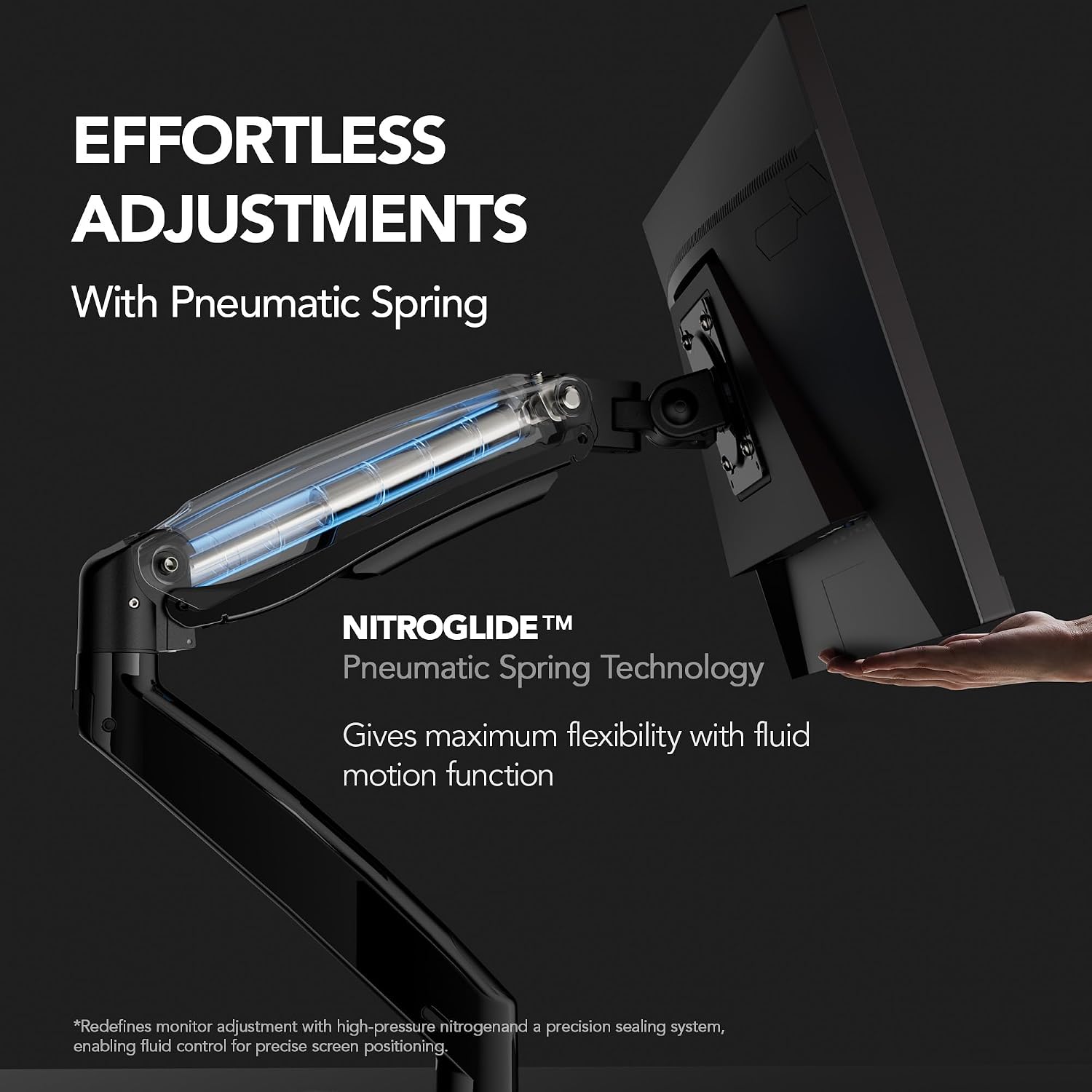
A crowded desk or two screens stuck at awkward heights can make a work setup harder to use. This HUANUO dual monitor arm lifts both displays off the desk and gives you room to adjust their position, which may suit a home office or gaming setup where screen placement matters.
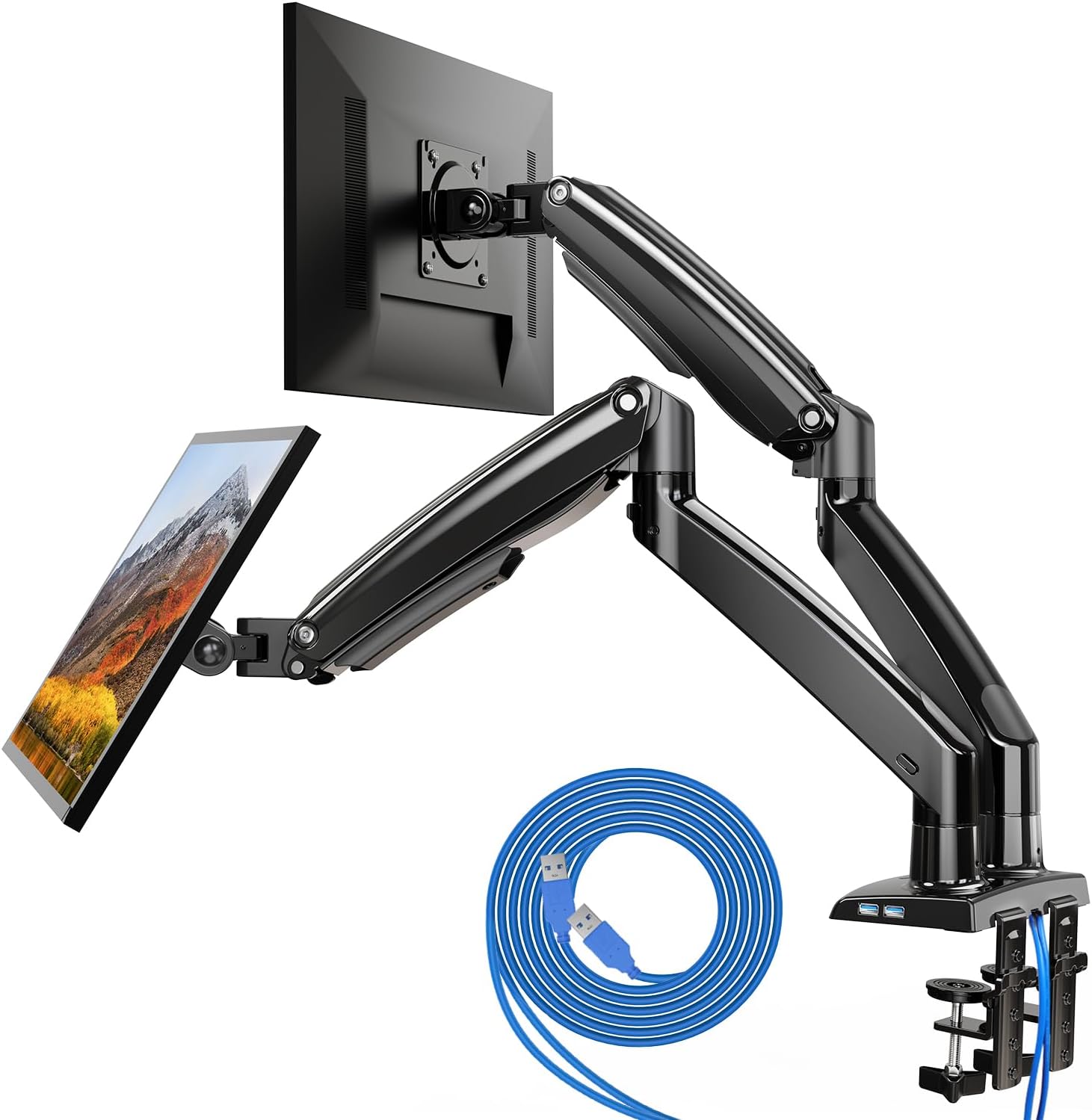
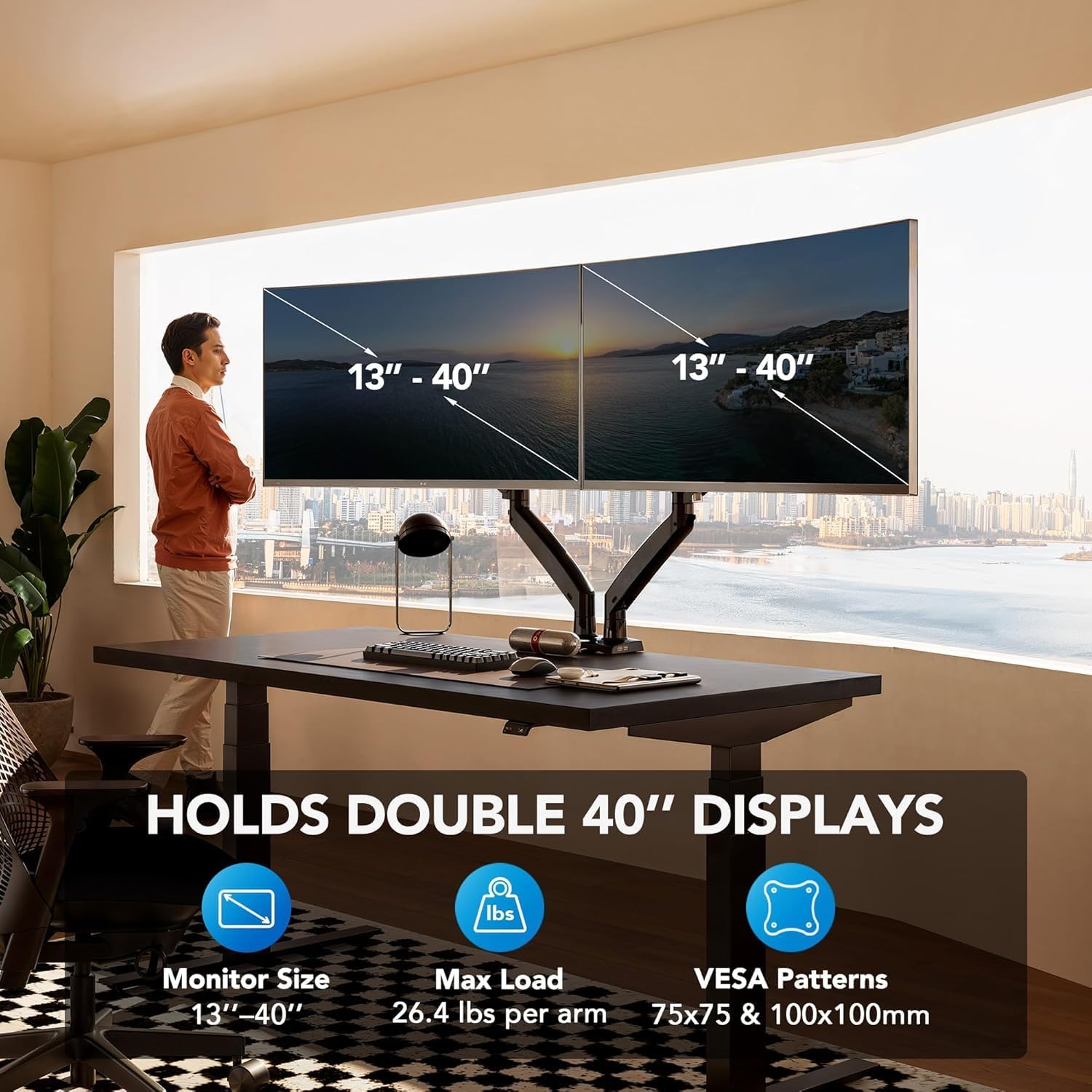
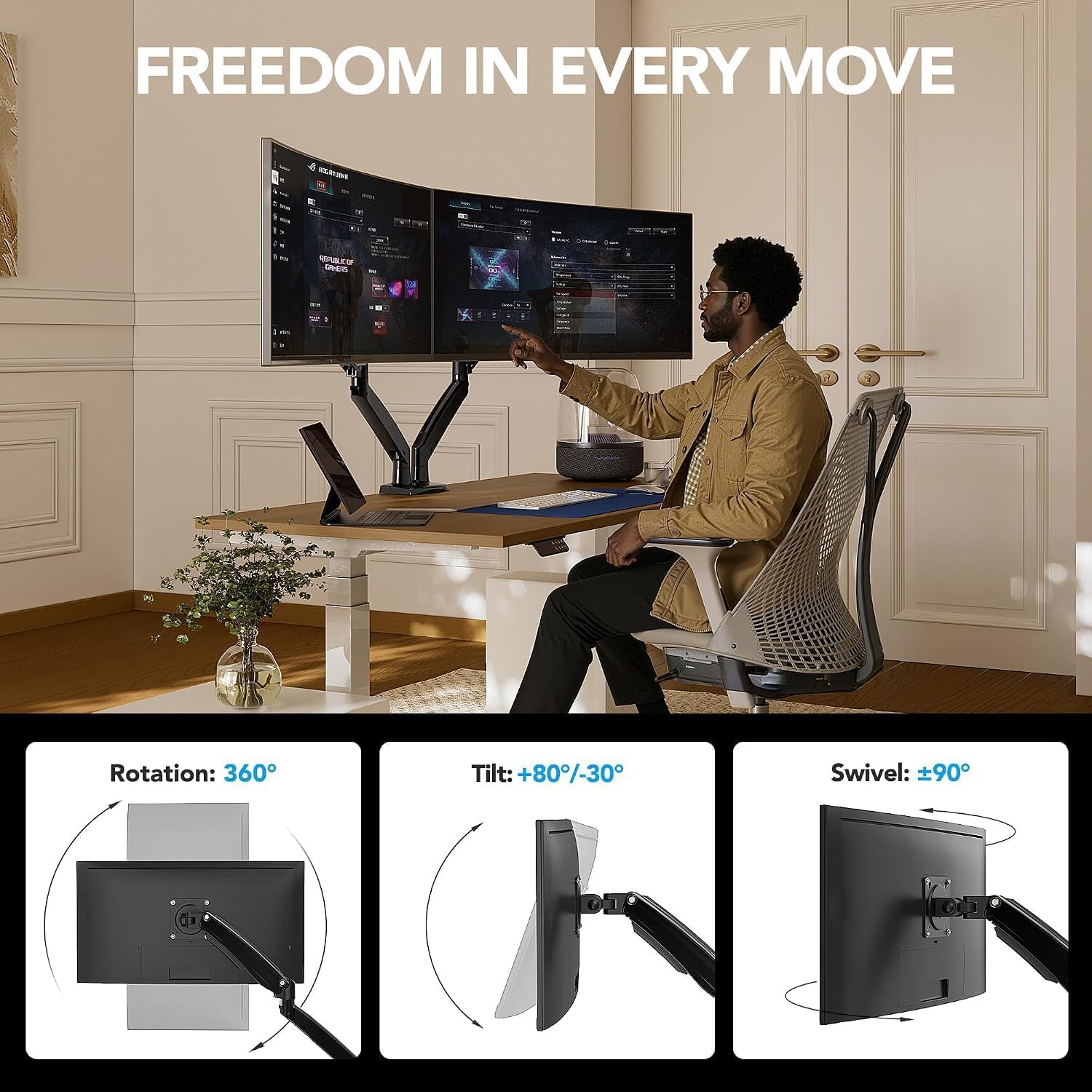
Each arm supports a monitor weighing up to 26.4 lbs and is listed for screens from 13 to 40 inches. The mount uses VESA 75 x 75 mm or 100 x 100 mm patterns, so match both the display size and its mounting pattern before choosing it. The arms extend up to 25.6 inches and adjust up to 21.1 inches in height, swivel, tilt and rotation give you further scope to set the viewing angle.
Best use cases
This is aimed at people who want two monitors on one desk mount rather than separate stands taking up surface space. It can be useful when arranging screens side by side, bringing one closer for focused work, or turning a display to suit a different task. A single-screen mount is the simpler route if you only need to position one monitor, this dual design makes more sense when both displays need adjustable placement.
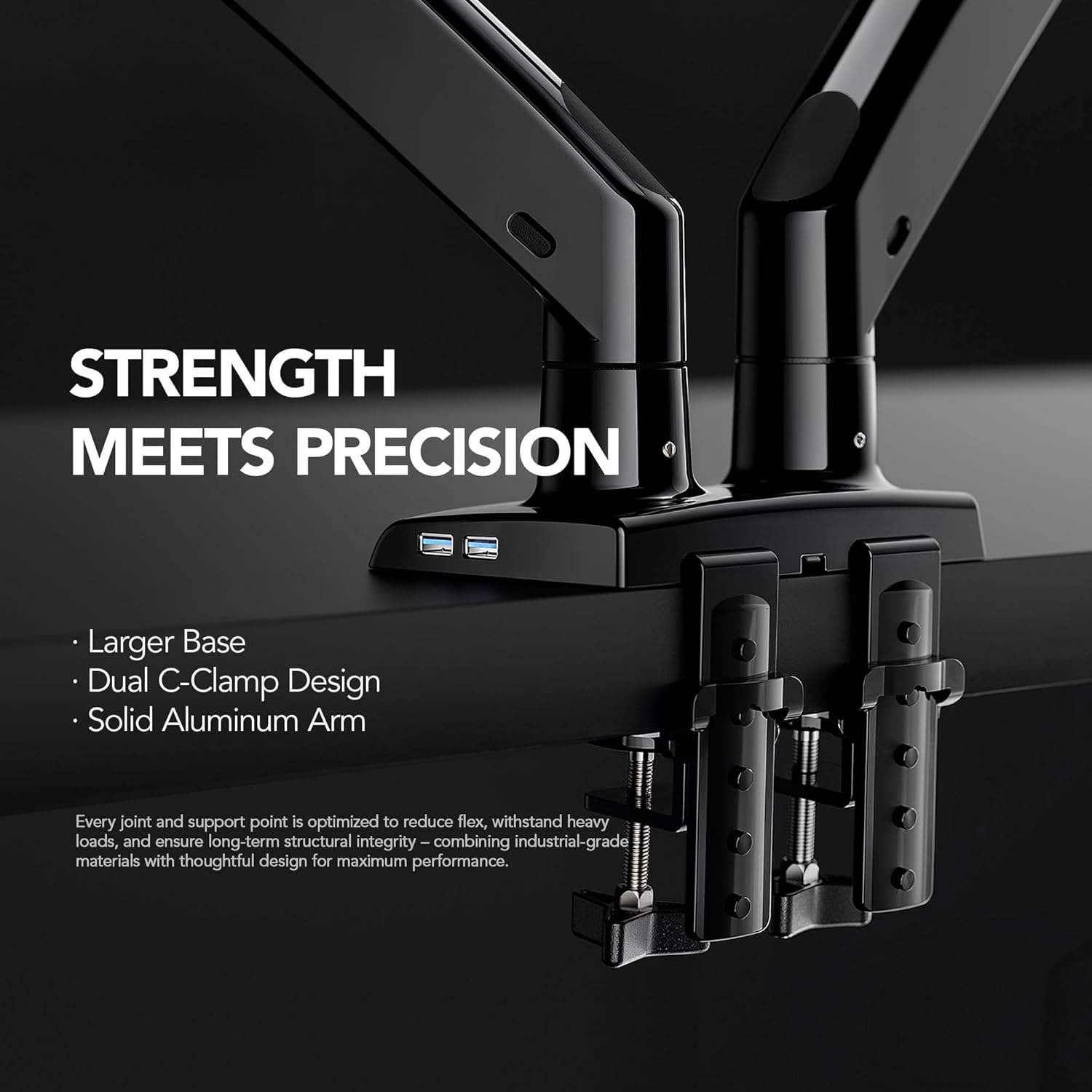
The clamp and grommet mounting options offer some flexibility for different desk setups. Keep in mind that the desk must be no thicker than 3.54 inches for the stated fit, and the grommet-hole range is 0.39 to 1.97 inches. By design, this still relies on a suitable desk edge or grommet opening, so it is not a freestanding alternative to a monitor stand.
Tips for day-to-day use
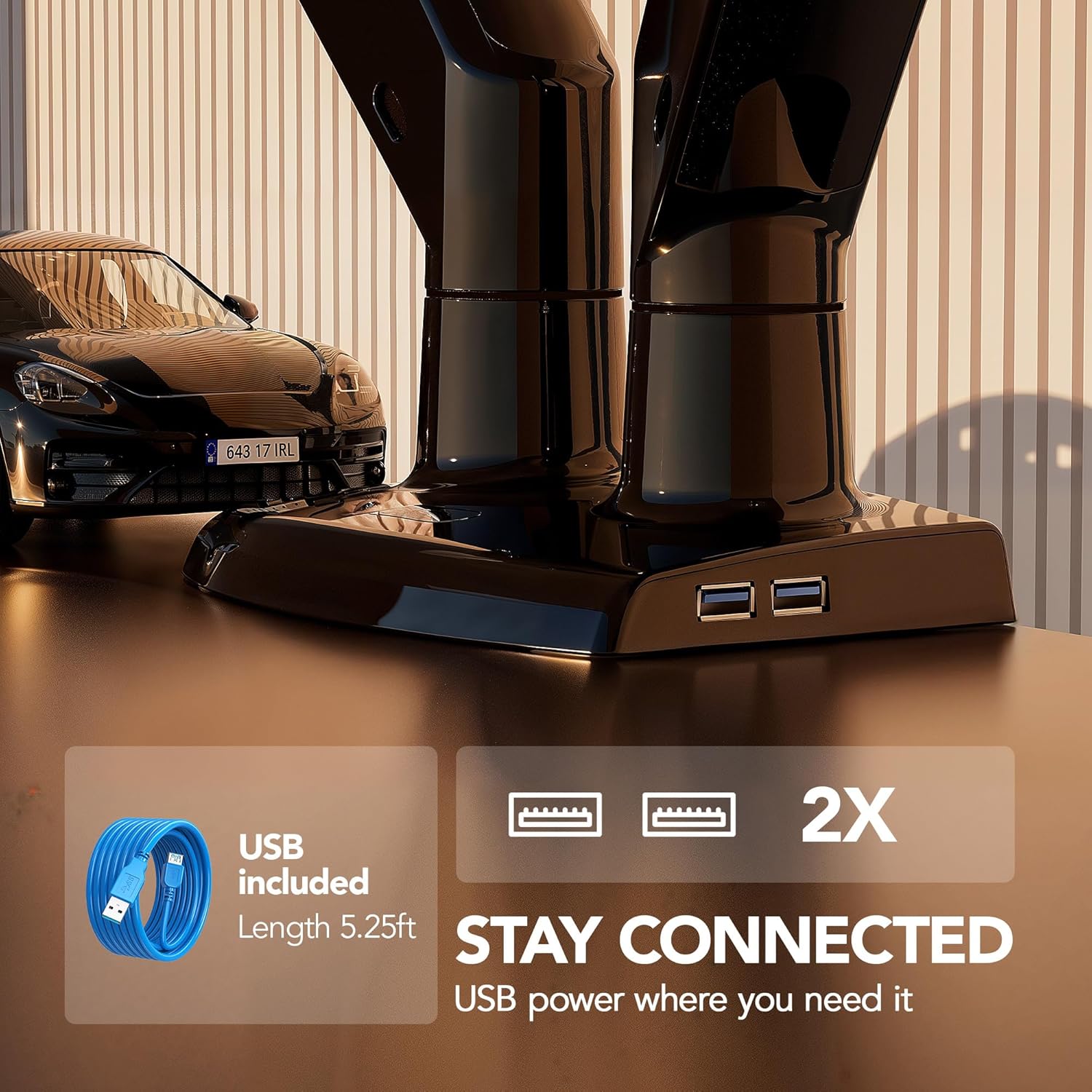
Before installation, check each monitor’s weight and VESA pattern, then measure the desk and any grommet opening you plan to use. That can prevent a mismatch after the arms are assembled. The cable management system is intended to help keep wires routed along the mount, while the built-in USB port adds a connection point, the product details do not specify its charging output.
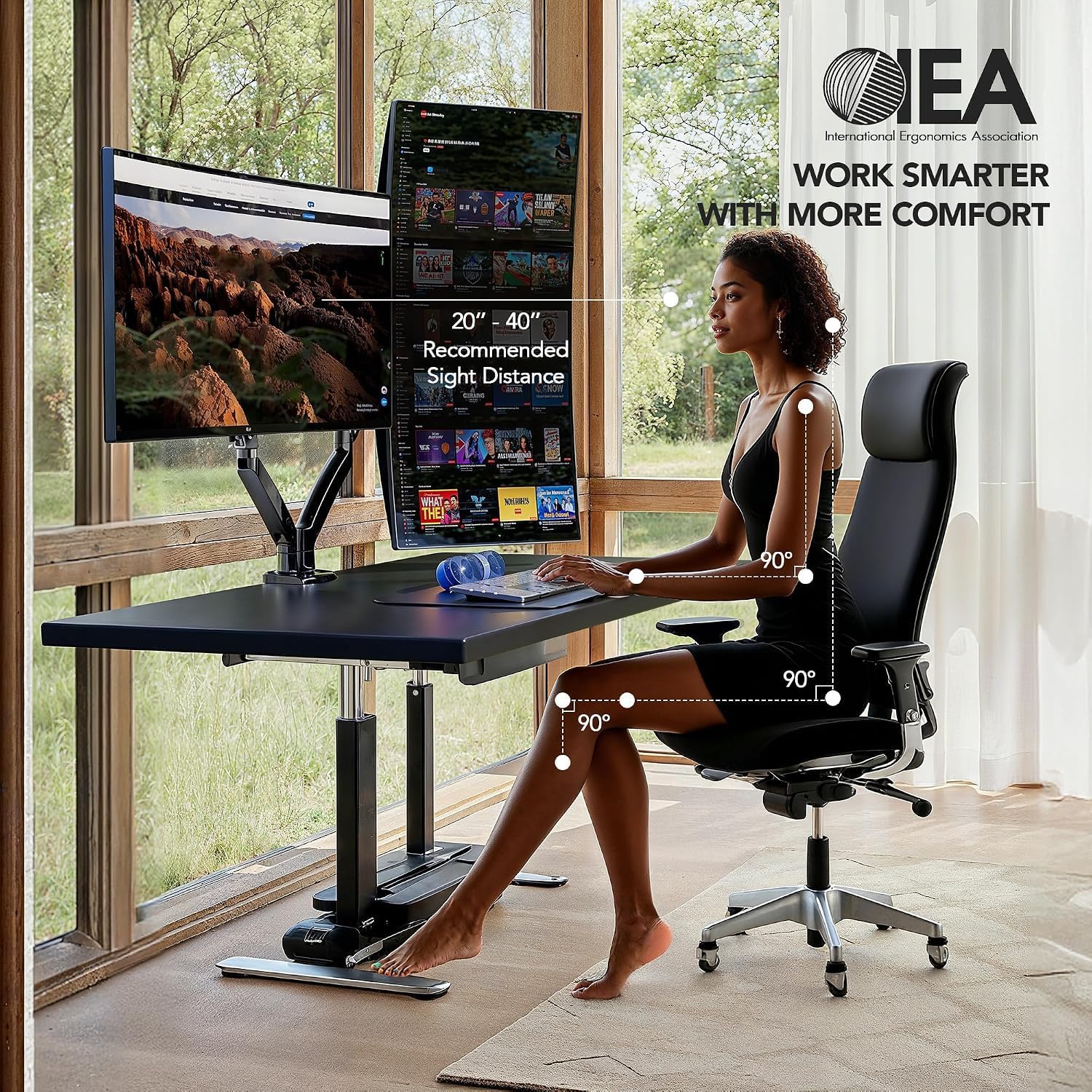
In everyday use, you could pull one screen forward for a document or video call, then angle both displays towards your chair when working across them. The arms offer up to 90° of swivel in either direction, tilt from -30° to +85°, and 360° rotation. Those ranges provide flexibility, though the final positions will depend on your desk layout and monitor sizes.
Three specific questions
Will it fit any 13-to-40-inch monitor? Not necessarily. The monitor also needs to be within the 26.4 lb limit per arm and use a VESA 75 x 75 mm or 100 x 100 mm pattern.
Can it attach without a grommet hole? Yes. The mount supports either a clamp or a grommet base, subject to the stated desk and hole dimensions.
Does it help clear desk space? It raises the monitors off the desktop, leaving more of the surface available. It does not remove the need for a suitable mounting point.
Is it worth it?
It suits you if you use two compatible monitors and want more freedom to arrange them while reclaiming desk space. The reach and broad movement range are useful when fixed stands make it difficult to line screens up comfortably. It may not suit you if your monitors exceed the weight limit, lack the listed VESA pattern, or your desk cannot take either mounting method. Choose it for adjustable dual-screen positioning, stick with basic stands if you do not need that flexibility.