

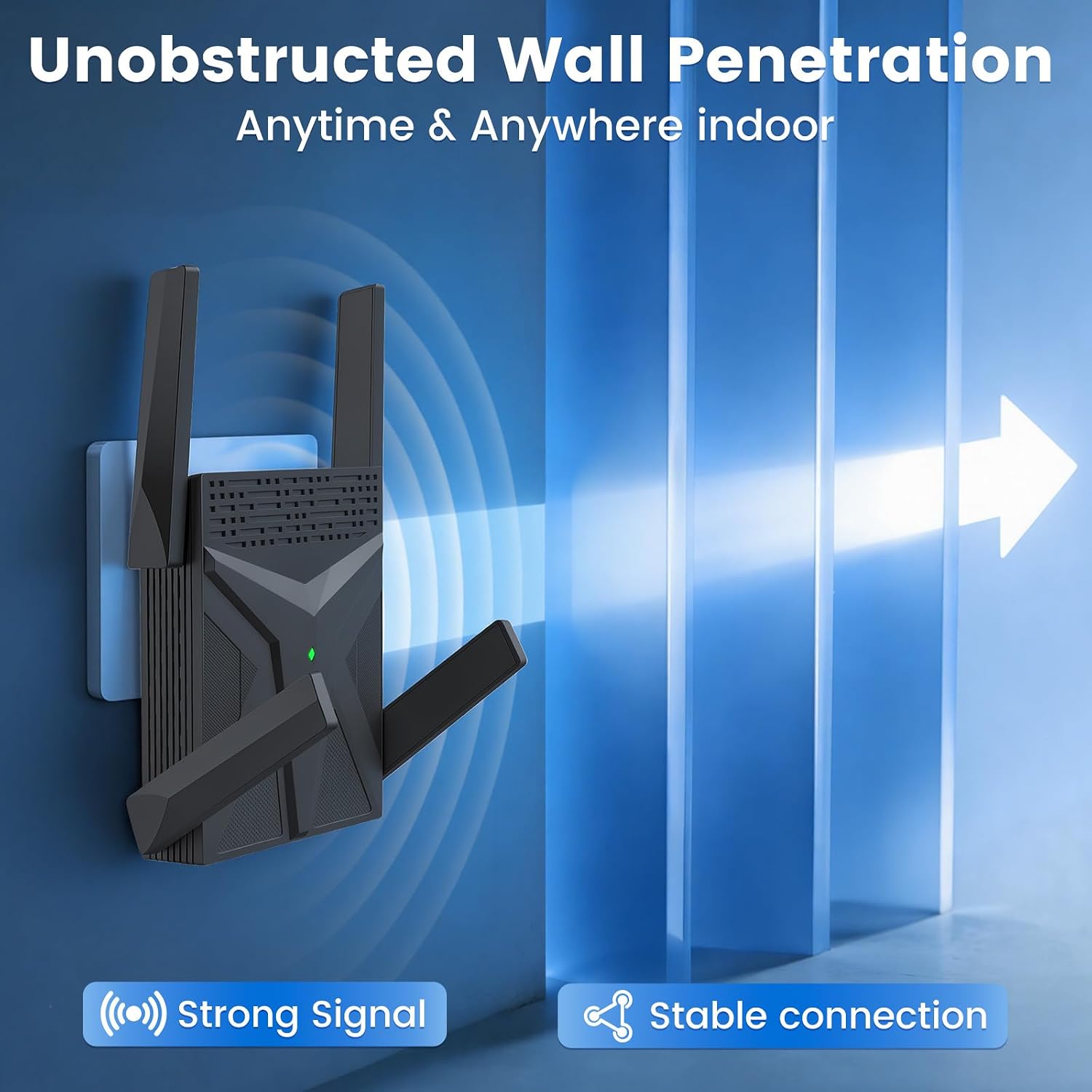
WiFi range extender AX1800
Product description
Technical details
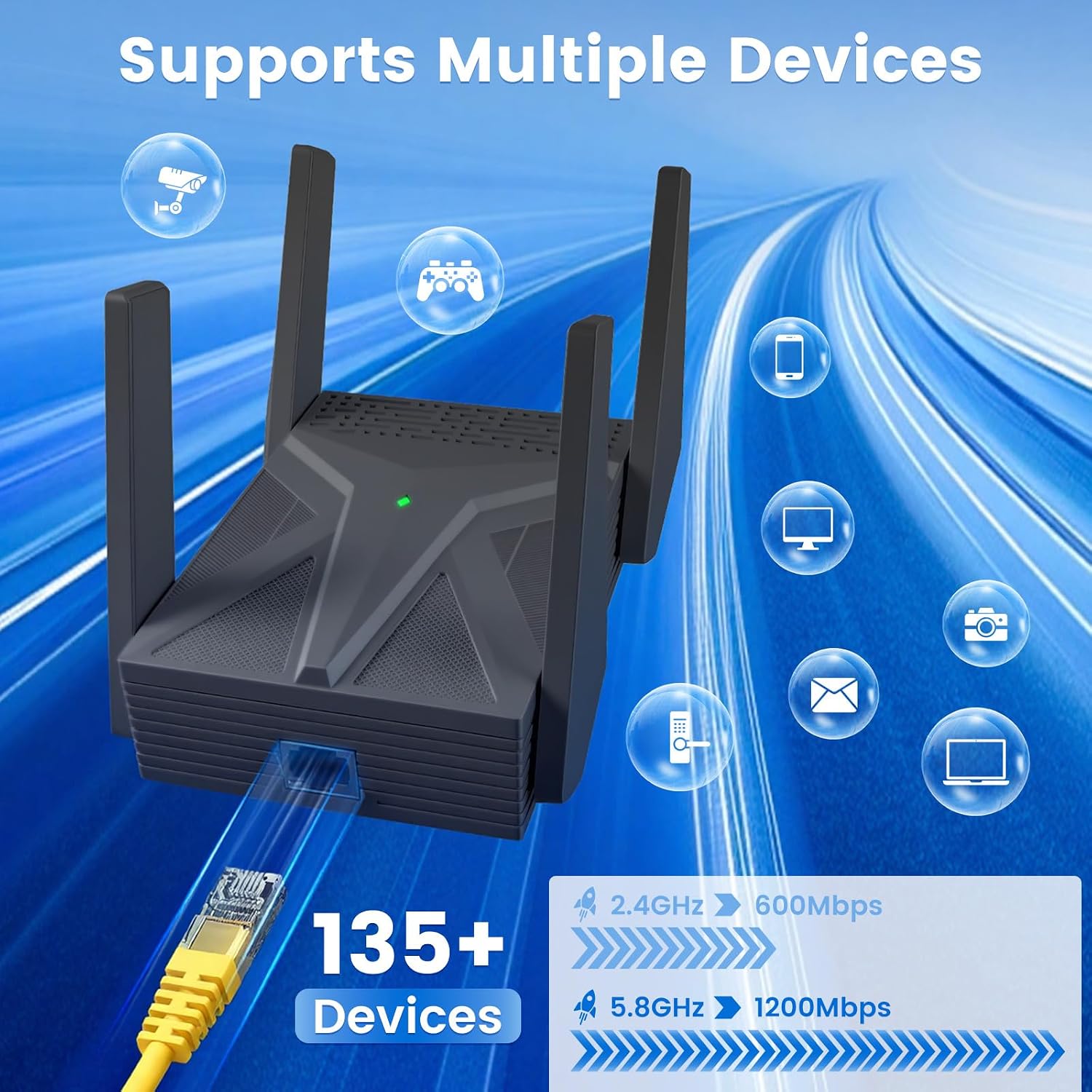
Four external high-gain antennas are the main feature here, intended to carry a router’s signal into rooms where coverage is weaker. The extender is listed as dual-band AX1800, with claimed combined speeds of up to 1,800 Mbps: up to 600 Mbps on 2.4 GHz and 1,200 Mbps on 5.8 GHz. Those figures describe the product’s advertised wireless speeds, not a guarantee of what your internet connection or devices will achieve.
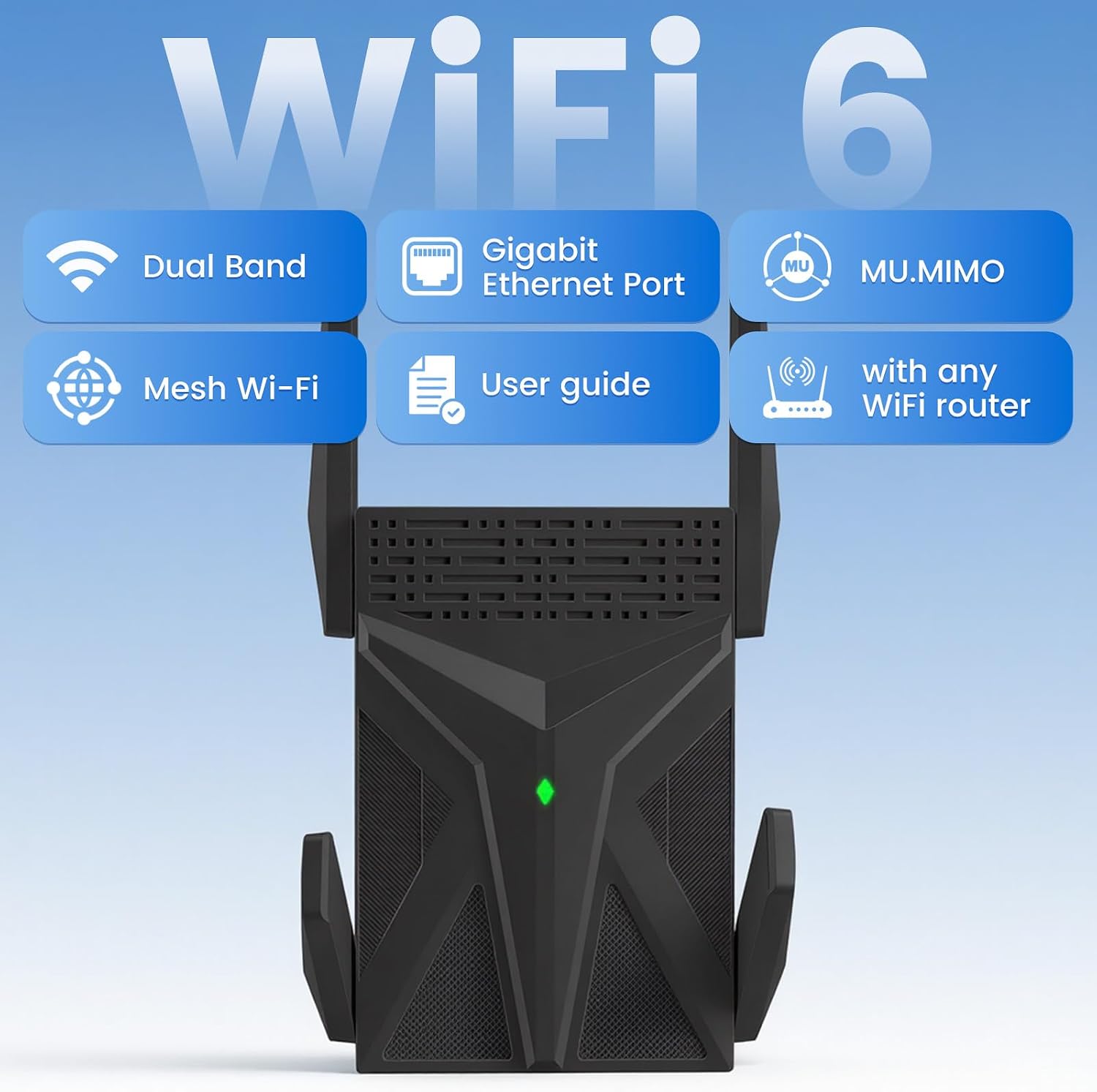
It also supports Wi-Fi 6 and OFDMA, and the listing claims capacity for more than 135 devices. Alexa compatibility is stated, but specific router requirements and device-by-device compatibility details aren’t provided.
- Type: Wi-Fi range extender
- Wireless bands: 2.4 GHz and 5.8 GHz
- Antennas: Four external high-gain antennas
- Setup: Guided web interface, manual and setup videos are mentioned
Practical compatibility
The dual-band design gives you two frequency bands to work with, while the listing presents Alexa compatibility and a high device capacity as benefits for a connected home. That may suit a household with phones, laptops, tablets and smart-home devices sharing a network. Still, the 135+ figure is a manufacturer claim, not a promise of equal performance for every connected device.

It’s described as an extender, so think of it as a way to carry an existing Wi-Fi signal farther rather than a replacement for your internet service. For example, if a home-office laptop loses its connection when you move away from the router, an extender placed where the router’s signal is still usable may help bring coverage closer to that workspace. The result will depend on the starting signal and where the unit is placed.
Usage tips
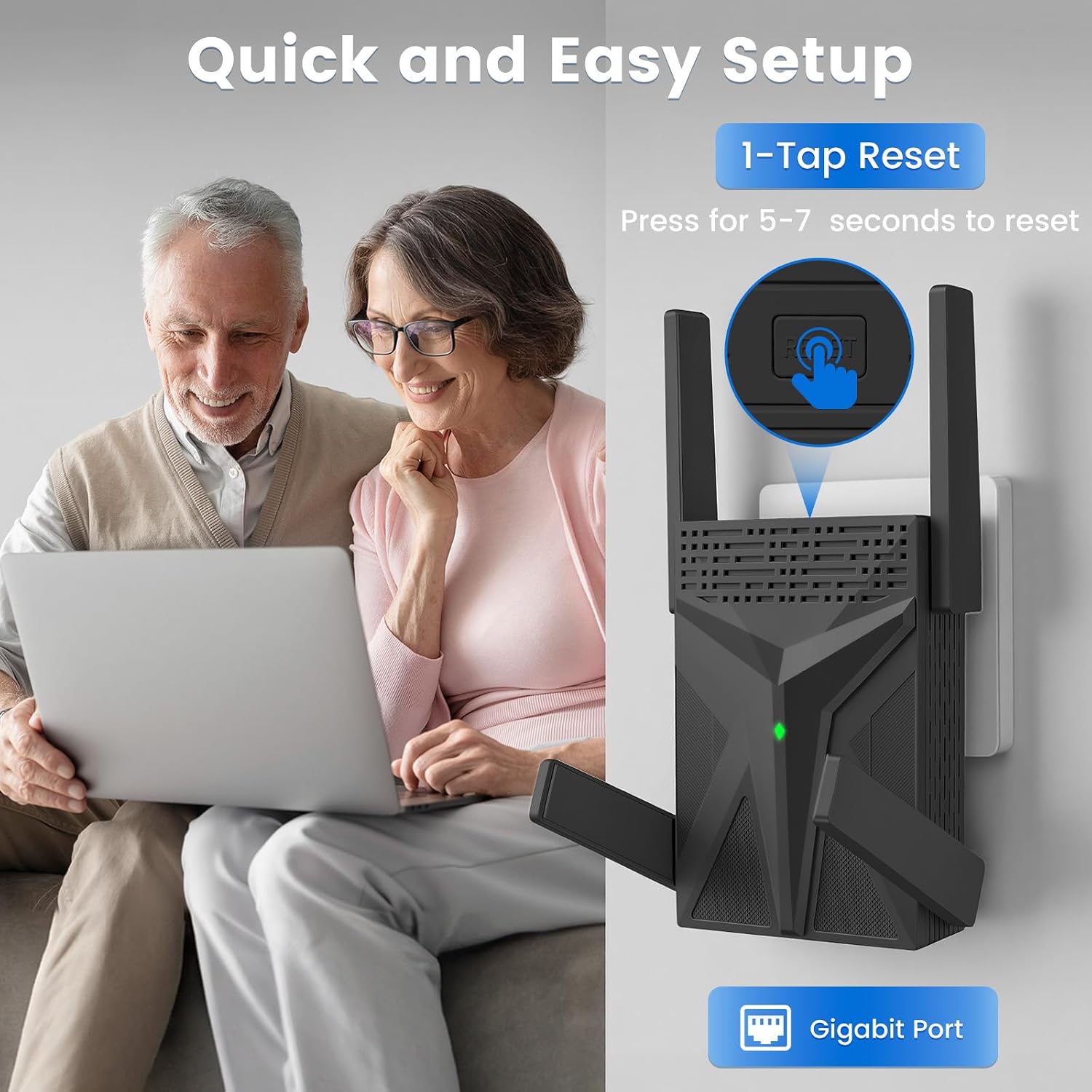
The setup process uses a guided web interface. Reading the manual or watching the setup video before installation may make it easier to follow the stated steps. Placement matters: putting an extender in a spot that already receives a weak or unstable signal can limit what it passes along. Try a location between the router and the area you want to reach, then check whether the connection is useful where you need it.
If you need to reset it, the product information says to hold the Reset button for about 5–10 seconds. That’s a reset instruction, not a routine setup step, so use it when you actually need to start over.
Before you decide
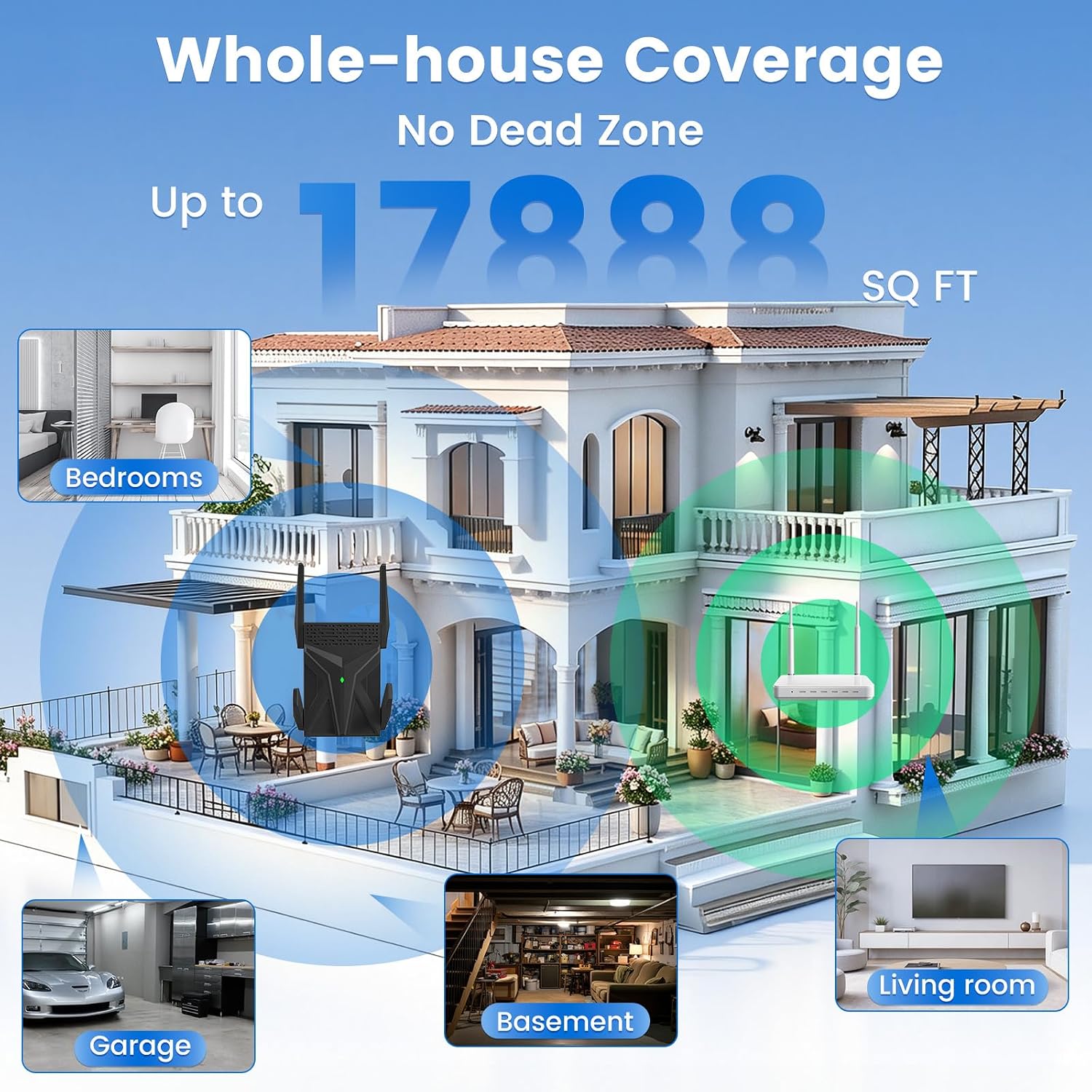
The listing gives conflicting coverage figures: one section says up to 17,888 sq. ft., while another says 16,888 sq. ft. Neither figure is a dependable basis for predicting coverage in your home, so it’s better to judge the extender by the signal you have and the area you need to reach. The advertised speeds also won’t remove limits from your internet plan, router or environment.
It may suit you if you want a dual-band extender with external antennas and a web-based setup process. It won’t suit you if you need a guaranteed coverage area or consistent speeds in every room, a more extensive network setup may be a better fit for that requirement. Given its design, it makes most sense as a way to address a specific weak-signal area, rather than as a shortcut to faster internet throughout the whole home.
Before you decide
Which bands does it use? The listing specifies 2.4 GHz and 5.8 GHz, with claimed maximum speeds of 600 Mbps and 1,200 Mbps respectively.
Does it support Alexa? Alexa compatibility is stated, though the product details don’t identify specific Alexa devices or setup requirements.
How is it set up and reset? Setup is through a guided web interface. The instructions say to hold Reset for about 5–10 seconds to reset the extender.
Buy it if your goal is to extend an existing Wi-Fi signal towards a particular room and you’re comfortable following the setup instructions. Skip it if your decision depends on the listed coverage area being guaranteed or on a specific compatibility detail that the product information doesn’t confirm.