

Streonor S6-WN1 Mini Stream Controller, White, 6 LCD Keys and 3 Rotary Knobs
Product description
Six customizable LCD keys put frequently used controls within easy reach, helping keep a compact streaming or work setup organized. Want to switch scenes or launch an app without searching through menus? The S6-WN1 also has three rotary knobs and three dedicated scene keys. Its white, space-saving deck brings programmable controls to a desk without taking over the workspace.
Why it’s worth it
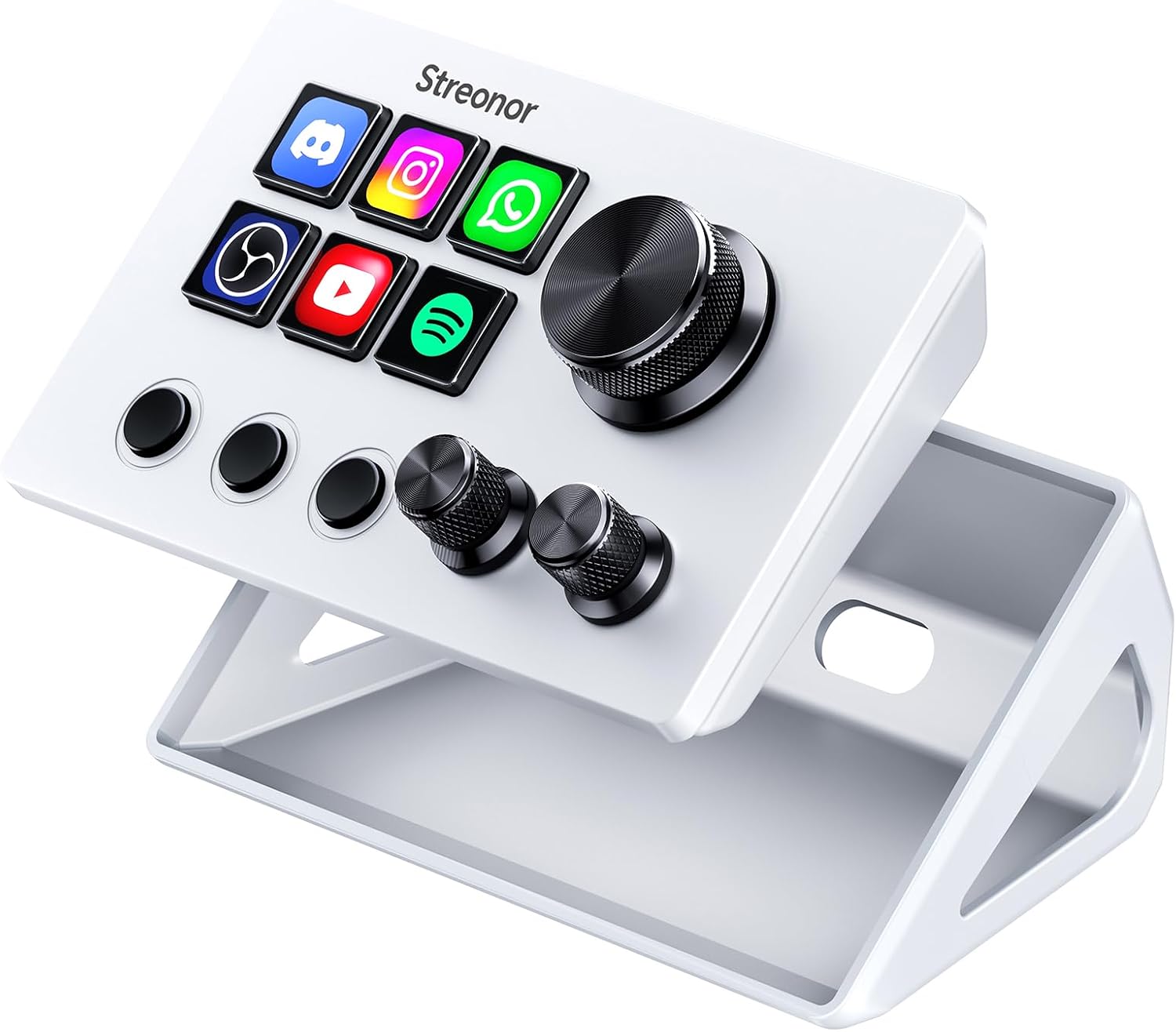
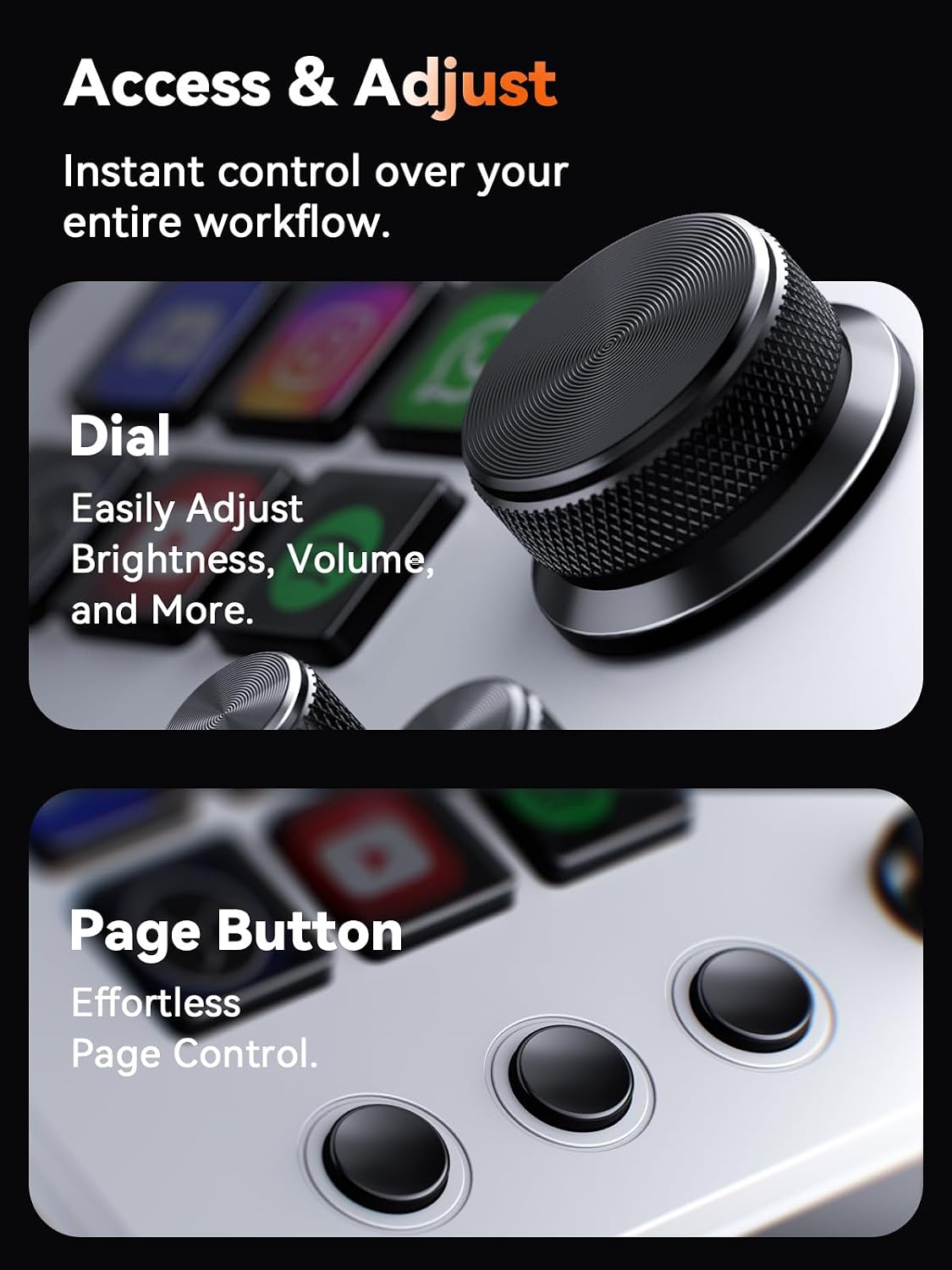
Assign the LCD keys to shortcuts, hotkeys, app launches, folders, media controls or multi-action sequences. That makes repeated steps easier to access during a stream, editing session or office task. The rotary knobs can handle supported functions such as volume, microphone level, scrolling, zooming and timeline control, keeping adjustments close at hand.
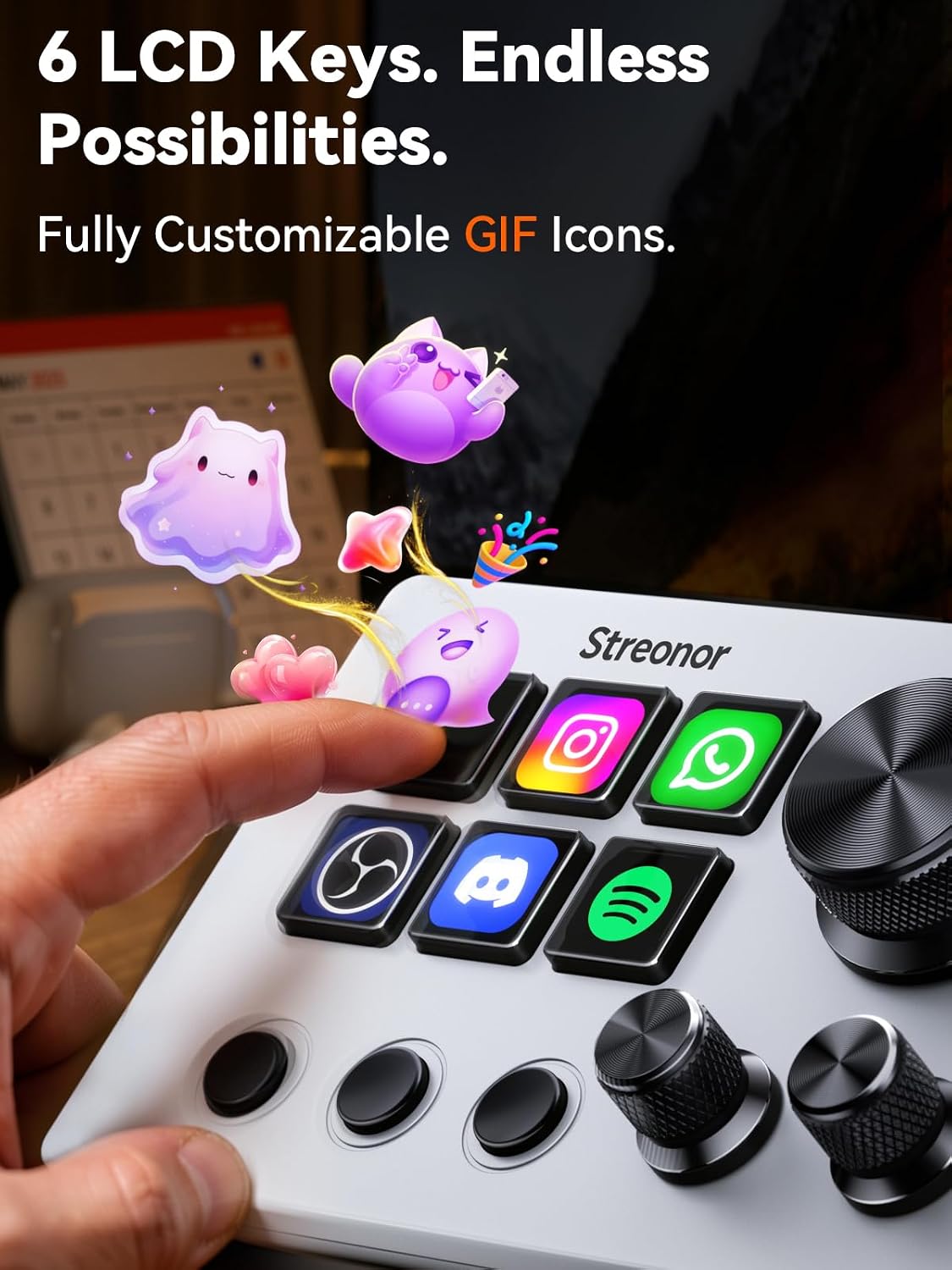
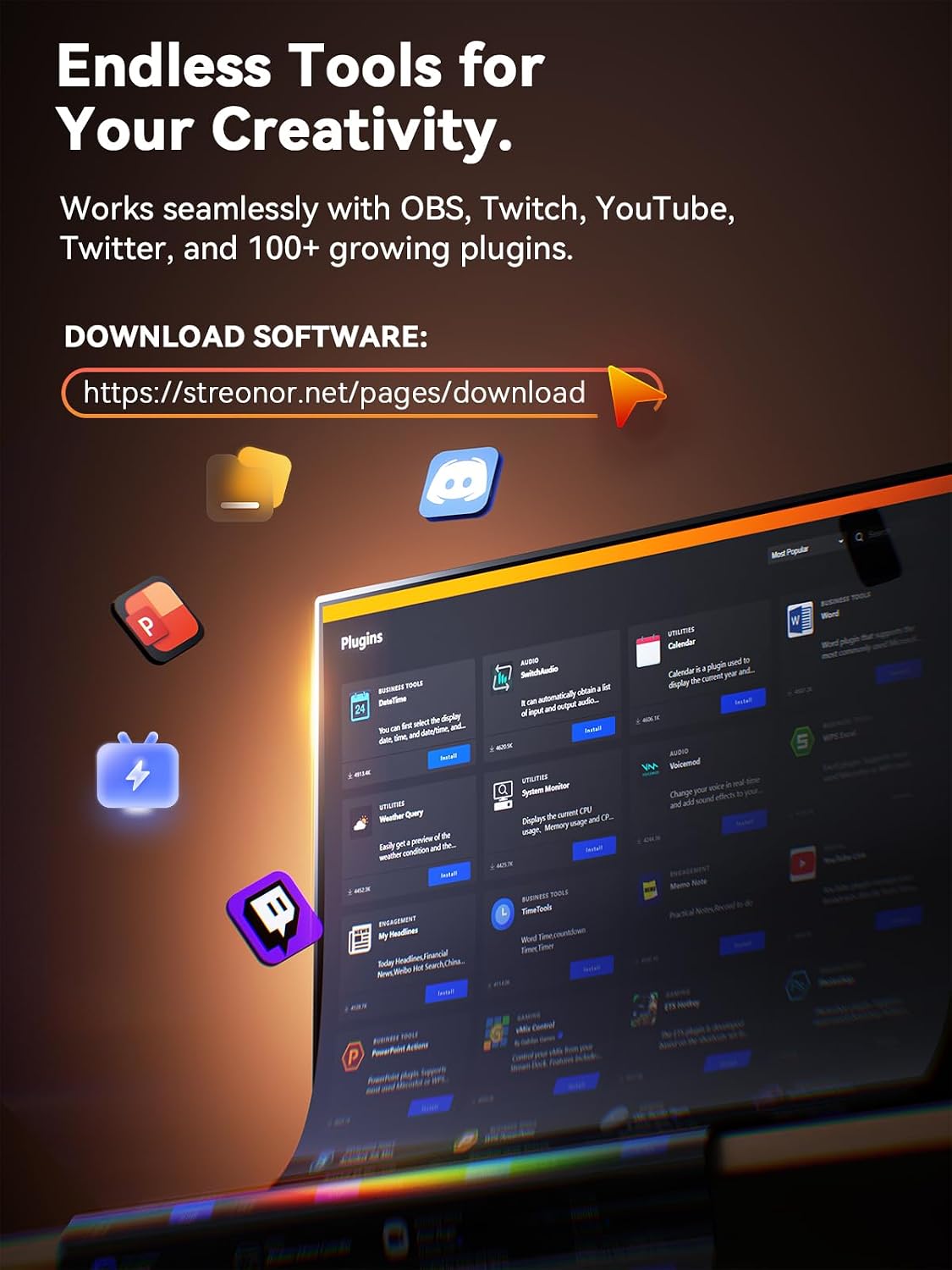
Use the dedicated scene keys to move between scenes, and set up layouts for tools such as OBS Studio, Twitch, YouTube and Streamlabs, as well as video editing, music playback, gaming and productivity. Instead of relying on memorized keyboard combinations, you can arrange frequent actions on the deck and switch between profiles for different apps or projects. The STREONOR software store offers 100+ plugins, along with icon packs, GIF icons, scenes, tutorials and customizable layouts for personalizing your setup.
Quick overview
The S6-WN1 is a compact, programmable stream controller with six LCD keys, three rotary knobs and three dedicated scene keys. It connects by USB-C and is listed as compatible with Mac and PC. For software compatibility, it supports Windows 10 64-bit or higher and macOS Big Sur 11.0 or higher, Linux is not supported. Third-party integrations may require an active account or subscription.
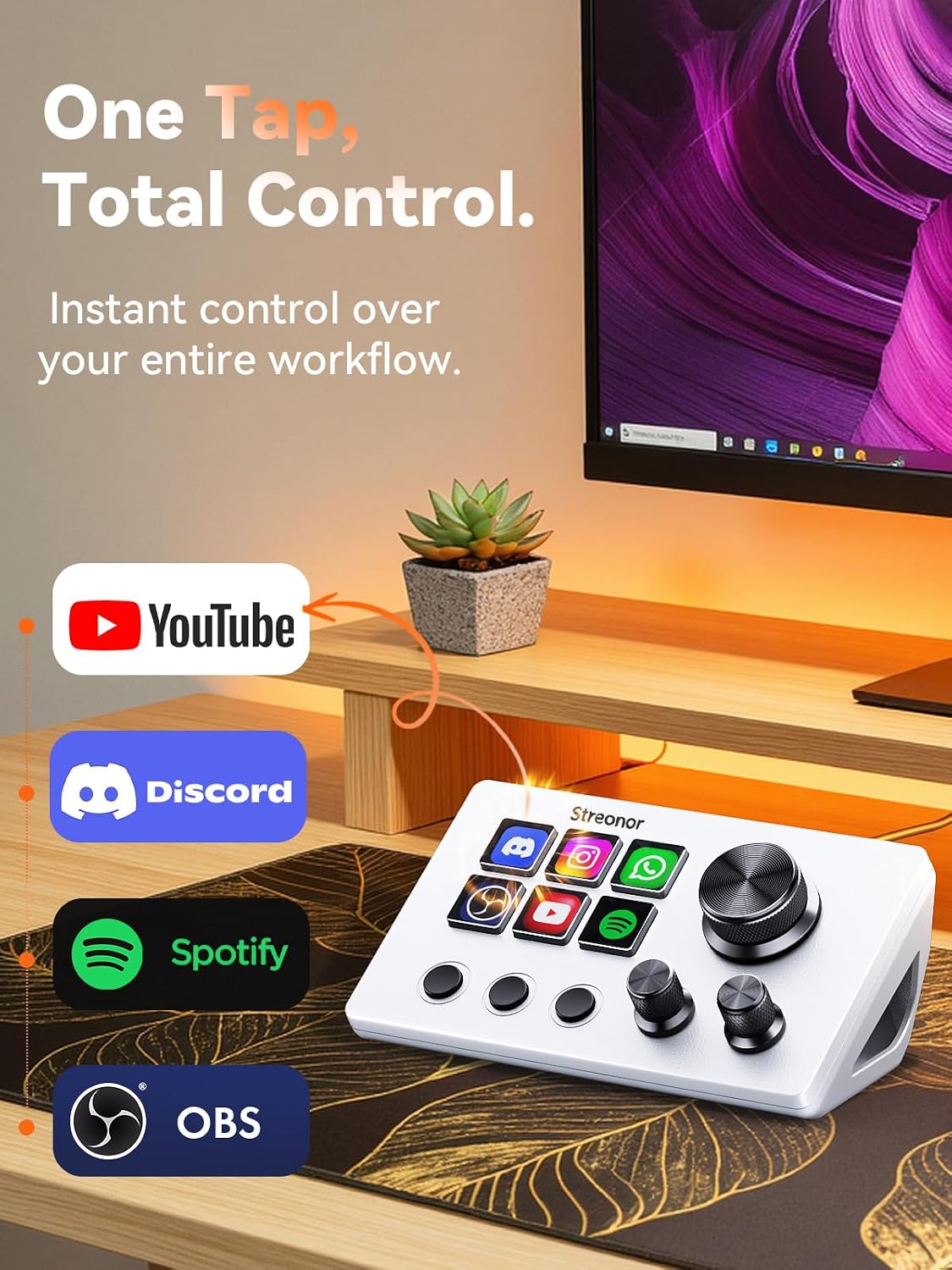
This control deck suits a small desk, mobile setup or first controller, while still offering controls for streaming, audio and everyday workflows. For example, during a live session, keys can be arranged for scene changes, muting audio or launching tools, while the knobs keep supported volume or microphone adjustments nearby. Its compact approach is useful when you want dedicated controls without making a larger control surface the centre of your workspace.
Getting the most from it
Connect the controller directly to your computer with a USB 3.0 cable for stable operation. Before setup, uninstall similar stream-controller software. Then configure keys and layouts around the apps and actions you use most, separate profiles can help keep streaming controls apart from editing or office tasks. Plugins and visual options let you tailor the deck to your workflow, while the Space forum offers additional resources and workflow ideas.
Before you decide
What can the LCD keys control? They can be assigned shortcuts, hotkeys, app launches, folders, media controls and multi-action sequences, so common tasks can be grouped on the deck.
What are the rotary knobs for? Supported functions include volume, microphone level, scrolling, zooming and editing timeline control. The available use depends on the function being set up.
Which computers and connection setup are supported? The software supports Windows 10 64-bit or higher and macOS Big Sur 11.0 or higher. Connect directly to the computer with a USB 3.0 cable, Linux is not supported, and some third-party integrations may require an active account or subscription.
Should you buy it?
Choose the S6-WN1 if you want a compact way to put streaming commands, audio adjustments and everyday shortcuts within reach. Its combination of six customizable LCD keys, three rotary knobs and dedicated scene keys makes it especially useful for creators or multitaskers who want a personalized control deck without giving up much desk space.