

Elgato Stream Deck Neo, 8-Key Controller with Customizable LCD Keys
Reviews
Price
Product description
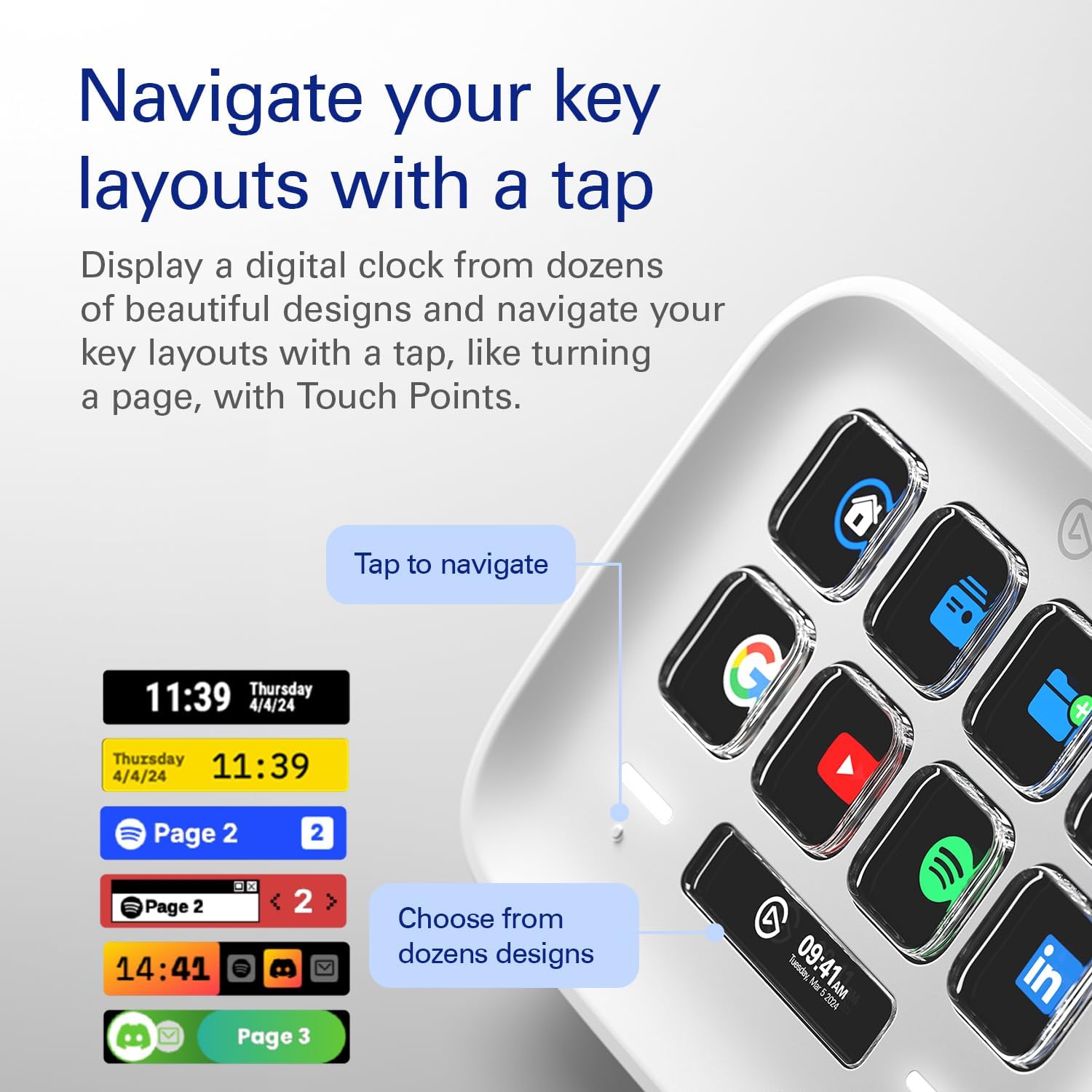
With eight customizable LCD keys, the Elgato Stream Deck Neo puts frequently used actions within easy reach. Its two touch points let you switch between key layouts, so the controls can change with the task at hand.
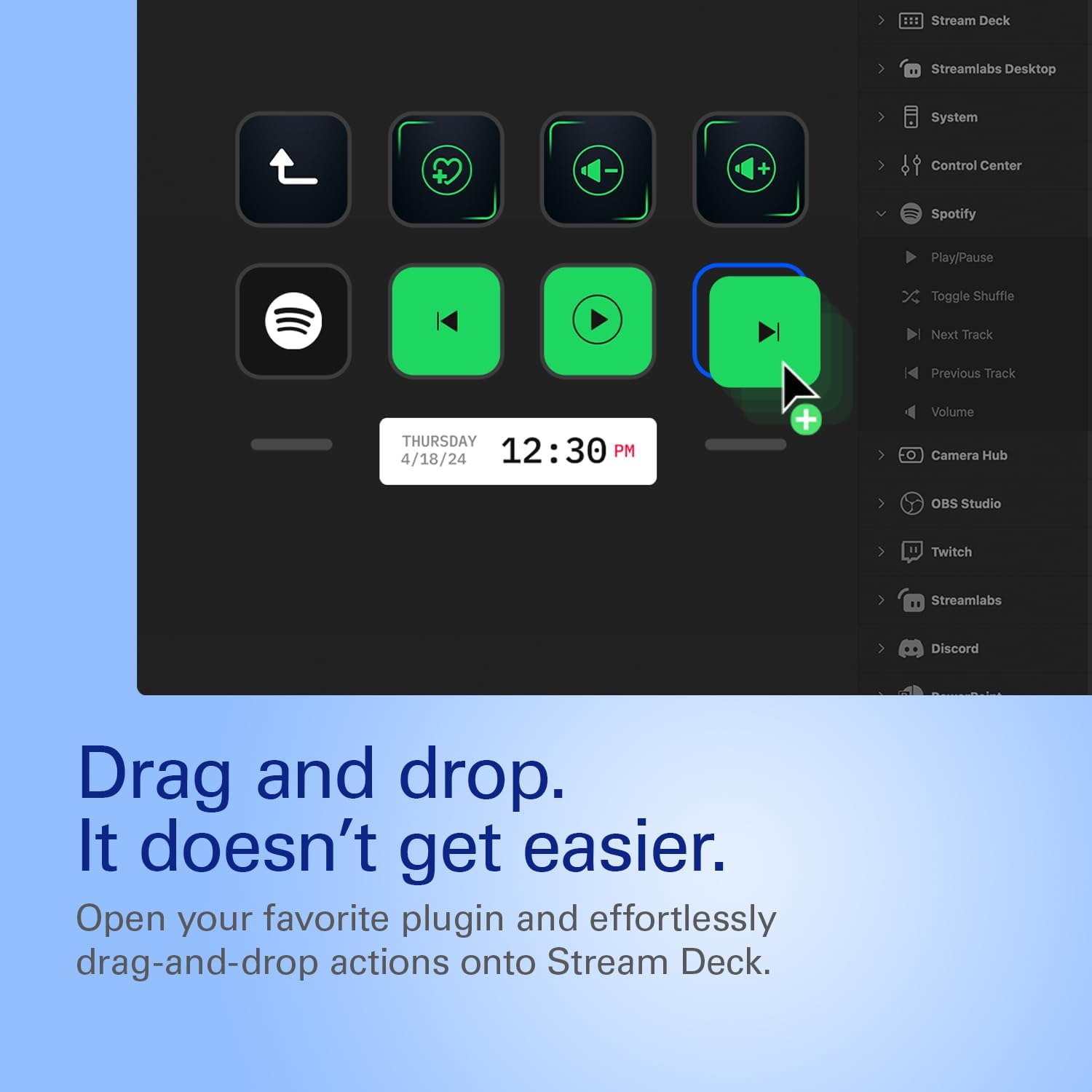
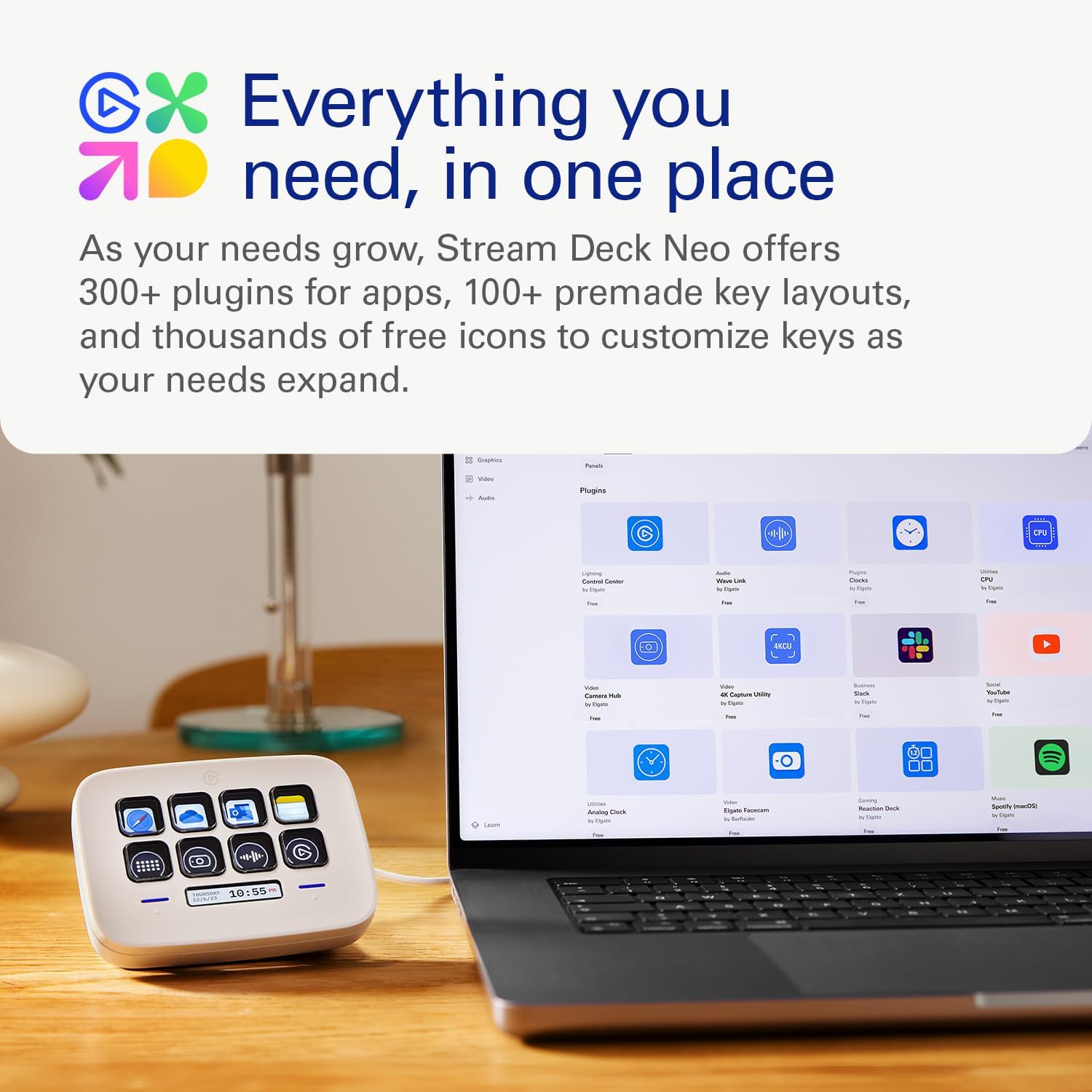
Set up the keys in the Stream Deck app by dragging actions into place. Create shortcuts for everyday routines, from opening files and pasting text to controlling compatible apps and smart-home devices.
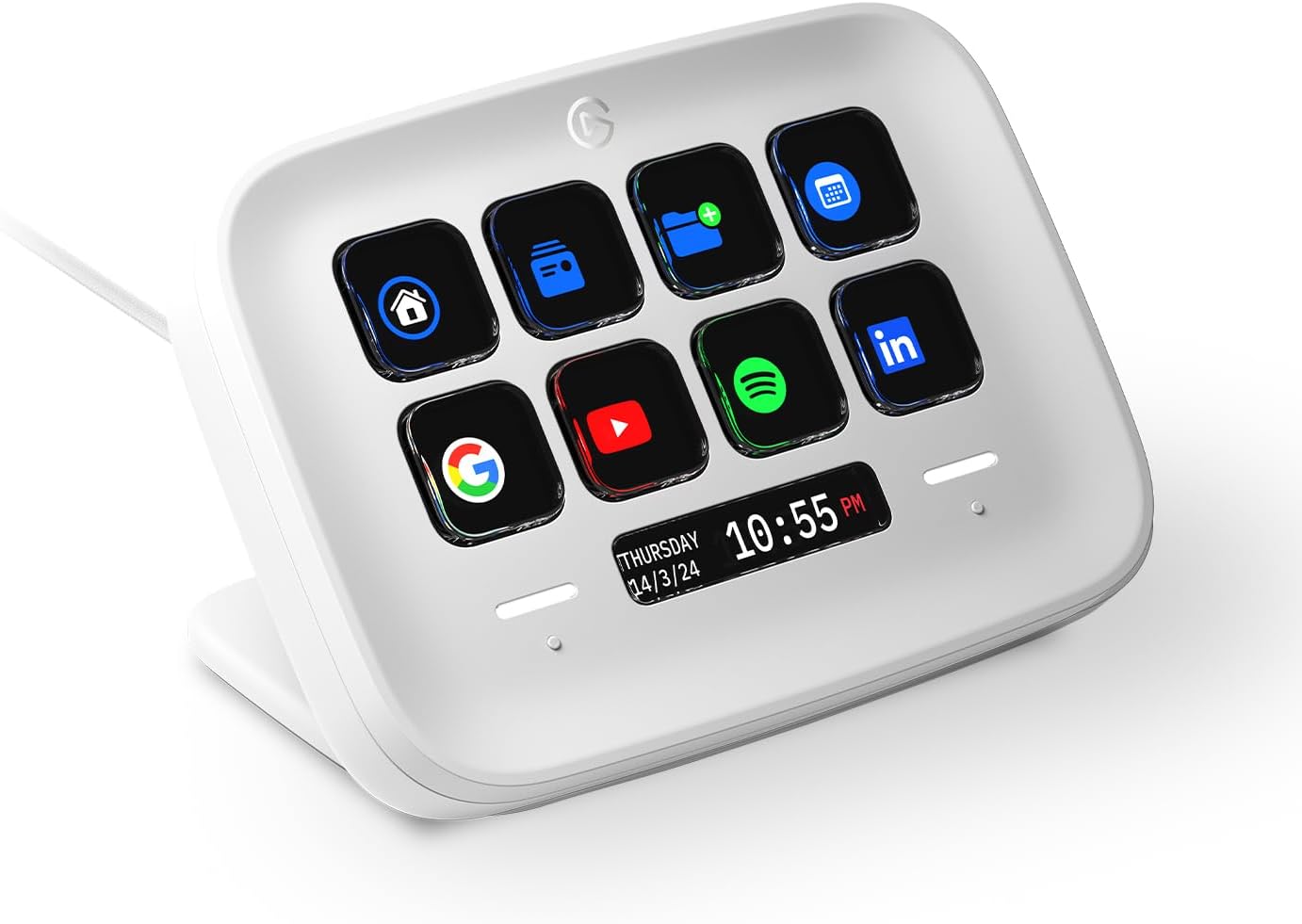
Use it alongside a PC or Mac to organize controls for work, creative projects and entertainment. The app is free to download, and the keys and Infobar can be personalized to suit your workflow.
The essentials
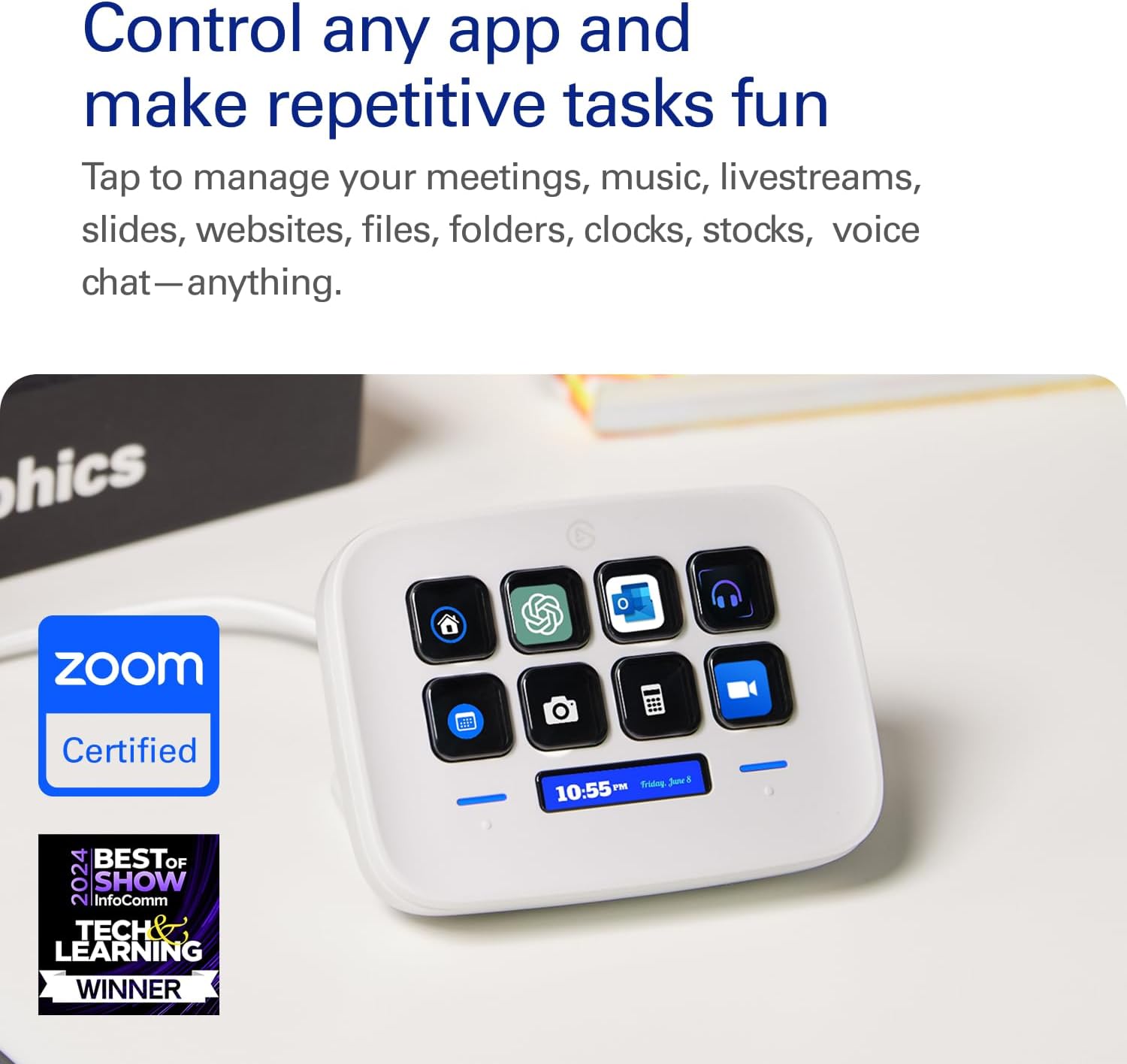
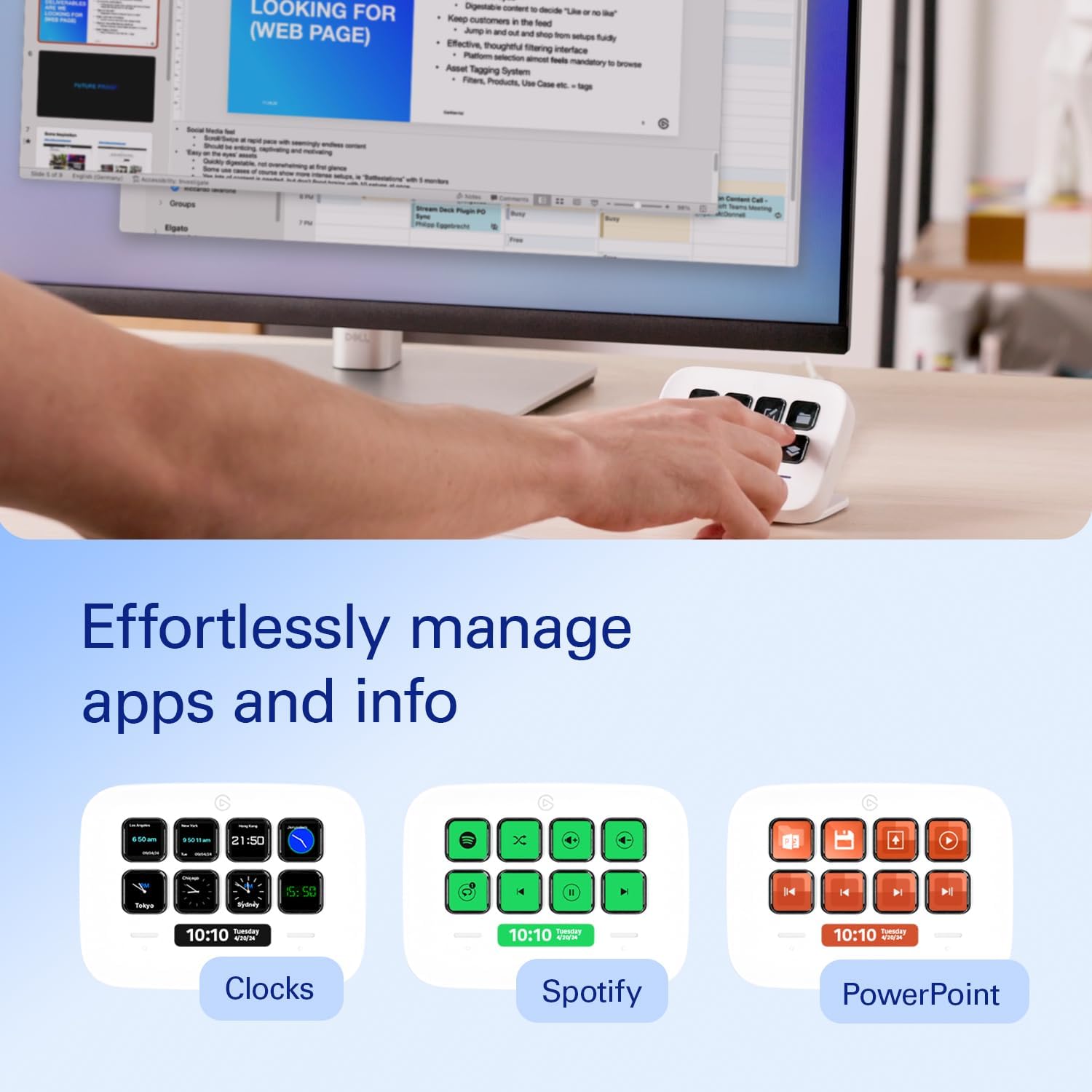
The Stream Deck Neo is designed to take repetitive actions off your regular keyboard. Assign a key to a command you use often, then call it up with a tap instead of remembering a shortcut or navigating through menus. That can help keep a meeting, presentation or editing session moving while the tools you need remain close at hand.
The eight LCD keys are customizable, and the Infobar can be personalized too. Two touch points provide a way to move between layouts, letting you arrange different actions for different tasks. What if the same compact controller could support both a Teams meeting and a presentation? Separate pages let you switch to the controls that suit the moment.
How it fits
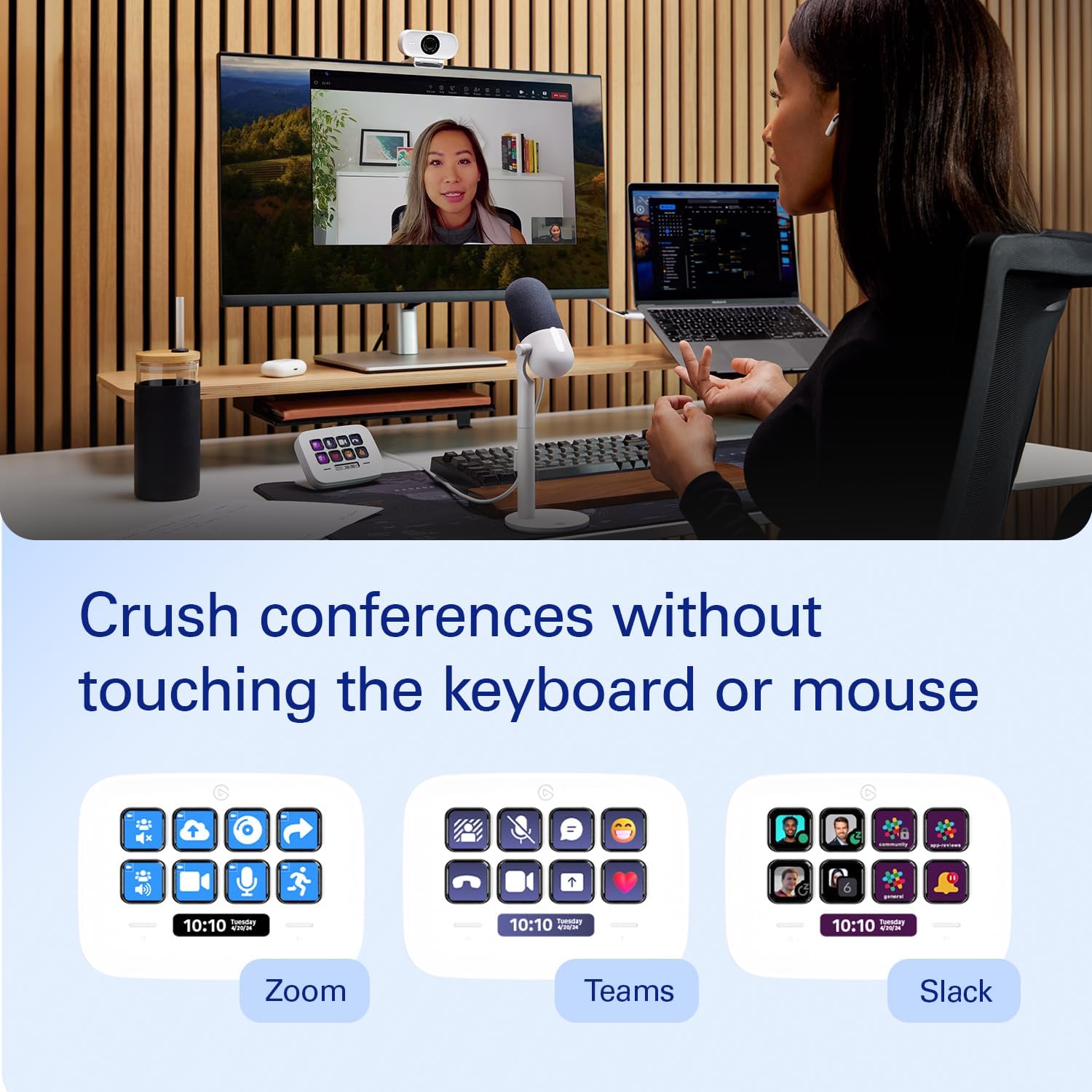
Use the Stream Deck app to assign actions with a drag-and-drop setup. The controller works with apps including Zoom, Teams, PowerPoint, Excel, Word, Google Suite, Photoshop, Adobe Creative Apps and Spotify. Compatible smart-home controls can also be assigned to a key, including controls for lights, plugs and audio. The available action depends on the app or ecosystem being used.
Rather than relying on a conventional keyboard’s fixed shortcuts, this controller gives chosen actions their own labelled, customizable keys. It makes sense if you want repeat tasks and app controls organized in one place, with separate layouts for different workflows. The manufacturer’s system requirements list Windows and macOS, use the Stream Deck app on your computer to personalize the keys and Infobar.
Everyday use
For a typical workday, one layout could put meeting controls and frequently used Office actions within reach, another could bring forward music controls or smart-home actions after work. In a creative workflow, keys can be assigned to actions in compatible Adobe apps. Switch layouts using the touch points instead of rebuilding the controls each time your task changes.
Buyers often highlight the straightforward app setup, the ability to customize layouts for different applications and the convenience of changing pages. They also appreciate having frequently used actions available at a tap. These impressions reflect individual use, while the practical benefit is the flexibility to arrange the controls around your own routine.
Buying verdict
Choose the Elgato Stream Deck Neo when you want a dedicated, customizable control surface for recurring computer tasks, supported apps or smart-home actions. Its eight LCD keys, two touch points and switchable layouts make it useful for keeping different workflows organized without relying only on memorized keyboard shortcuts.