

RedThunder K84 Wireless Keyboard and Mouse Combo, 84-Key RGB, Honeycomb Mouse
Product description
For a gaming or work setup that needs more desk room, the RedThunder K84 combines a compact keyboard and wireless mouse in one set.
Its 75% layout keeps 84 keys, including the arrow keys and shortcut keys, while leaving more space for mouse movement than a full-size keyboard.
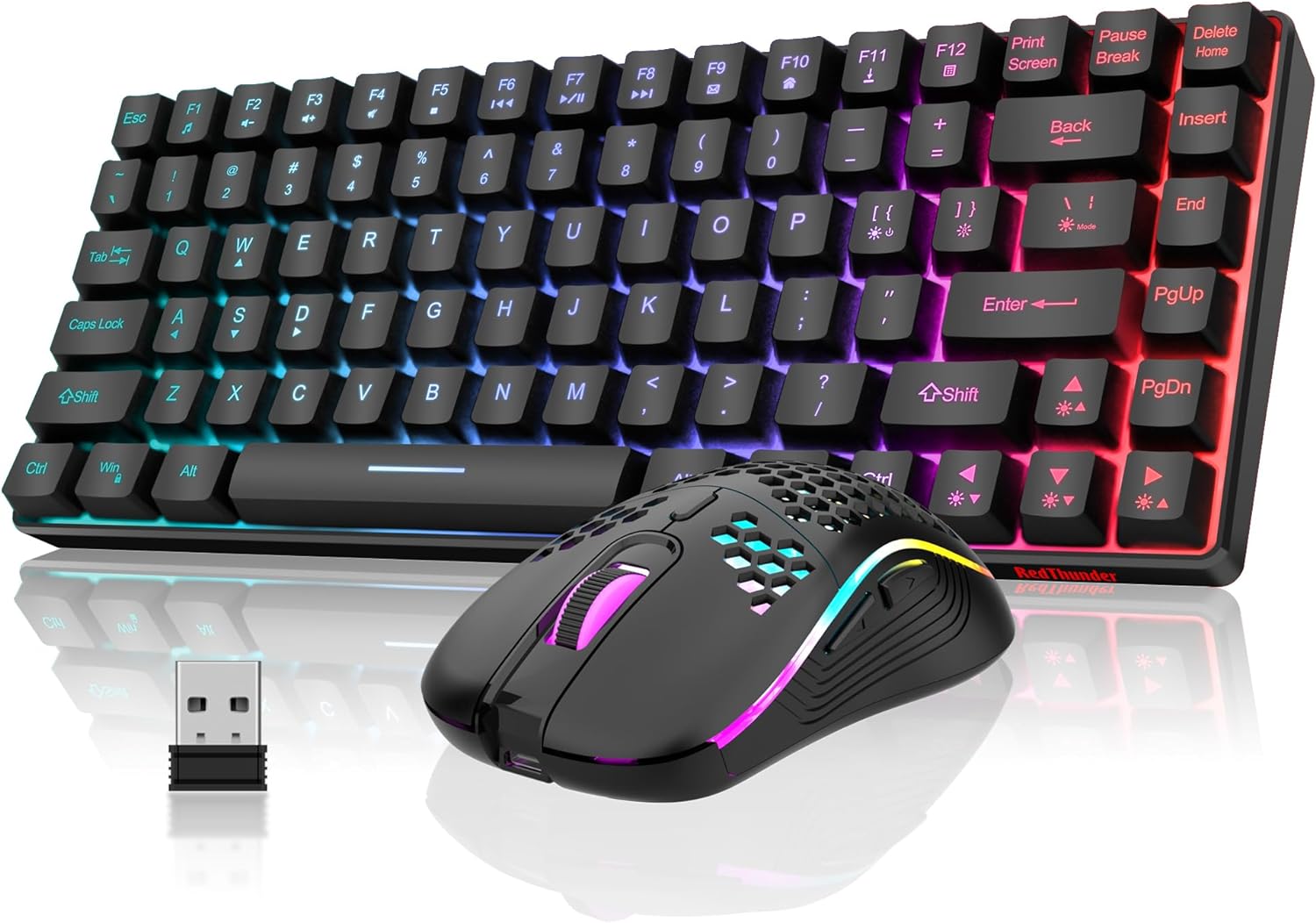
RGB backlighting, membrane keys and a lightweight, ambidextrous honeycomb mouse make the combo practical for gaming, everyday typing and a tidier desktop.
Product specs
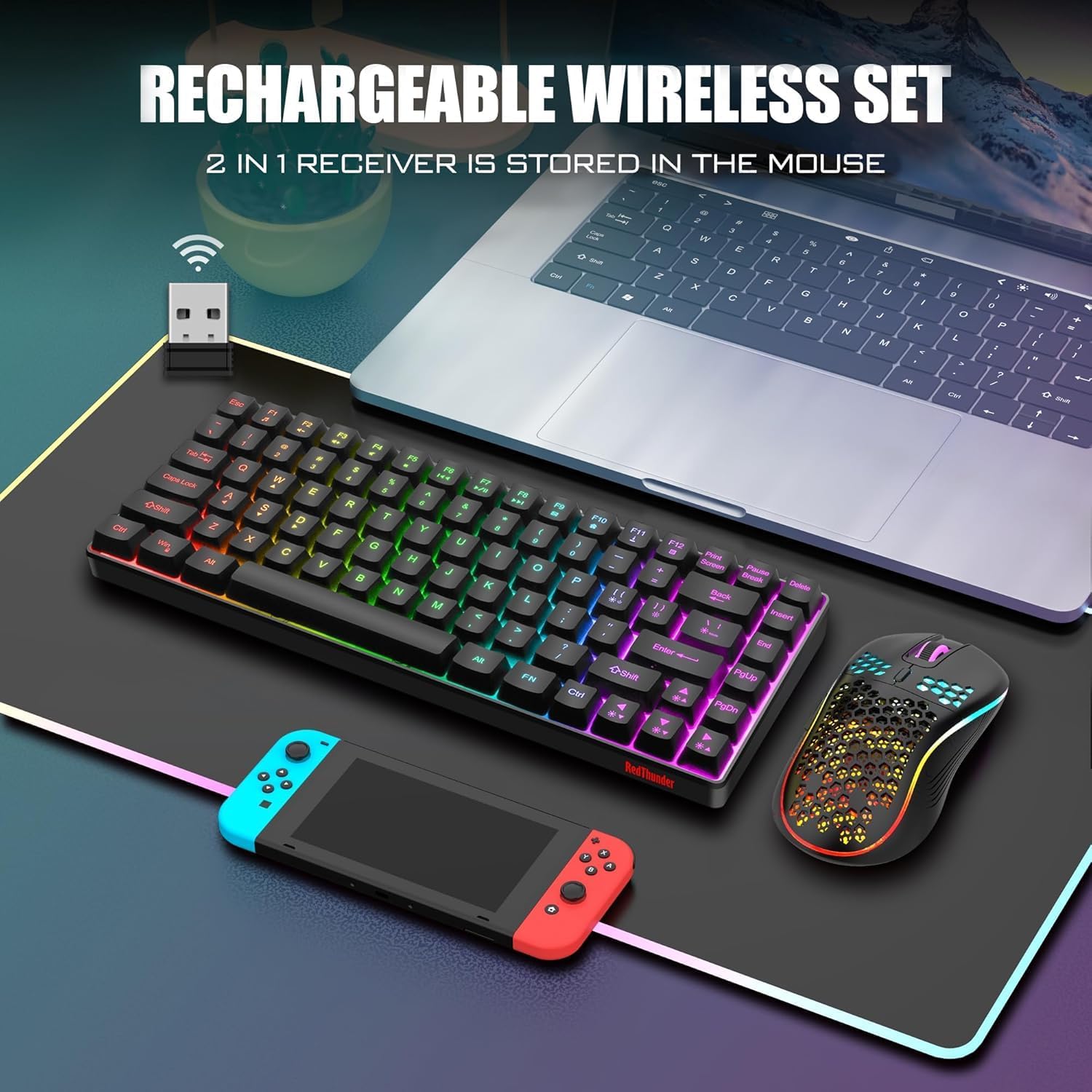
- Keyboard: 84-key, 75% layout with US QWERTY arrangement
- Keyboard type: Membrane with anti-ghosting
- Backlighting: RGB, with selectable colours and lighting patterns
- Mouse: Wireless, ambidextrous design with honeycomb shell
- Mouse sensor: Optical, 3,600 DPI
- Connection: Shared 2.4 GHz USB receiver
- Colour: Black
The compact layout retains useful navigation and shortcut keys rather than reducing the keyboard to a bare minimum. That makes it easier to move between gaming controls, typing and common desktop tasks without giving up the smaller footprint. The membrane keys have a mechanical feel, and the stepped keycap design supports a natural hand position while typing.
What it works with
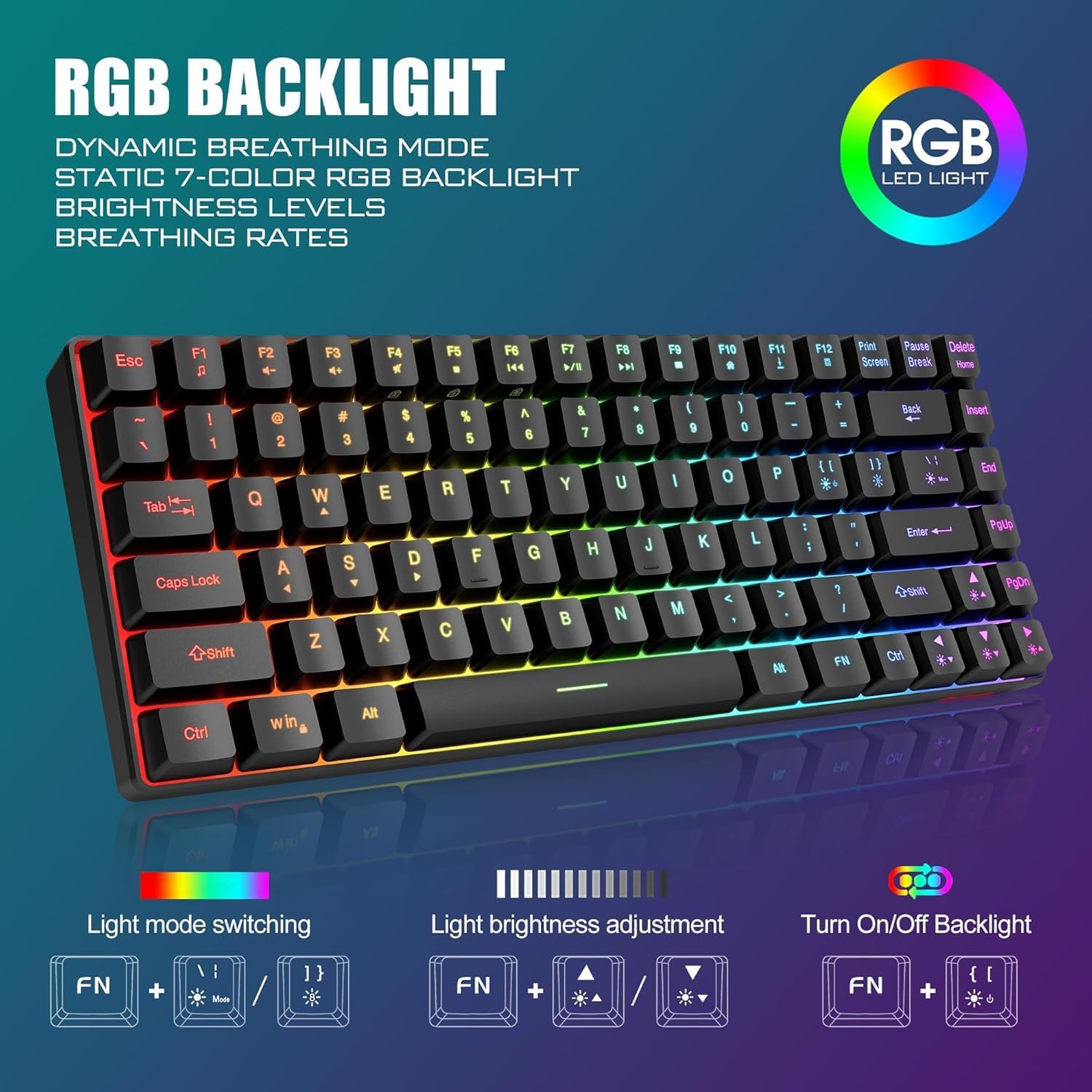
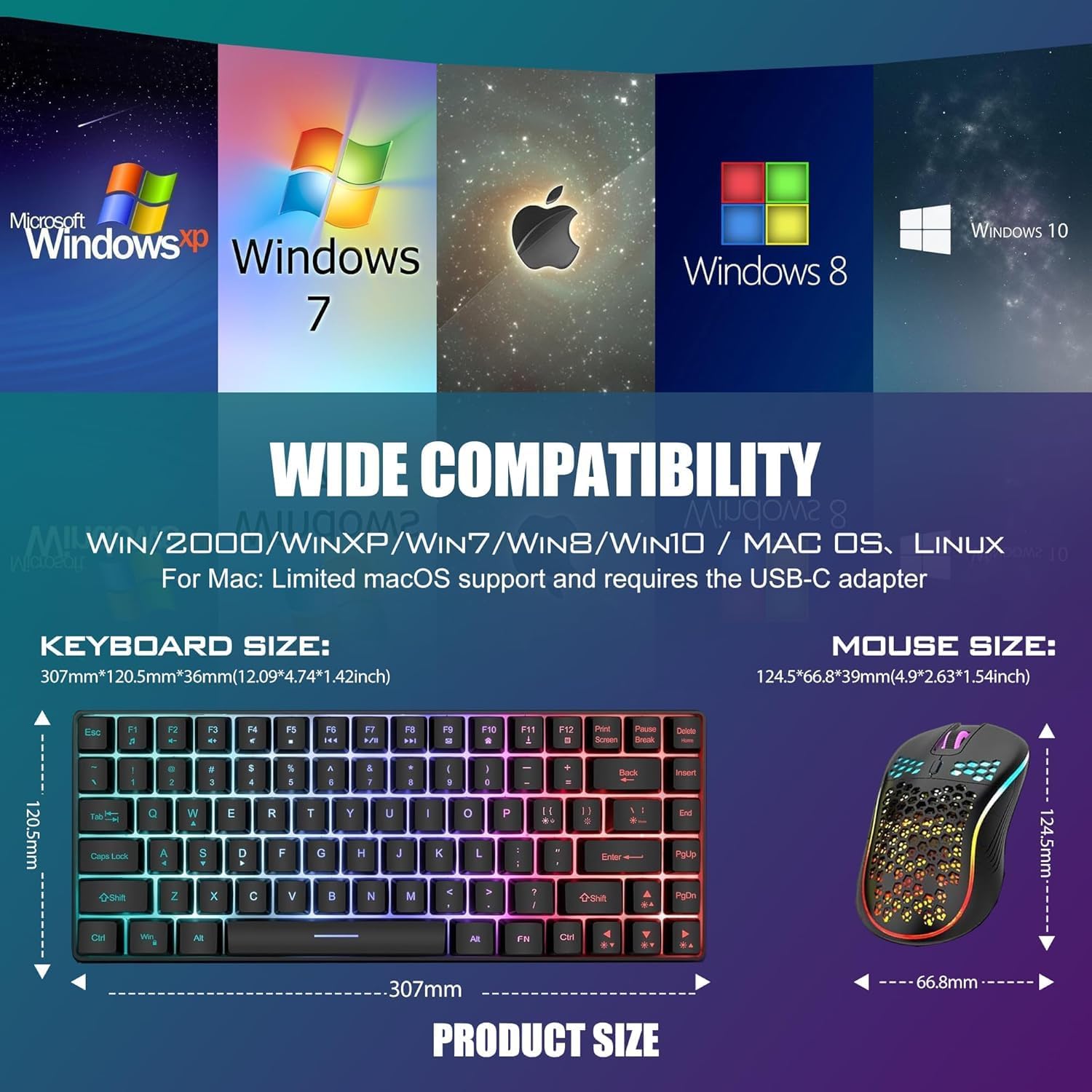
The K84 is listed as compatible with Windows, Mac, PS4, PS5 and Xbox. The keyboard and mouse connect through one shared USB receiver, so a setup that uses a USB port for the receiver can keep both peripherals wireless without separate receivers. The receiver is stored beneath the mouse, making it easy to locate when setting up or packing the combo away.

Compared with choosing a separate full-size keyboard and mouse, this set brings both peripherals together in a compact format. It suits a desk where keyboard space matters, while the retained arrow keys and shortcuts remain useful for navigation and general computer use. For a console or computer setup, connect the receiver and switch on the keyboard and mouse to get started.
Everyday use
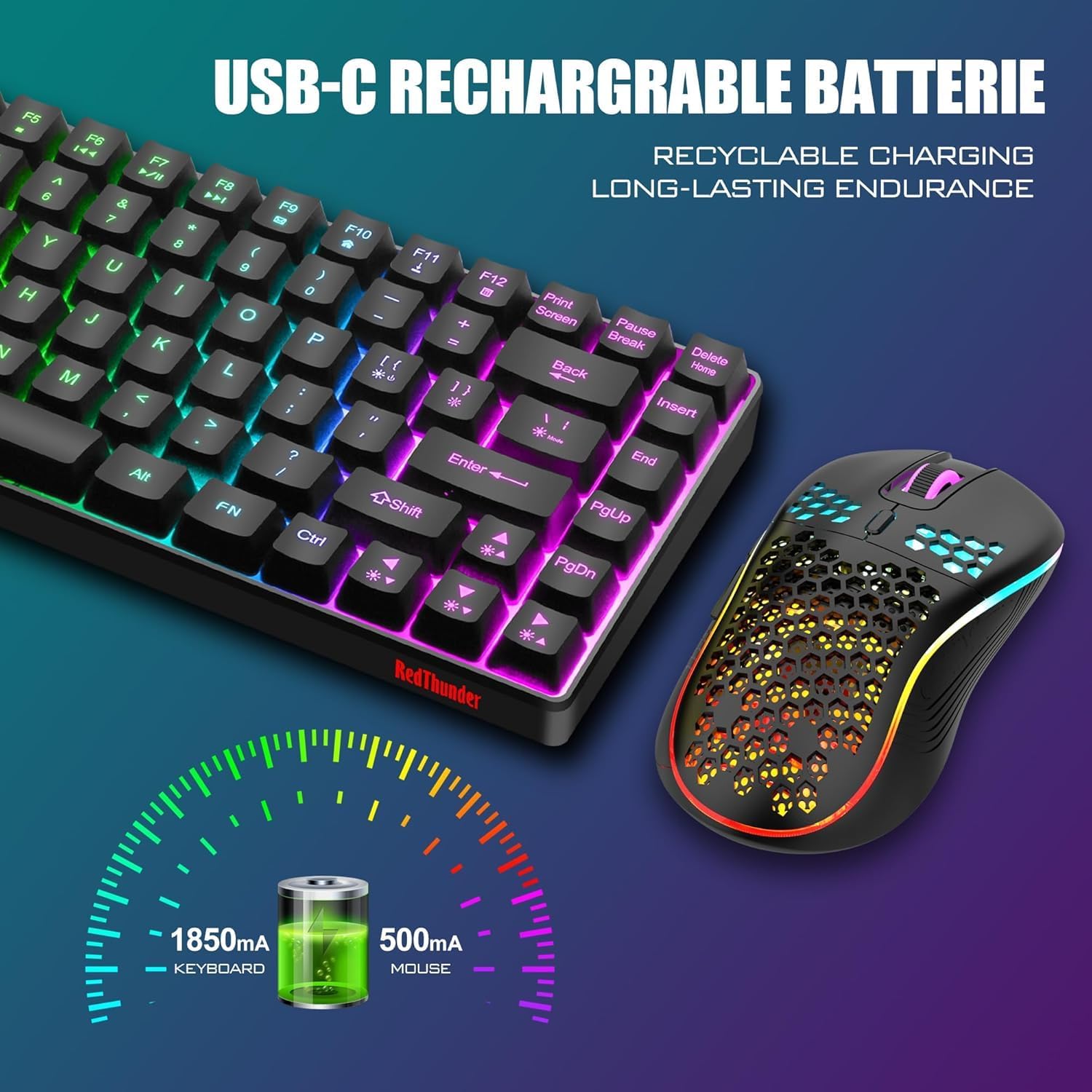
Use the K84 for a gaming session, then keep the same keyboard and mouse in place for email, browsing or office work. The 75% footprint leaves more room beside the keyboard for mouse movement, while RGB backlighting lets you choose a range of colours and lighting patterns. Brightness and breathing rate are adjustable, so the lighting can be set to suit the workspace.
The mouse’s symmetrical shape is designed for either hand, and its perforated shell keeps the design lightweight. Its optical sensor is specified at 3,600 DPI, giving you a setting to work with across gaming and everyday pointer control. On the keyboard, the FN shortcut can switch between WASD and the arrow-key functions, which is useful when a game or task calls for a different control arrangement.
Practical questions
How do I connect the keyboard and mouse? Plug the shared USB receiver into the device, then switch on the keyboard and mouse. The receiver is located underneath the mouse.
Can I use the K84 with a console? It is listed as compatible with PS4, PS5 and Xbox, as well as Windows and Mac devices. The connection uses the shared USB receiver.
How do I switch between WASD and arrow keys? Use FN with any of the W, A, S or D keys to switch between the letter keys and arrow-key functions.
When it makes sense
Choose the RedThunder K84 when you want a wireless keyboard-and-mouse combo that saves desk space without dropping the arrow keys and shortcuts. Its compact 84-key layout, adjustable RGB lighting and ambidextrous honeycomb mouse make it a practical fit for gaming and everyday computer use.