

Logitech MX Master 3S Bluetooth Mouse, 8K DPI, MagSpeed, Quiet Clicks
Reviews
Price
Product description
For detailed cursor work at a desk, the Logitech MX Master 3S pairs 8K DPI tracking with a shape designed for a more natural wrist posture. Its MagSpeed wheel handles both controlled scrolling and long pages, while Quiet Clicks keep button noise down. Choose Bluetooth for a clean wireless setup, or programmable controls to tailor common actions to your workflow. It suits a different need than a basic mouse focused on simple pointing: this model brings tracking, scrolling and shortcuts together for everyday productivity.
Highlights
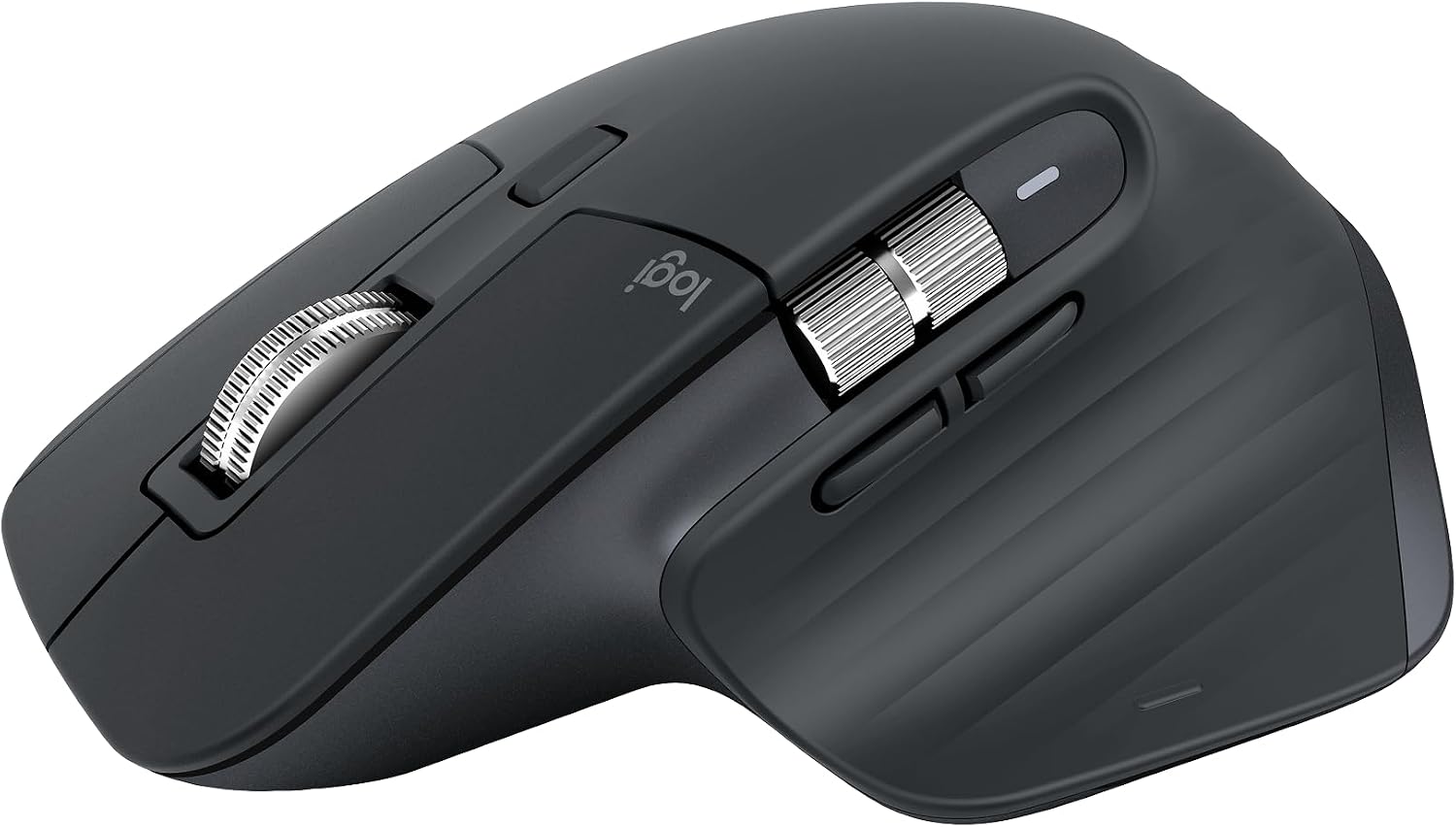
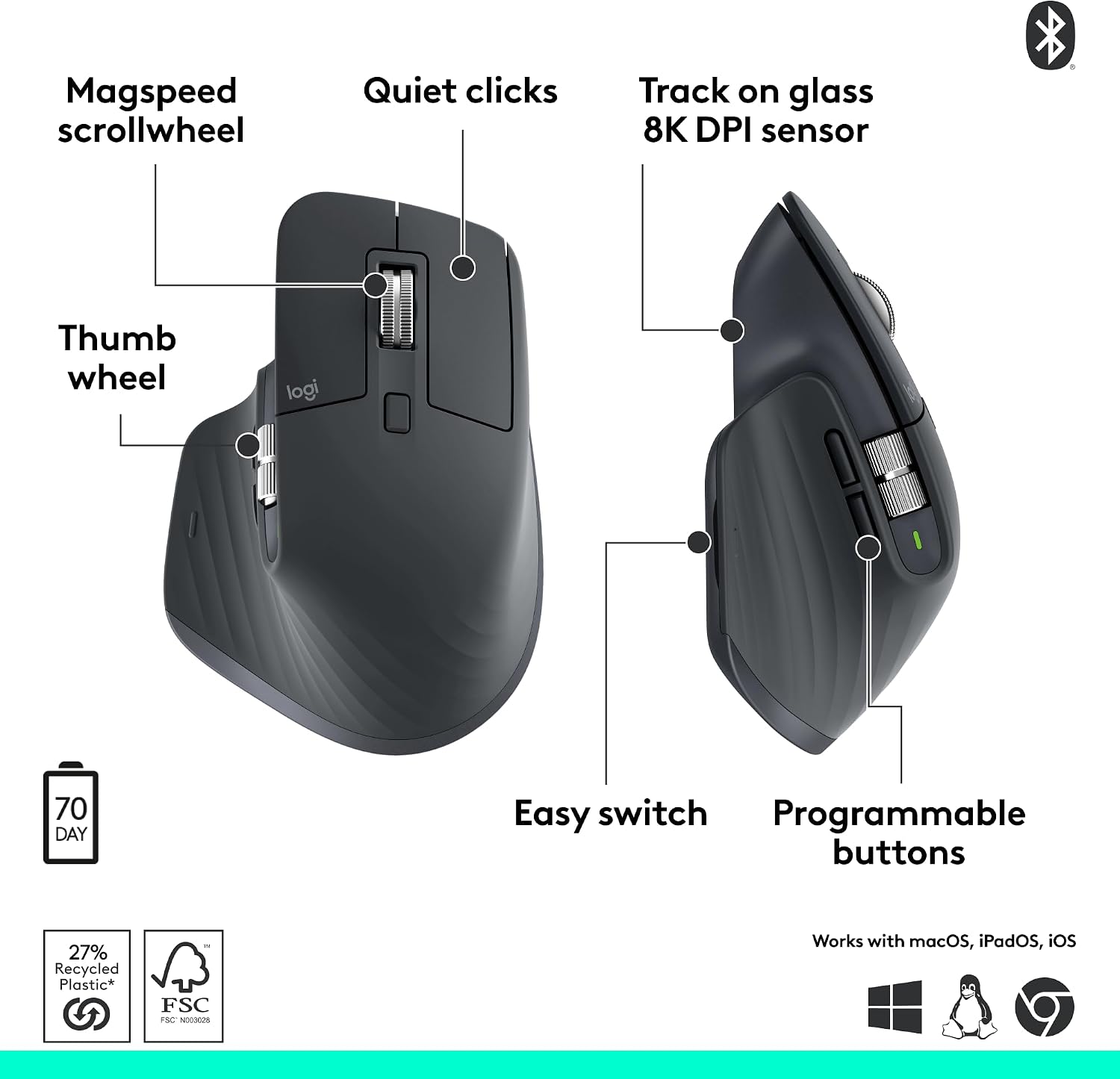
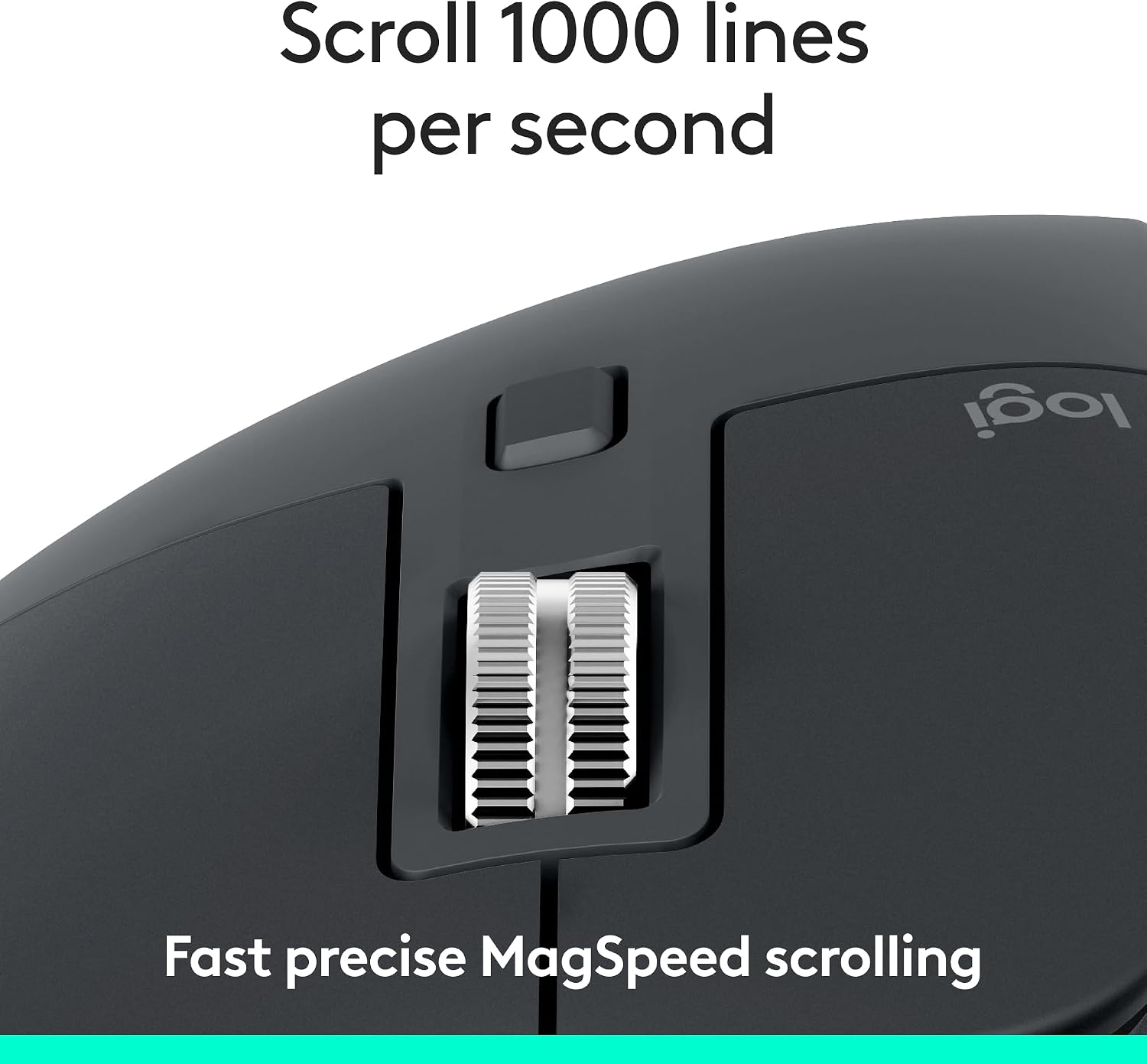
The optical sensor offers customizable sensitivity up to 8,000 DPI and tracks on a range of surfaces, including glass at least 4 mm thick. That flexibility helps when your desk setup changes or you work across different surfaces. MagSpeed scrolling has ratchet and hyperfast modes, so you can move through long documents quickly or make more deliberate adjustments. Quiet Clicks retain a tactile feel while reducing click noise compared with the MX Master 3.
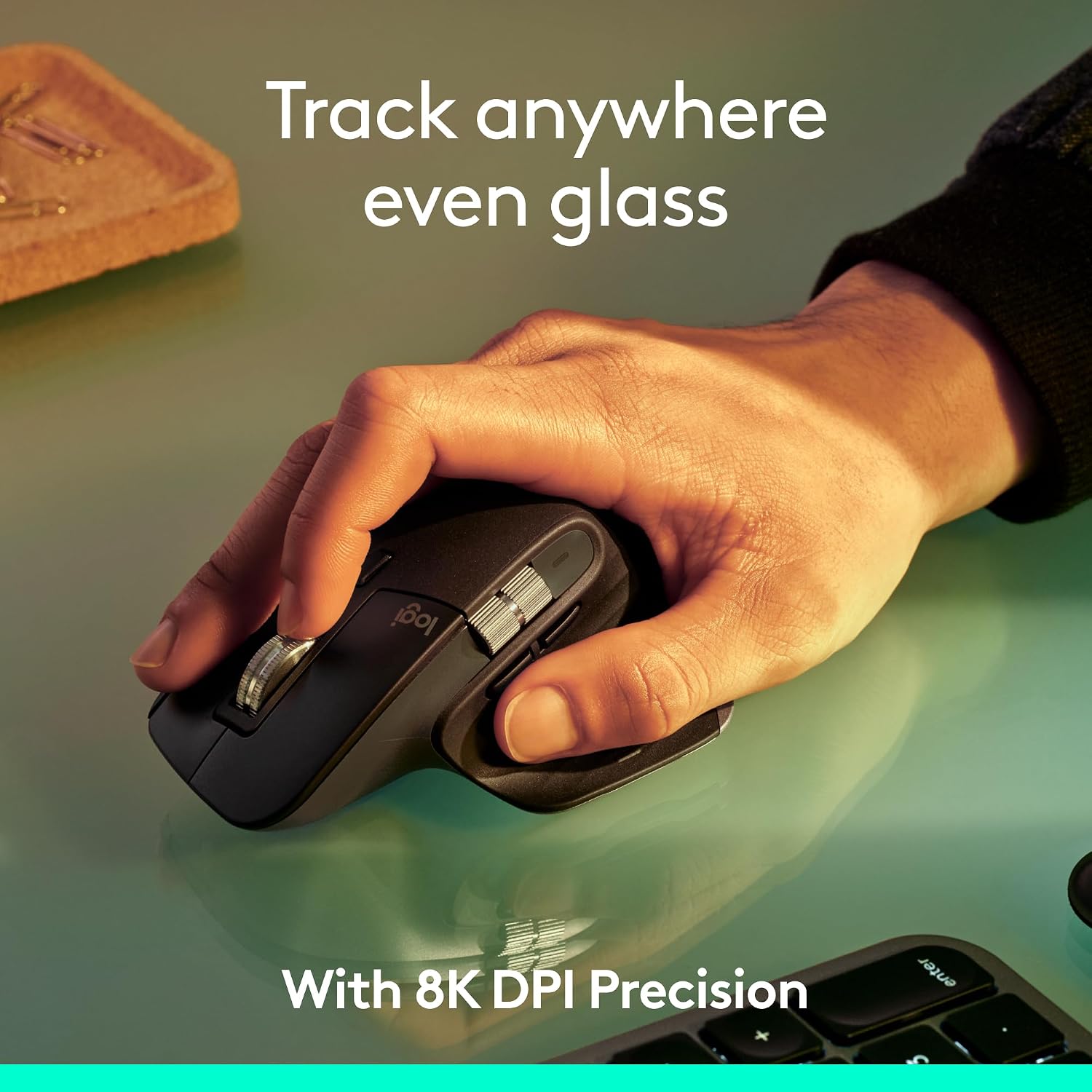
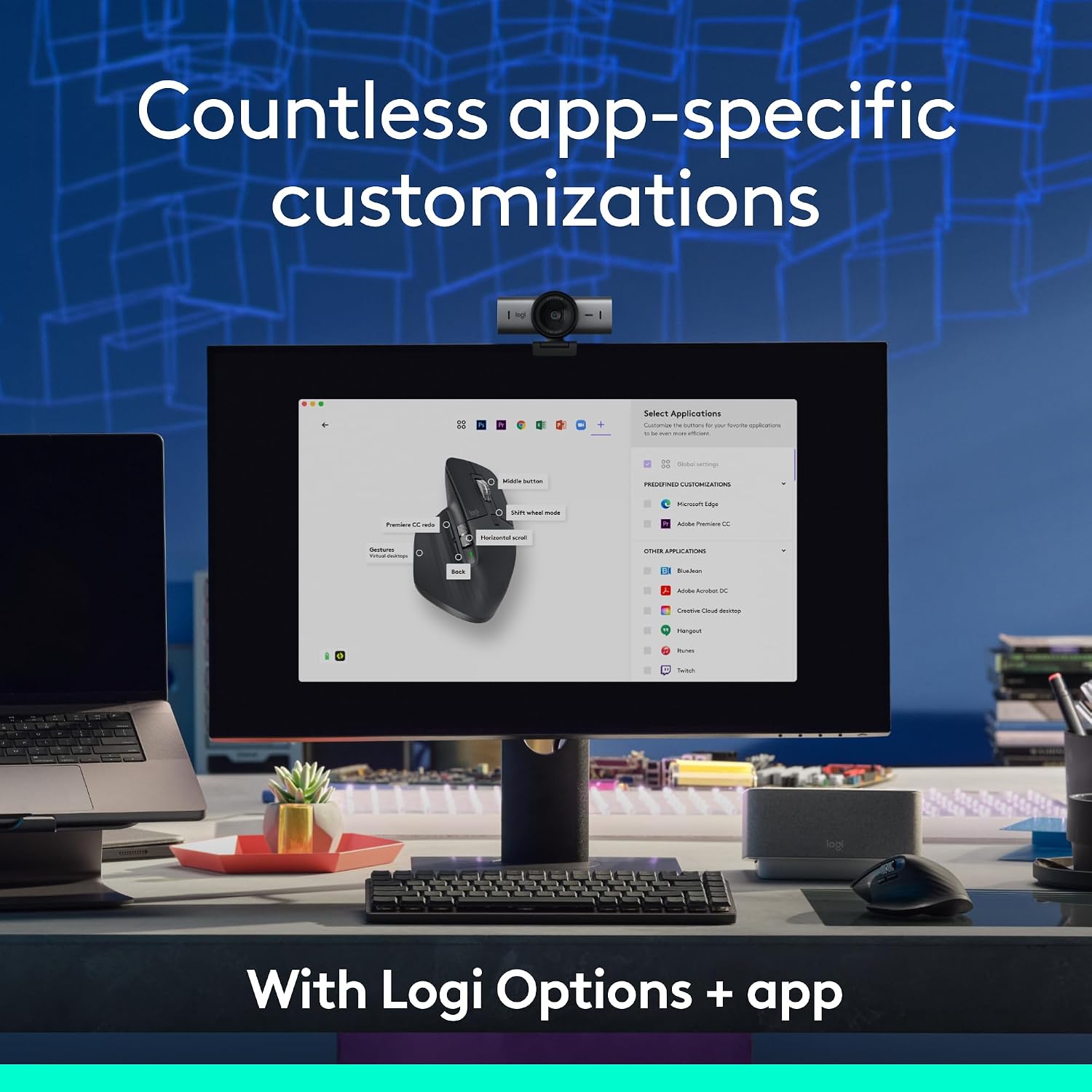
The ergonomic right-hand design includes thumb controls and seven buttons. With Logi Options+ on Windows or macOS, you can customize buttons and set app-specific profiles, making frequently used actions easier to reach. The mouse can pair with up to three devices across Windows, macOS, Chrome OS, Linux, iPadOS and Android. FLOW supports moving text, images and files between Windows and macOS computers. Buyers often praise the comfortable shape, tactile feel and scrolling, feedback is more mixed on reliability, Bluetooth connection and battery experience.
Usage tips
Connect through Bluetooth and select a compatible computer, tablet or smartphone from your setup. The mouse is Bluetooth-only, a USB receiver and charging cable are not included. For button customization and app-specific profiles, install Logi Options+ on Windows or macOS. Basic functions are supported on other listed operating systems without the software, while software features depend on the supported platform.

The rechargeable battery is charged through USB-C. Logitech states that a one-minute charge provides up to three hours of use and a full charge lasts up to 70 days, battery life varies with use and computing conditions. Keep the charging cable available when you need to recharge, and use the mouse over Bluetooth for wireless operation.
How to use it
Pair the mouse with a device over Bluetooth, then use the main buttons for pointing and selection, the thumb controls for accessible shortcuts, and the scroll wheel to navigate content. On a workday that moves between spreadsheets, long documents and detailed editing, the wheel’s two modes and adjustable tracking help adapt the mouse to each task. If you use more than one computer, pair up to three devices, FLOW can transfer text, images and files between Windows and macOS computers. Set up button assignments and app profiles in Logi Options+ where available.
When it makes sense
The MX Master 3S is a practical fit for people who spend extended time navigating desktop applications and value a supportive right-hand shape, quieter clicks and a versatile scroll wheel. It also works well for a multi-device routine, with Bluetooth pairing across supported operating systems and FLOW for transfers between Windows and macOS. If you mainly need straightforward cursor control, a basic mouse may cover that task, choose this one when adjustable tracking, programmable controls and fast, precise scrolling can make daily computer work more convenient.