

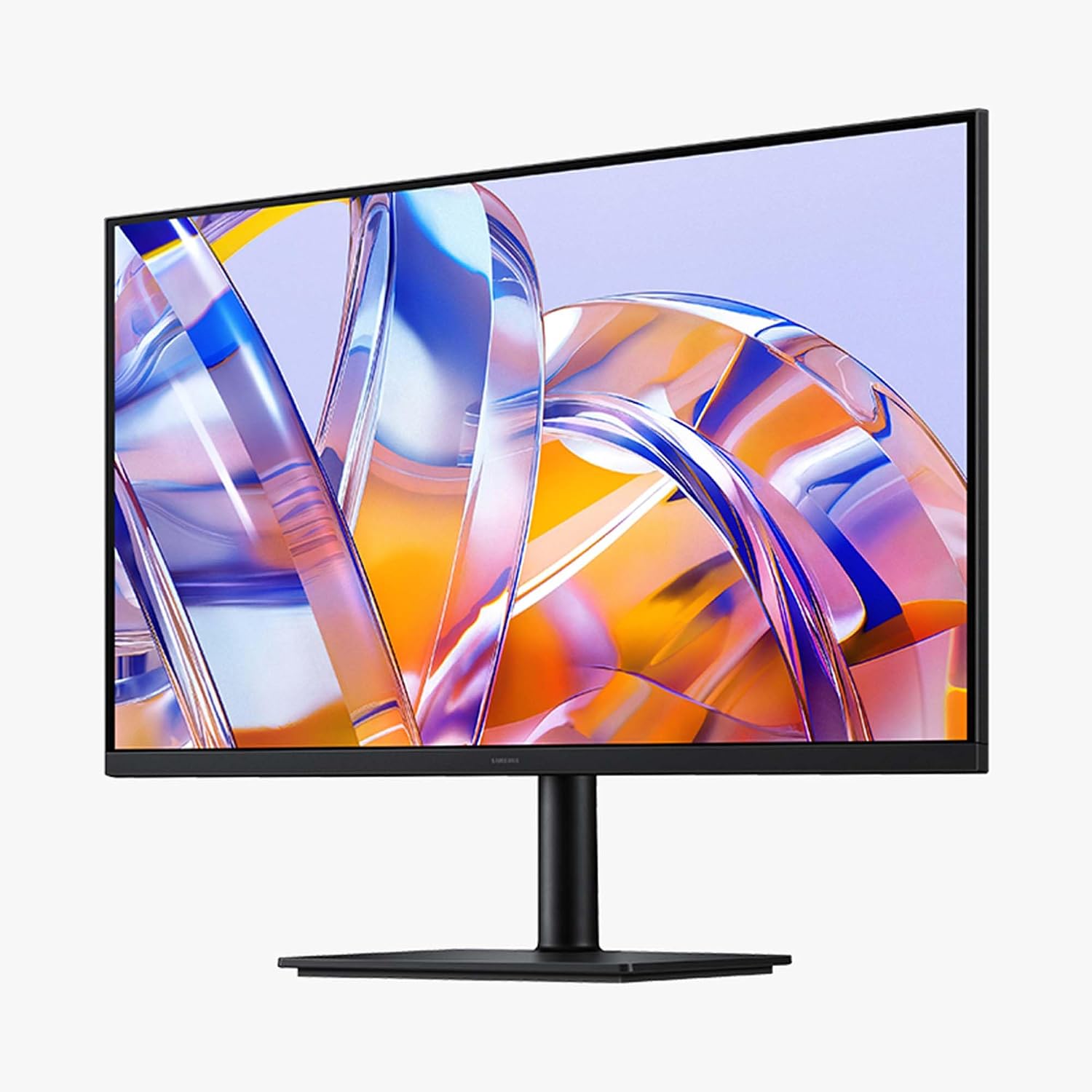
Samsung ViewFinity monitor 32-inch
Product description
Getting the most from it
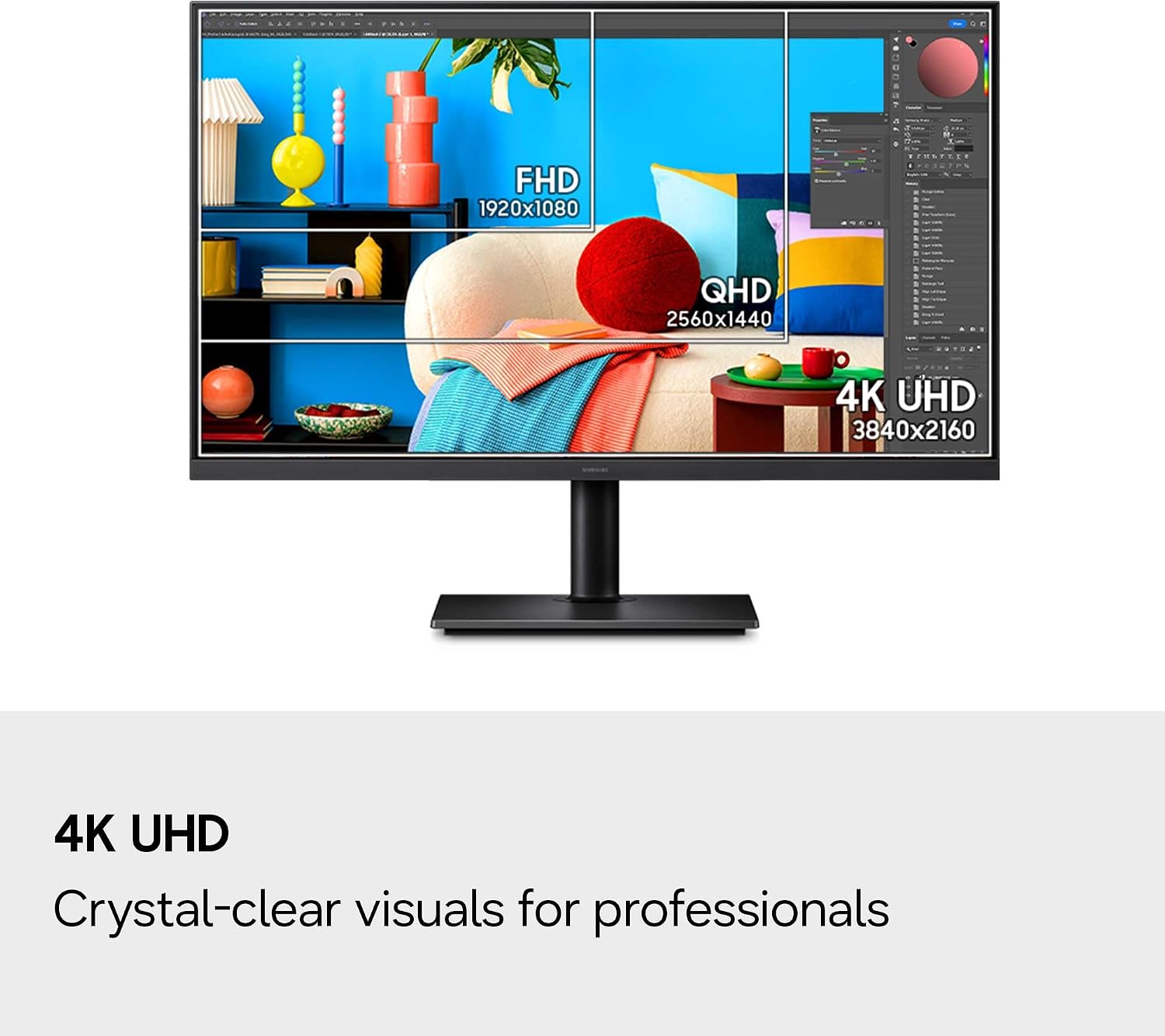
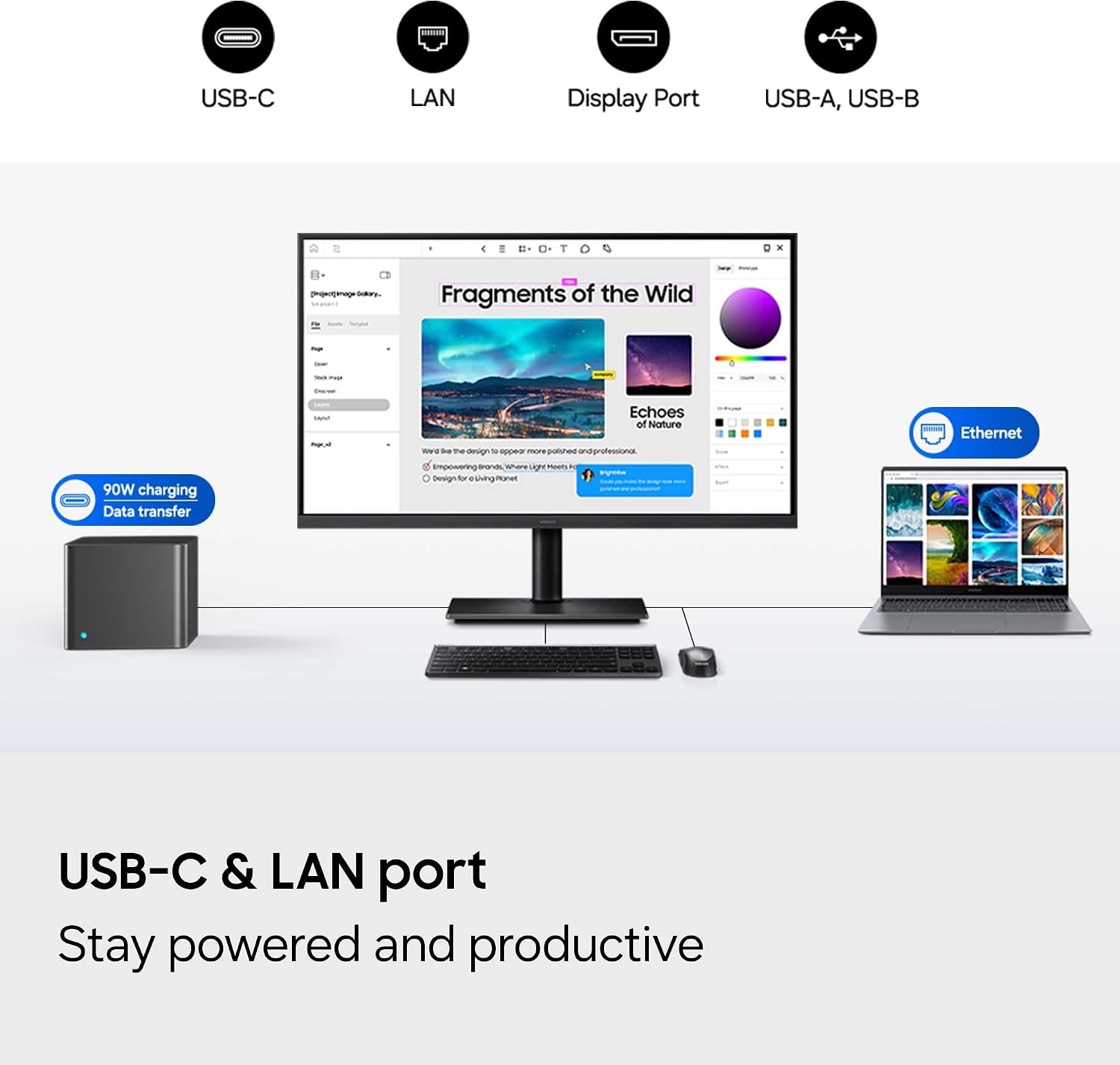
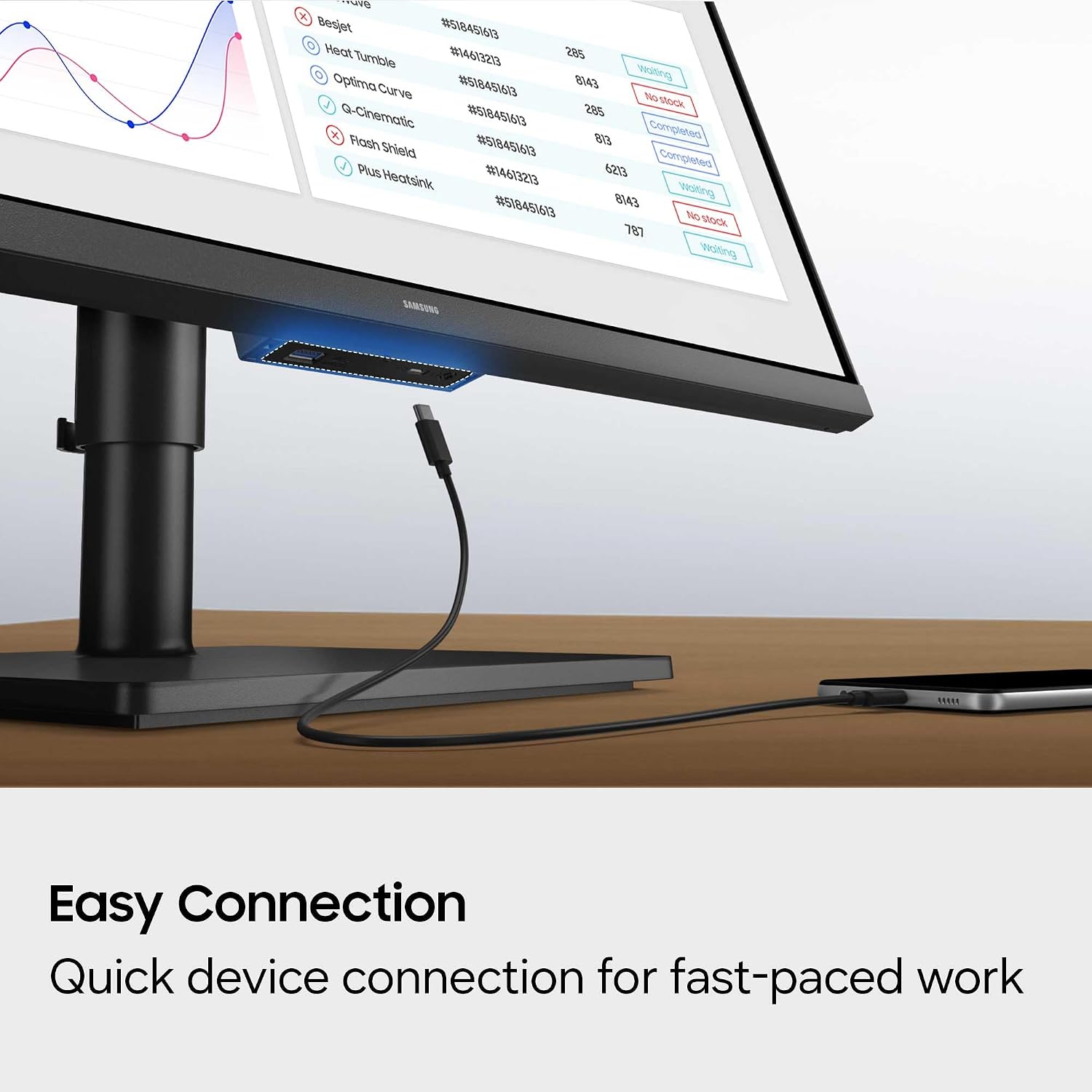
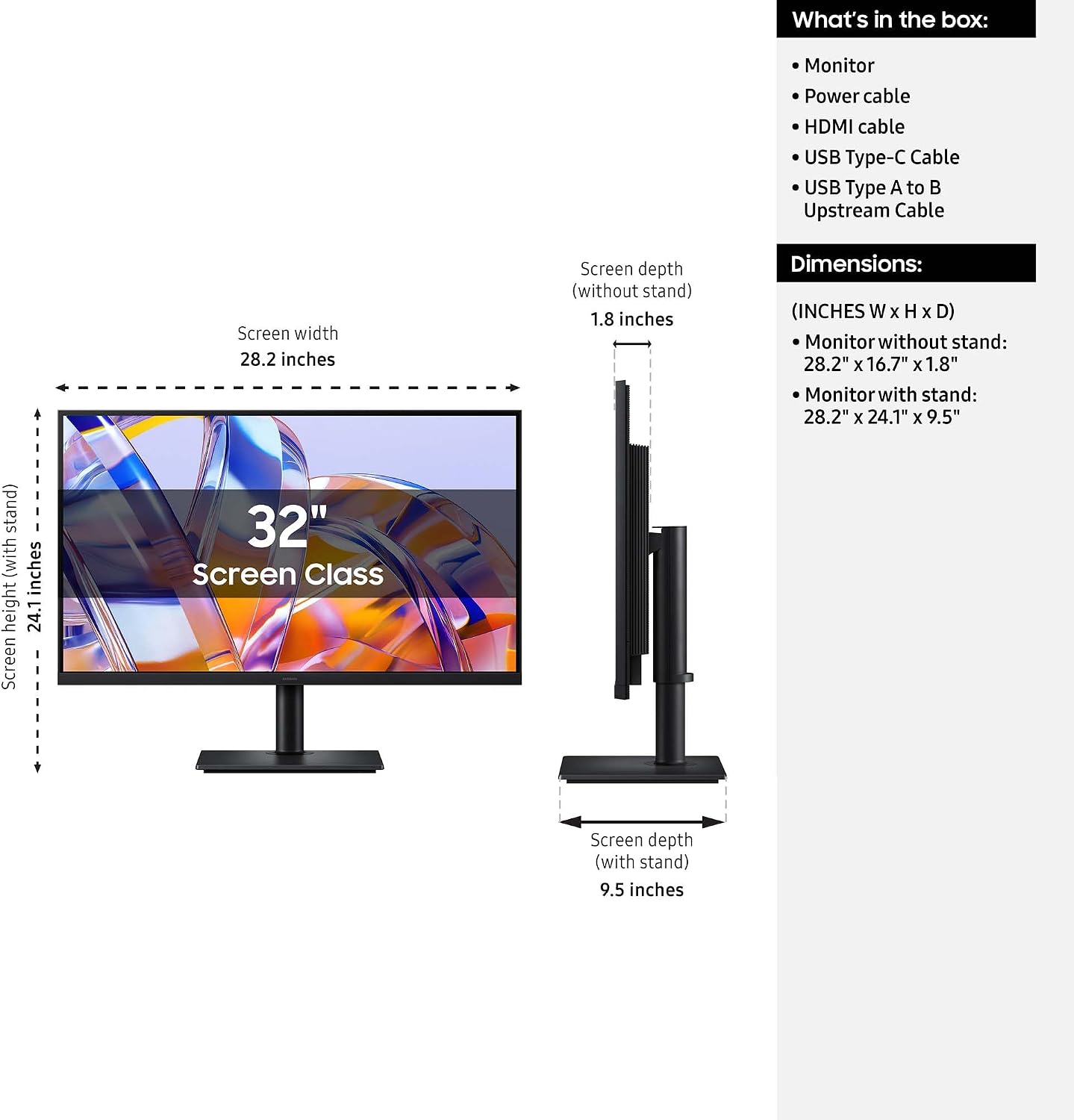
A cramped screen can make a detailed design, spreadsheet or video timeline harder to manage than it needs to be. The Samsung ViewFinity S8 pairs a 32-inch VA display with 4K UHD resolution (3840 x 2160), giving you more room to work and finer on-screen detail. For a practical setup, connect a laptop through USB-C for data transfer and up to 90W charging, then use the built-in LAN port for Ethernet connectivity.
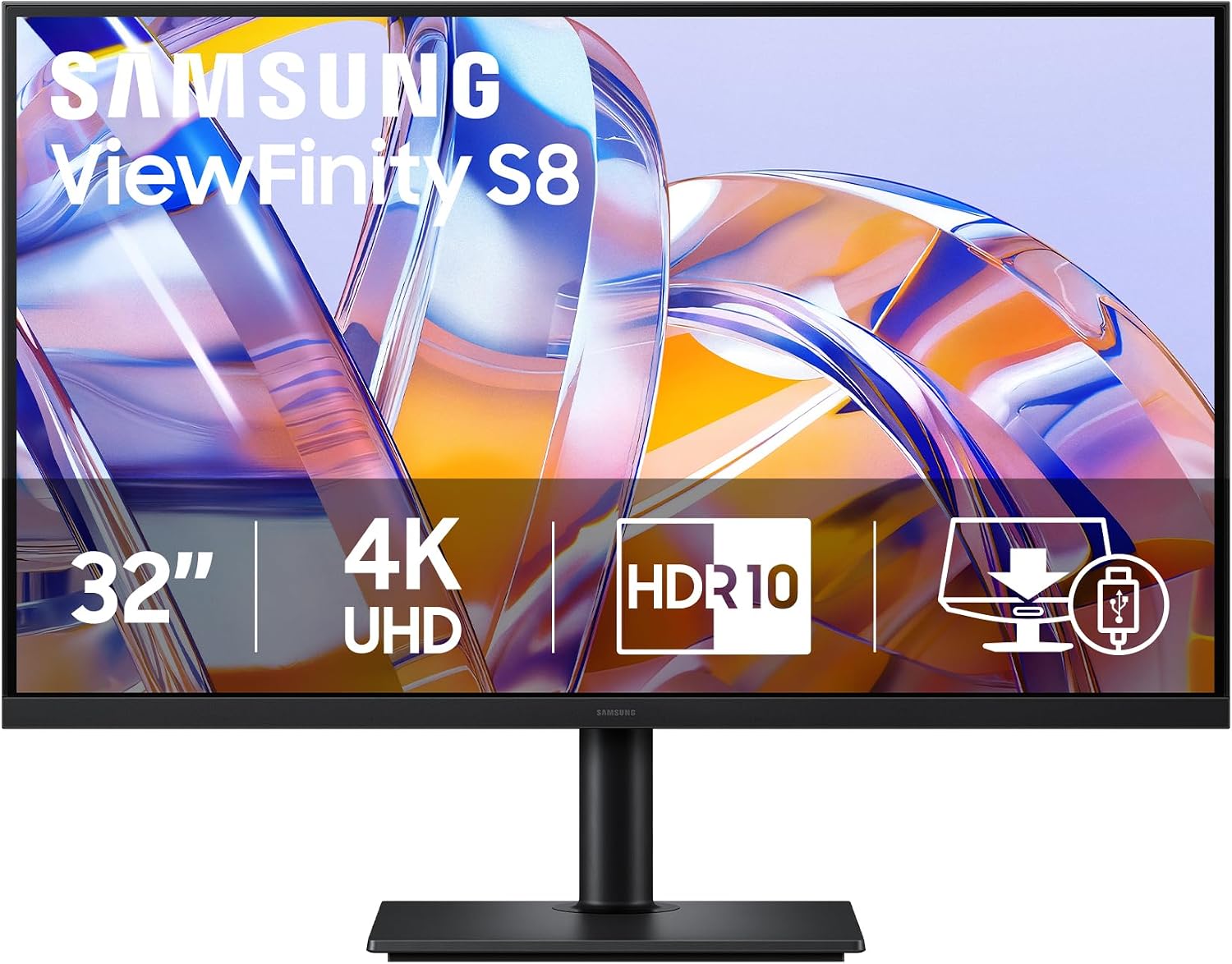
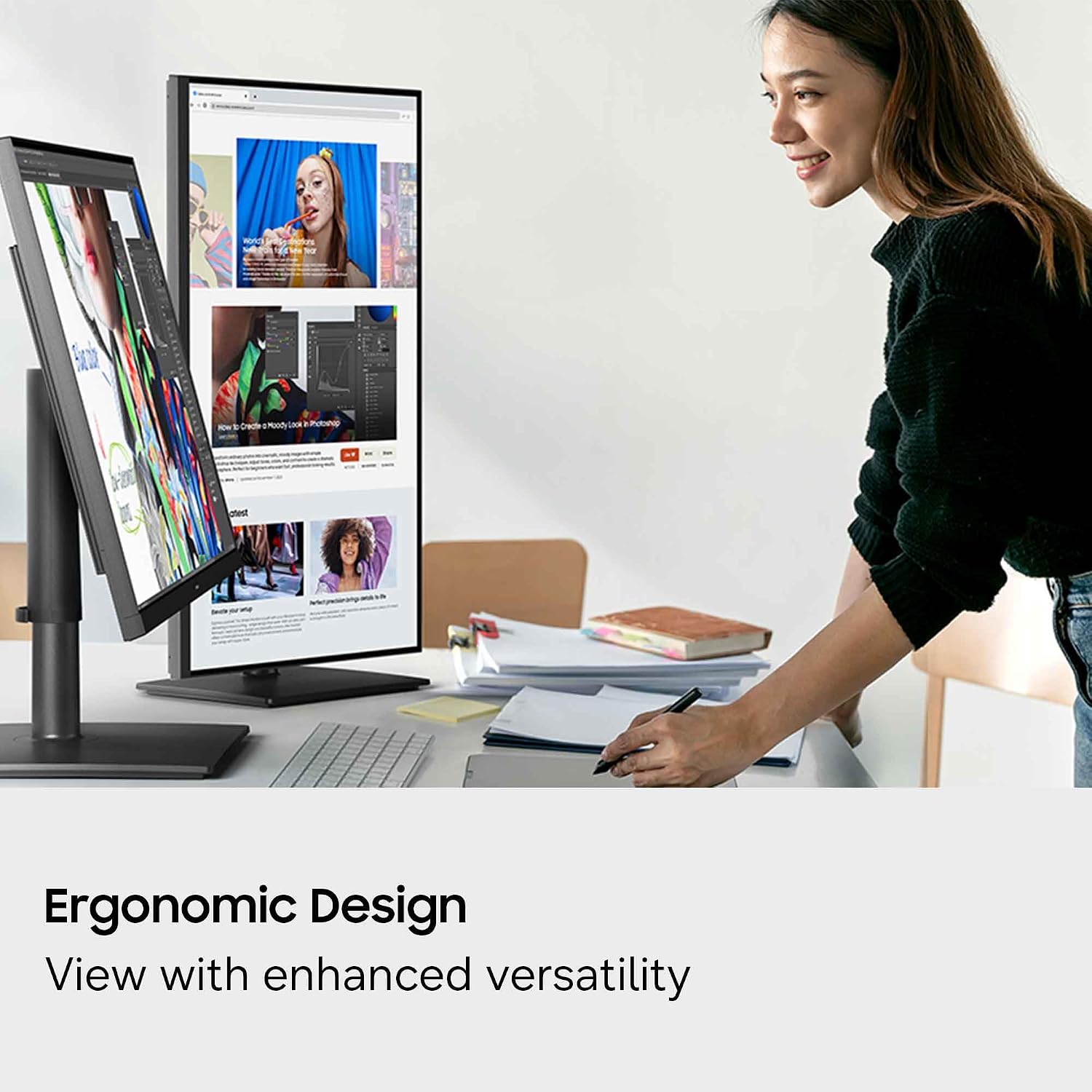
The stand tilts, swivels and adjusts in height, and the screen can pivot 90 degrees. That makes it easier to shift from a wide editing workspace to a portrait view for a long document, without relying on a fixed viewing angle.
Why it’s worth it
The appeal here is a mix of screen space and workspace flexibility. HDR10 is specified for colour representation of over 1 billion colours, with darker blacks and brighter highlights. That may suit creative work and media viewing where visible detail matters, though the listing doesn’t provide further colour-coverage figures for judging colour-critical workflows.
USB-C charging and data transfer can help reduce cable clutter on a desk, while HDMI and USB A to B provide additional connection options. If you prioritise a larger, detailed display and a tidier laptop setup, this is a more capable direction than a basic monitor with fewer desk-adjustment and connectivity options. If you prefer a display built around a higher refresh rate, its listed 60Hz rate is a meaningful trade-off.
Worth noting
This is a 4K UHD monitor with a listed 60Hz refresh rate and 5ms response time. Those details make it easier to judge whether it suits your work, but they don’t position it as a high-refresh gaming screen. The VA panel, HDR10 support and resolution describe the display, but the product details don’t give enough information to assess every aspect of colour performance for specialist print or grading work.
Eye Saver Mode reduces blue light, and Less Screen Flickering is intended to help with comfort during longer sessions, the features are described as TÜV certified. That can be useful when a workday involves extended screen time, but it doesn’t remove the need to set up the monitor at a comfortable distance and height.
When to choose it
It suits you if you want a roomy 4K screen for documents, design tasks or everyday media, and value an adjustable stand plus USB-C charging and data transfer. Picture a laptop on the desk, connected over USB-C, while a long report sits in portrait orientation: the pivot gives that kind of task a more direct fit than a fixed landscape-only setup.
It is not for you if your main priority is a refresh rate above 60Hz, or if you need published colour-coverage details to confirm suitability for a tightly controlled colour workflow. For general work that benefits from extra resolution and flexible positioning, the ViewFinity S8 has a clear use case, for more demanding motion or colour requirements, choose based on those specifications first.