

Acer gaming monitor KG271U
Product description
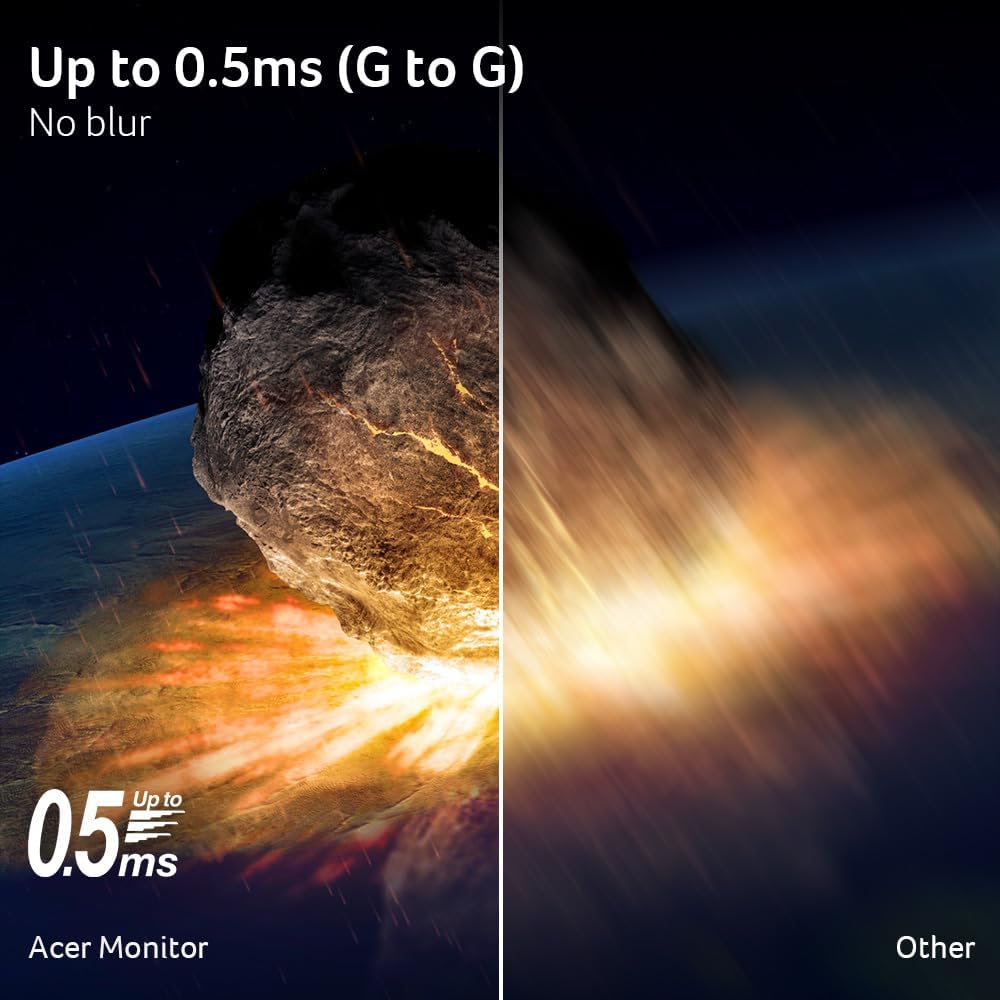
If you want a sharper picture for games and everyday screen use, a 27-inch WQHD display offers more detail than a basic Full HD setup, if smooth motion matters more, this Acer also lists a refresh rate of up to 180Hz. The KG271U combines an IPS panel with AMD FreeSync, so its appeal is a mix of resolution, colour coverage and gaming-focused features rather than one standout spec alone. Its listed response time is up to 0.5ms, though the product details do not explain the conditions used for that figure.
Highlights
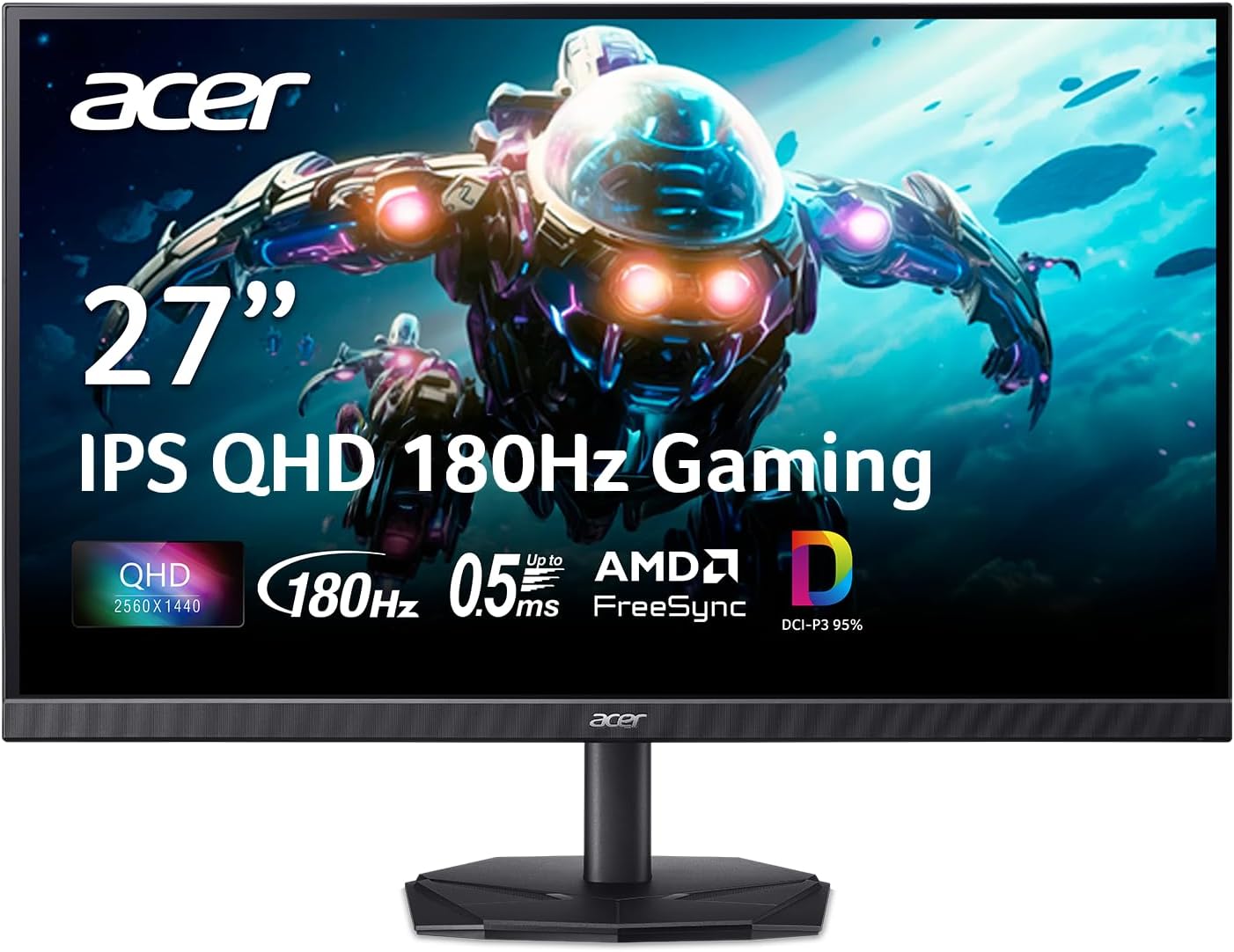
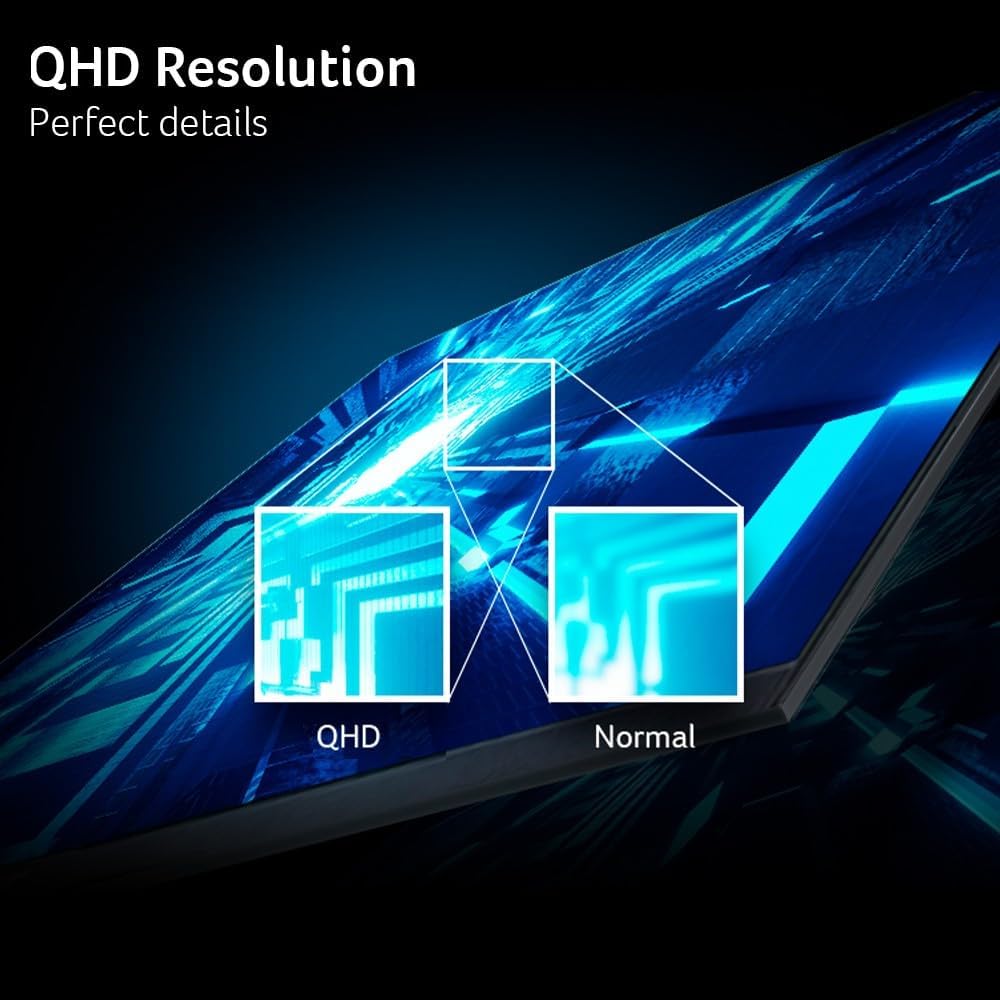
The 2560 x 1440 resolution and 16:9 format give games, video and desktop windows a detailed widescreen canvas. IPS is the panel type, while the stated DCI-P3 coverage is 95%, that makes the colour specification relevant to people who also edit photos or video, although the listing does not provide calibration details. Treat the colour figure as a useful point of comparison, not proof that the monitor will suit every colour-critical workflow.
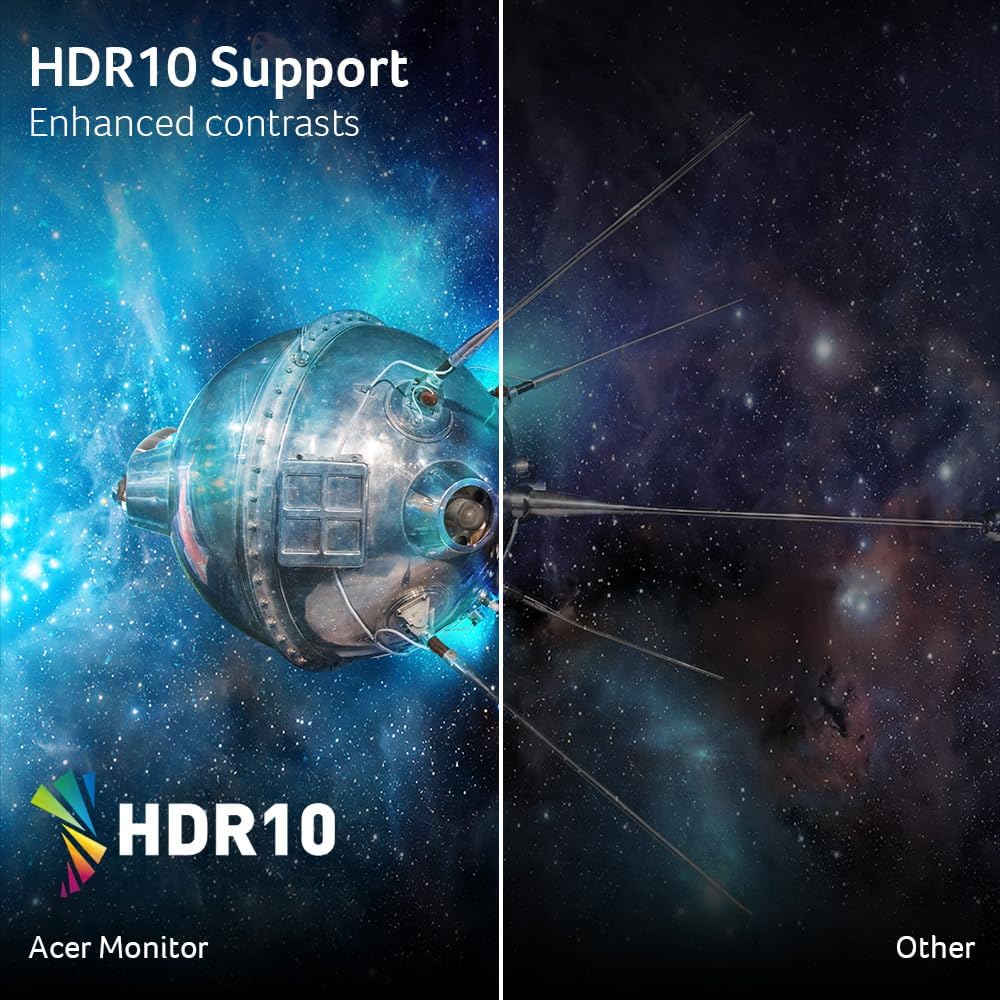
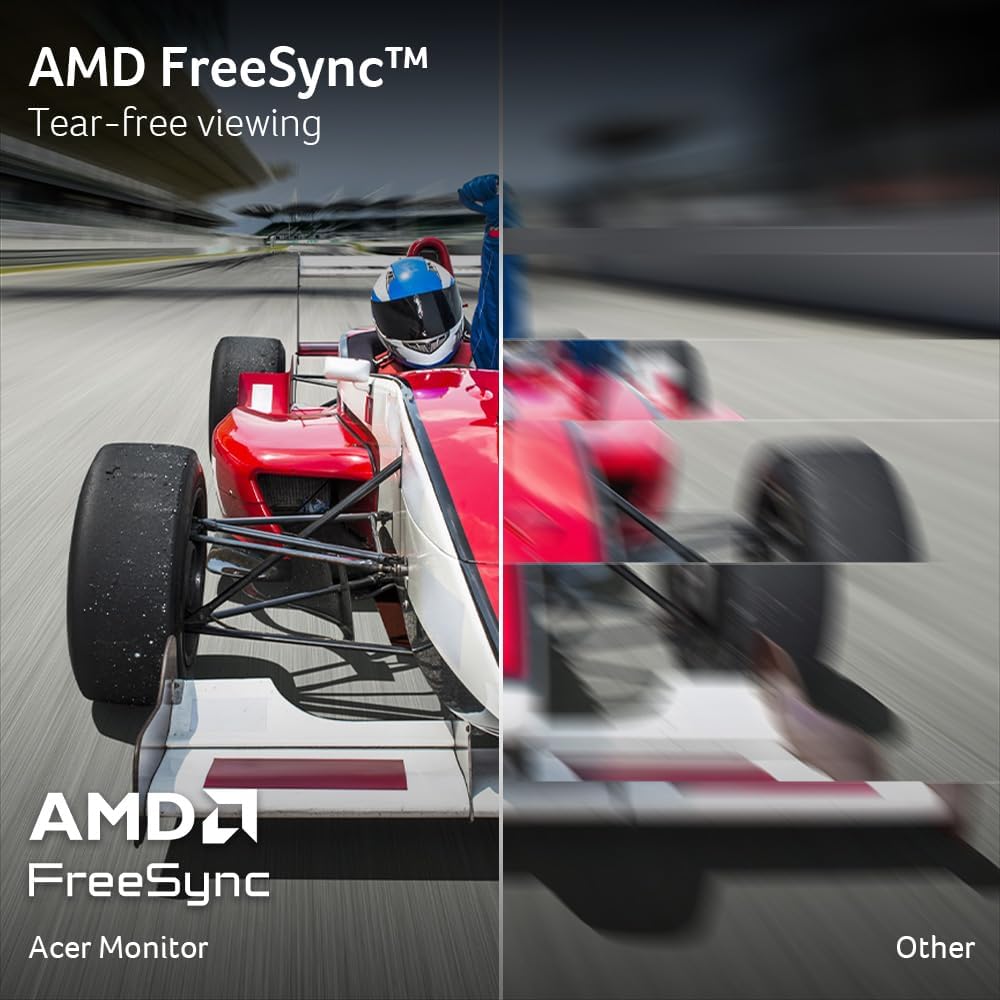
For gaming, AMD FreeSync is intended to synchronise the display’s frame delivery with a compatible graphics card, while the refresh rate reaches up to 180Hz. Those features target a smoother-feeling experience in fast-moving scenes. HDR 10 support is included, but no brightness information is supplied, so the HDR label alone cannot tell you how pronounced the effect will look in your room. The zero-frame design also reduces the visible border around the screen, which may appeal if you prefer a less interrupted-looking display.
How to use it
This is a desktop monitor for gaming and general computer use, with enough resolution to keep a game visible while leaving room for menus or other on-screen elements. Picture a fast-moving match filling the screen, with a chat or settings panel open nearby: the 27-inch WQHD format is aimed at that kind of detailed, responsive setup. For photo or video work, its stated DCI-P3 coverage is worth noting, but the listing does not establish professional colour accuracy or provide calibration information.
Ten en cuenta que the listed connections are one DisplayPort 1.2 and two HDMI 2.0 ports. Check that your computer or console can connect through one of those inputs, the product details do not list other connection types. The monitor’s maximum refresh and response figures are also stated as “up to”, so they should not be read as guaranteed in every setup.
Practical tips
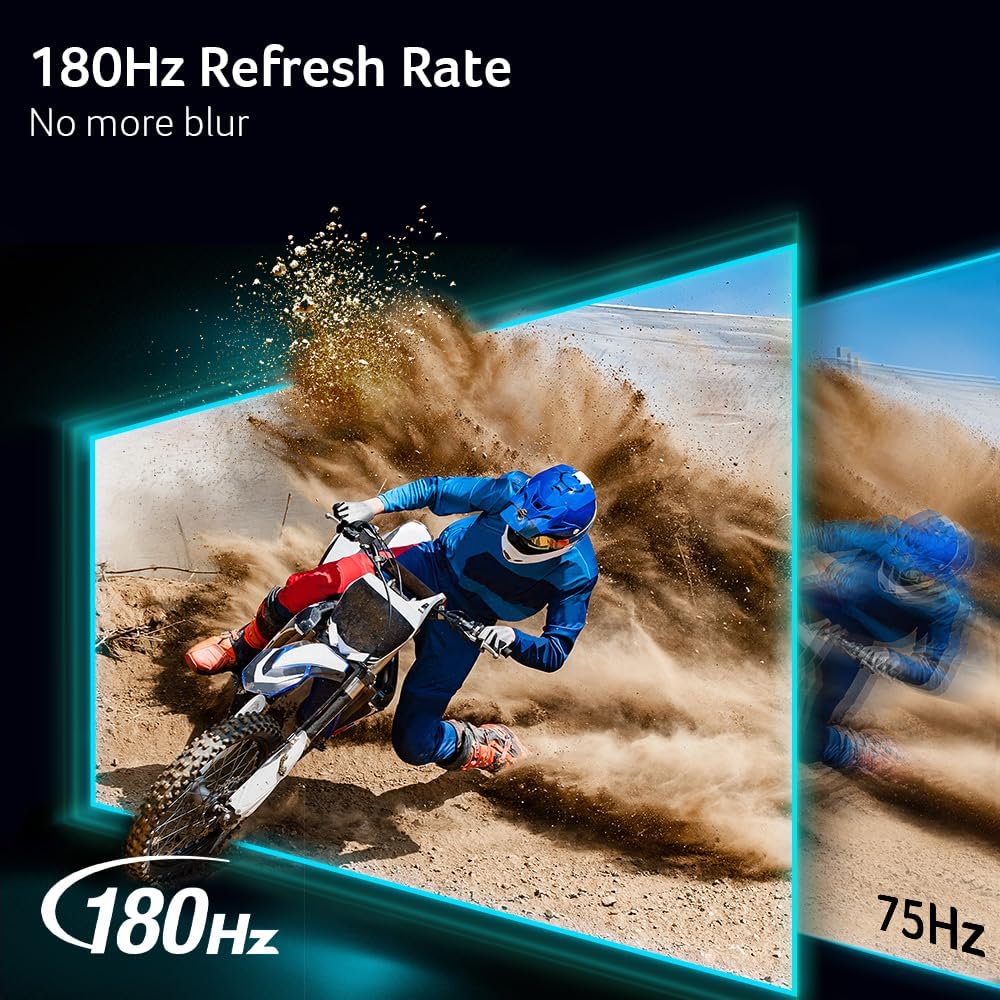
Before choosing it, match the monitor’s 2560 x 1440 resolution and up-to-180Hz refresh rate against the output your computer can deliver. A display with a higher refresh ceiling is most relevant when your system can make use of it, if your priority is simply a large screen for basic browsing, those gaming-focused specifications may matter less. Likewise, HDR 10 support may be a bonus for compatible content, but the absence of brightness details makes it difficult to judge HDR performance from the listing alone.
It may suit you if you want one screen for gaming and occasional creative work, and value both WQHD detail and a wide stated colour gamut. It won't suit you if you need confirmed calibration data, a specific unlisted connection, or evidence of HDR brightness before deciding.
Before you decide
Does it support AMD FreeSync? Yes. AMD FreeSync is listed as a feature intended to synchronise the monitor’s frames with those of the graphics card.

What connections are listed? One DisplayPort 1.2 and two HDMI 2.0 ports. No other inputs are specified in the product details.
Is it suitable for colour-related work? The listing states 95% DCI-P3 coverage, which is relevant to creative use. It does not provide calibration results, so that figure alone is not a complete measure of colour accuracy.
In your case
Choose the KG271U if your desktop setup can use WQHD and you want gaming features alongside a stated 95% DCI-P3 gamut. It is a more purpose-built choice than a basic monitor when high refresh and FreeSync are priorities, while the missing brightness and calibration details leave important questions for HDR-focused or colour-critical work. If those details are essential to your decision, this listing does not provide enough information to confirm the fit.