

Dell monitor S3425DW
Product description
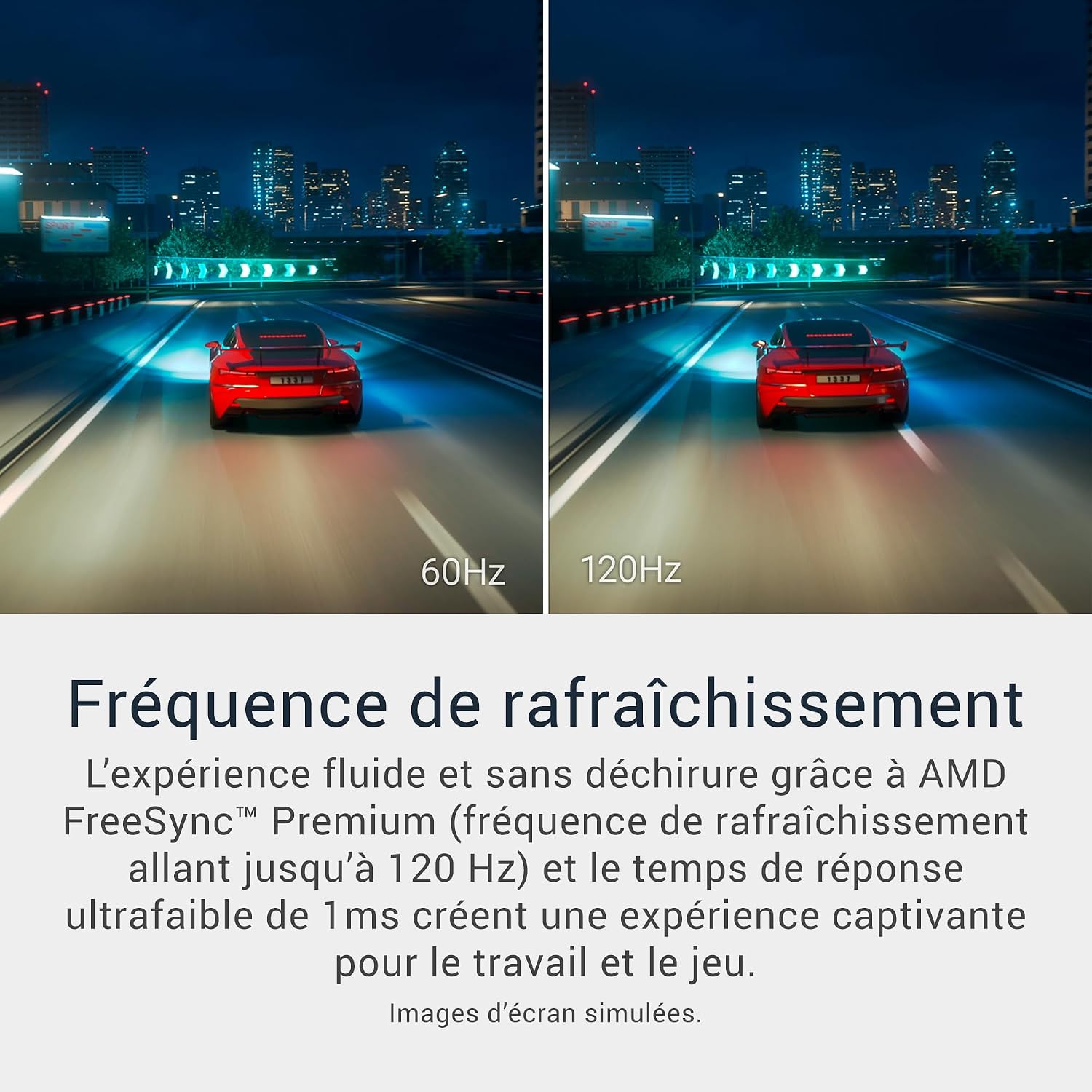
For people who want one wide screen for desk work, entertainment and some gaming, the Dell S3425DW brings a 34-inch WQHD VA panel together with USB-C connectivity. Its 120Hz refresh rate and AMD FreeSync Premium point to smoother motion than a basic office display, while the curved, high-contrast format is geared towards an immersive desktop view. It may suit you if you want colour coverage and built-in speakers without adding a separate soundbar. Based on the listed details, the main thing to weigh is whether its USB-C setup and large screen match your desk and devices.
Technical details
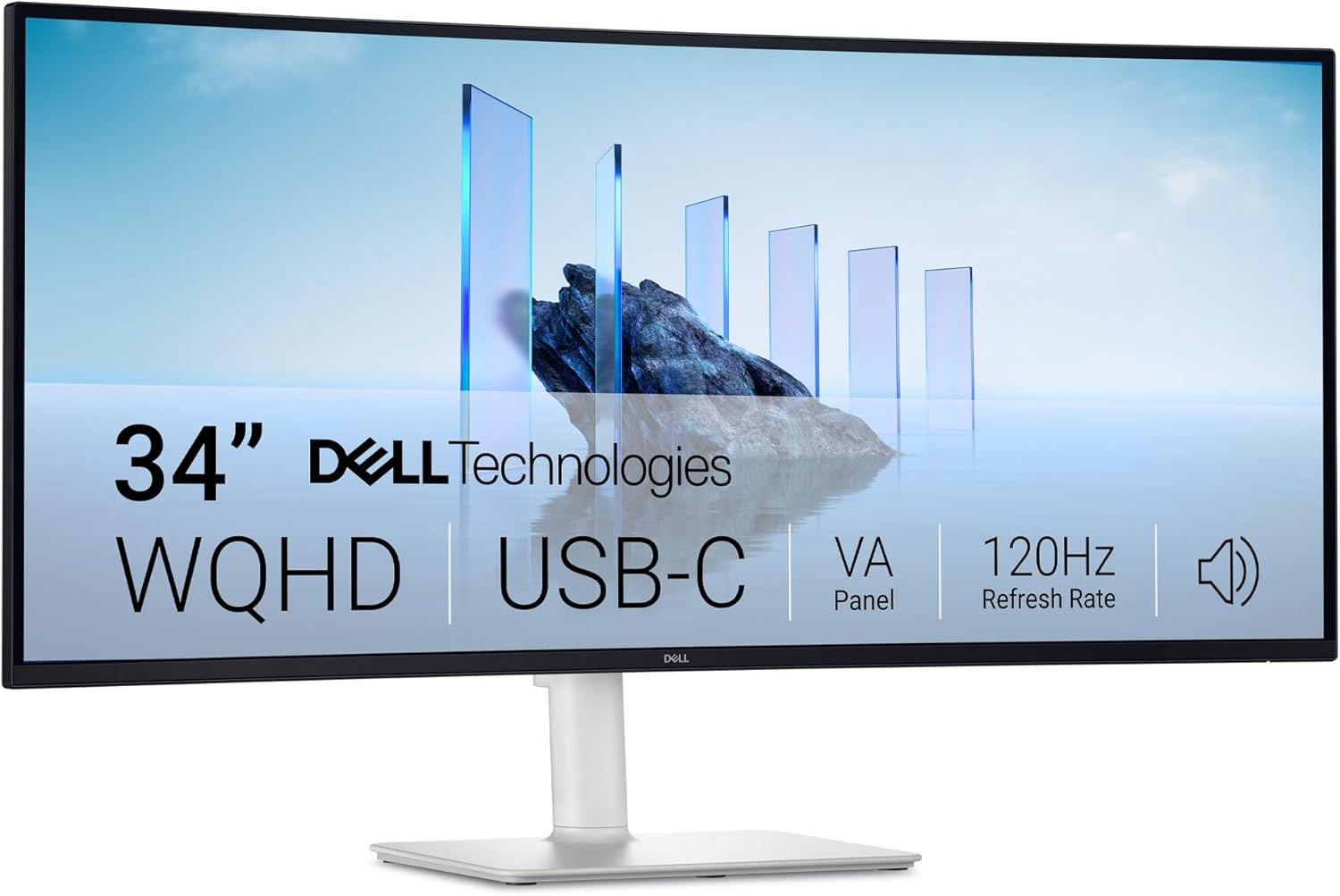
The panel uses VA technology and lists a 3000:1 contrast ratio, HDR10 and WQHD resolution. Colour coverage is stated as 99% sRGB and 95% DCI-P3, which gives creative work and media viewing more colour range than a display aimed only at everyday office tasks. These figures describe coverage, not factory calibration, so anyone relying on colour-critical results should look for calibration information before choosing.

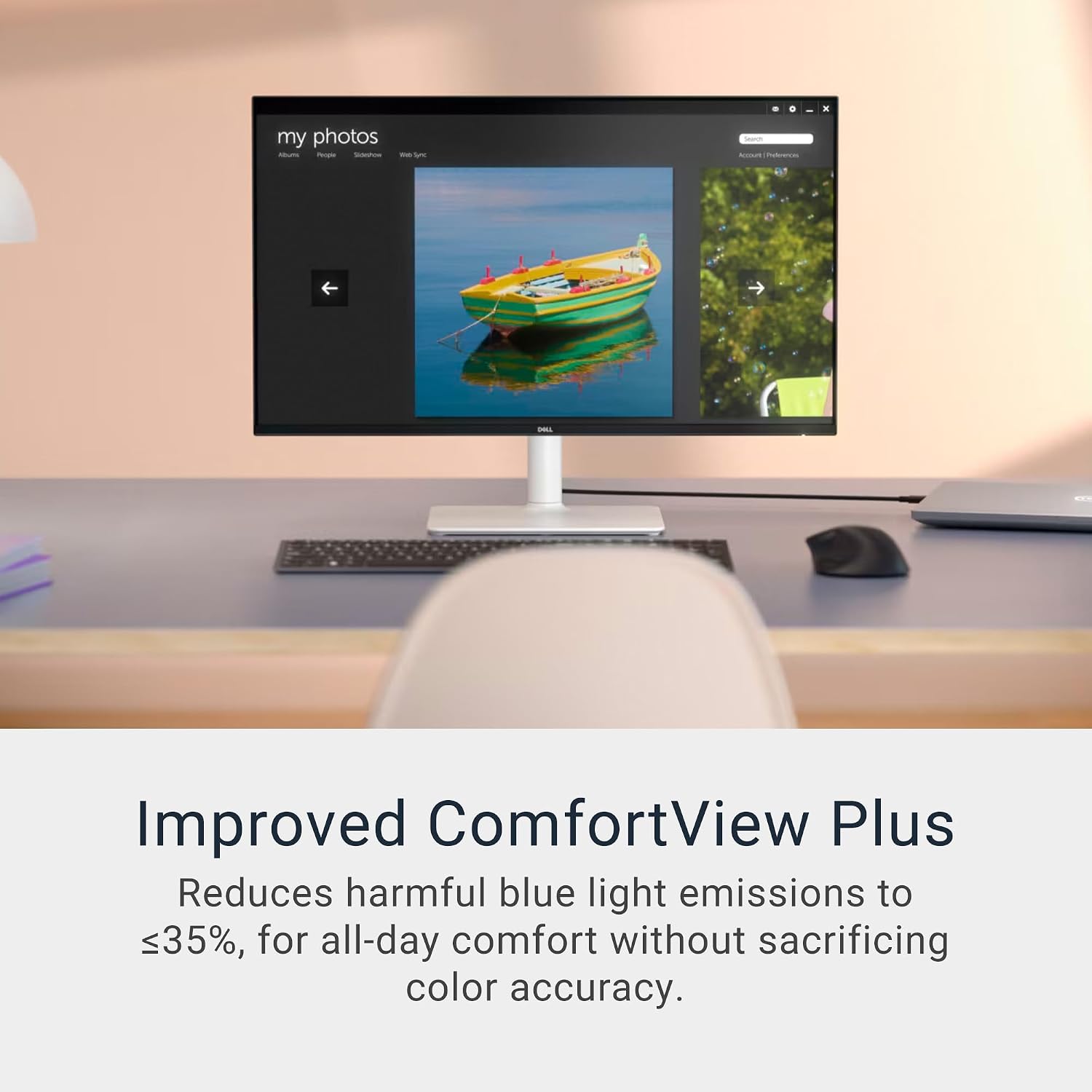
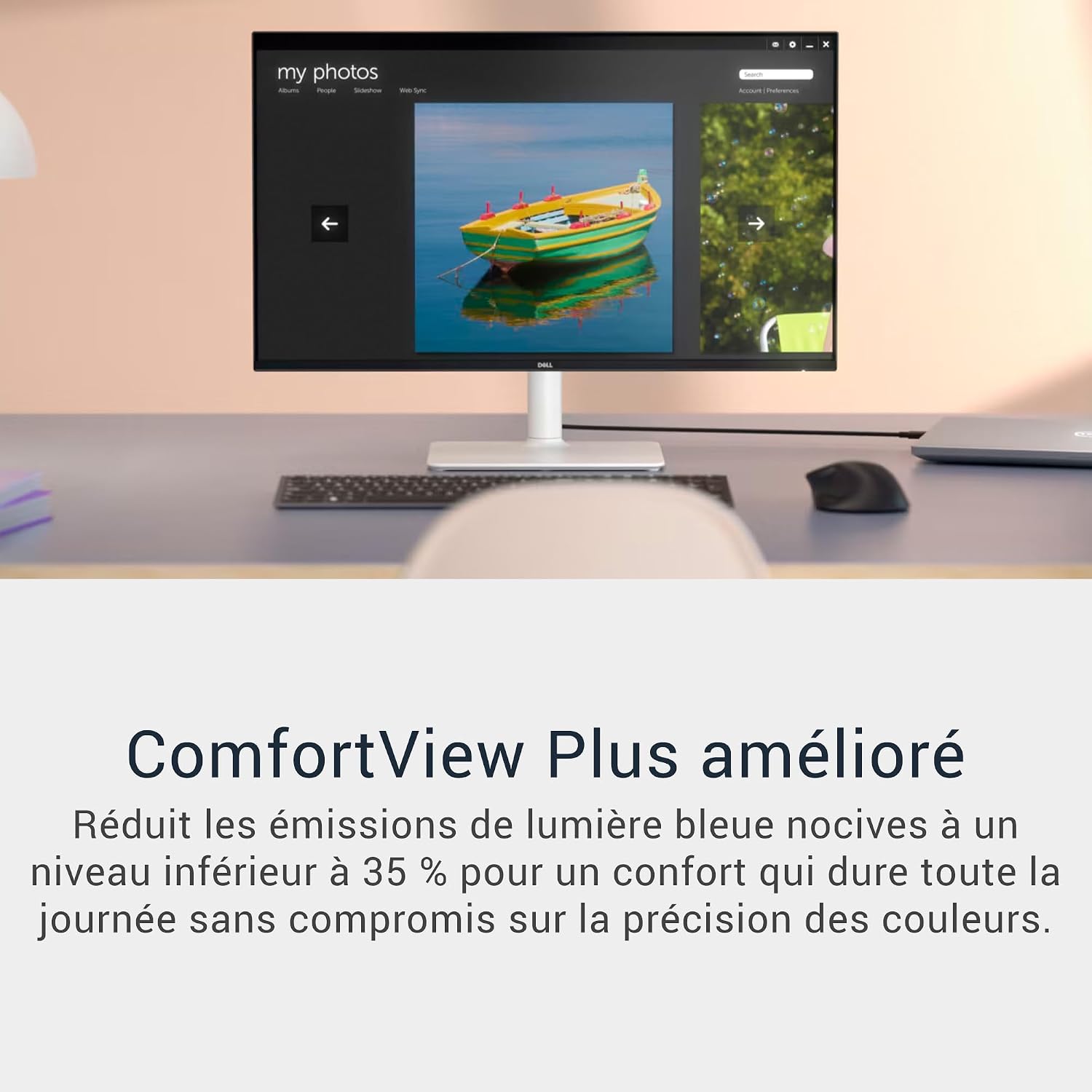
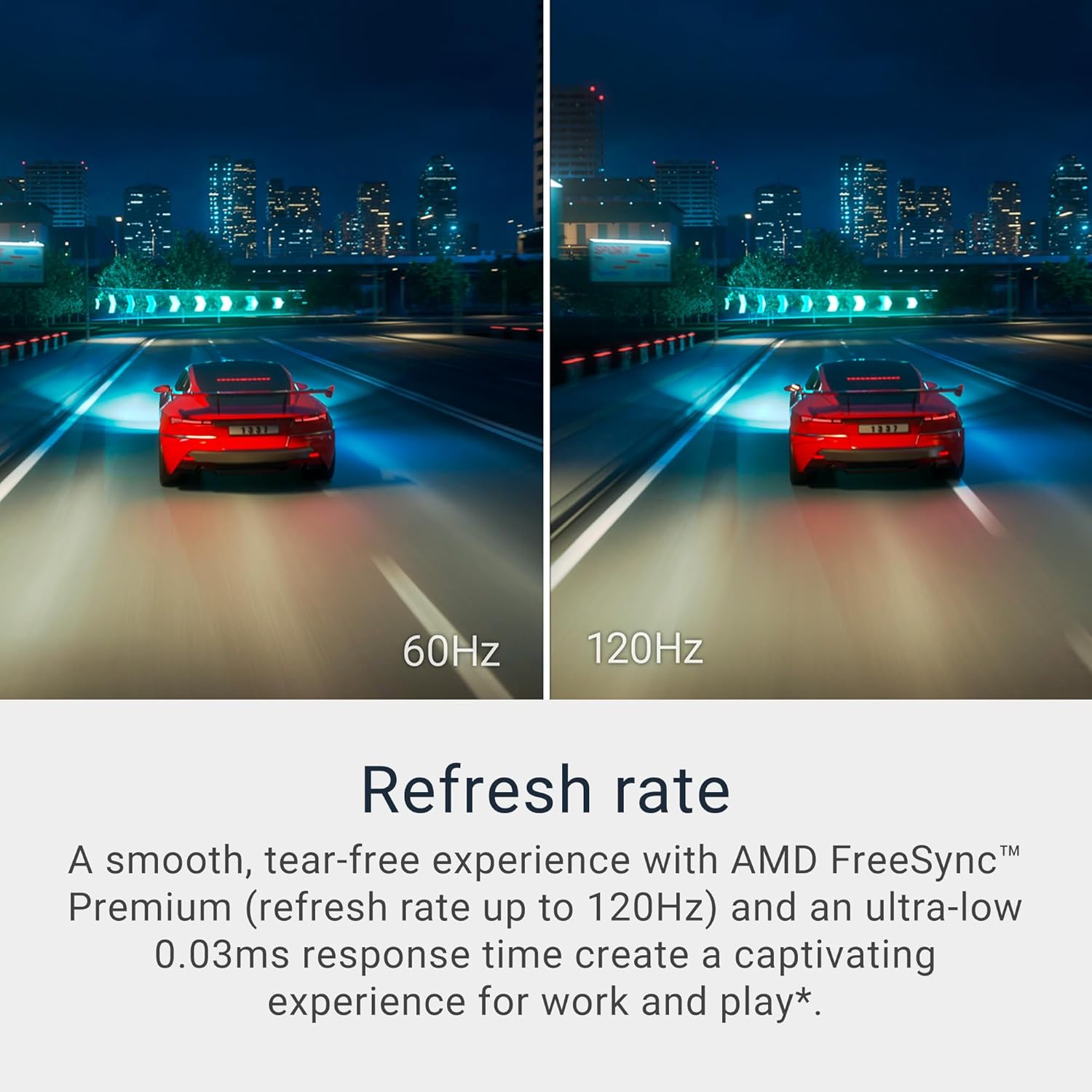
For motion, Dell lists up to 120Hz with AMD FreeSync Premium. That combination may be useful for compatible gaming setups and makes fast movement a more central part of this monitor’s brief than it is on a standard 60Hz screen. ComfortView Plus is described as reducing blue light emissions to ≤35% while retaining colour accuracy. There are also dual 5W speakers and an integrated USB-C hub, the USB-C connection supports power delivery up to 65W. The product listing also identifies VESA 100×100 mounting and Energy Star 8.0 certification.
Getting the most from it
Think of the S3425DW as a single-screen desk setup: connect a compatible laptop over USB-C, keep the desktop less cluttered, and use the built-in speakers for a call or a video while you work. The advertised power delivery is up to 65W, though whether that is enough for a particular laptop depends on that laptop’s needs. Check the device’s USB-C video support and power requirements before relying on one cable for both display and charging.

Compared with a simpler monitor focused on documents and basic browsing, this model adds a faster refresh rate, broader stated colour coverage and more integrated connectivity. A more demanding gaming or colour-production setup may call for features and performance details not provided here, so match the monitor against the specific requirements of your work or games rather than treating the headline figures as a guarantee.
Usage tips
Set the screen at a comfortable distance and adjust your workspace so the wide panel is easy to scan without repeatedly turning your head. For a practical mixed-use routine, keep a document or work window open alongside a video call, then switch to a game that supports a higher refresh rate after hours. Use a compatible USB-C connection if you want to make use of the hub and power delivery, and confirm that the computer can send video through that port.
The built-in speakers can reduce desk clutter for everyday audio, but the listing does not provide enough detail to judge sound against a dedicated speaker setup. If audio quality is a priority, treat the speakers as a convenience rather than assuming they replace separate equipment.
Before deciding
The S3425DW’s appeal is its combination of a 34-inch WQHD VA screen, 120Hz refresh rate, USB-C hub and built-in audio. It may interest you if you want a wide display for mixed work and entertainment, and prefer fewer cables on the desk. It may not be the best choice if your workspace is too small for a 34-inch screen, your device cannot output video over USB-C, or you need documented colour calibration and detailed gaming performance data before buying.
Before choosing, check the available space, your computer’s USB-C capabilities and whether the listed colour coverage suits your work. Those practical details will matter more than the feature count if you plan to use this as your main screen every day.