

Acer monitor EK271
Product description
How to use it
For someone setting up a home office who also wants a screen for casual gaming or video, the Acer EK271 brings a 27-inch display and a 120Hz refresh rate into one monitor. Its Full HD resolution keeps the setup straightforward, while the IPS panel is intended to show colour consistently across a wide viewing angle.
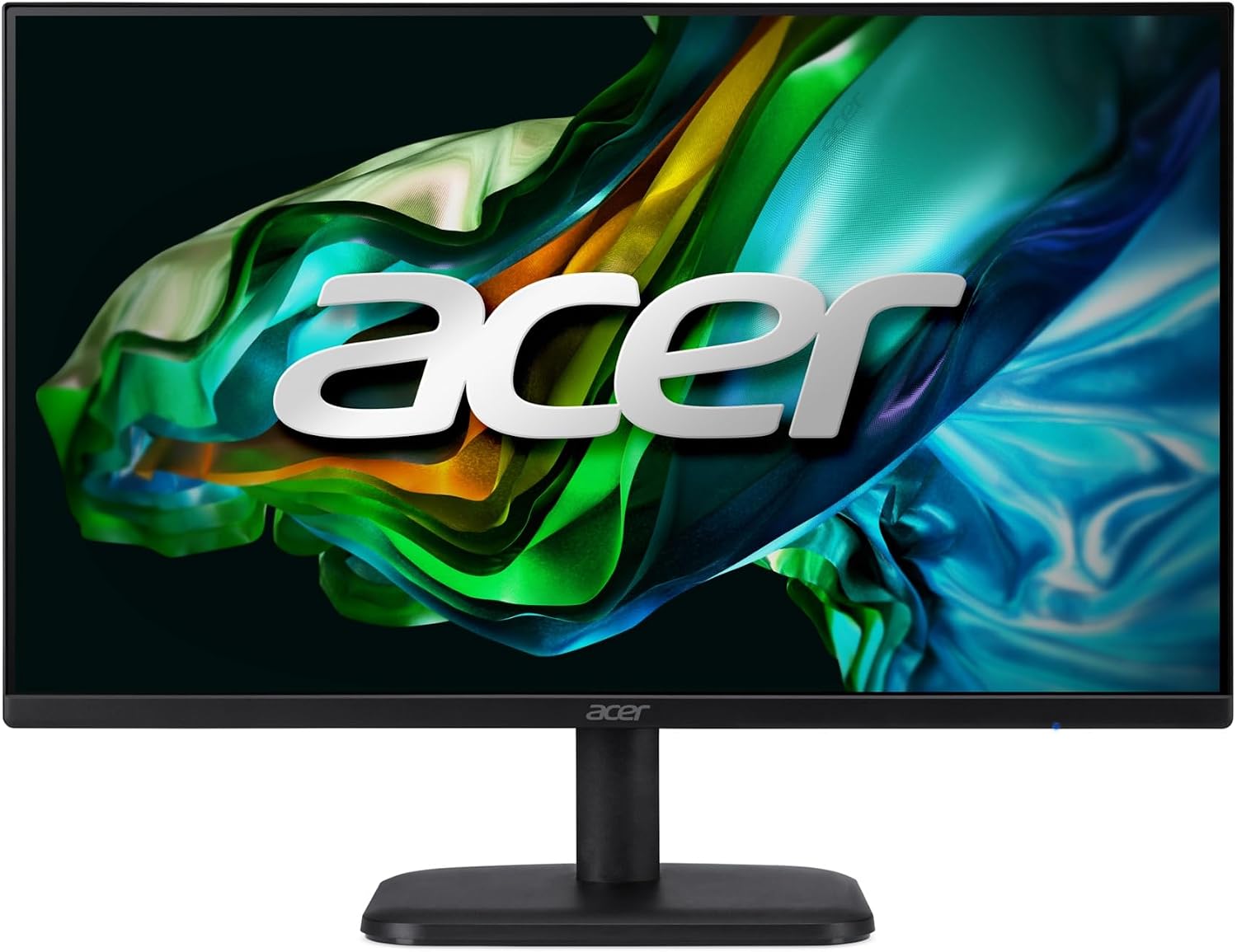
The near-bezel-less design can help a desk feel less visually crowded. It also makes side-by-side screens look more continuous, though the listing does not specify how wide the visible borders are.
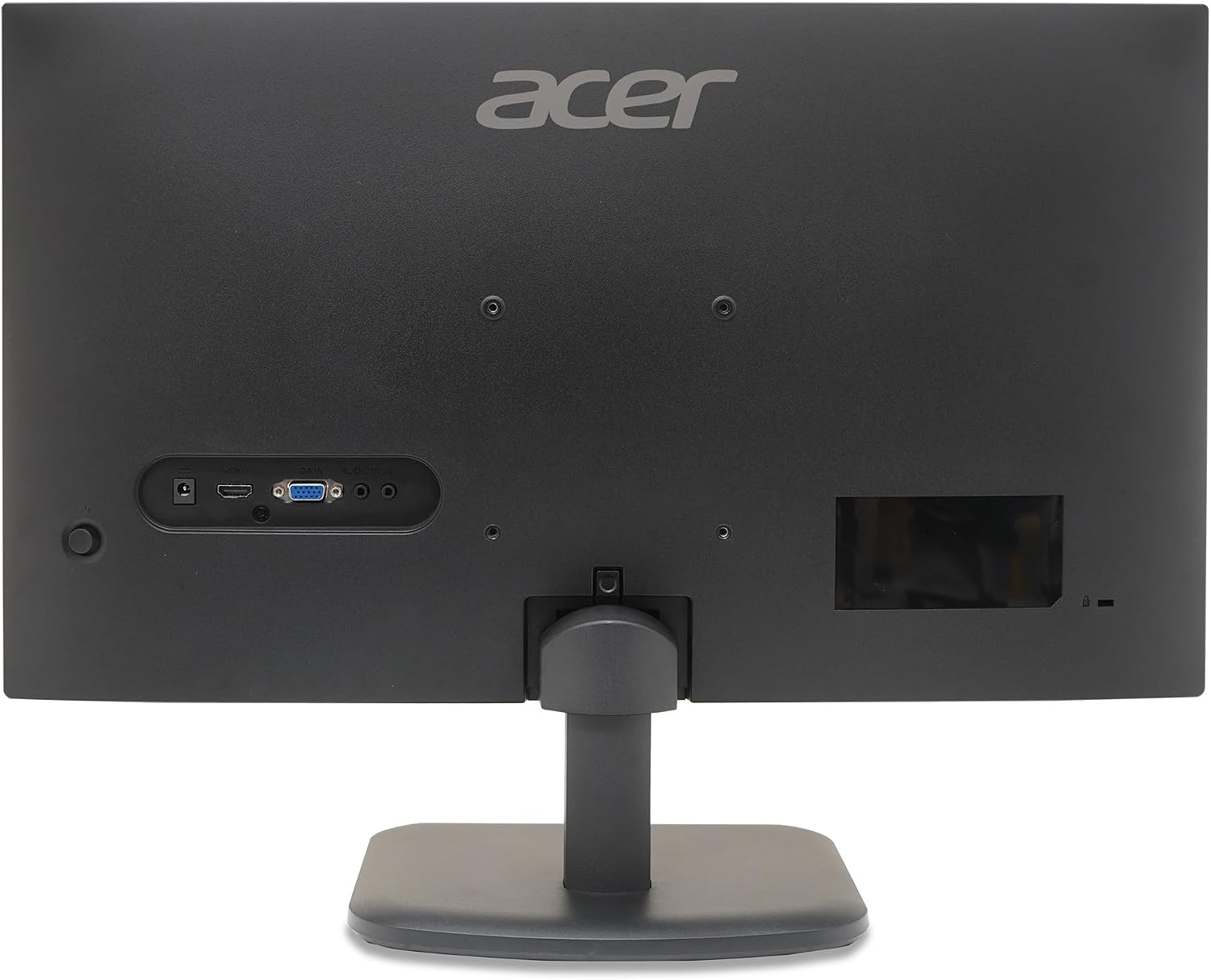
For everyday work, you could keep a document open beside a browser, then use the same screen for a video or game after hours. The included HDMI cable makes that connection easier to get started, but the available inputs are limited to one HDMI and one VGA.
Pros
The main draw is the mix of a 120Hz refresh rate and a stated 1ms response time. Those figures are aimed at smoother motion in games and video than a basic 60Hz office display, while Adaptive-Sync support is intended to reduce tearing when the monitor and graphics card refresh rates are matched. Actual results still depend on the connected computer and content.
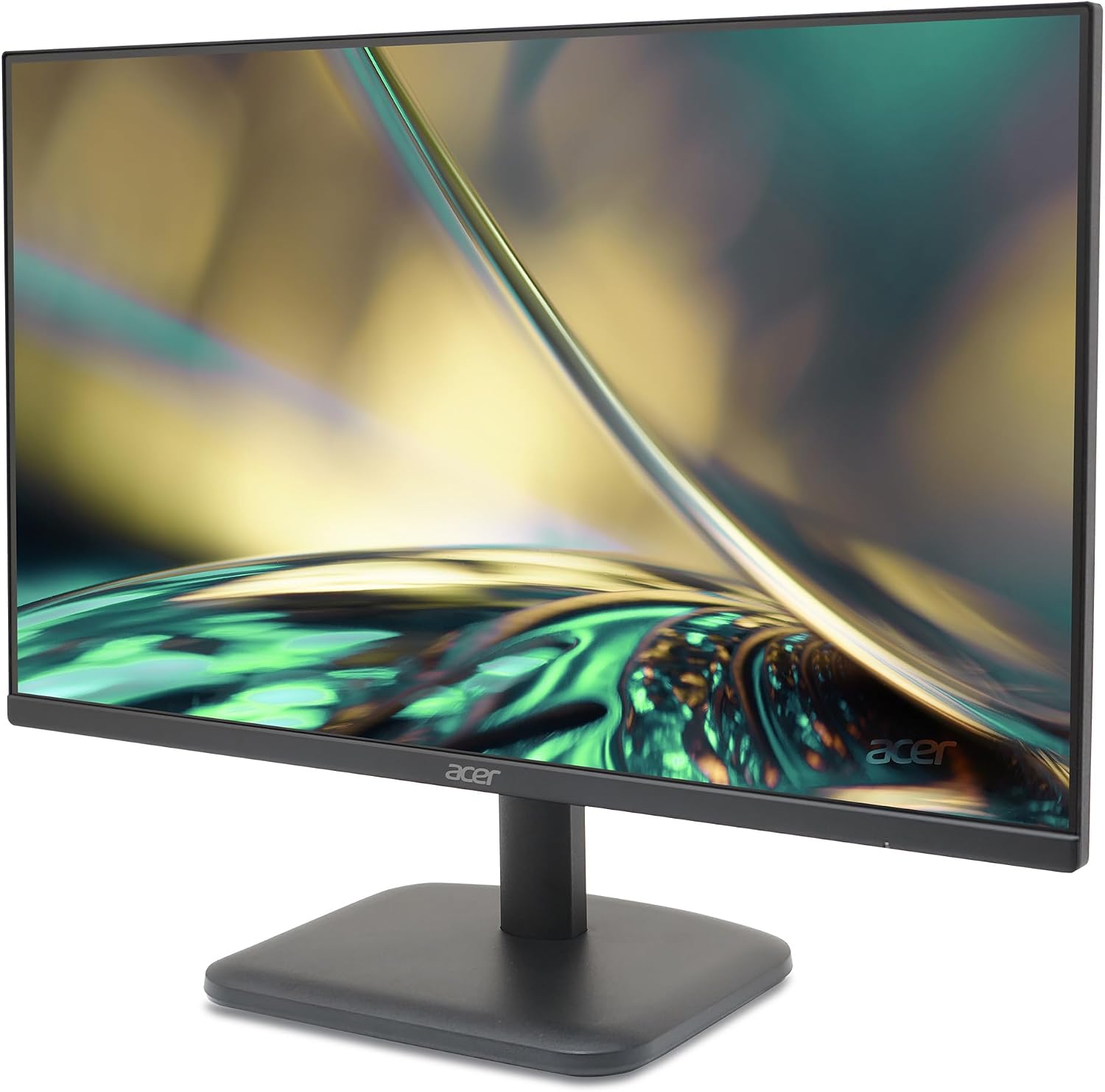
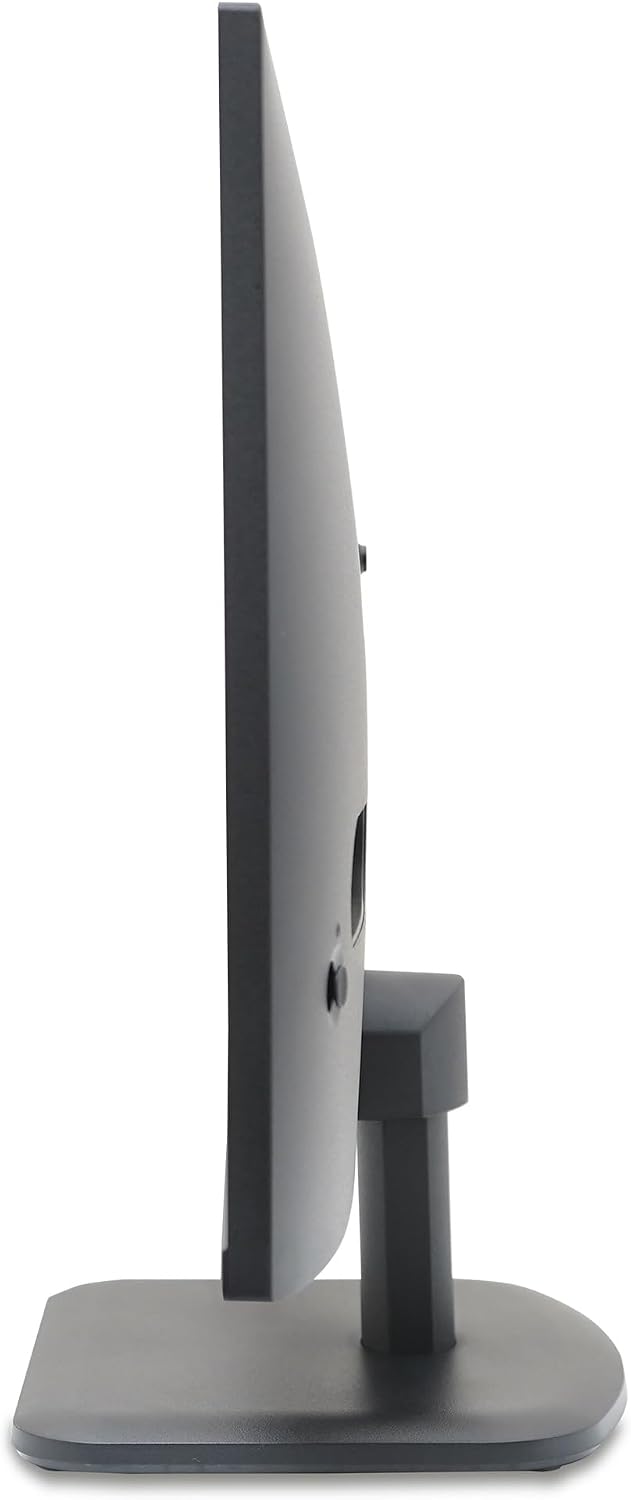
The IPS panel is listed as maintaining colour accuracy up to 178 degrees, which is useful if someone is viewing the screen from beside you rather than directly in front. That can suit shared viewing or a desk where the monitor is not always viewed head-on. The stand offers ergonomic tilt, so you can angle the display, there is no information here about height adjustment or other stand movements.
The ZeroFrame-style design is another practical plus if you want a cleaner-looking screen or may place monitors beside one another later. Still, a near-frameless edge does not mean there is no bezel at all.
Spec sheet
- Name: Acer EK271 Gbi
- Type: IPS monitor
- Size: 27 inches
- Resolution: 1920 × 1080 Full HD
- Refresh rate: 120Hz
- Response time: 1ms, as listed
- Connectivity: 1 HDMI and 1 VGA
- Included: HDMI cable
- Stand: Ergonomic tilt
- Features: Adaptive-Sync support and near-bezel-less design
What would sway the decision
The key trade-off is resolution against screen size. At 27 inches, Full HD gives you a larger viewing area, but it is not the higher-resolution approach to choose if you need especially fine detail or lots of crisp workspace for dense documents. A smaller Full HD screen or a 27-inch display with a higher resolution may make more sense for those priorities.
Does the 120Hz refresh rate matter more to you than extra desktop sharpness? Makes sense if you want one screen for general office tasks, video and gaming, and value smoother motion alongside the IPS viewing angles. Better avoided if you need more than the listed HDMI and VGA connections, want a stand with height adjustment, or prioritize a sharper image for detailed work. The product information does not give brightness, colour-gamut coverage or built-in speaker details, so those needs cannot be judged from the listed specifications alone.