

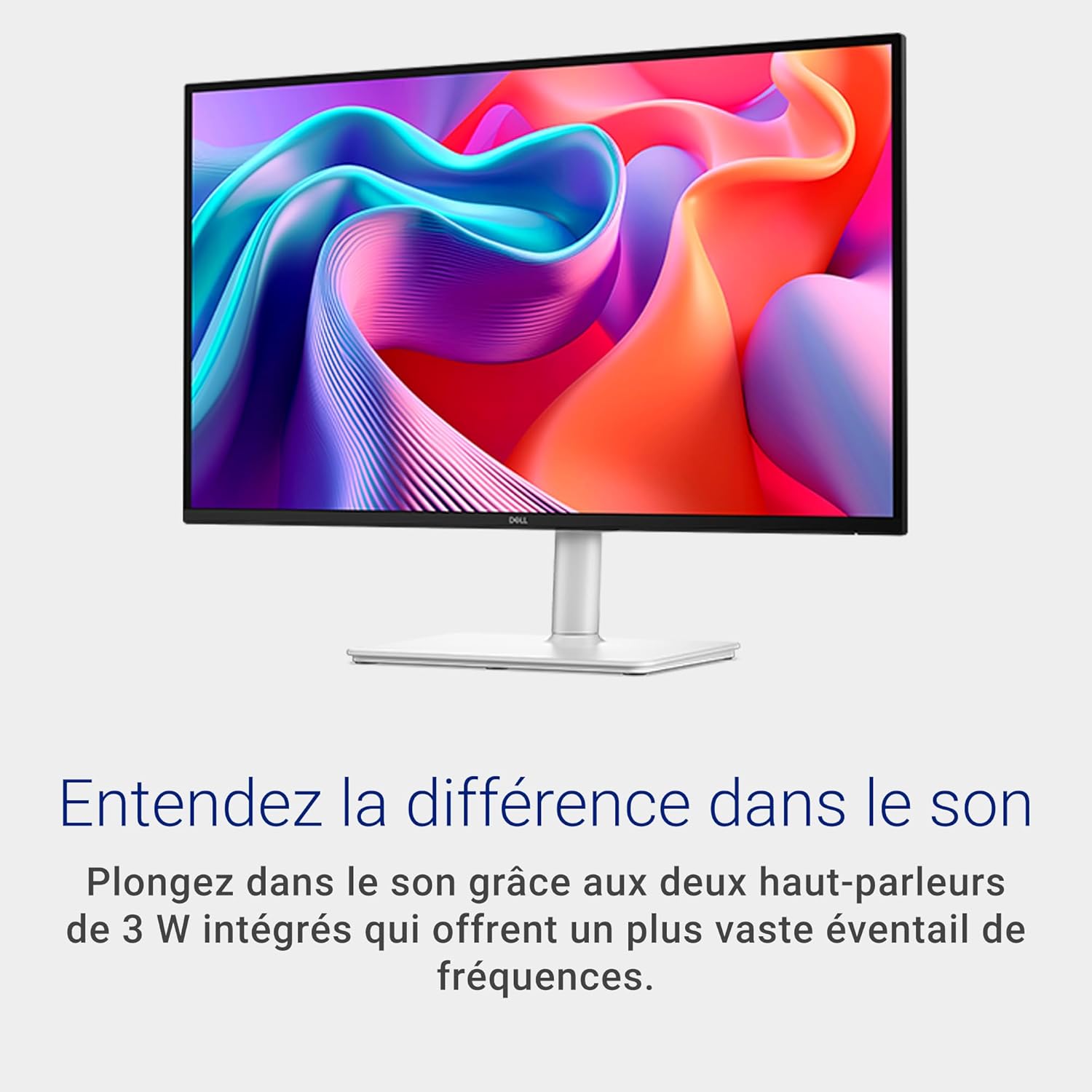
Dell QHD monitor S2725DSM
Product description
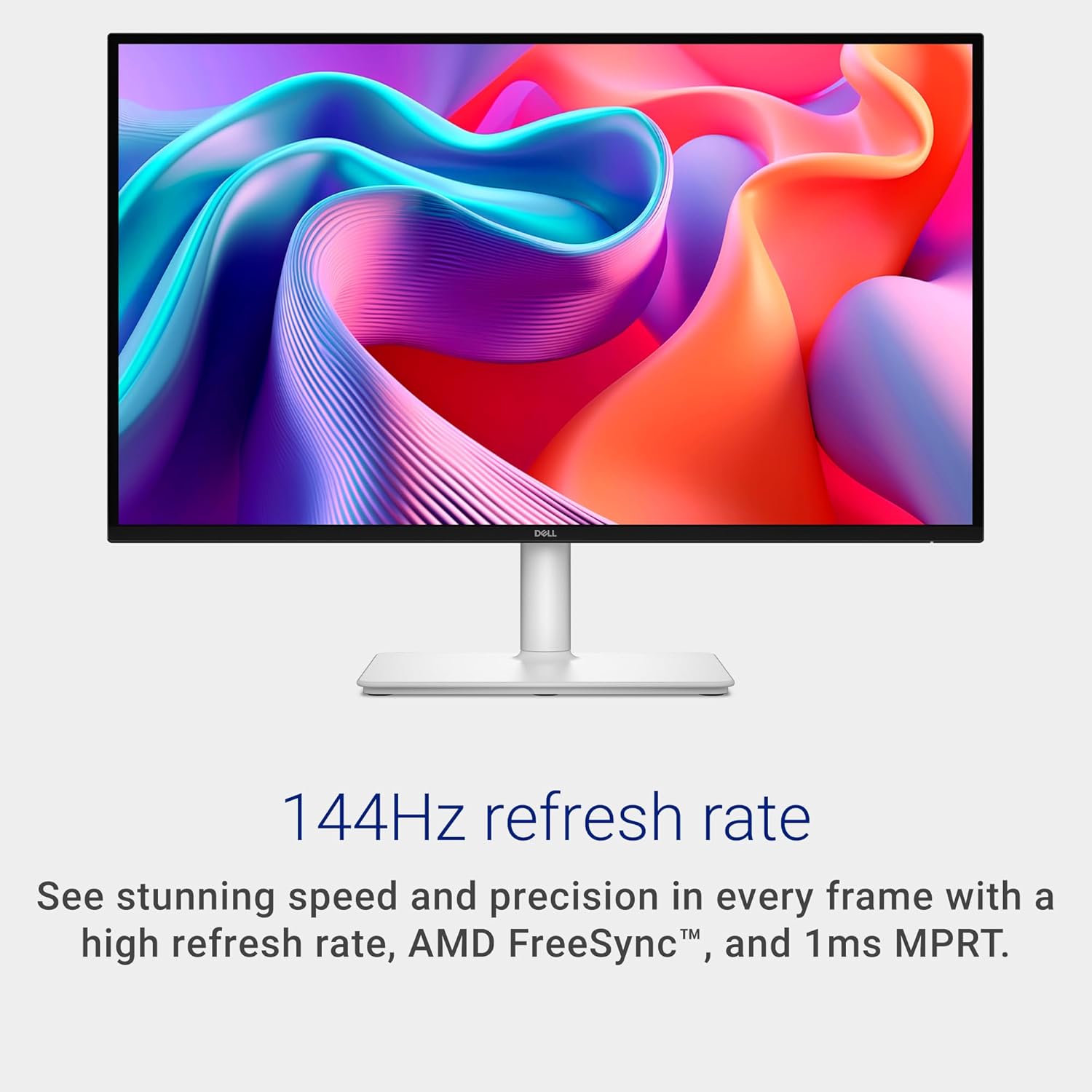
For PC players who want a sharper picture and smoother motion without stepping up to a more demanding display setup, the Dell S2725DSM combines QHD resolution with a 144Hz refresh rate.
It also suits a desk used for everyday work, streaming and gaming. The height, tilt, swivel and pivot adjustments give you more room to set the screen to your seating position.
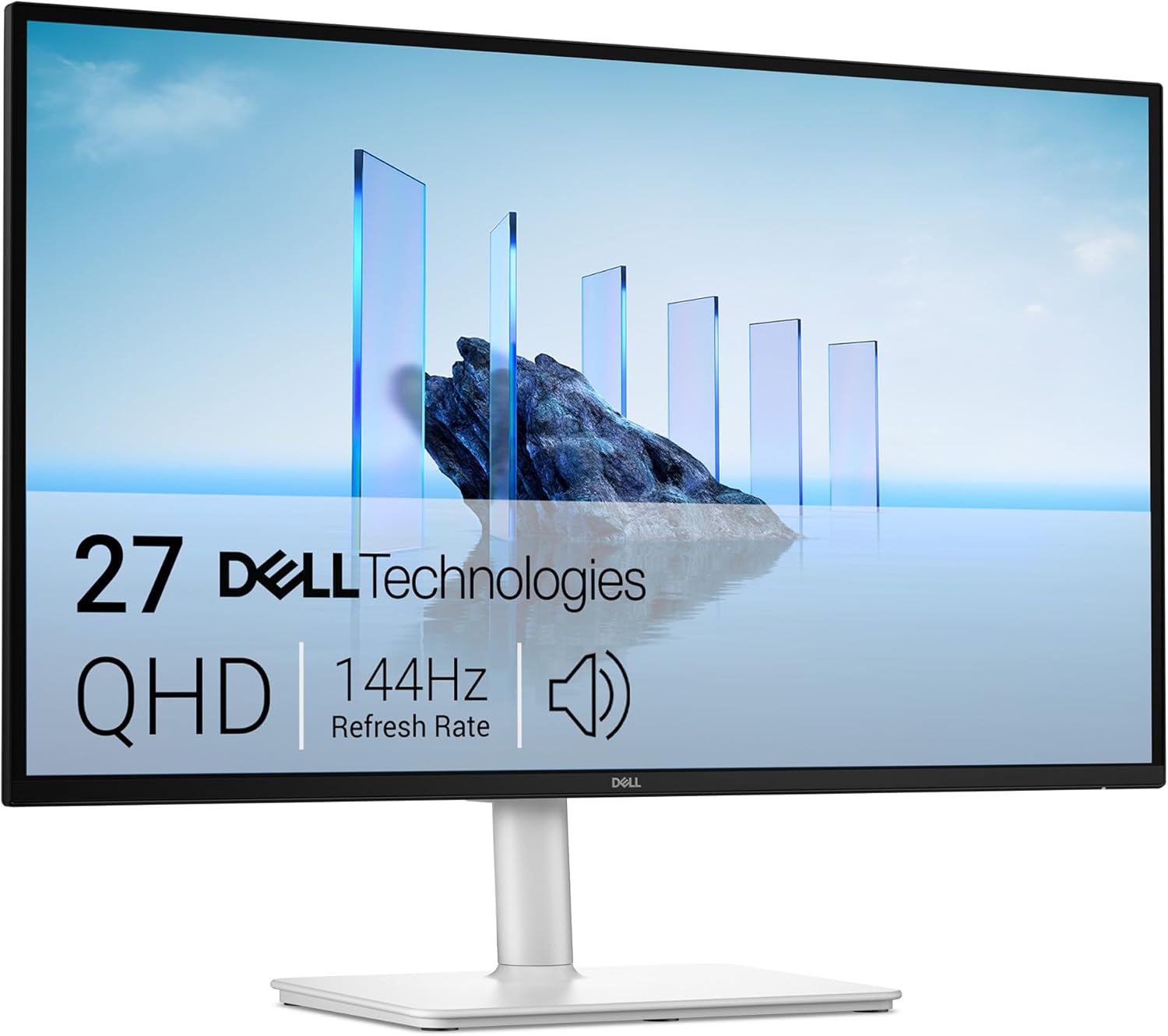
One trade-off to keep in mind: its built-in speakers are rated at 3W each, so they may not suit anyone who wants fuller sound without separate audio equipment.
What matters most
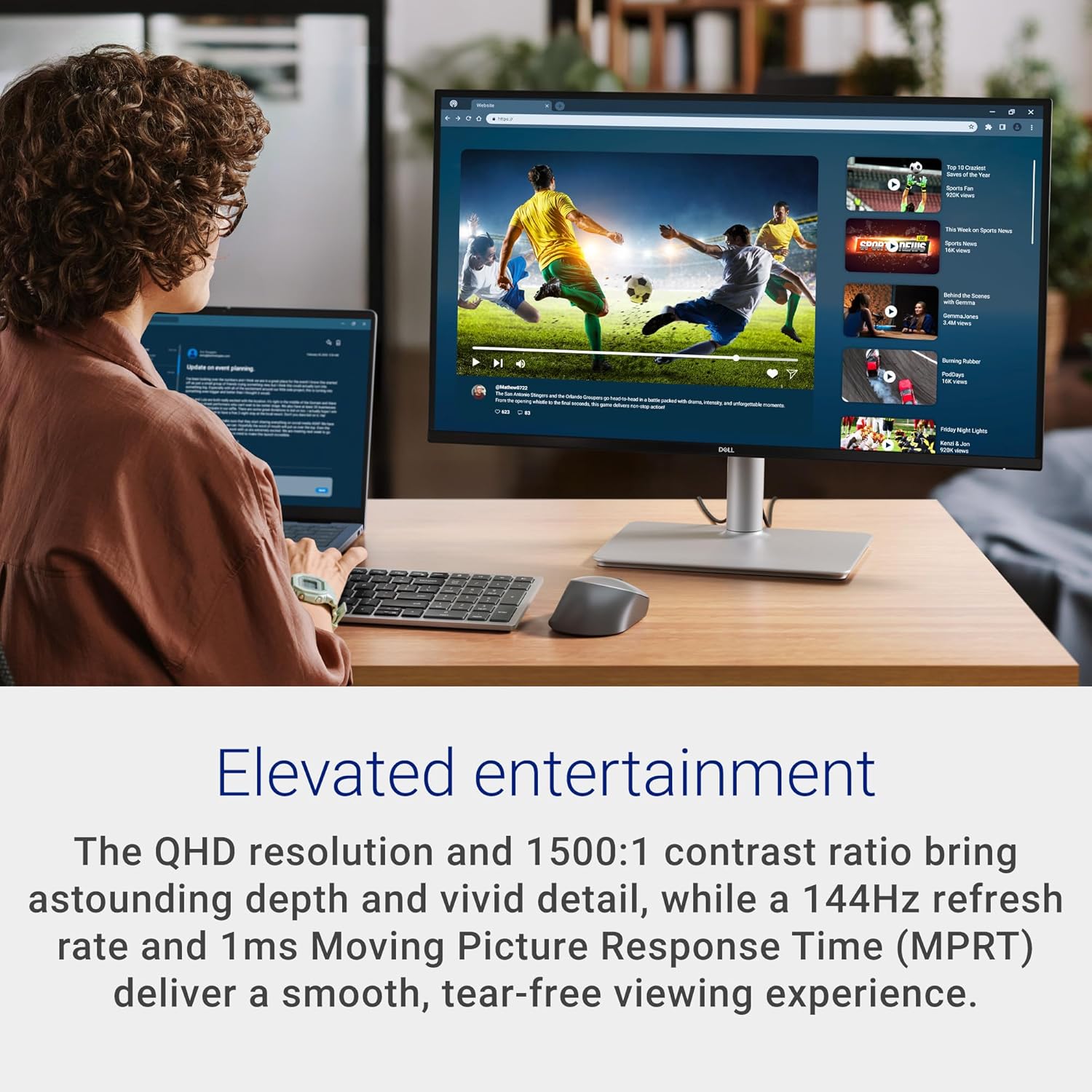
The QHD IPS panel is the main draw for mixed use, with 99% sRGB coverage, a 1500:1 contrast ratio and 350 cd/m² brightness listed. The 144Hz refresh rate and 1ms MPRT are aimed at keeping fast-moving scenes looking smoother, FreeSync is also part of the product’s listed feature set. These specifications make it worth considering for gaming alongside general desktop use, though they don’t tell you how it will perform with every game or PC.
There are a few practical extras beyond the image. The screen has an anti-glare finish and a four-star TÜV certification, with reduced blue-light emissions described as part of its eye-comfort approach. Dual 3W speakers can handle basic audio at the desk, while the stand supports height, tilt, swivel and pivot adjustments. VESA 100x100 mounting is also listed if you prefer a compatible mount.
Best use cases
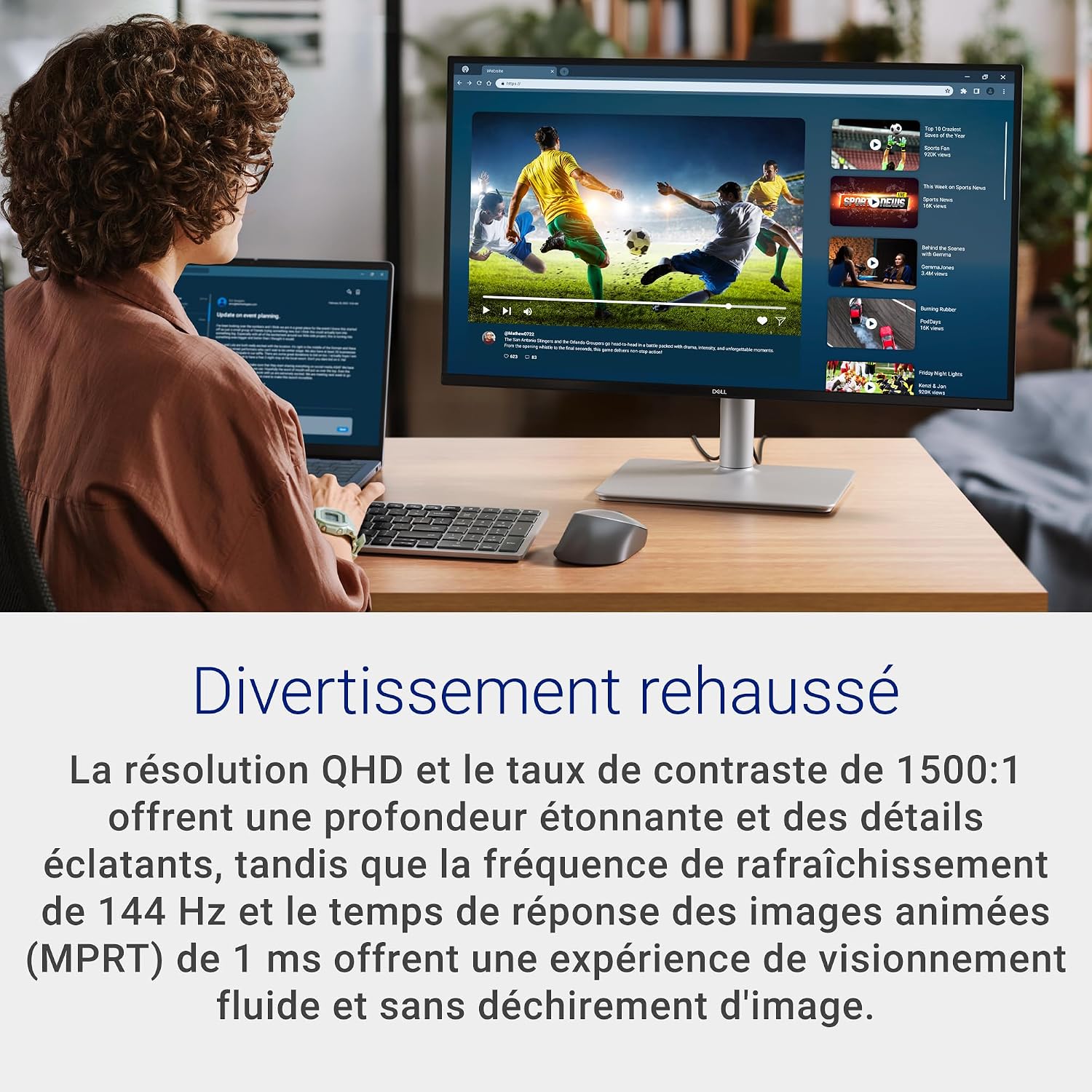
This monitor makes the most sense if you want one screen for varied desk use: a game with quick camera movement, a video between tasks, then documents or browser tabs. The higher refresh rate is a more relevant reason to choose it over a basic 60Hz-style display than the built-in speakers are, audio is better treated as a convenience than a major feature.
It may suit you if QHD detail, smoother motion and an adjustable stand matter more than having a monitor built around one specialist task. It won't suit you if your priority is powerful integrated sound or if you need specifications that aren’t provided here, such as connection options. Based on the listed details, the four-star TÜV rating is stated, but there’s no further test information to compare its eye-comfort performance with other displays.
Tips for day-to-day use
Take a moment to set the height and angle before settling into a long session, the stand’s range of adjustments should help you avoid treating one fixed position as the only option. Pivot is useful when a vertical screen orientation suits the task, while swivel can help reposition the display without moving the whole desk setup.
For games, the 144Hz specification is most useful when your computer and chosen content can make use of a higher refresh rate. If you’re shopping in Québec, note the product information says Dell does not guarantee replacement-part availability, repair services or maintenance and repair information. That’s a relevant consideration if long-term repairability is high on your list.
Three specific questions
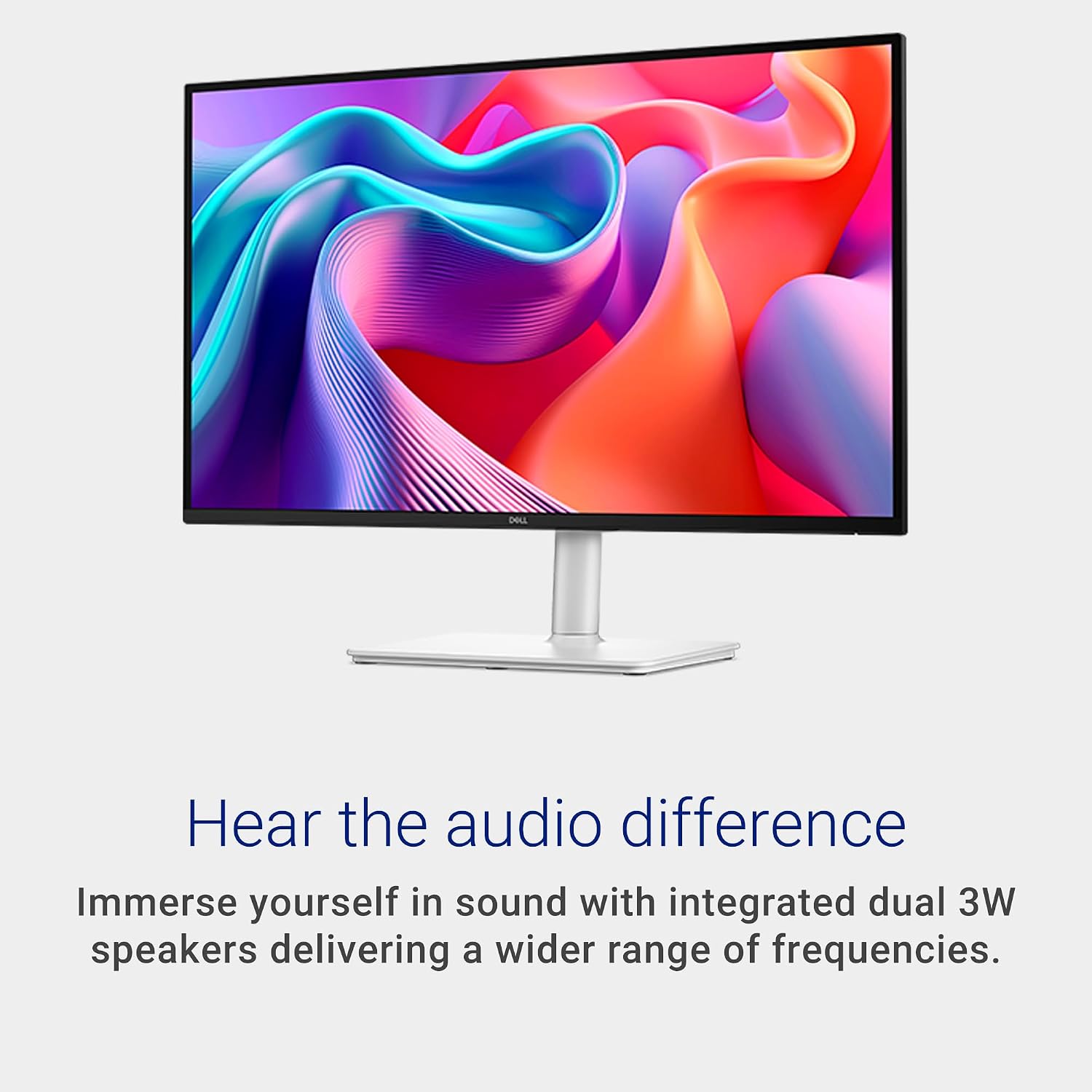
Does it have built-in audio? Yes. It includes two 3W speakers, though the listed rating alone doesn’t establish how full or loud they’ll sound in your room.
Can the screen be repositioned? The listed adjustments are height, tilt, swivel and pivot. VESA 100x100 mounting is also specified.
Is it intended for gaming? The 144Hz refresh rate, 1ms MPRT and FreeSync listing point to gaming as one intended use, alongside everyday viewing and work.
Is it worth it?
The S2725DSM is a sensible fit when you want QHD, a faster refresh rate and a stand with several adjustment options in one monitor. Compared with a simpler screen focused mainly on basic desktop tasks, its gaming specifications and flexible positioning give you more to work with. Choose a different approach if strong built-in audio or clearly documented repair support matters more, the available Québec information specifically says Dell does not guarantee repair services or replacement parts.