

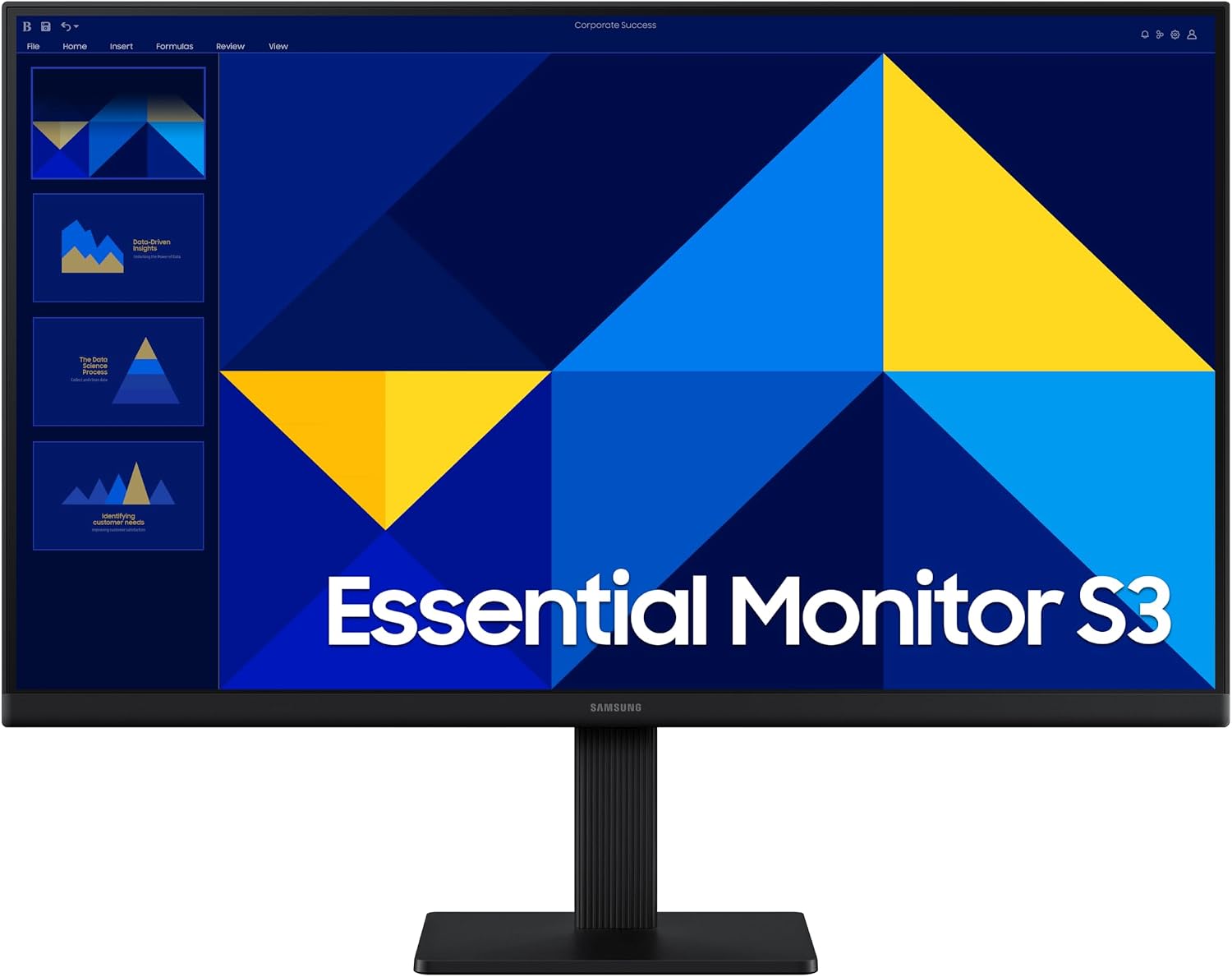
Samsung 22-inch monitor
Product description
How to use it
The IPS panel is the standout feature for everyday viewing: colours are designed to stay clear and consistent as you shift your position, rather than washing out as easily at an angle. That can be handy at a shared desk, or when you lean back to watch a video after work. The flat 22-inch FHD screen also gives you a straightforward format for browsing, documents and general desktop use.
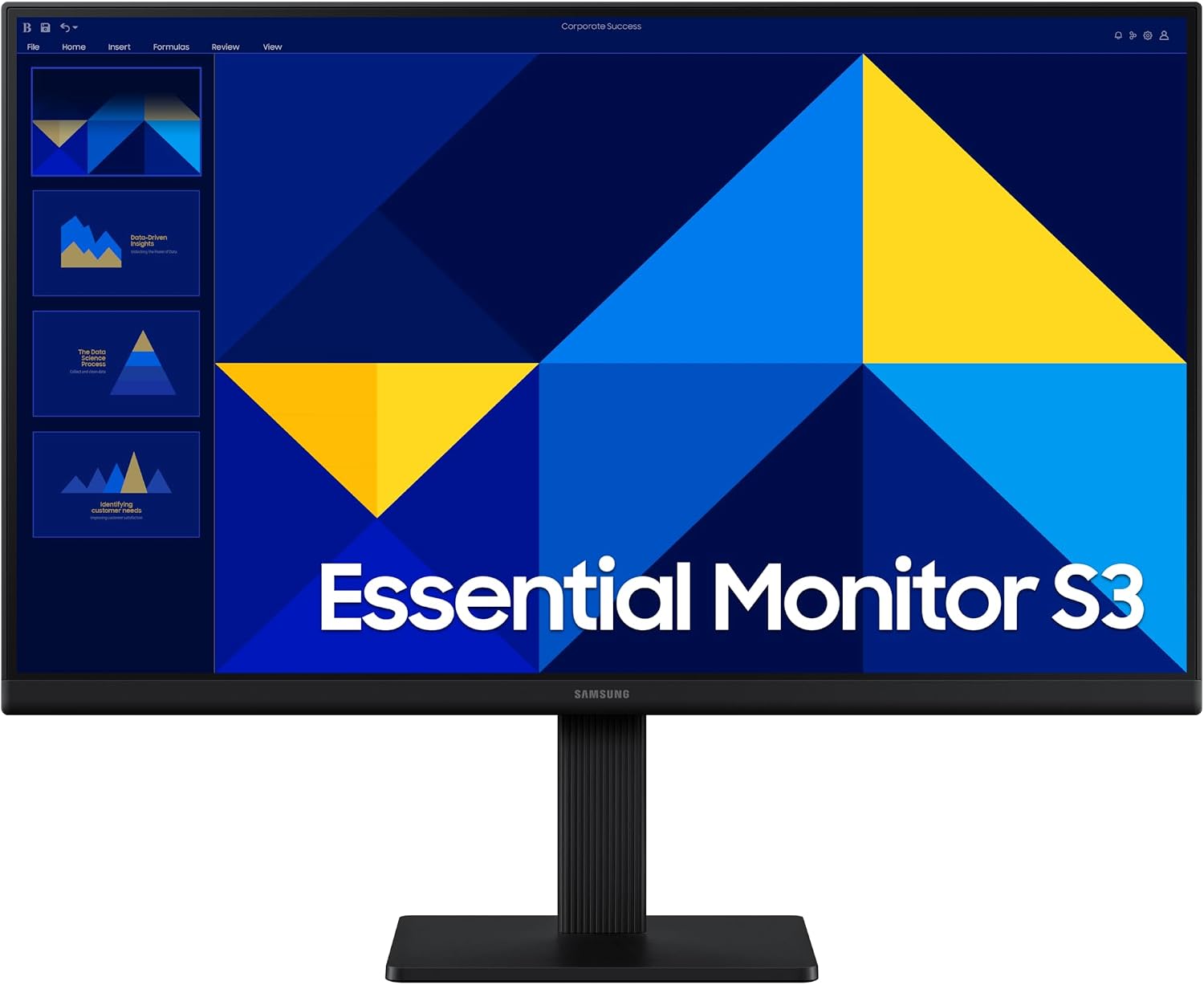
Its 100Hz refresh rate adds a smoother feel to scrolling and motion than a basic 60Hz-style setup, while the 5ms response time gives you a useful spec to weigh up for casual gaming.
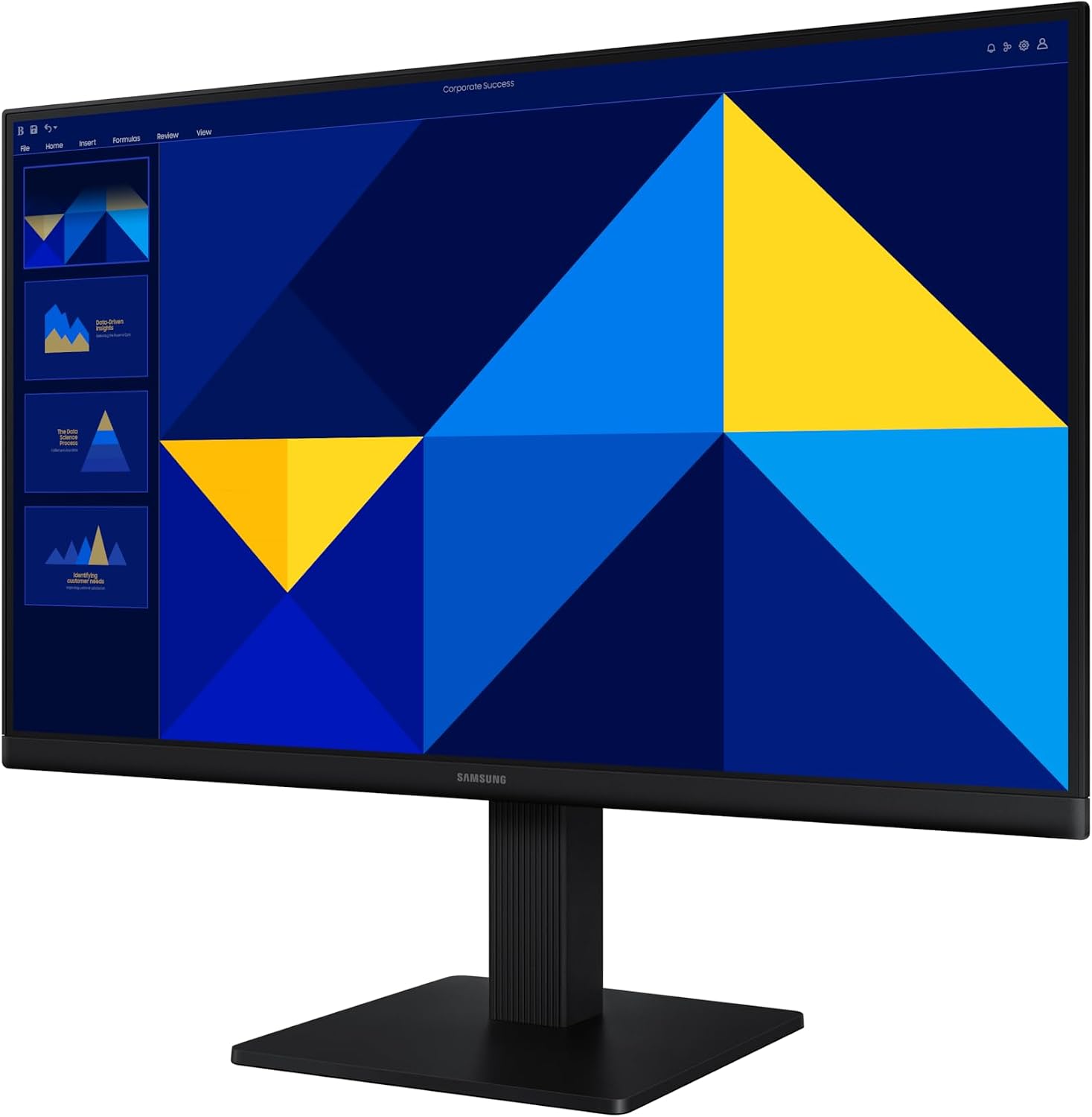
What does that mean day to day? Moving between a spreadsheet, a video call and a game is the sort of mixed use this monitor is aimed at, without making a gaming setup its only purpose. Eye Saver Mode and reduced screen flicker are intended to make longer sessions more comfortable, the manufacturer describes these as eye-comfort features, not a substitute for breaks. If you want a monitor chiefly for competitive play, a model designed around faster response or a higher refresh rate may be a better fit.
Pros
- The IPS panel is intended to keep colours looking consistent across the screen when viewed from different angles.
- A 100Hz refresh rate can make motion feel smoother for video, games and everyday scrolling.
- Eye Saver Mode and reduced flicker address comfort during extended screen time.
- The slim design and thin bezels should suit a tidy, space-conscious desk setup.
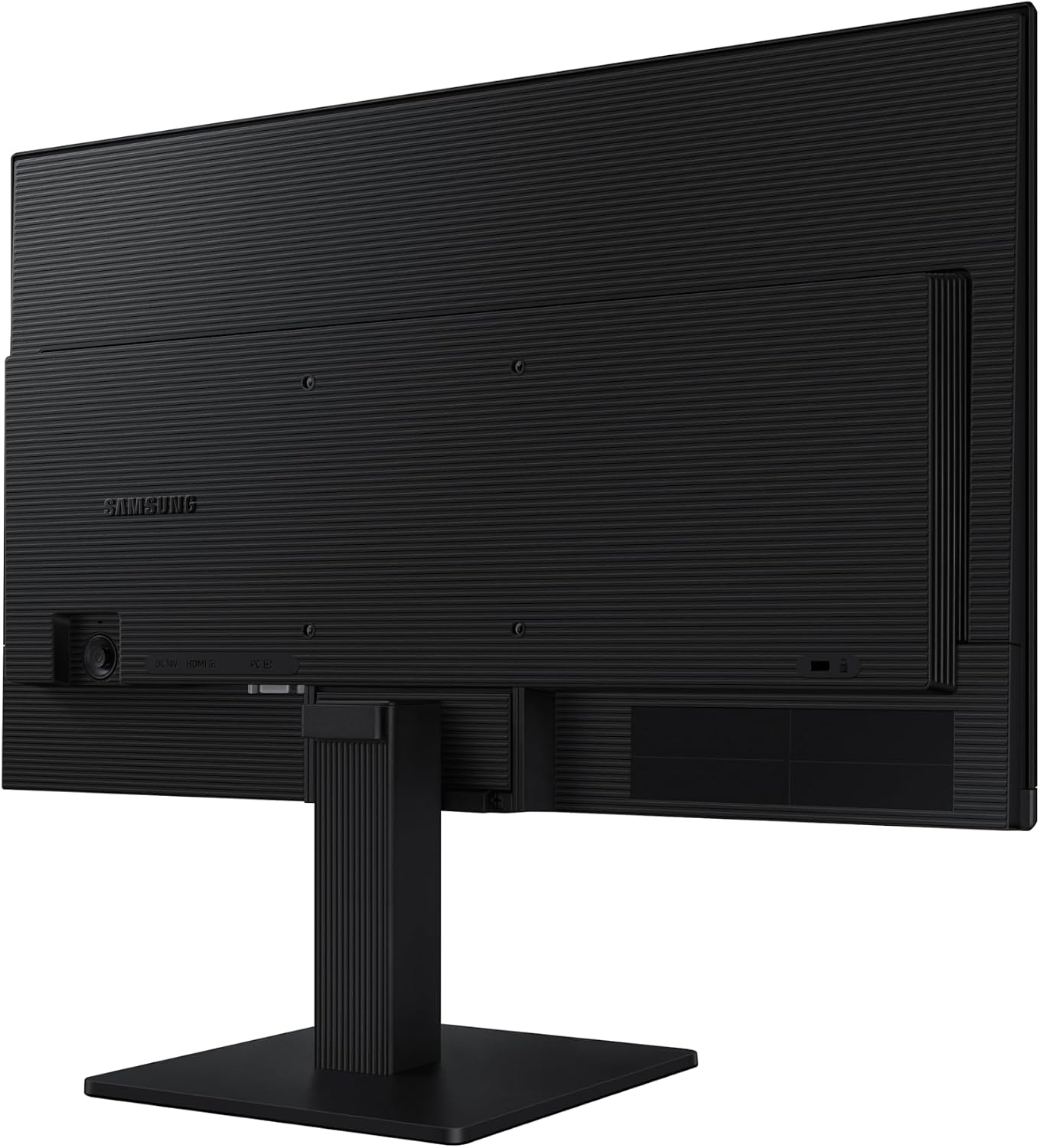
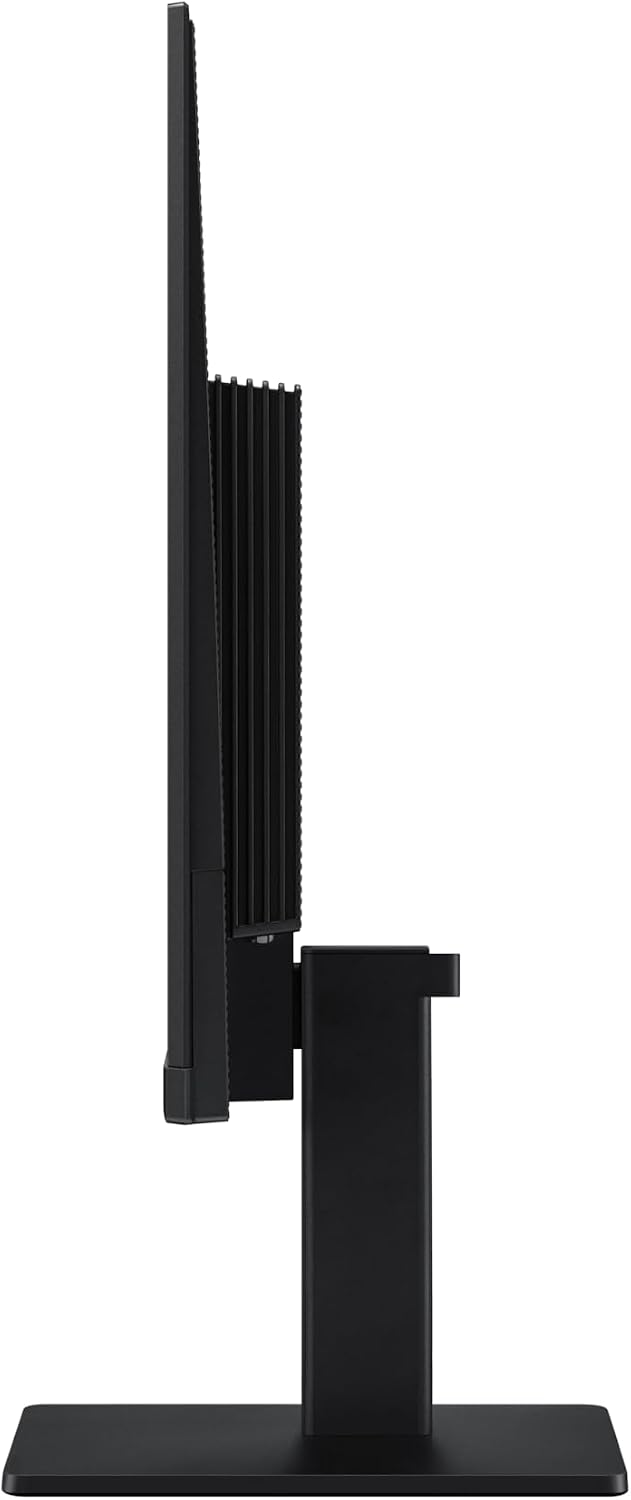
It suits you if you want one screen for routine work, streaming and occasional gaming, and value viewing angles and a slim look. It is not worth it if your decision depends on a particular port, adjustable stand, or advanced gaming feature: those details are not provided here, so this listing alone cannot confirm them.
Spec sheet
- Type: Flat monitor
- Size: 22-inch
- Resolution: FHD
- Panel: IPS
- Refresh rate: 100Hz
- Response time: 5ms
- Model: LS22D300GANXZA
- Features: Eye Saver Mode, Game Mode and reduced screen flicker
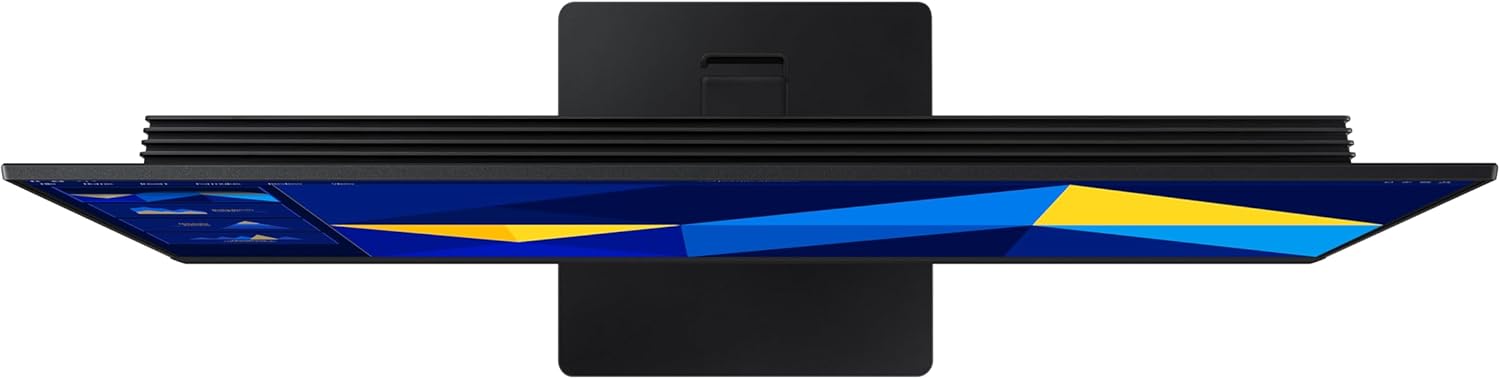
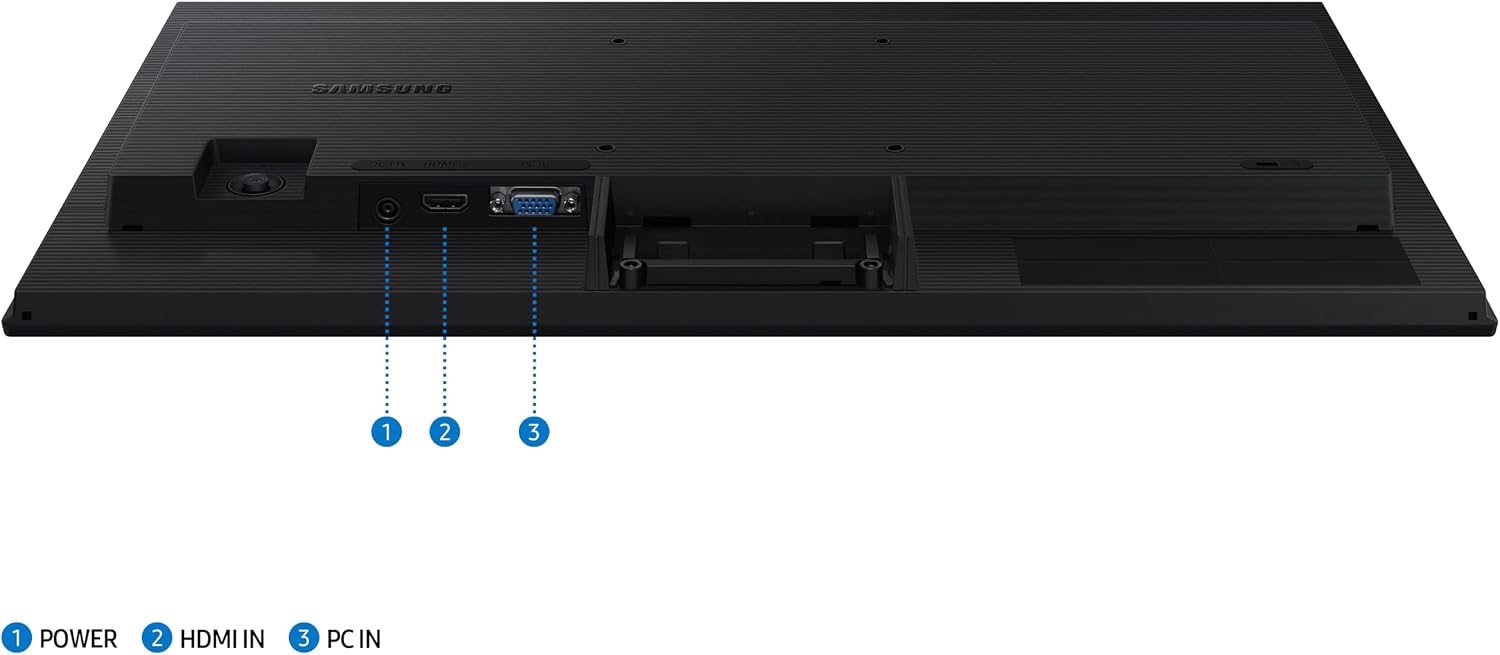
Game Mode is described as allowing colour and contrast adjustments to make darker scenes easier to see. That may be useful when you play, but the available details do not establish support for particular games or specific gaming technologies. The slim build is a design point, not evidence of particular stand adjustments or connection options.
What I’d decide
Choose this Samsung if a 22-inch FHD screen with an IPS panel, 100Hz refresh rate and eye-comfort modes matches the way you use your desk. It takes a more versatile everyday approach than a monitor chosen solely for gaming performance, while offering more emphasis on smooth motion than a basic office screen. Skip it if you need confirmed connection ports, ergonomic adjustments or a clearly specified competitive-gaming setup, those requirements need details that are not included in the product information.