

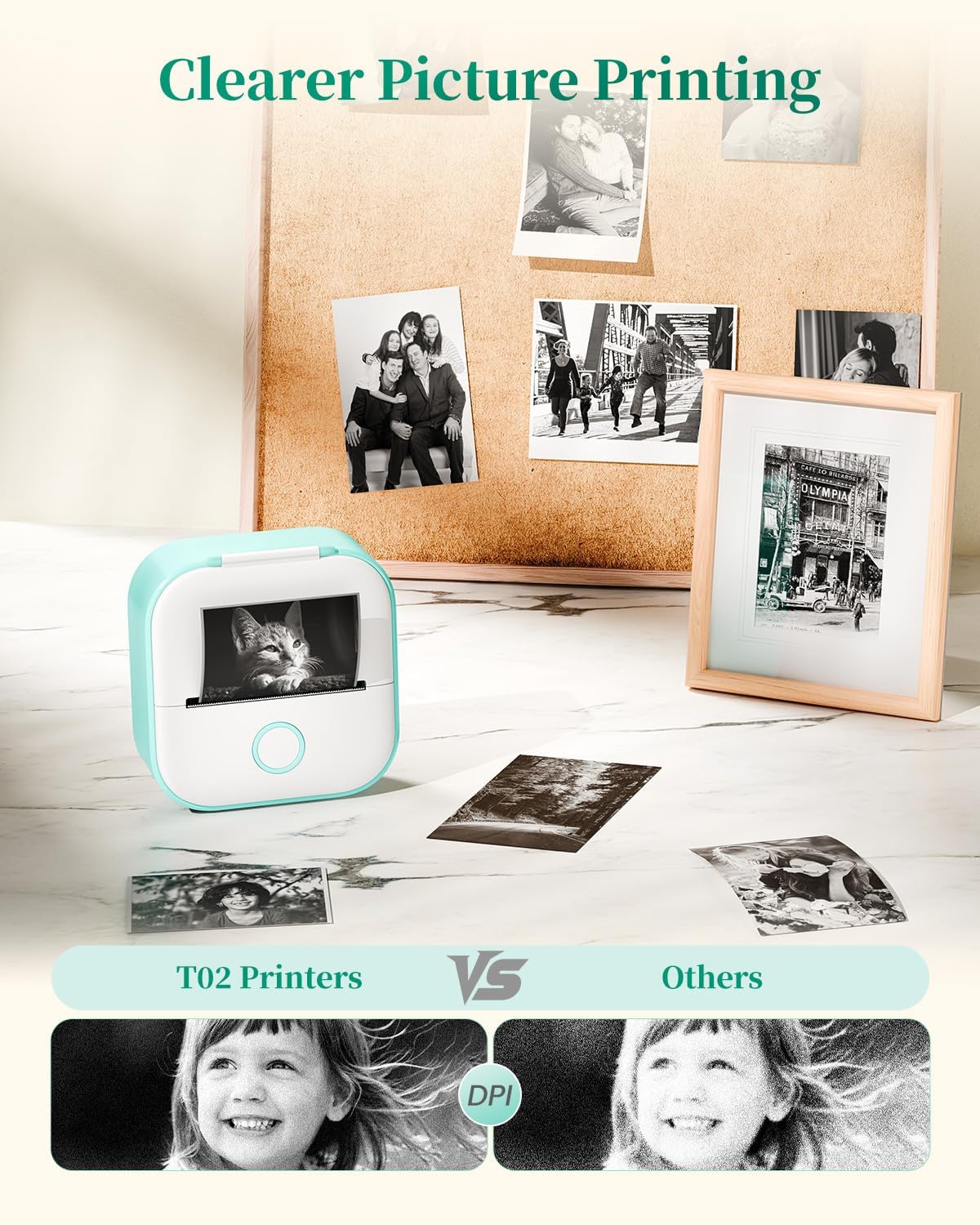
Memoking mini thermal printer T02
Product description
When study notes, labels or small reminders need to be made on the spot, a full-size printer is more than the job calls for. The Memoking T02 is a pocket-sized thermal printer that connects to a phone, so you can turn text or images into prints without keeping ink cartridges on hand.
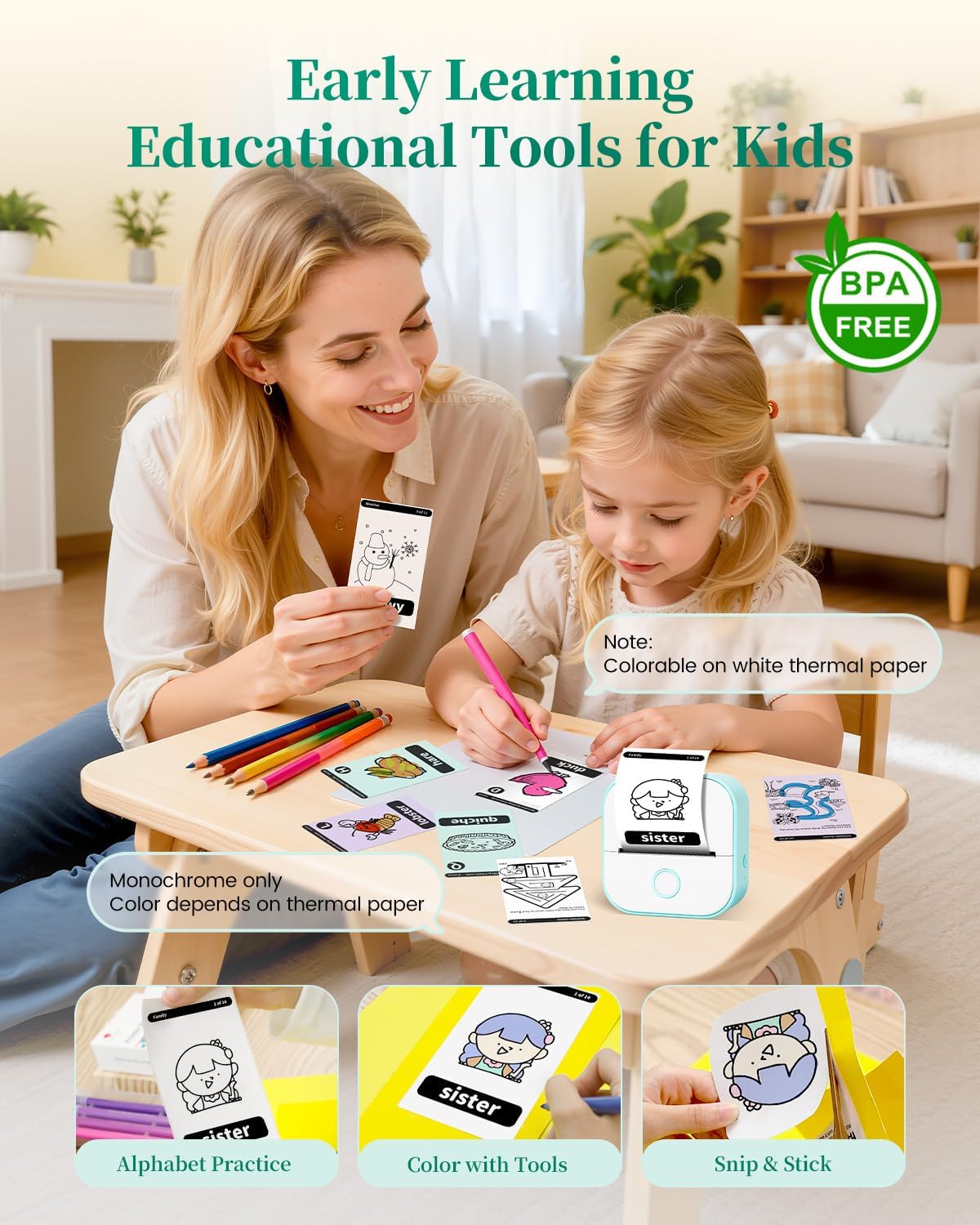
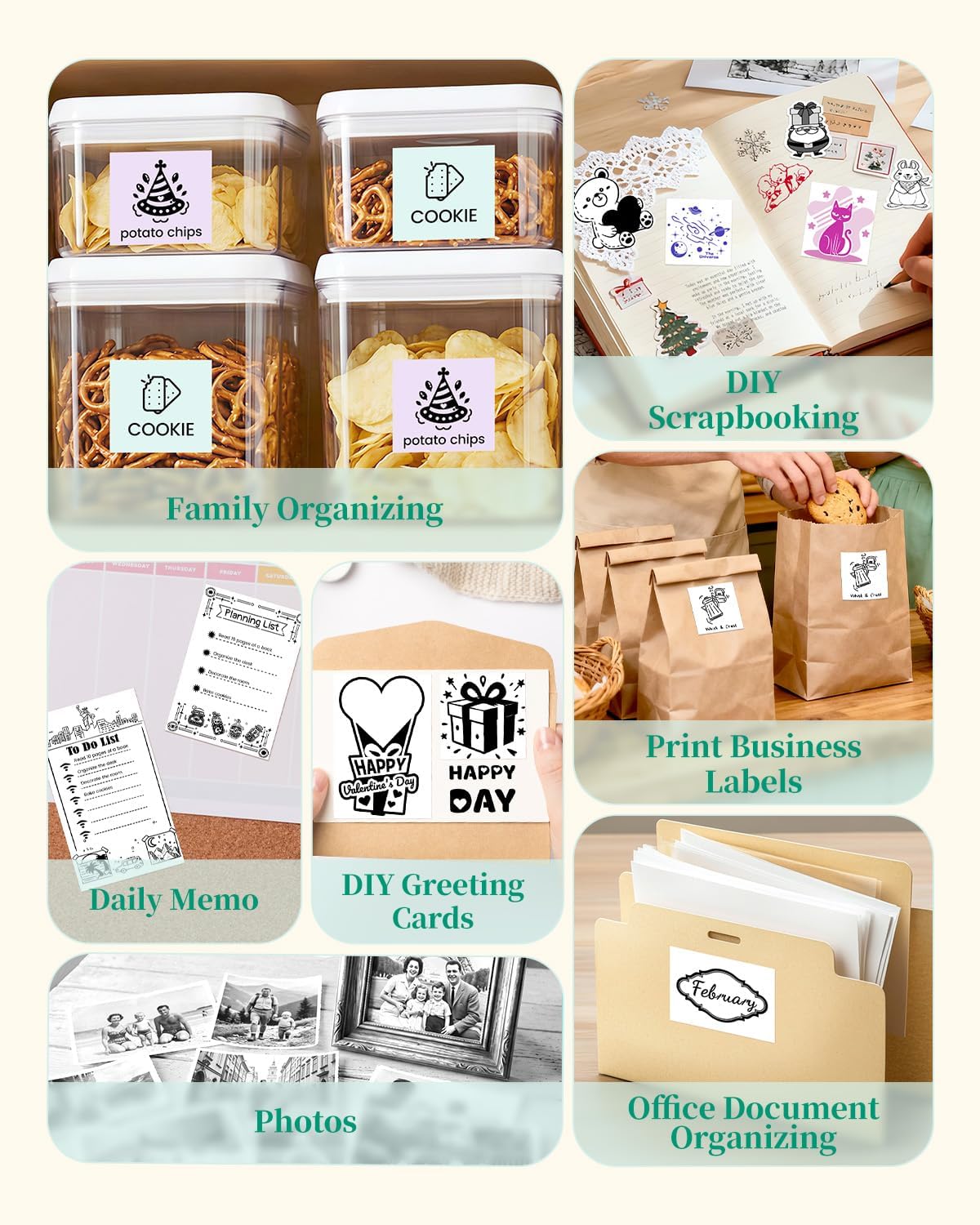
It’s aimed at more than schoolwork: the app also offers templates and creative tools for labels, lists and DIY projects. The trade-off is that your results depend on the thermal paper you choose, and some advanced app features require a subscription.
Technical details
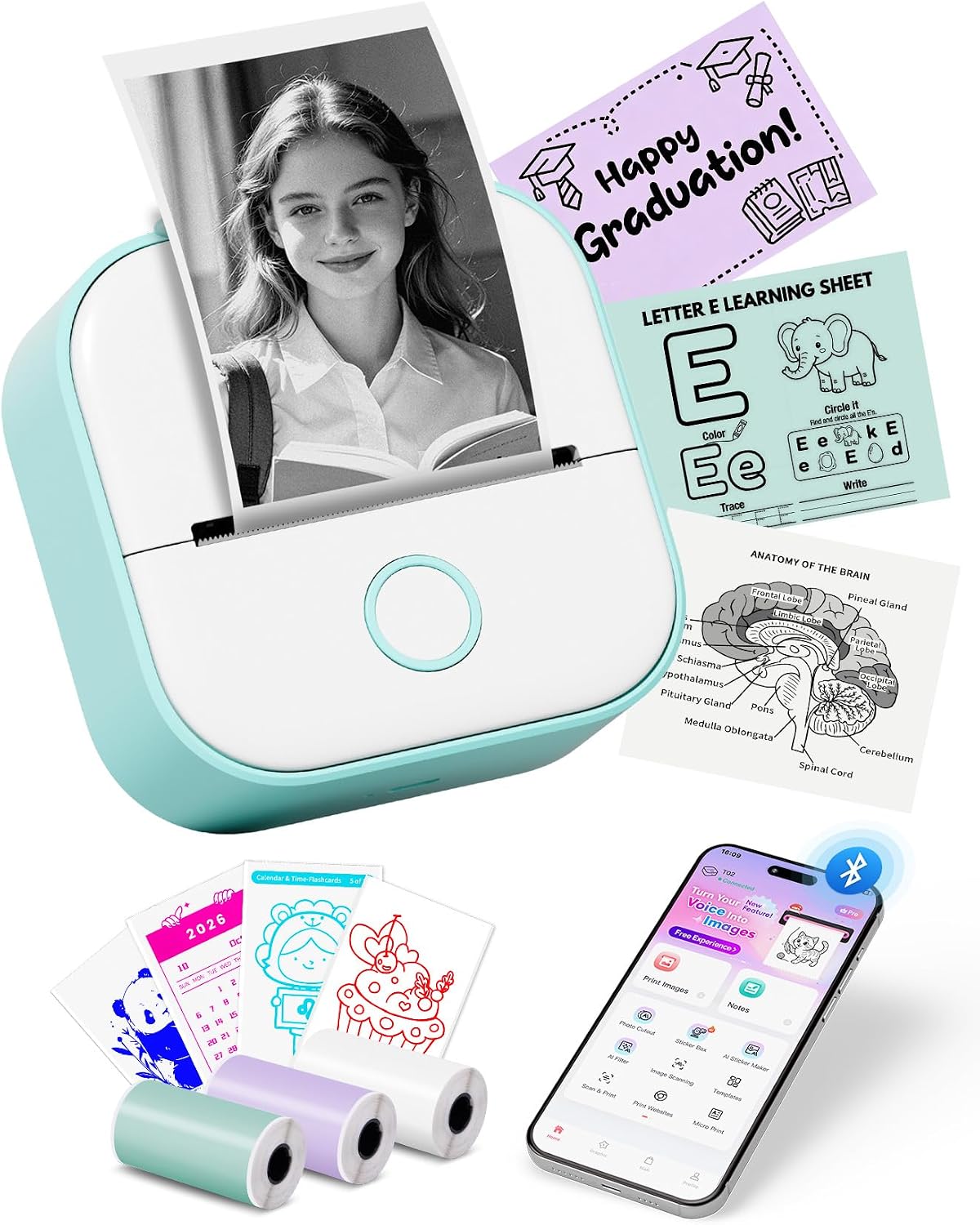
The T02 uses thermal printing, which means it prints on compatible thermal paper rather than using ink. Its listed dimensions are 3.39 × 3.39 × 1.42 inches, and the package includes three coloured paper rolls: white, purple and green, each measuring 50 mm × 3.5 m. A Type-C charging cable and user manual are also included.
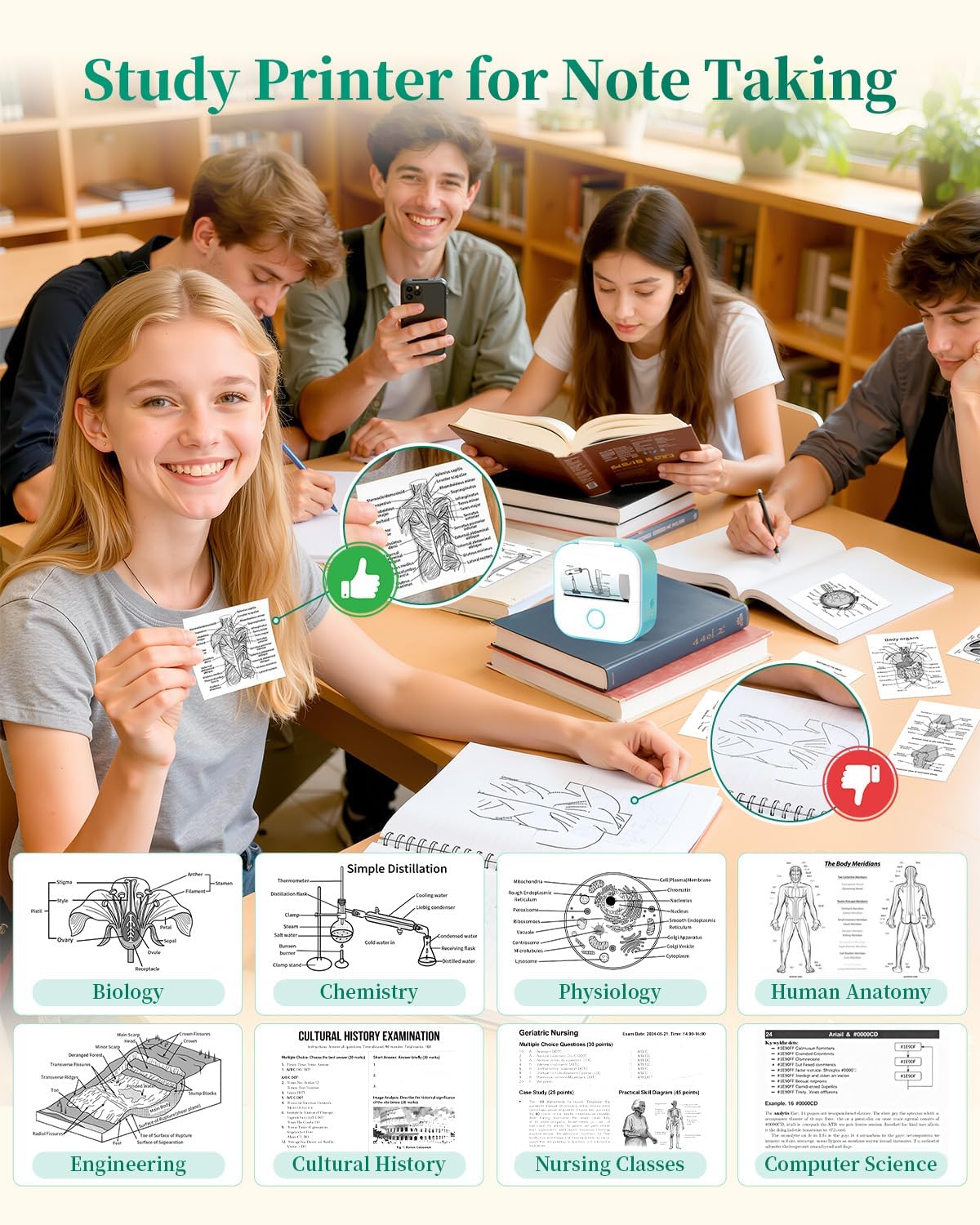
The printer can work with white sticky or non-sticky paper, as well as coloured and clear transparent sticker paper. These paper choices make it more adaptable than a printer limited to one label format, but they also mean you’ll need to choose supplies suited to the job. The manufacturer gives paper-dependent print-retention claims ranging from two years to permanent preservation, don’t treat that as a guarantee for every paper type or storage condition.
Compatibility
The T02 connects wirelessly by Bluetooth to iOS and Android phones and tablets. Its app includes OCR scanning, allowing you to capture text or graphics from a document or image on your phone for printing. That could be handy when you want a small diagram or a passage for a revision card without retyping it.
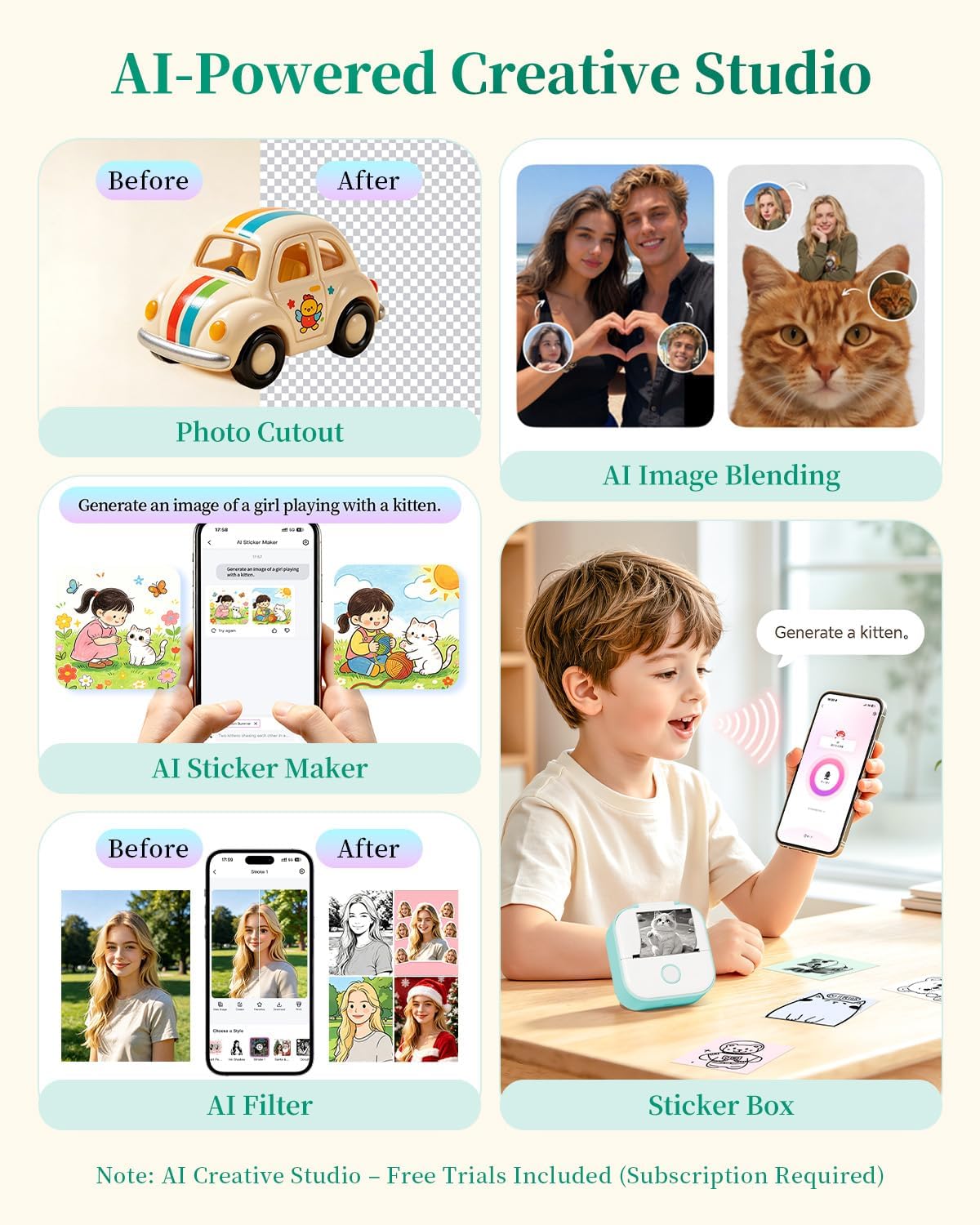
The app also provides templates, fonts, filters and patterns. Essential features are described as free, while some advanced capabilities—including AI features—require a subscription. If you only want basic notes and labels, the paid tools may not be necessary, if you’re buying it for AI-generated images, factor that access requirement into your decision.
Usage tips
For a quick study setup, scan a short section of notes, print it on sticky thermal paper, then place it beside the relevant page in a workbook. The same workflow could suit a timetable, a shopping list or a small label for a home project. The included coloured rolls give you a few options to start with, while clear or non-sticky paper may suit different layouts and uses.
It’s a good fit if you want compact, phone-based printing for brief text, simple graphics and hands-on projects. It won’t suit you if you need conventional ink printing or expect a general-purpose printer for larger documents, the product is designed around small thermal prints.
Dudas de compra
Does it need ink? No. It uses thermal printing and works with thermal paper, so ink cartridges aren’t part of the setup.
Can I print from an iPhone or Android device? The listing specifies Bluetooth connection with iOS and Android phones and tablets.
Are all app features free? Essential features are described as free and functional, but advanced capabilities require a subscription.
Antes de comprarlo
The T02 makes most sense when convenience and small-format output matter more than the flexibility of a standard printer. Check that the paper format and sticky, non-sticky, coloured or clear finish you want are available for your intended projects. Also decide whether the included app tools cover your needs, since subscription-only features could matter if AI creation is a key reason for buying. For quick revision cards, lists and small labels, its portable format is the point, for longer documents or routine full-page printing, a different printer style is a better match.