

TECKNET Wireless Keyboard and Mouse Combo 2.4 GHz
Product description
What to know
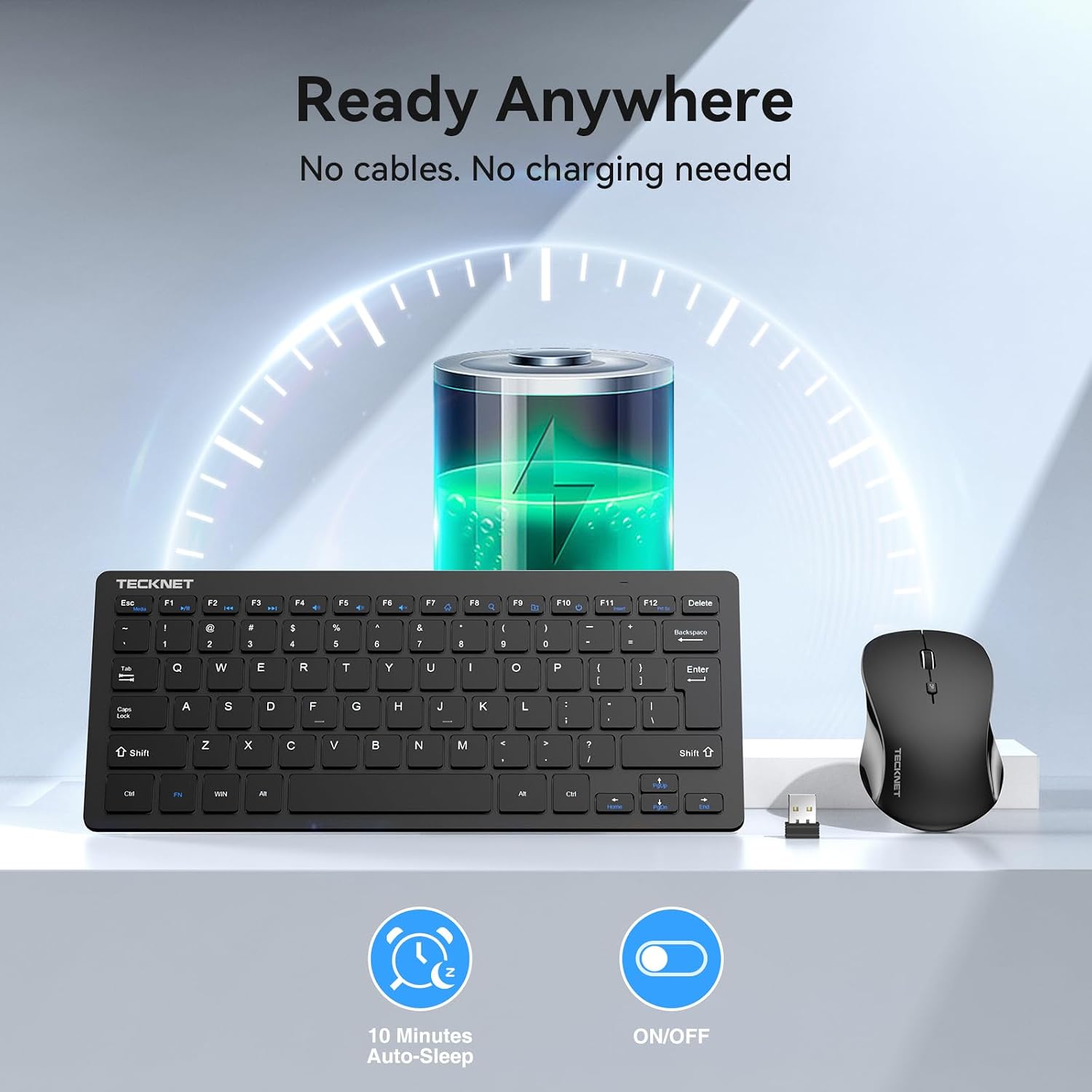
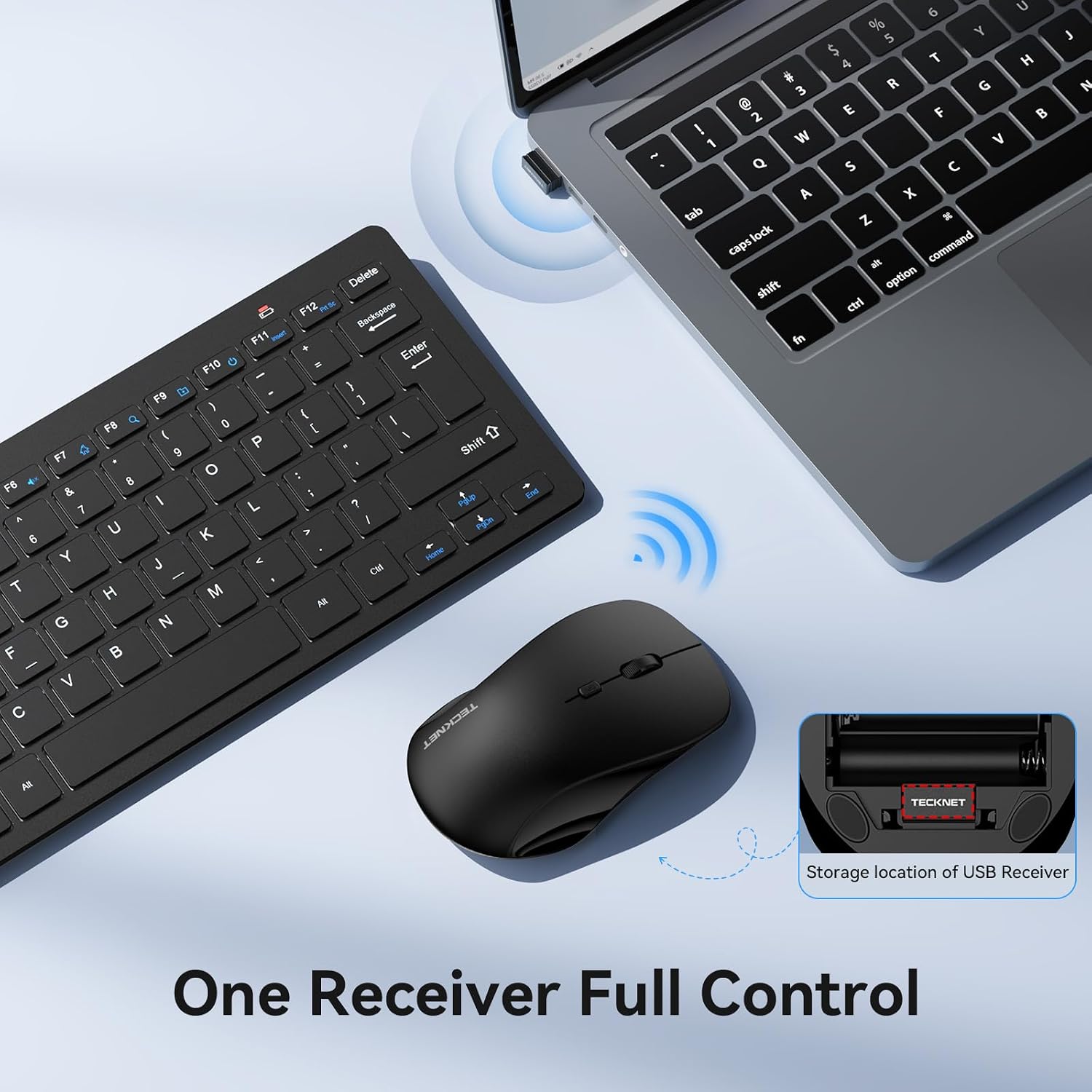
The shared 2.4 GHz nano receiver keeps this keyboard-and-mouse set to a single USB connection, which is handy when you want a tidy desk or a compact travel setup.
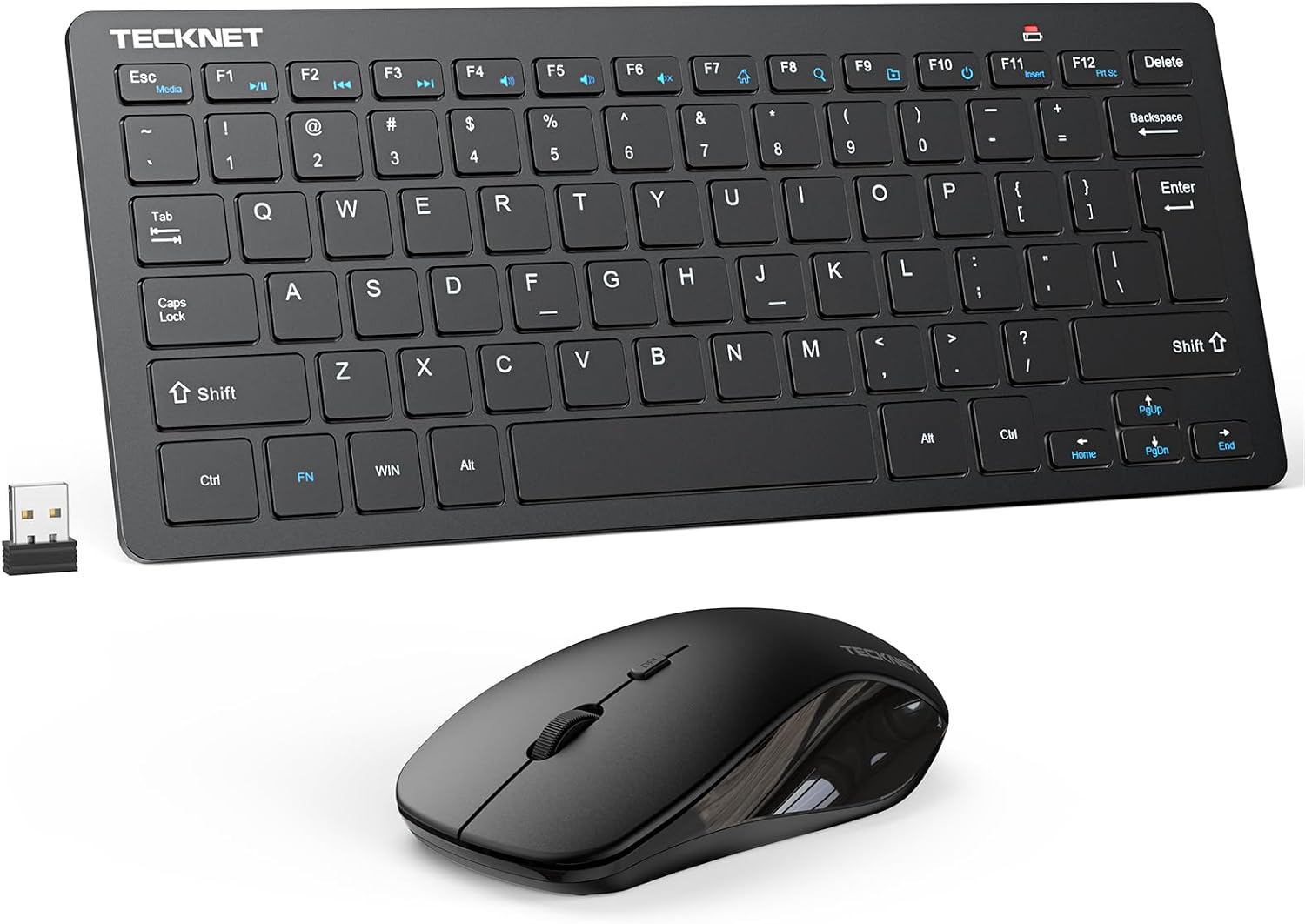
Both devices are designed to be quiet: the keyboard uses scissor-style keys, while the mouse has quiet left and right clicks. That makes the combo worth considering for a shared office or a late-night session when louder typing and clicking would be distracting.
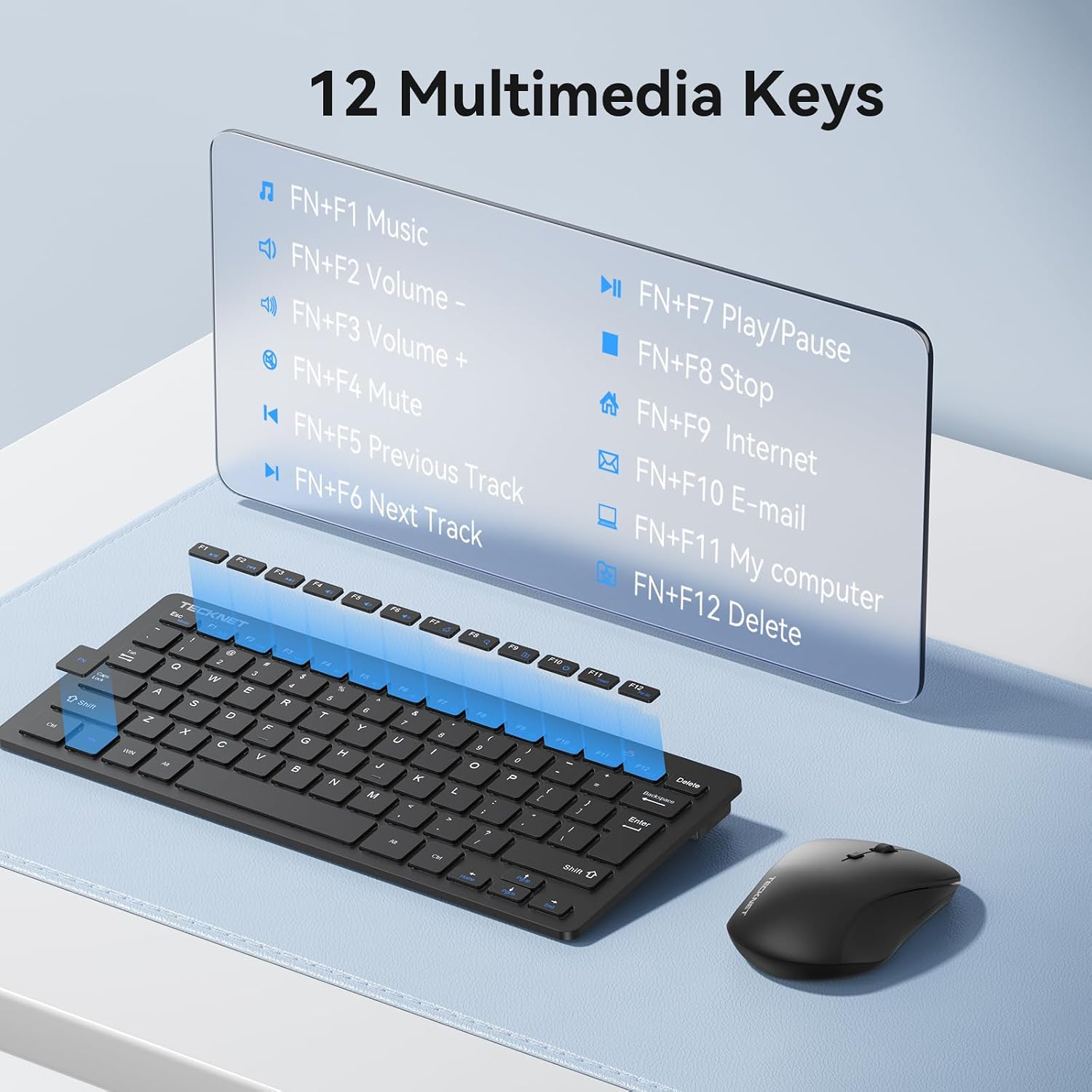
The keyboard includes 12 multimedia hotkeys, and the mouse offers three DPI settings: 800, 1200 and 1600. The connection is wireless, but it is not Bluetooth, both devices need AAA batteries, and the listing does not say whether batteries are included.
Best use cases
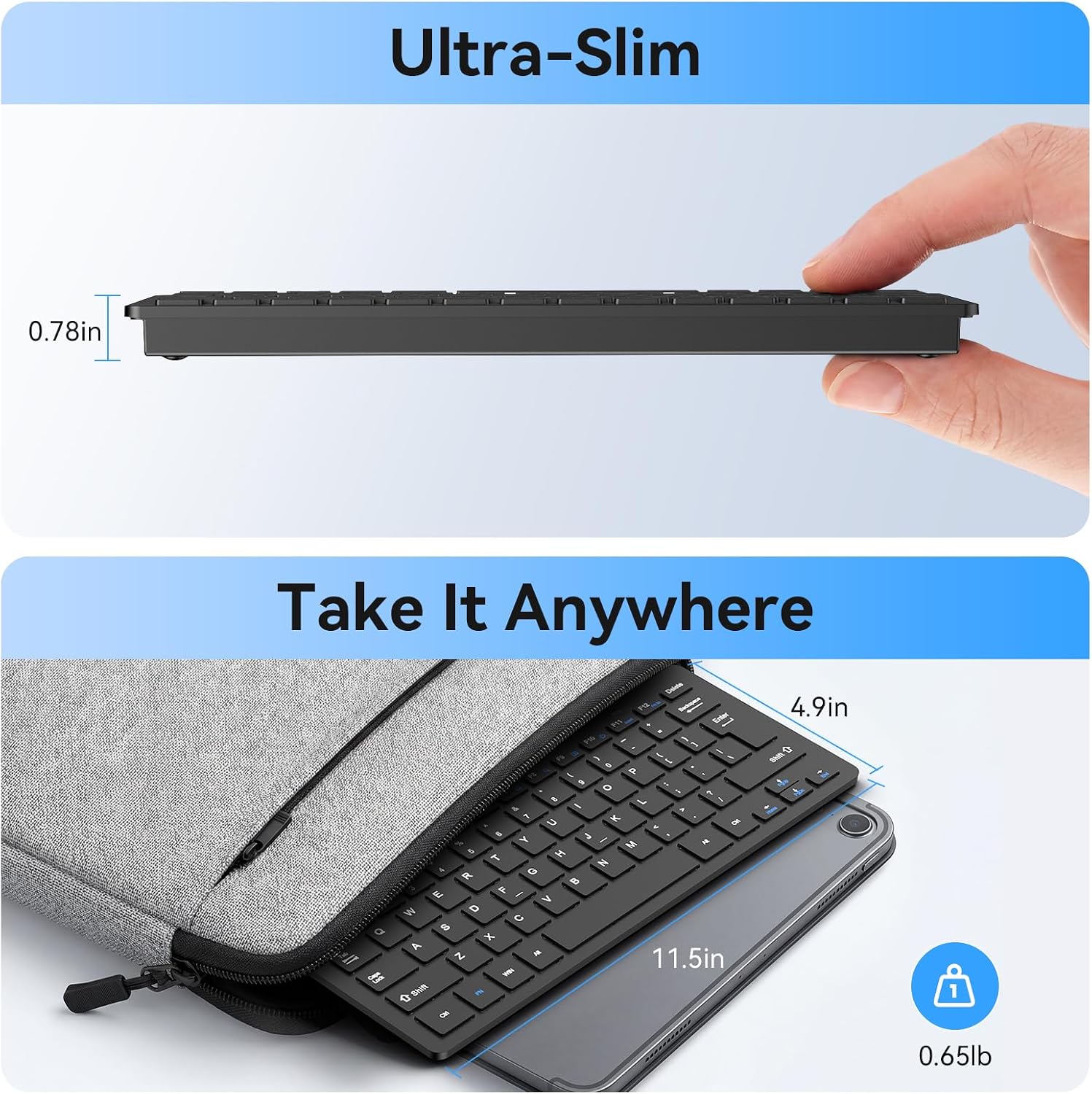
This is a practical fit for everyday typing, web browsing and basic computer work where saving desk space matters more than having a full-size keyboard. Its compact dimensions—292 x 125 x 19 mm—make it easier to slip into a laptop bag than a larger desktop set. The mouse is also compact, at 110 x 65 x 30 mm.

It suits you if you want one receiver for both devices and a quieter mouse for a home or office environment. It may not suit you if you need Bluetooth, prefer a full-size keyboard, or rely on the multimedia and special-character keys on a Mac. Keep in mind that those special characters and multifunction keys are not supported on Mac, so the shortcut layout may be less useful there.
Compared with choosing separate Bluetooth peripherals, this set keeps the connection approach simple, but it does require a USB receiver. The receiver is stored under the mouse for carrying, so it is less likely to be left loose in a bag. The stated wireless range is up to 15 metres, though your workspace and setup may affect how useful that distance is in practice.

Tips for day-to-day use
For a quick work-from-home setup, plug in the shared nano receiver, place the keyboard beside your laptop and use the mouse’s DPI setting that feels comfortable for your screen and desk space. The 800, 1200 and 1600 options give you a few sensitivity choices without requiring a separate software setup mentioned in the listing.
Both devices enter an energy-saving mode when idle and wake when you press a key. If the set stops responding, check the AAA batteries and make sure the receiver is connected. The keyboard and mouse are rated for over 8 million presses, and the product includes a 36-month warranty with registration required.
Buying questions
Does this combo connect by Bluetooth? No. It uses a shared 2.4 GHz nano receiver, so your device needs a suitable USB port.
Can I use the multimedia keys on a Mac? The listing notes that Mac does not support the special characters and multifunction keys. The keyboard itself is listed for Mac use, but those shortcuts may not work as expected.
What batteries does it need? Both the keyboard and mouse require AAA batteries. The product details do not specify whether batteries come in the box.
Is it worth it?
This TECKNET combo makes sense if you want a compact, quiet keyboard and mouse for routine computer use, and you are comfortable using a USB receiver and supplying AAA batteries. It is a more space-conscious alternative to a full-size desktop set, with a quiet-click mouse and adjustable sensitivity as useful extras. Choose a different setup if Bluetooth is essential, you need a larger keyboard, or Mac-specific shortcuts are central to your workflow.