

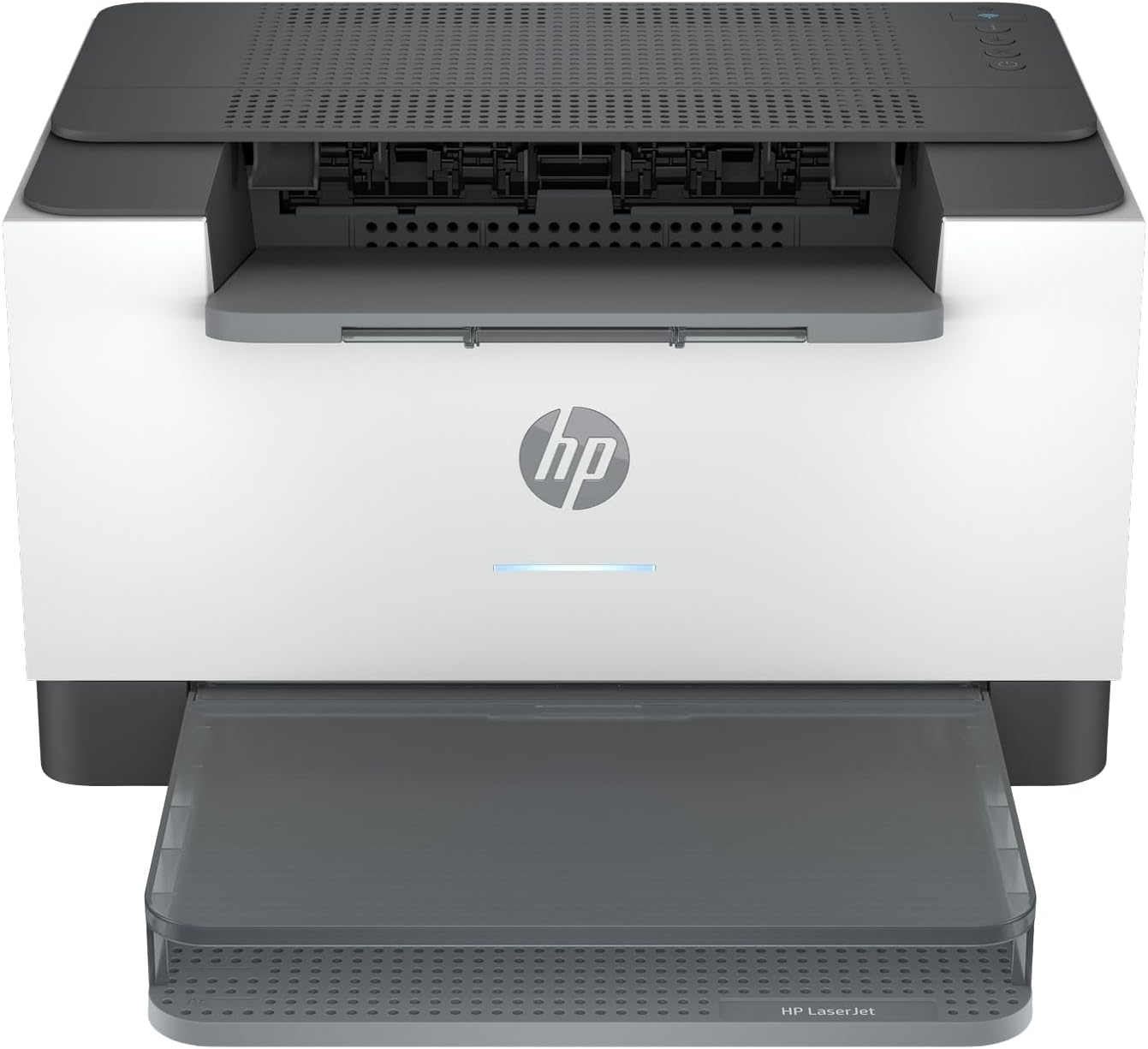
HP Laser Printer M209d
Product description
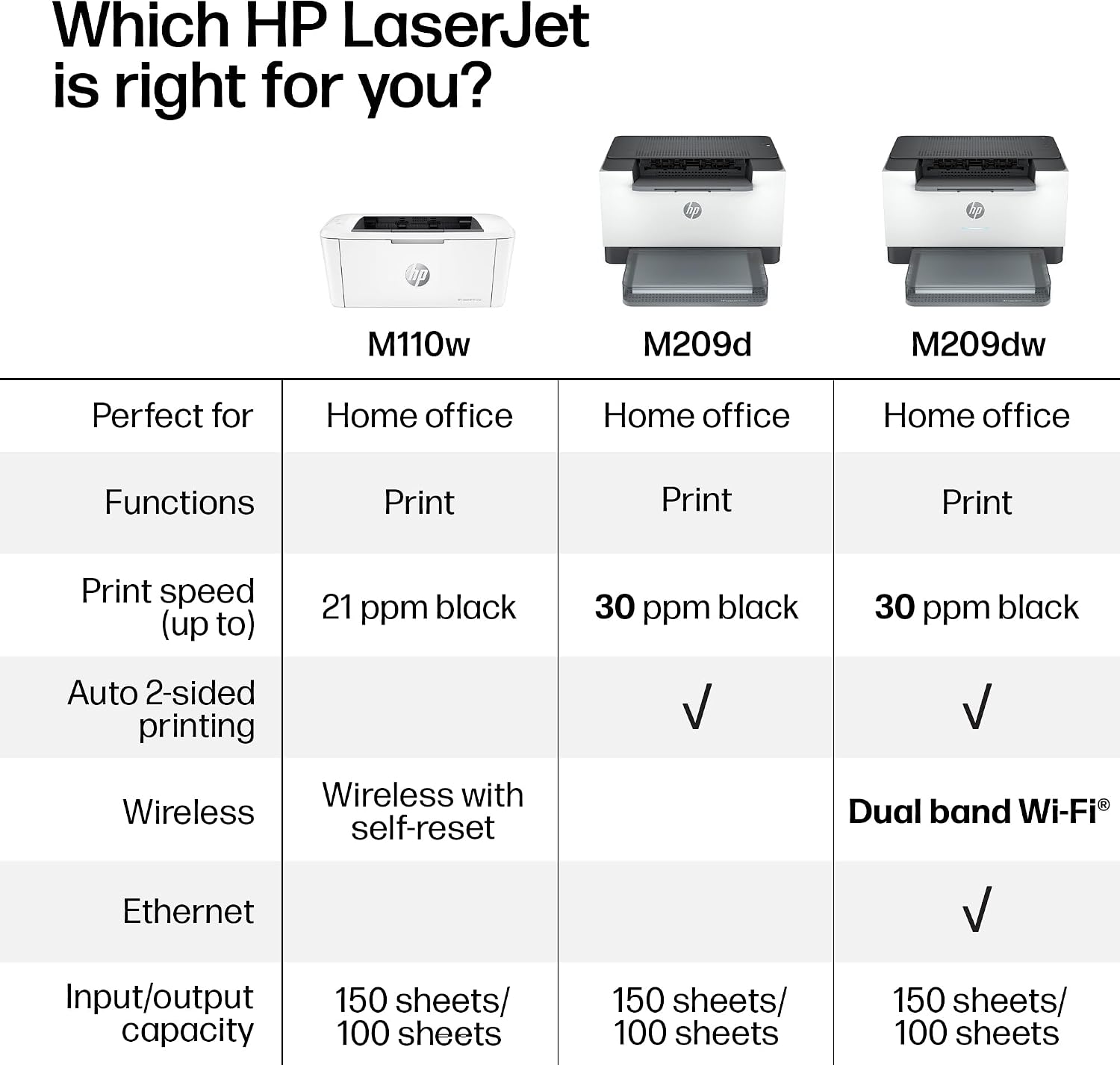
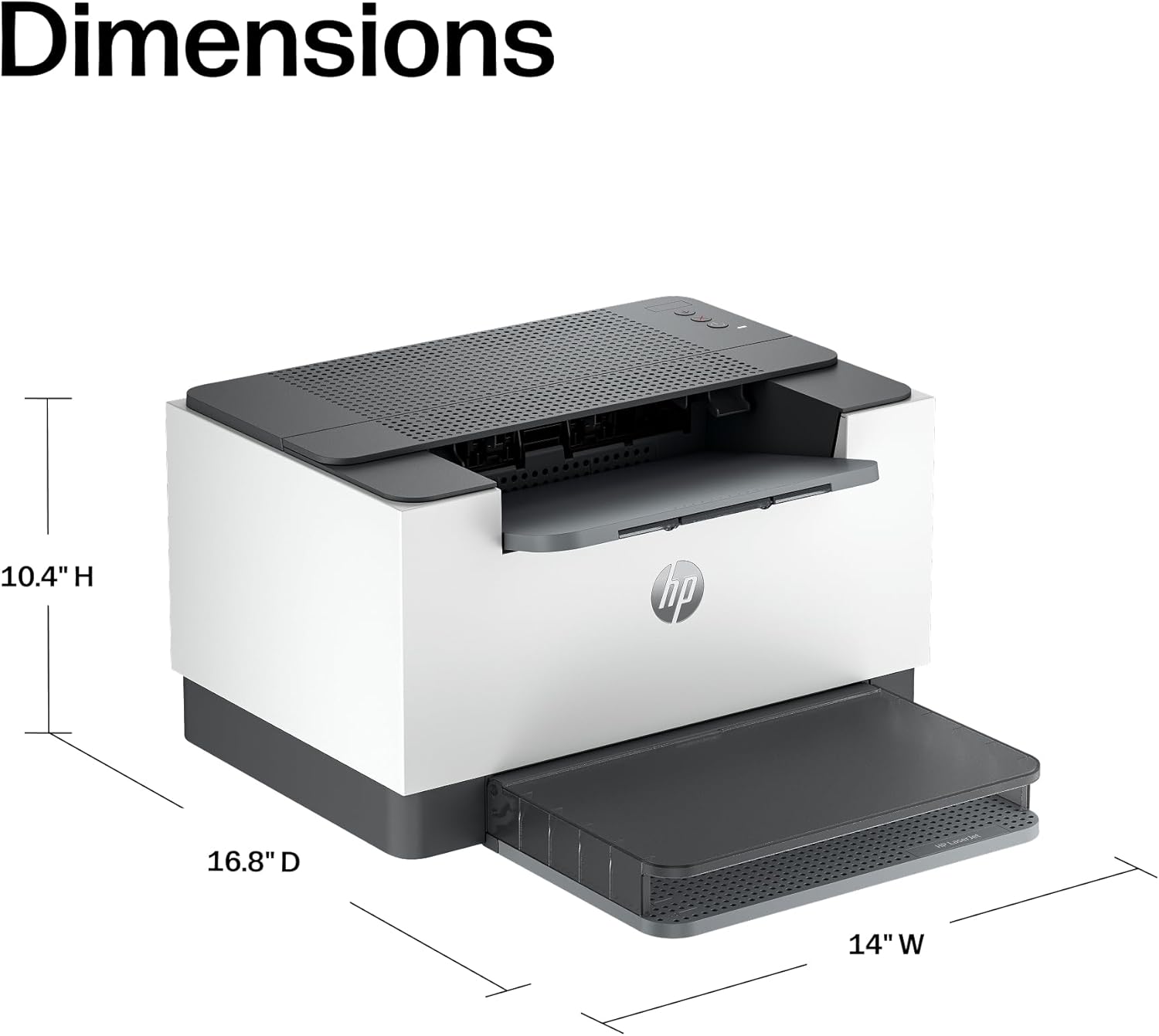
For a home office where most jobs are reports, forms and other text-heavy documents, the HP LaserJet M209d keeps the focus on black-and-white laser printing. It has automatic two-sided printing and connects by USB, with a cable included. Its compact design may suit a desk where space is limited, while the 150-sheet input tray is intended for regular document work. The trade-off is straightforward: it is a better fit for monochrome printing than for a setup that needs colour or wireless-first convenience.
Where it shines
The practical appeal is handling routine paperwork without having to turn pages by hand. Picture printing a multi-page report before a meeting: automatic duplex printing can produce two-sided pages in one job, reducing the need to sort and flip the stack yourself. HP describes it as designed for small offices and businesses, including groups of one to five people, so it makes most sense where several users share straightforward document printing rather than a wide range of creative tasks.
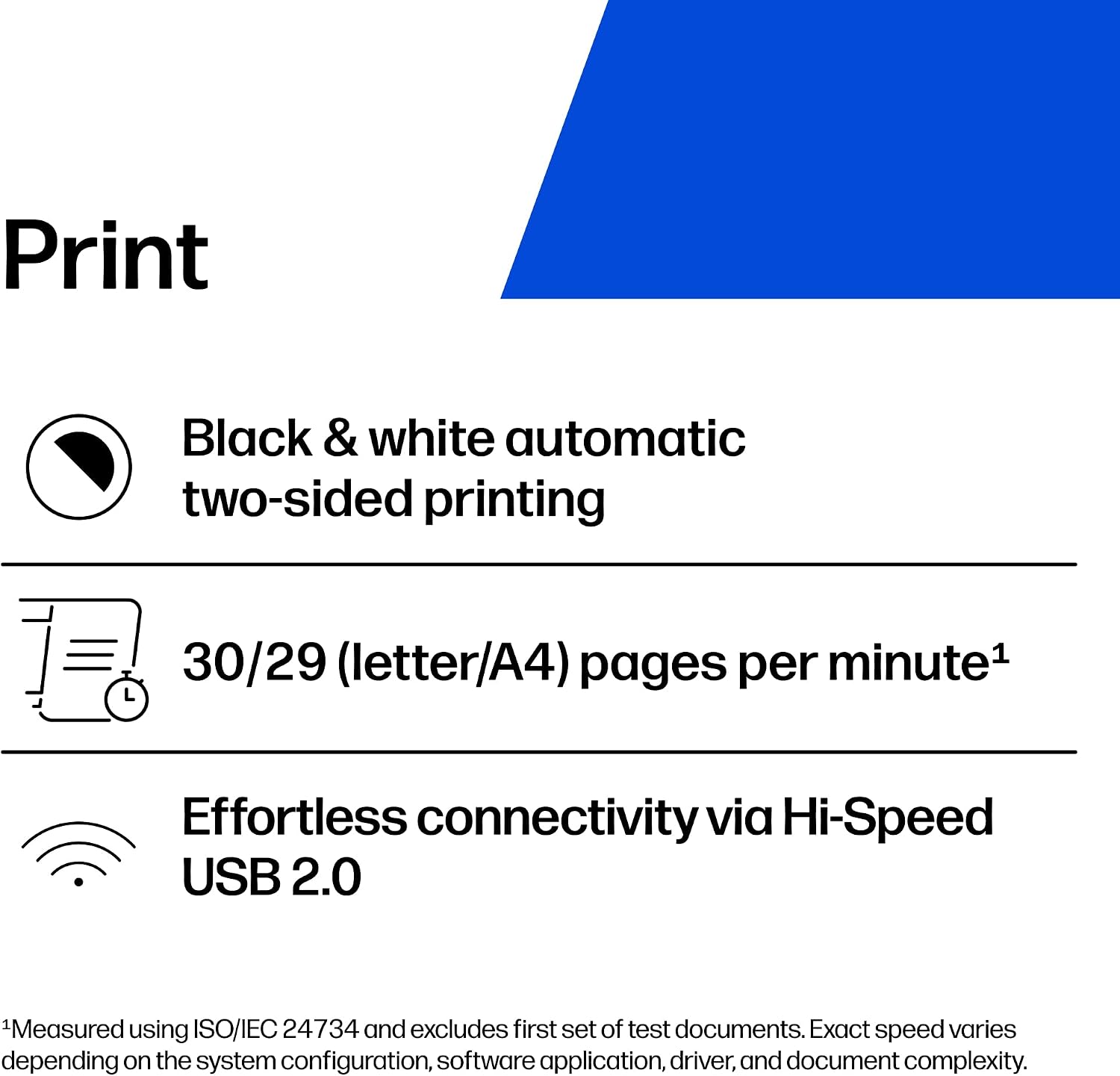
The listing also highlights fast print speeds, consistent laser output and smart-guided buttons, but it does not provide a speed figure or print-quality measurements. Treat those as intended benefits, not a basis for comparing exact performance. If you prioritize a compact monochrome printer with automatic duplexing, this setup is relevant, if you prefer colour output or want to print without a USB connection, a different type of printer will suit you better.
Key points
The M209d prints in black and white and offers automatic two-sided printing. Its input tray holds 150 sheets, and a USB cable is included. That makes the basic setup clear, but the stated USB-only connection is an important limitation for a shared workspace: users should expect to connect through USB, not assume the printer offers wireless access.
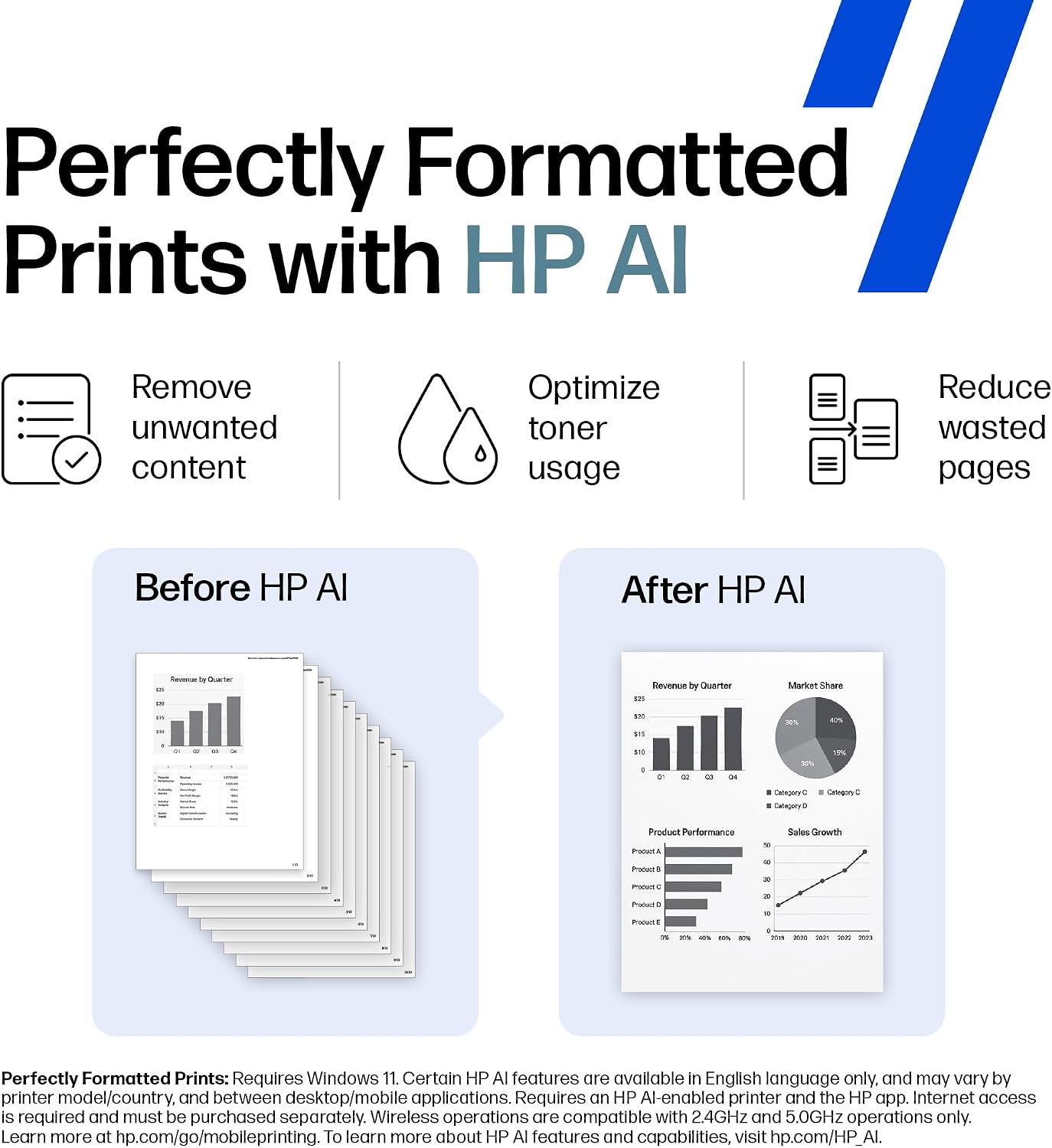
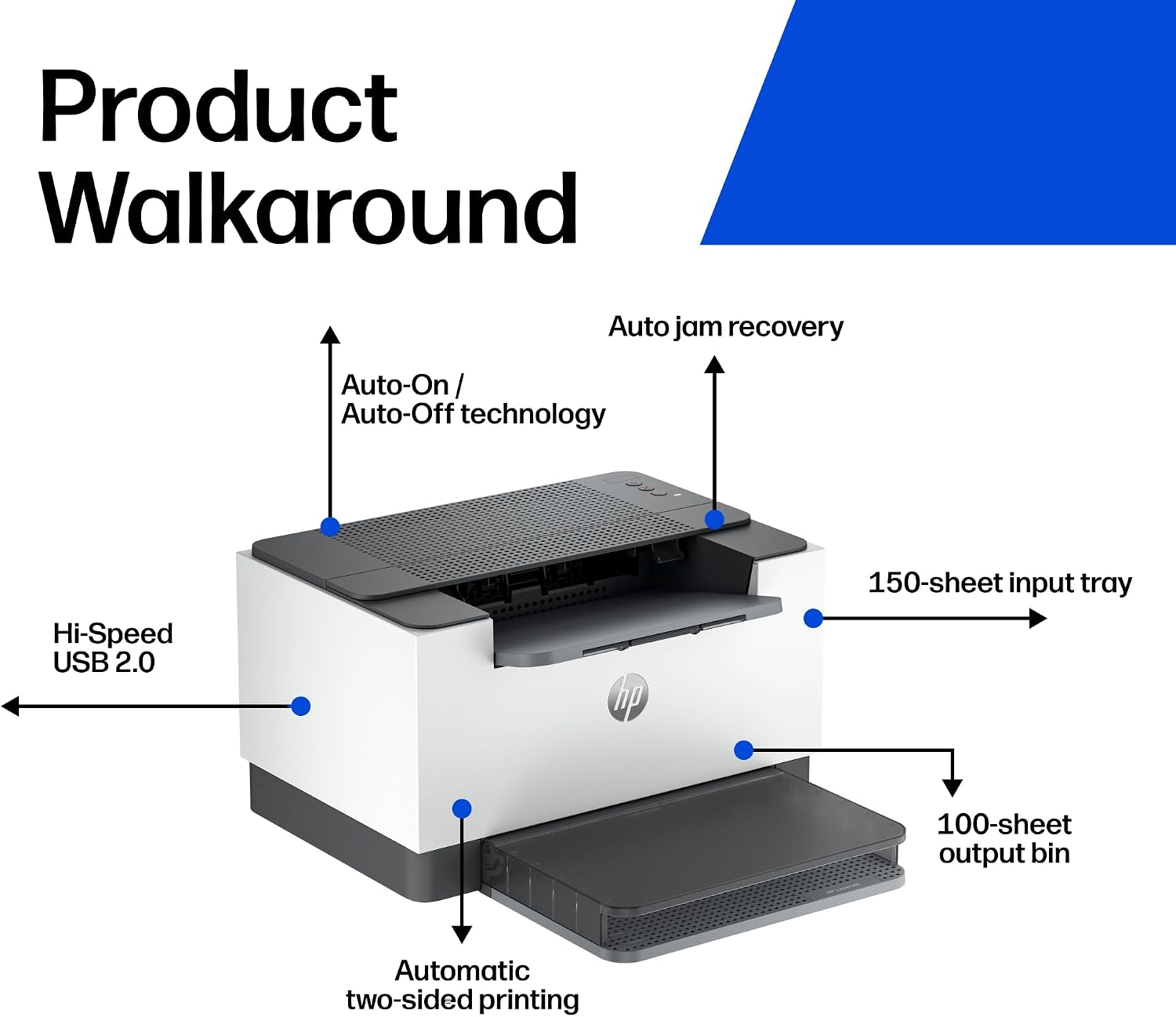
HP also mentions its app for tasks such as scanning to the cloud and mobile printing or copying. However, the product details identify this printer’s connection as USB only. The app description alone does not establish that the M209d can be used as a wireless printer, so don’t choose it on the assumption that a phone can print directly to it without a suitable connection or setup. The source does not specify supported devices or app requirements.
Best use cases
This printer is suited to home-office paperwork, reports and other jobs where colour is unnecessary and two-sided printing is useful. The compact format may help when a full-size office setup is more than the workspace needs. Compared with a basic printer that requires manual duplexing, the M209d automates that part of the job, compared with a more demanding colour or wireless-focused setup, its black-and-white output and USB-only connection are restrictive.

This suits you if your regular work is text-based and you can connect the printer by USB. Best to avoid it if colour documents or wireless printing are essential. With what the listing says, it is sensible to weigh those connection limits more heavily than the broad app claims.
Bottom line
Choose the HP LaserJet M209d for shared or individual document work when automatic duplexing, a 150-sheet tray and a compact design match your routine. It is less suitable as an all-purpose family printer or for a desk where people need to send jobs wirelessly from different devices. The deciding question is simple: will black-and-white printing over USB cover the work you actually do?