

Waste Ink Pad Replacement, 2 Pack
Product description
Technical details
This two-pack is a replacement maintenance box for dealing with a printer’s “Waste Ink Pad End Of Service Life” error. Each box includes an ink pad sponge, and the package also contains two extra absorbent sponge pads, a dual-head screwdriver and two seal bags. The stated purpose is to collect waste ink, it is not a set of replacement ink cartridges.
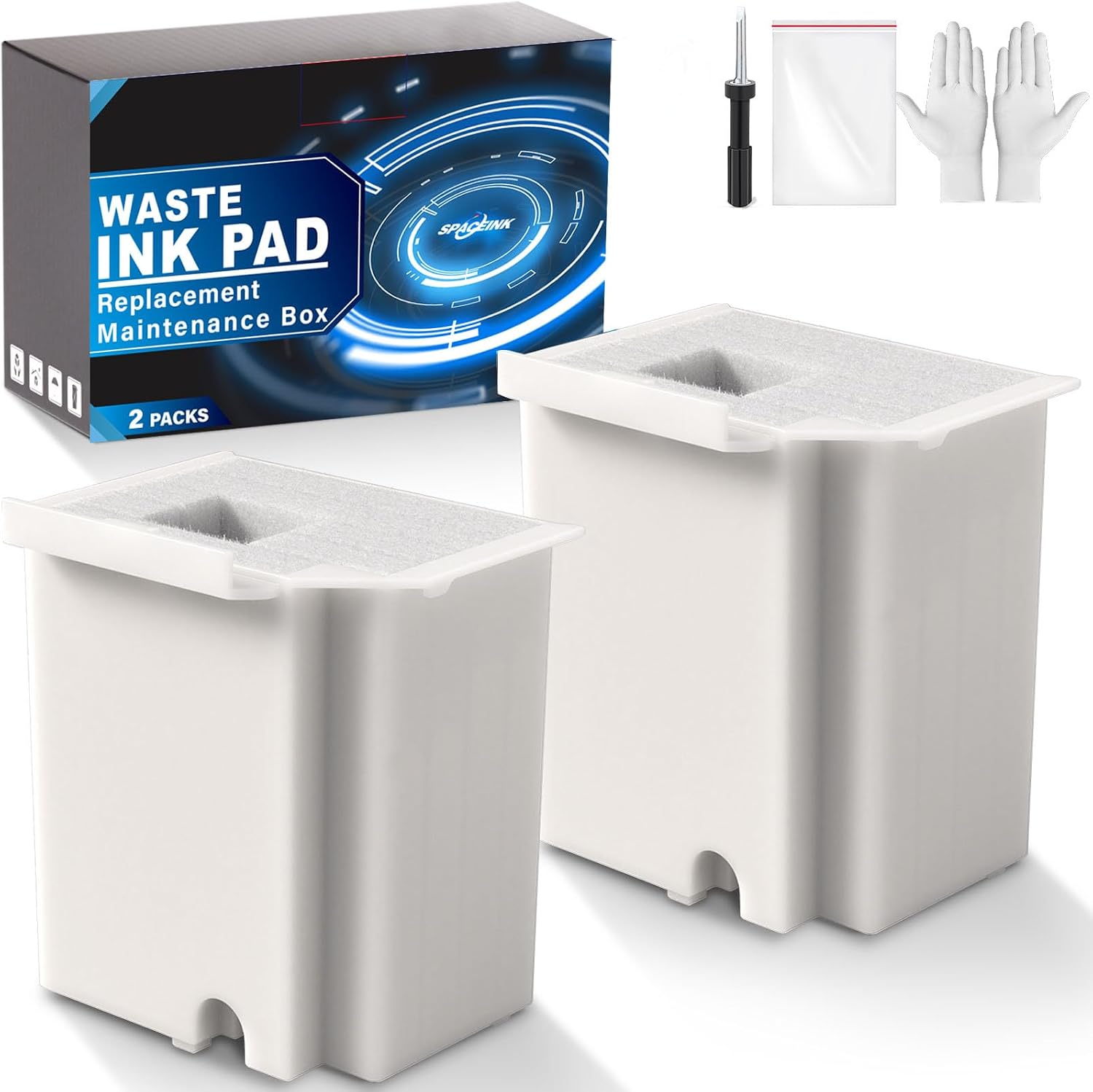
The extra pads may be useful if you want replacement absorbent material on hand, but the product information does not explain whether they are intended for a particular stage of installation or future maintenance. Es buena opción si you have a listed printer model and are comfortable arranging the reset step as well as replacing the pad.
Compatibility and requirements
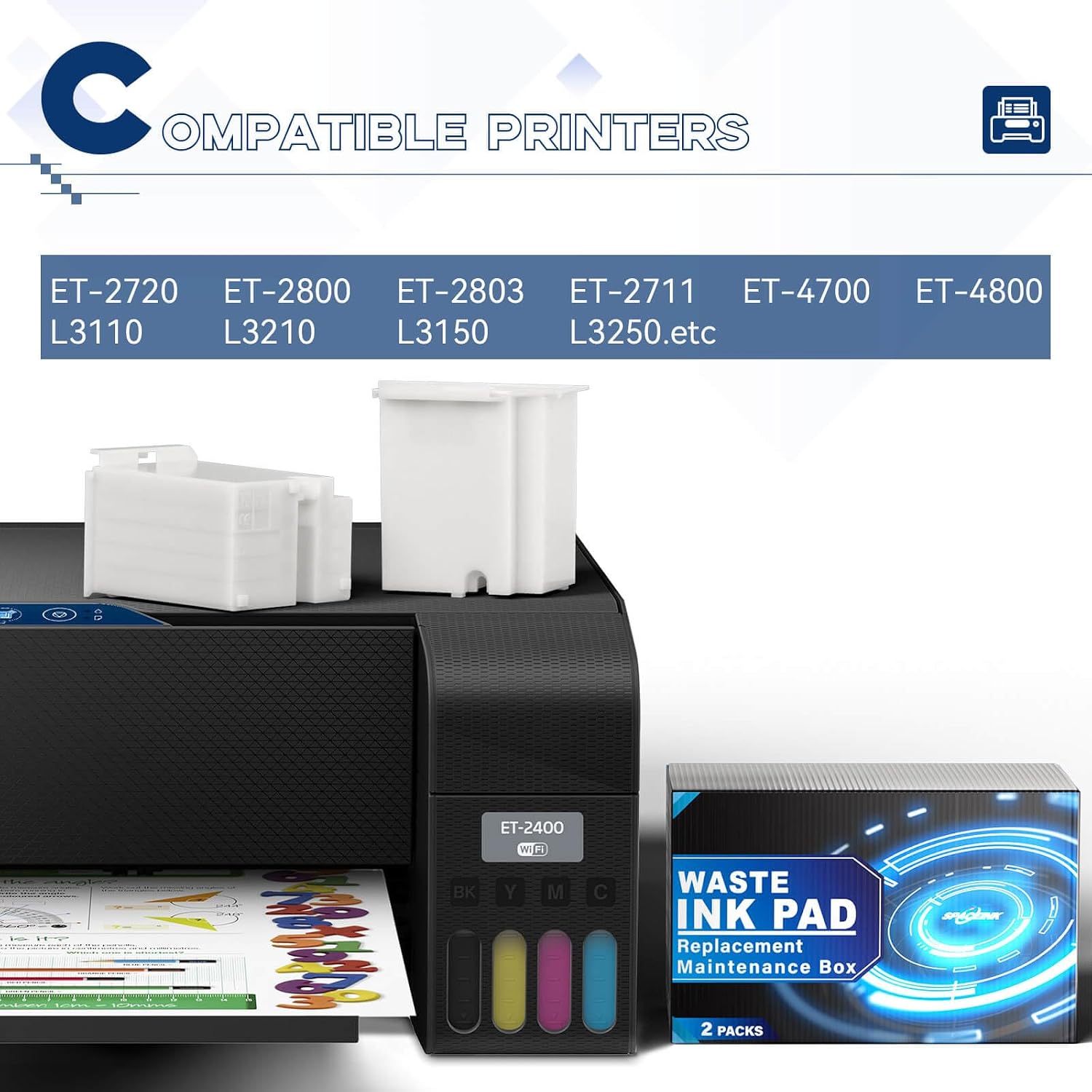
The listed models are ET-2720, ET-2800, ET-2803, ET-2711, ET-4700, ET-4800, ET-2400, L3110, L3210, L3150 and L3250. The product name also mentions these models, while the description adds L3250. For another model, the seller recommends checking compatibility with its service team rather than assuming that a similar model will fit.
There is an important software restriction: the waste ink pad reset is stated to work only on a computer running Windows Professional. Windows Home and other operating systems are not supported for that reset. After receiving the package, buyers are asked to contact the after-sales team with the order information printed on the package to obtain a video guide and reset key, available for a limited time. That makes access to the supported computer and reset information part of the purchase decision, not an optional detail.

Usage tips
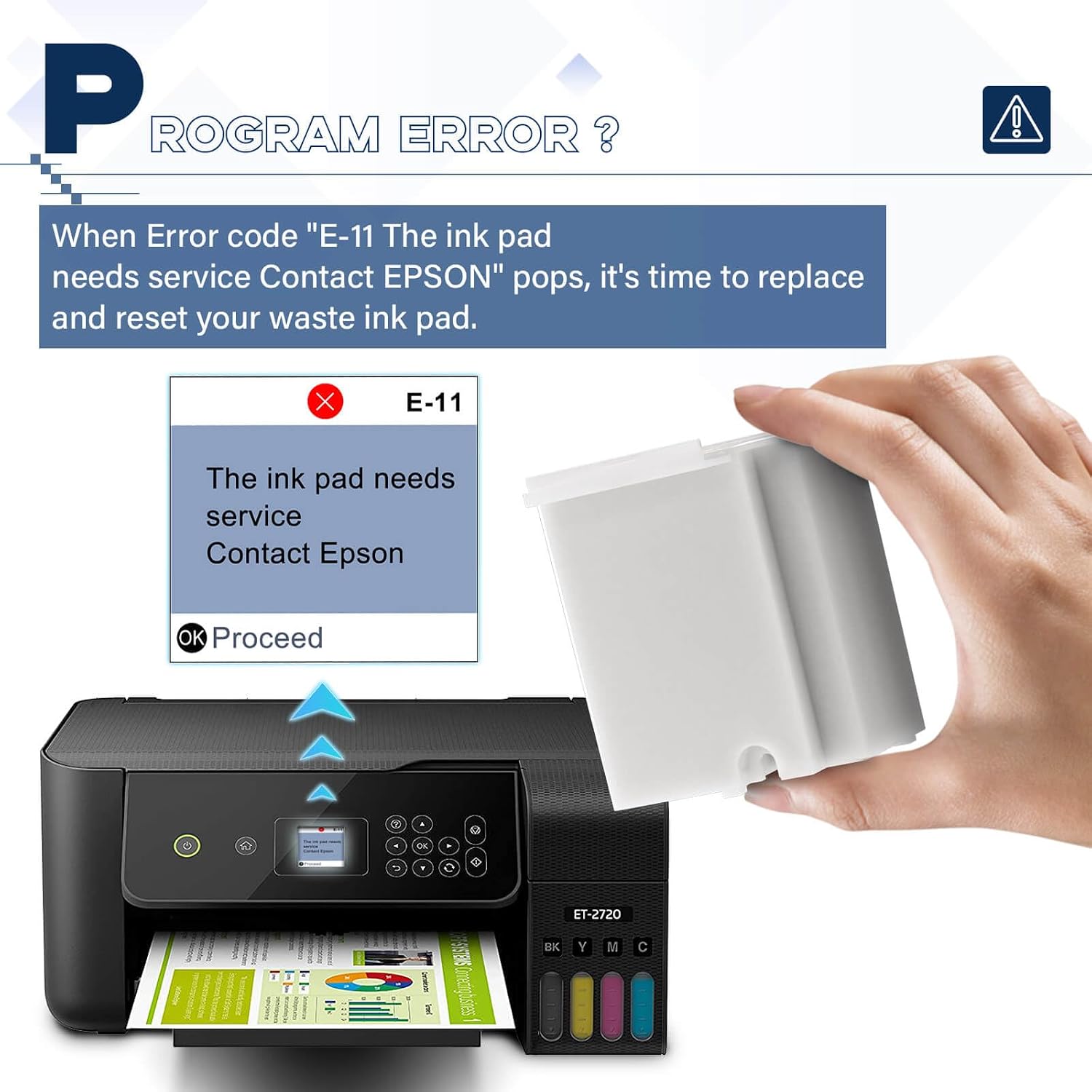
If the printer displays the waste-ink-pad service-life error, first confirm the exact model and that you can use a Windows Professional computer for the reset. Then check the seller’s guide before opening the printer. A practical scenario is setting aside the maintenance box, spare absorbent pads and screwdriver together before starting, so you are not searching for tools halfway through the replacement. The package lists those items, but the product details do not provide the actual installation steps, the video guide is requested from the seller after delivery.
This kit takes a repair-and-reset approach: it may suit someone trying to address the stated error, rather than someone who would rather have printer servicing handled for them. The reset restriction is a real limitation, and access to a reset key is described as time-limited. If you cannot use the specified operating system, this package may not resolve the full problem for you.

Three specific questions
Does it include the reset key? The listing says to contact the after-sales team after receiving the package to get the reset key and video guide for a limited time, it does not describe the key as a separately listed item in the box.
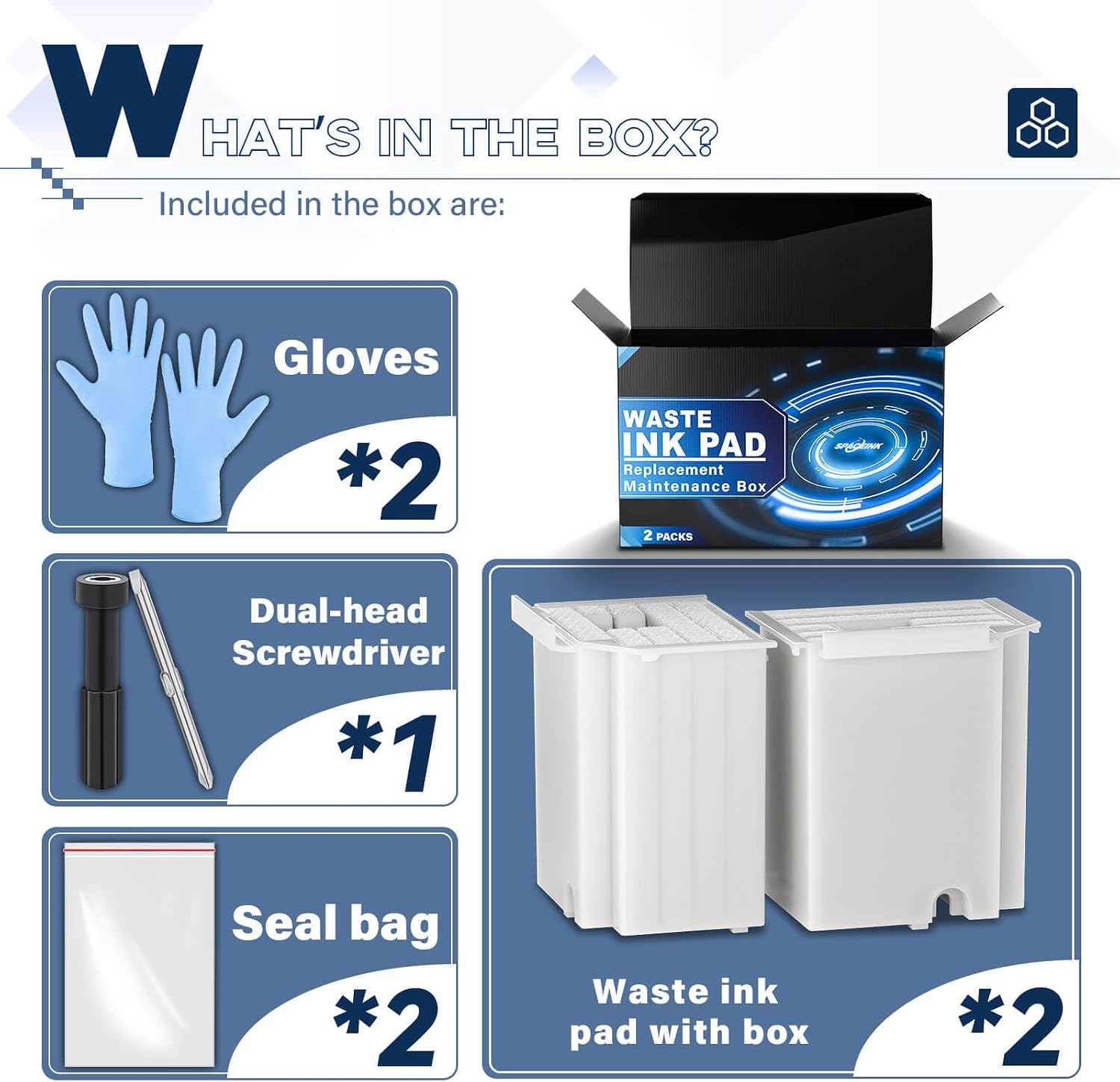
What tools and pads are included? The package lists two maintenance tanks with sponges, two extra absorbent sponge pads, one dual-head screwdriver and two seal bags.
Can it be used with a model not listed? Compatibility with unlisted printers is not confirmed. The seller advises contacting its service team to check before choosing it.
Before you buy
This replacement kit makes most sense when your printer is among the named models, the waste-pad error is the issue, and you can meet the Windows Professional reset requirement. Choose another route if you need a reset on Windows Home or a different operating system, or if your model is not confirmed by the seller. The included spare sponges and screwdriver add practical parts, but they do not remove the need to verify compatibility and arrange the reset guide and key promptly.