

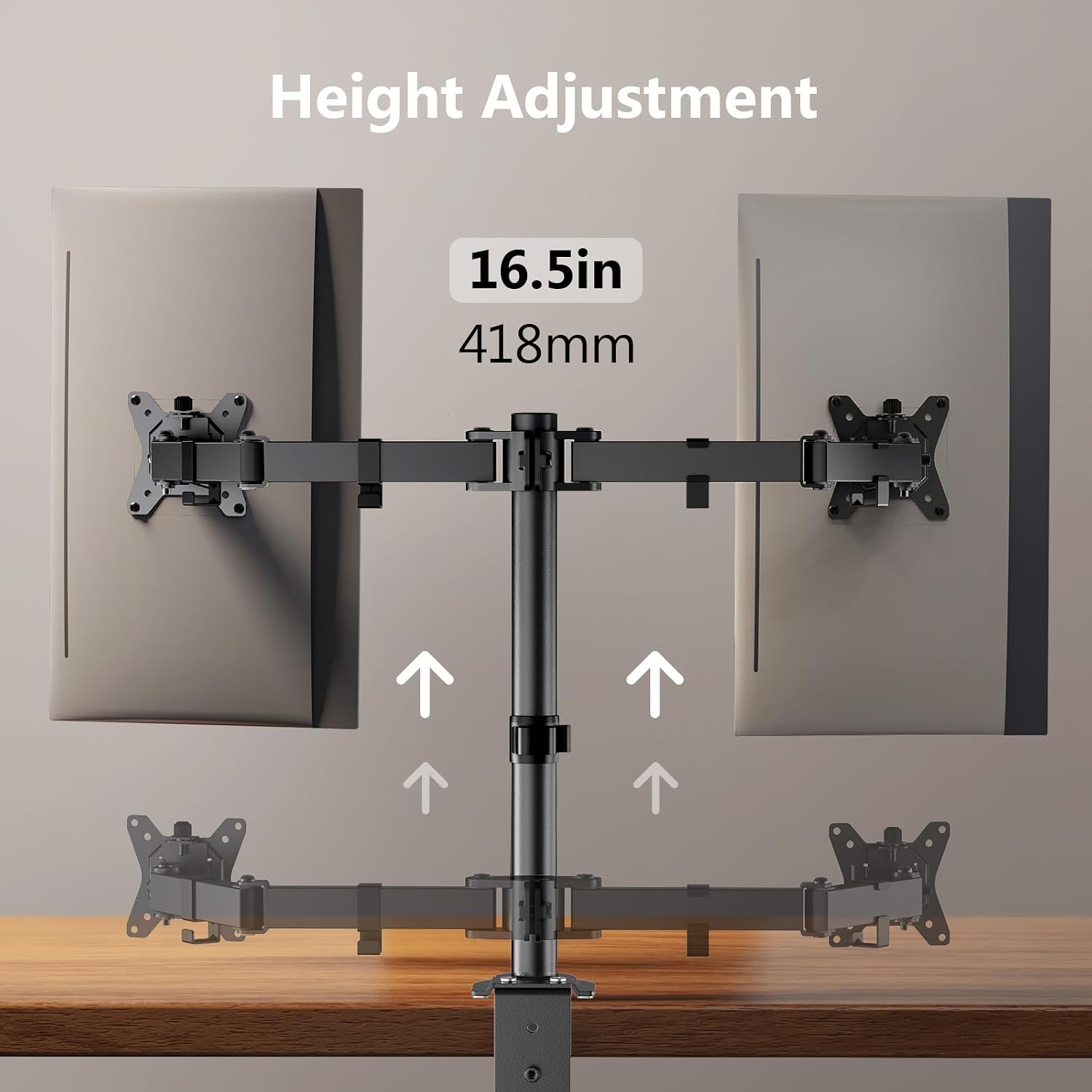
ErGear Dual Monitor Desk Mount EGCM1
Product description
What to know
If you mainly need to lift one screen, a simple riser may be enough. This ErGear dual monitor desk mount is aimed at a different setup: two screens positioned independently, with the desktop left clearer for a keyboard, laptop or other everyday items.
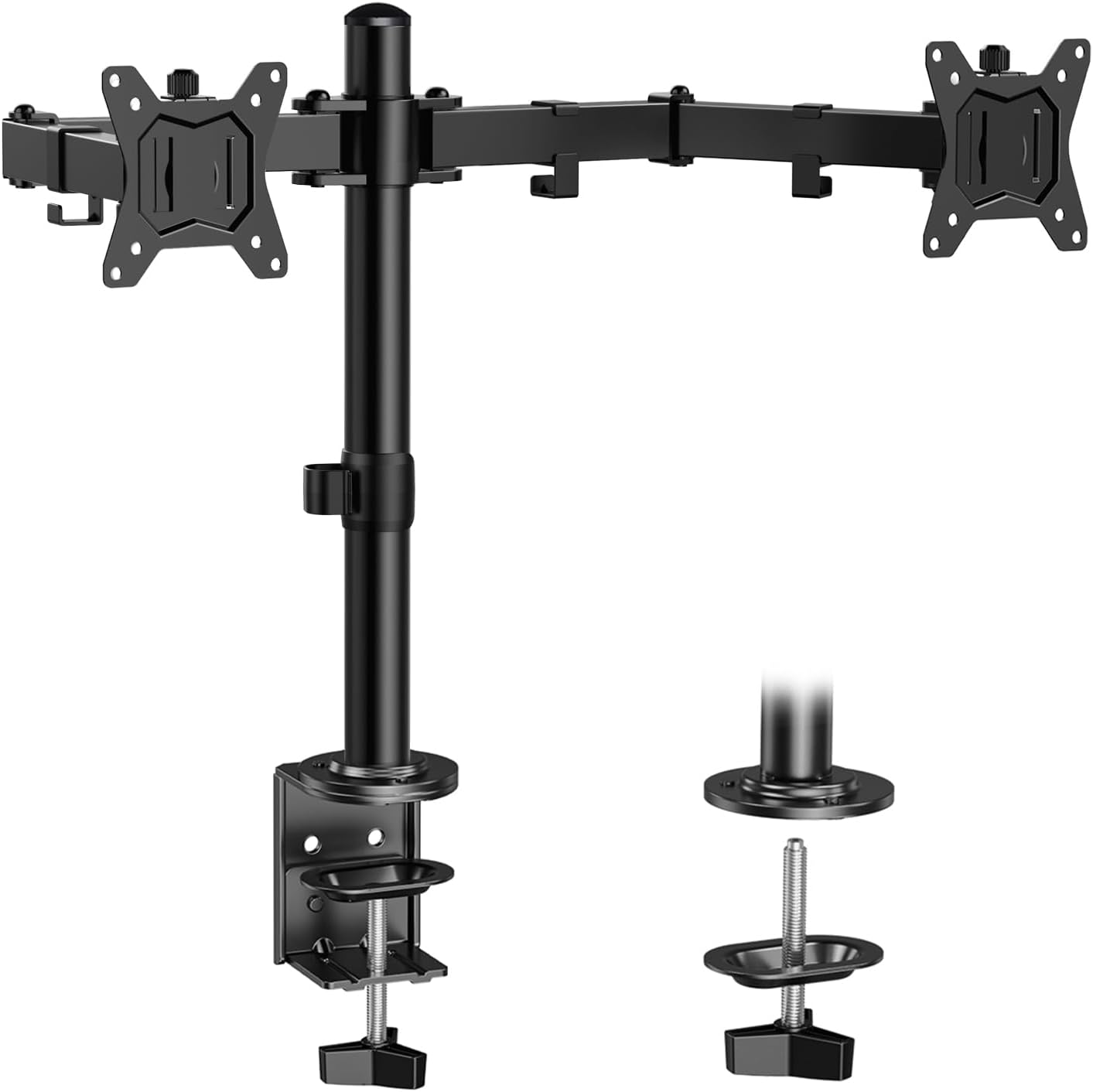
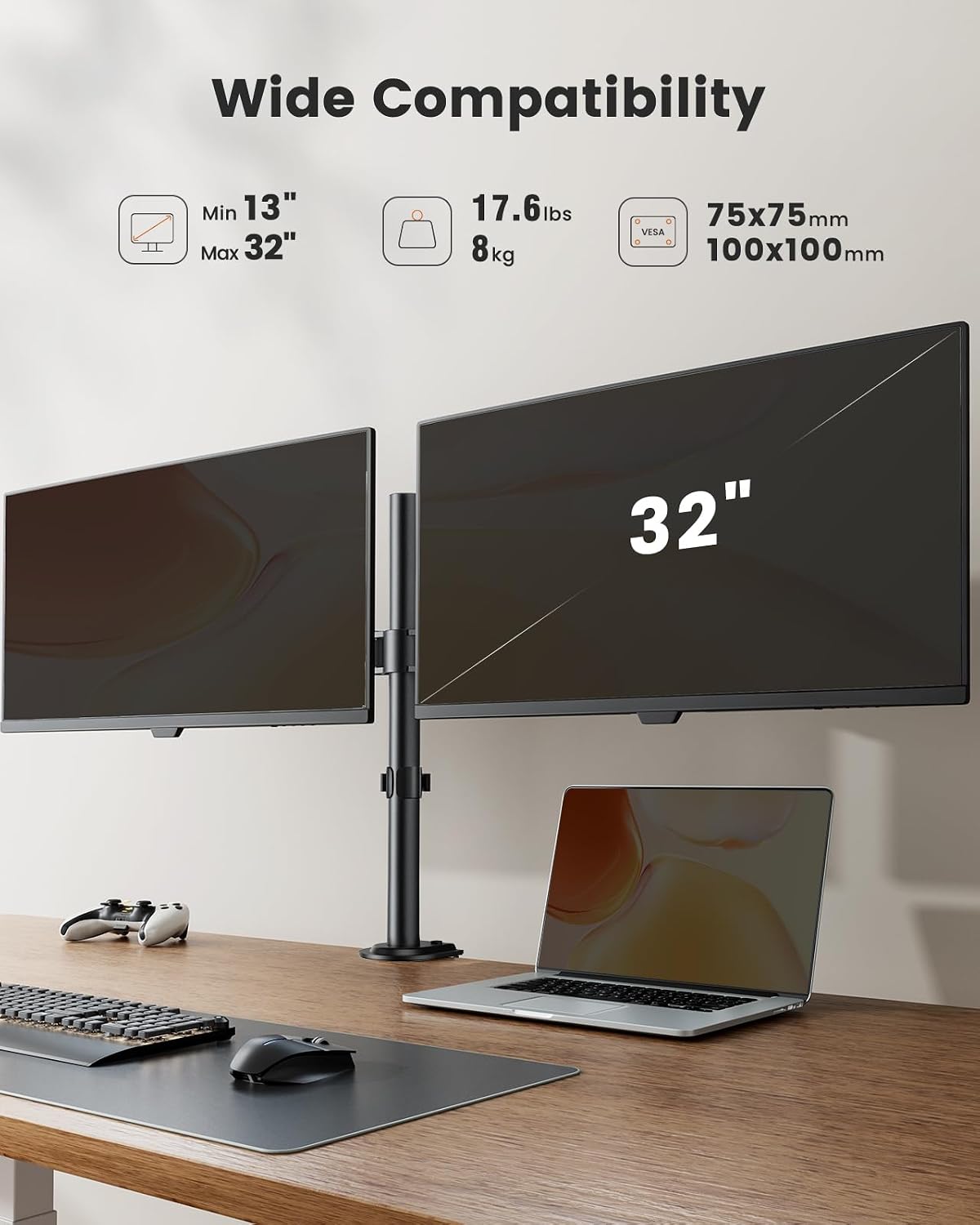
Each arm supports a monitor from 13 to 32 inches and up to 17.6 lb. The mount fits VESA patterns of 75 x 75 mm and 100 x 100 mm. Its arms tilt ±90°, swivel ±90° and rotate 360°, so you can arrange the screens side by side or turn one for a different viewing position. Maximum height is 16.3 inches above the desk.
Keep in mind that this mount is not suitable for glass desktops. That matters before choosing between an arm and a stand that simply rests on the desk. The desk also needs to fit the mounting method: the C-clamp suits surfaces 0.39 to 3.15 inches thick, while the grommet option suits surfaces 0.39 to 2.17 inches thick. Hardware for both methods is included.
How to use it
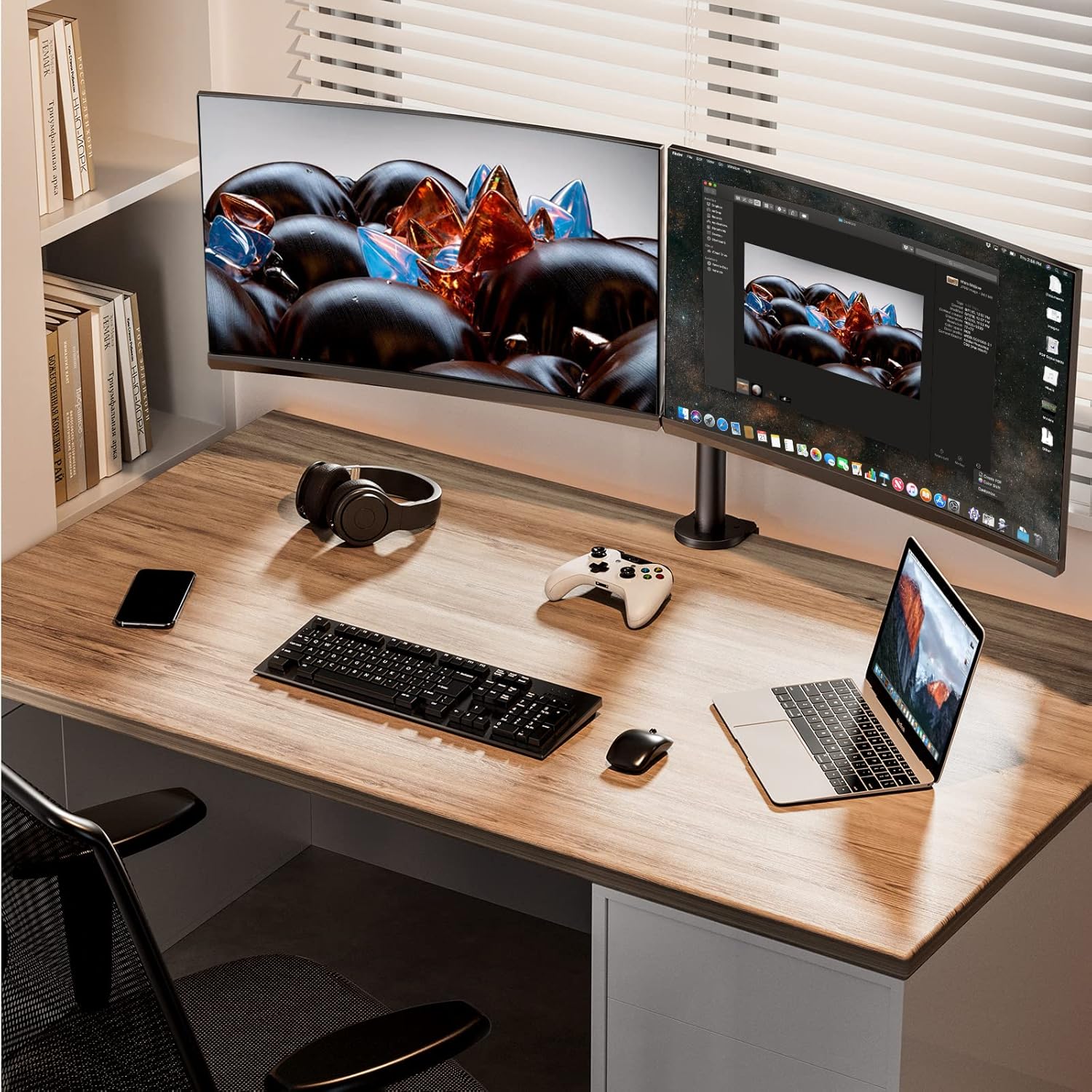
Choose a desk edge for the C-clamp or use the grommet opening if your desk has one and its thickness falls within the stated range. Once installed, attach each monitor using its compatible VESA pattern and adjust the arms to bring the screens into position. For example, you could angle both displays towards your chair for a shared workspace, then move them aside to clear room for writing or a laptop.
The steel construction, reinforced pole base and stabilizing rings in the tilting heads are intended to support the arms securely. Still, the stated screen size and weight limits apply to each arm, so check both before settling on this mounting style.
Practical tips
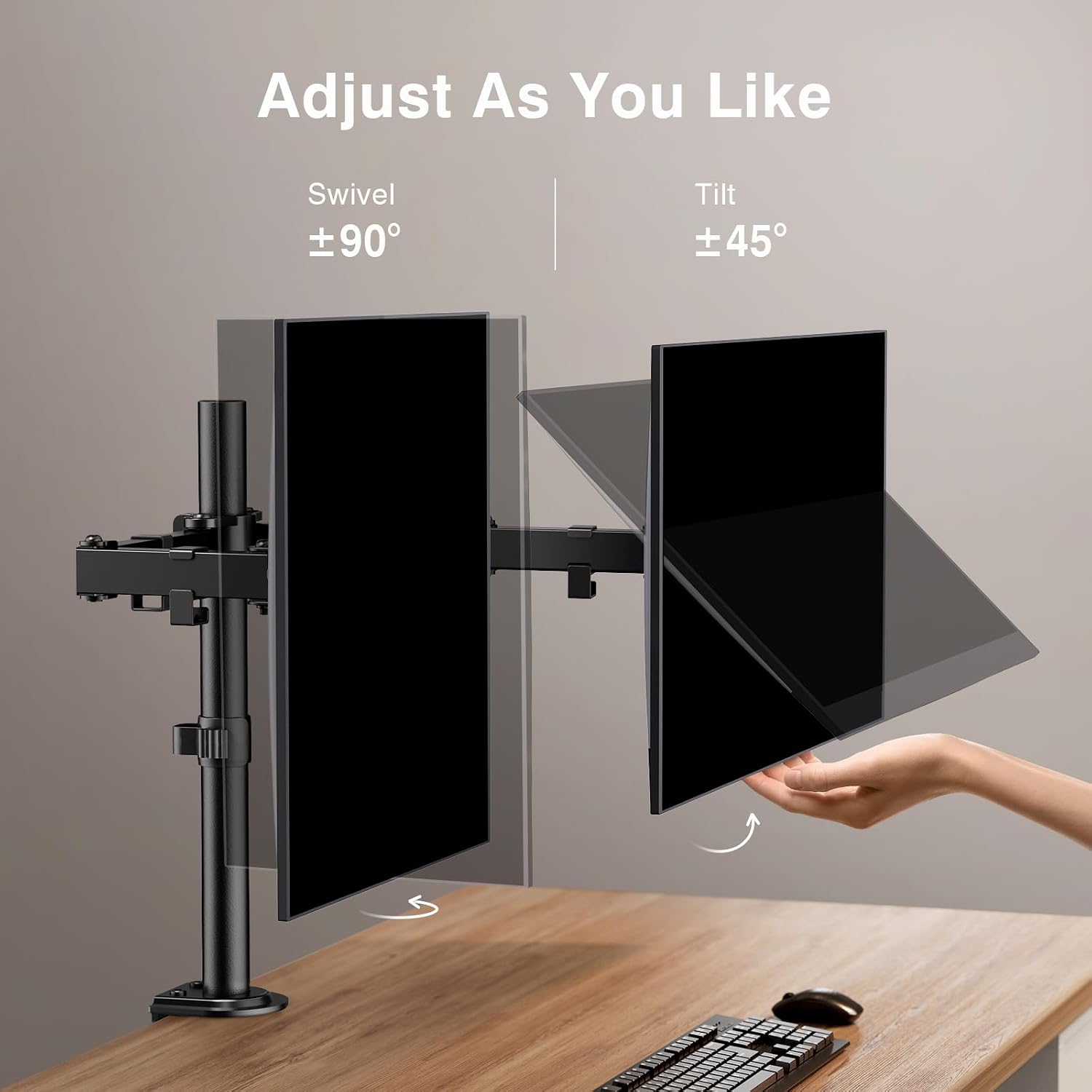
Measure the desktop where the mount will sit, not just the desk’s overall thickness. Also check that the monitor’s weight does not exceed 17.6 lb per arm and that its VESA holes match one of the listed patterns. Those details determine whether the included clamp or grommet hardware will work for your setup.
The main practical benefit is getting two displays off the work surface. If you switch between focused screen work and a clear desk for notes, the adjustable arms give you more ways to reposition the monitors than a fixed riser. The trade-off is that installation depends on a suitable desk edge or grommet, rather than a flat surface alone.
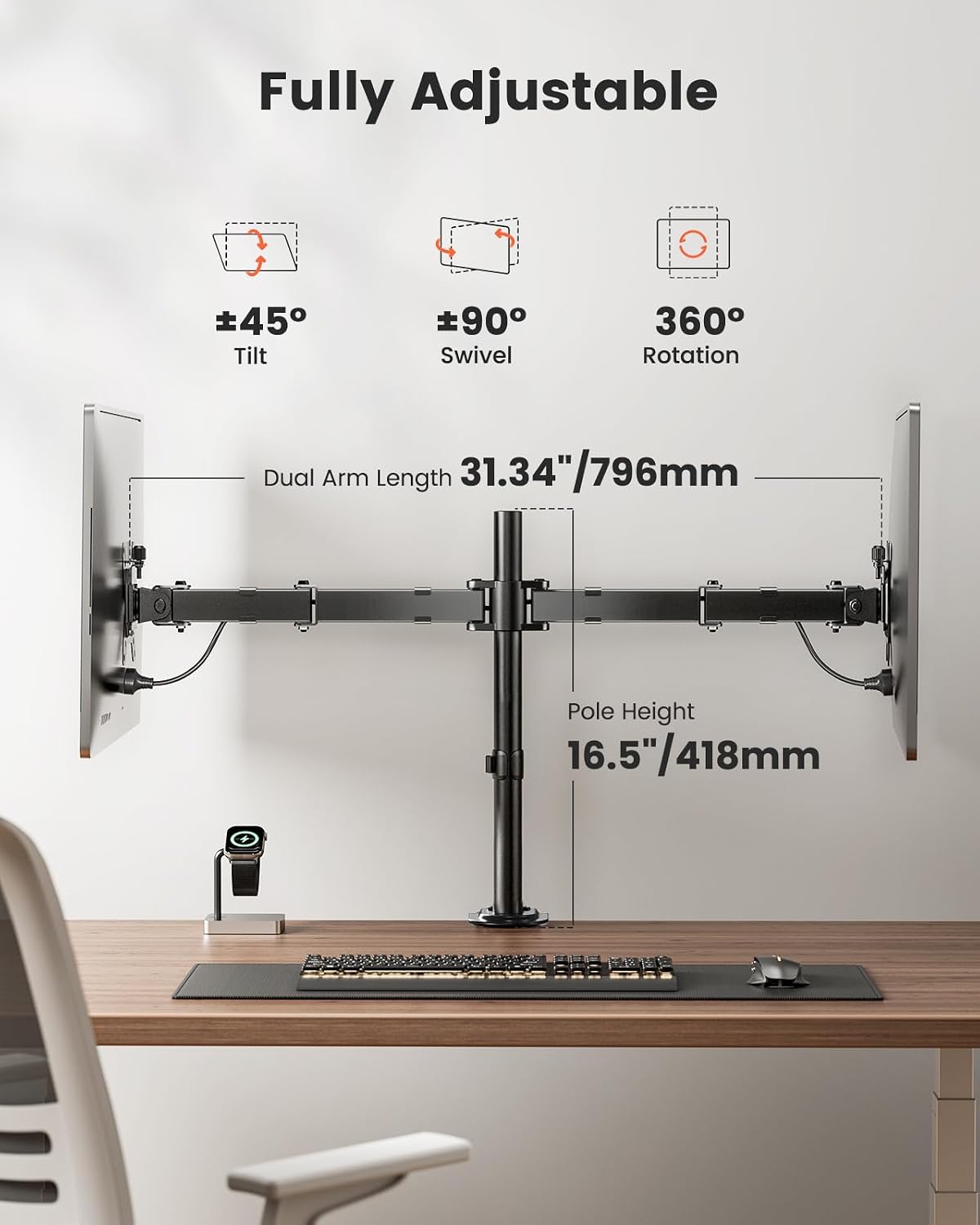
Three specific questions
Can it hold two 32-inch monitors? Each arm is listed for screens from 13 to 32 inches, with a maximum weight of 17.6 lb per arm. The monitors also need a compatible VESA pattern.
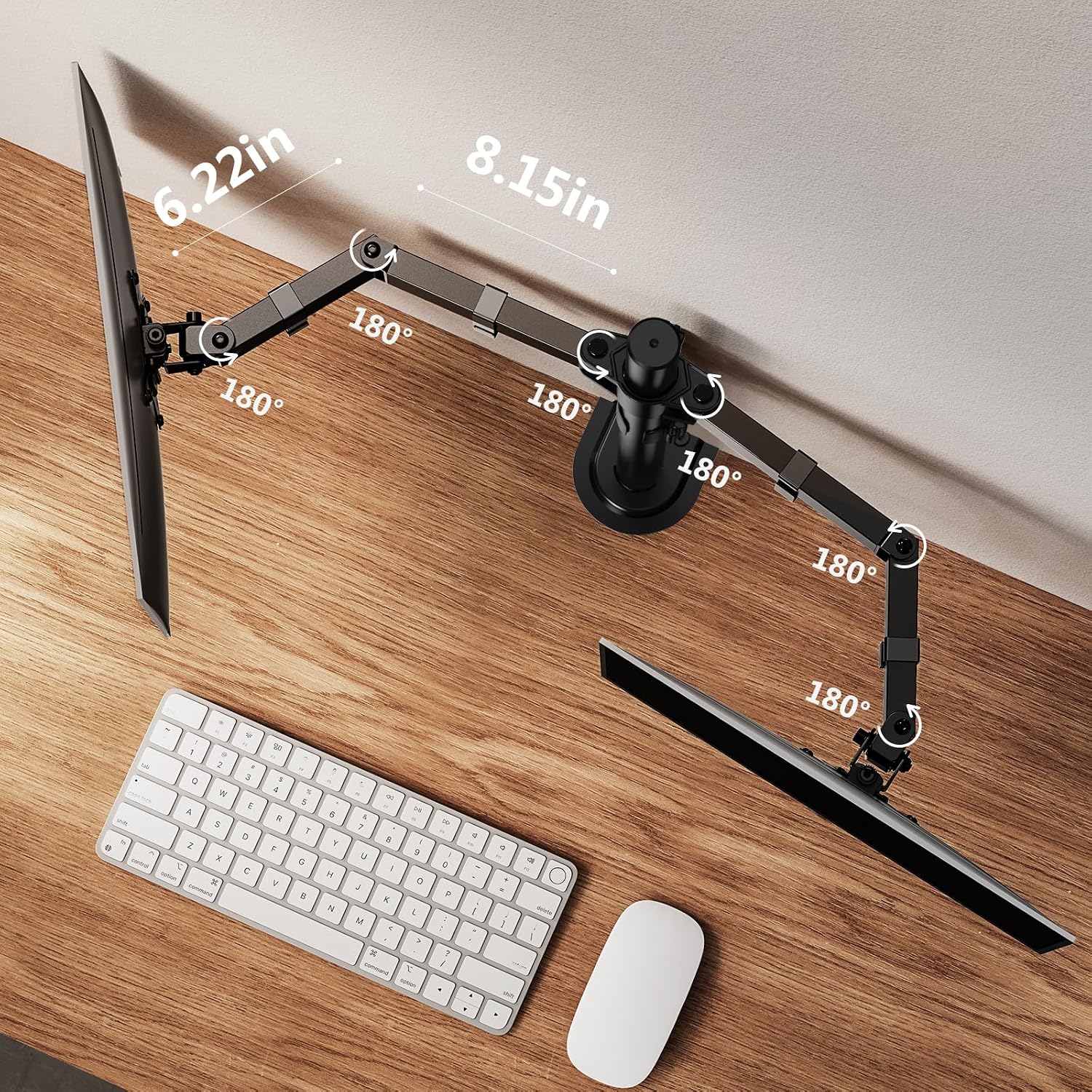
Can I rotate a screen vertically? The arms provide 360° rotation, alongside tilt and swivel adjustment, allowing different screen orientations.
Will it fit any desk? No. The desk must meet the thickness range for the chosen clamp or grommet installation, and glass desktops are not suitable.
For your setup
May interest you if you want two independently adjustable screens and need to reclaim desk space, by design, it focuses on mounting rather than a stand that can be placed on almost any flat surface. May not be the best option if your desk is glass, falls outside the stated thickness ranges, or either monitor exceeds the per-arm limit. If those checks work for your setup, the EGCM1 offers a way to tailor two-screen positioning without leaving both displays on their original stands.