

HUANUO Triple Monitor Arm for 17–32-Inch Screens
Product description
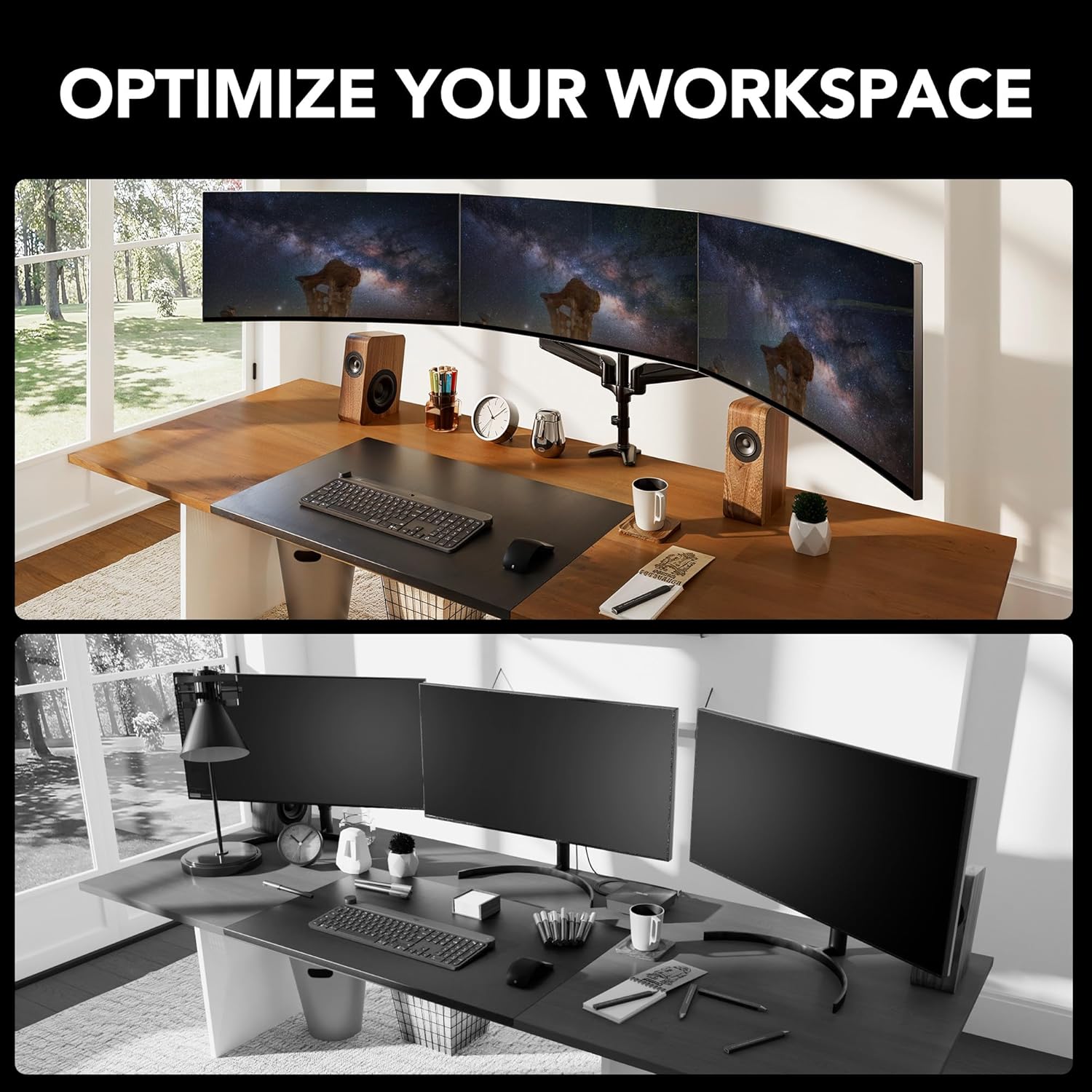
For people who work across several screens and want more of the desk surface free, the HUANUO triple monitor arm brings three displays off the desktop.
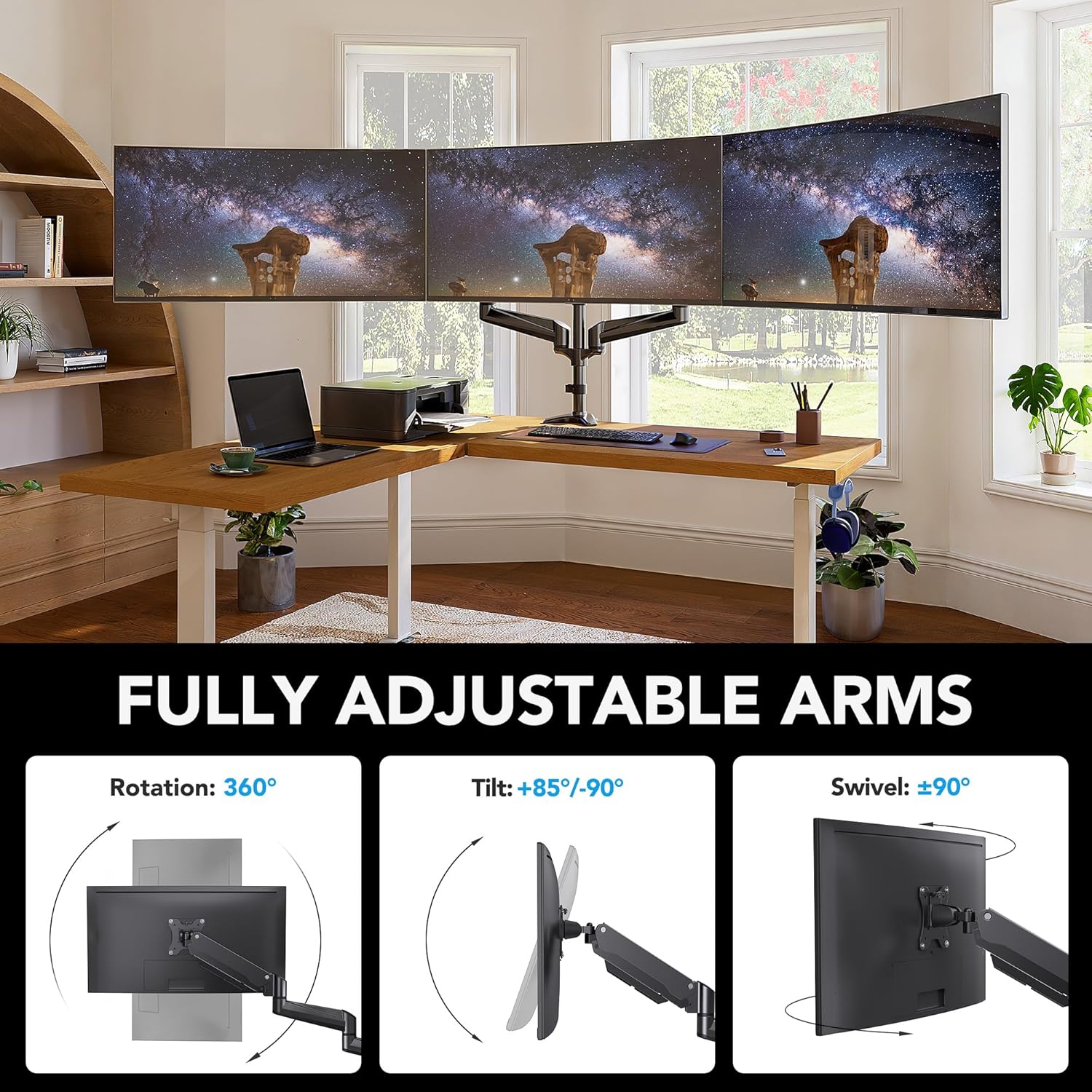
Its arms can swivel, tilt and rotate, so you can adjust the viewing angles and switch between landscape and portrait orientation.
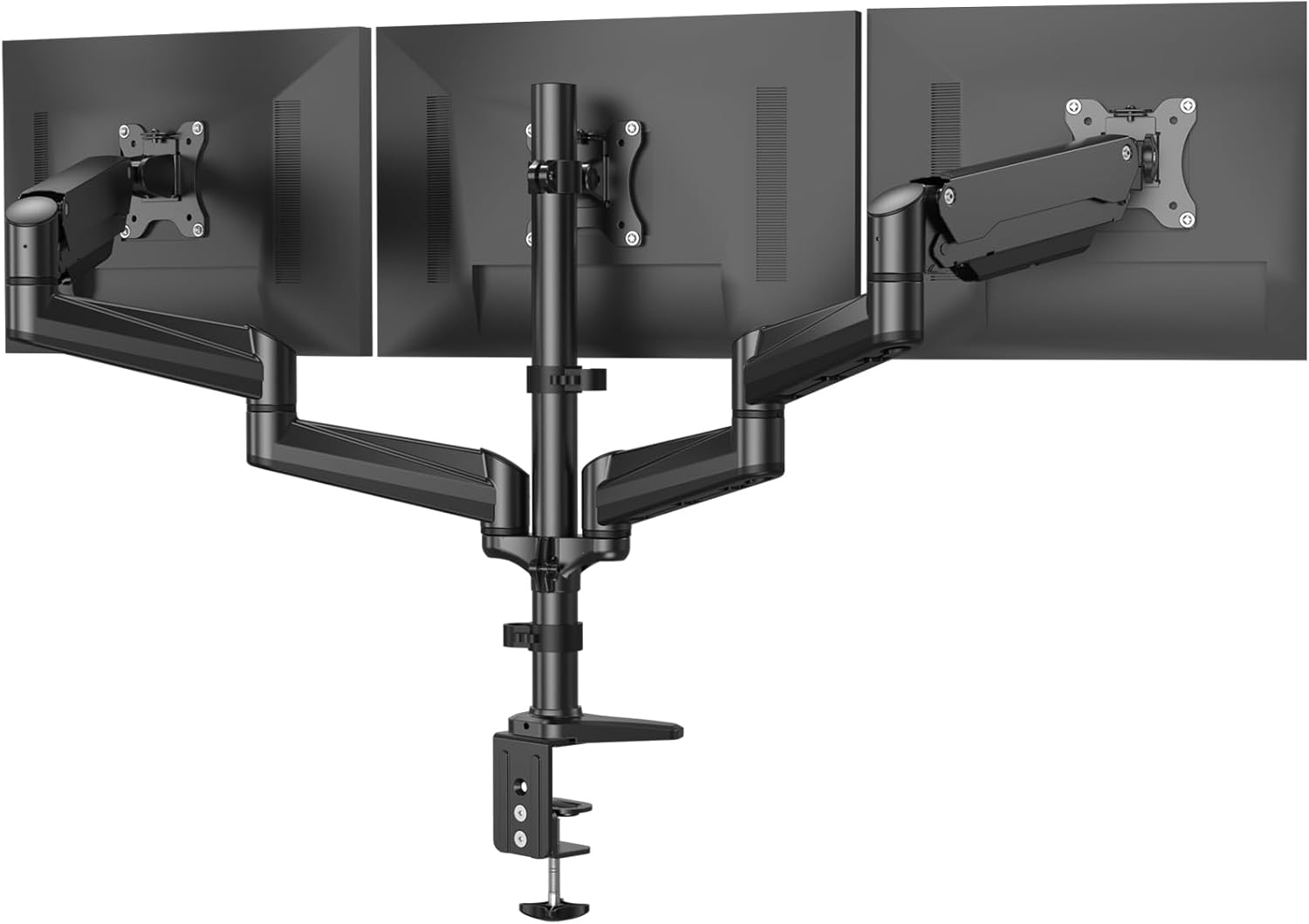
It’s also aimed at setups where a single stand or a more basic two-screen arrangement doesn’t cover the way you work.
Best use cases
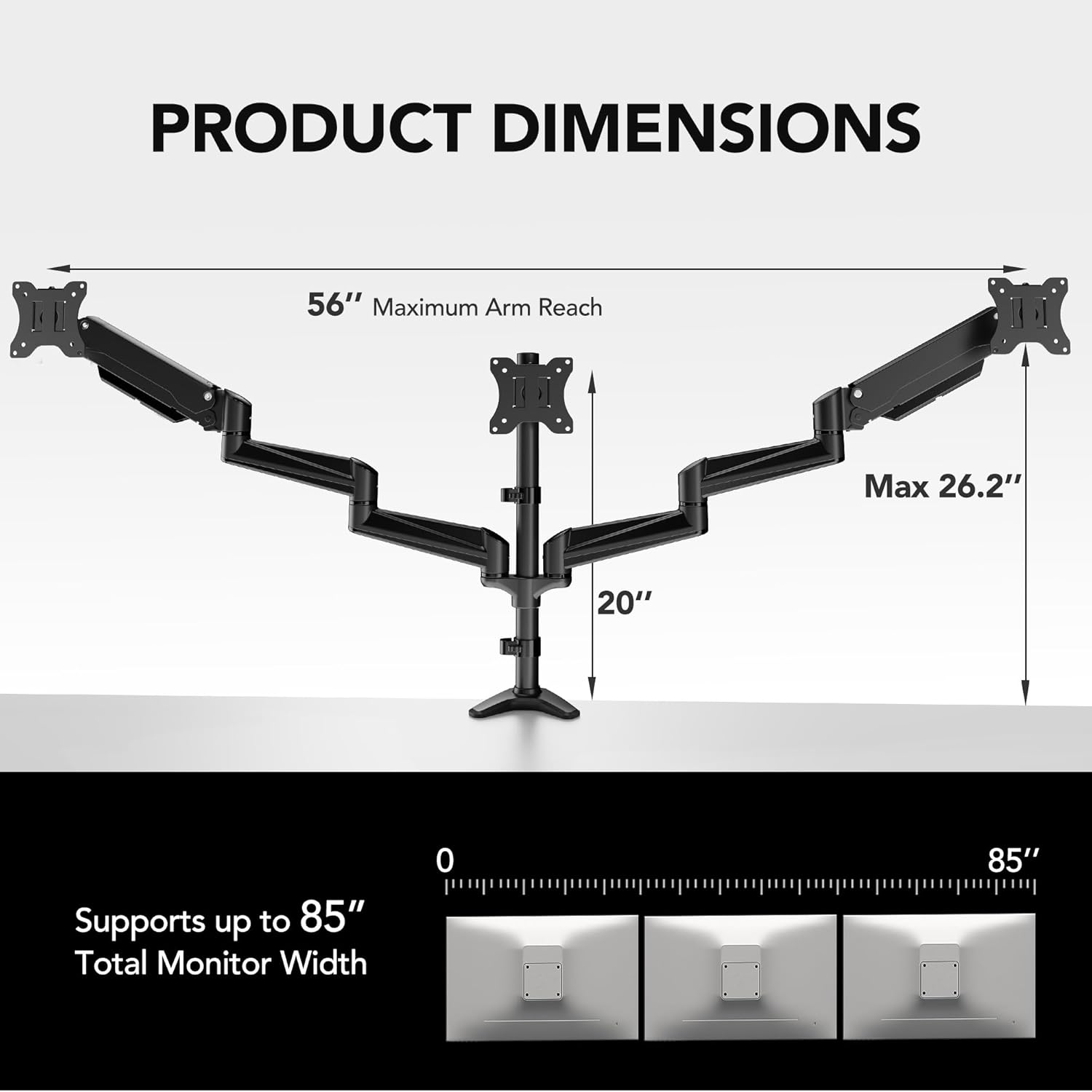
This arm suits a workstation built around three monitors, whether you’re keeping reference material open beside your main task or moving between several applications. Raising the screens can leave more space on the desk for a keyboard, notes or other everyday items. The listing doesn’t specify how much room the base or arms need, so the layout of your desk still matters.
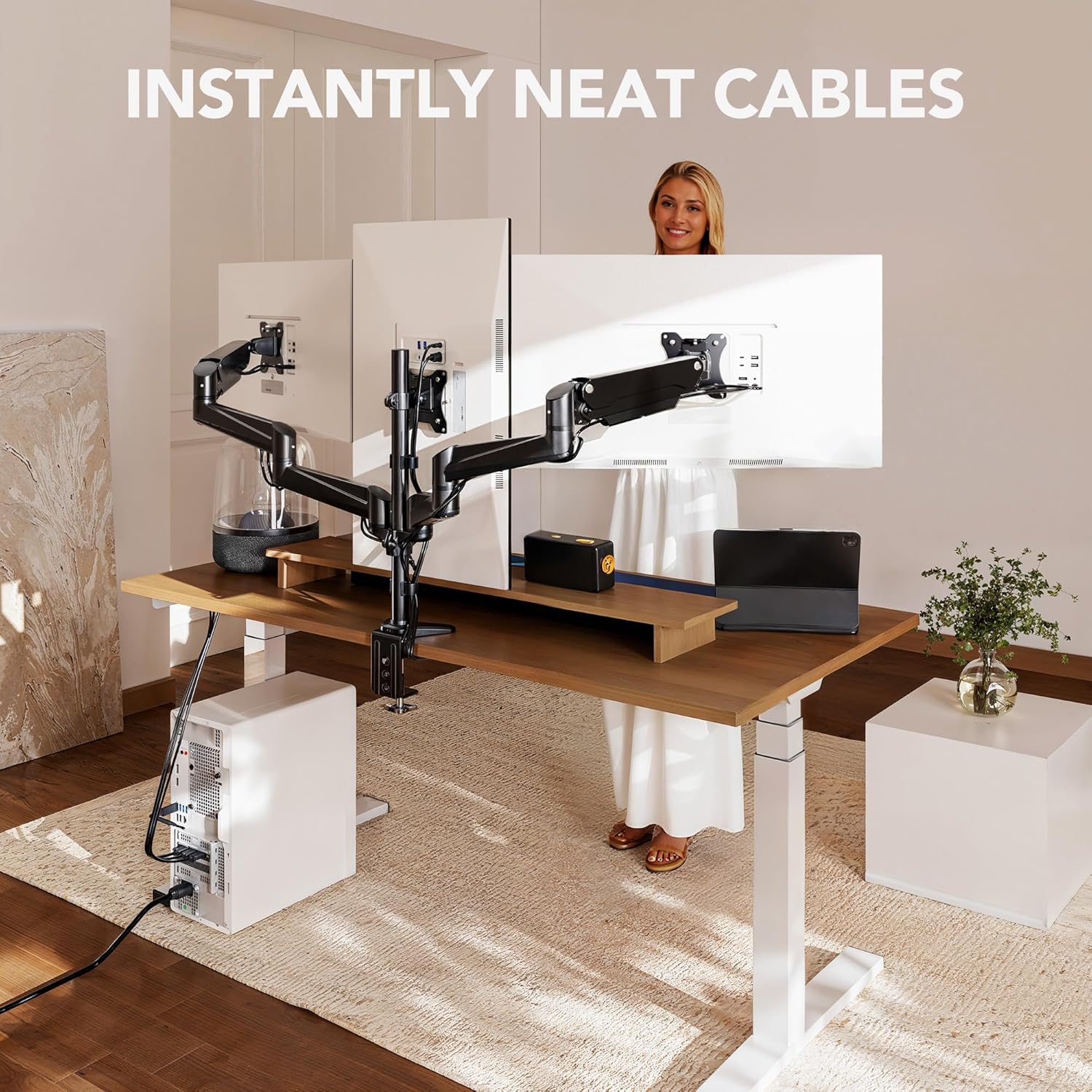
A practical example: keep a main document in front of you, a reference window on one side and another work app on the other. The arms’ swivel, tilt and rotation adjustments let you set each screen’s position and orientation rather than treating all three as fixed panels. That flexibility may be useful when your work changes through the day, though the listing doesn’t describe cable management or how easily the arms move once installed.
Product specs
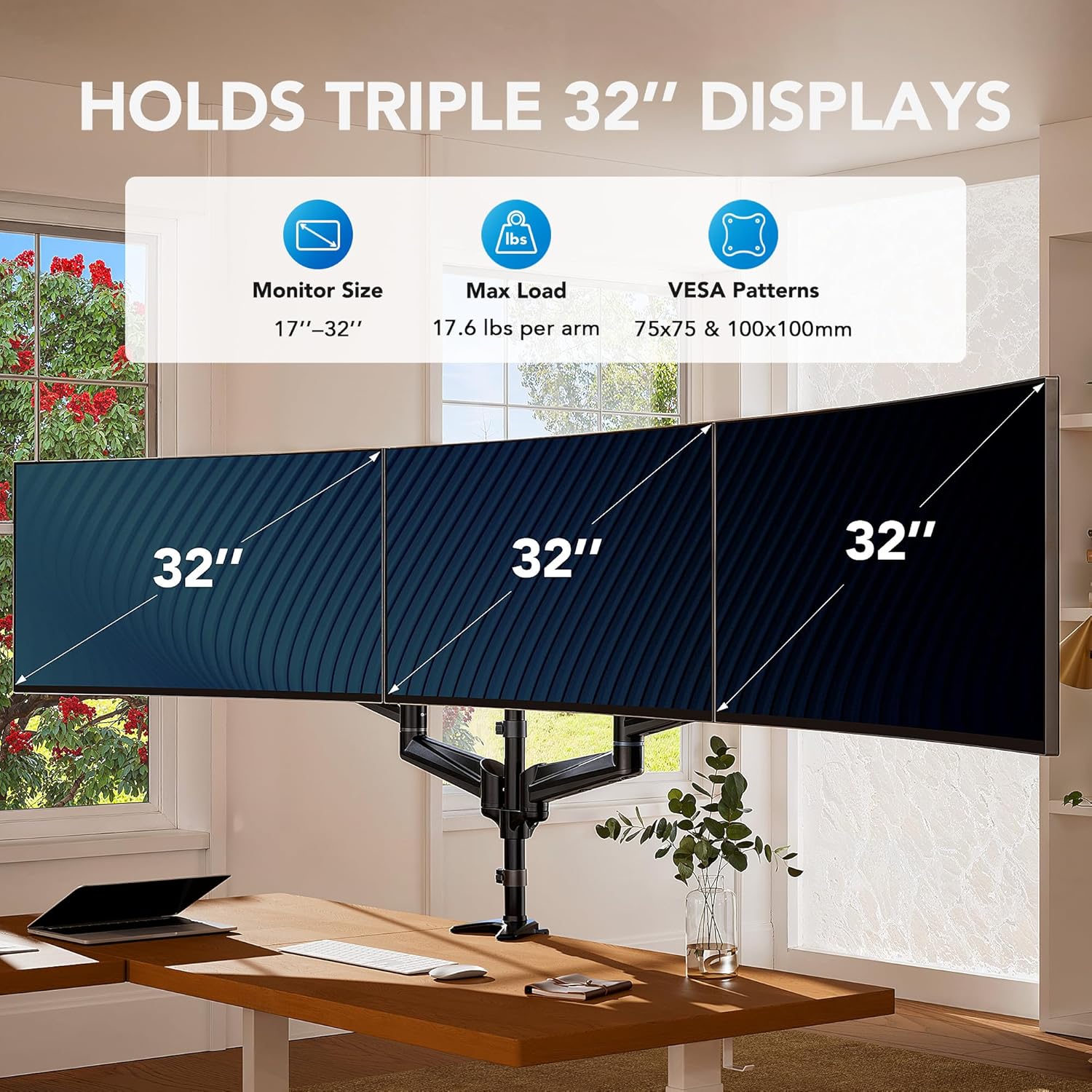
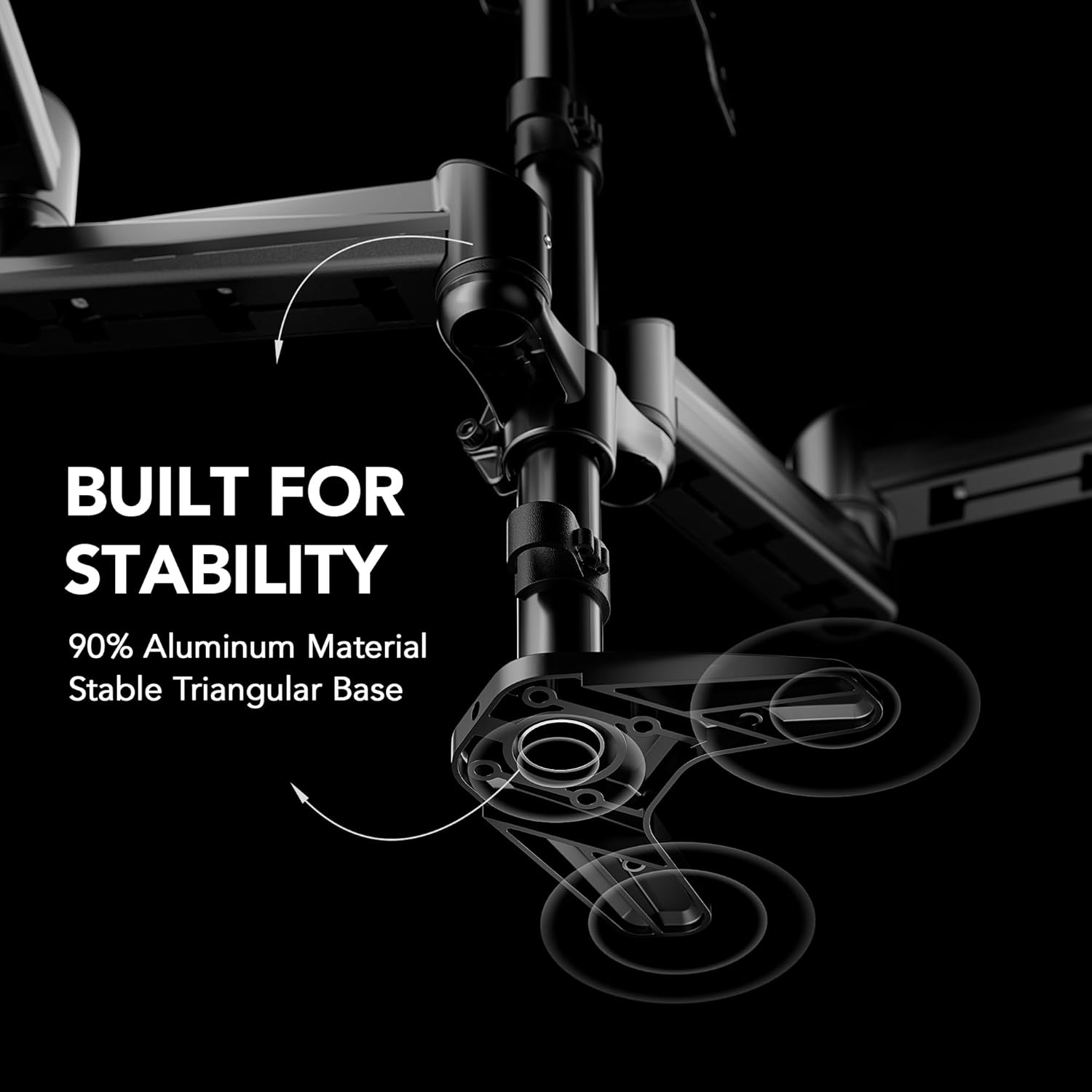
The arm is designed for screens from 17 to 32 inches, with a stated capacity of 17.6 lbs per arm. It offers swivel, tilt and rotation, and supports landscape or portrait positioning. For mounting, the product description lists both a C-clamp and a grommet option.
Those details help narrow down whether it suits your setup, but they don’t answer every fit question. The listing gives no desk-thickness range or monitor attachment standard, so check those against your desk and screens before choosing a mounting method. The 17.6 lbs limit applies to each arm, a screen must also fall within the stated size range.
Where it shines
The main draw is having three adjustable screens without relying on three separate desktop stands. Compared with a simpler riser or fixed stand, this approach offers more freedom to position each display and can clear space below them. If you only use one or two screens, though, a smaller setup may take up less room and be simpler to arrange.
What’s your priority: keeping the desk clear, or having the simplest possible monitor setup? The answer helps decide whether the extra arms are useful or simply more hardware than you need. Based on the listed details, the adjustable positioning and two mounting options are the clearest reasons to consider it, there’s no information here about installation time or the desk space required around the mount.
It makes sense if you regularly use three screens and each fits the stated size and weight limits. No te compensa si your setup is smaller, or if you need confirmed details about desk thickness or monitor attachment before buying.
Final decision
Choose this HUANUO arm when three independently adjustable screens are part of your routine and freeing desk surface is a priority. If you’re still deciding between a three-screen mount and a more basic stand, consider whether you’ll use all three positions often enough to justify the larger arrangement. The listed size and per-arm weight limits are useful starting points, but the missing fit details mean your desk and monitor mounts need to match before you commit.