


Texas Instruments TI-34 MultiView Scientific Calculator
Reviews
Price
Product description
What it is and what it solves
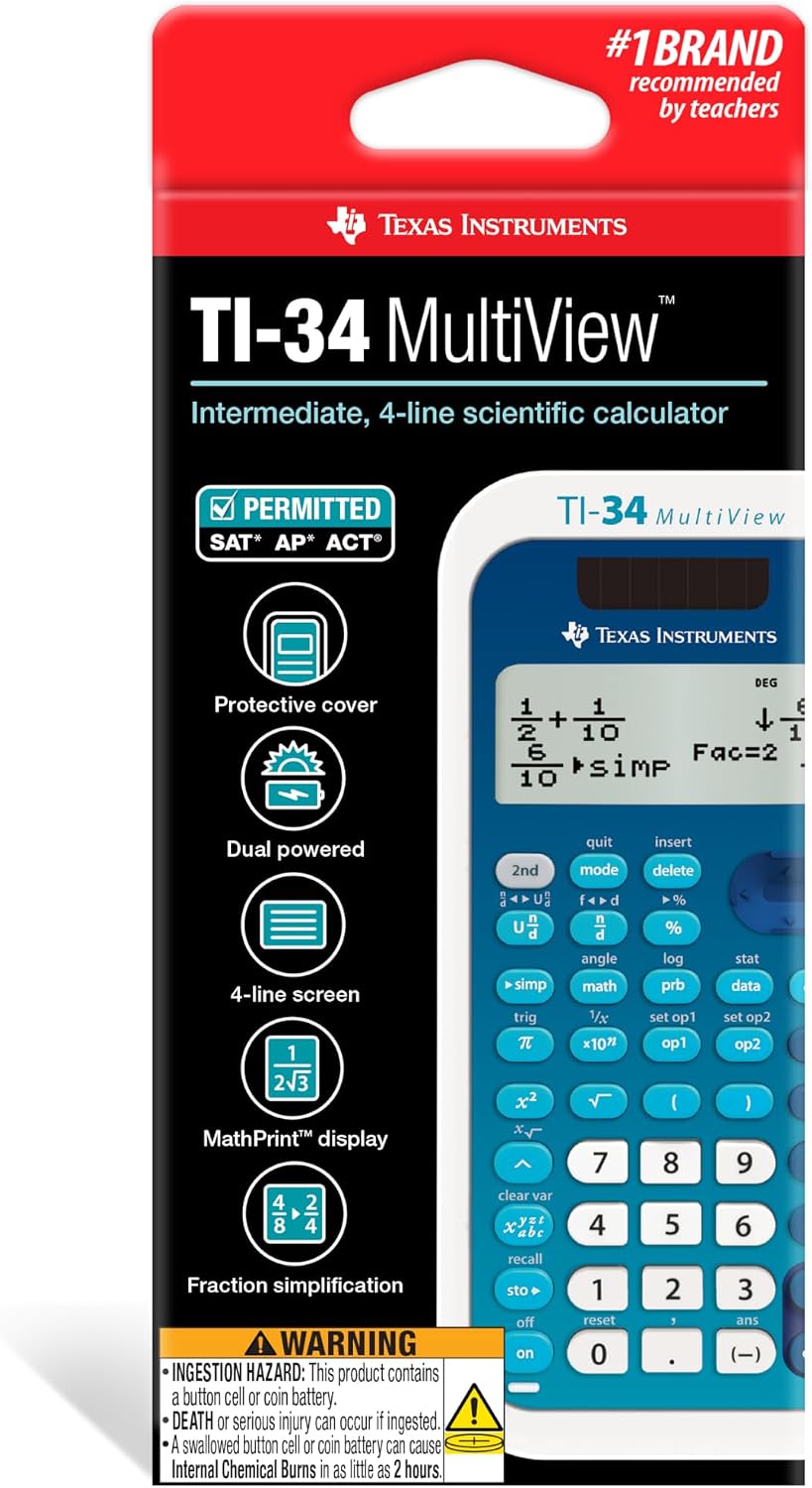
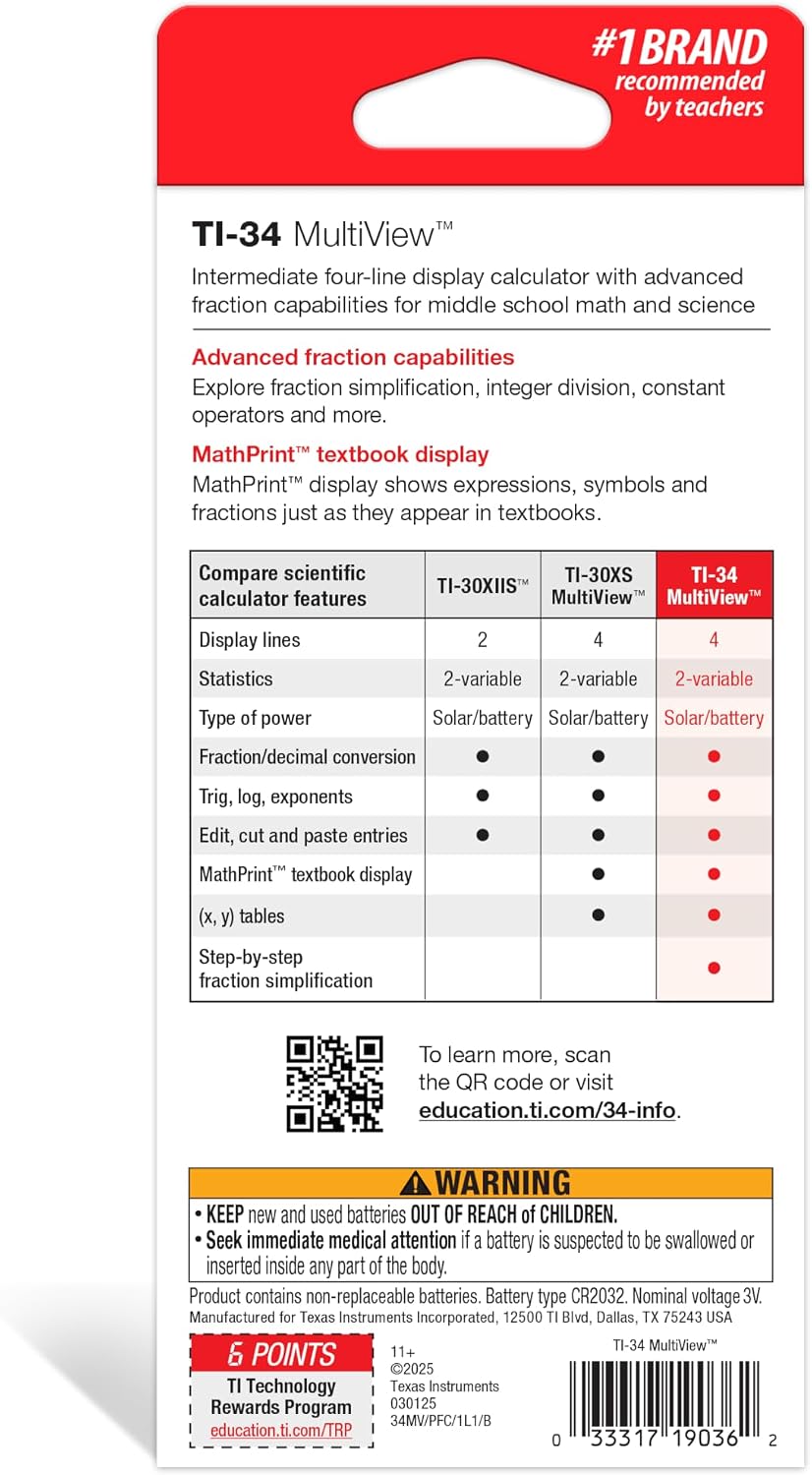
The TI-34 MultiView by Texas Instruments is a four-line scientific calculator designed for middle school math and science, covering Pre-Algebra, Algebra 1 and 2, and Geometry. It’s built to help students compare results side by side and spot patterns on screen, using a MultiView display that shows up to four lines at once. If you’re navigating fractions and algebraic expressions, the MathPrint feature displays expressions, symbols, and stacked fractions exactly as they appear in textbooks, reducing guesswork during practice and exams.
How it helps in math and science learning
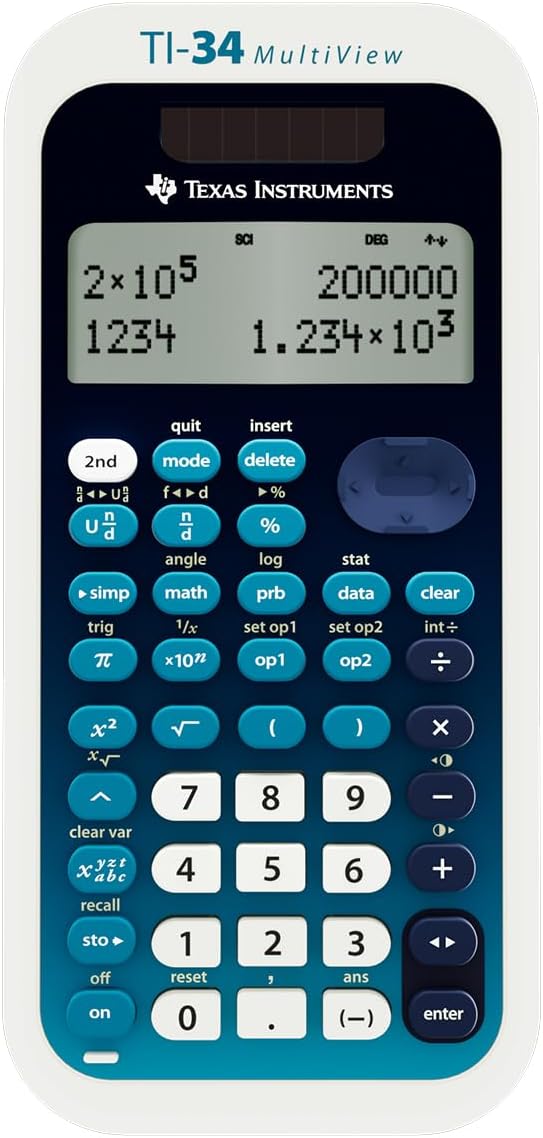
On paper, you’ll find this calculator practical for exploring step-by-step results without breaking the flow of a lesson. Quick access to frequently used functions makes it easier to focus on concepts rather than hunting for keys. The Previous Entry feature lets you review prior calculations to identify mistakes or patterns, which can be especially helpful during practice problems or when checking work.
How it works in exams and testing situations
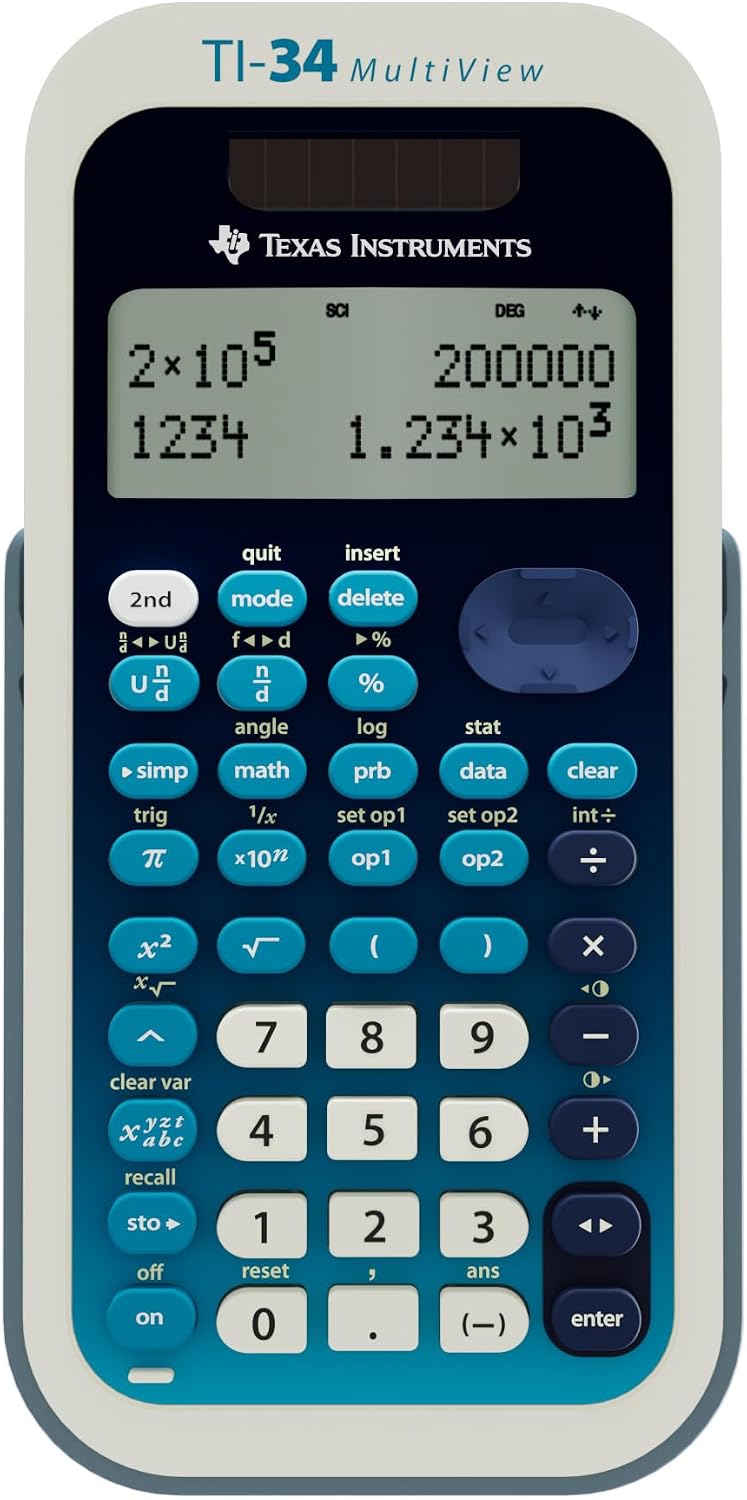
This model is approved for use on major standardized assessments like the SAT, ACT, and AP exams. In practice, that means students can rely on the TI-34 MultiView in timed settings without worrying about disqualifications due to the calculator’s feature set. The on-device menus are straightforward, making it easy to find needed operations quickly during an exam prep session.
What stands out in daily use
- The Table feature lets you generate an (x, y) table for a function, either automatically or by entering specific x values, which is handy for learning about functions and graphing concepts.
- Fraction features allow viewing and computing fractions in a familiar textbook format, reducing the cognitive load when transitioning between mixed numbers, improper fractions, and decimals.
- Scientific notation output presents superscript exponents and proper formatting, so you can read results clearly when dealing with large or small numbers.
What might hold you back
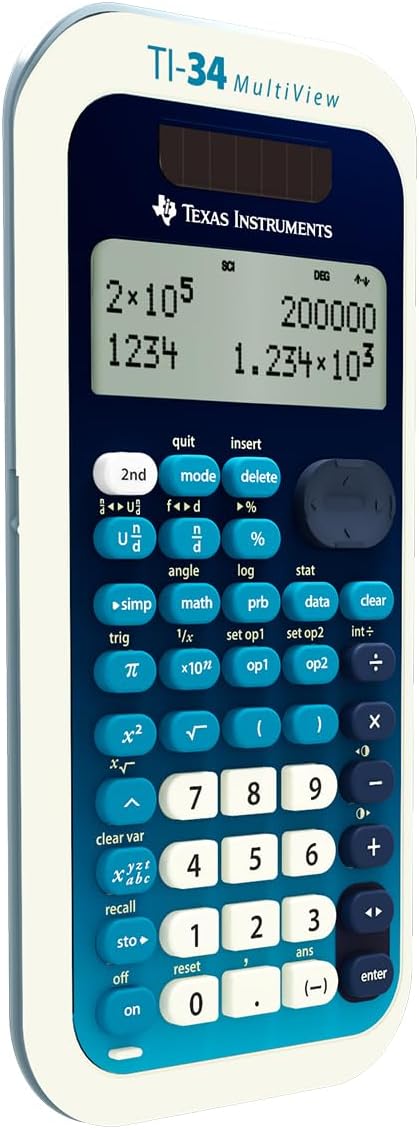
If you’re looking for graphing capabilities or more advanced functions beyond the middle-school curriculum, you’ll outgrow the TI-34 MultiView quickly. It’s a solid middle school tool, but not a replacement for a graphing calculator in higher-level math or science courses. Also, the utility hinges on the user’s comfort with relying on built-in menus rather than a fully programmable experience.
Who it’s best for and who should consider alternatives
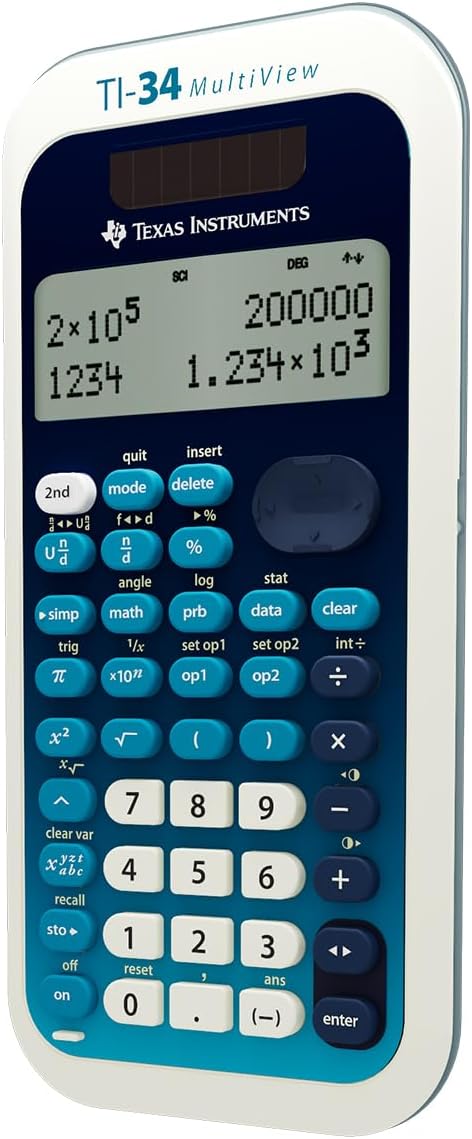
This calculator is well-suited for students who need reliable on-paper formatting, straightforward fraction handling, and on-screen comparison of results in Pre-Algebra through Geometry, as well as those prepping for SAT/ACT/AP math sections. If your goals include heavy graphing, long-form programming, or advanced calculus features, you might want to consider options with graphing capabilities or more advanced software integrations.
Before you buy: quick checks
- Ensure your student benefits from a clean, textbook-like display of math expressions and fractions.
- Consider exam plans: if you’ll be taking SAT/ACT/AP tests, this model’s approved status is a practical fit.
- Think about learning style: quick access menus and reviewable previous entries can support independent practice.
Practical usage idea
During a geometry lesson, you can set up a problem in the TI-34 MultiView, compute multiple results, and compare them on the screen in parallel. Then, flip to the Table feature to see how the function behaves with different x-values, reinforcing the concept of functions without switching devices.
FAQ (brief but helpful)
- Does it display fractions the way textbooks show them? Yes, via the fraction features and MathPrint formatting.
- Can I review past steps? Yes, the Previous Entry feature helps you revisit earlier calculations.
- Is it suitable for exam prep? Yes, it’s approved for SAT, ACT, and AP exams, making it a practical study companion.
Decision time
Is it worth it?
Worth considering if you need a reliable, plain-language scientific calculator that handles fractions cleanly, supports pattern recognition on screen, and is exam-approved for core middle-school math topics. It may not be the best choice if you require graphing or advanced computational features beyond the standard middle-school syllabus.