

Universal Remote Control for Samsung, LG, Sony, Vizio, Hisense, Insignia, Toshiba, JVC, Philips, Sanyo, Sharp, Panasonic (All Series TV)
Product description
What it is and what it’s for
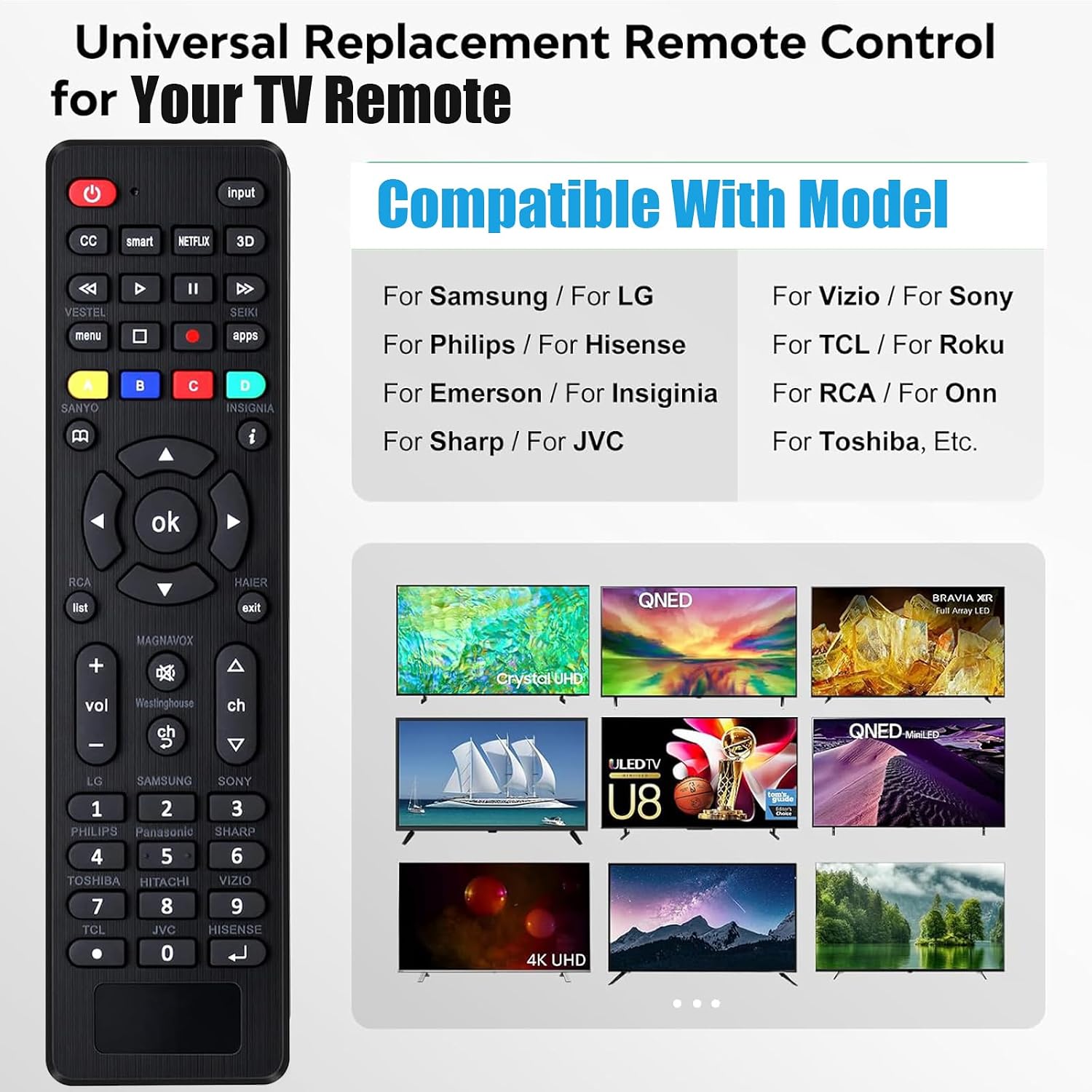
This universal remote control is designed to replace a missing or broken TV remote across many popular TV brands. On paper, it’s meant to work with a wide range of “All Series” TV models from brands like Samsung, LG, Sony, Vizio, Hisense, Insignia, Toshiba, JVC, Philips, Sanyo, Sharp, Panasonic (and a few others listed in the compatibility section).
The big idea is simple: you’re not buying a remote for one specific TV model—you’re buying a general-purpose remote that you set up using a brand code or by running a brand search.
That also means there are some limits you should be aware of. The listing explicitly says it is not compatible with DVD/Box devices, and it also warns it’s not meant for Roku / streaming sticks and other RF streaming devices.
Key features that matter in daily use
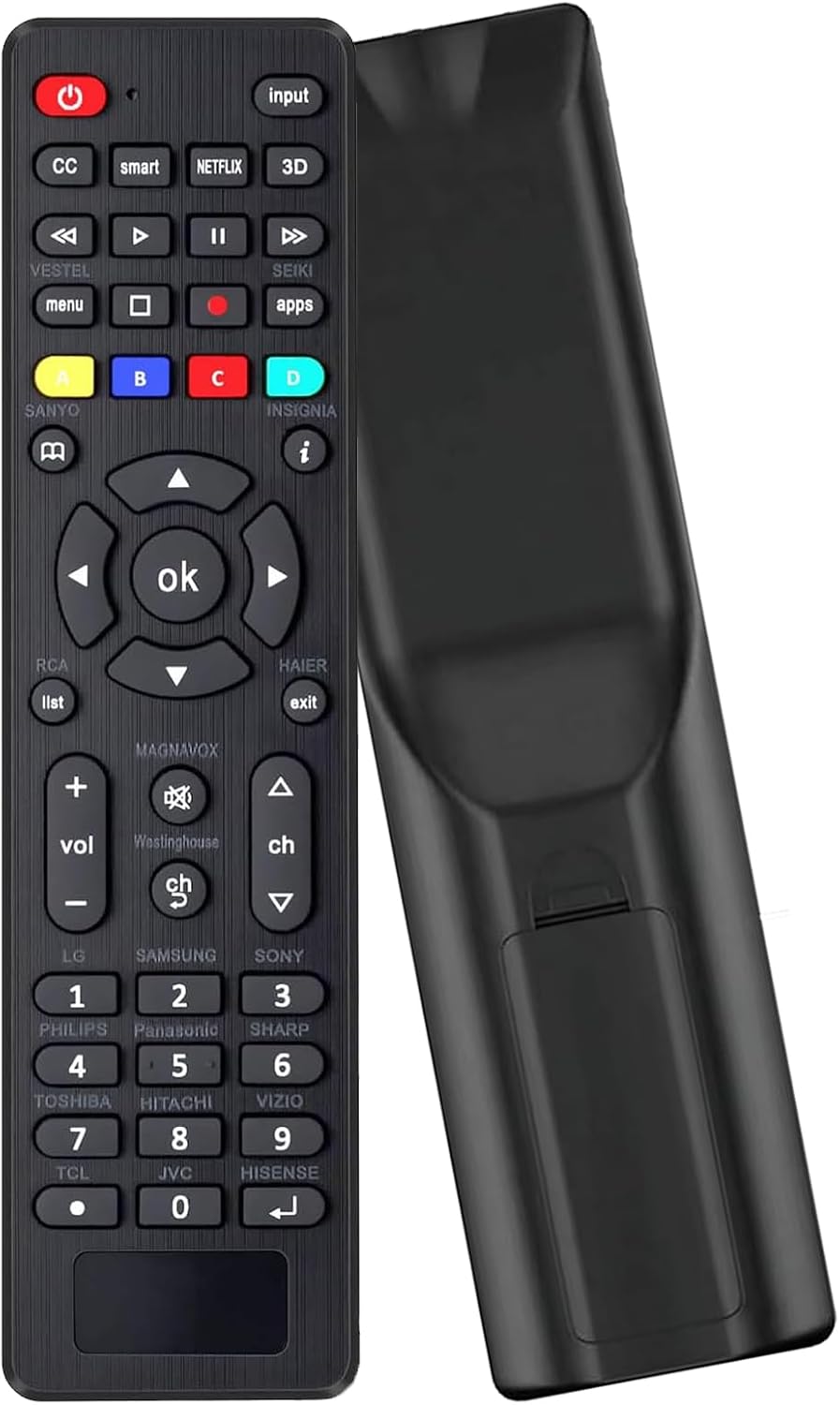
The setup is the main “make or break” part of a universal remote, and this one gives you two ways to configure it.
First, there’s a code-based setup. You press the brand button for the corresponding TV brand, the LED flashes, then you enter a 3-digit code from the included code list. If the code is correct, the LED turns off, if it’s wrong, the LED stays lit.
Second, there’s a brand search method. You press the brand button for longer, the LED flashes after a few moments, and the remote completes setup via the search process.
It’s a practical approach if you don’t want to guess codes endlessly—but it can still take a bit of patience the first time.
The least convincing part (read this before buying)
Two notes stand out as potential dealbreakers depending on your setup:
- No voice function. If you expected voice controls, this remote won’t deliver.
- Not for Roku/streaming sticks or other RF streaming devices. If your TV setup relies on a streaming stick (or something RF-based), this remote may not control it the way you want.
Also, the listing mentions “not compatible models” and tells you to read the applicable TV brand before purchasing to avoid getting the wrong model. Universal remotes can be picky in real life, even when the brand list looks broad.
Compatibility checklist before you commit
Since this remote depends on matching your TV model to the supported brands (and likely the right code), it’s smart to double-check:
- Your TV brand is on the list (and that your exact model is compatible, not just the brand).
- Your device is the TV itself—this remote is not for DVD/Box.
- Your streaming setup isn’t based on Roku/sticks/RF streaming devices, since the listing specifically says it’s not compatible.
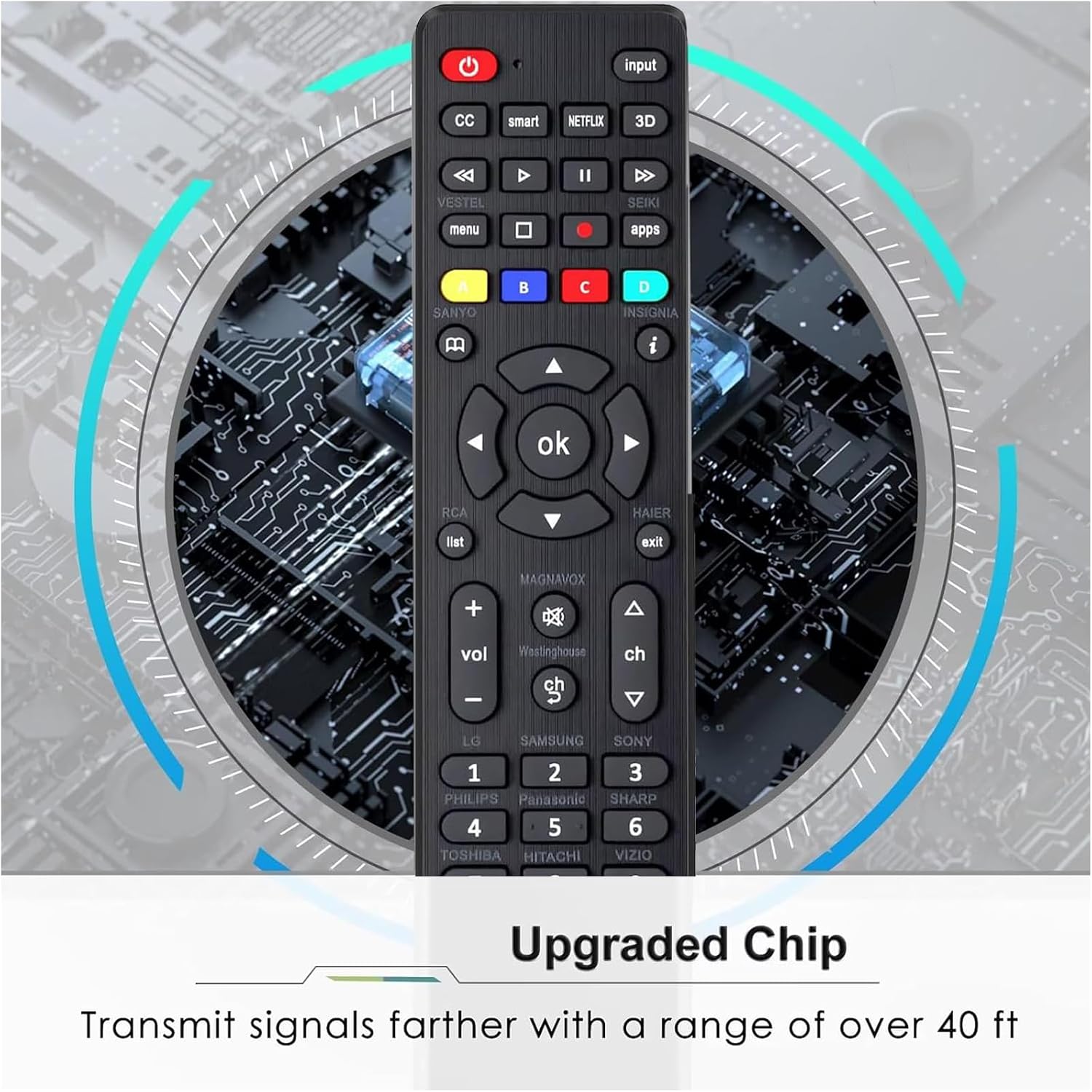
- Your room setup allows use within the stated range and without obstacles. The listing says to ensure there are no obstacles and keep distance within 10 meters.
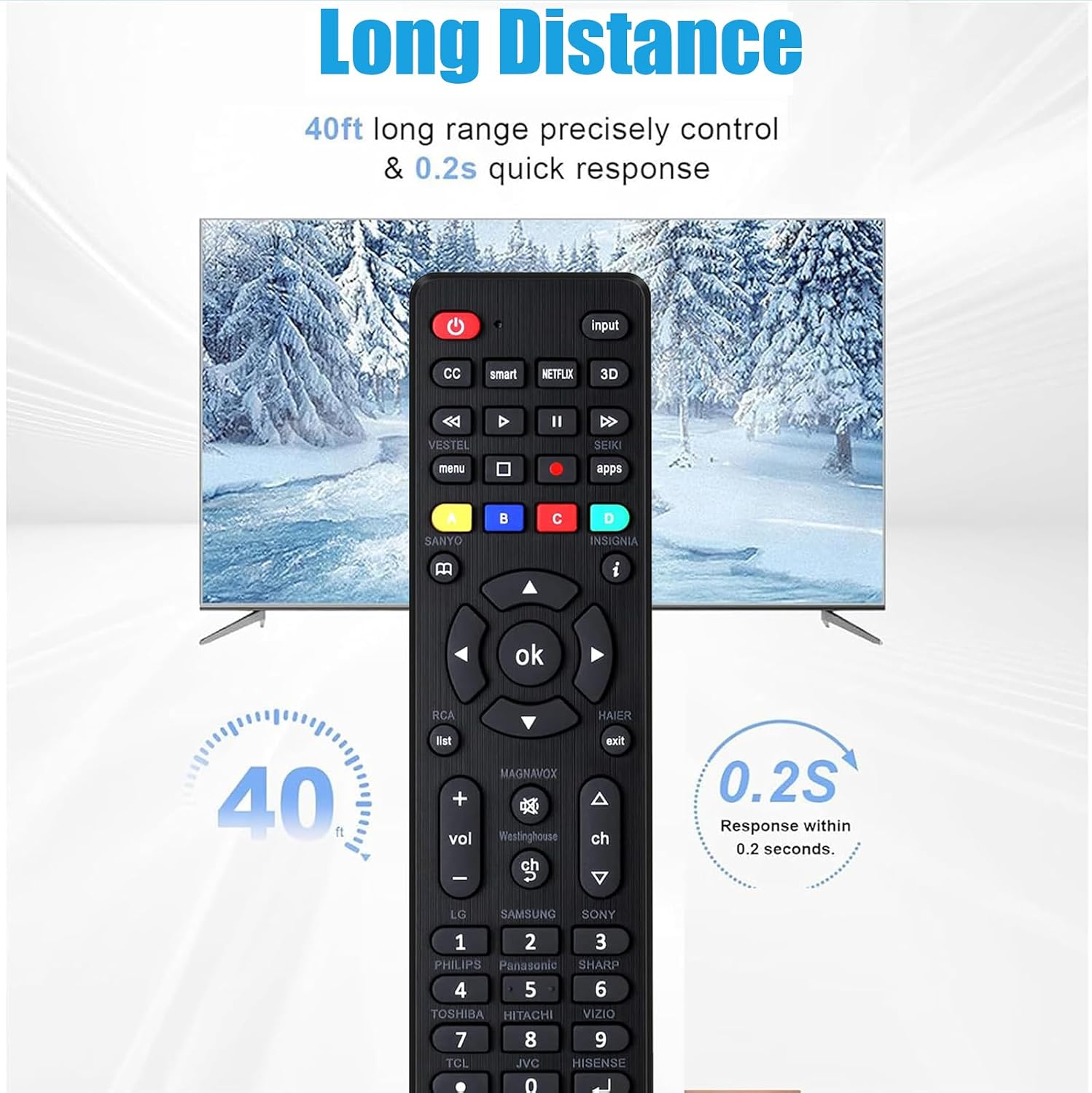
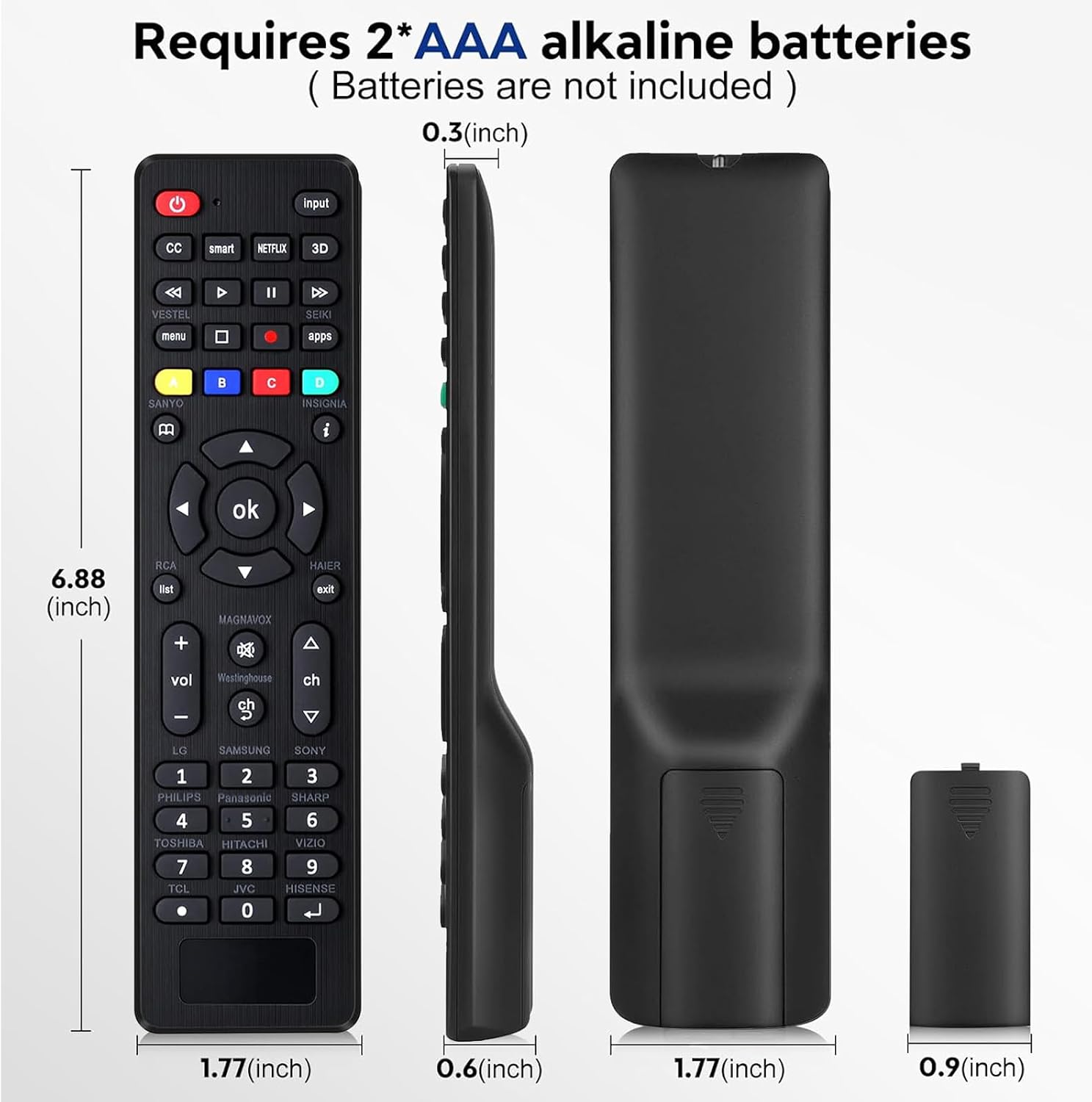
And one more small thing: it notes that AAA batteries are not included, so you’ll need to have them on hand.
What you’ll notice during setup (a quick example)
Imagine your original TV remote is missing. You start by pressing the brand button for your TV (say, Samsung). After the LED flashes, you either enter a 3-digit code from the included code list or you use the brand search method.
If the code matches, the LED behavior changes (turns off), and you can test basic functions right away. If it doesn’t match, you’ll likely need to try another code or use the brand search—so plan for a few minutes of trial-and-error.
Tech specs
- Type: Universal remote control
- Setup methods: Code setup and brand search
- Compatibility notes: Not compatible with DVD/Box, not for Roku/sticks or other RF streaming devices, no voice function
- Package includes: 1 universal remote, 1 user guide, 1 code list
- Batteries: AAA batteries not included
Should you buy it?
This universal remote is worth considering if you want a straightforward replacement for a TV remote and your TV brand is listed, and you’re comfortable taking a few minutes to set it up using the included code list or brand search.
You may want to skip it if you need voice control, rely on a Roku/streaming stick (or other RF streaming device), or you know your current setup isn’t just the TV (for example, you’re trying to control a DVD/Box device).
It’s not a perfect solution for every living-room configuration—it’s more of a “get the basics working on your TV” replacement, not a universal answer for streaming accessories.
Mini FAQ
FAQ
Does this remote have a voice function? No—voice function is explicitly not included.
Can it control Roku or other streaming sticks? The listing says it’s not compatible with Roku/sticks and other RF streaming devices.
What if the remote doesn’t work with the first code? You can try a different 3-digit code from the code list or use the brand search setup method.
Do I need batteries? Yes. AAA batteries are not included.
Is it compatible with DVD/Box devices? No. The listing states it is not compatible with DVD/Box.
Is it worth it?
Buy it when you want a universal TV remote replacement and you can verify your TV model is compatible with the listed brands. Skip it when your goal is controlling Roku/streaming sticks or DVD/Box gear, or when you specifically need voice control.