

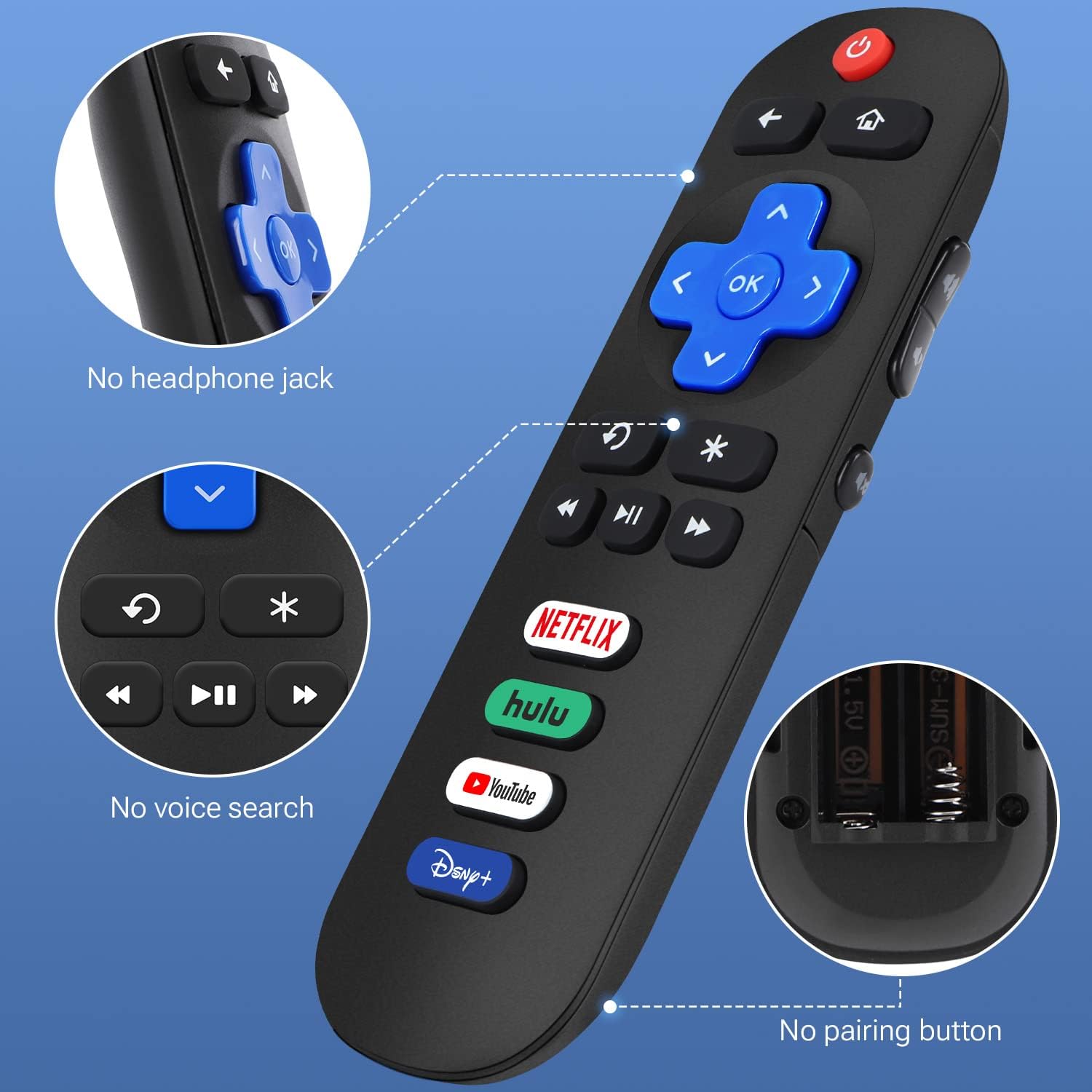
Gvirtue RC280 Infrared Remote for Roku TVs with 4 App Shortcut Buttons
Product description
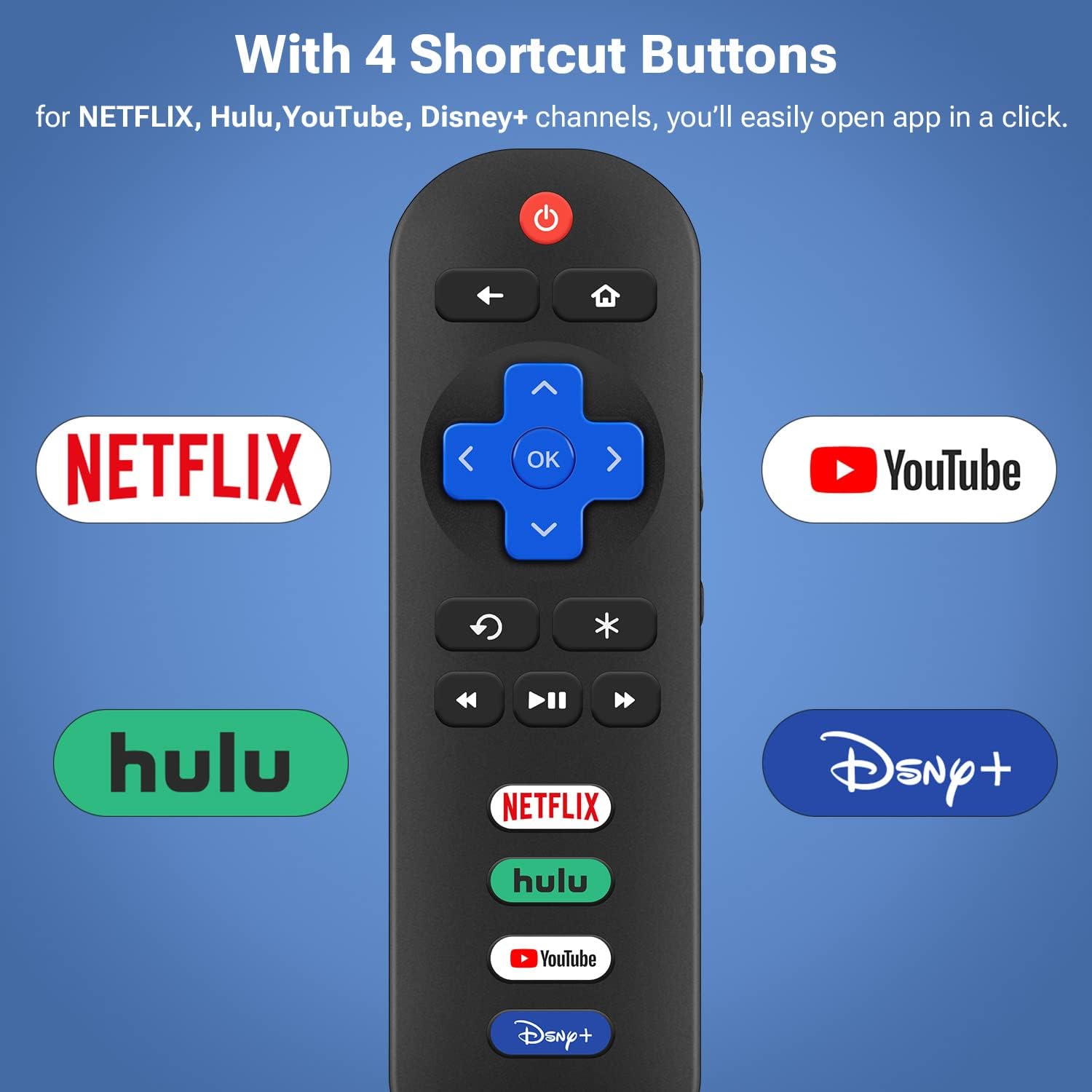
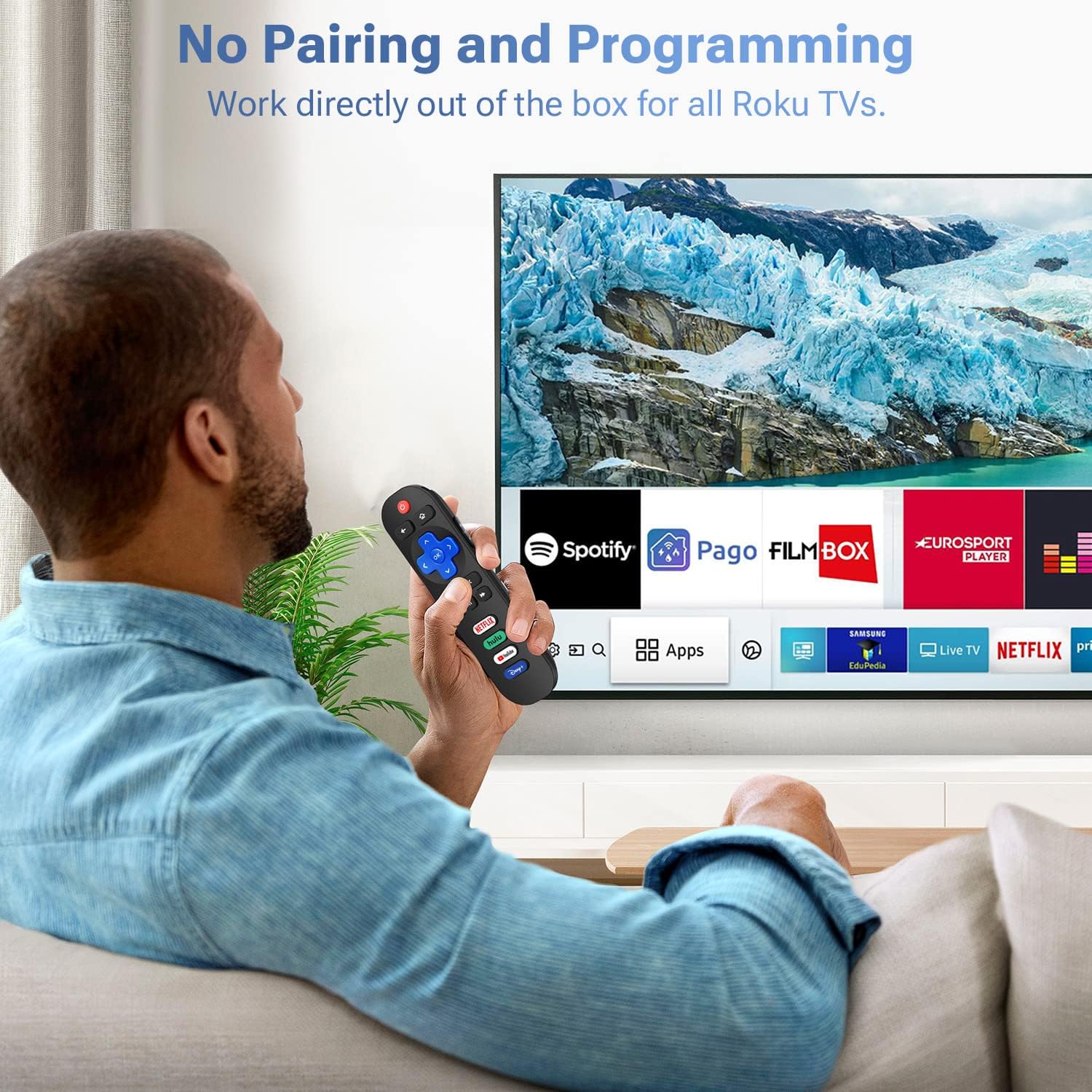
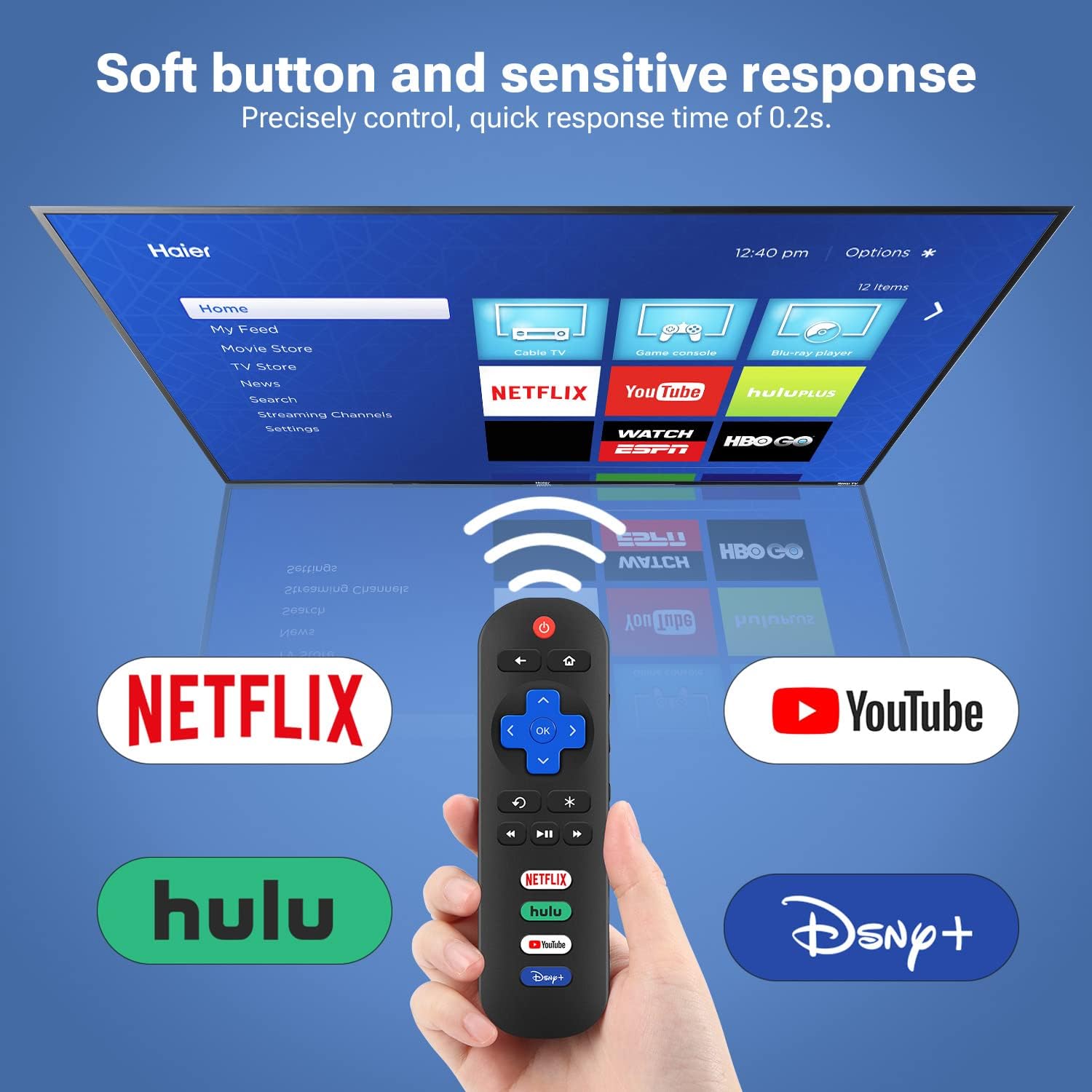
Infrared control gives the Gvirtue RC280 a straightforward role: replacing a remote for a compatible Roku TV without pairing or programming. Its four shortcut buttons are assigned to Netflix, Hulu, YouTube, and Disney+.
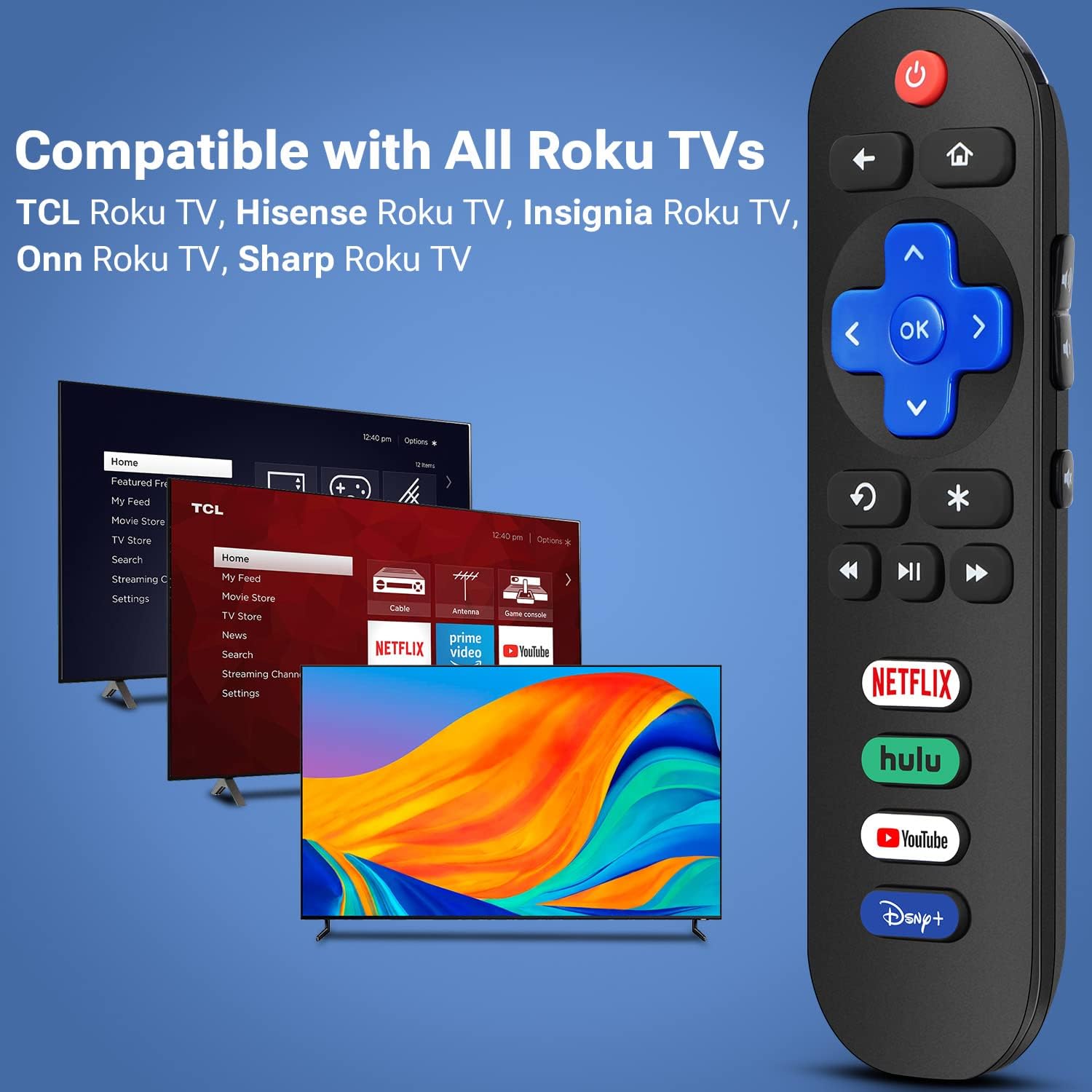
Designed for Roku TVs from brands including TCL, Hisense, Onn, Insignia, Sharp, Element, Hitachi, Westinghouse, Philips, JVC, RCA, and Sanyo, it offers a focused alternative to a general-purpose remote. Compatibility is for Roku TVs, not Roku streaming sticks, players, or boxes.
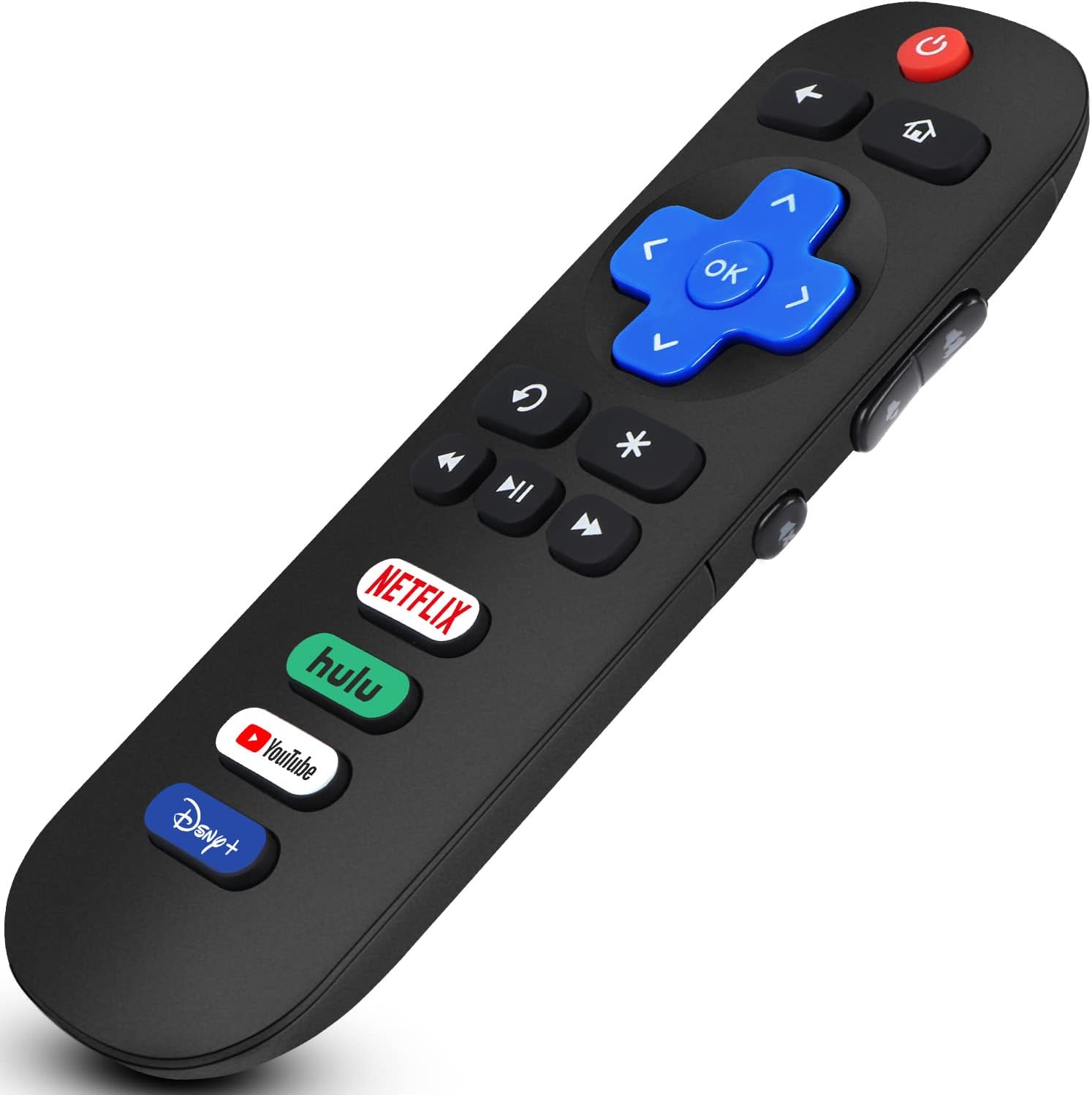
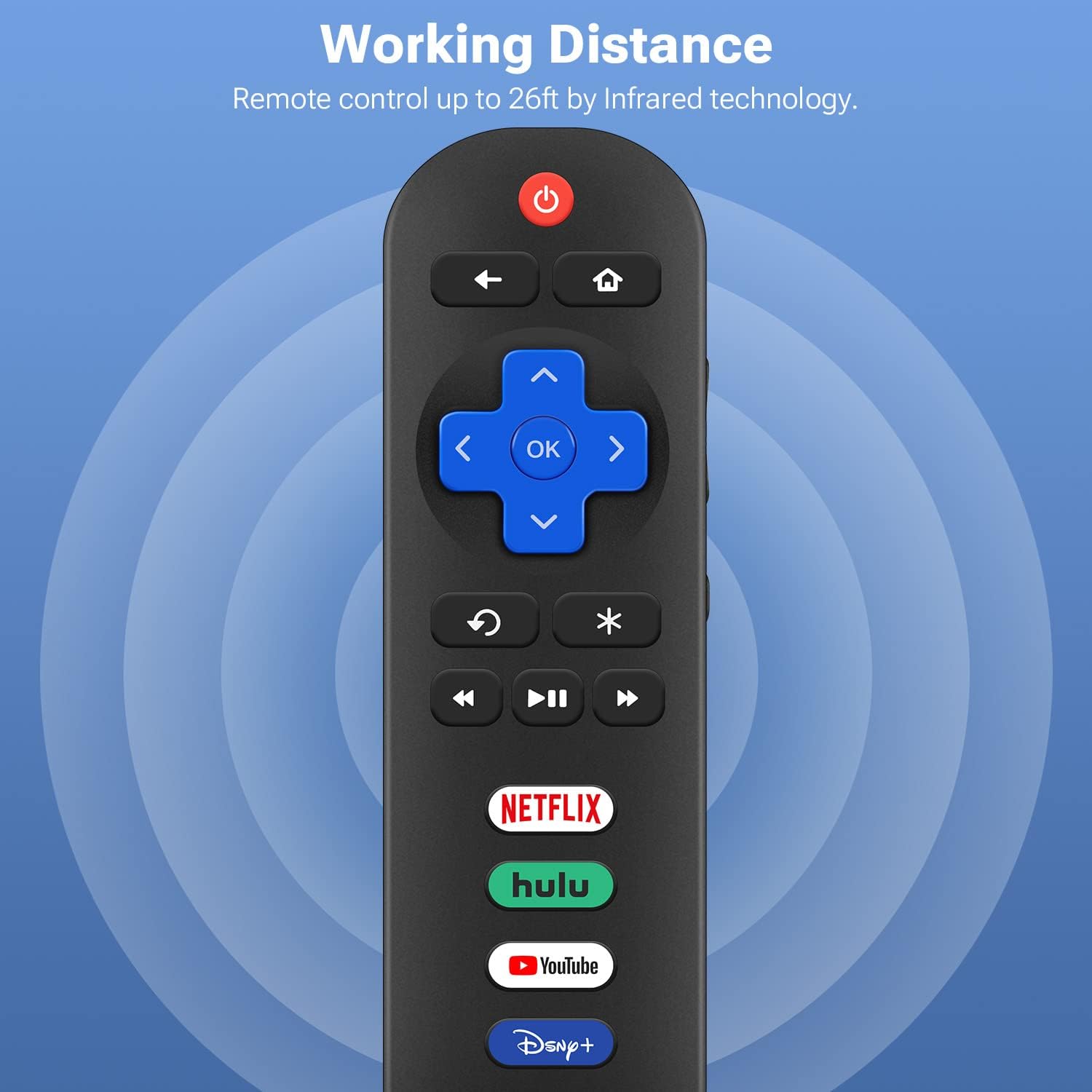
The remote uses two AAA batteries and has a maximum range of 8 meters. For a replacement that keeps common streaming apps close at hand, could this simple infrared layout suit your setup?
Benefits
The four dedicated app buttons make the remote useful for households that regularly watch Netflix, Hulu, YouTube, or Disney+. Rather than navigating through on-screen menus to find one of those services, users can press its labeled shortcut. The button-based layout keeps everyday television control direct, while infrared operation avoids a pairing or programming step: insert two AAA batteries and use it with a compatible Roku TV.
This is a purpose-specific replacement for Roku TV owners, rather than a remote intended to control several kinds of home devices. That focused design is helpful when the priority is restoring TV control and accessing familiar streaming apps. The maximum operating range is 8 meters, giving you a clear distance reference when positioning yourself in the room.
What matters most
Check the TV’s platform as well as its brand before choosing a replacement. The RC280 is listed for Roku TVs from the named manufacturers, a Roku Stick, Roku player, or Roku box is a different product category and is not compatible. This distinction matters if your television uses an external Roku device instead of Roku TV software.
Its everyday use is uncomplicated: insert two AAA batteries, point the infrared remote toward the TV, and use the controls or app shortcuts. For example, in a living room where the television is used for both streaming and regular viewing, the dedicated Netflix, Hulu, YouTube, and Disney+ buttons keep those services accessible from the same remote. The batteries are required and are not included.
Buyer feedback reflects both convenience and variation in use. Some customers appreciate the simple setup and describe it as a useful replacement, while reports on compatibility and button response are mixed. Some also mention reliability concerns. The listed TV compatibility remains the practical guide for matching this remote to a device.
Tips for day-to-day use
Keep the remote pointed toward the television when pressing a button, as it uses infrared connectivity. If a button press does not register, check that the batteries are inserted correctly and that the TV is within the remote’s stated maximum range. Replacing the batteries when they run down helps keep the remote ready for routine viewing.
Is it worth it?
The Gvirtue RC280 is a practical replacement to consider when you need a straightforward remote for a compatible Roku TV and value dedicated shortcuts for four popular streaming services. Its no-programming setup, infrared control, and clearly defined TV compatibility make the intended use easy to understand. For a Roku TV that matches the supported brands, it brings core remote access and familiar app buttons together in one lightweight, button-operated control.