

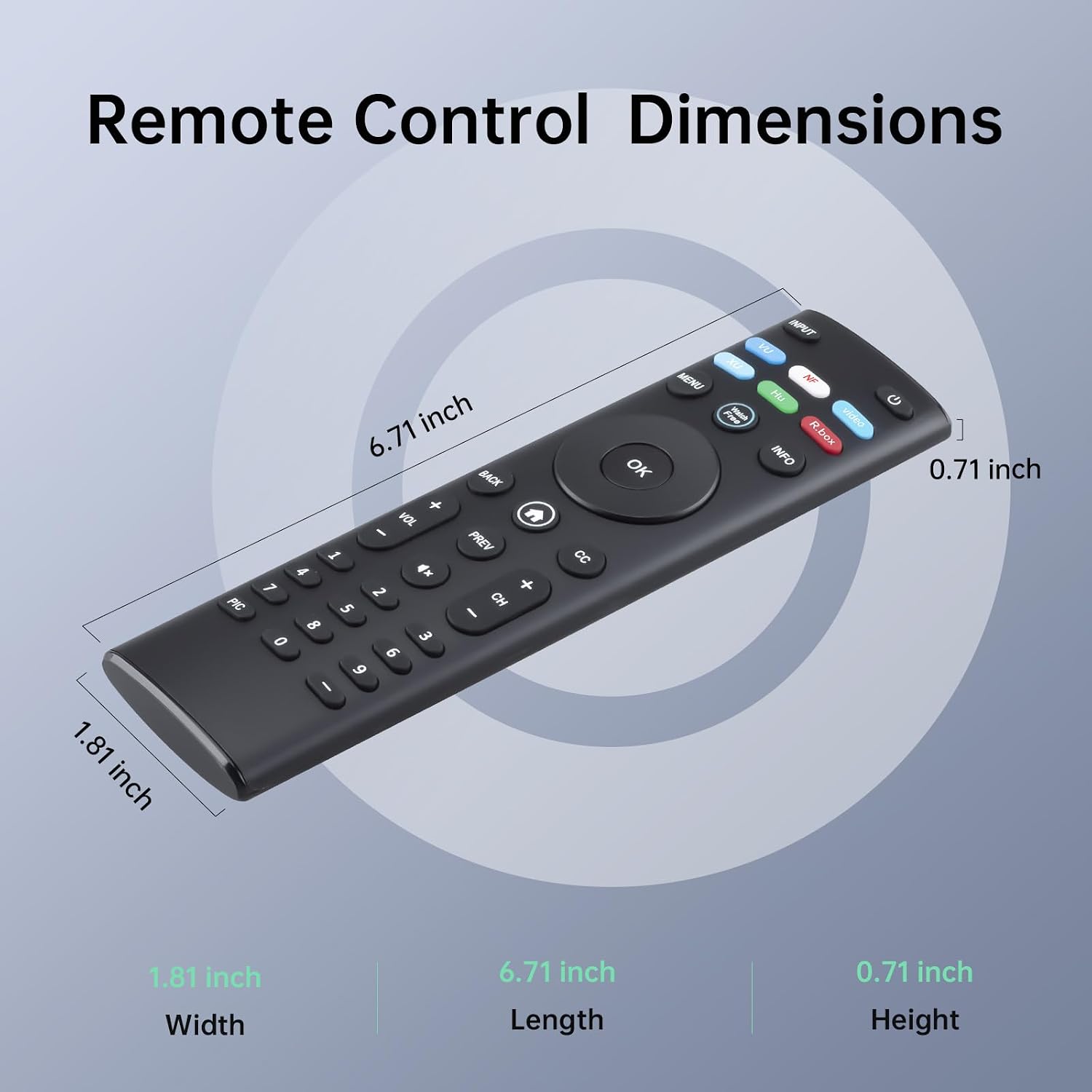
Luyeper Replacement TV Remote, XRT140
Product description
Technical details
The XRT140 replacement remote is designed for a simple handoff: insert two AAA batteries and start using it without pairing or programming. That can save time when the original remote is lost or damaged.
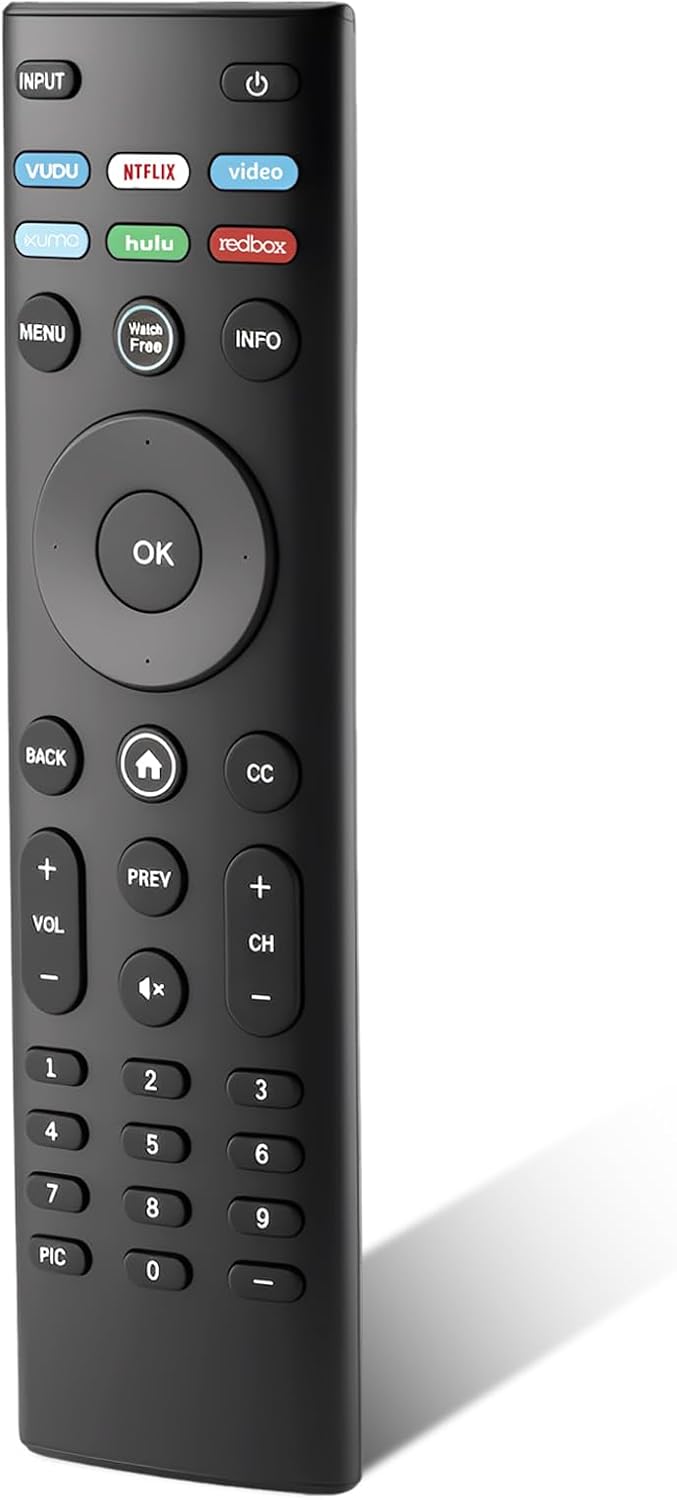
Its layout includes six shortcut buttons for easier TV navigation. The listing identifies it as an infrared remote and says it has no voice function, an important difference if you rely on voice search or hands-free controls.
Batteries are not included. The product details also do not name the shortcut functions, so don’t assume they match the buttons on your original remote.
Compatibility & requirements
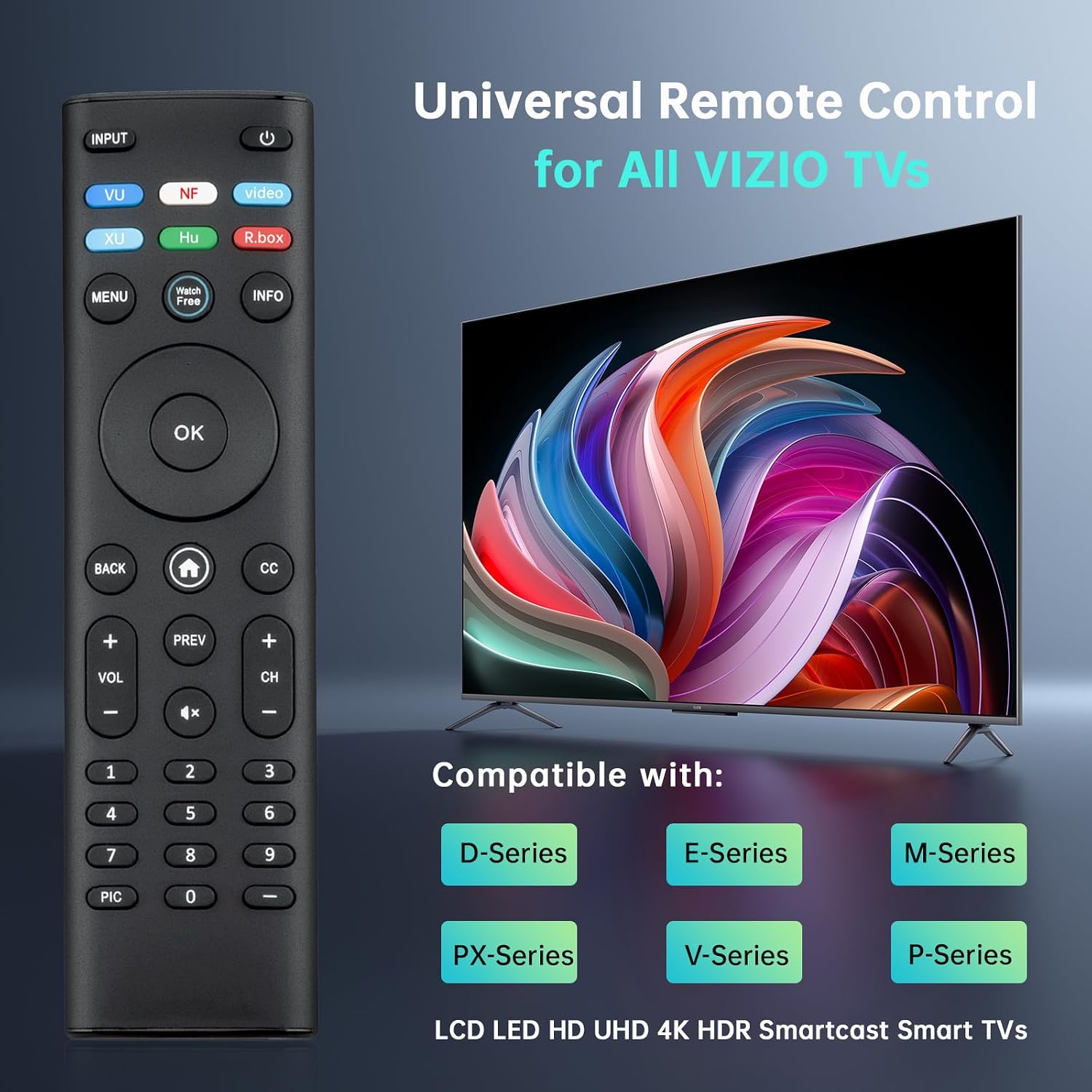
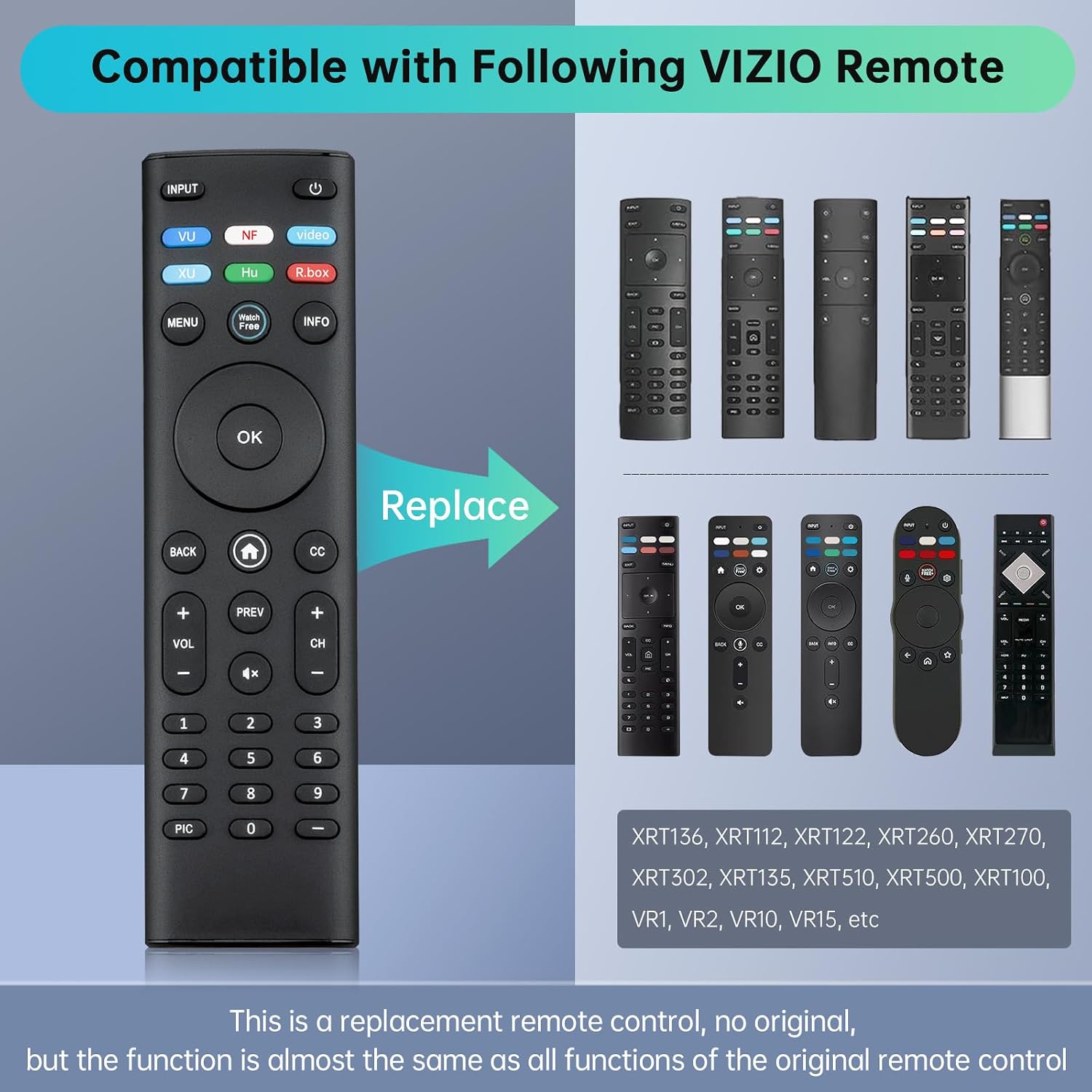
The listing names Vizio D, M, E, P, PX, and V series LED/LCD smart TVs, including HD, Full HD, 4K UHD, HDR, Quantum, and Quantum Pro models. It also lists several original remote numbers as replacement candidates: XRT260, XRT270, XRT112, XRT122, XRT302, XRT135, XRT510, XRT500, XRT100, XRT136, VR1, VR2, VR10, and VR15. Compatibility is described by series and remote number, not by specific TV model, so match your set against those details before choosing it.
It works only with IR-enabled devices, according to the maker. A TV that depends on voice control or a non-IR remote setup is outside the stated use. The “no setup” convenience also does not mean batteries come in the box: you’ll need two AAA batteries on hand.
Usage tips
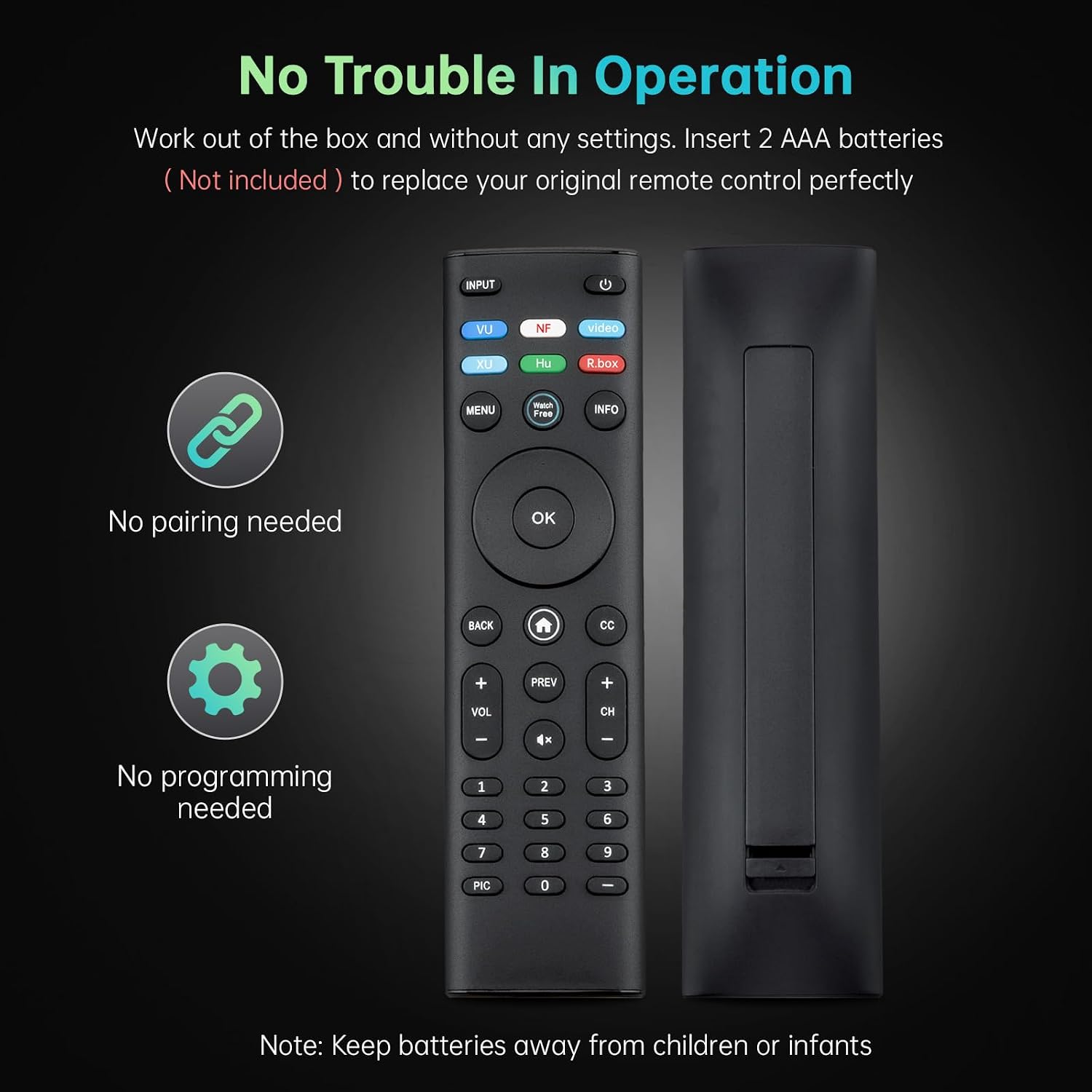
For a lost-remote replacement, put in the batteries and try the basic navigation controls first. Then test the six shortcuts you use most. For example, if you’re settling in to browse a show, the remote’s navigation layout and shortcuts may make routine menu use easier without programming a new controller.
Keep your original remote nearby during the first check if it still works. That gives you a quick way to compare essential controls and see whether the replacement handles your usual TV tasks. The listing does not specify which apps or functions the shortcut buttons open, so their exact behavior should not be assumed.
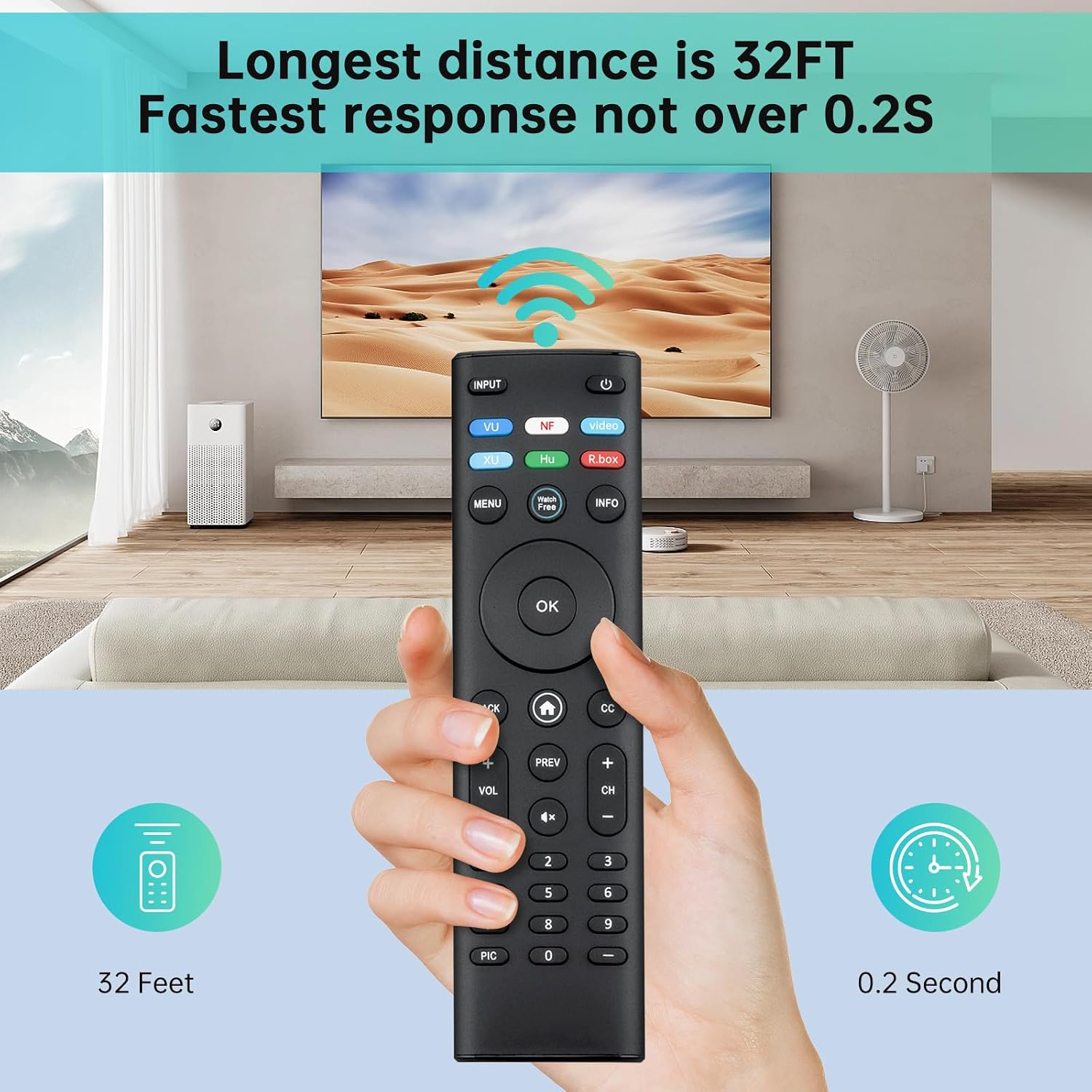
Before you decide
Does it come with batteries? No. Two AAA batteries are required, and they are not included.
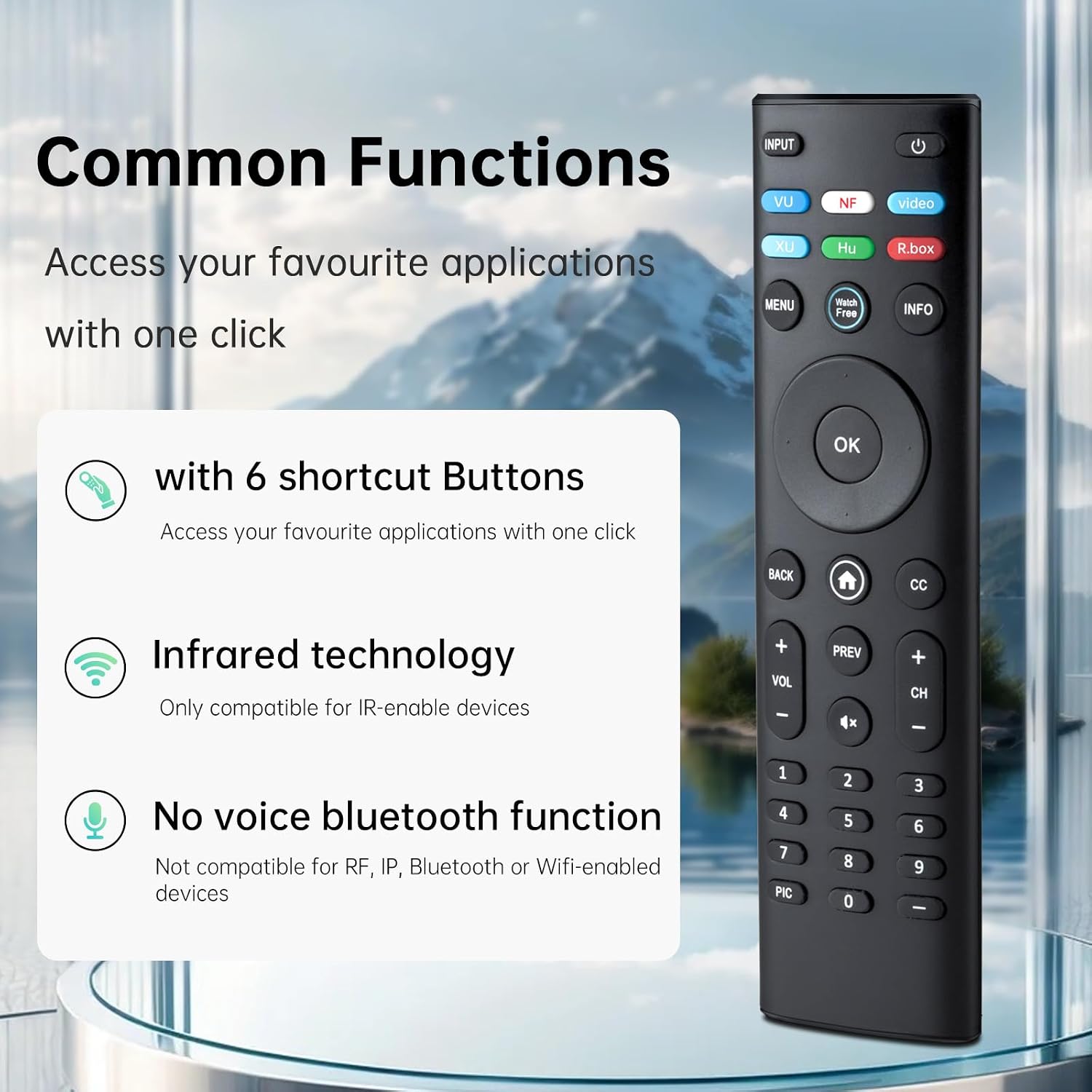
Can it use voice commands? No voice function is specified, the listing explicitly says this remote does not support voice.
Which original remote numbers does it replace? The listed candidates include XRT260, XRT270, XRT112, XRT122, XRT302, XRT135, XRT510, XRT500, XRT100, XRT136, VR1, VR2, VR10, and VR15. Confirm that your original number appears before relying on this match.
When it makes sense
It suits you if you need a straightforward replacement for a listed Vizio TV or remote, prefer not to pair or program a controller, and are comfortable using infrared controls. Compared with a feature-heavy universal remote, this one is aimed at a simpler replacement job rather than broad device control, the listing does not claim universal compatibility.
Not the best choice if voice commands are part of your routine, your TV is not IR-enabled, or you need certainty about a specific TV model that is not identified in the compatibility details. Its practical appeal is the no-programming setup, but that only helps if your device matches the listed compatibility.