

Hyperlink Wireless Presenter 2.4GHz USB Clicker 🎤
Reviews
Price
Product description
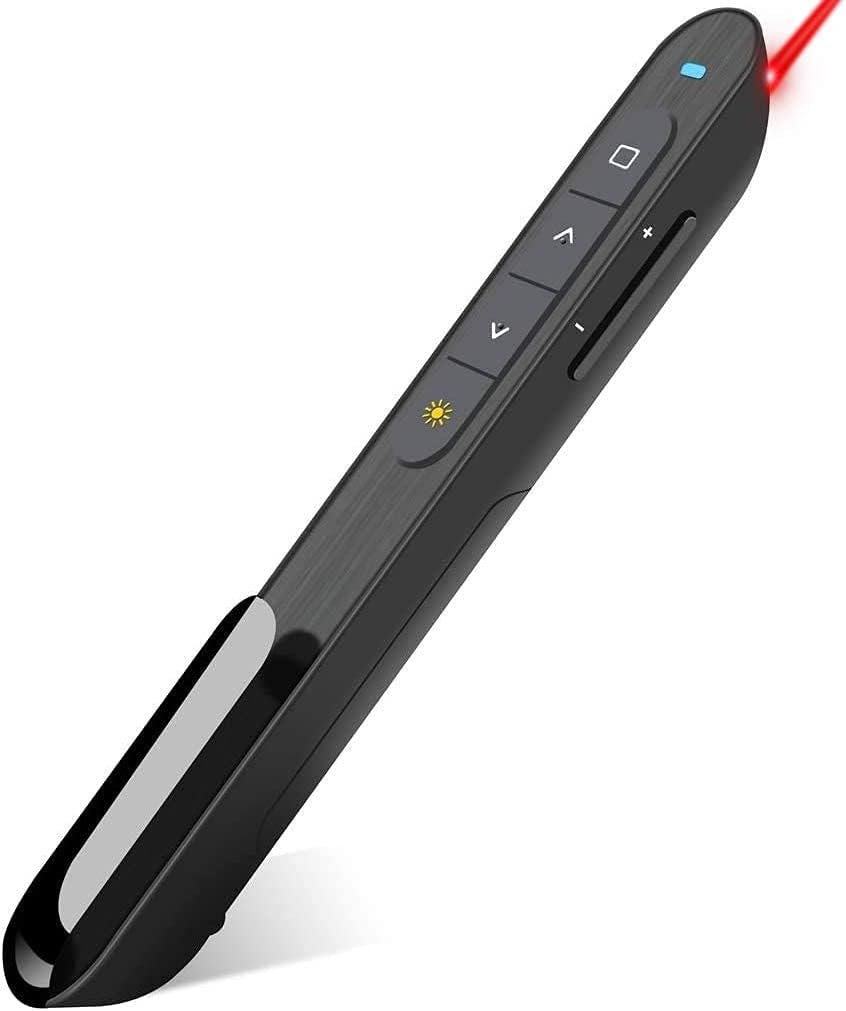
This compact wireless presenter from DinoFire makes moving through slides and controlling multimedia simple and unobtrusive. The presentation clicker with bright red laser pointer offers easy plug and play operation and basic media controls, helping keep attention on your content while you walk the room. 🎯
Key Points
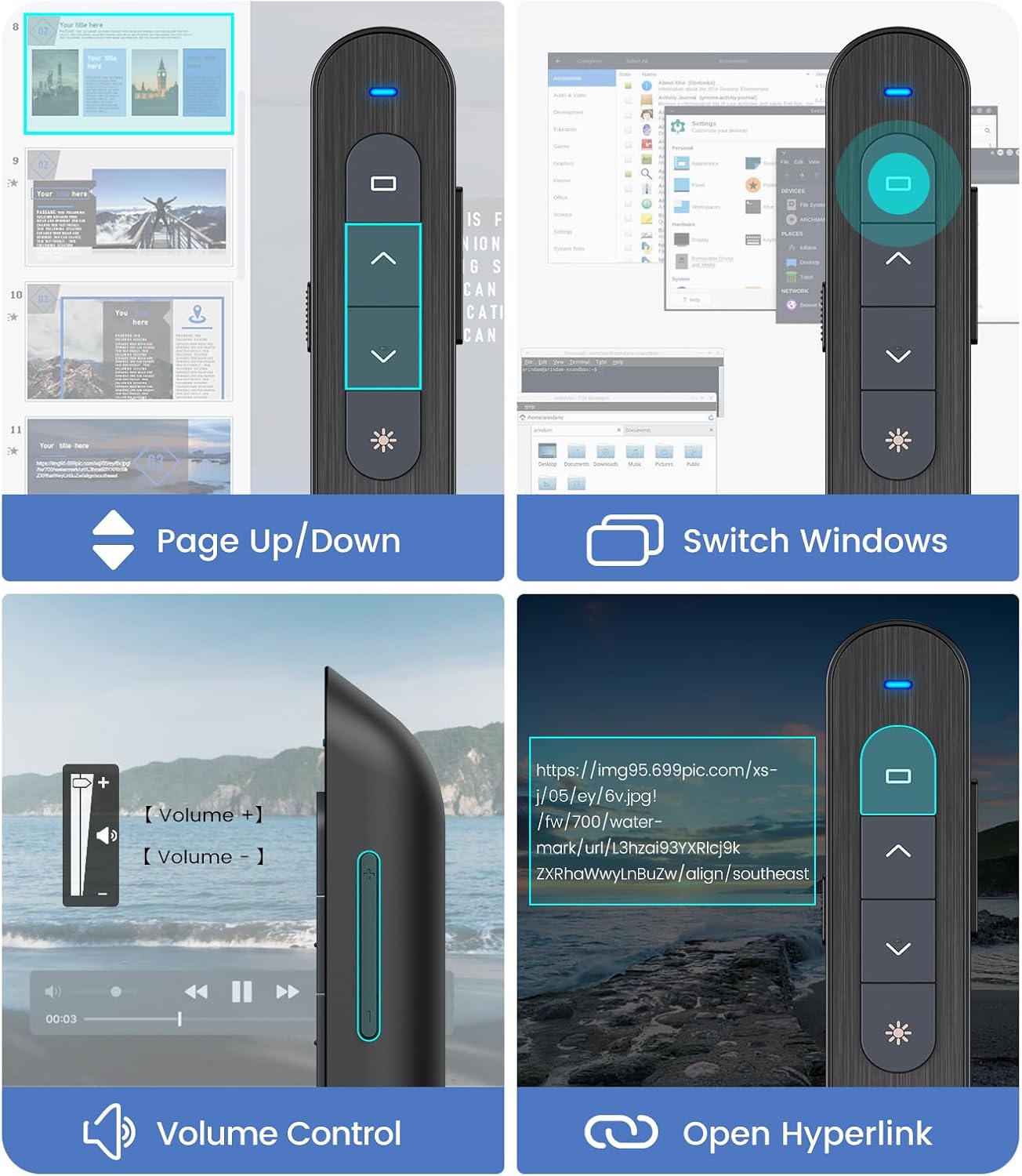
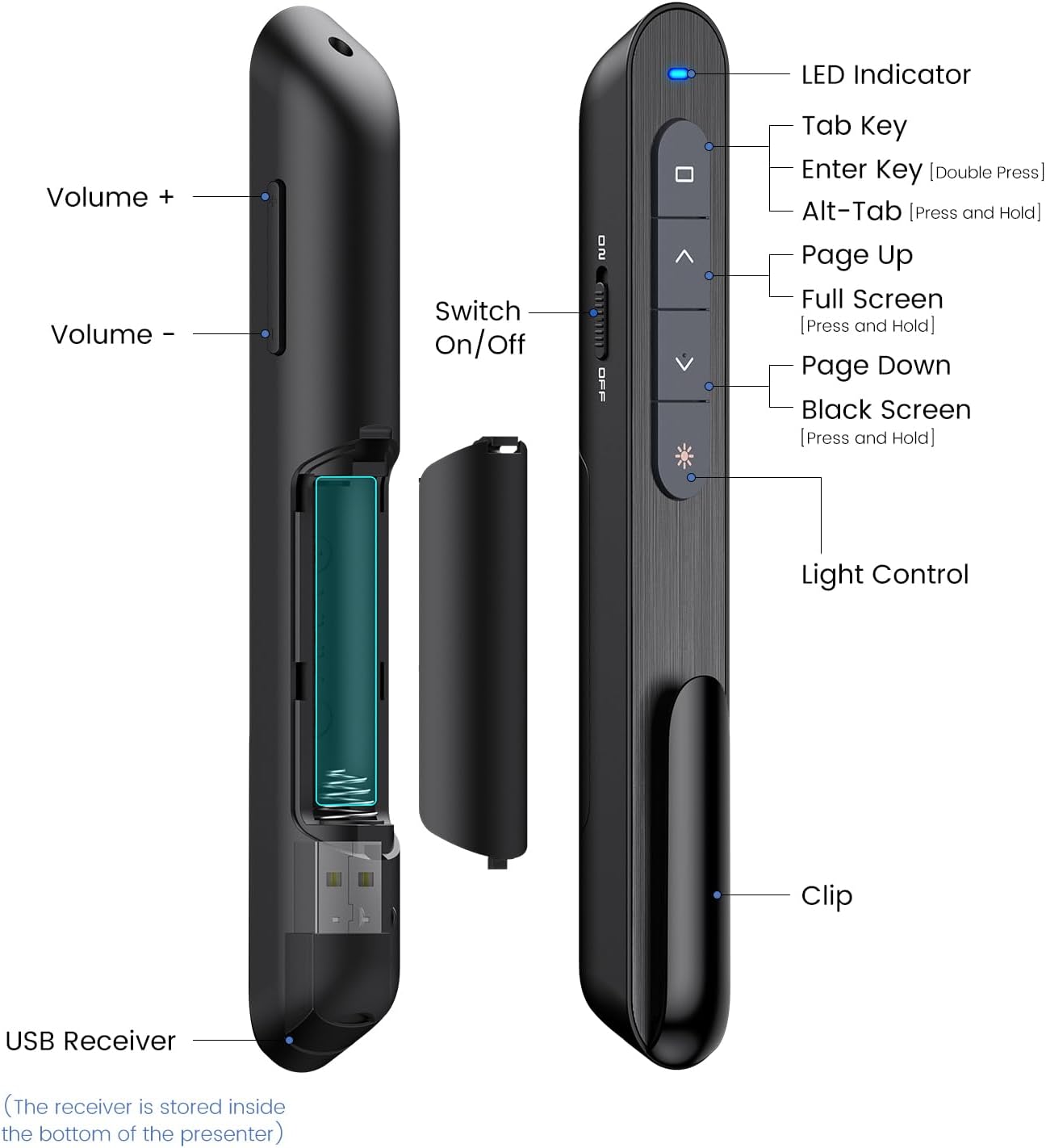
The presenter connects via a 2.4 GHz USB receiver that stores magnetically in the base of the remote, so the dongle stays with the device and is less likely to be misplaced. It supports page forward and backward, volume control, hyperlink activation, window switching, and toggling full or black screen modes, which covers the typical needs of classroom or meeting presentations. The bright red pointer is easy to spot against most projection backgrounds, though it is not recommended for use on LCD or LED TV screens. 📶
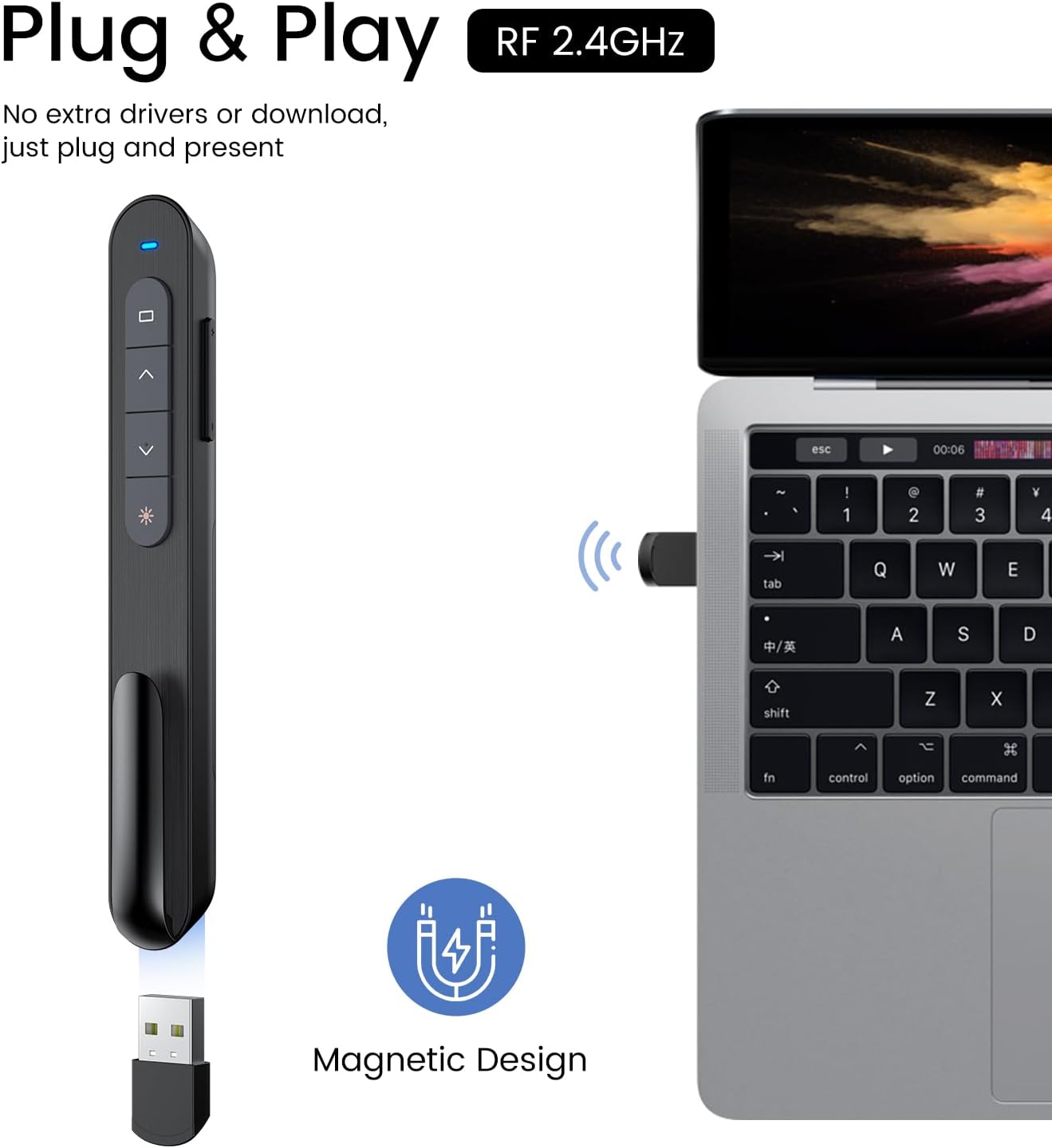
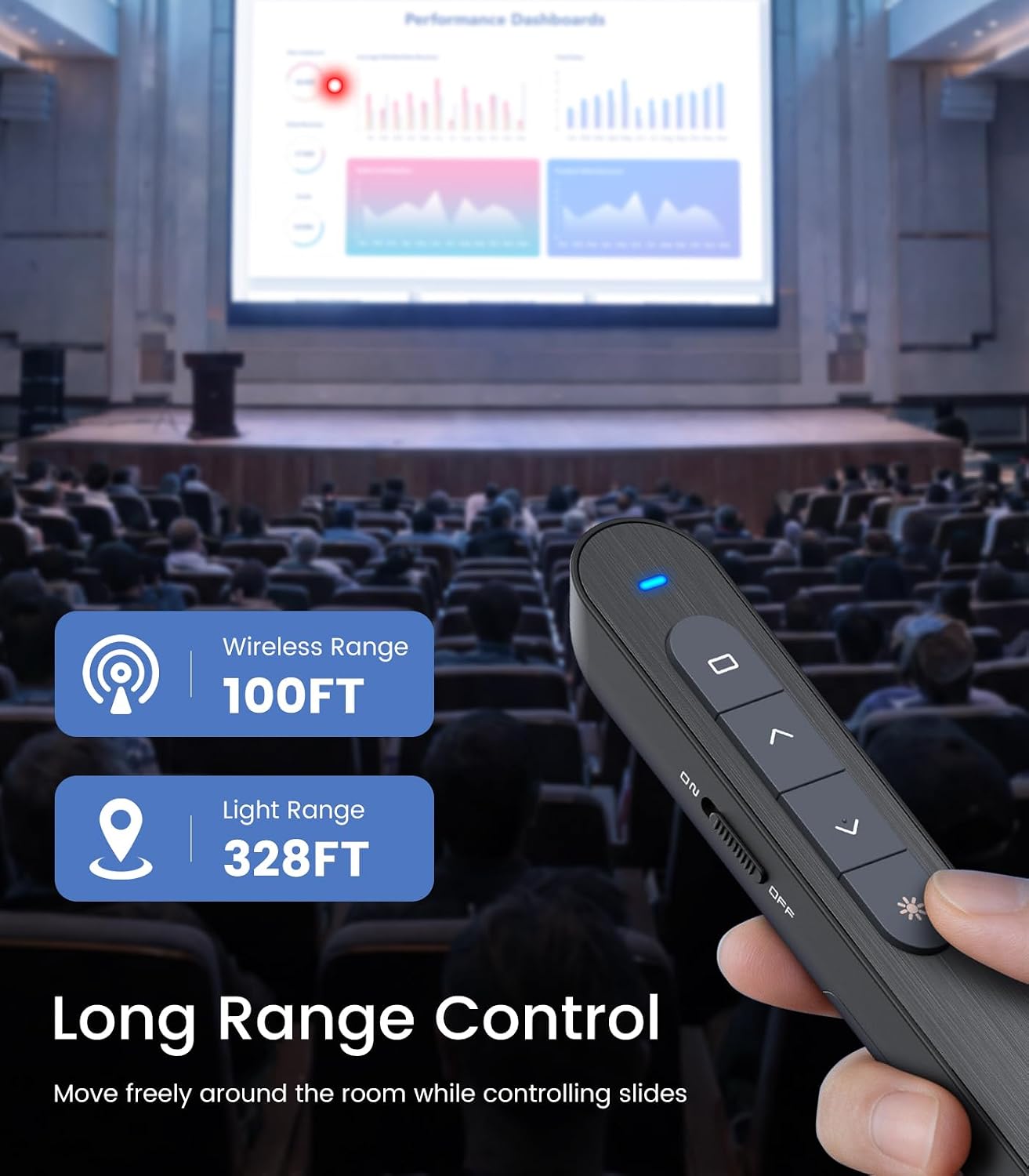
You can expect a wireless range up to 100 feet, which allows free movement in large rooms and lecture halls. The unit runs on a single AAA battery and features an energy-saving auto-sleep function that, according to the manufacturer, extends battery life for weeks under normal use. 🔋
Technical Specifications
- Name: DinoFire Wireless Presenter
- Wireless: 2.4 GHz RF, up to 100 ft range
- Pointer: bright red laser, not recommended for LCD/LED screens
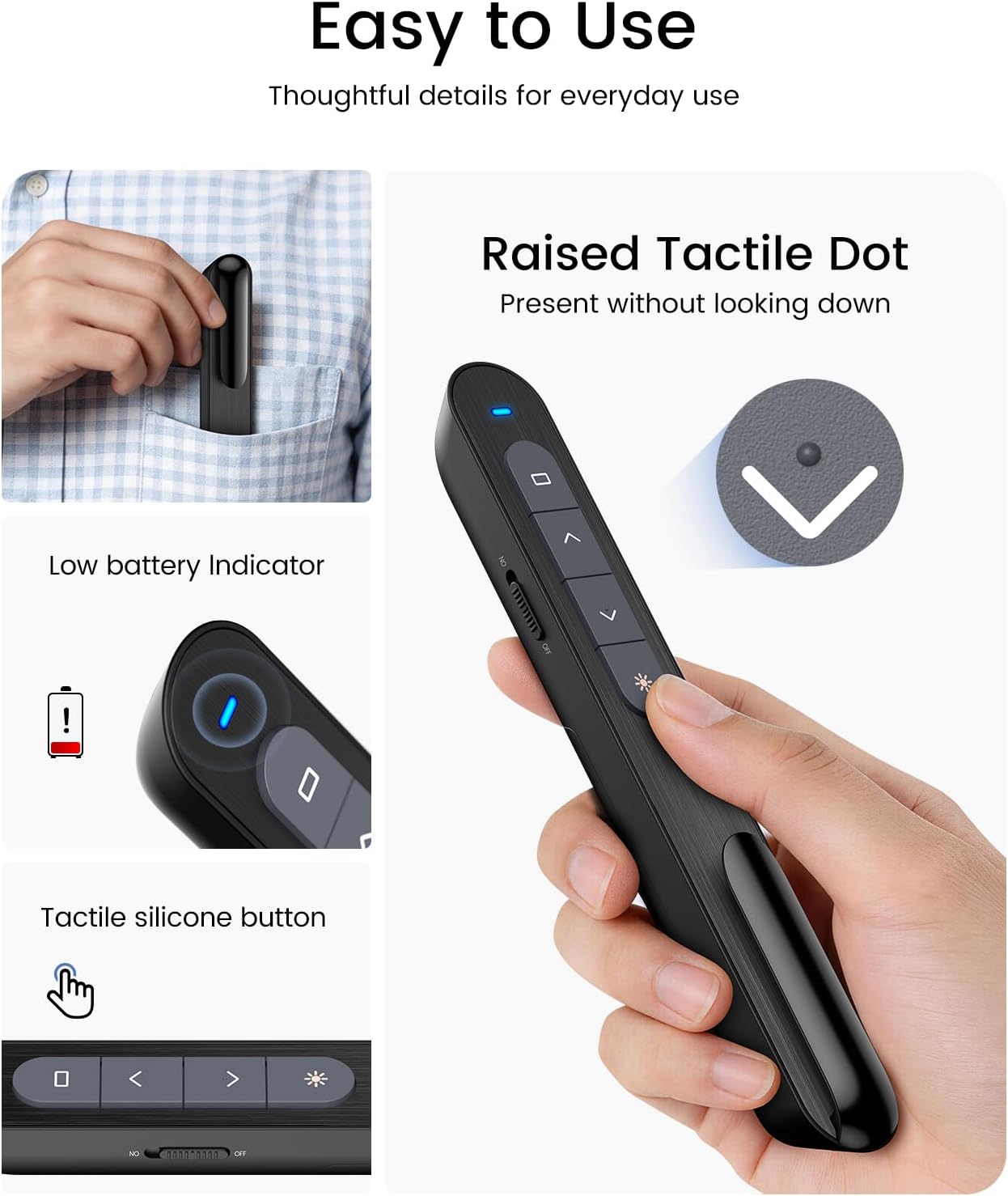
- Power: 1 x AAA battery (not included), auto-sleep energy saving
- Receiver: USB plug-and-play with magnetic storage in the remote
Usage Recommendations
For best results place the USB receiver in a computer USB port directly without an extension to keep the connection stable. Use the raised, soft rubber buttons for tactile control when moving around so you can operate slides without looking at the remote. If you rely on a TV or monitor rather than a projection screen, consider avoiding the laser pointer and use the remote controls instead, because the red laser is less visible on some displays.
If you plan to move frequently during a presentation keep a spare AAA battery handy and test the magnetic receiver storage before traveling to avoid losing the dongle. The compact shape and bumped-button layout make the presenter comfortable to hold for extended sessions and simple to stow in a laptop bag.