

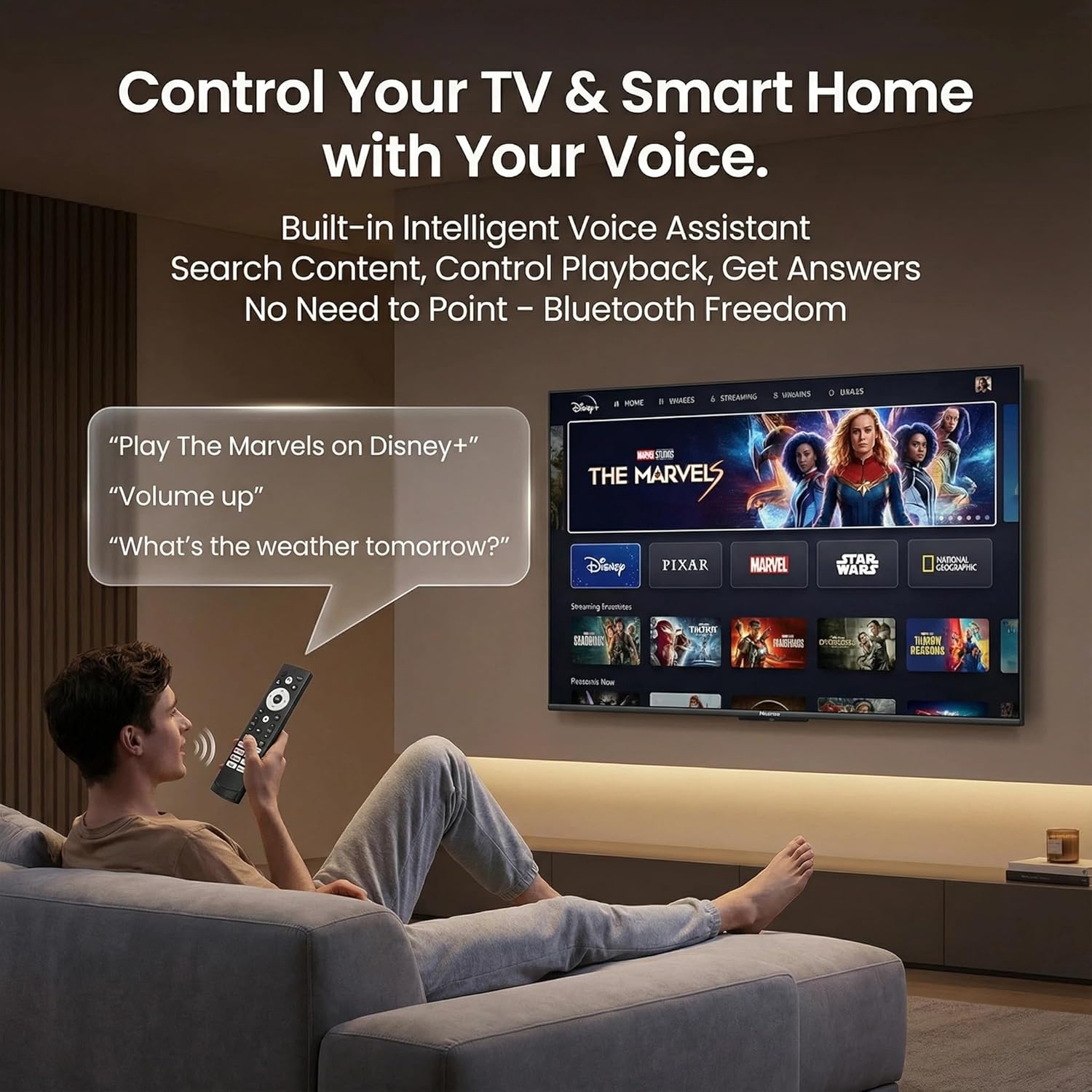
Hisense Google TV Remote with Voice Control and Bluetooth
Product description
What this is and what it solves
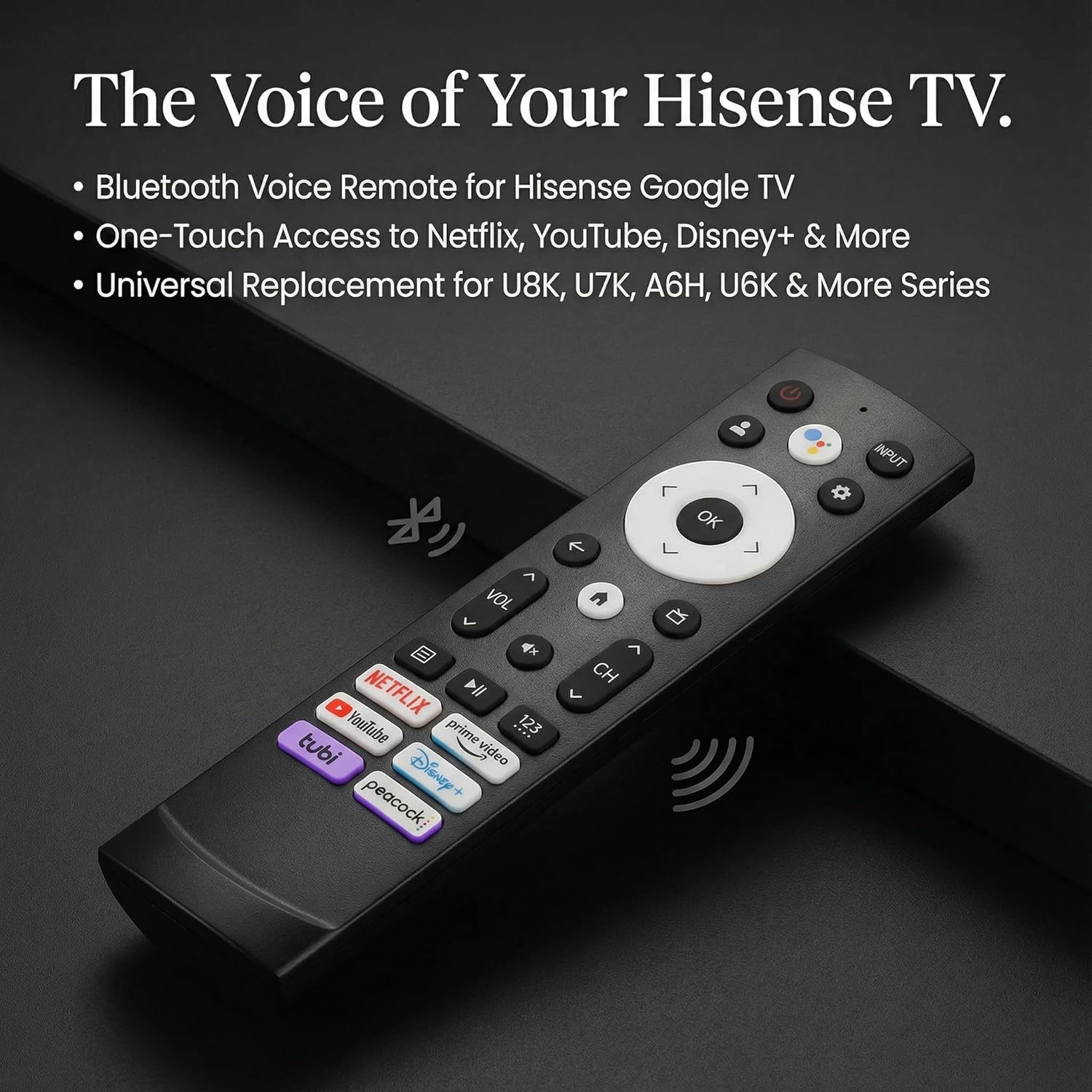
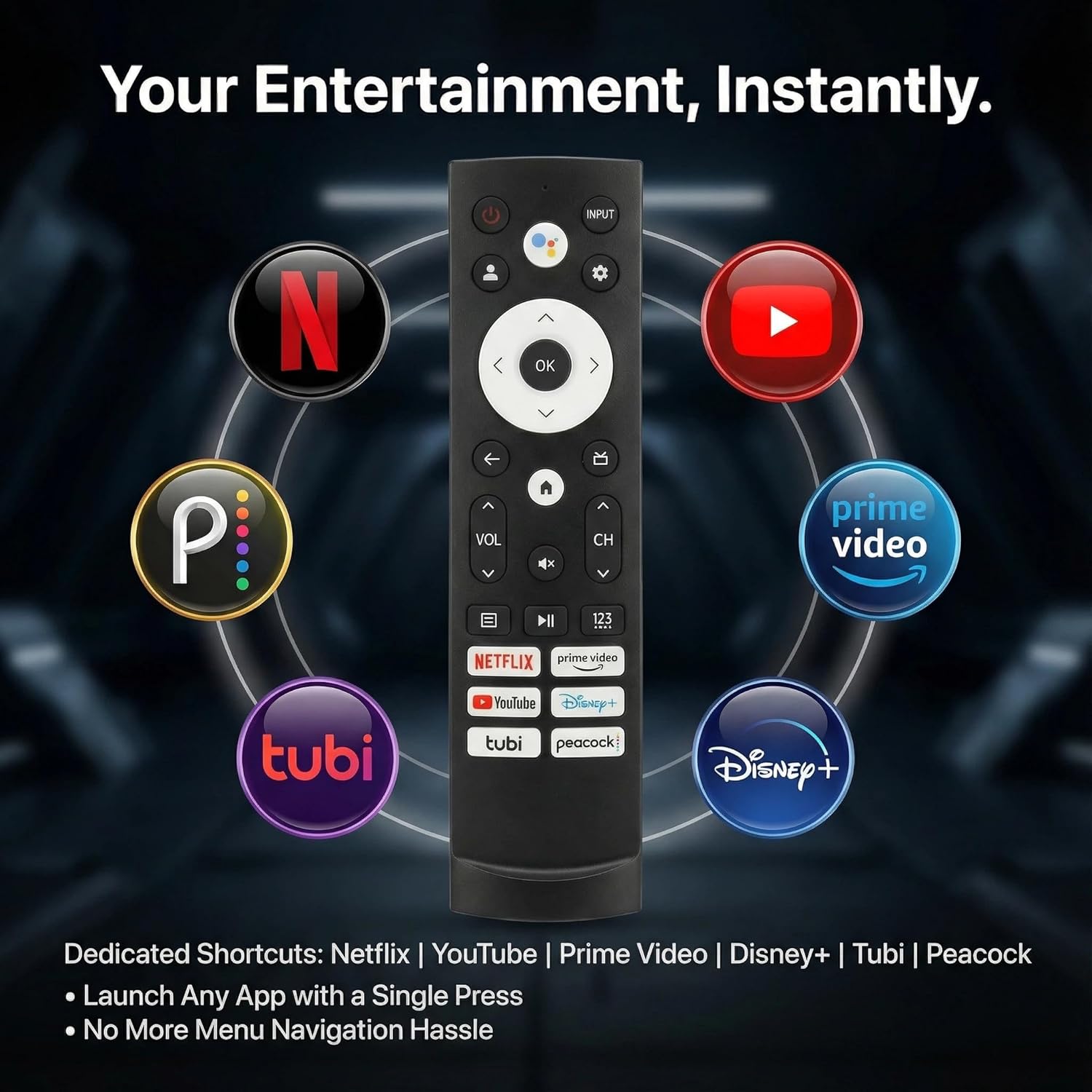
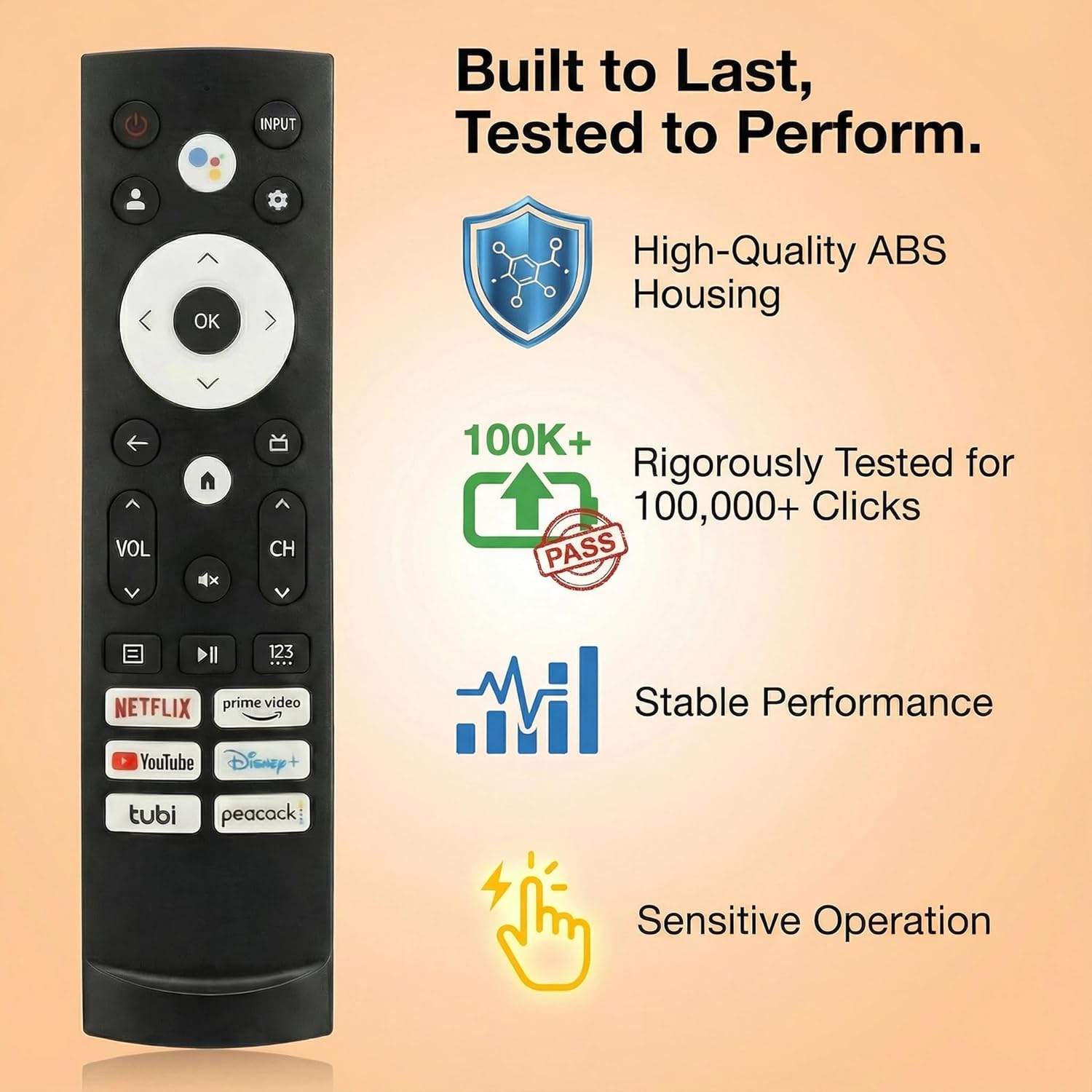
This is a replacement remote designed for Hisense Google TV models. It brings back the ability to navigate, search, and control your TV from the couch, especially if your original remote stopped working or you want a dedicated spare with built-in voice control and Bluetooth. On the surface, it mirrors the function you expect: power, navigation, and quick access to popular apps. If your setup centers on Hisense Google TV, this remote can restore the core daily interactions without relying on screen touch controls or third‑party apps.
Compatibility and reach
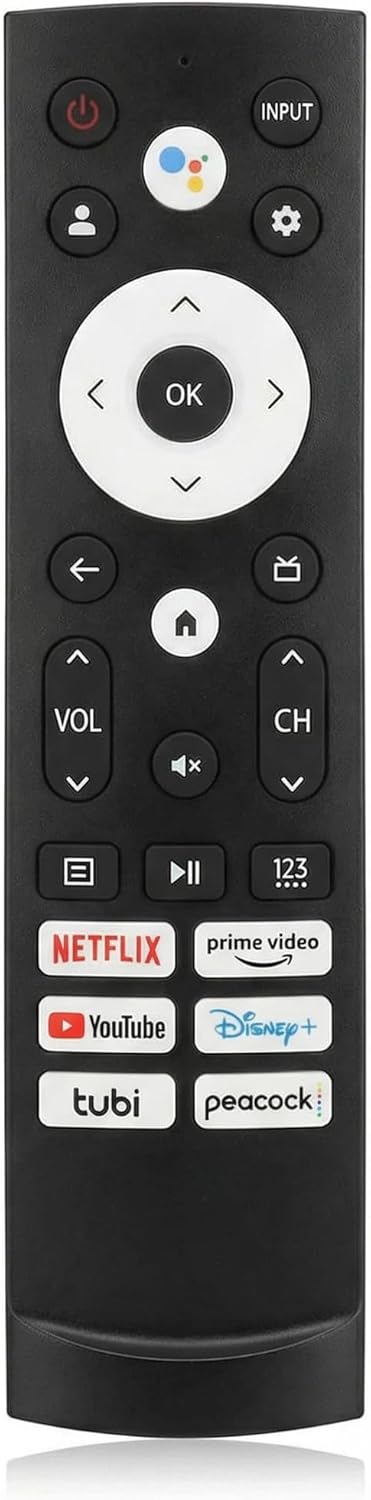
On paper, this remote is listed as compatible with a range of Hisense Google TV models (e.g., 75A6G, 70A6G, 65A6G, 60A6G, 55A6G, 50A6G, 43A6G, 55U68G, 65U68G, 75U6G, among others). It also references several ERF and 100L series remotes, plus shortcut keys for Netflix, Prime Video, YouTube, Disney+, Tubi, and Peacock. If you own a Hisense Google TV and your model matches one of the listed series, this replacement should pair and work as expected after the standard pairing steps. Note that not all Hisense Google TV models may be listed here, and this remote is NOT intended for Fire TV or Roku TV devices.
How to set it up
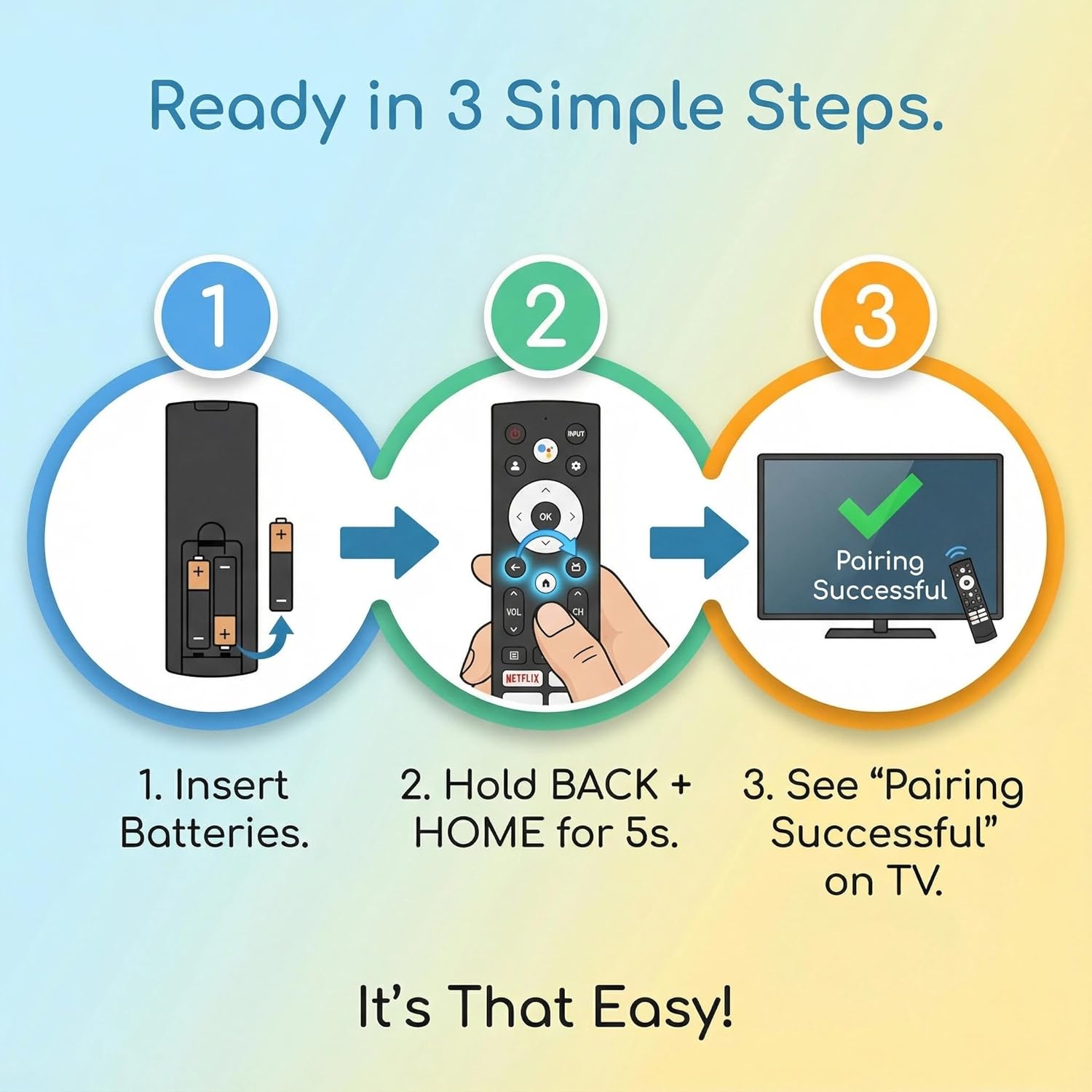
The pairing process is straightforward: insert two AAA batteries, power on the TV, then press and hold Back and Home for about 5 seconds until the indicator light blinks and pairing status appears on screen. When you see “Pairing Successful,” you’re good to go. Batteries are not included, so you’ll want to have them on hand.
What stands out in everyday use
Shortcuts for Netflix, YouTube, Disney+, and other apps provide quick access without hunting through menus. The built‑in voice control adds hands‑free search and commands, which can speed up channel and app launching. The remote uses Bluetooth, which can give you a stable connection within typical living room distances and reduce the lag you might notice with infrared-only remotes.
The tradeoffs to consider
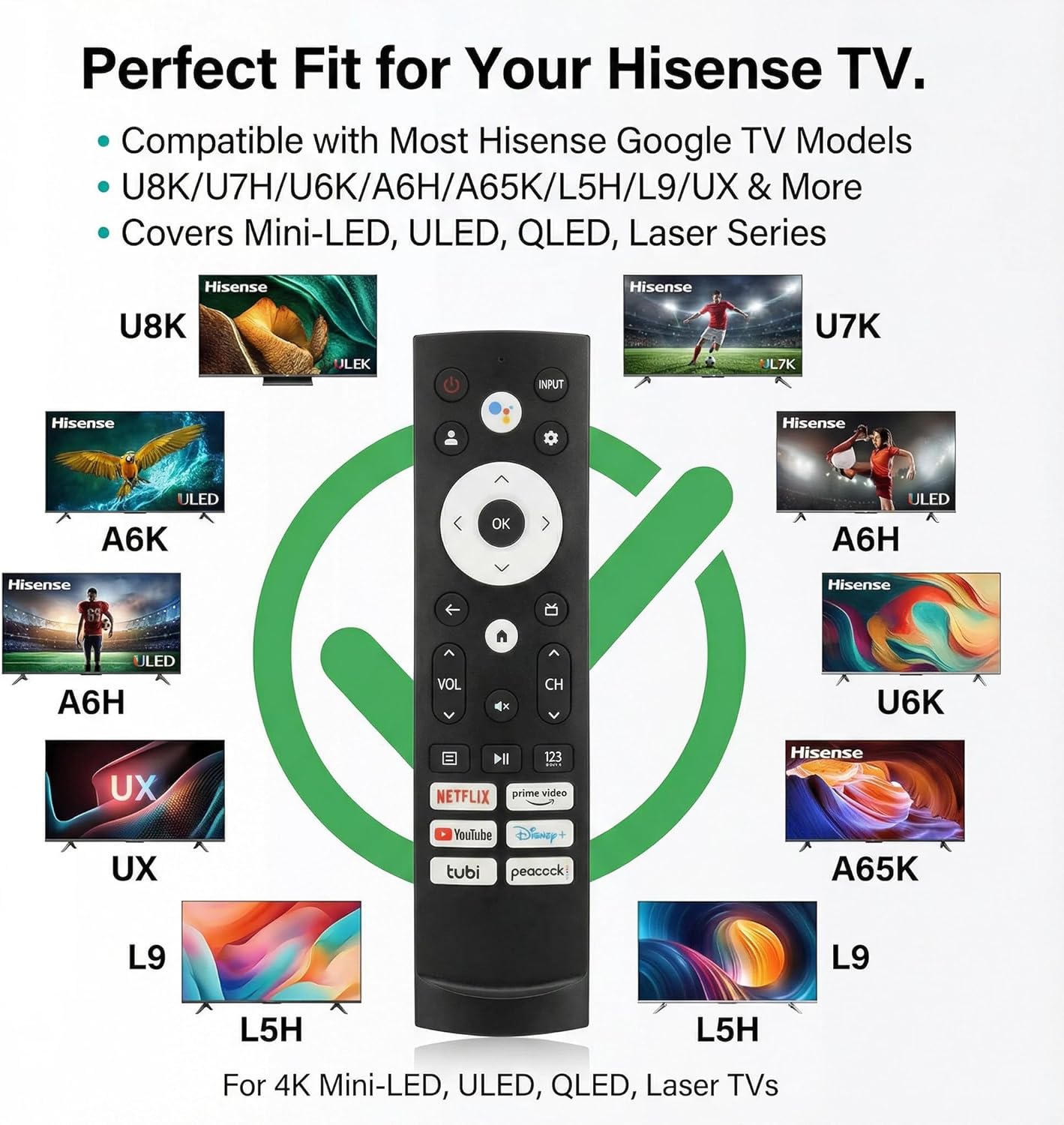
No remote is perfect. The entry notes that compatibility is listed for specific models and configurations, if your TV isn’t clearly in the supported list, the remote may not pair. The description also emphasizes that batteries aren’t included, so there’s a small upfront additional cost. Given it’s a replacement, it’s primarily a utility option—great if you need a spare or a dedicated alternative, but it may not offer a perfect one‑to‑one feature parity with OEM remotes for every model nuance.
Who this is for
If you own a Hisense Google TV and want a reliable, plug‑in replacement with voice commands and convenient shortcuts, this remote can restore normal operation quickly. It’s particularly appealing for households that rely on streaming apps and want a straightforward, paired controller rather than juggling multiple devices or remotes.
Who should think twice
If your TV is not clearly in the listed compatible models, or if you prefer OEM‑brand parity down to every button behavior, it may be worth checking whether your exact model is confirmed compatible before purchase. Also, if you rely on functions beyond the listed shortcuts, you might want to verify additional controls on the remote are recognized by your specific TV firmware.
Before you buy: what to review
- Verify your Hisense Google TV model is among the supported list or clearly compatible with the ERF3A90/ERF3J80H family remotes referenced.
- Confirm you’re comfortable adding two AAA batteries (not included).
- Consider whether you need extra long‑term warranty coverage, the listing mentions a 2‑year full warranty with support for replacements or refunds.
- Check that the pairing steps align with your current TV OS version and any firmware updates that may affect remote pairing.
Practical usage example
Imagine you’re watching a movie, and you want to switch from the app you started on to a streaming channel. Instead of navigating through the screen, you can press a shortcut button or use voice search to pull up the desired app, then use the directional pad to pick the title. It’s not revolutionary, but it can feel noticeably smoother for casual viewing sessions and when you want to reduce on‑screen clutter.
FAQ (based on available information)
- Is it compatible with all Hisense Google TV models? It’s compatible with several listed models and ERF/100L remote families, but it may not cover every Hisense Google TV variant. If in doubt, verify model compatibility before buying.
- Do the battery requirements come with the remote? No, batteries are not included, you’ll need two AAA batteries to pair and use it.
- What happens if pairing fails? The standard pairing flow is described (Back + Home for 5 seconds). If pairing doesn’t complete, reattempt with fresh batteries and ensure the TV is on the correct input and language settings.
Is it worth it?
A solid pick if you prioritize restoring a simple, dedicated control with voice capabilities for a Hisense Google TV and you want easy access to common apps. It may not be the best option if your exact model isn’t clearly listed as compatible, or if you require features beyond the defined shortcuts and basic navigation.