

Elgato Stream Deck MK.2 Studio Controller with 15 Macro Keys
Reviews
Price
Product description
What to know
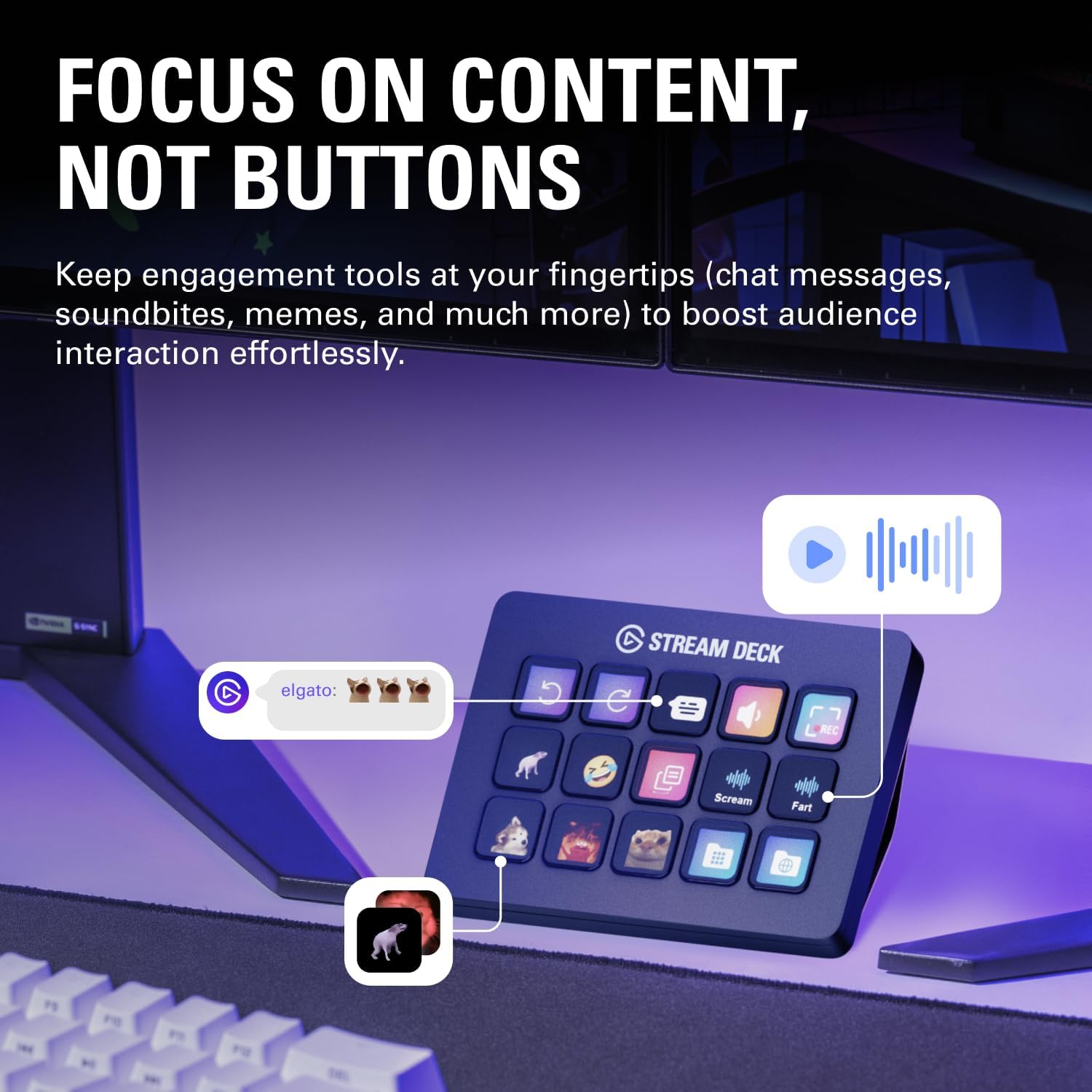
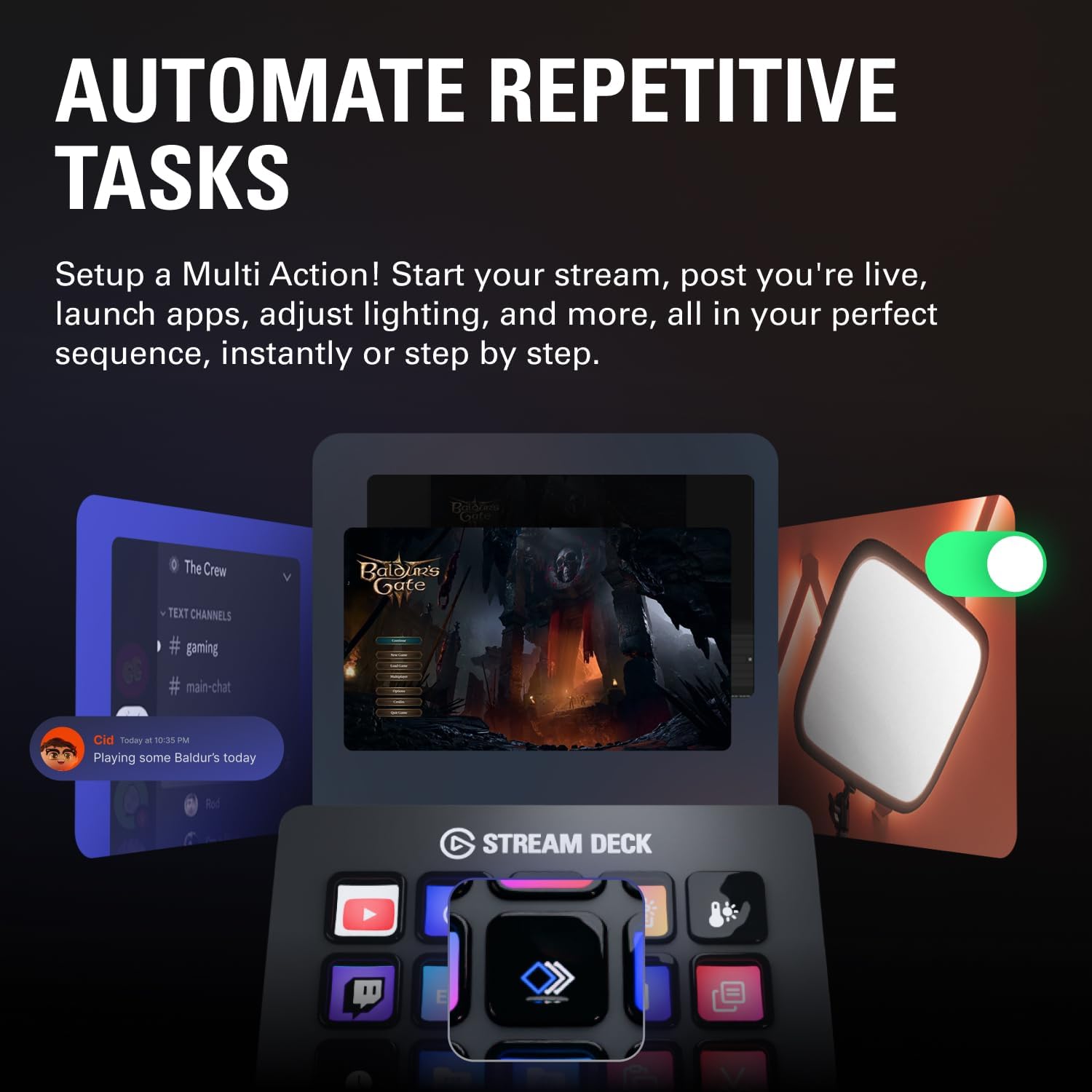
The Elgato Stream Deck MK.2 Studio Controller is a compact control surface featuring 15 customizable LCD keys. It’s designed to simplify complex workflows by letting you trigger single or multiple actions across apps, tools, and platforms with a single tap. If you’re looking to streamline tasks like social posting, audio adjustments, mic mute, or lighting control, this device aims to put those actions at your fingertips.
How it can help your setup
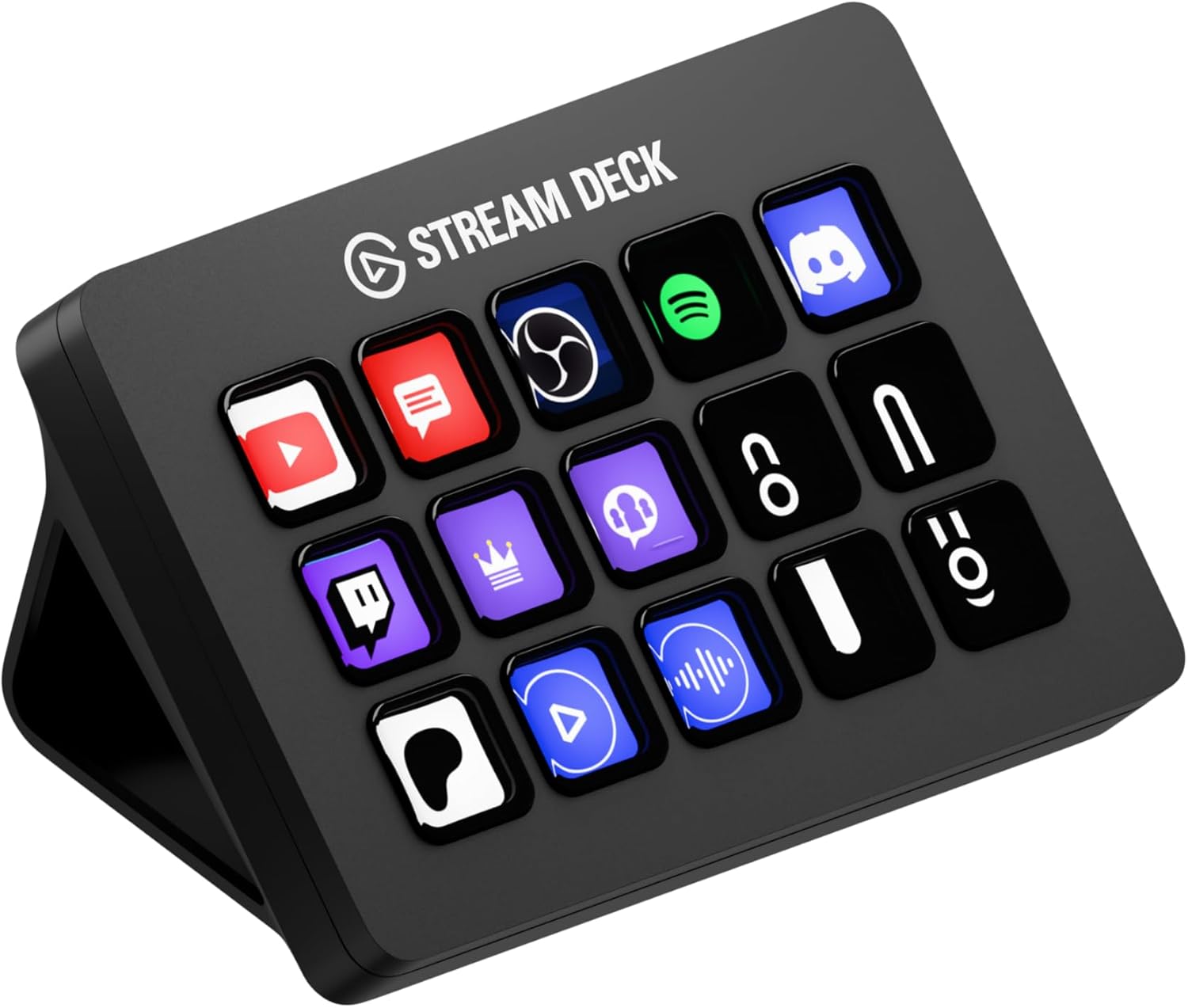
On the surface, it’s a hardware shortcut deck. In practice, it acts as a hub for your software and smart home integrations. With visual feedback, you’ll know at a glance when a command has executed, which can reduce misfires during live streams, edits, or productions. The real value is in consolidating multiple steps into one hotkey, potentially speeding up repetitive tasks and reducing context switching during creative work.
What stands out in use
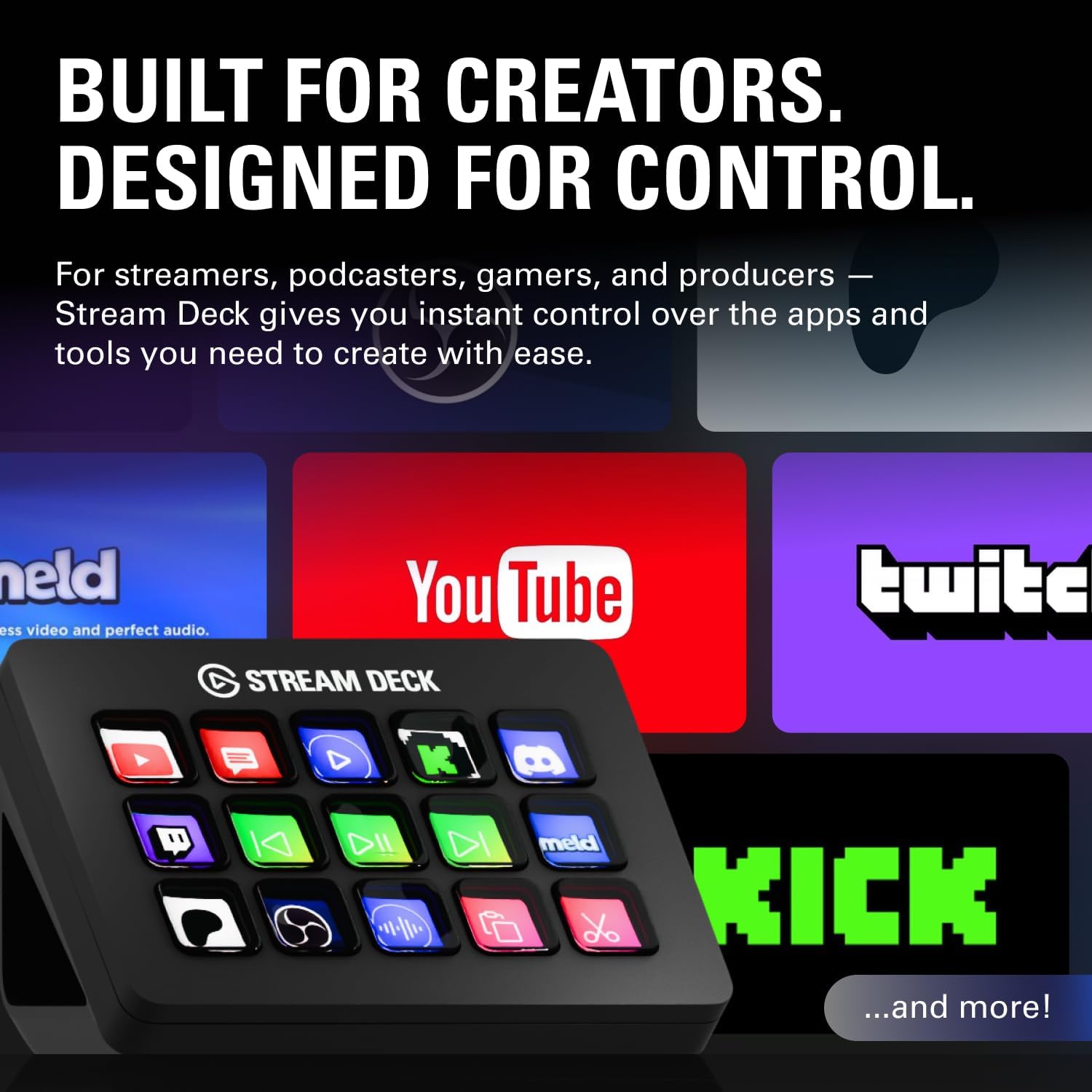
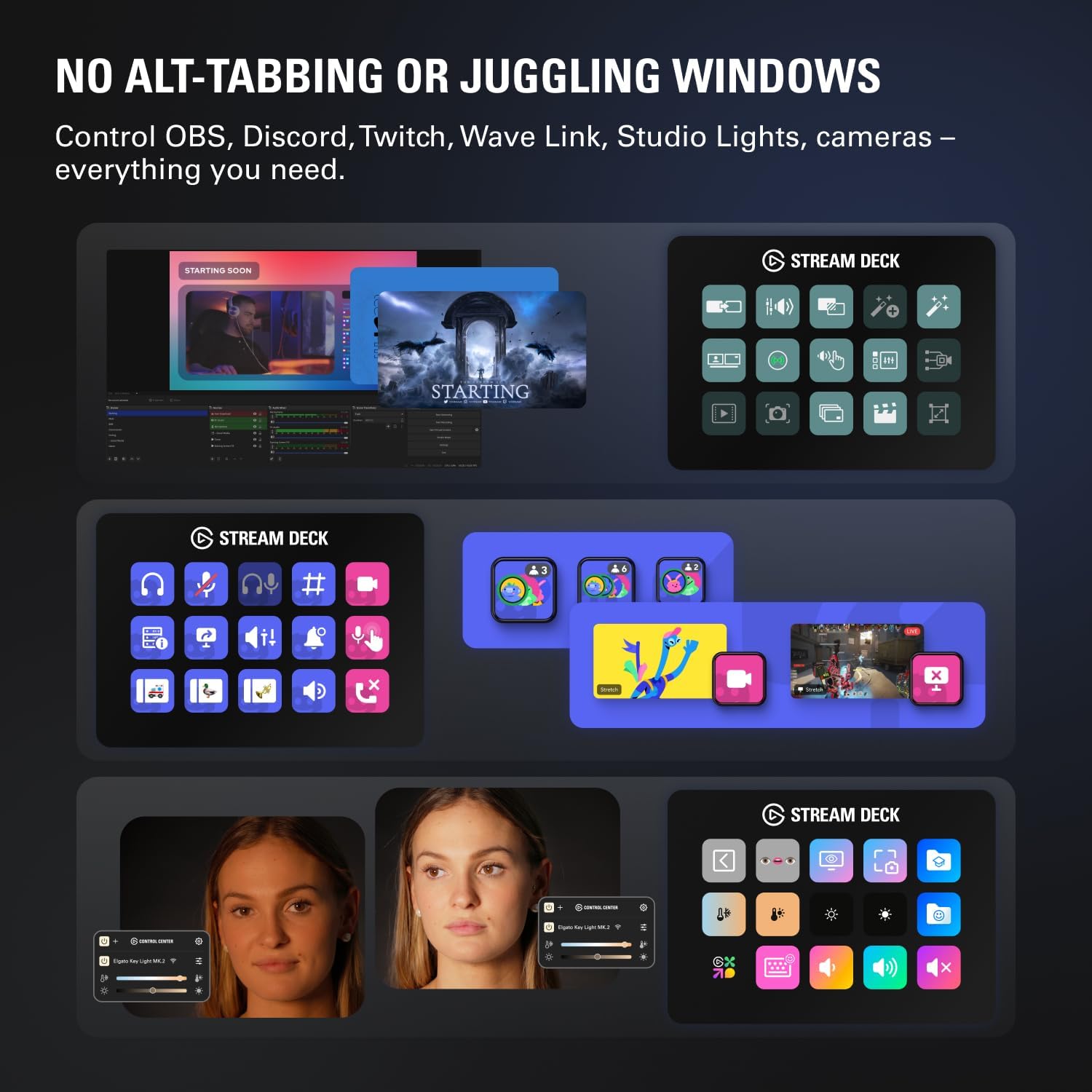
The unit supports a growing ecosystem of plugins and integrations. In other words, you can map actions to OBS, Twitch, YouTube, Discord, Spotify, Philips Hue, and more, allowing you to control software and devices without juggling multiple windows or menus. It’s easy to imagine setups for film editing, music production, photography workflows, or live streaming where quick scene changes, audio tweaks, or social updates matter.
The best use cases
If your work involves frequent macros, scene changes, or routine social media actions, this device could save time and reduce errors. It’s particularly appealing for creators who want tactile feedback and a physical control surface instead of navigating menus. However, if your needs are limited to occasional shortcuts or if you prefer on-screen menus only, you might not extract peak value from the deck.
What it isn’t perfect for
No device is a perfect fit for every setup. The Stream Deck MK.2 relies on software integrations and plugins, if a core app you depend on isn’t supported, you may hit gaps in available actions. Also, the value of 15 keys hinges on how many actions you actually map and use—otherwise you could end up with underutilized hardware.
What to review before buying
Consider the following when evaluating suitability: does your production or streaming workflow involve frequent repetitive actions you’d benefit from macro triggers? Do you plan to leverage OBS, streaming platforms, or smart home integrations through plugins? Assess whether the current ecosystem of supported apps covers your most-used tools, and think about the physical desk space to accommodate the device.
Practical example of use
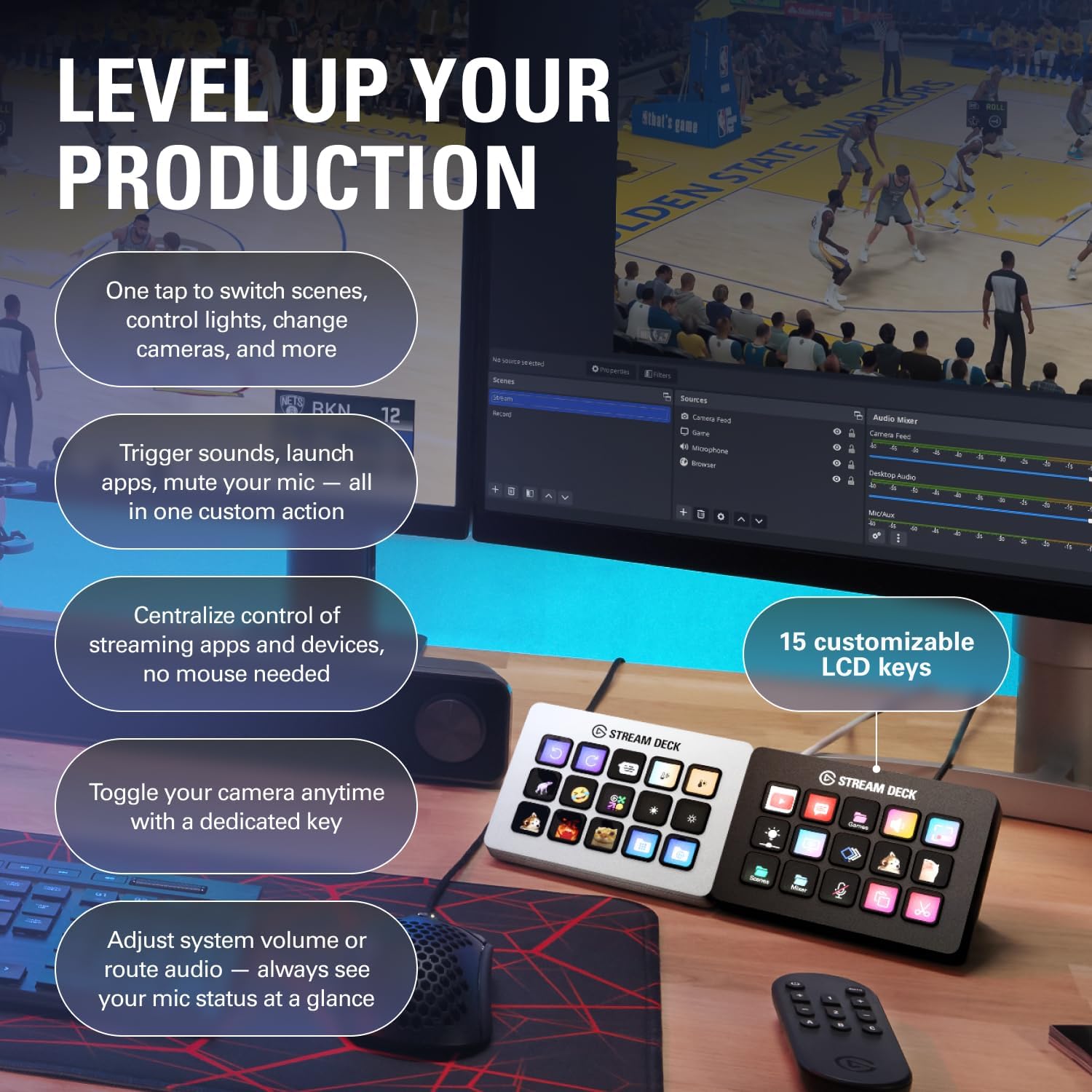
Imagine live streaming with a multi-camera setup. You can assign keys to switch scenes, mute or unmute the mic, adjust audio levels, post a quick social update, or turn on lighting—all in one tap. The tactile feedback helps ensure you’re not chasing a cursor or fumbling through menus mid-session.
Quick comparison in context
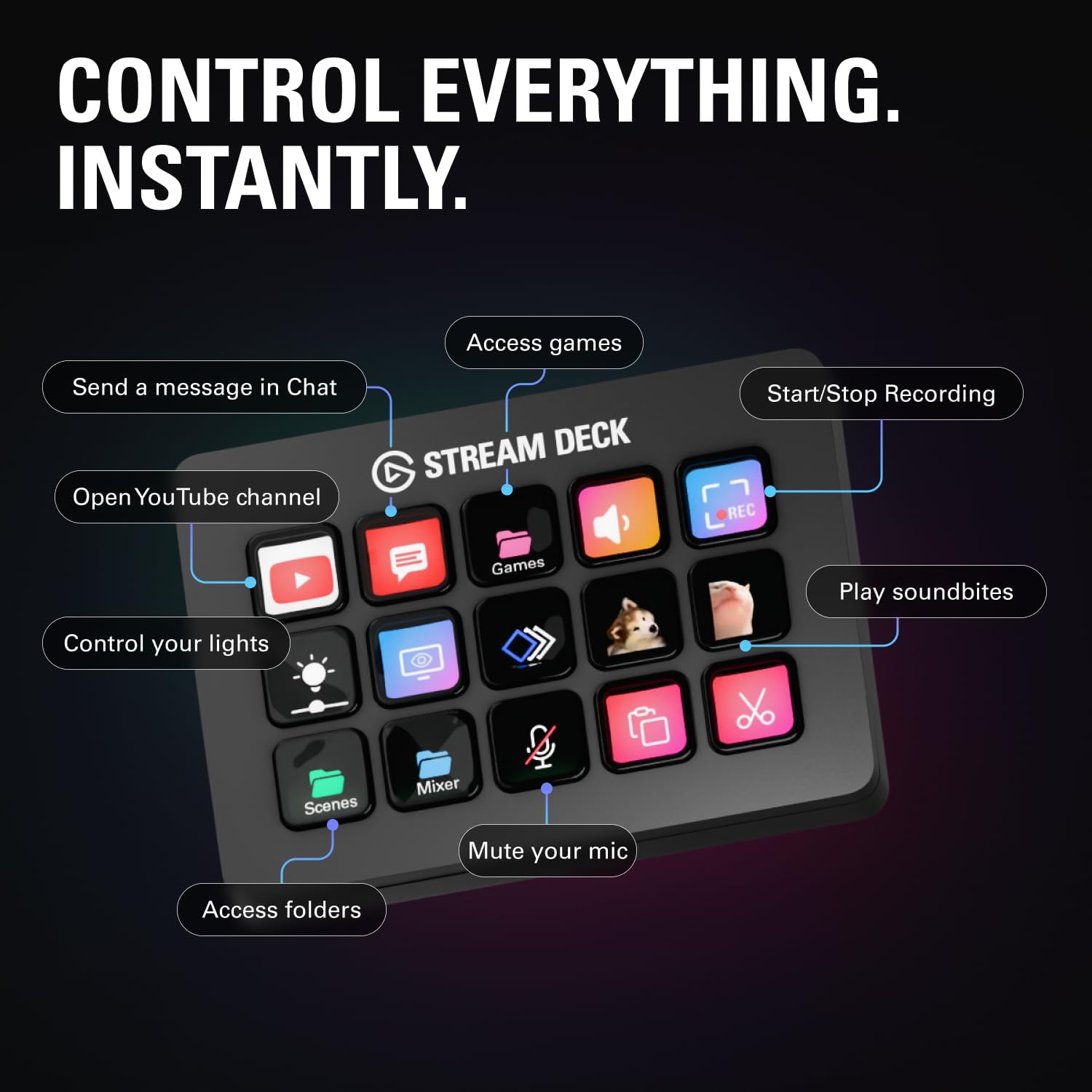
If you’re weighing alternatives, you’re choosing between a dedicated macro panel and a keyboard-driven approach. For workflows with frequent scene changes, social actions, or multi-app automation, this 15-key deck offers an organized, physical control surface that can speed up tasks compared to menu-driven shortcuts. If your needs are light or you mostly rely on software keyboards, a larger investment may not be necessary.
Pros and cons at a glance
- Pros: tactile physical controls, 15 customizable LCD keys, visual feedback, broad plugin support for popular apps and platforms, practical for editing, streaming, and production workflows.
- Cons: effectiveness depends on available plugins and setup, may not cover every app you rely on, value depends on how many keys you actually map and use.
Final decision
Is it worth it? It’s worth considering if you have frequent, repeatable tasks across streaming, editing, or production—where quick scene changes, mic and audio controls, or social actions can save time and reduce mistakes. It’s likely more compelling for users who can leverage multiple plugins and want a dedicated hardware surface over relying solely on keyboard shortcuts. If your workflow is light on macro needs or your preferred apps aren’t well supported, you may want to hold off until you can verify plugin coverage and a clear map of your most-used actions.
FAQ
- How many actions can I assign? The deck provides 15 keys that can trigger single or multiple actions, depending on your setup.
- Do the keys provide visual feedback? Yes, each key offers visual feedback to show when a command has been executed.
- Will it work with my streaming setup? It supports plugins for common platforms like OBS, Twitch, YouTube, and Discord, along with music and lighting integrations.