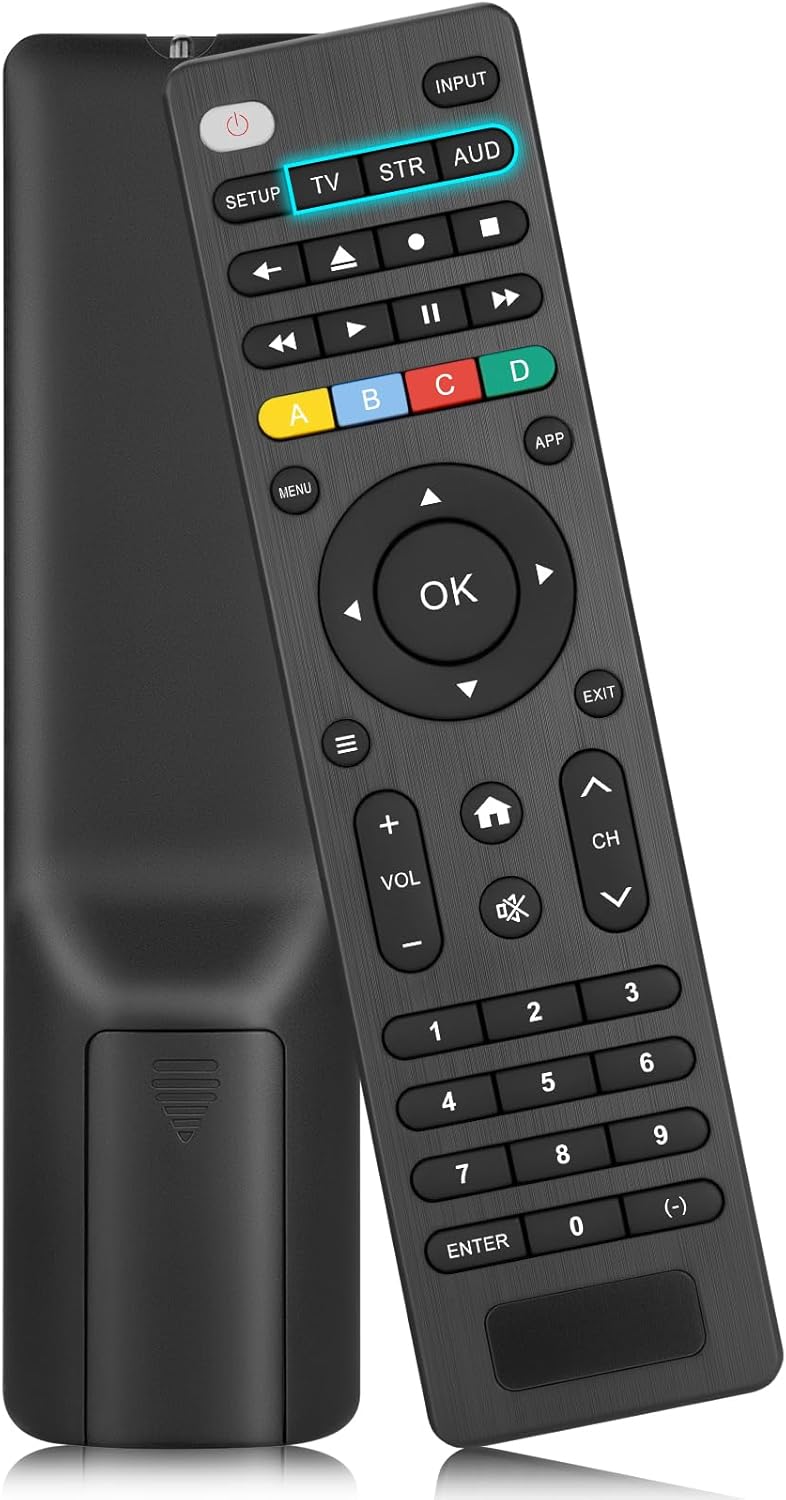
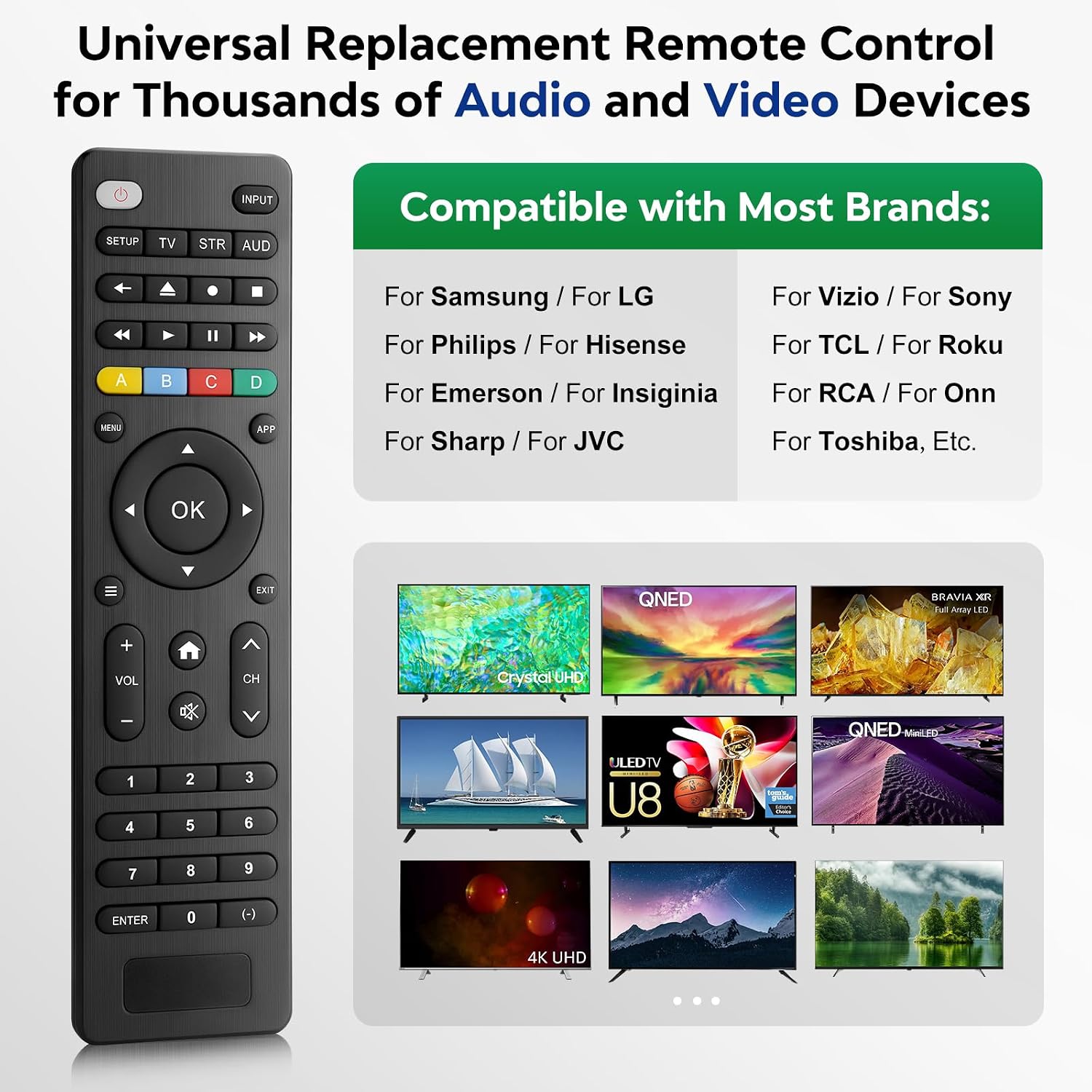
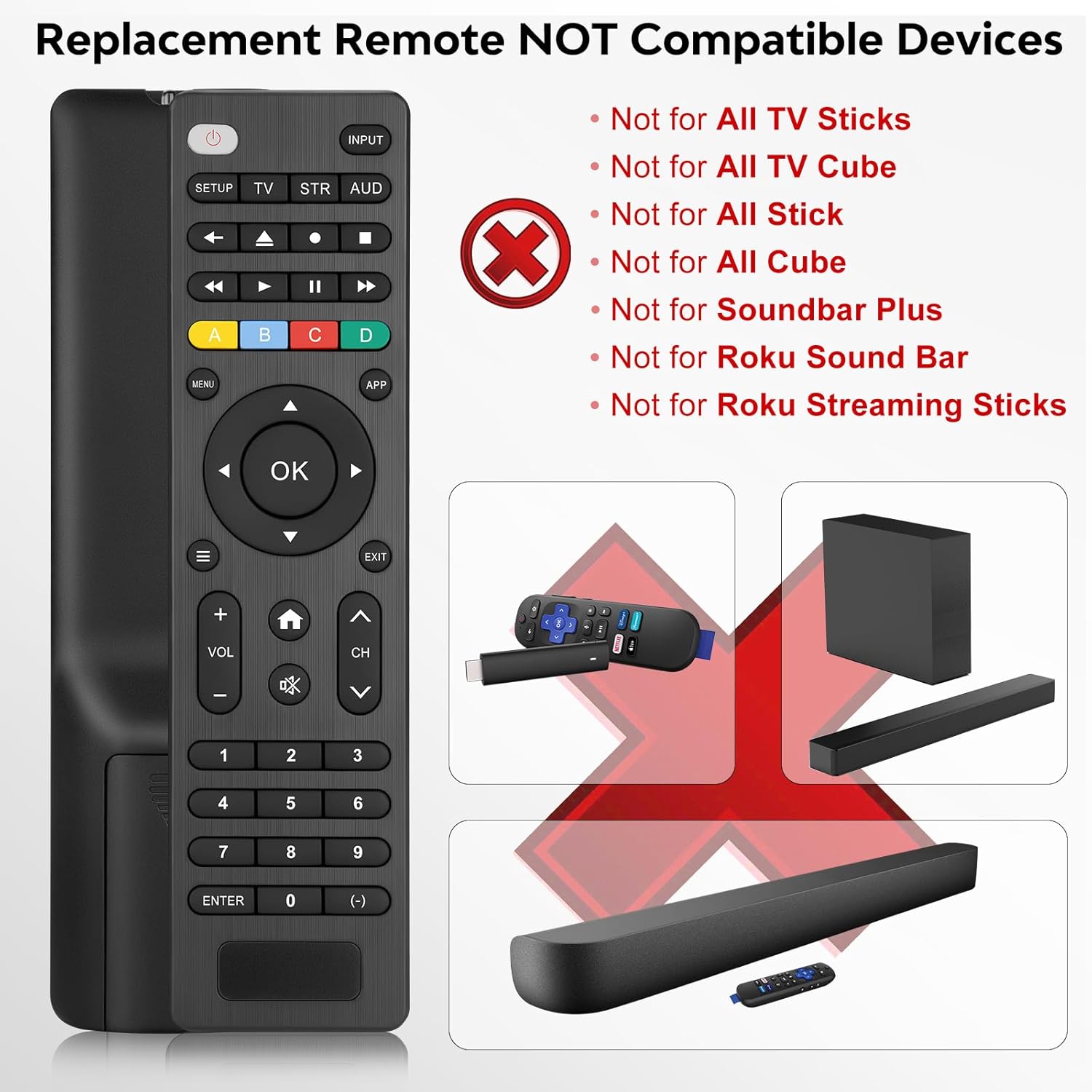
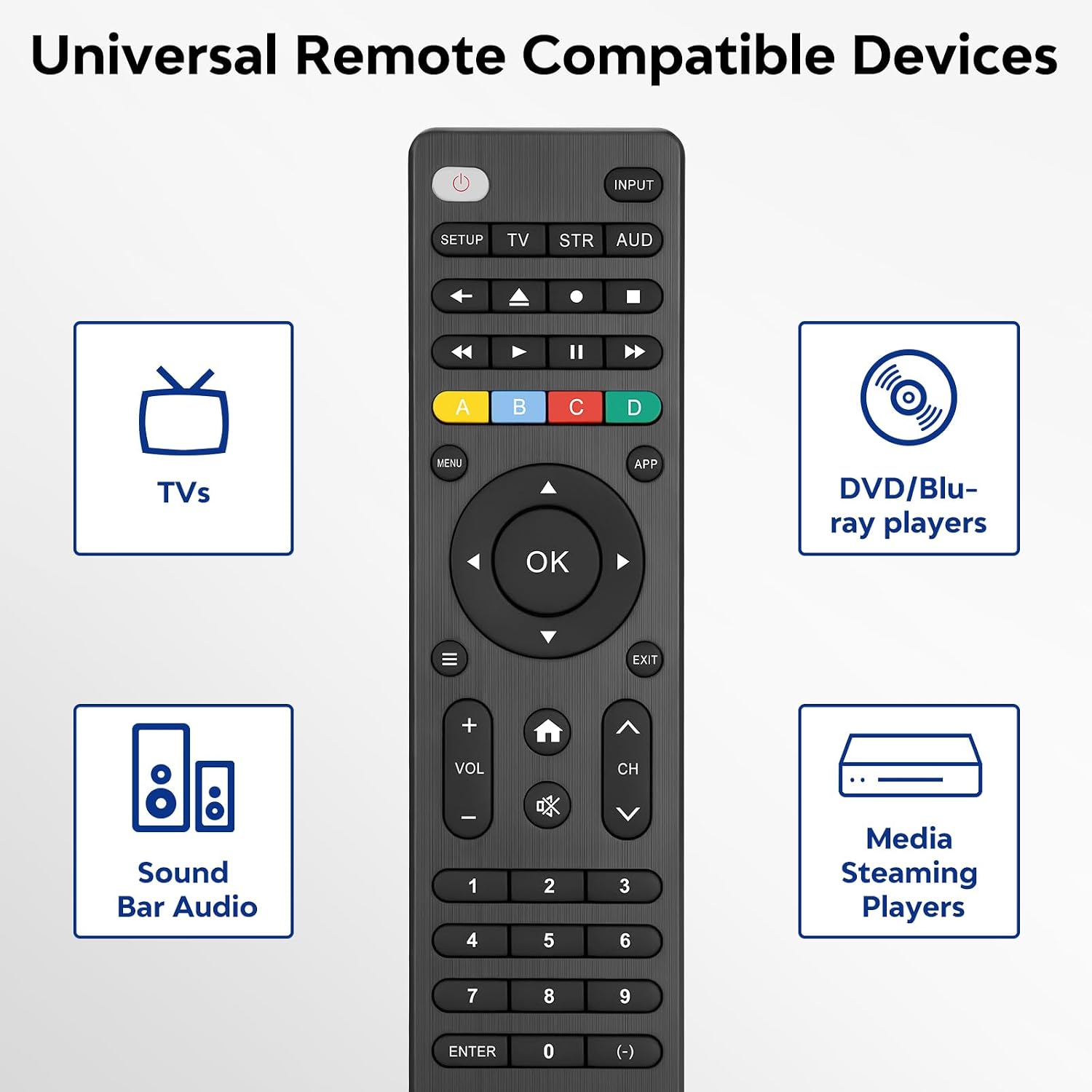
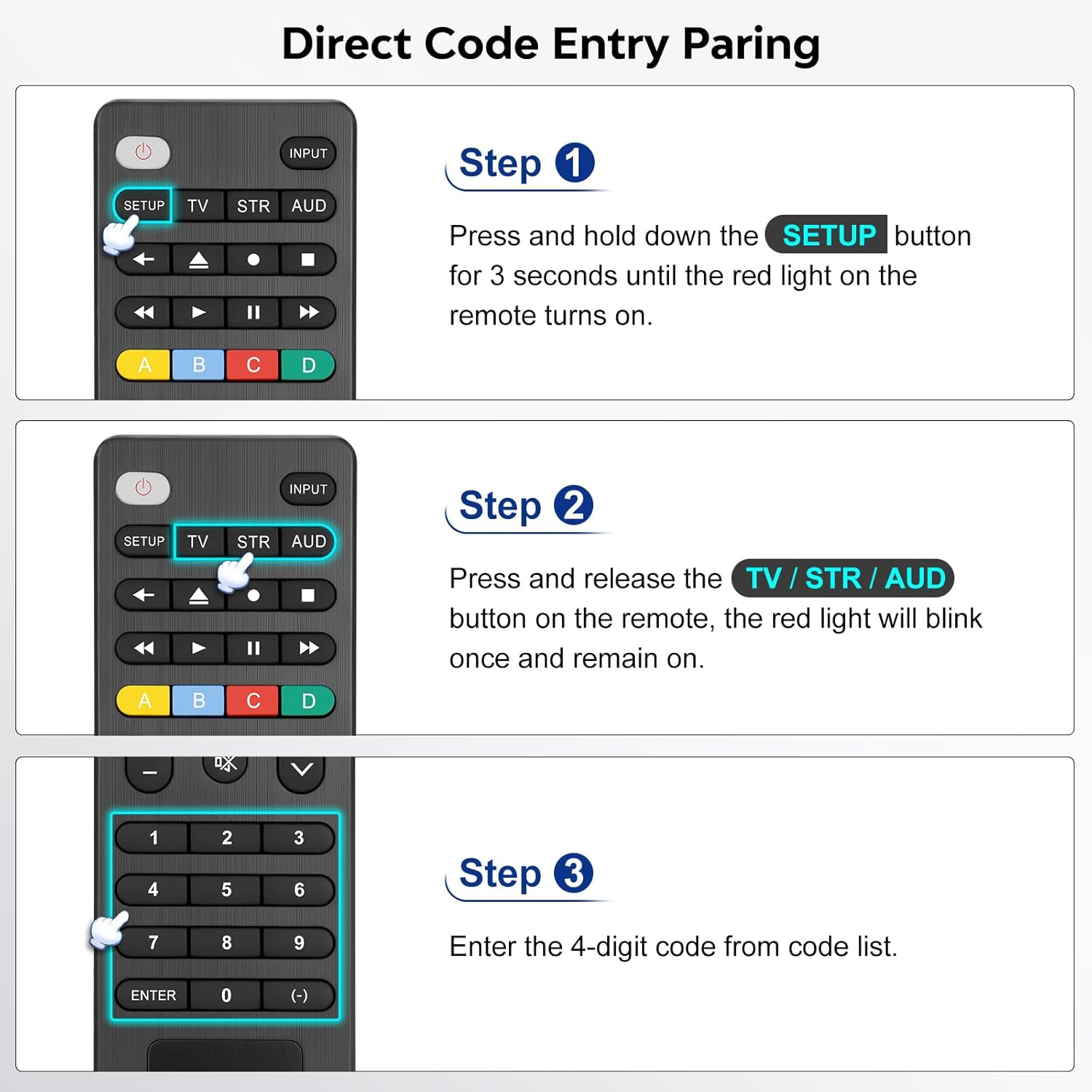
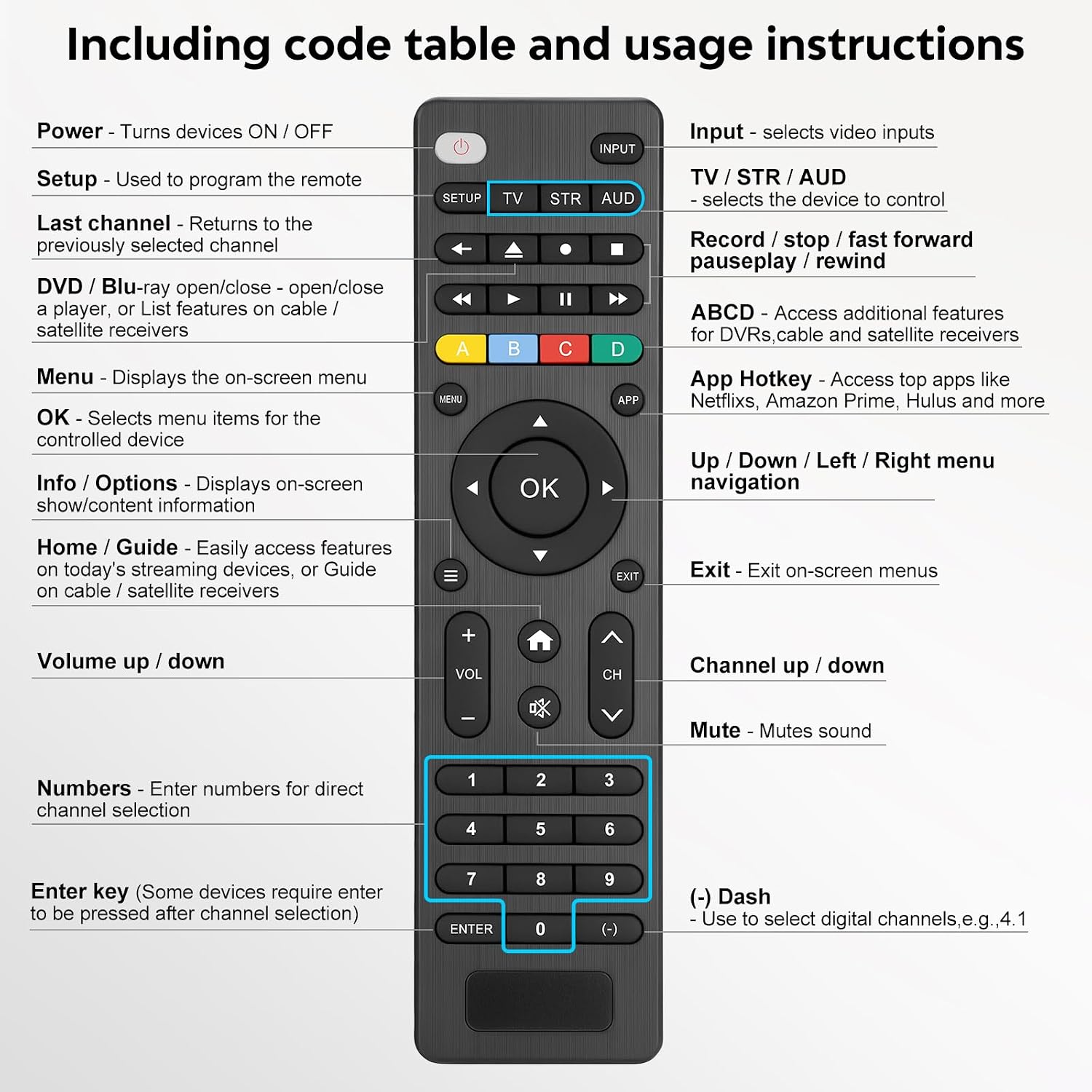
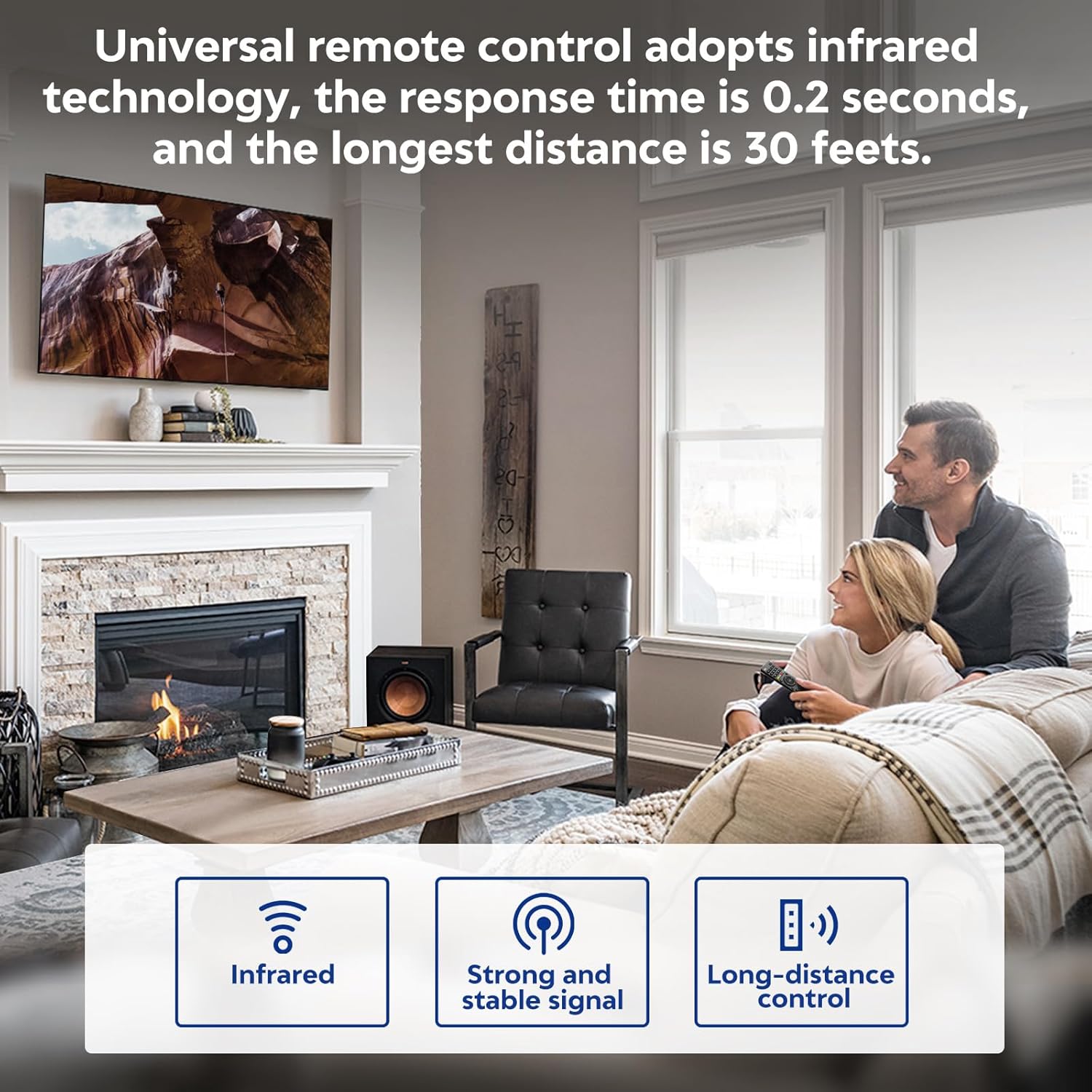
What it is and who it’s for\nA universal replacement remote designed to control a wide range of Smart TVs and some media players from brands like Samsung, LG, Vizio, Sony, Hisense and more. It’s aimed at households with multiple remotes or a TV setup that uses simple infrared pairing rather than app-based or voice control. If you’re tired of juggling remotes, this model promises a single, straightforward way to power on, adjust volume, switch inputs, and navigate menus across many brands.\n\n## How it works and setup basics\nSetup is described as a simple, code-based process. After locating a brand code in the provided list, you activate the remote’s setup mode, enter a four-digit code, then test the buttons to confirm TV control. If the first codes don’t work, the guide suggests trying different codes or using the automatic code search. Note that this remote connects and pairs via infrared, so line-of-sight to the TV is still required. This means it won’t work with streaming devices that rely on Bluetooth or HDMI-CEC in some configurations.\n\n## What it can control beyond TVs\nIn addition to TVs, the remote is listed as compatible with devices like DVD/Blu-ray players and various media streaming players. It’s not compatible with several popular streaming sticks and some sound bars, so it’s worth confirming compatibility with your setup before buying.\n\n## What stands out and where it may fall short\nOn the plus side, it covers a long list of brands and provides a tangible path to set up without buying new code lists for each device. The inclusion of a dedicated code list and a manual reference can reduce frustration for non-tech users. However, there are notable caveats: compatibility is tied to infrared, meaning newer or wireless-only devices might not respond, and certain streaming devices or sound bars aren’t supported. If your setup centers on a Roku Stick, Apple TV, Chromecast TV, or sound bars from specific brands, this remote may not be the best match.\n\n## What to check before you buy\n- Confirm your TV brand is listed among the supported brands and that you don’t rely on Bluetooth or app-based control exclusively.\n- Consider whether you need control for accessories like DVD/Blu-ray players or streaming boxes, verify those devices are listed as compatible.\n- Plan for batteries: two AAA alkaline batteries are required but not included. Mixing old and new batteries or different battery types is discouraged.\n\n## Use-case scenarios and how it compares to other approaches\nIf you’re choosing a single remote to simplify a basic TV setup, a universal infrared remote can be a practical middle ground between sticking with the original vendor remote and investing in multiple specialty remotes or a universal smart hub. It’s a reasonable option when you want a physical remote that can handle basic functions without pairing to a smart ecosystem. It may fall short if you rely on voice assistants or advanced streaming device controls that require Bluetooth or dedicated apps.\n\n## Final decision: Is it worth it?\nIs it worth it? It’s worth considering if you want a single, universal infrared remote that covers many legacy brands and some common media devices, and you don’t depend on streaming sticks or sound bars that aren’t supported. It’s less compelling if your setup hinges on non-infrared devices or you need extensive smart-TV features and app-based control.\n\n## Quick FAQ\n- Does it work with my TV model? Check the brand list and infrared compatibility, setup guidance is provided, but some models may require testing with different codes.\n- Do I need to buy batteries? Yes, two AAA batteries are required and not included.\n- Can it replace a sound bar remote? Not in most cases, the compatibility list excludes several sound bar models.\n- How reliable is the setup process? The step-by-step guide aims to simplify pairing, but success depends on matching a code and line-of-sight for infrared control.