

UGREEN NAS DH2300 2-Bay NAS storage
Product description
The essentials
If you are trying to get organized, keep your media private, and stop relying on scattered storage across devices, the UGREEN NAS DH2300 diskless 2-bay desktop NASync system is a practical next step. It gives you a personal storage hub for videos, photos, and files, with a beginner friendly setup that helps you move away from external drives and constant cloud switching 😊. Instead of treating storage like a temporary fix, this NAS is designed for long term home use, with remote access so you can reach your content from anywhere on your network.
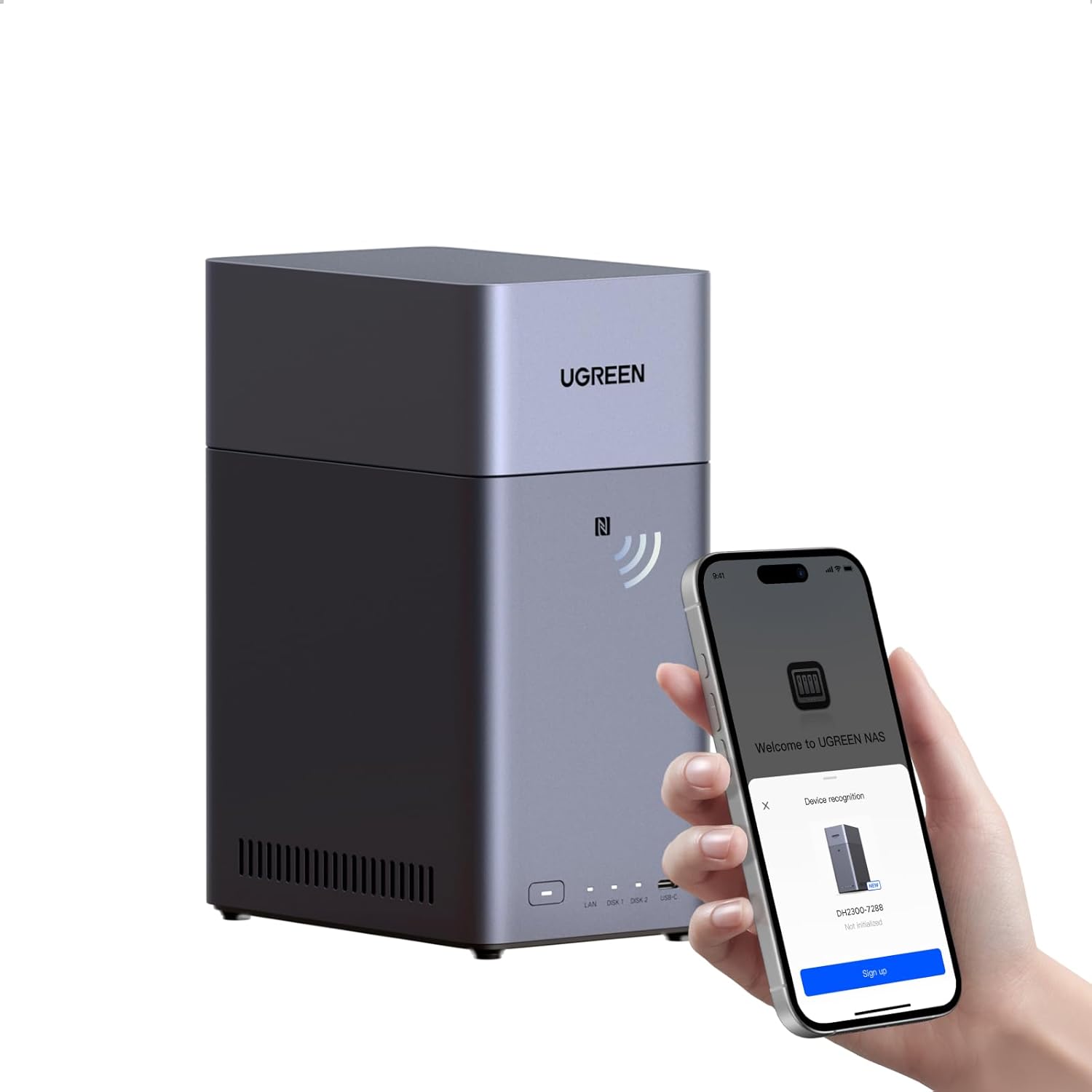
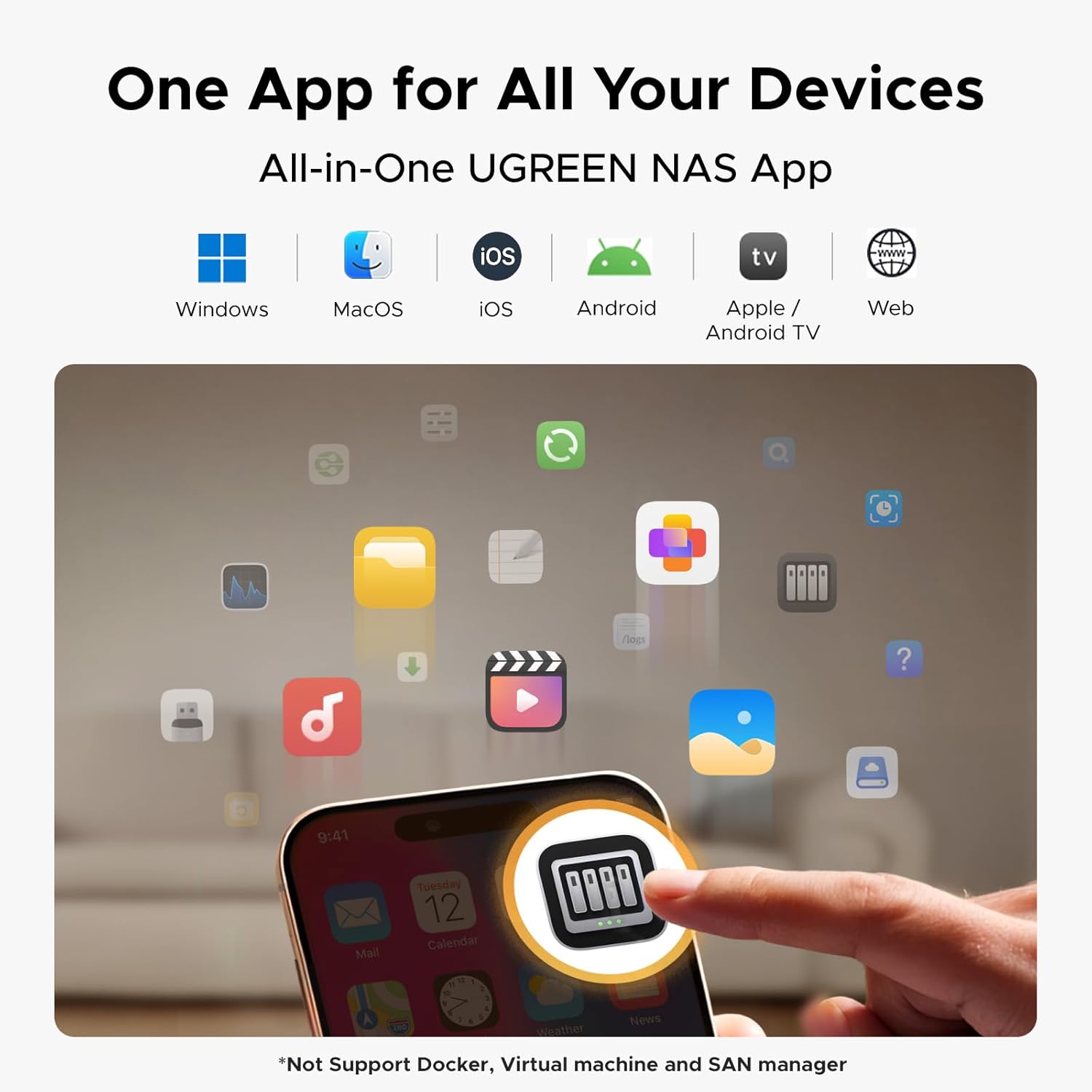
The DH2300 is built around an approachable experience. It is meant for first time NAS users who want intuitive organization and straightforward backup across devices and operating systems, including Windows, iOS, Android, and macOS. You also get AI photo album features that help you tag and find memories quickly, so the next search feels faster than digging through folders. You do need to add compatible drives, since this listing is diskless, and storage drives are not included.
Key features
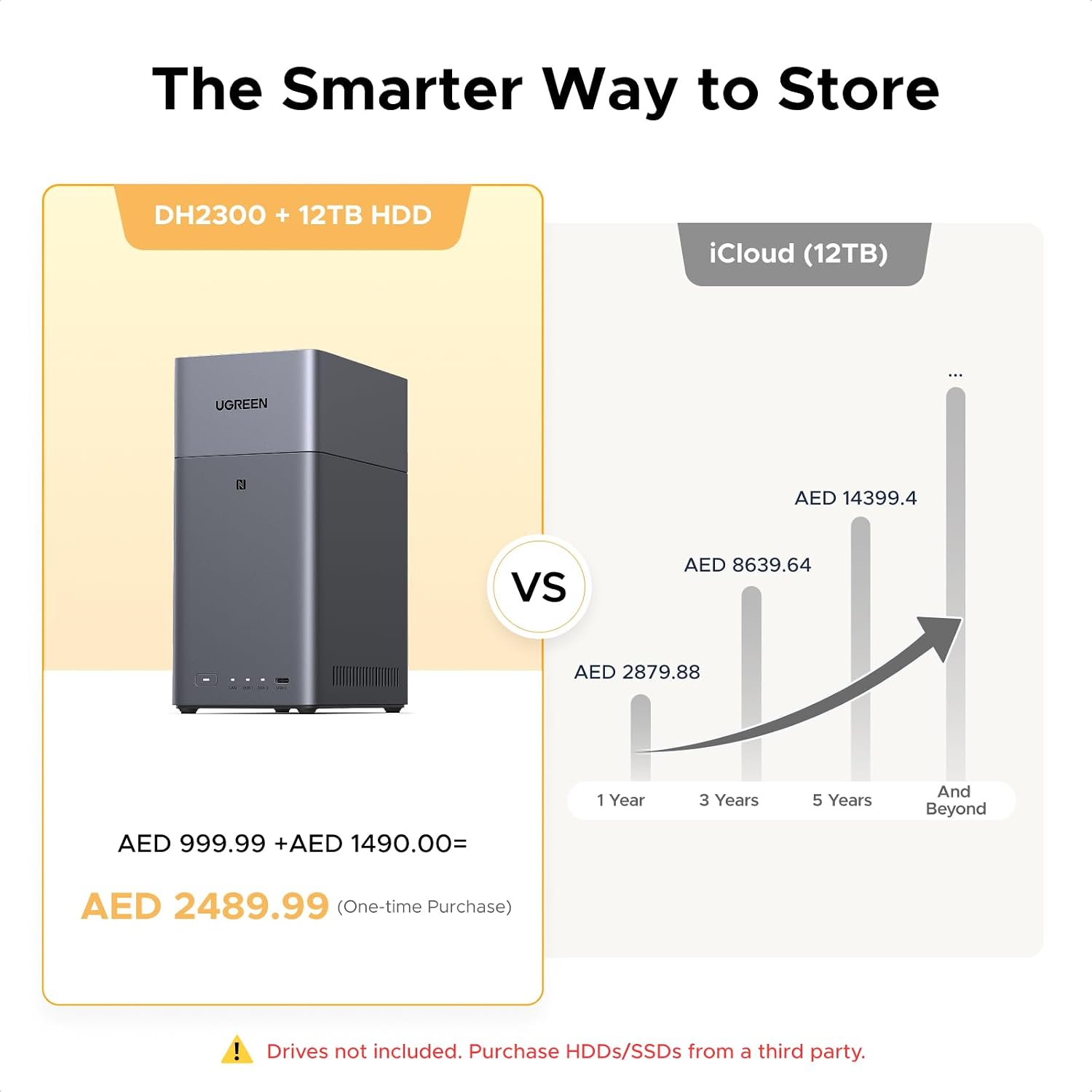
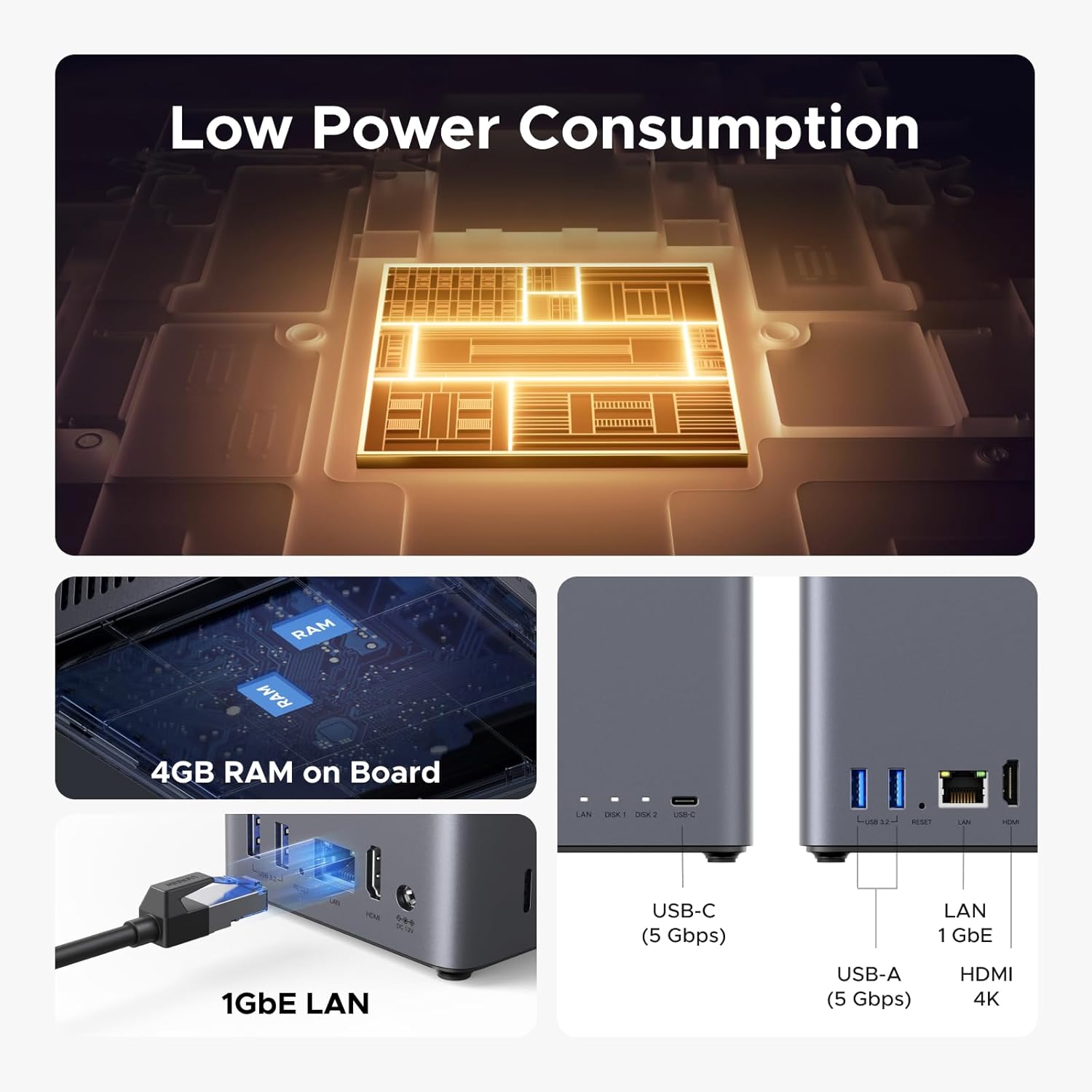
The UGREEN NAS DH2300 combines capacity focused storage with everyday usability, so your media does not keep spreading across phones, laptops, and tablets. With up to 64TB support capacity according to the manufacturer, you can expand your digital world as your library grows. There are multiple ways to think about what that means for real life content, from large photo libraries to long movie collections and document archives, depending on your file sizes. Storage performance is also designed to feel responsive for daily tasks, and the system includes a 1GbE port plus 4GB LPDDR4X RAM to help handle multiple jobs.
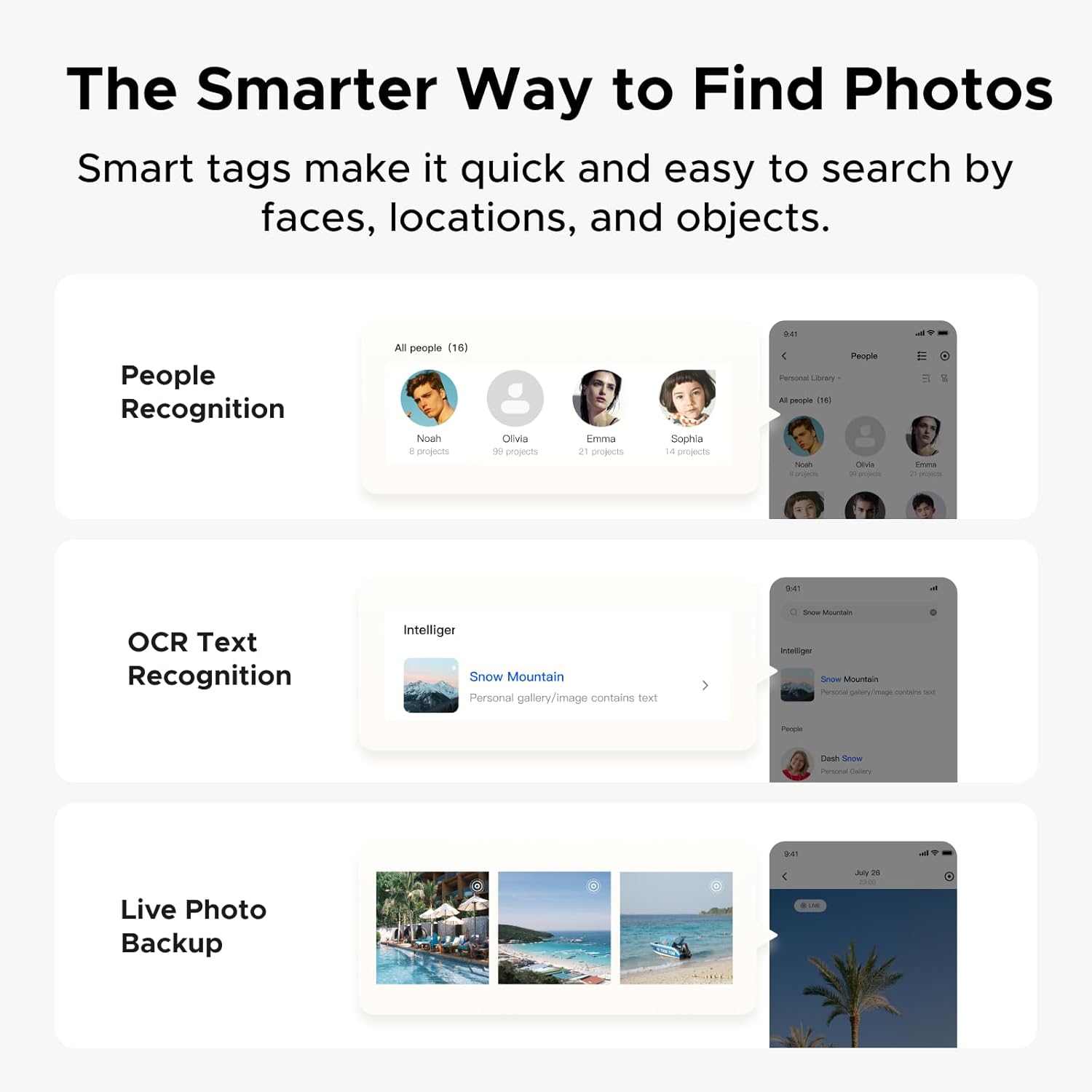
One of the standout reasons people choose a beginner NAS is the ability to consolidate storage and reduce repetitive downloads and manual transfers. This model supports automatic backups across devices regardless of the operating system, which can help you stop losing progress between devices. It also aims to simplify organization through AI tagging for faces, locations, text, and objects, and that makes it easier to locate photos by what is in the image. Curious about duplicates and clutter, the system can automatically find and delete similar or duplicate photos, plus it can back up live photos.
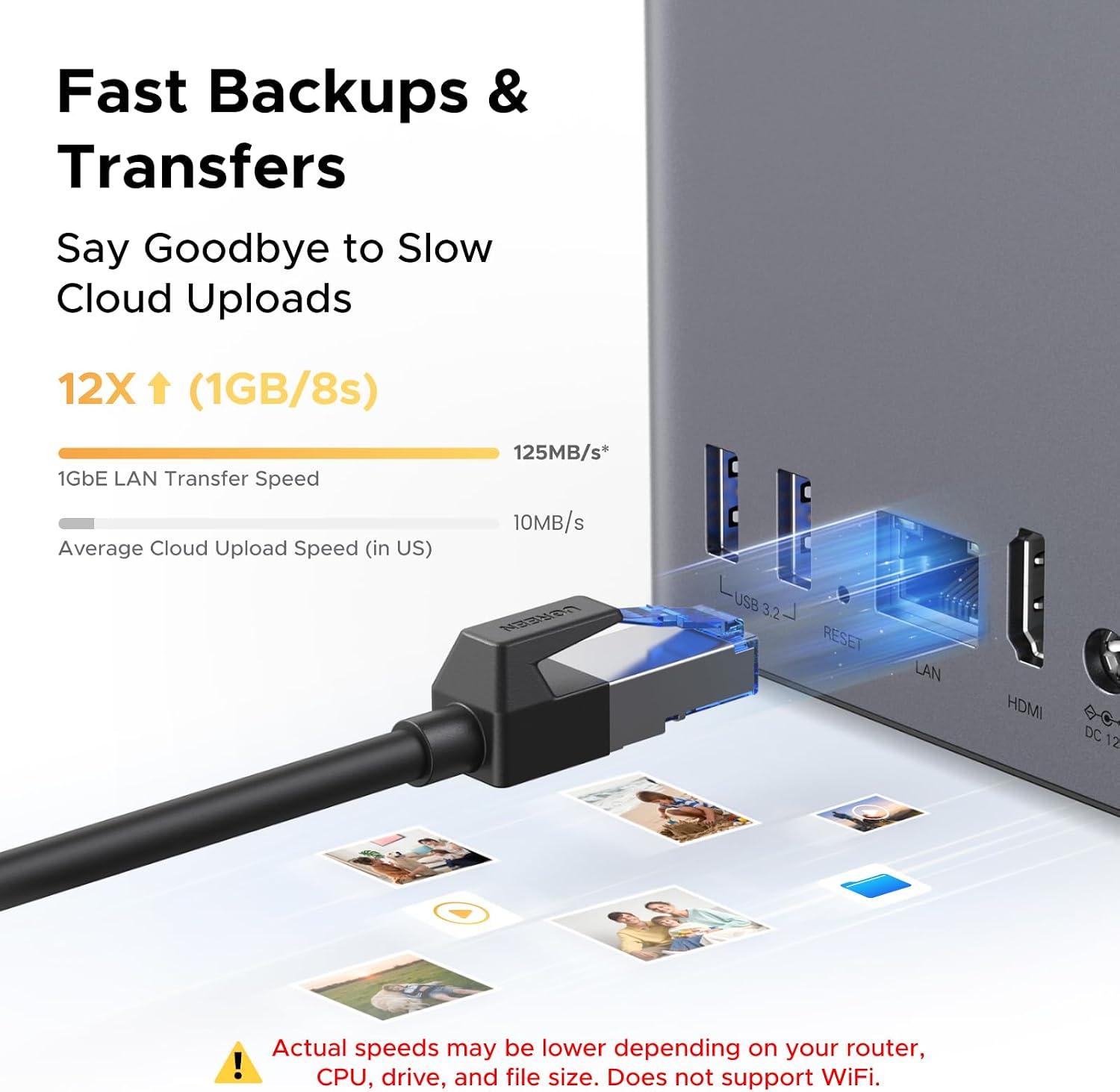
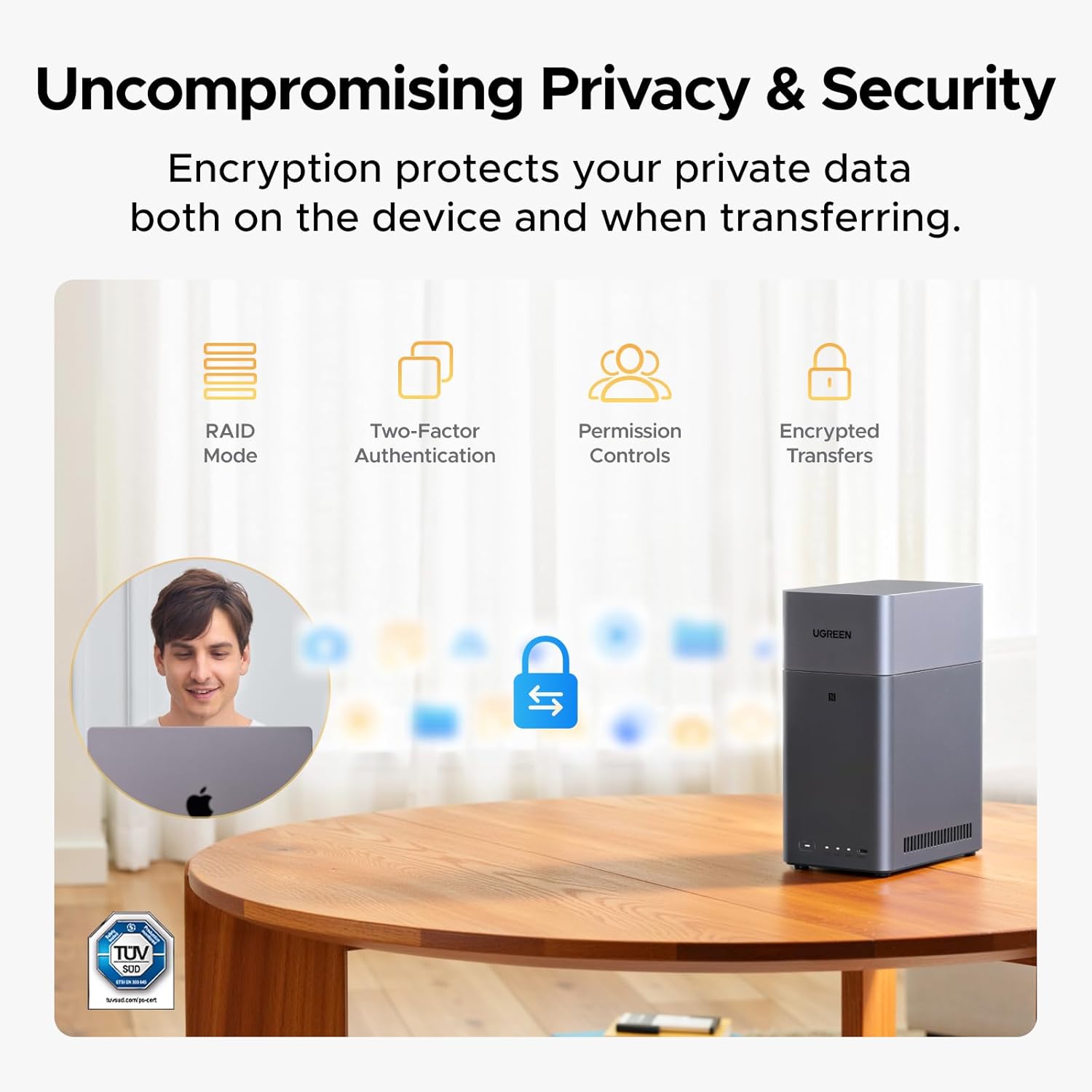
Privacy and security matter just as much as speed. You own your data stored on your drives, with no third party cloud needed for access. For protection against leaks or loss, the manufacturer describes layered security features including RAID modes, two factor authentication, permission controls, and encrypted transfers. It also references certification support, including TRUSTe certification and certification by TÜV SÜD to meet the ETSI EN 303 645 standard, which adds reassurance for long term use.
A final practical note is compatibility. The system supports a wide range of hard drives from Western Digital, Seagate, Toshiba, and many other third party options, but it does not support M.2 NVMe drives. If you plan to reuse a drive, it is smart to review the compatibility list so you match the right drive type before purchase.
Tech specs
- Type: Desktop NAS
- Number of bays: 2
- Capacity support: Up to 64TB, diskless
- RAM: 4GB LPDDR4X
- Network: 1GbE
- Video output: 4K HDMI
- AI photo album: Face, location, text, and object tagging
Who it’s for
It makes sense if you want a first NAS that feels approachable, with an emphasis on personal storage and easier management of photos and home files. You’ll appreciate it if you are moving from cloud storage or external drives and want a unified place to store, back up, and access media with less daily friction 📷. It also fits users who want remote access and a system that helps keep a large photo library organized, including AI powered search and duplicate cleanup.
It might not be a great match if you are specifically expecting Docker or virtual machine support, since the manufacturer states the system does not support those features. You may also want to skip it if you plan to use an M.2 NVMe drive, because this model does not support M.2 NVMe. If you are fine adding compatible HDDs and you want a beginner friendly NAS for long term personal storage, the DH2300 is a solid starting point for building a more centralized home media library.