

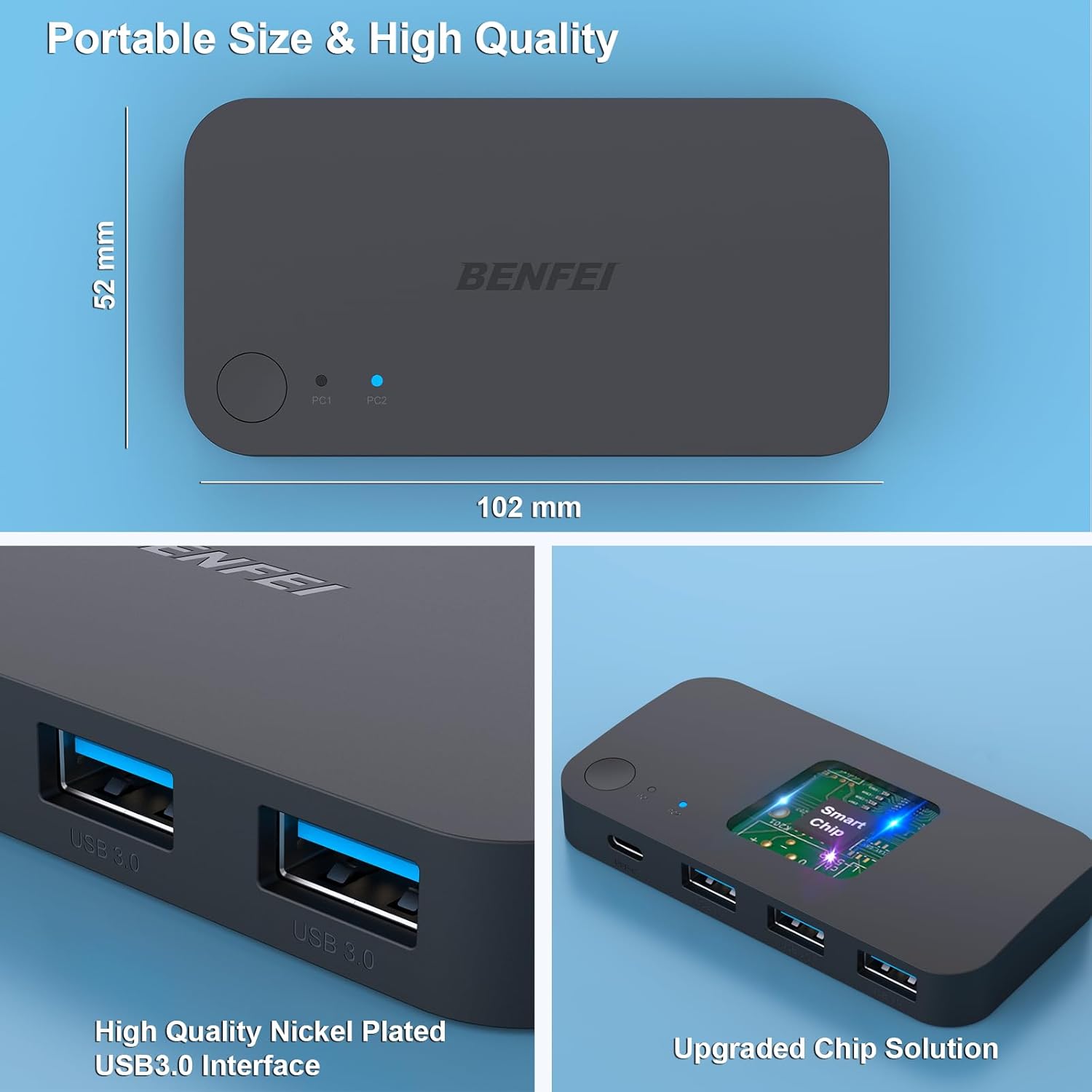
BENFEI 000376black USB 3.0 Switch for 2 Computers, 3 USB-A, USB-C & Remote
Reviews
Price
Product description
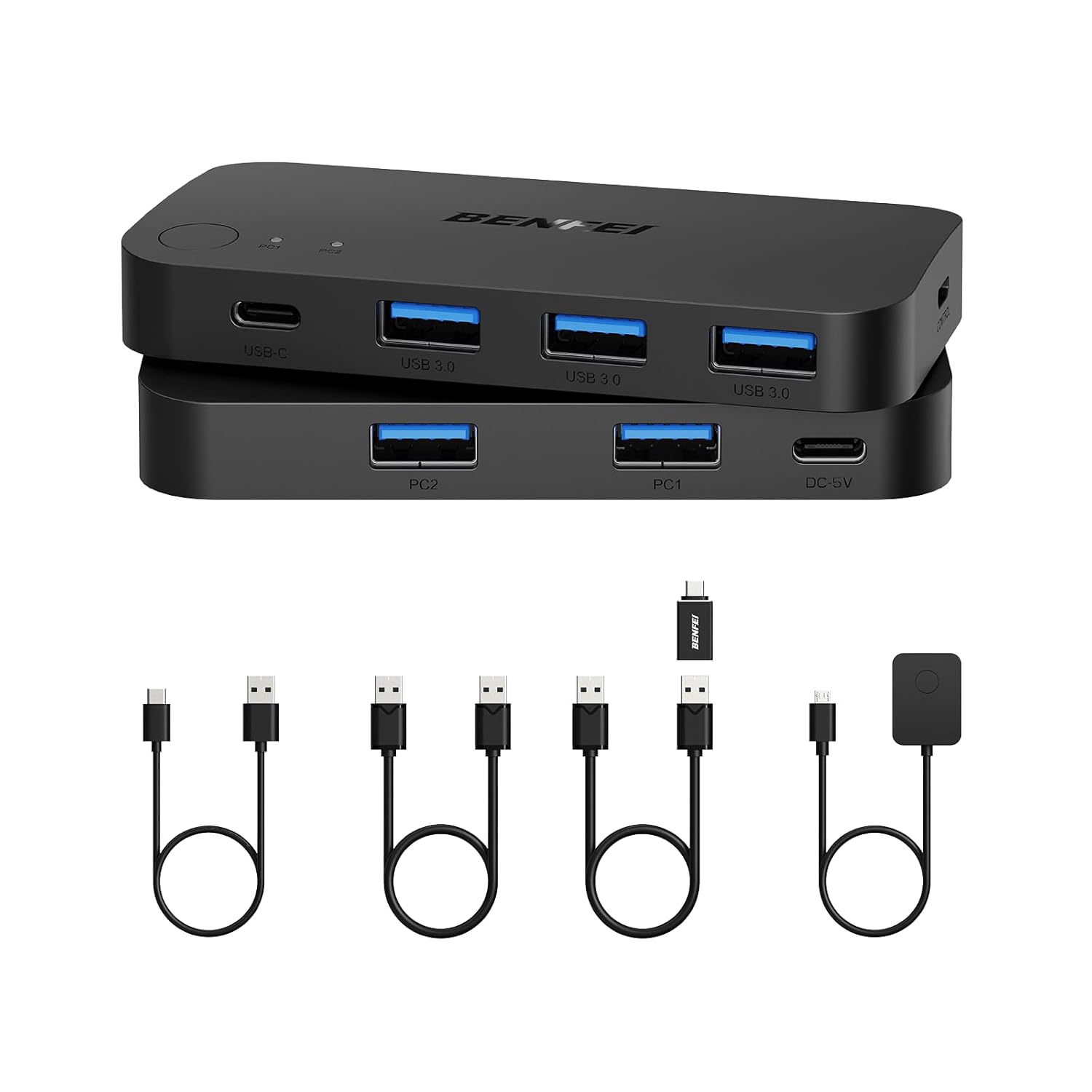
Three USB 3.0 ports and one USB-C port let two computers share a set of USB peripherals. Switch the connected devices between a work computer and a personal computer without moving each cable by hand.
Choose the connected computer with the switch button or the remote control. LED indicators show the active status, making it easier to see which computer is using the shared devices.
With plug-and-play operation and support for Windows, macOS, Chrome OS, and Linux, this BENFEI switch fits a range of computer setups. It handles USB peripherals, not video output, so a monitor’s video connection is managed separately.
Key points
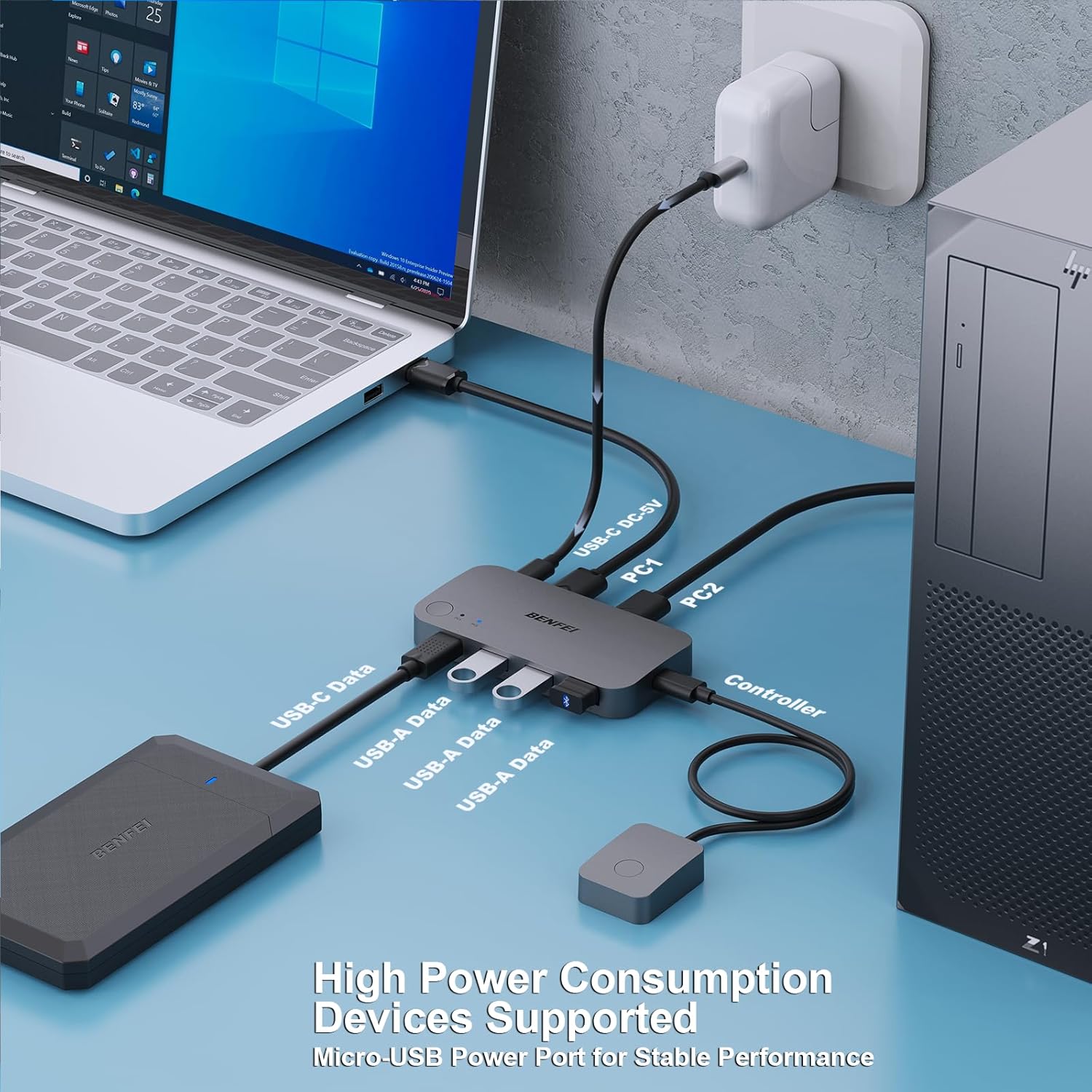
The switch connects two computers through USB-A inputs and provides three USB-A outputs plus one USB-C output for shared peripherals. Connect a keyboard, mouse, printer, scanner, USB drive, camera, or other compatible USB device to the available ports, then select which computer accesses them. This can be useful at a desk where two computers need to share the same input devices or accessories.
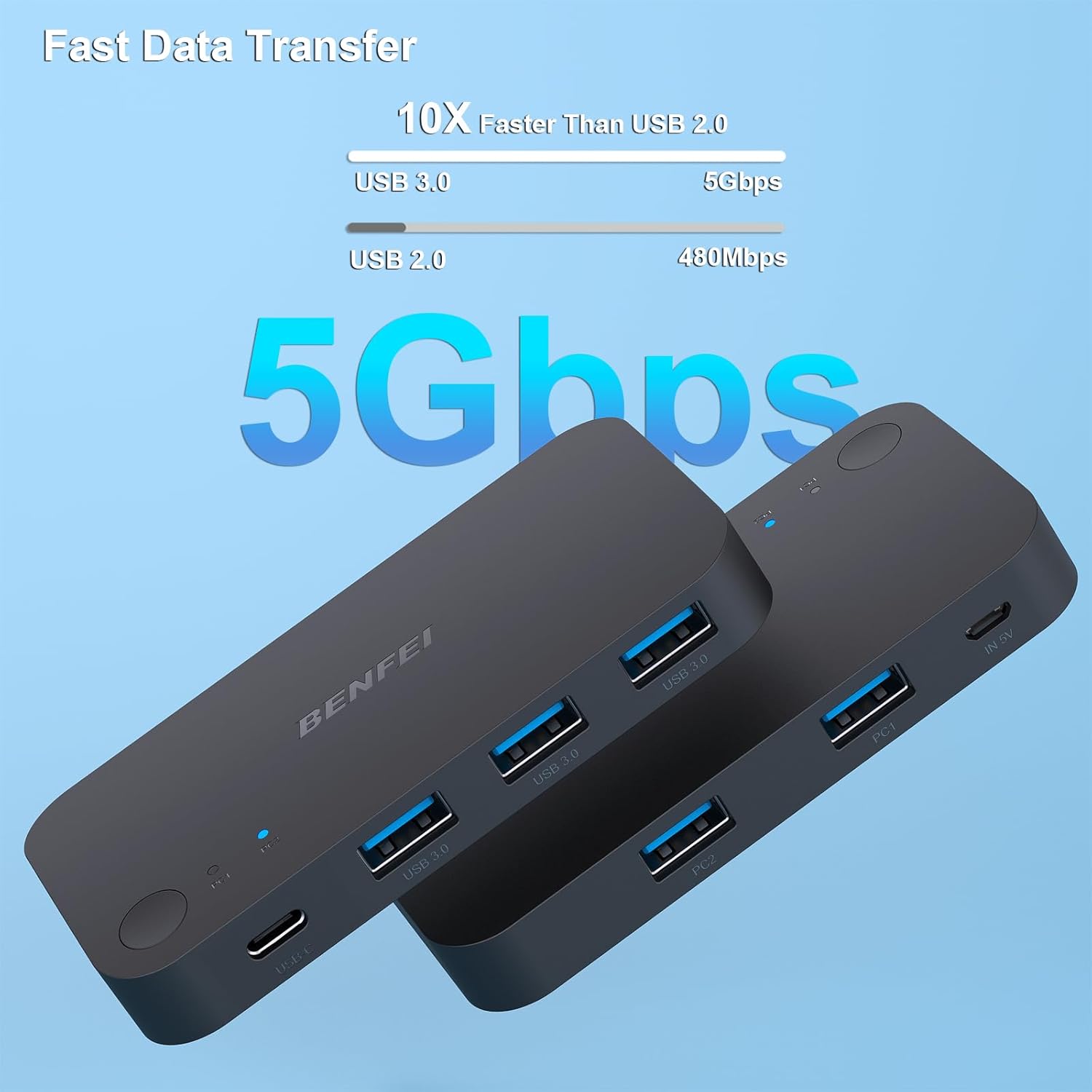
USB 3.0 supports data transfer speeds up to 5 Gbps, and the ports are backward compatible with USB 2.0. That makes the switch suitable for sharing everyday peripherals as well as transferring files from a USB drive or external hard drive. For its connection to the computers, use a BENFEI USB-A-to-USB-A cable.
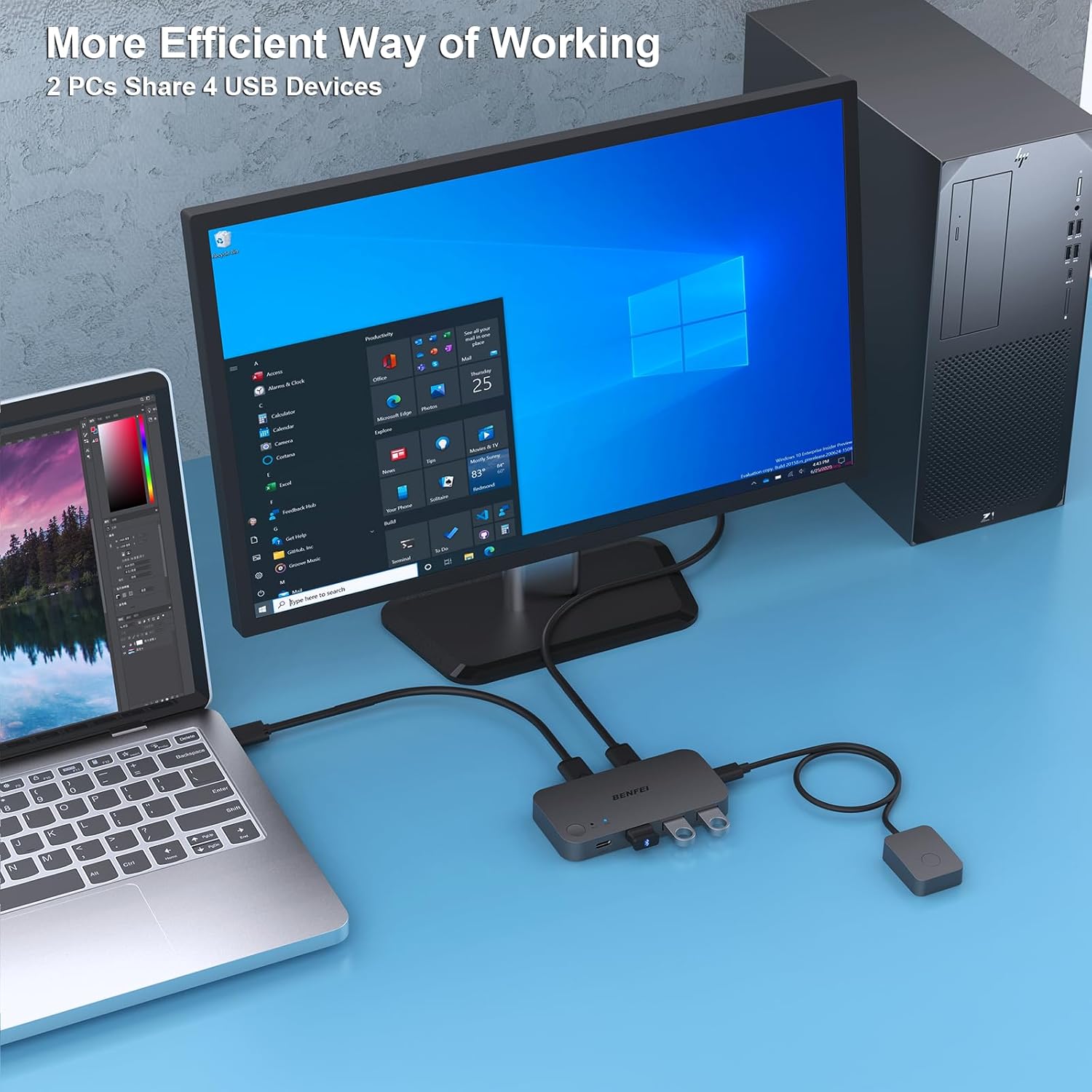
The included switching options serve different desk setups: use the button on the switch when it is within reach, or the remote when you want to change computers without reaching for the unit. LED indicators help identify the current selection. Buyers often highlight straightforward setup and usefulness in two-computer arrangements, feedback on compatibility and connection behavior is mixed, so check that your particular peripherals work as expected in your setup.
Practical tips
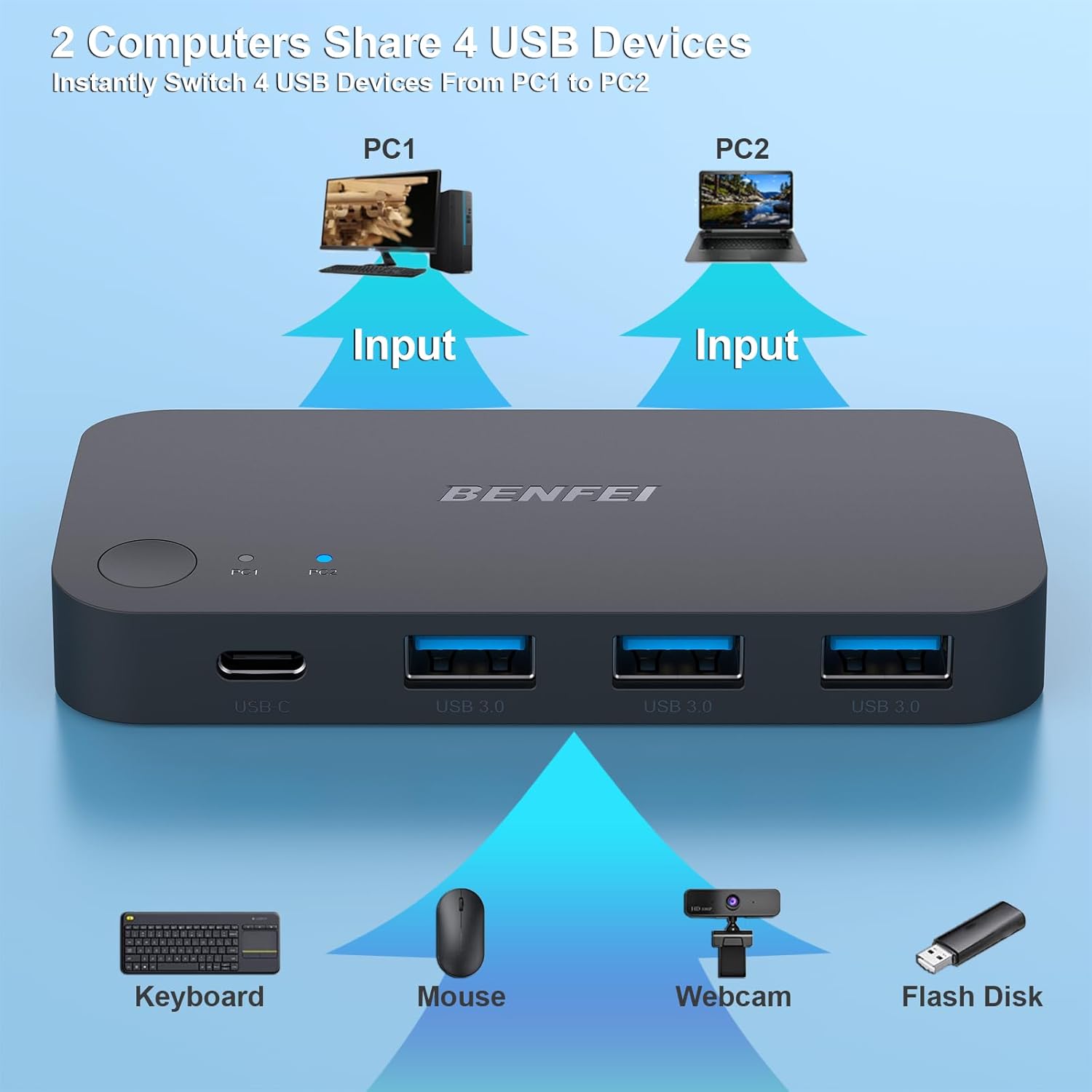
Connect the two computers to the USB-A input ports and attach the shared peripherals to the USB-A and USB-C output ports. Once connected, use the button or remote to select the computer that should access those devices. This is a USB peripheral switch rather than a video KVM: it does not route a monitor signal between computers.
For devices with higher power demands, such as a hard drive, USB camera, or headphones, connect an additional power source through the switch’s USB-C power port. This gives you a straightforward way to provide extra power when your peripheral setup calls for it.
Who it’s for
This switch is suited to a desk with two computers and peripherals you want to share, such as one keyboard and mouse, a printer, or a scanner. It can also help when you regularly move a USB drive or other accessories between a work machine and a personal computer. The remote control is useful when the switch itself is positioned out of easy reach, while the LED indicators make selection status visible at the unit.
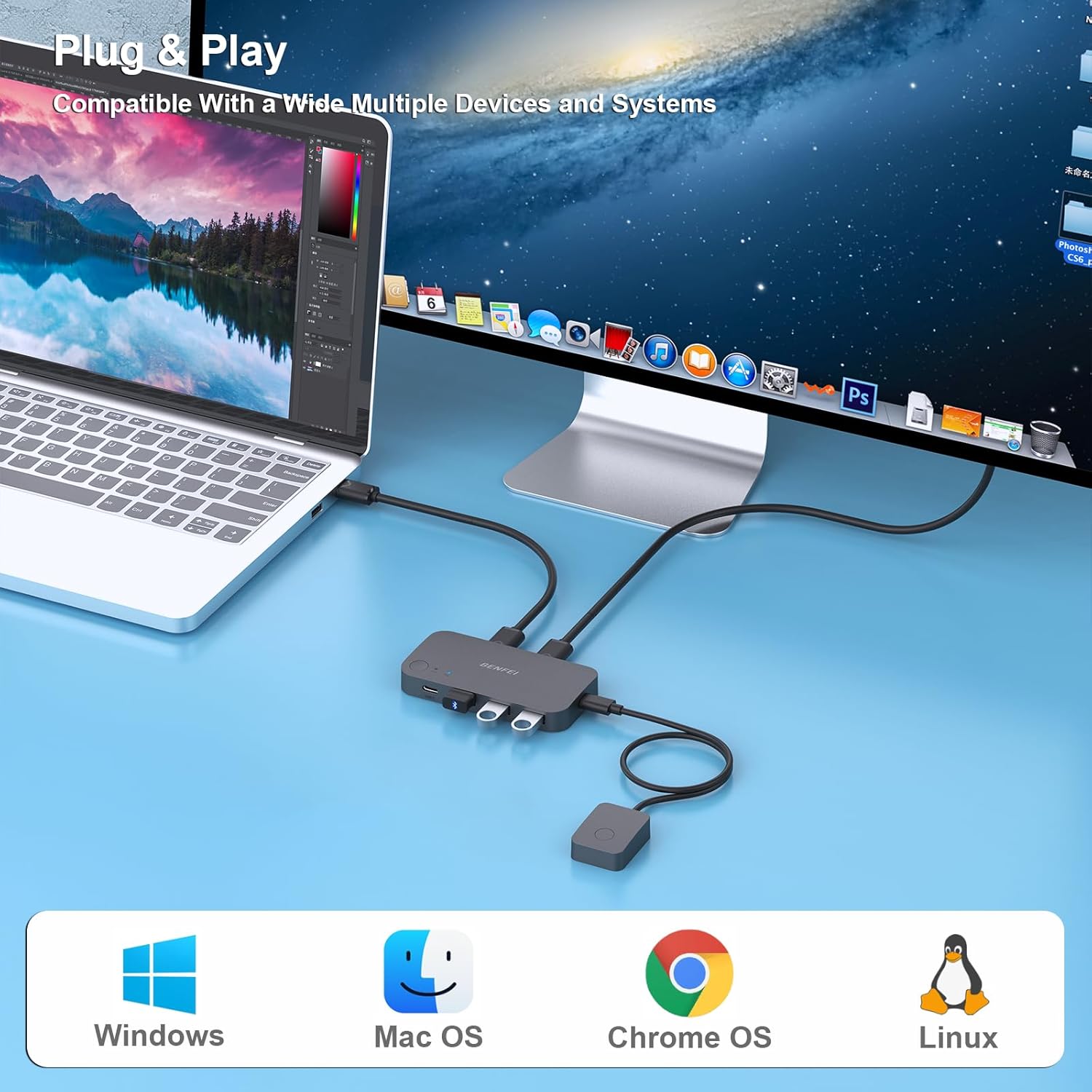
It makes sense if you want to share USB accessories without switching your monitor through the same device. The four output connections, including USB-C, accommodate a mix of peripheral connectors, and support for common desktop operating systems makes it relevant to varied computer environments.
Practical questions
How many computers and USB devices can it connect? It connects two computers and offers four peripheral ports: three USB-A ports and one USB-C port. The shared devices are available to the computer selected on the switch.
How do you change which computer is using the peripherals? Press the switch button or use the remote control. The LED indicators show the active status. Use a BENFEI USB-A-to-USB-A cable for the computer connection.
Can it power devices such as an external hard drive? For higher-power devices, the product supports optional extra power through its USB-C power port. This can be used for devices such as hard drives, USB cameras, and headphones.
Should you buy it?
For a two-computer workspace that needs to share USB accessories, the BENFEI 000376black brings four peripheral ports, two switching methods, and visible status indicators into one setup. It is especially useful when you want to share a keyboard, mouse, printer, or other USB devices while keeping monitor video switching separate.