

eero 6 Mesh Wi-Fi Extender (Add-on) — Extend Coverage up to 1,500 sq ft
Reviews
Price
Product description
What it is
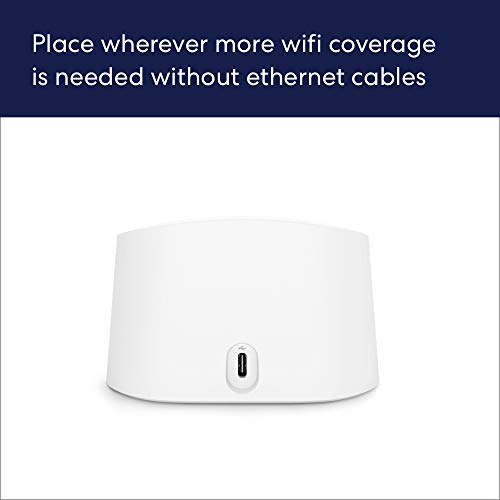
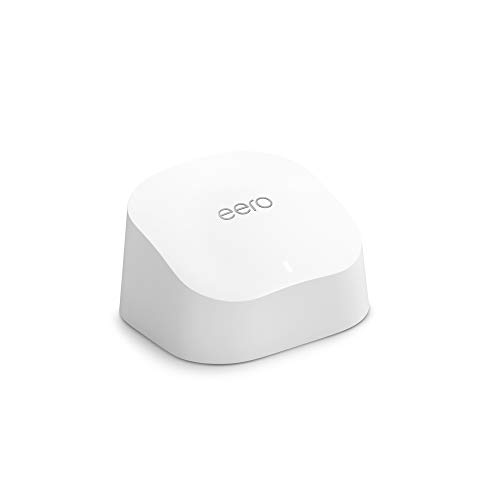
The eero 6 extender is a wireless range extender designed to expand the coverage of an existing eero mesh Wi‑Fi system. It plugs into your network setup to push Wi‑Fi 6 signals farther through your home, aiming to minimize dead spots and buffering.
How it helps your network
On paper, this device works by piggybacking on your current eero network to broaden coverage. If you’ve already invested in an eero mesh system, adding an extender can improve signal in rooms far from the main hub. The benefit most people look for is a steadier connection for streaming, video calls, and gaming in parts of the house where signals tend to drop.
Setup and daily use
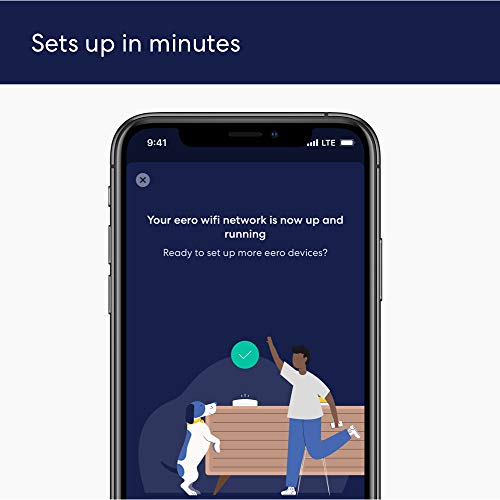
Setup is done through the eero app, which guides you through adding the extender to your current network. The process is designed to be quick, and you can manage settings remotely. A notable plus is access to support seven days a week in the US. In practice, the experience hinges on having a compatible eero network already in place.
What stands out
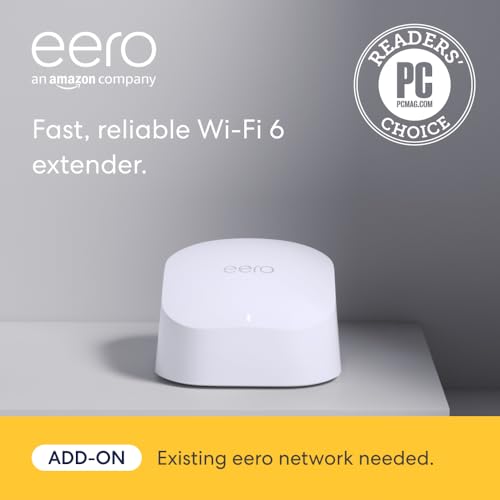
- Compatibility with an existing eero network is a key requirement, so this isn’t a standalone mesh solution.
- The device leverages TrueMesh routing to optimize traffic flow and reduce drop-offs, which can translate into smoother 4K streaming and fewer hiccups during video conferences.
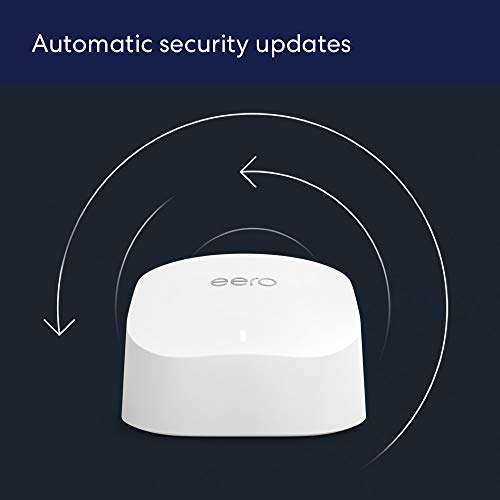
- Firmware updates are automatic, meaning you’ll benefit from ongoing improvements and security patches over time.
What to consider before buying
- If you don’t already own an eero system, this extender won’t work as a substitute for a full mesh setup.
- The stated coverage is up to 1,500 sq ft, real-world results can vary based on home layout, walls, and interference.
- The performance benefits depend on your existing network and how aggressively you populate with extenders.
Who it’s for
This extender makes sense for households already using an eero mesh system who want to improve Wi‑Fi reach in larger homes or multi‑story layouts where signal quality drops off in certain rooms. It’s less compelling for users starting from scratch or those seeking a single-router solution.

Who it isn’t the best for
If you’re not committed to the eero ecosystem, or you’re hoping for a dramatically different Wi‑Fi standard beyond what your current setup offers, this add-on may not be the best fit. It also may fall short in ultra-dense homes where multiple extenders are needed to maintain consistent speeds.

When it makes sense to buy
- You already rely on an eero mesh network and notice dead zones or buffering in distant rooms.
- You want an easier setup with app-based management and automatic updates.
- You’re aiming for more reliable streaming and smoother video calls in a larger home.
When it may be better to wait or skip
- If you don’t have an existing eero system, consider a complete mesh solution instead of an extender.
- If your home has complex interference or you’d require several extenders, real-world performance might vary and you may need to evaluate additional placement.
What to review before purchasing
- Confirm you have a compatible eero network to extend.
- Plan extender placement to target rooms where signal tends to drop.
- Expect improvements in coverage rather than a dramatic boost in raw speed in every room.
Practical usage example
Imagine streaming a 4K movie in a basement den while someone else video-conferences from a far bedroom. The extender can help maintain a steady signal by filling in the gaps left by the main router, reducing buffering and jitter where it used to happen.
Tech specs
- Name: eero 6 extender
- Type: Wi‑Fi extender
- Coverage: Up to 1,500 sq ft
- Format: Add-on extender for existing eero network
- Size/Weight: Not specified
- Material: Not specified
- Color: Not specified
- Display: Not applicable
- Resolution/Processor/Memory: Not specified
- Connectivity: Works with existing eero mesh network
- Special tech: TrueMesh routing, automatic updates
Final verdict
Is it worth it? Worth considering if you already rely on an eero system and need to eliminate dead spots without a full new setup. It’s not a standalone solution, and its value hinges on your current network and home layout. If your goal is to expand coverage with minimal setup effort and ongoing updates, this add-on is a reasonable option to explore.
FAQ
- How do I know if I need this extender? If you notice weak signals in certain rooms despite a working eero network, an extender can help broaden coverage.
- Will it speed up my internet in every room? It primarily improves coverage and stability, actual download speeds depend on your internet plan and overall network conditions.
- Can I add multiple extenders? Yes, you can add as many eero 6 extenders as needed to maximize coverage within an existing eero network.