

TP-Link AC2600 WiFi Extender (RE650) — Dual-Band Range Extender with Gigabit Ethernet
Product description
The essentials
If your home Wi‑Fi signal falls apart in “dead zones,” a WiFi extender like the TP-Link AC2600 RE650 is built for that exact job: pushing coverage farther from your router. It uses dual-band Wi‑Fi, includes a gigabit Ethernet port for wired devices, and is designed to work as a repeater (with an option to act as an access point).
On paper, it’s positioned as an all-around midrange extender: enough capability for phones, tablets, streaming, and even gaming consoles in the areas where your main router struggles. But it’s also worth keeping expectations grounded—range extenders usually improve where the signal reaches and how reliably it holds, not the raw “speed” you get end-to-end.
Key features that matter in real use
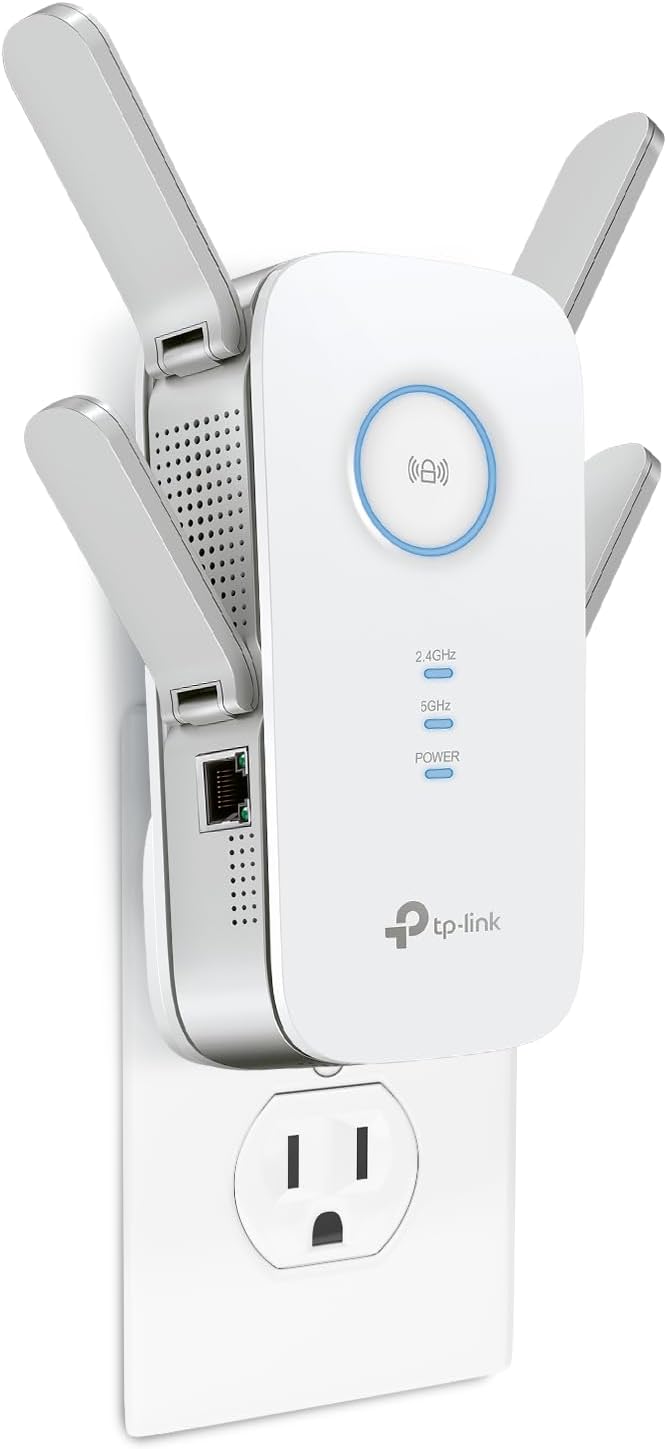
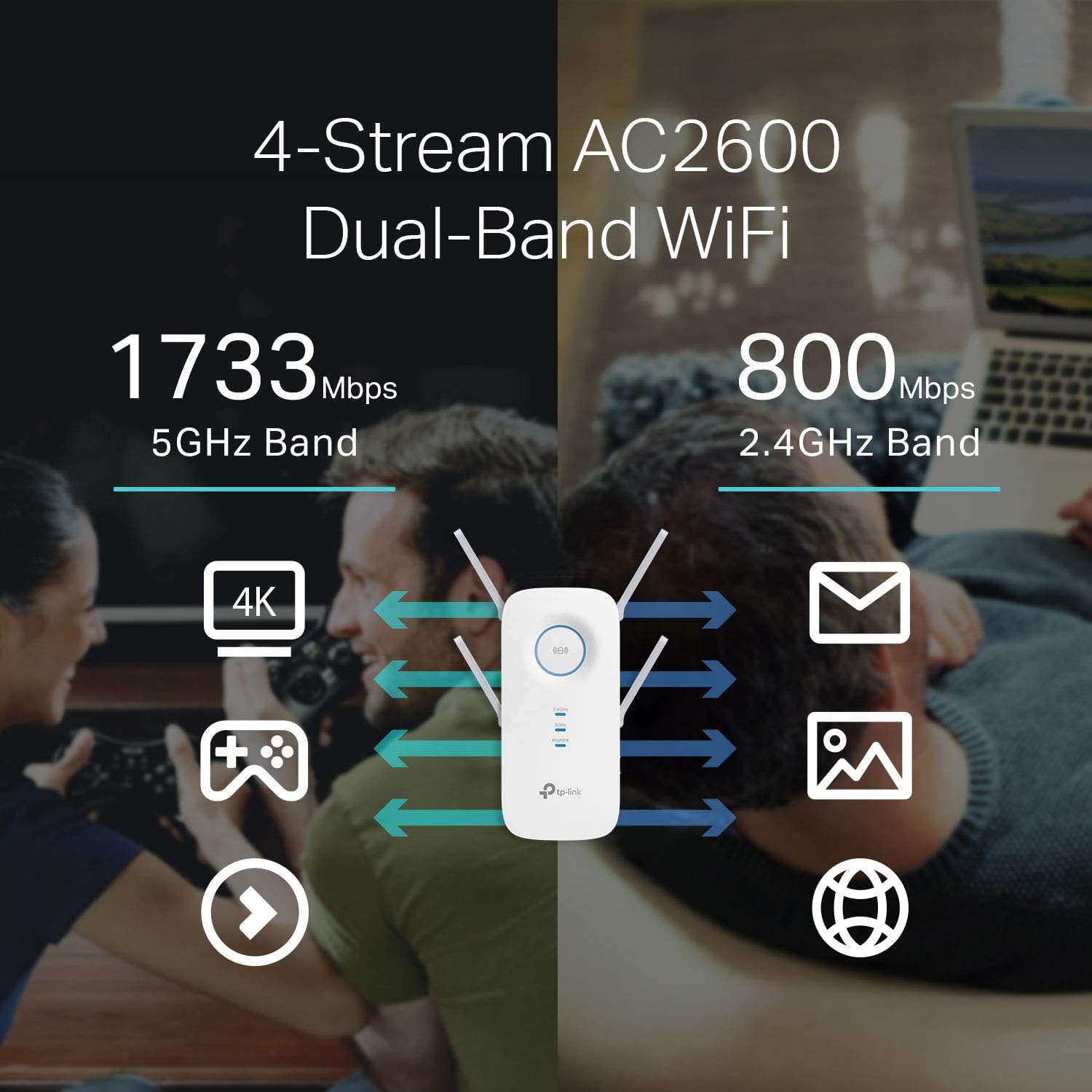
The RE650 is a dual-band extender with separate performance targets for 2.4GHz and 5GHz (2.4GHz up to 800Mbps and 5GHz up to 1733Mbps, as listed). That separation matters because it gives your network flexibility: more devices can use the band that makes sense for their connection.
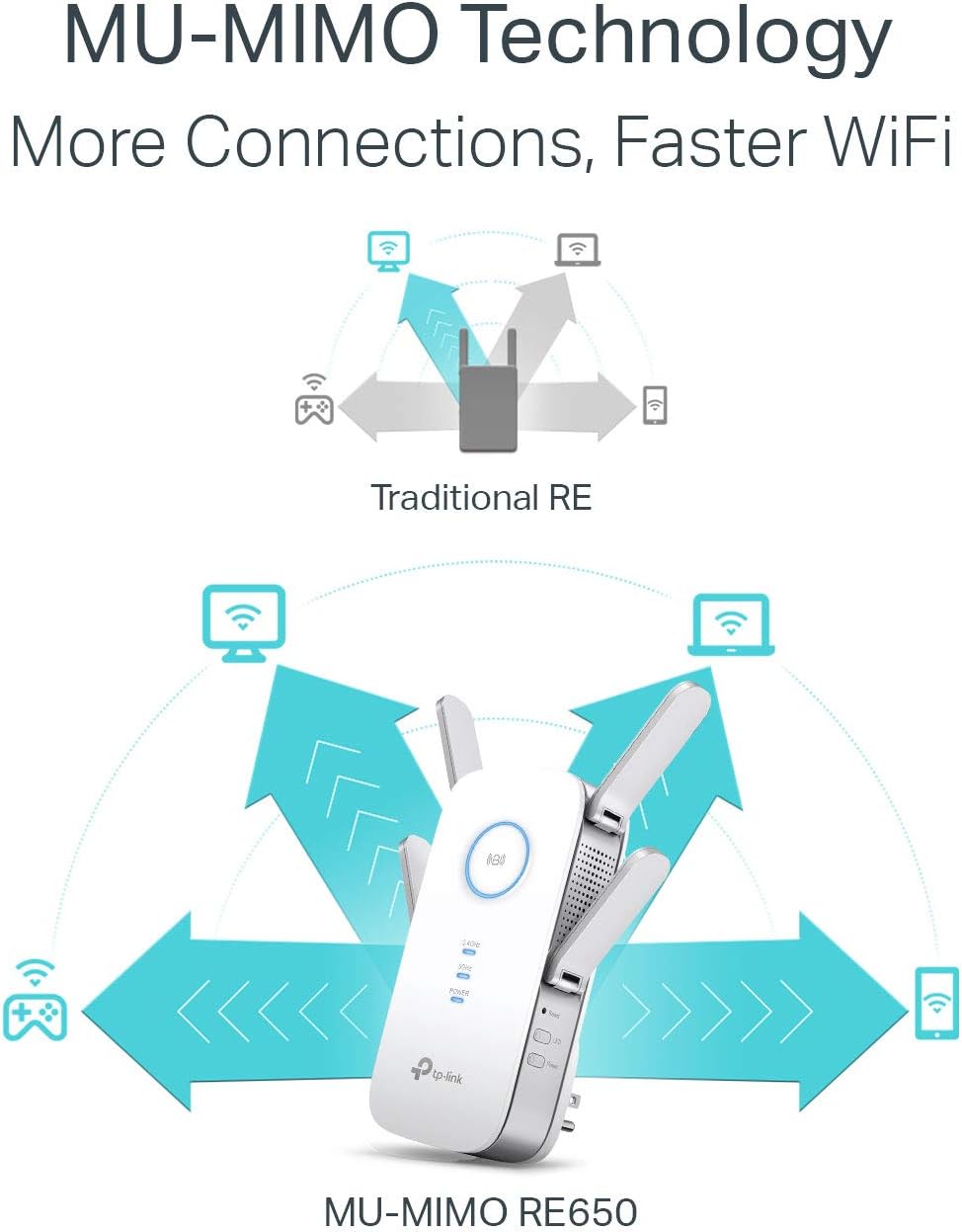
Where it gets more interesting is how it handles multiple devices. It includes MU‑MIMO (Wave 2) so it can communicate with multiple devices at once, aiming for smoother performance when several gadgets are online at the same time. Add beamforming, which focuses the Wi‑Fi signal toward connected devices rather than blasting in all directions, and you have a setup that’s generally better suited to stable connections throughout a typical home layout.
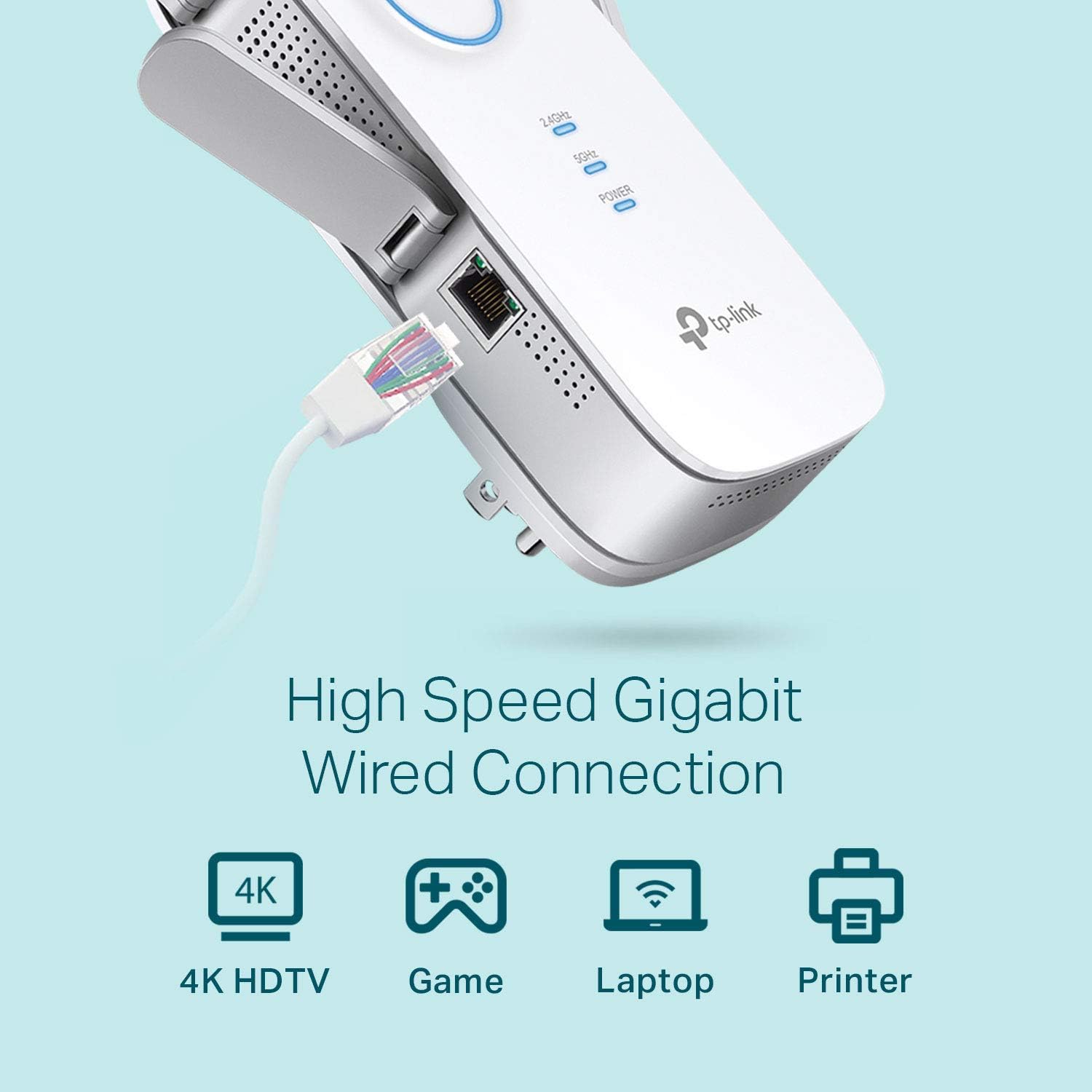
There are also smart indicator lights to help you place it in a strong-enough spot. Placement is one of those things people rush, and with extenders it can make or break the experience.
What you’ll notice after installation
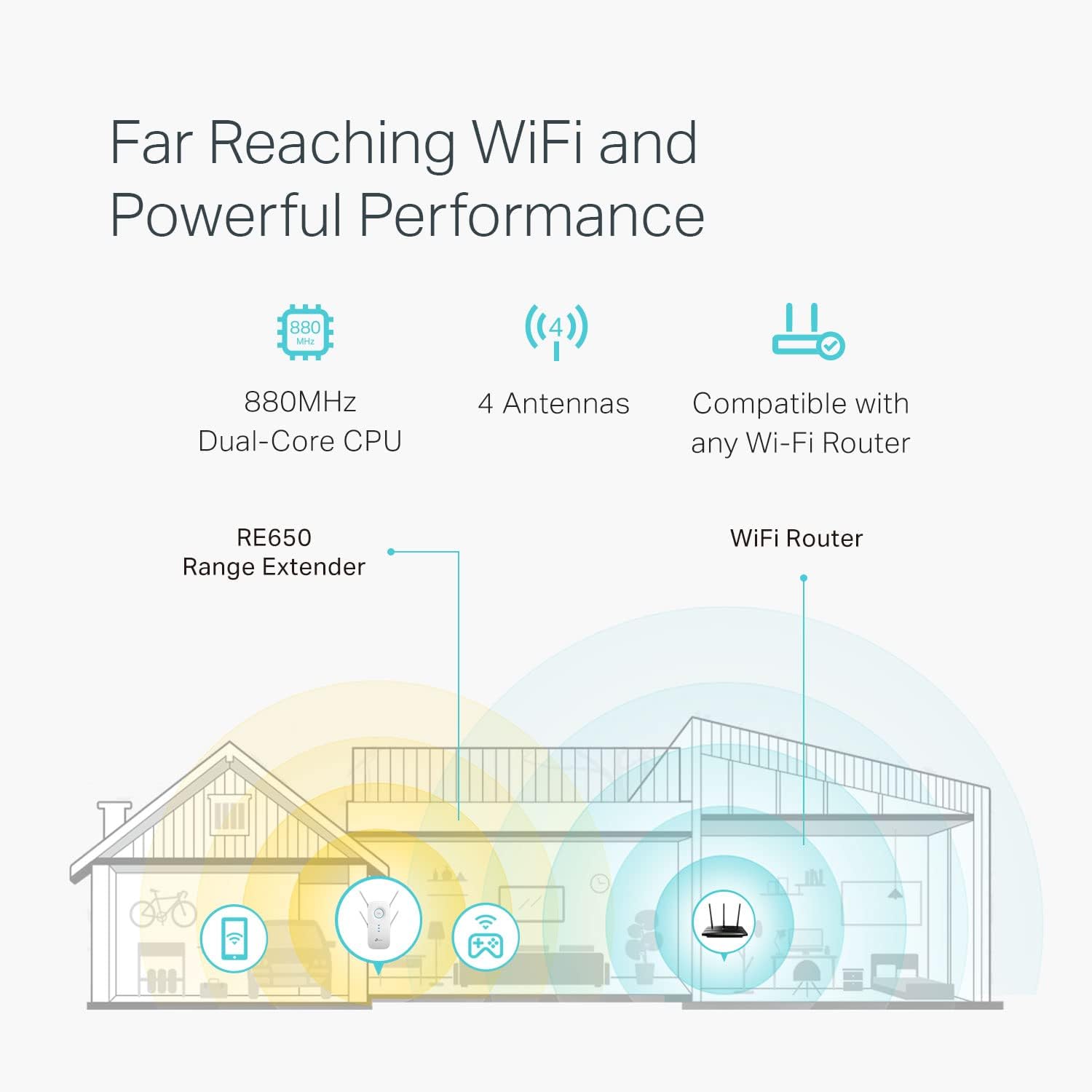
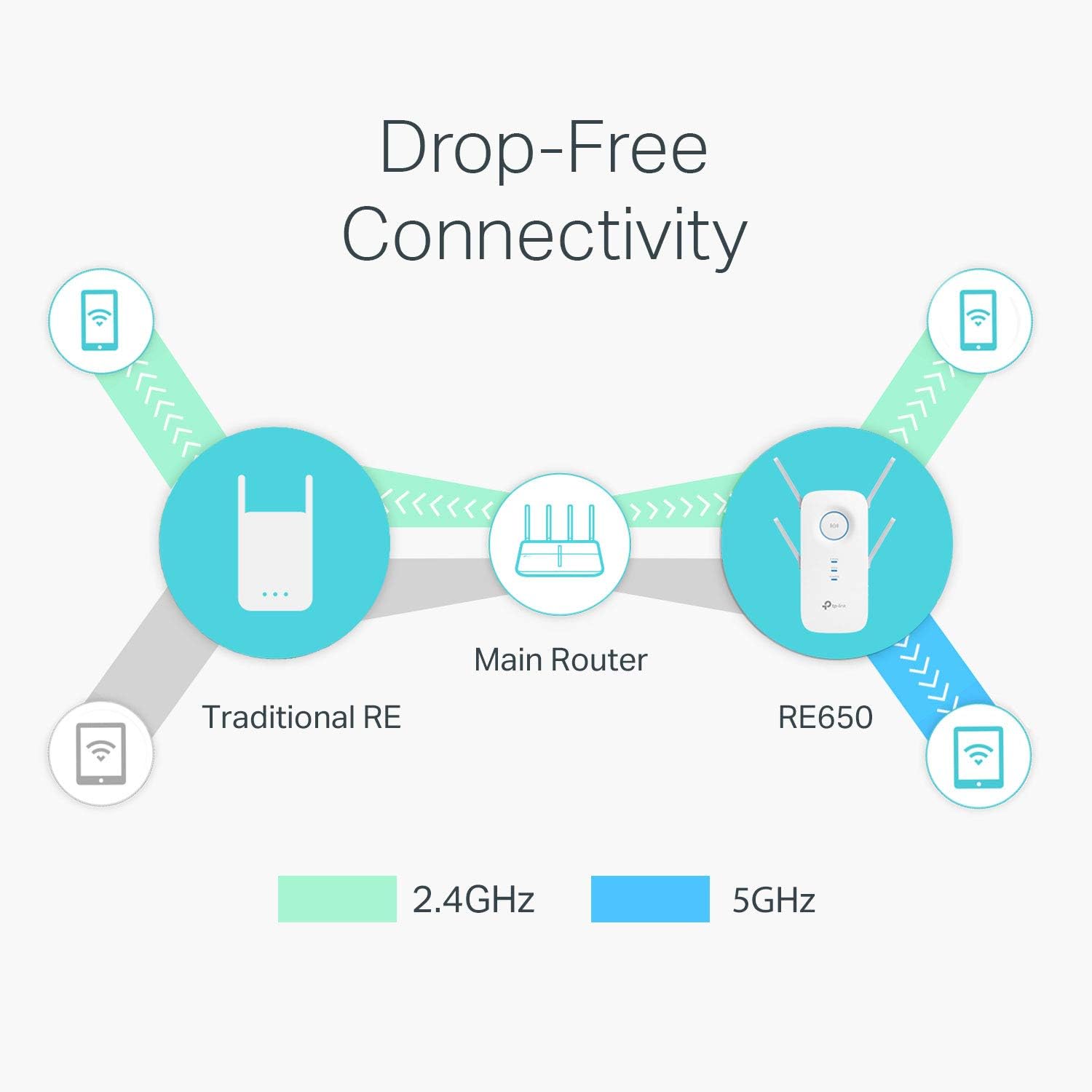
The extender is meant to be installed between your router and the area you want to improve. That positioning helps it “hear” the router well and then re-broadcast a usable signal. A practical way to think about it: set it up where the main Wi‑Fi is not terrible yet, then walk or test in the rooms you care about.
In daily use, it can be the difference between buffering and consistent playback in a living-room corner, a backyard office, or a bedroom that used to drop out. If you have devices that benefit from a wired link—like a smart TV, a desktop PC, or a console with Ethernet support—the gigabit Ethernet port lets you connect them directly to the extender instead of relying only on Wi‑Fi.
One limitation to keep in mind: the manufacturer notes that extenders are designed to increase or improve coverage, not directly increase speed. In some situations, improving signal reliability can affect overall throughput—so if your main router already covers everything perfectly, you may not see dramatic speed gains.
Tech specs (quick read)
- Type: Dual-band Wi‑Fi range extender / repeater (also described as an access point option)
- 2.4GHz speed target: up to 800Mbps
- 5GHz speed target: up to 1733Mbps
- Overall headline: AC2600
- Wi‑Fi design: quad antenna design
- MU‑MIMO: 4x4 MU‑MIMO (Wave 2)
- Beamforming: yes
- Ethernet: gigabit Ethernet port
Who it’s for (and who should think twice)
It suits you if you want more consistent coverage in a house or apartment where Wi‑Fi coverage is uneven, and you’re willing to place the extender carefully between the router and your target rooms. It also makes sense if you have a mix of devices across the home and want better odds of decent performance when several are connected at once.
It might not be the best choice if your priority is maximum end-to-end speed. Extenders can help reach and reliability, but they aren’t a substitute for strong router placement or a fully optimized network. And if you already get great signal everywhere, the added device could feel unnecessary.
Buying decision: should you buy it?
A solid pick if you’re dealing with weak Wi‑Fi coverage in specific areas and you’re ready to follow the “between the router and the dead zone” setup approach. You’ll likely appreciate the MU‑MIMO and beamforming features when multiple devices are active.
You may want to skip it if your router already covers every room well, or if you’re expecting the extender to “increase speed” in the way a faster internet plan or a higher-end primary router does. Also consider that setup issues can happen—like the base description suggests, if you experience trouble during or after setup, you’ll need to troubleshoot rather than assume it will magically fix everything.
Practical tips and mini FAQ
Getting the most from it
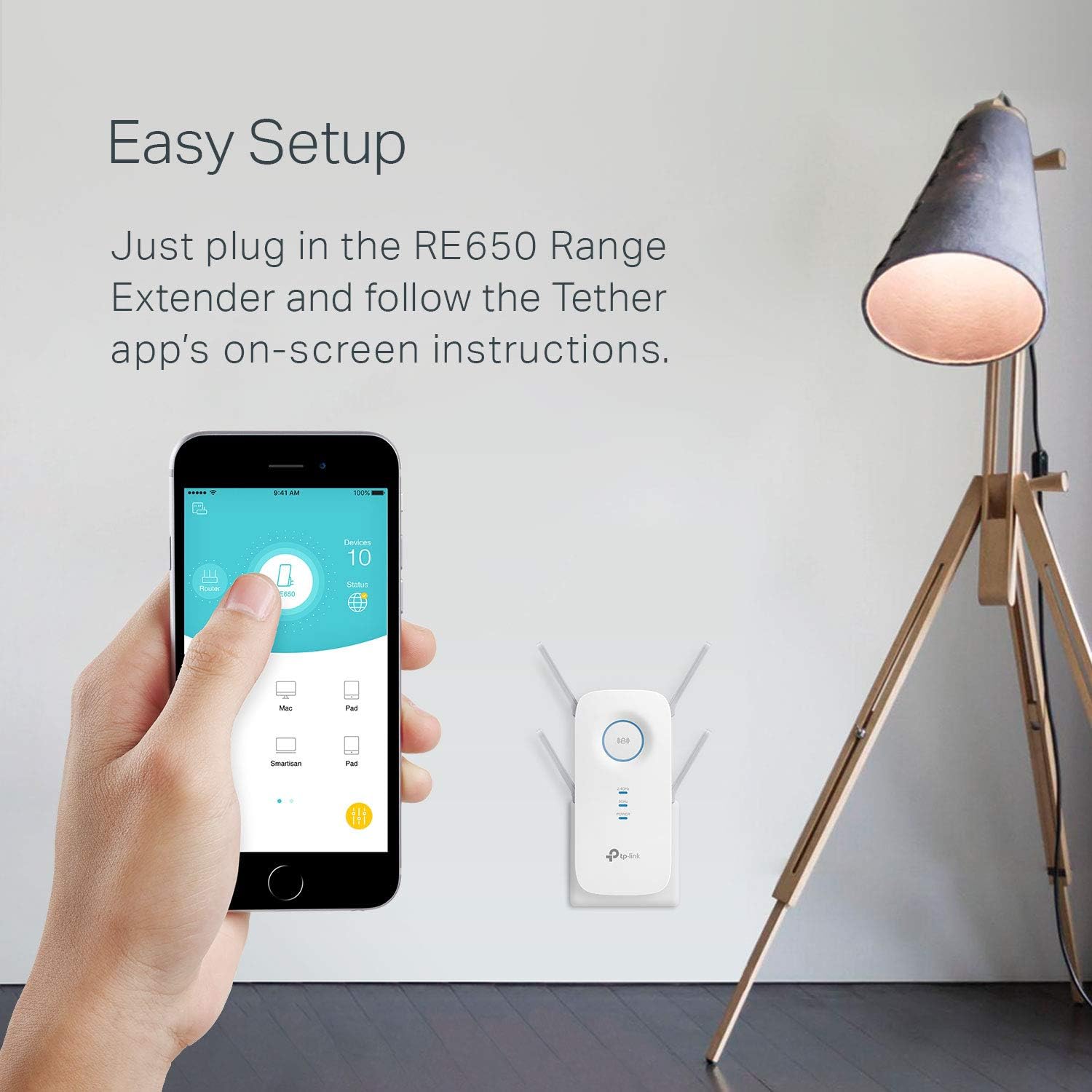
Start with placement. Use the smart indicator lights to land the extender where it can maintain a workable connection from your router, not just where it looks convenient. If you can, test the target area right after setup—then adjust the position before you lock it in.
For wired devices, use the gigabit Ethernet port when it matters. It’s a straightforward way to reduce Wi‑Fi variability for devices that can take a cable.
Final verdict
Quick answers before you decide
Does the RE650 increase your internet speed? Not directly. It’s designed to extend Wi‑Fi coverage and improve reliability, and the base info explicitly notes extenders aren’t meant to increase speed in the same way as upgrading your internet service.
Where should I install it? Ideally between your router and the area where you want stronger Wi‑Fi, using the indicator lights to guide placement.
Is it dual-band? Yes. It supports 2.4GHz (up to 800Mbps as listed) and 5GHz (up to 1733Mbps as listed).
Can I connect a device via Ethernet? Yes, it includes a gigabit Ethernet port for wired connections.