

2026 WiFi Extender Signal Booster (2.4GHz, 300Mbps) with Ethernet Port & Access Point
Product description
The essentials
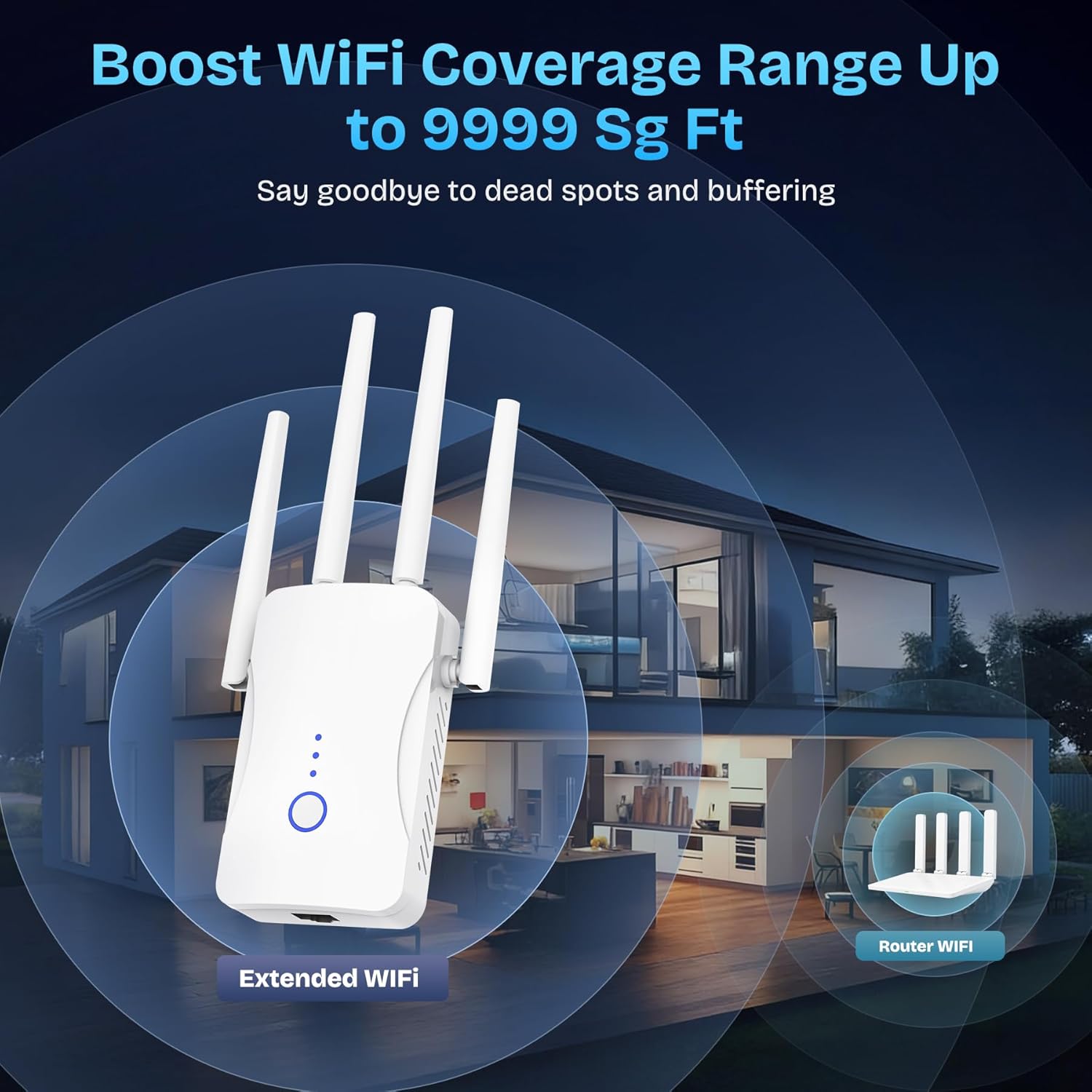
If your Wi-Fi signal fades in bedrooms, basements, garages, or the far side of your home, a WiFi extender like this 2026 model is built for exactly that job: stretching a 2.4GHz network to places where your current router can’t reach reliably. On paper, it targets “stable and fast” performance up to 300Mbps in the 2.4GHz band, with coverage claims up to 9999 sq. ft.
It also leans into convenience. The setup is described as plug-and-play, meant to get you online in seconds rather than spending the weekend wrestling with settings. And for households with a lot going on, it’s positioned as supporting 60+ devices—useful if you’ve got phones, laptops, tablets, smart TVs, smart speakers, IP cameras, and more sharing the same wireless space.
That said, it’s not a magic wand. The listing is specific to 2.4GHz, so if your home primarily runs on 5GHz for speed, this won’t replace that advantage. You’ll also want to consider where you place the extender, because even the best booster can only work with the signal it receives.
Key takeaways
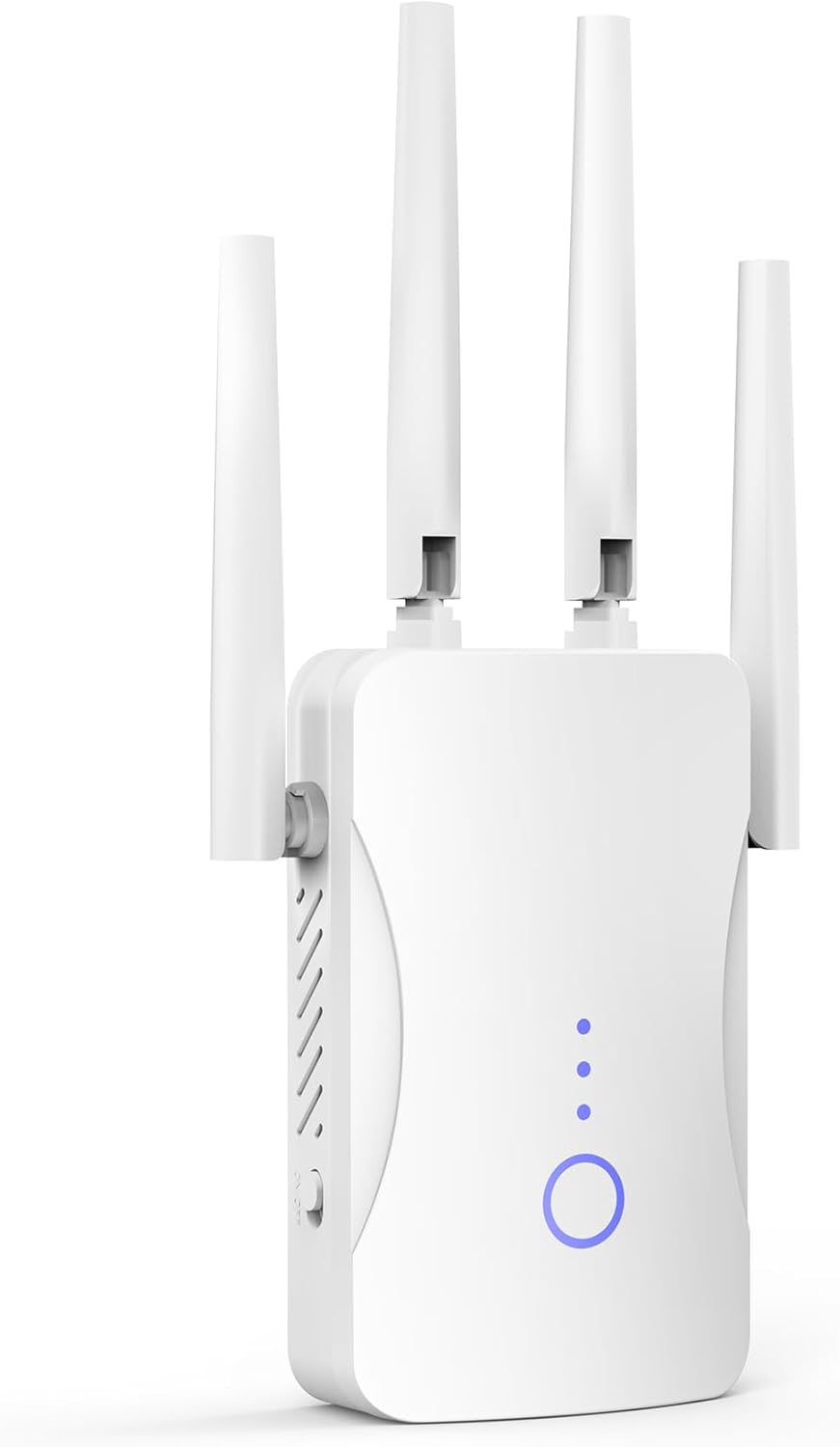
This extender is designed to: - Extend Wi-Fi coverage to reduce dead zones across multiple rooms and areas. - Deliver up to 300Mbps on the 2.4GHz frequency band (as stated). - Keep connectivity steadier by reducing data loss during transmission, according to the product description. - Support “safe network access” using WEP/WPA/WPA2 security protocols.
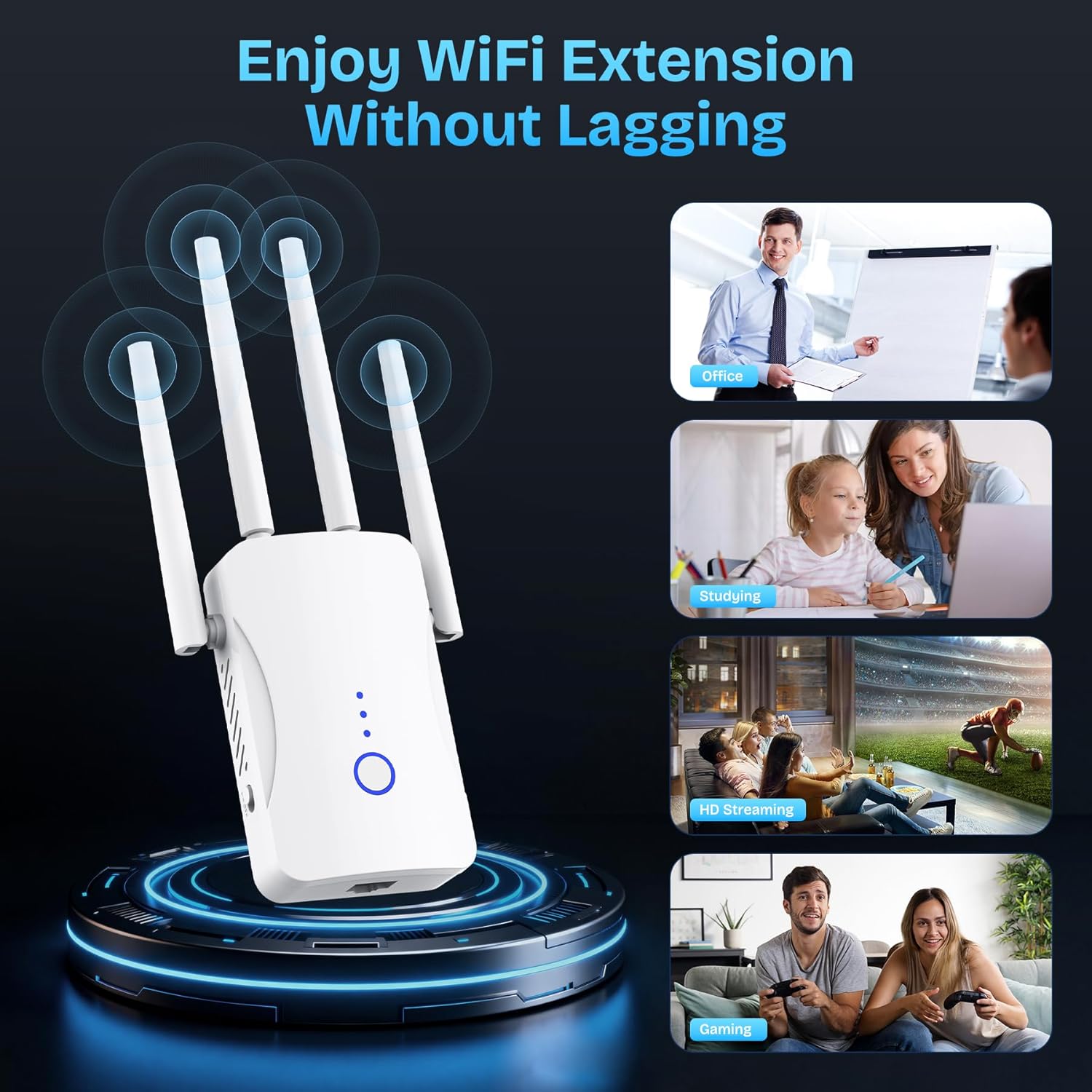
What you’ll notice day to day is less “it drops every time I move” frustration and more consistent coverage in the corners of your home. For example, if you stream on a smart TV in one room and your phone loses signal in the hallway, moving the extender to a halfway spot can turn that into a smoother experience without changing your devices.
What matters most for performance
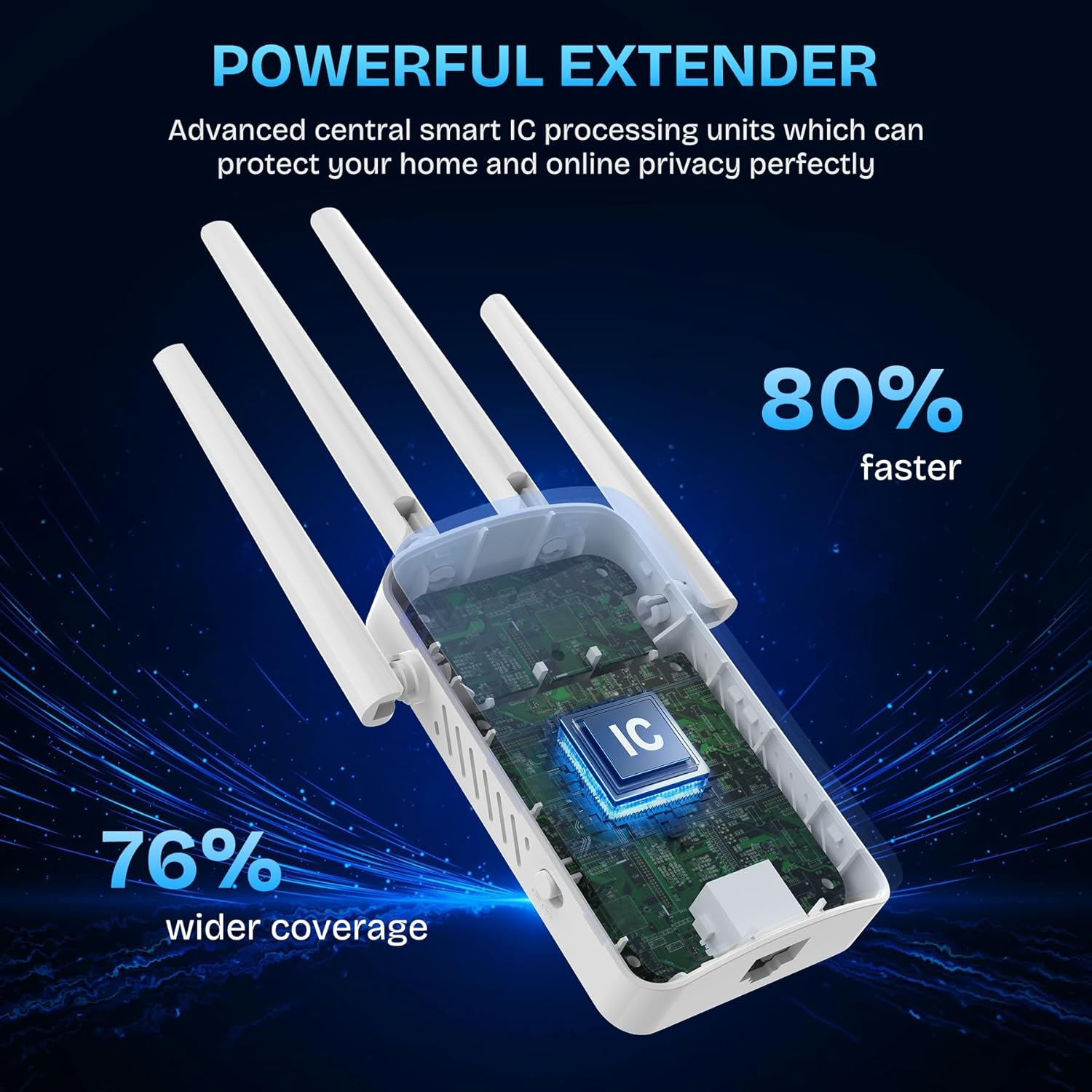
The big differentiator here is the combination of a 2.4GHz boost with fairly broad device support. The description highlights advanced processing/chips for up to 300Mbps in the 2.4GHz band, with the goal of stable performance and reduced transmission loss.
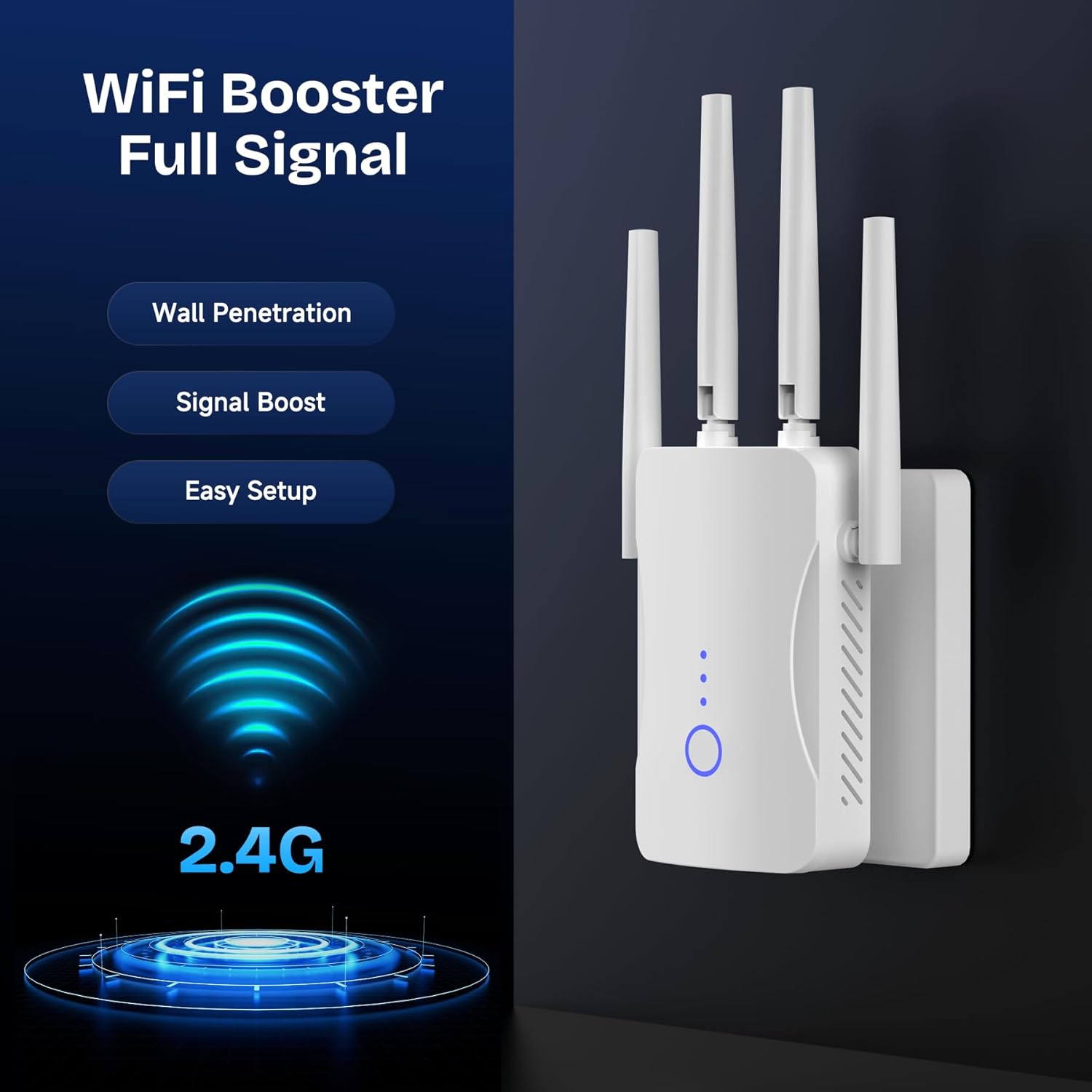
In real buying terms, this makes the most sense if your main issue is reach and consistency—not squeezing the absolute highest speeds out of a short-range setup. 2.4GHz is often chosen because it typically travels farther through walls than 5GHz, and that aligns with the use cases mentioned: bedrooms, floors, restrooms, garages, basements, and even garden coverage.
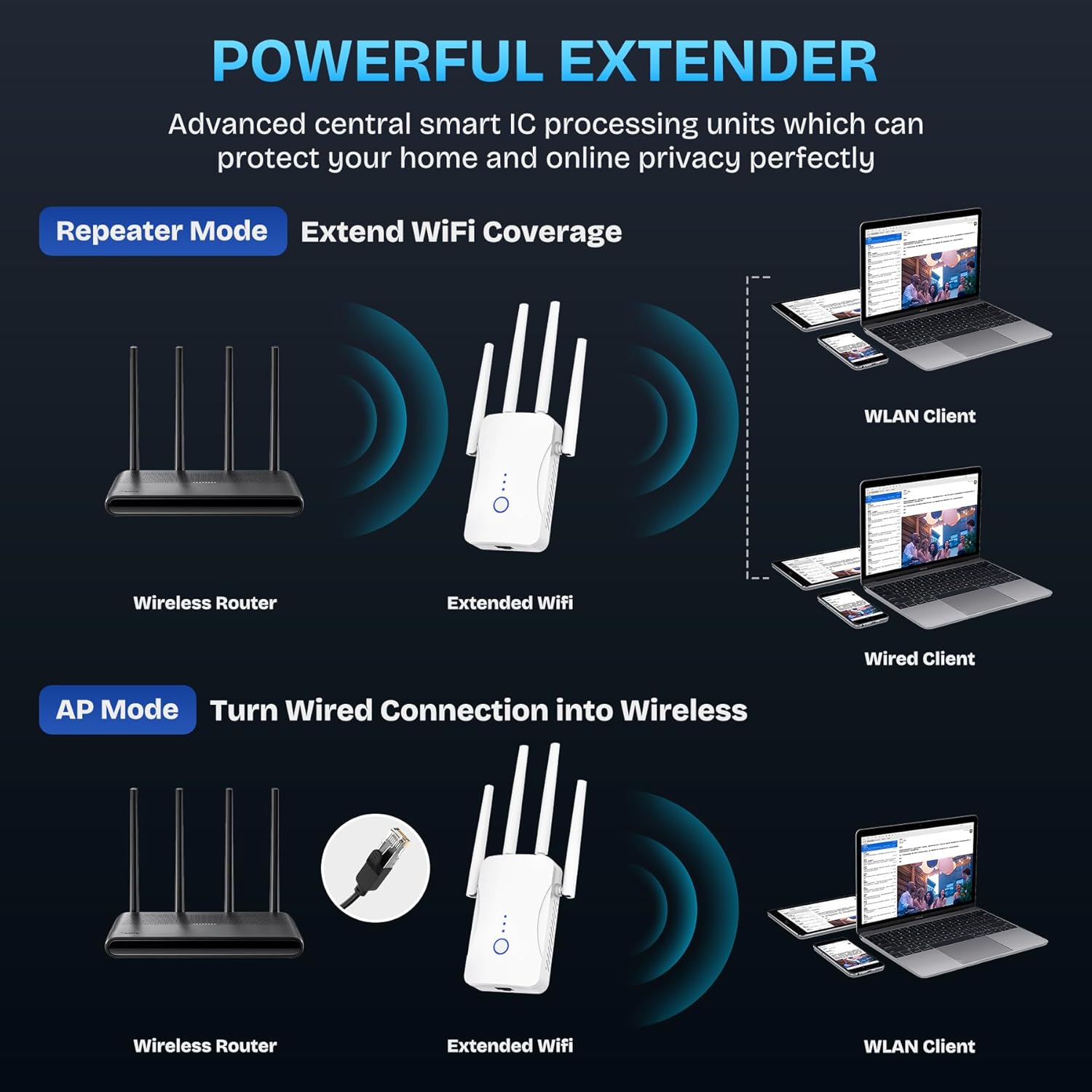
There’s also an Ethernet port and an access point mode mentioned. If you want a wired connection for one device while still extending wireless to others, that flexibility can be a practical advantage. Just keep in mind the listing doesn’t spell out exact speeds over Ethernet or specific mode behaviors, so you’ll want to follow the setup guidance carefully.
Setup and everyday use
The product is positioned as easy to use: plug and play, connecting quickly to your device “in several seconds.” That’s the kind of experience most people want with an extender, because signal problems are annoying when you’re trying to work, game, or stream.
A realistic micro-scenario: you place the extender roughly between your router and a dead zone (say, a basement room), power it on, and connect it following the quick setup process. Within minutes, devices like a smartphone or laptop should be able to pick up the stronger signal where they previously struggled.
One limitation to keep in mind: extenders work best when they can “hear” your main Wi-Fi well. If the extender is too far from the router, you may still see weak performance—even if coverage claims sound huge.
Security and network access
Wi-Fi extenders aren’t fun to think about from a security perspective, but this one explicitly calls out WEP/WPA/WPA2 security protocols. The intent, per the listing, is to maximize network security, help protect important data, and avoid interference/privacy problems.
If your current network security settings are outdated or inconsistent, this is at least a nudge toward a safer configuration. Still, you should verify your setup matches the security options you want, since your final safety depends on how your network is configured.
Tech specs
- Name: 2026 WiFi Extender Signal Booster
- Type: WiFi booster / extender with access point support (per description)
- Format: 2.4GHz WiFi extender
- Capacity: Up to 300Mbps (2.4GHz, as stated)
- Coverage: Up to 9999 sq. ft (as stated)
- Ethernet port: Included (per description)
- Device support: 60+ devices (as stated)
- Security protocols: WEP, WPA, WPA2 (as stated)
When it makes sense
Is it worth it?
Worth buying if you want to fix Wi-Fi dead zones across a home using a 2.4GHz network, and you value a quick, plug-and-play setup. It’s especially compelling if you’re connecting many everyday devices—smart TVs, speakers, IP cameras, tablets, and more—and you’re mainly looking for steadier coverage rather than maximum short-range throughput.
Skip it (or at least rethink placement) if your main requirement is top-end speeds on 5GHz, or if your router signal at the extender’s location is already weak. Extenders can only extend what they can receive, and the listing’s biggest coverage claim (9999 sq. ft) may not match your actual layout—walls, distance, and interference do matter.
If you’re comparing options, this fits the “reach and reliability” approach: using a dedicated extender to cover more rooms, floors, and outdoor-adjacent areas. If you’re trying to improve performance for a small area with strong router signal, you may not get much benefit.
Mini FAQ
Is this WiFi extender only for 2.4GHz?
The description specifically places it in the 2.4GHz frequency band, so plan around 2.4GHz coverage.
How hard is the setup?
It’s described as plug and play, taking only several seconds to connect to your device.
Does it support lots of devices?
The listing states support for 60+ devices, including phones, laptops, tablets, smart TVs, and IP cameras.
What security does it use?
It calls out WEP/WPA/WPA2 security protocols.
Does it include an Ethernet port?
Yes—an Ethernet port is mentioned, plus an access point capability in the description.