

TP-Link ER605 V2 Gigabit VPN Router 3-WAN
Reviews
Price
Product description
This wired Gigabit VPN router from TP-Link brings multi-WAN flexibility and secure VPN support for small offices and branch networks. It combines up to four WAN options and five Gigabit ports to keep multiple internet lines running smoothly, and includes cloud management through Omada for remote monitoring and configuration.
Key Points
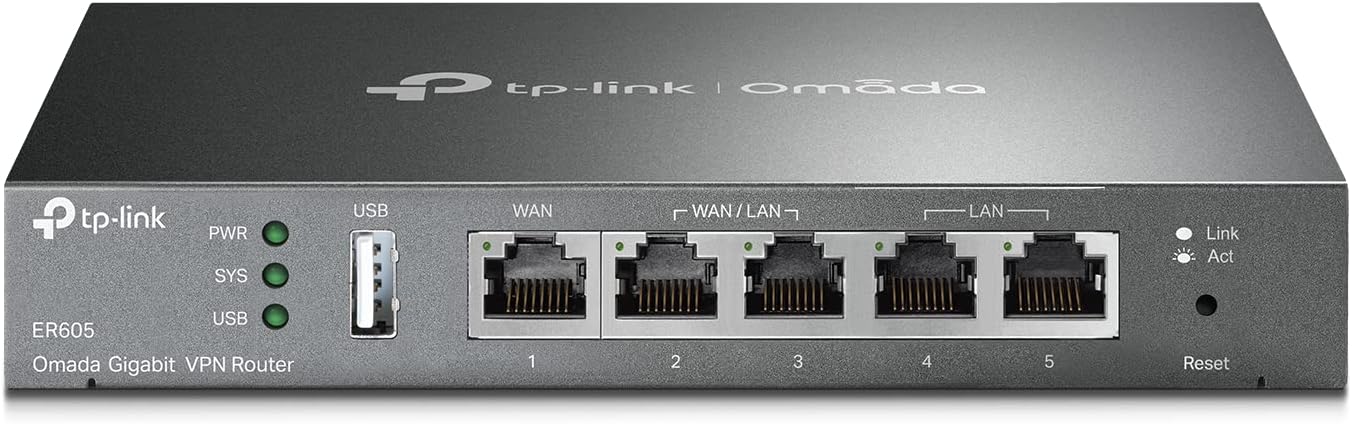
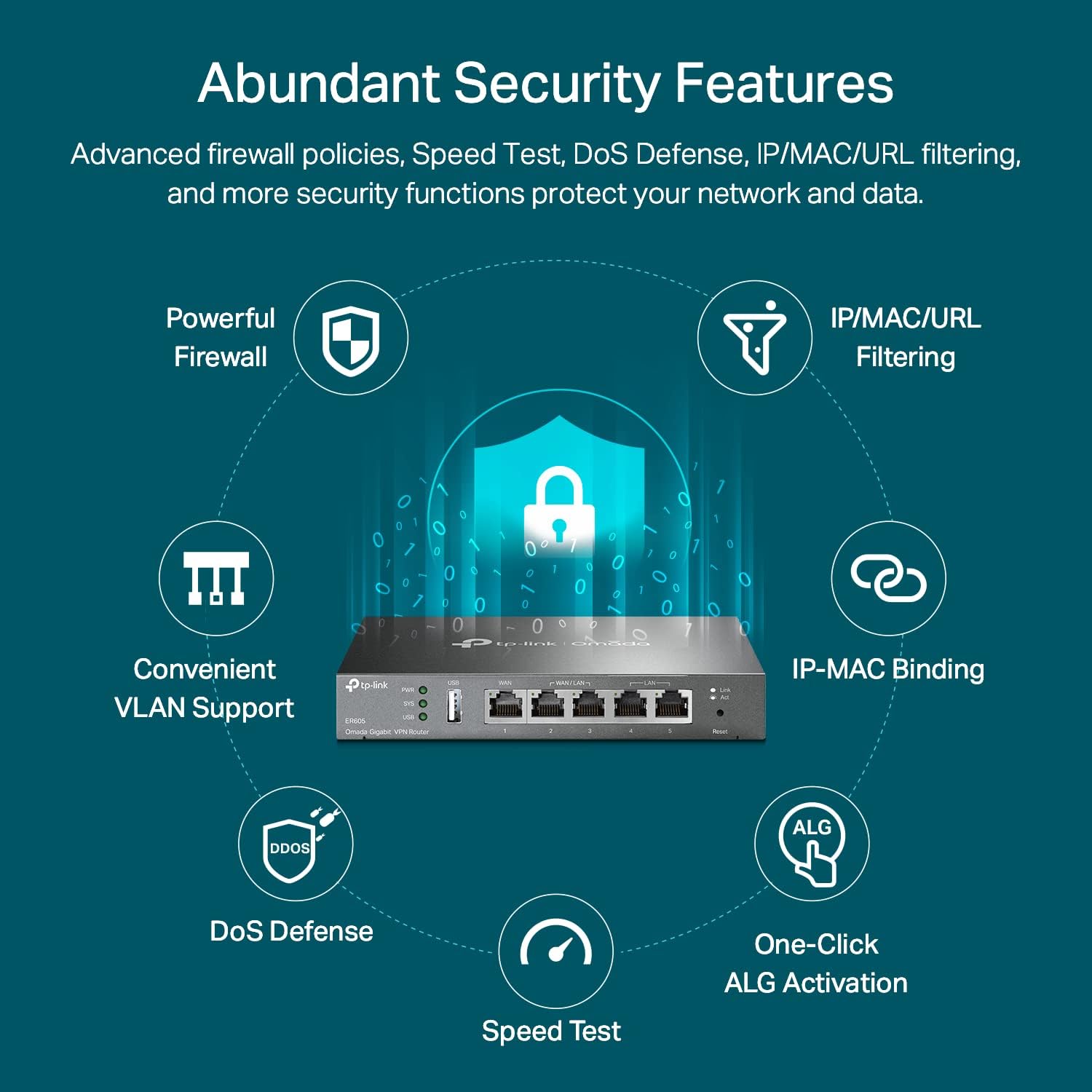
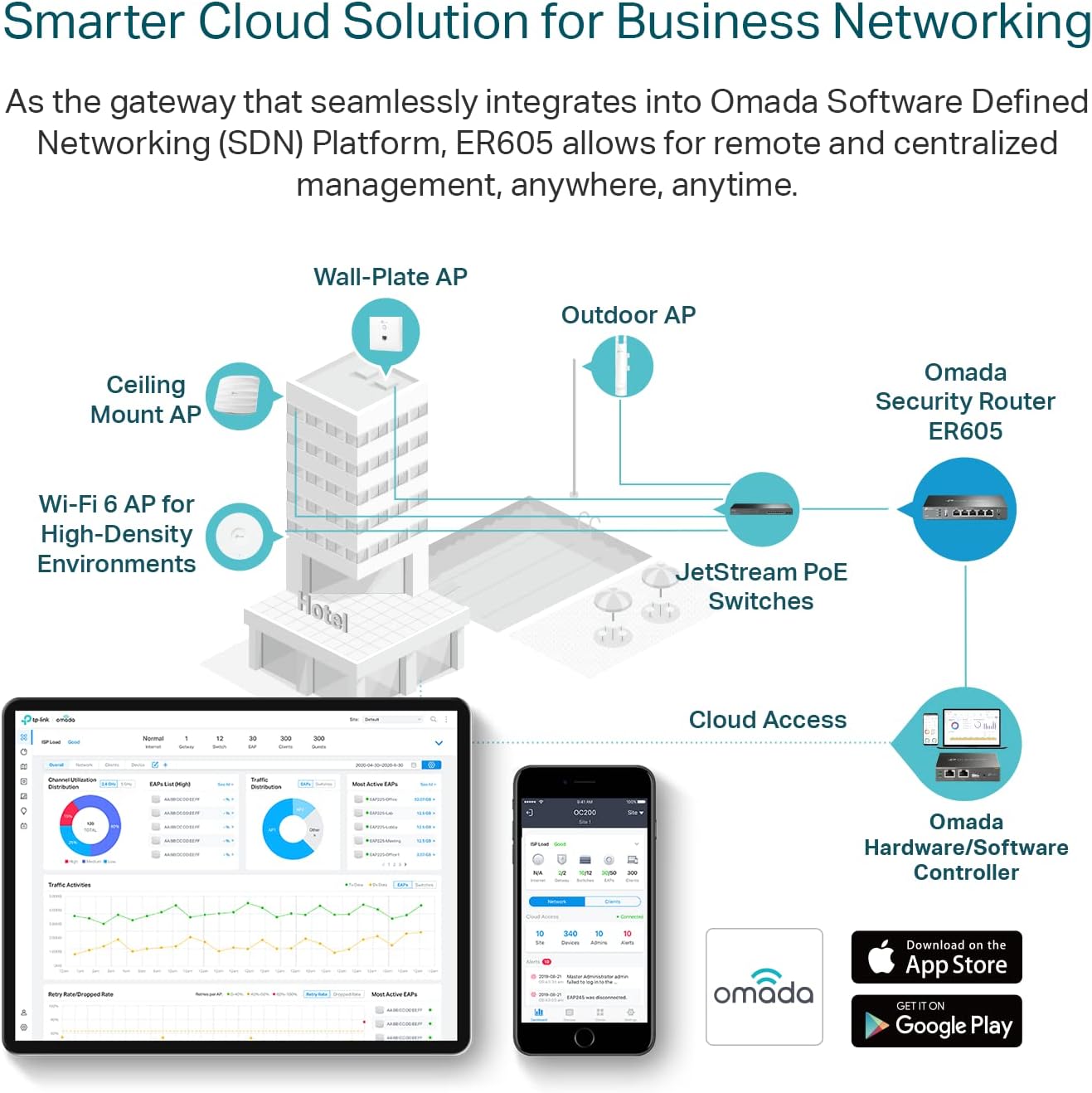
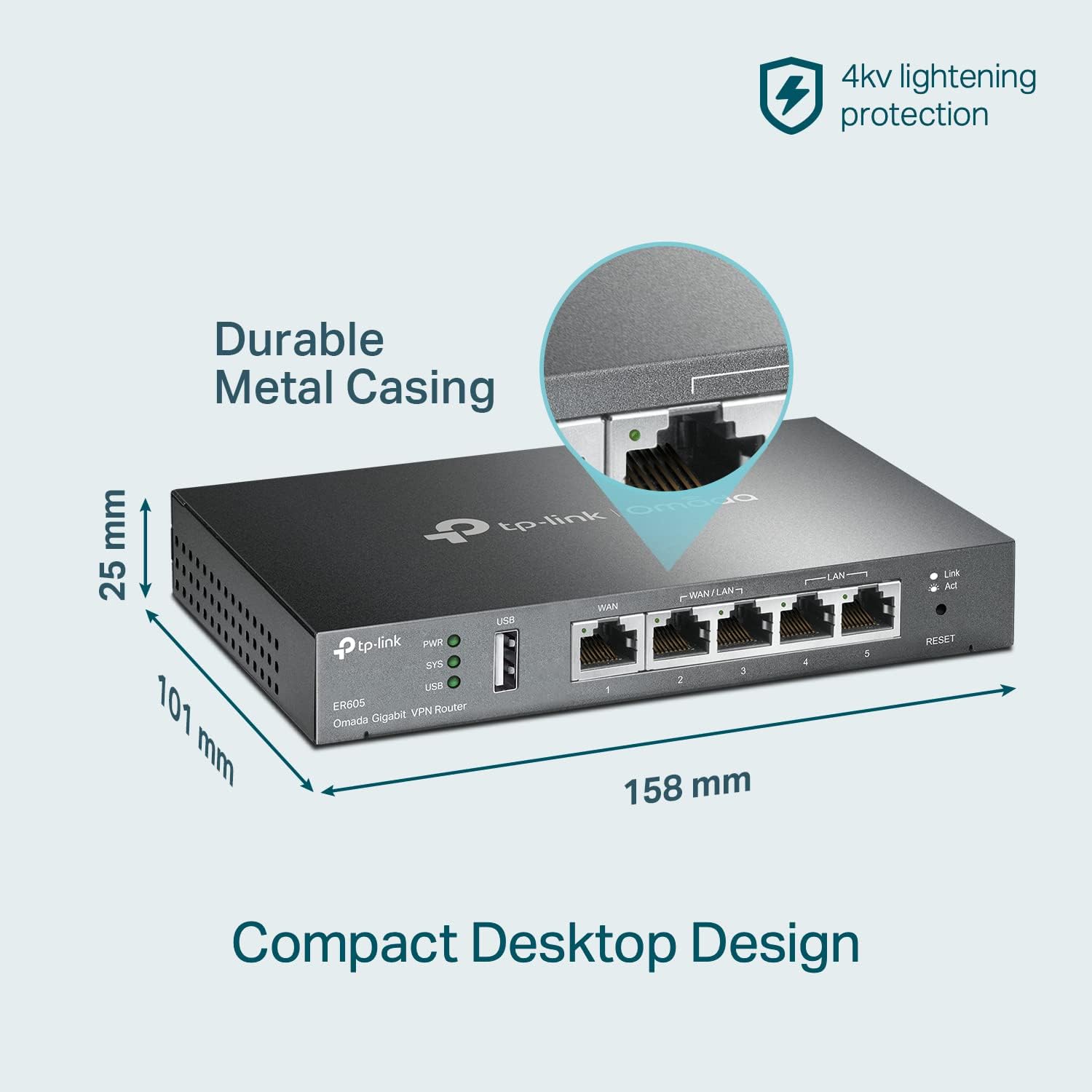
The router supports up to four WAN connections with a 1 Gbps dedicated WAN port plus three ports that can act as WAN or LAN for flexible network design. A USB port can be used as an additional WAN option, allowing use of cellular dongles or alternative uplinks. Omada SDN integration and cloud access simplify central management and let administrators push settings and view status from the Omada app or cloud portal. The device implements an SPI firewall and lightning protection features intended to increase resilience in demanding network environments. For organizations that need secure site interconnections it supports multiple VPN types including IPsec, OpenVPN, L2TP and PPTP with many simultaneous tunnels.
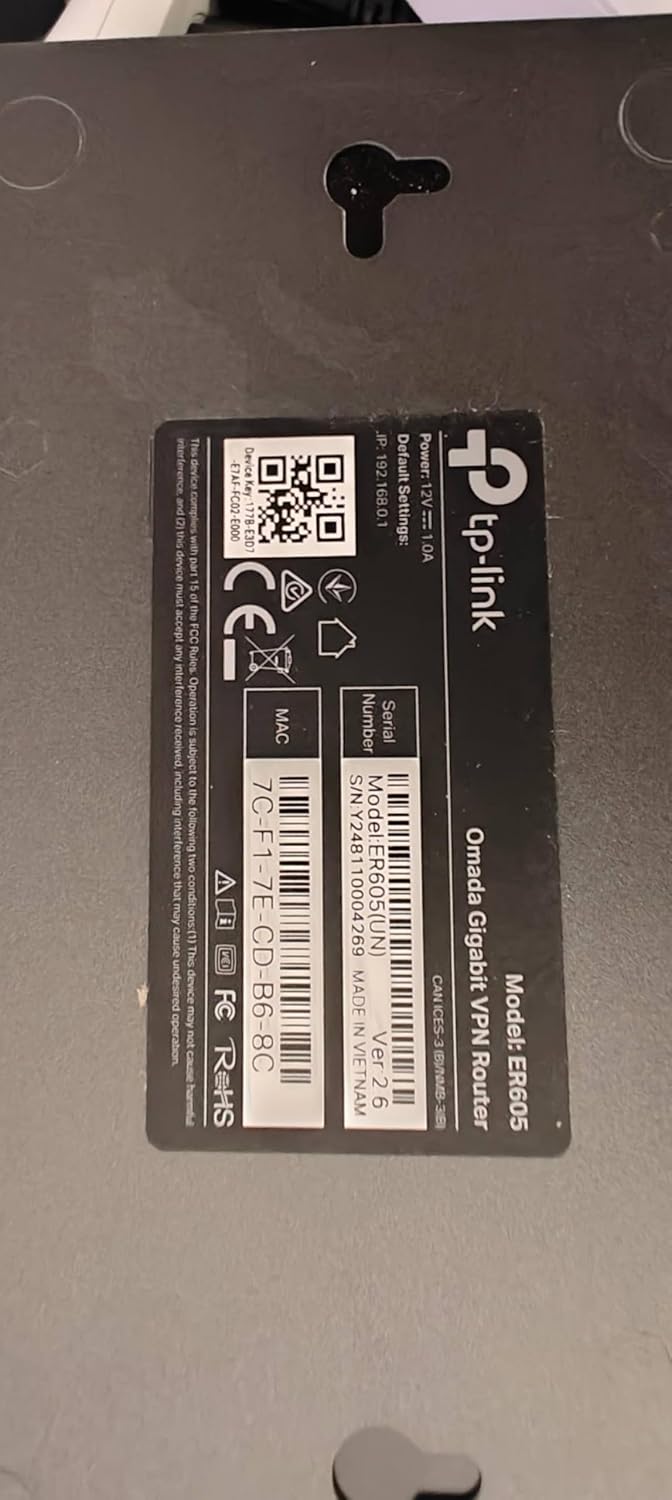
Technical Specifications
- Name: TP-Link ER605 V2
- Ports: - 5 Gigabit Ethernet ports, includes 1 x dedicated WAN and 3 x configurable WAN/LAN
- Additional WAN: - 1 x USB port for WAN (supports cellular dongles according to the manufacturer)
- VPN capacity: - Up to 20 LAN-to-LAN IPsec, up to 16 OpenVPN, up to 16 L2TP, up to 16 PPTP tunnels (according to the manufacturer)
- Management: - Omada SDN cloud access and local web UI
Advantages
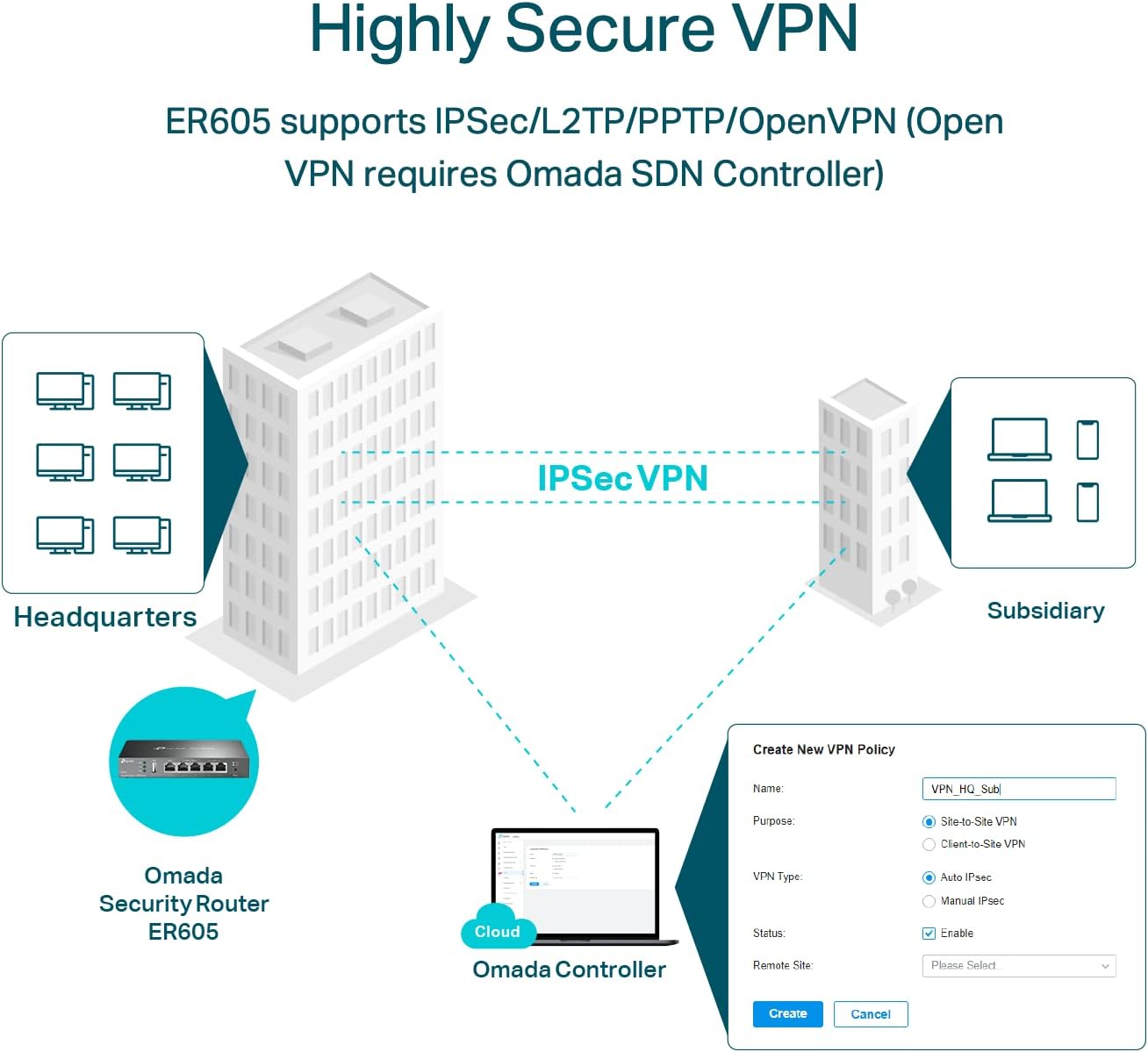
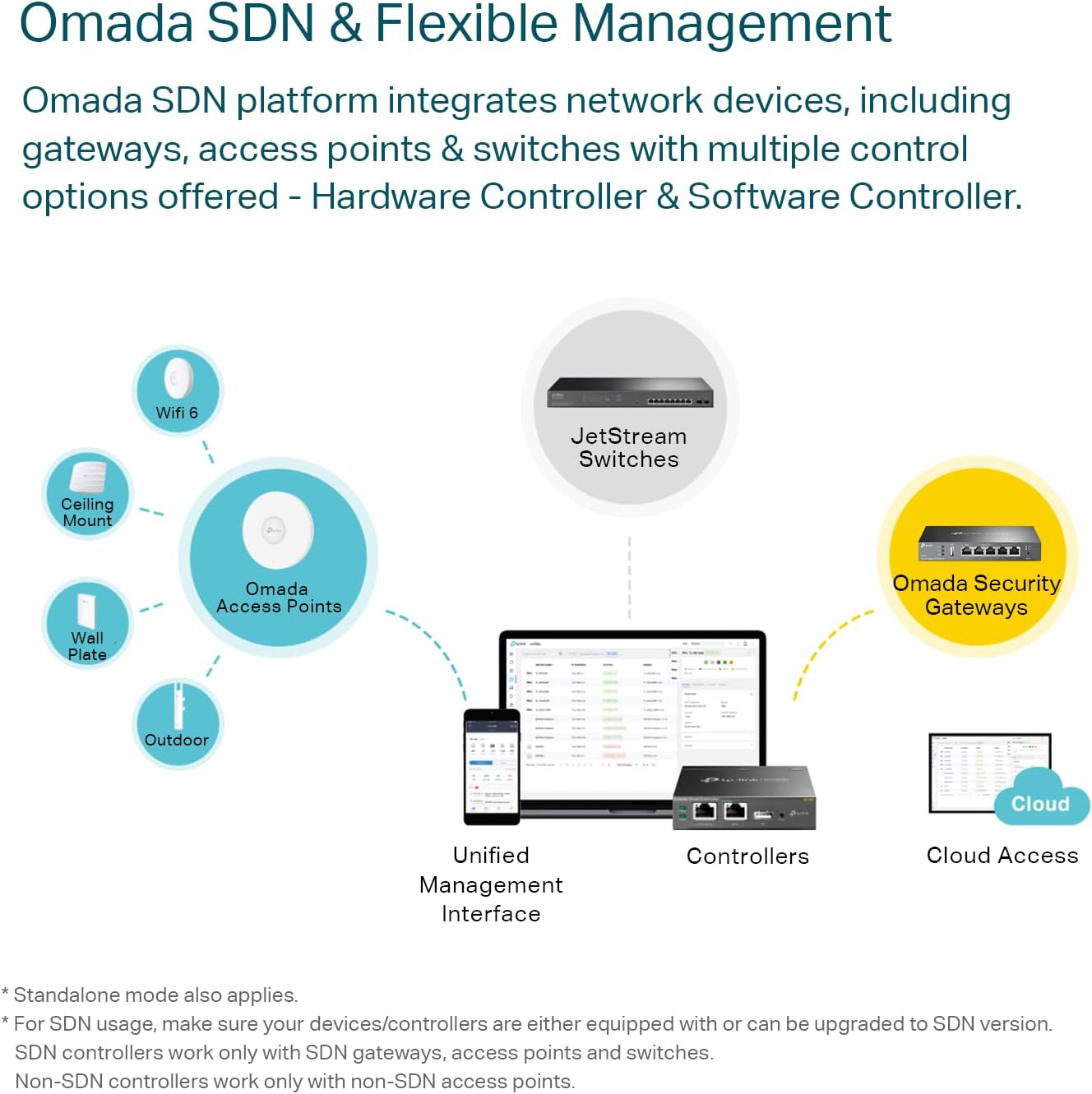
This model focuses on reliability and centralized control, which helps IT staff manage several sites without visiting each location. The multiple WAN arrangement enables load balancing and failover to maintain uptime when one uplink degrades. Security functions such as SPI firewall and support for a broad mix of VPN protocols make it easier to interconnect branch offices or remote workers while maintaining encrypted links. Additionally, Omada integration includes mobile app access, which can speed troubleshooting and reduce on-site support time.
Usage Recommendations
Place the router in a ventilated location near your main cabling to ensure stable performance. Configure load balancing rules to reflect your traffic priorities, for example directing VoIP and VPN traffic over the most stable uplinks. When using the USB WAN option note that compatibility depends on the cellular modem model and firmware; consult TP-Link resources for supported devices. If you require many concurrent remote-access VPN users verify the expected throughput and tunnel counts according to your traffic patterns, because throughput may vary with encryption and simultaneous connections.
EMOJI: ⚡🌐🛡️.