


UGREEN DXP2800 NAS 2-Bay with Intel N100
Reviews
Price
Product description
If you’re tired of files scattered across drives, this UGREEN NAS gives you a simpler way to centralize storage and share it securely across your home or small office. The UGREEN DXP2800 is a diskless 2-bay desktop NAS built around an Intel N100 quad core processor and 8GB DDR5 RAM, with a 2.5GbE network connection for faster day to day access. It’s a practical choice for small teams, enthusiasts, and anyone who wants more control than subscription cloud storage, while still keeping setup and access straightforward. 🔒
Key takeaways
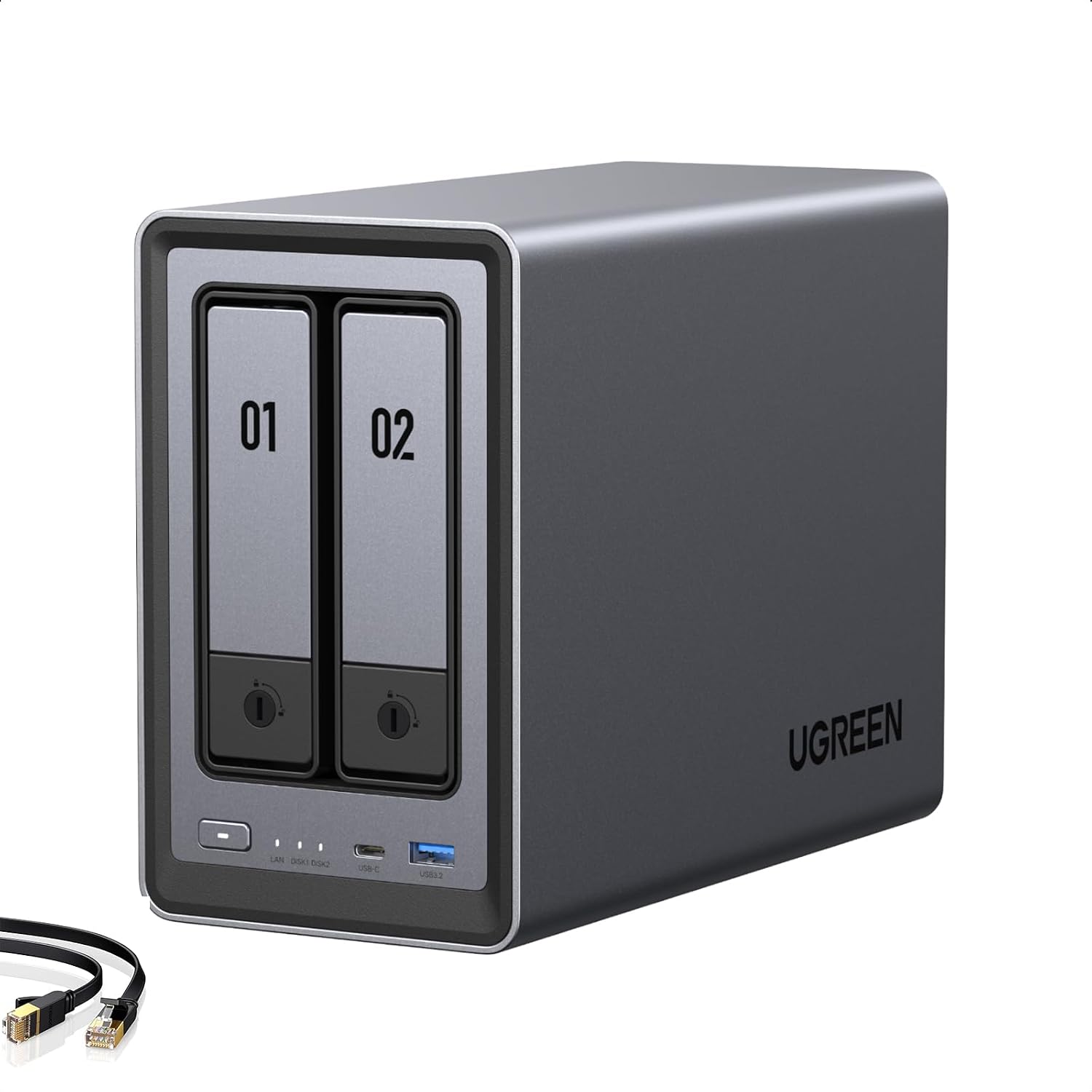
The main advantage of a NAS is that your data lives in one place, so you spend less time managing multiple devices and external drives. With the DXP2800, you can build a local, secure platform for organizing photos, videos, and backups, and then access it from multiple devices. It also supports an intuitive workflow for people who are moving from cloud storage or using drive based setups. And because it is described as diskless, you can choose drives that match your storage plan rather than being locked into a preset arrangement. 🙂
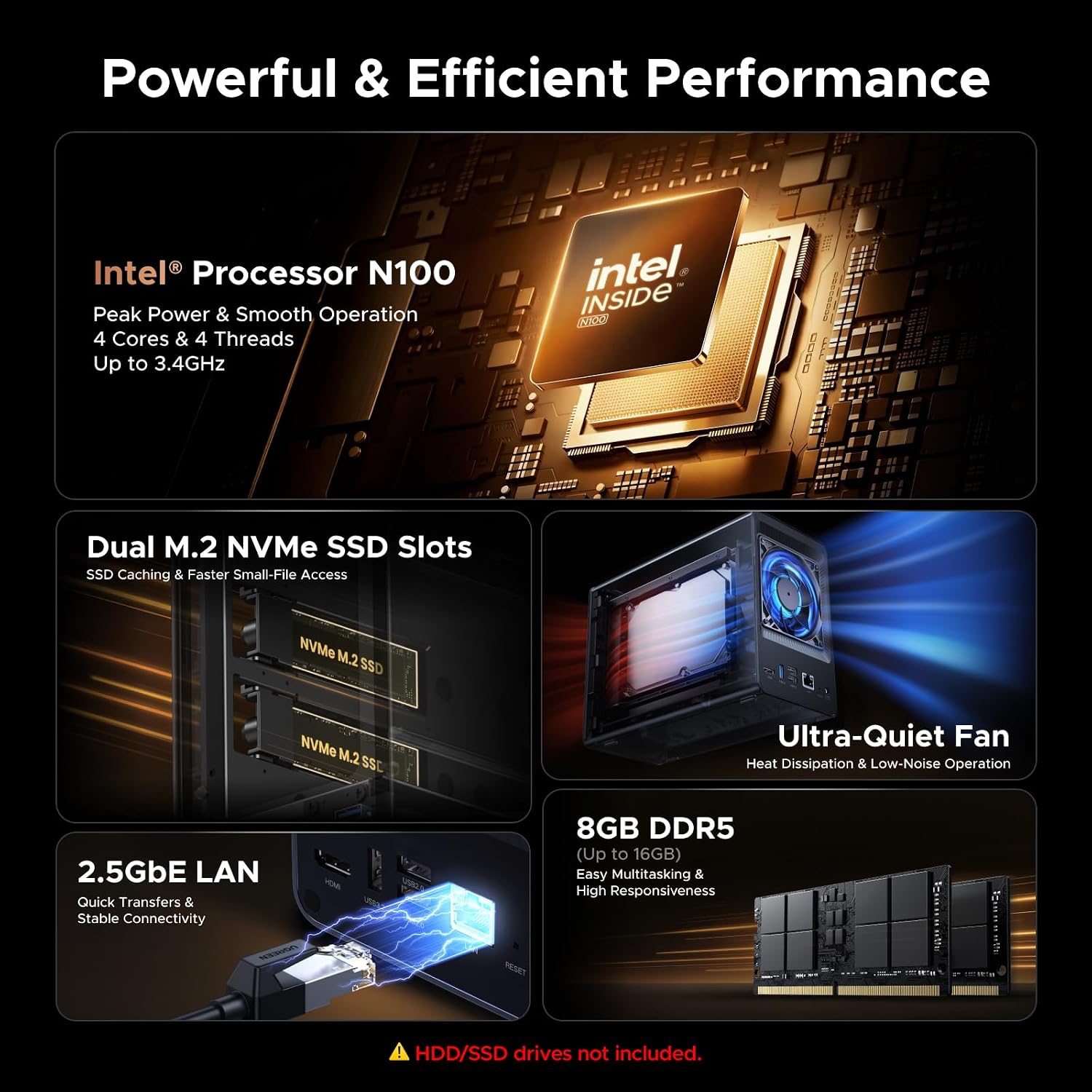
This NAS is also designed for performance and multitasking. The Intel N100 quad core CPU plus 8GB DDR5 RAM helps the system comfortably run multiple apps while you manage files and media. Pair that with 2.5GbE connectivity to support quicker transfers than typical standard gigabit Ethernet speeds. If you prioritize local access, smooth organization, and shared availability, this setup aligns with that goal.
Key points
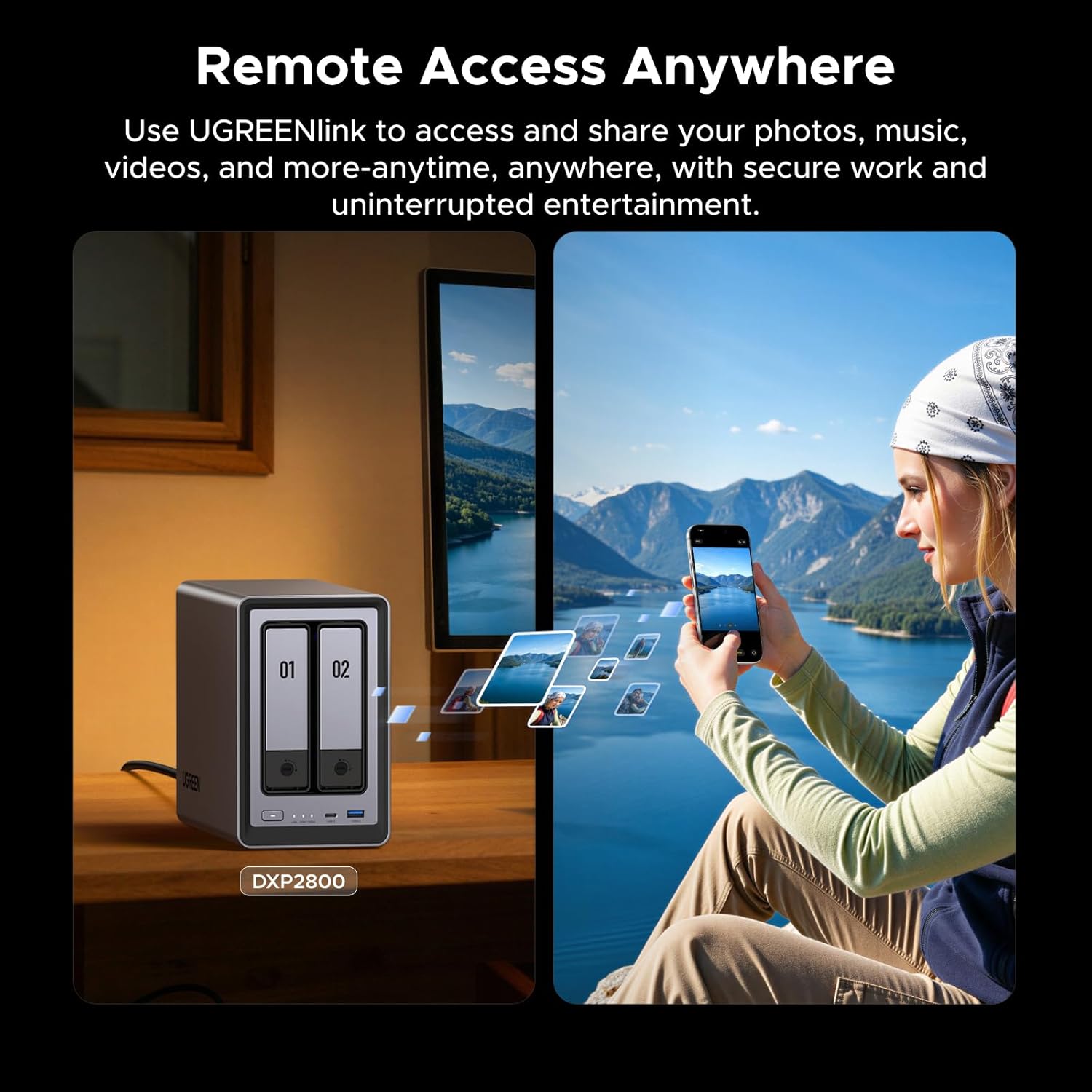
The DXP2800 focuses on an all around experience that feels familiar and practical. The included network attached storage approach helps you securely centralize, organize, and share your data without relying on scattered storage habits. Setup and file sharing are described as user-friendly across Windows, macOS, Android, iOS, web browsers, and smart TVs, so access can match how you already use devices. 😎
You also get features aimed at daily organization, not just raw storage space. The AI powered photo album feature is described as automatically organizing photos by recognizing faces, scenes, objects, and locations. It can also remove duplicates to free storage and save time, which is especially helpful when your library grows. If you store a lot of media, this kind of automation can reduce the manual work of sorting.
The product is positioned as a cost conscious alternative to ongoing cloud subscriptions. Instead of recurring fees, NAS storage relies on a one-time purchase, with your data stored locally for far greater control. You also get security emphasis via advanced encryption, helping protect files and personal information. Take note that the system is diskless, so you will need to add compatible drives to reach the storage capacity you’re targeting.

Tech specs
- Type: Network Attached Storage (NAS), diskless 2 bay desktop design
- Processor: Intel N100 quad core
- Memory: 8GB DDR5 RAM
- Network: 2.5GbE
- M.2 slots: 2X M.2 NVMe slots
- Video output: 4K HDMI
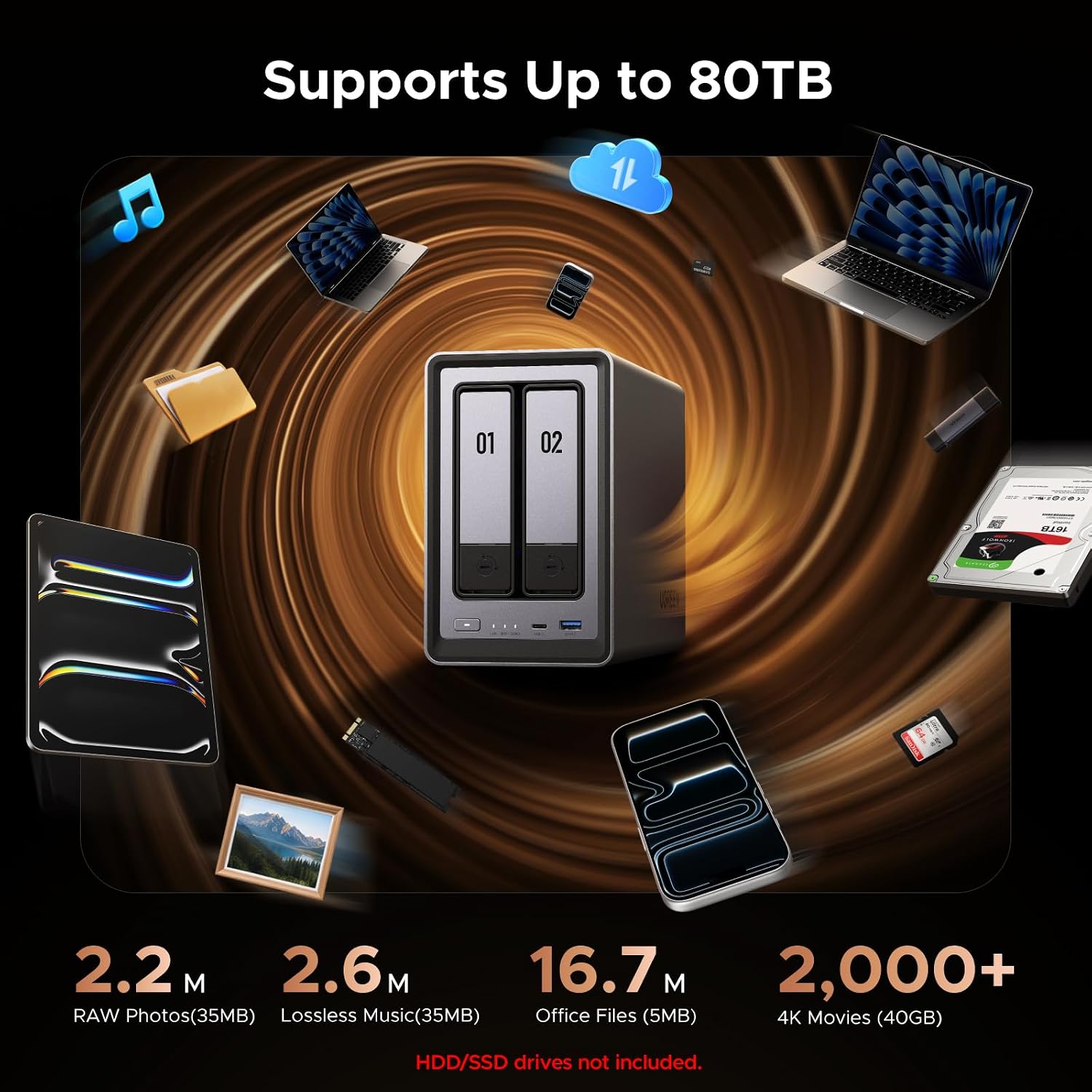
- Storage capacity: Store up to 76TB
Pros
A major strength is how it blends local control with practical sharing. By centralizing data, the DXP2800 helps reduce the friction of managing files across multiple drives, and it supports secure access from many device types. You’ll likely appreciate the user-friendly app experience described for Windows, macOS, Android, iOS, browsers, and smart TVs, since that broad compatibility fits common household and small team setups. 🙂
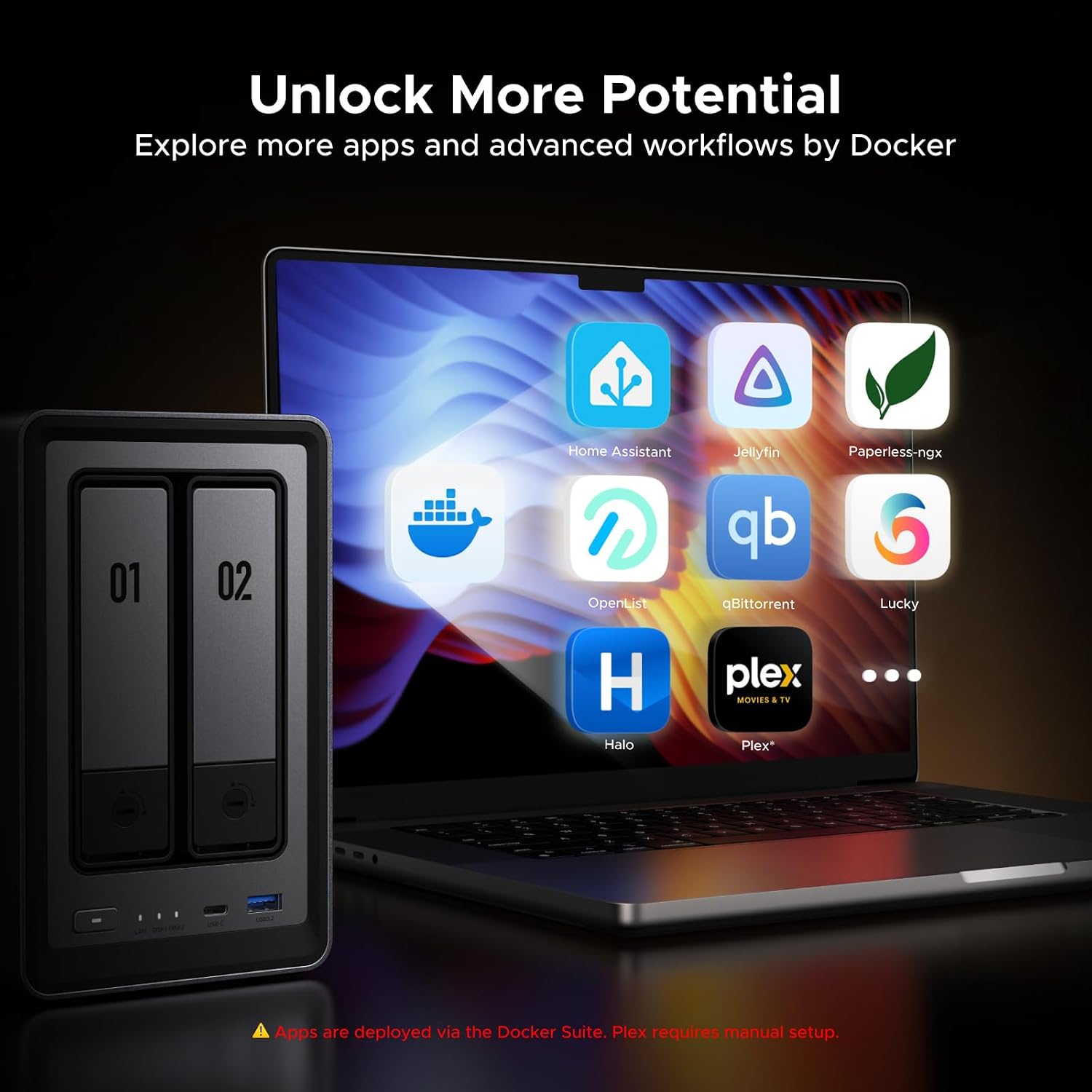
Another standout is the combination of organization tools and storage value. The AI powered photo album feature is built to sort and manage your image library using recognition of faces, scenes, objects, and locations, plus duplicate removal. For performance, the Intel N100 and 8GB DDR5 RAM are paired with 2.5GbE networking, supporting multitasking and fast transfers, with the listing stating a 1GB file transfer in as little as 3 seconds.
It also makes sense if you want secure private cloud style access without subscription based cloud storage costs. The encryption support is emphasized as a way to protect files and personal information. If you prioritize local backups, organized media, and controlled sharing for a small team, this configuration fits that approach.
What’s included
Since the product is described as diskless, the essential storage units are not included in the NAS unit itself. You will need to add drives to build your total storage capacity up to the stated 76TB. Otherwise, the system is positioned to focus on centralized storage, secure sharing, and media management once drives are installed.
Who it’s for
It’s a solid pick if you manage photos, videos, and backups for a small team, and you want a local storage hub with secure access across devices. It makes sense if you want to move away from data scattered across external drives while still keeping control over your files. You may want to skip it if you prefer a fully assembled storage package with drives already included, since this model is diskless. Worth considering if you like automation for media organization and want a straightforward NAS experience without complicated workflows.