

RedThunder K10 Pro Wireless Gaming Keyboard and Mouse Combo
Product description
What it is
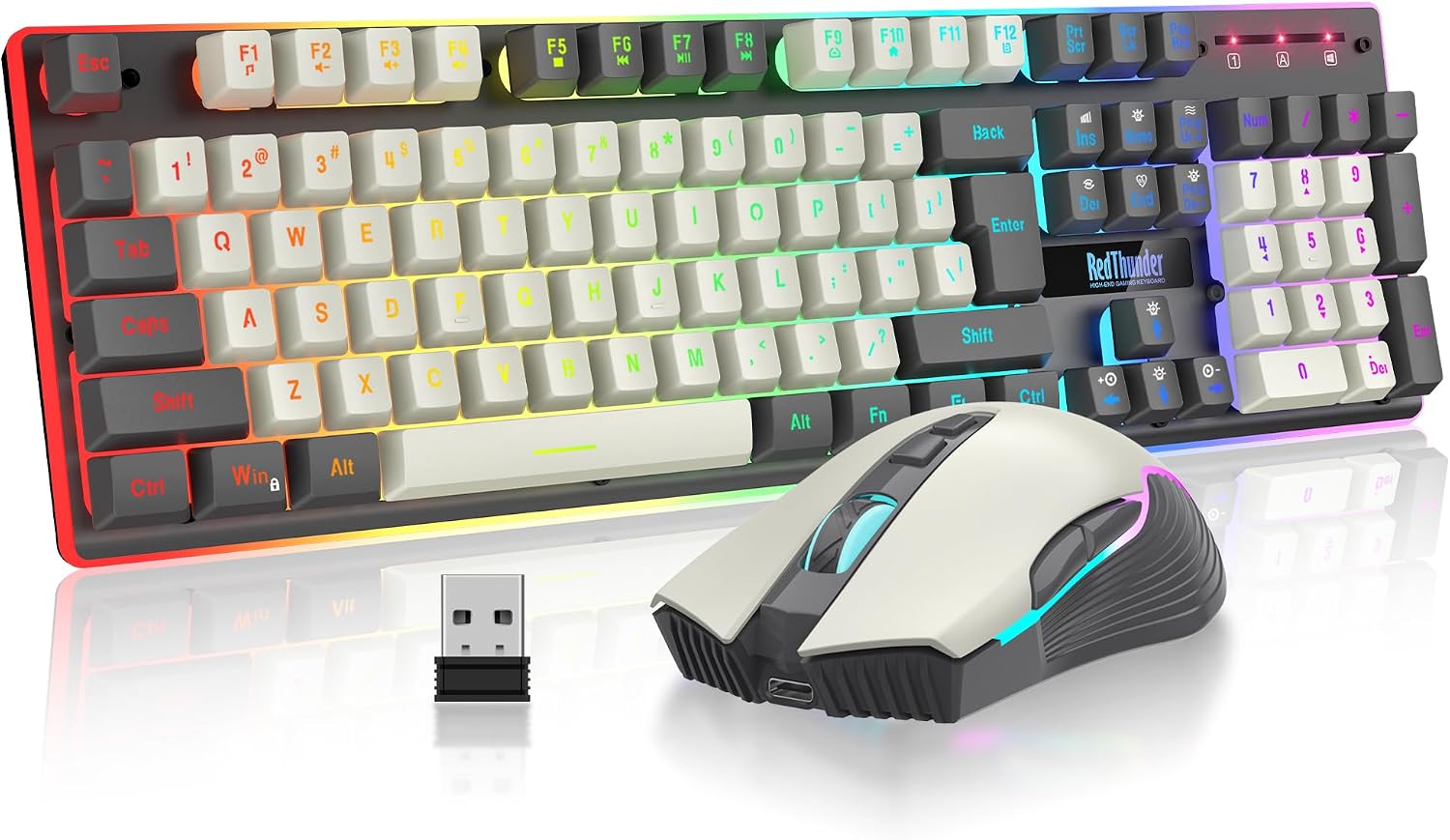
The RedThunder K10 Pro is a wireless keyboard and mouse duo designed for PC gaming and daily work, offering a shared 2.4G receiver for a tidy setup and rechargeable power for long sessions. On paper, this kit aims to balance performance with convenience, featuring an anti-ghosting keyboard feel, RGB lighting, and a comfortable mouse designed for extended use.
Power and connectivity
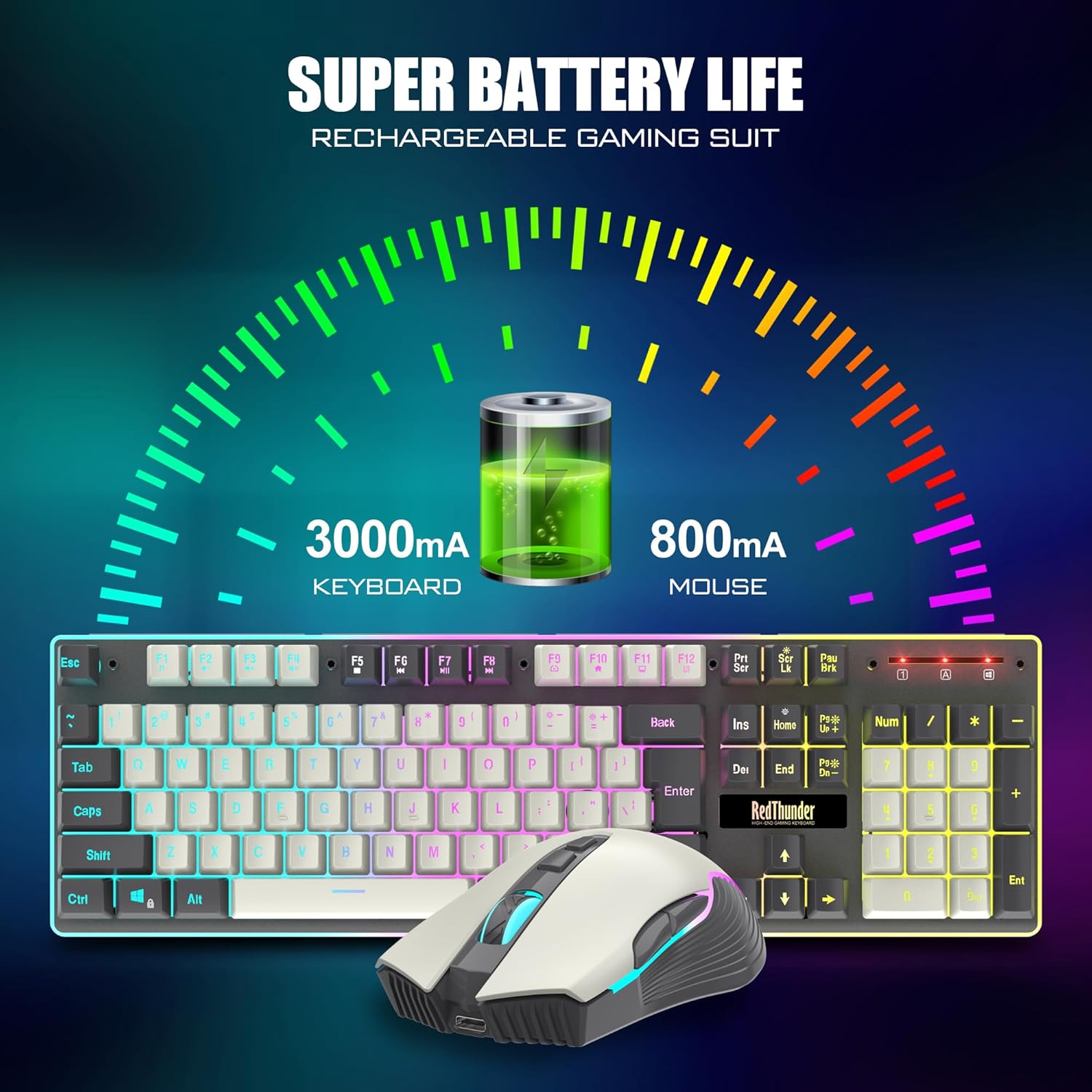
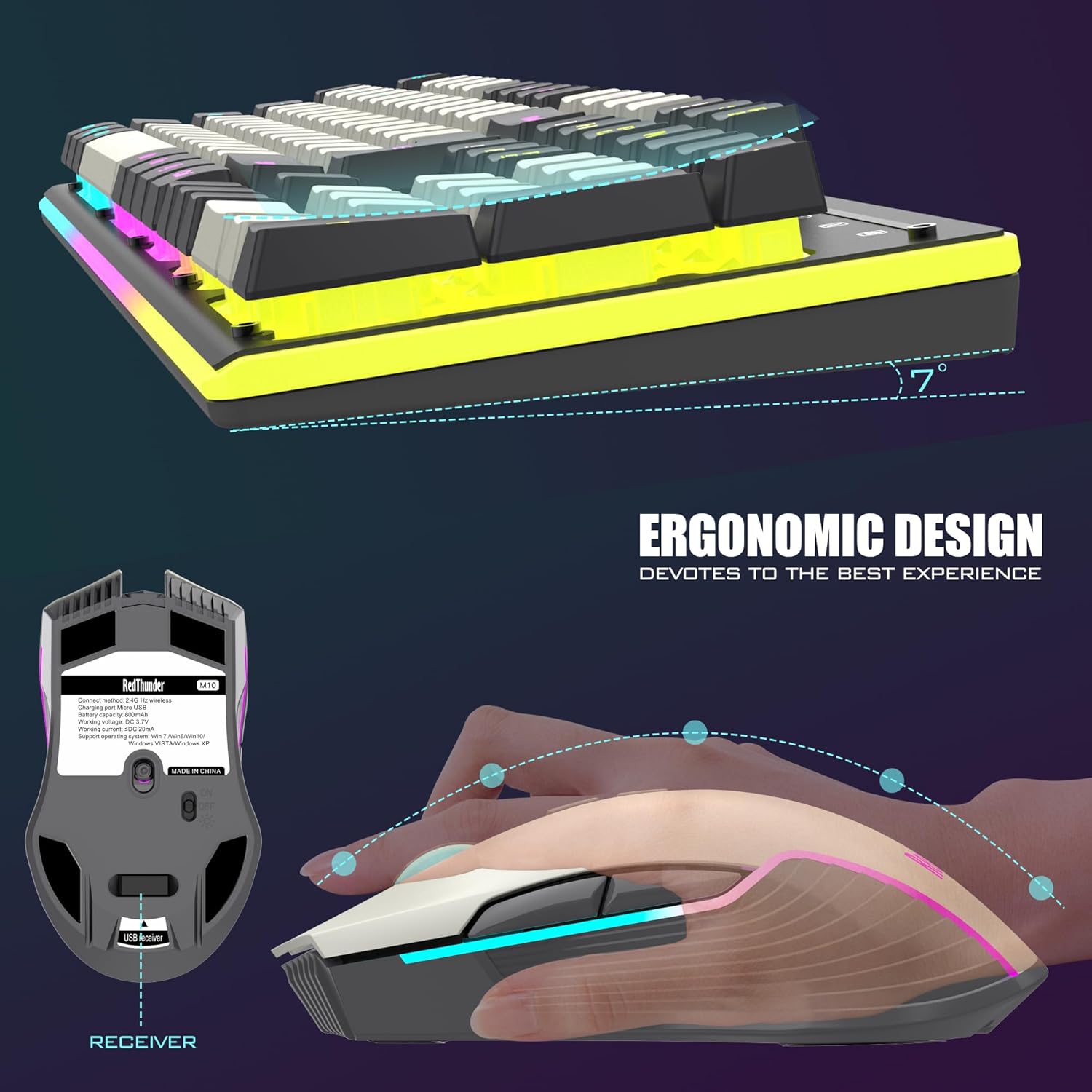
Both devices run on rechargeable batteries, with the keyboard featuring a 3000 mAh cell and the mouse an 800 mAh cell. The pair claims up to several hours of use on a single charge under light activity, thanks to energy-saving sleep functions that wake with any key press. The single USB receiver in the mouse is used to pair the keyboard as well, so you don’t have to manage multiple dongles.
Typing feel and build quality
The keyboard emphasizes a mechanical-feel experience and durability, with ABS keycaps that resist fading and a two-color injection molding process. The chassis is described as thick and frosted for longevity. The mouse is contoured to fit the palm with anti-sweat and non-slip textures for stable control during long gaming sessions.
Lighting and ambience
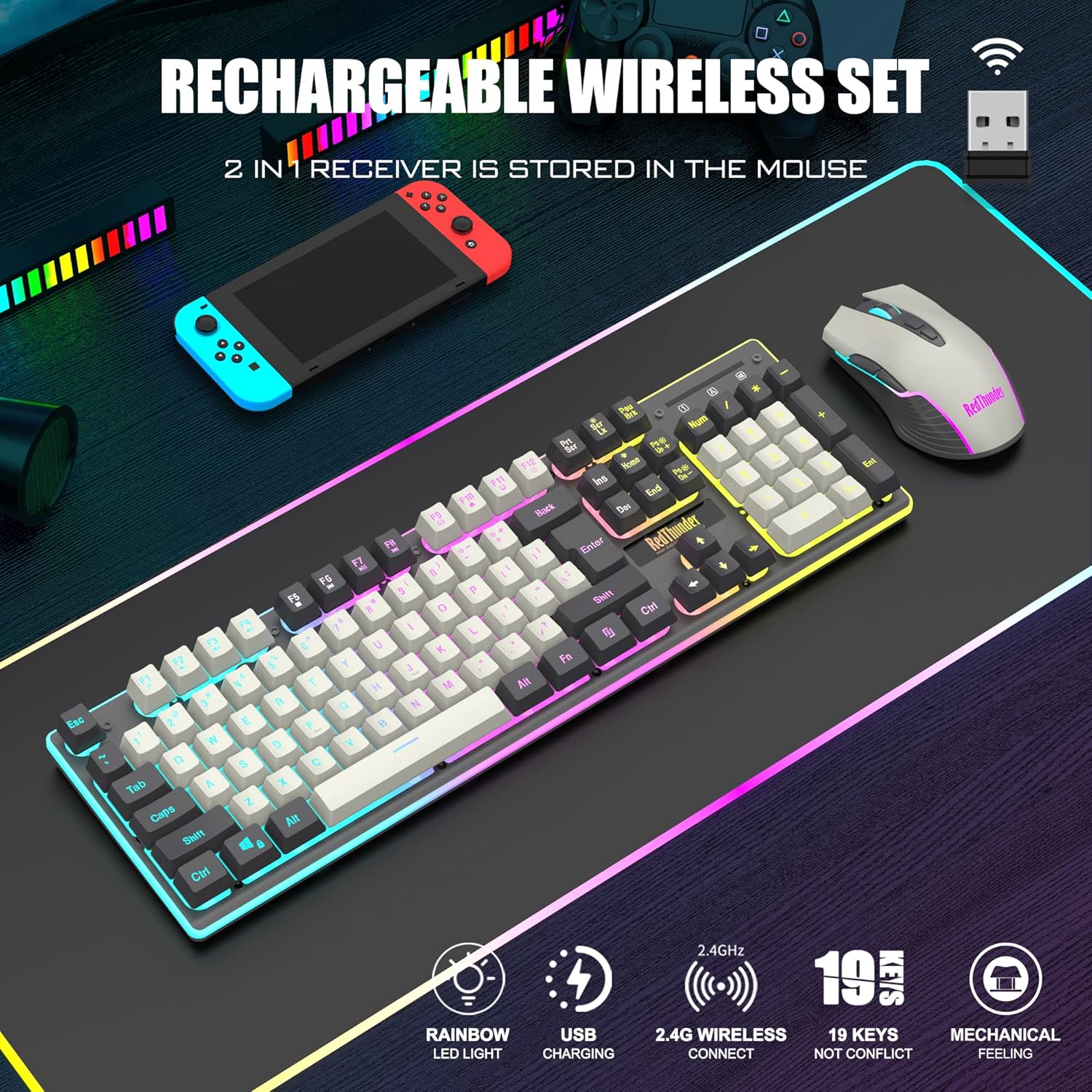
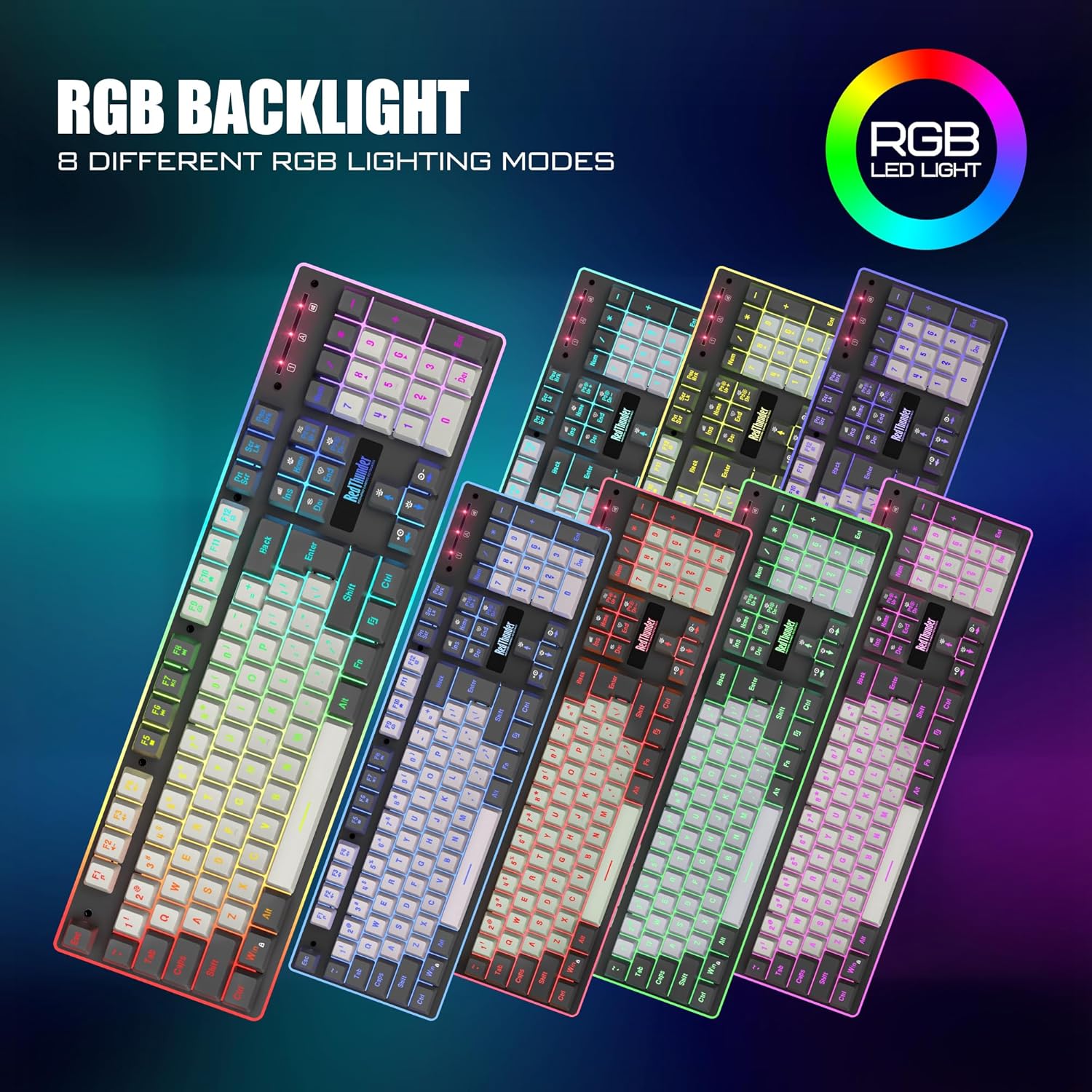
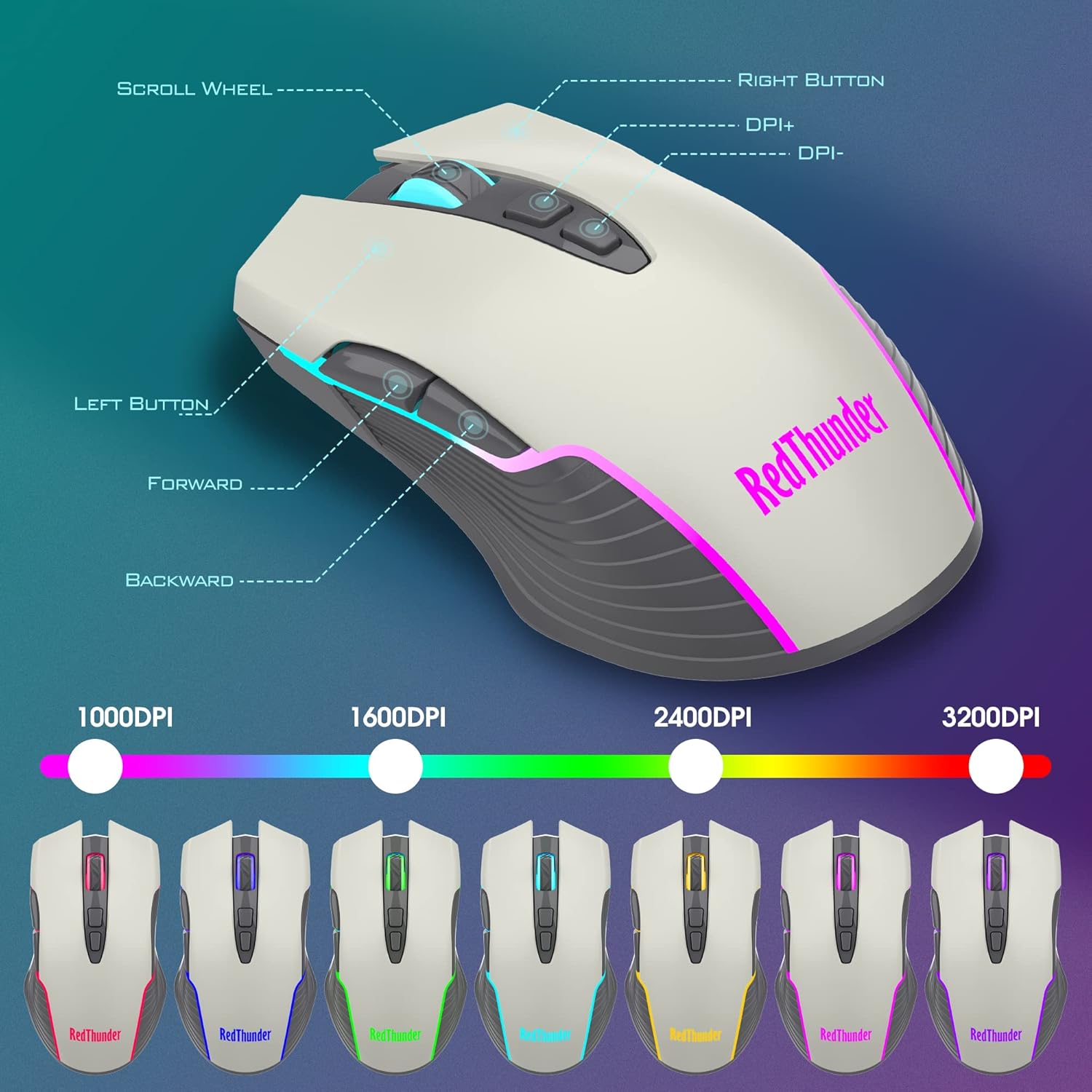
Lighting features include four dynamic backlights and eight static colors on the keyboard, with three brightness levels and four breathing speeds, plus a seven-color cycle on the mouse. Note that some lights are tied to charging status, so visuals may vary depending on charge state.
Setup and compatibility
It’s marketed as plug-and-play: insert the USB receiver, switch on both devices, and they should pair by default. If the connection drops, re-pairing is straightforward. It supports Windows across a broad range (Windows 7 through Windows 11), with limited MacOS keyboard/mouse support. A USB port adapter may be needed for some setups, and the receiver shouldn’t be stressed by frequent plugging/unplugging.
What it’s best at
If you’re after a space-saving wireless solution with a built-in backlight aesthetic for gaming and everyday productivity, the K10 Pro offers a compelling balance of feel, battery life, and simple setup. It’s particularly attractive for desk setups where a single USB receiver keeps things clean and minimal.
Where it might fall short
The premise relies on rechargeable power, if you’re a heavy user in low-light gaming or long sessions, you may need to charge more often than you’d expect. Some lighting behavior depends on charging state, so the visuals aren’t guaranteed to be constant. The “keyboard with mechanical feel” is not a true mechanical switch, so if you crave a real mechanical experience, this may not fully satisfy.
Who it’s for
This combo suits gamers and multitaskers who value wireless convenience, a unified dongle approach, and a visually engaging setup without breaking the bank. It’s also reasonable for casual gamers who want a reliable daily keyboard and mouse pair with decent durability.
Who might want to skip it
If you need true mechanical switches, or if you require full MacOS support for the keyboard/mouse, or if you’re after premium lighting with custom per-key profiles, you might want to look elsewhere.
Practical considerations before buying
- Ensure you have a free USB 2.0/3.0 port for the receiver, and consider a setup that doesn’t require frequent disconnections.
- Check how much you value the keyboard’s “mechanical feel” versus real mechanical switches, the sensory feedback may be good, but not identical to a mechanical keyboard.
- Consider your battery expectations, plan for charging routines around gaming or work marathons.
How it compares to the alternative approaches
Compared to wired keyboards and mice, the K10 Pro trades some raw responsiveness for wireless convenience and tidier desks. If you’re choosing between a wireless kit with a single receiver, this is a sensible option, if you want plug-and-play simplicity with maximum compatibility across operating systems, you might monitor MacOS support more closely.
Example in use
Picture a gaming session where you slide the mouse across a 2–3 foot desk, tapping keys with a tactile yet soft actuation feel, while the keyboard’s backlight softly highlights letters during a late-night raid. The single USB receiver keeps the USB port clean, and the sleep mode helps extend battery life between charges.
FAQ (summary answers based on available data)
- Does the keyboard have full RGB customization by key? Not specified, features include 4 dynamic and 8 static backlights with brightness options.
- Is there MacOS support? Limited MacOS keyboard and mouse support is noted.
- How easy is setup? Plug the receiver, power on, and pairing is automatic, if needed, re-pairing is straightforward.
Is it worth it?
Worth considering if you want a compact wireless duo with a unified receiver, decent build, and an appealing lighting setup, and you don’t need true mechanical switches or extensive MacOS support. It may not be the best pick if you demand full mechanical performance or constant, high-visibility lighting.