

Thermalright Wonder Vision 360 Turbo 2400×1080 CPU cooler
Reviews
Price
Product description
This all-in-one liquid CPU cooler combines a 6.65-inch curved 3D display with a 360 mm radiator and ARGB lighting to bring visual monitoring and cooling performance to gaming and workstation builds. It targets users who want on-pump system readouts and a strong cooling setup for modern Intel and AMD sockets, offering a high-speed pump and triple 120 mm fans for sustained thermal control.
Key Points
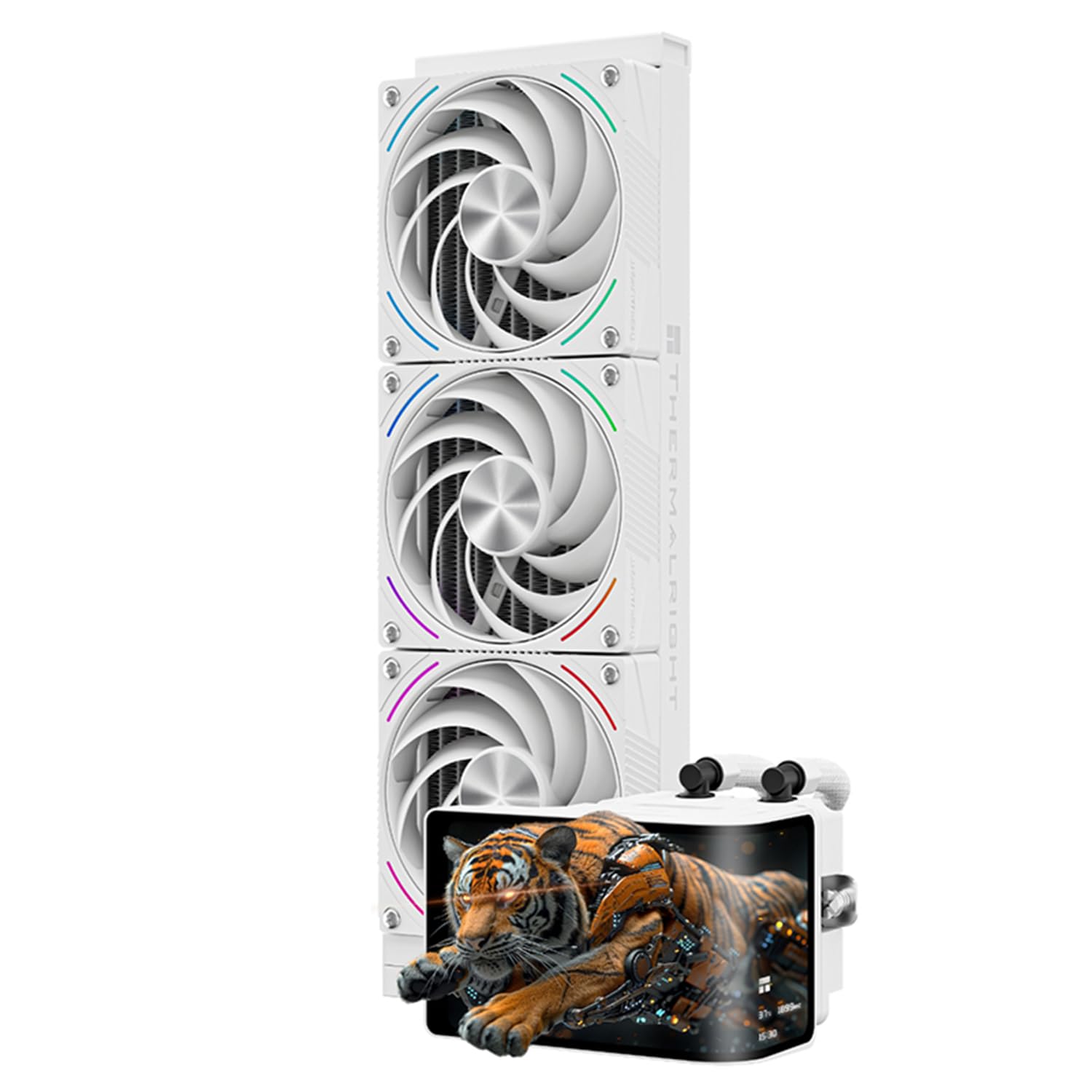
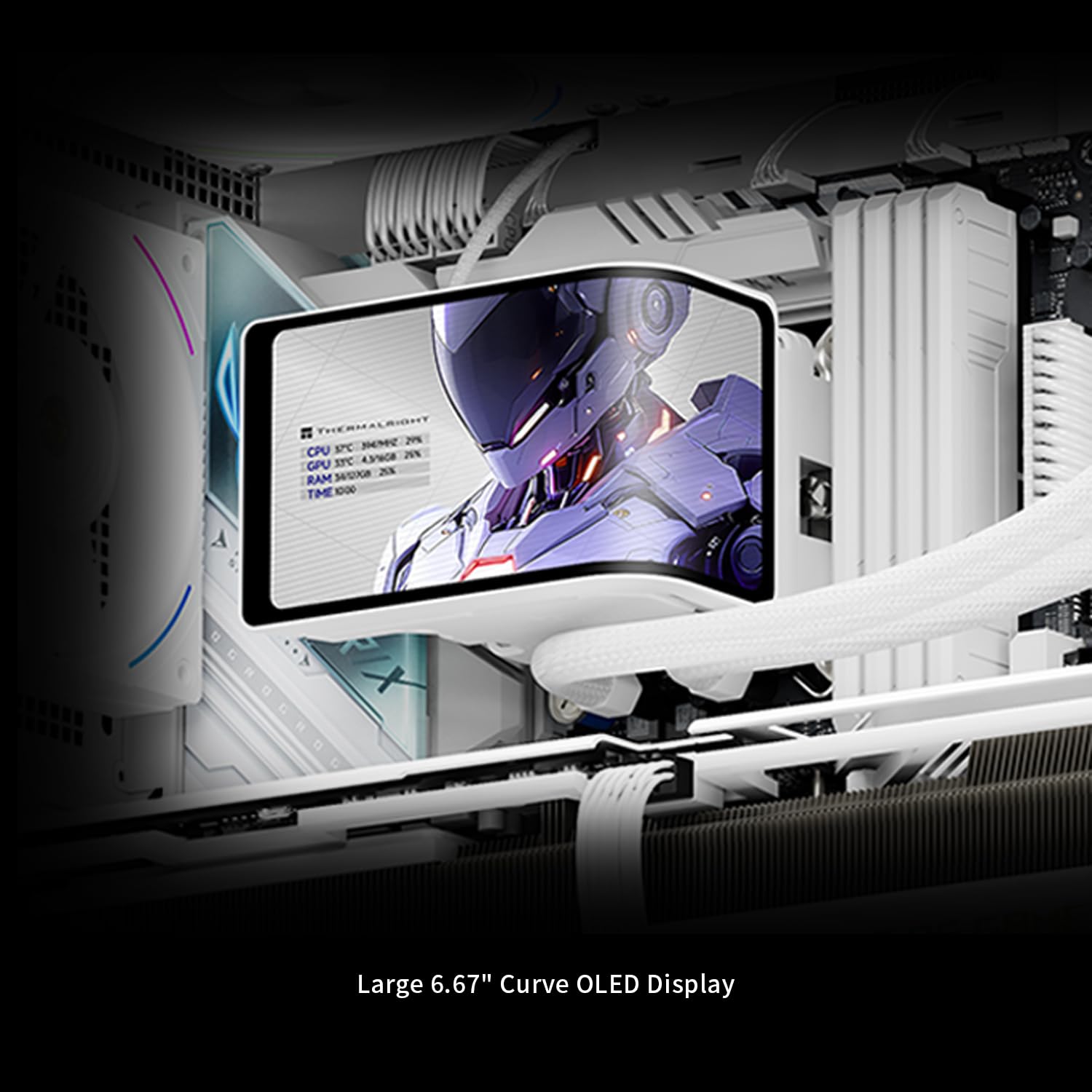
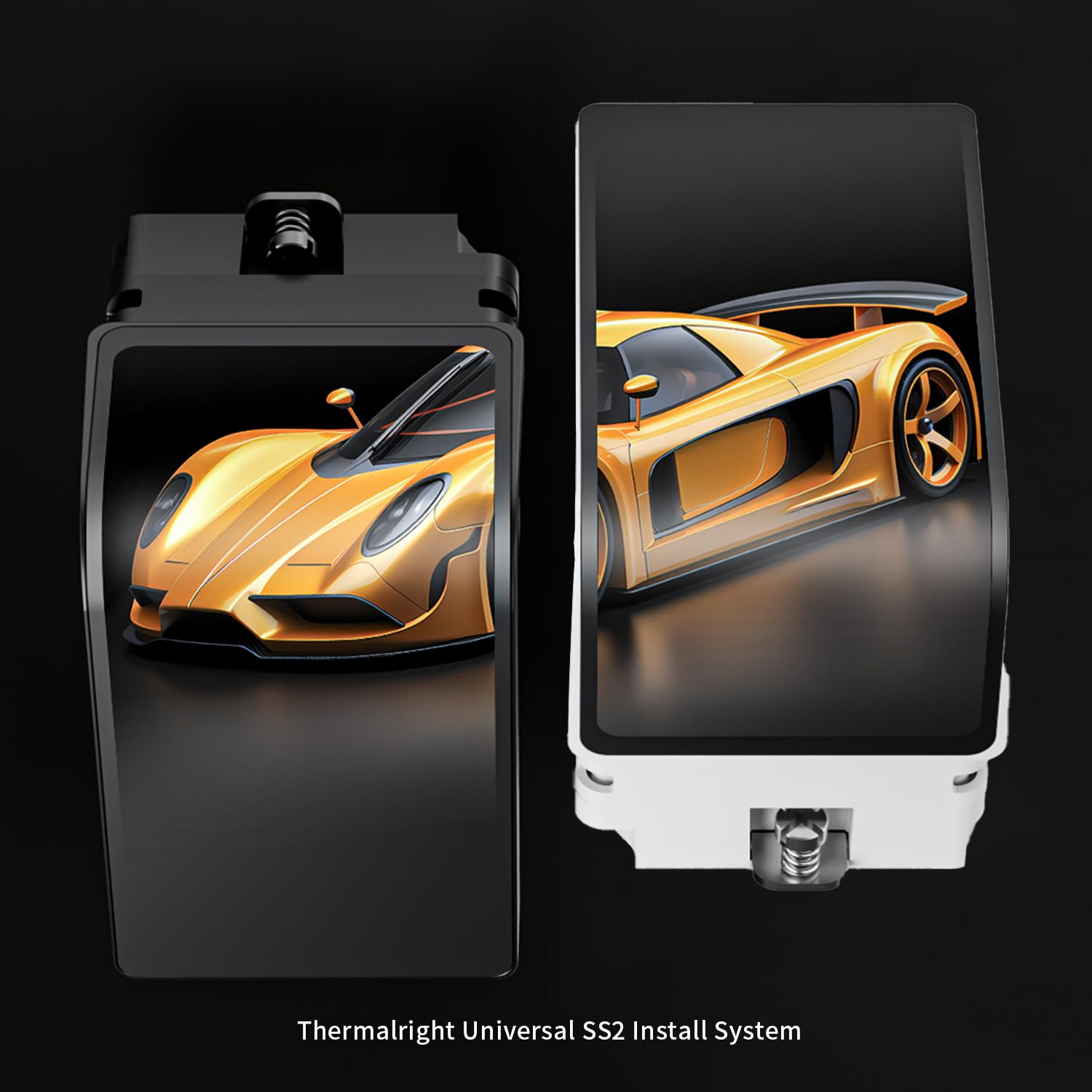
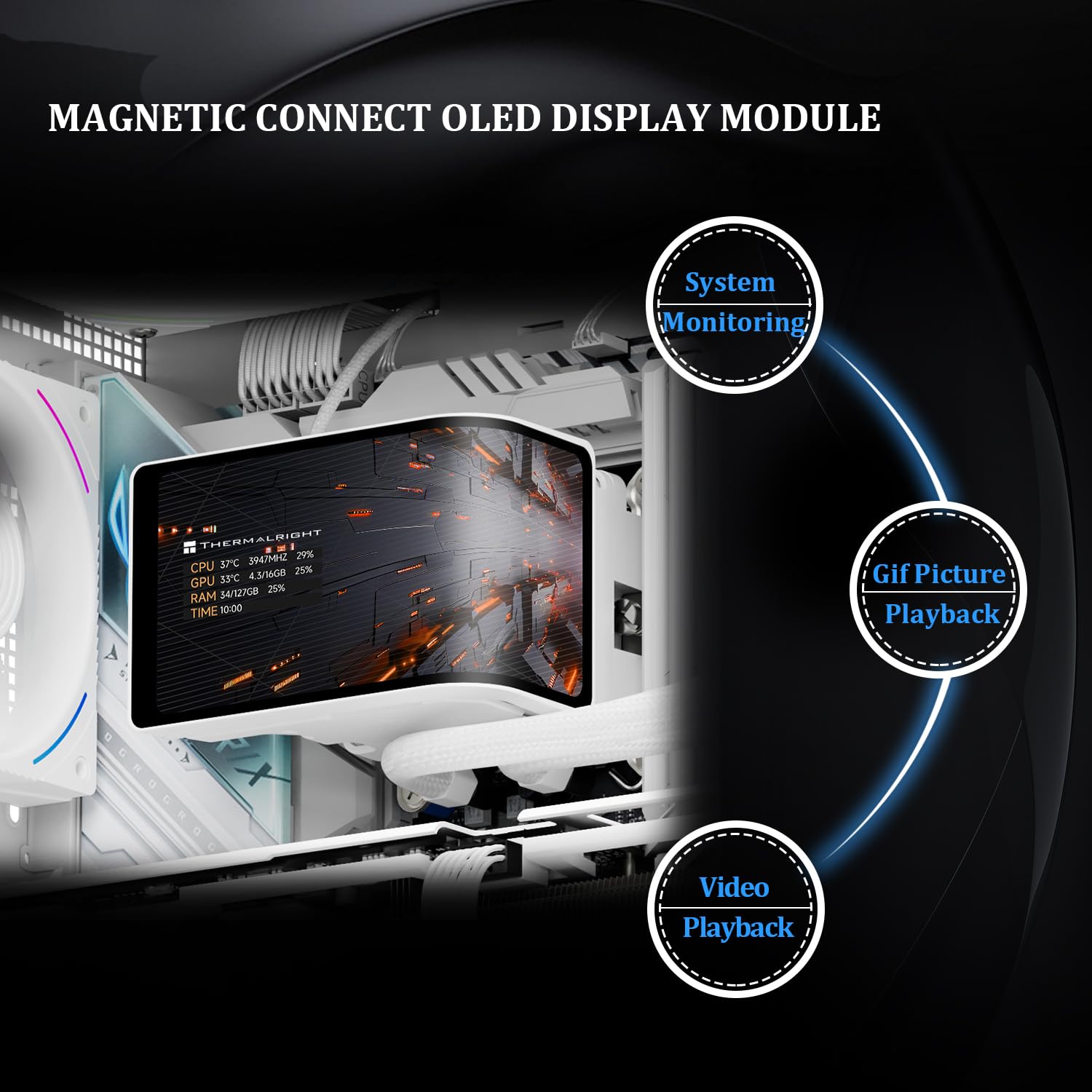
The integrated curved OLED-like screen runs at 60 Hz with a 2400 x 1080 resolution and is magnetically mounted for easy removal, allowing you to show monitoring data, dynamic visuals, or custom themes via the manufacturer software. The pump includes a 3D display head and supports USB 9-pin motherboard connection for data and power, although the TRCC software is required to manage screen content according to the manufacturer. 🔧
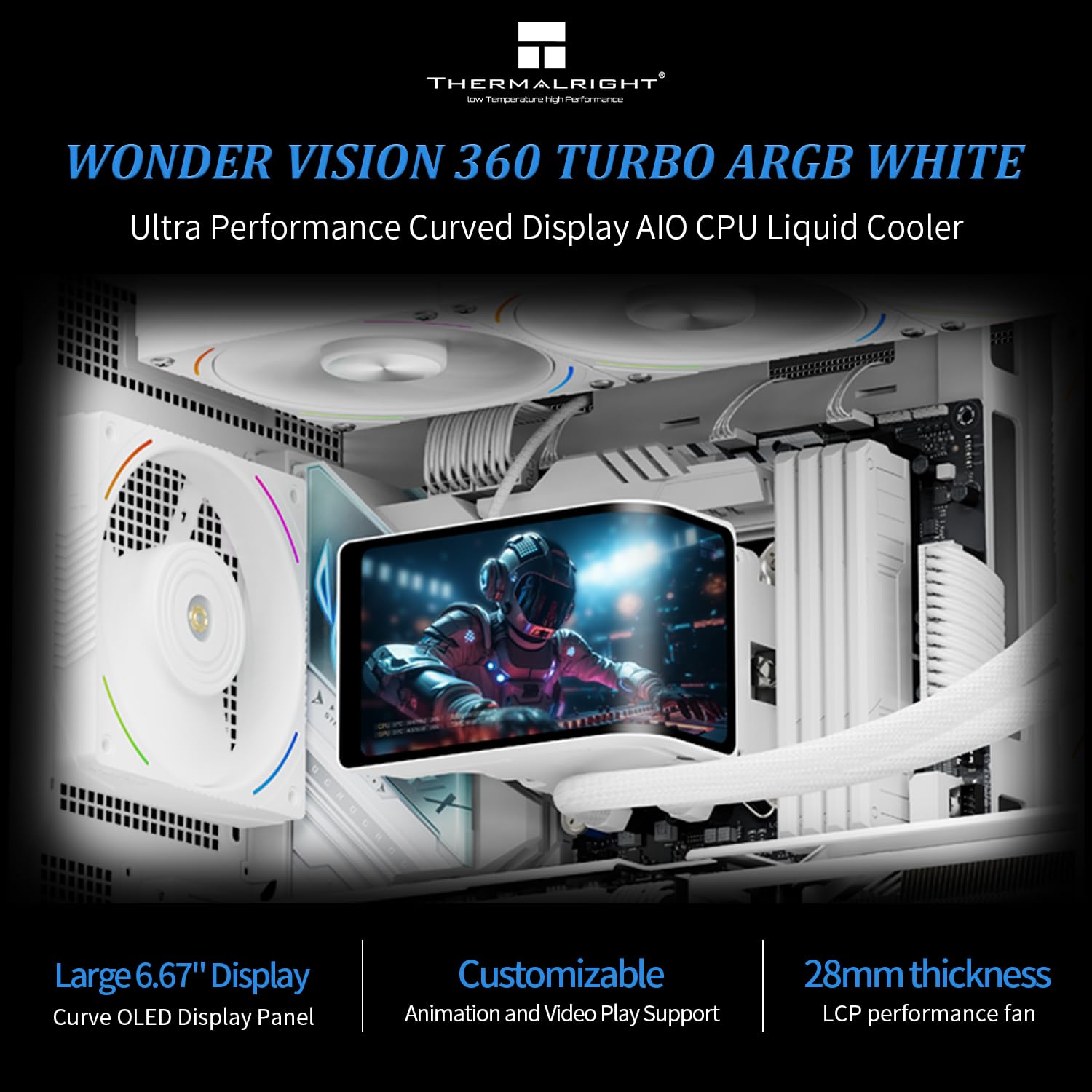
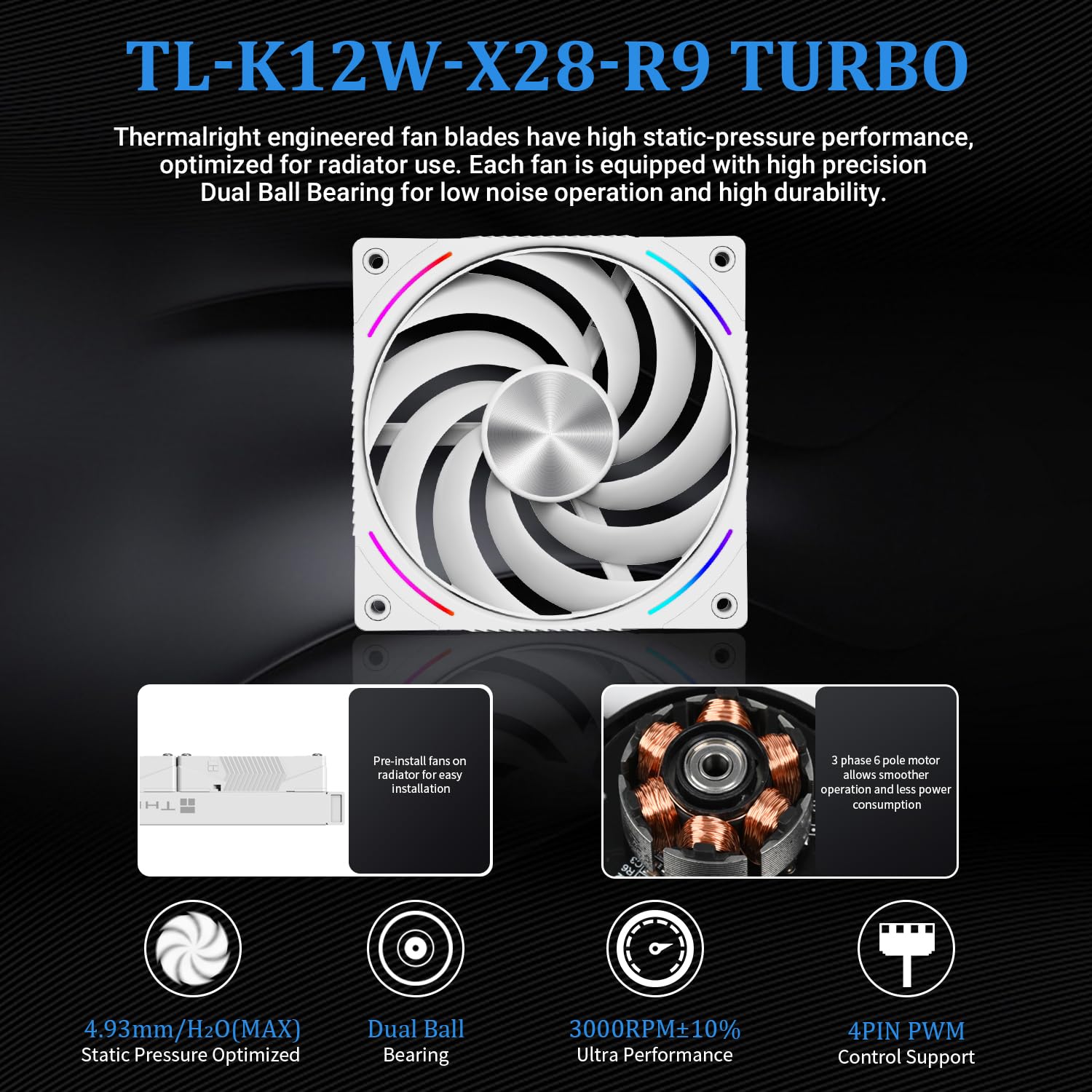
Cooling is handled by three 120 x 120 x 28 mm PWM fans rated up to 3000 RPM, with features intended to reduce vibration and noise such as a balanced anti-vibration ring and double ball bearings. The fans report a maximum sound level of up to 44.7 dBA according to the specifications, and they use a 4-pin PWM connector for automatic speed control based on CPU temperature. The product includes ARGB lighting on the pump and fans for synchronized lighting effects.
Note that AMD AM4/AM5 installation may require using the original motherboard mounting bracket as part of the process, and the manufacturer recommends following the provided installation guide or video to confirm proper mounting and cable routing. 💡
Technical Specifications
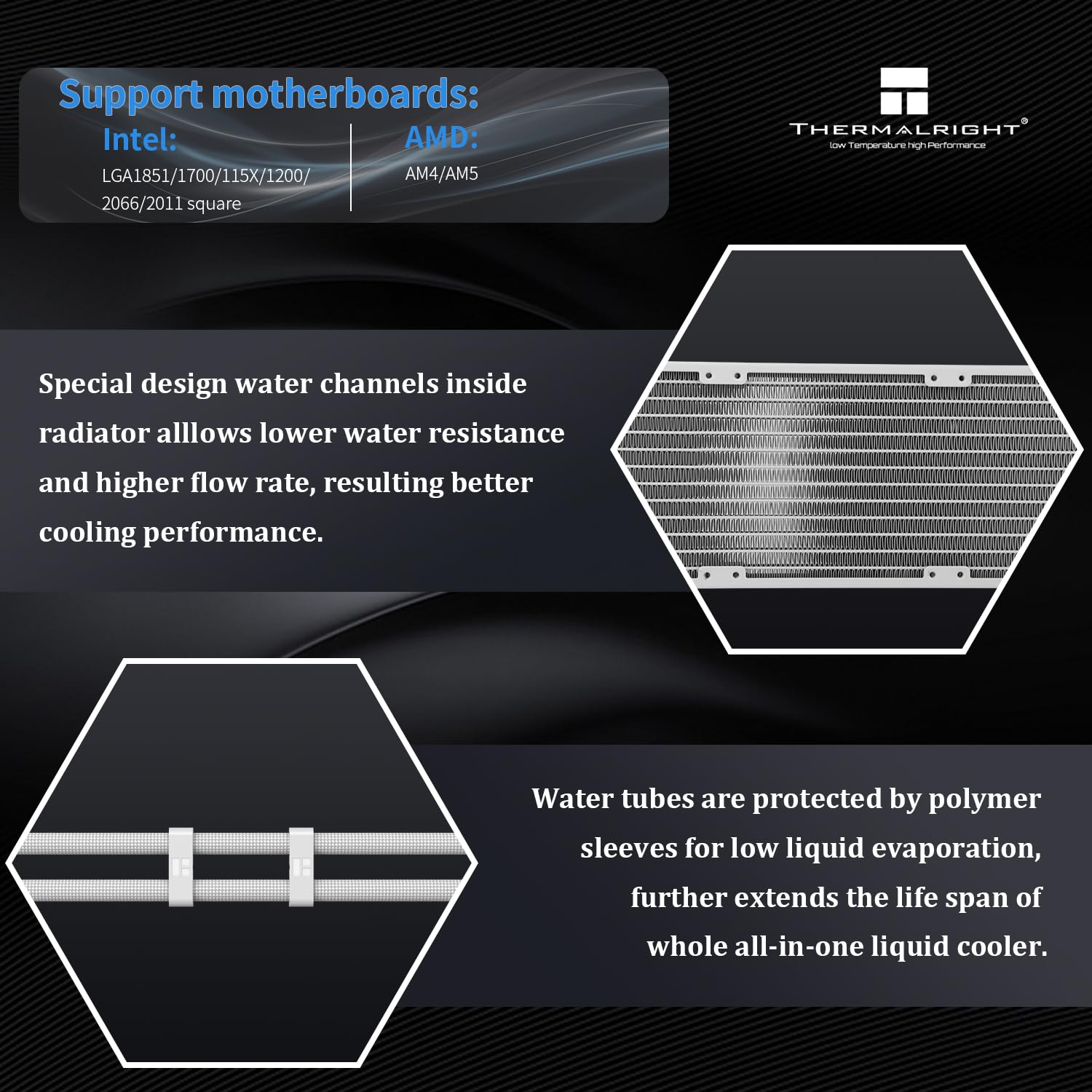
- Name: Thermalright Wonder Vision 360 Turbo ARGB White
- Screen: 6.65 in curved 60 Hz, 2400 x 1080 resolution
- Fan: 120 x 120 x 28 mm, 3000 RPM ±10%, noise ≤44.7 dBA
- Air pressure / airflow: 4.93 mmH2O (max) / 120.3 CFM (max)
- Pump display interface: USB 9-pin, C-type reset option for the display
- Compatibility: Intel LGA 1150/1151/1155/1156/1200/1700/2011/2066, AMD AM4/AM5
Usage Recommendations
Use the TRCC software to configure the curved screen and monitor system metrics, confirming all motherboard connections before first boot. The magnetic mounting of the screen makes it straightforward to swap visuals and themes, and the PWM fans will adjust speed automatically to match workload. For quieter operation, consider tuning fan curves in your BIOS or software since the maximum rated fan noise can be noticeable under full load.