

Logitech K400 Plus Wireless Touch TV Keyboard for Media Control
Reviews
Product description
What it is and what it solves
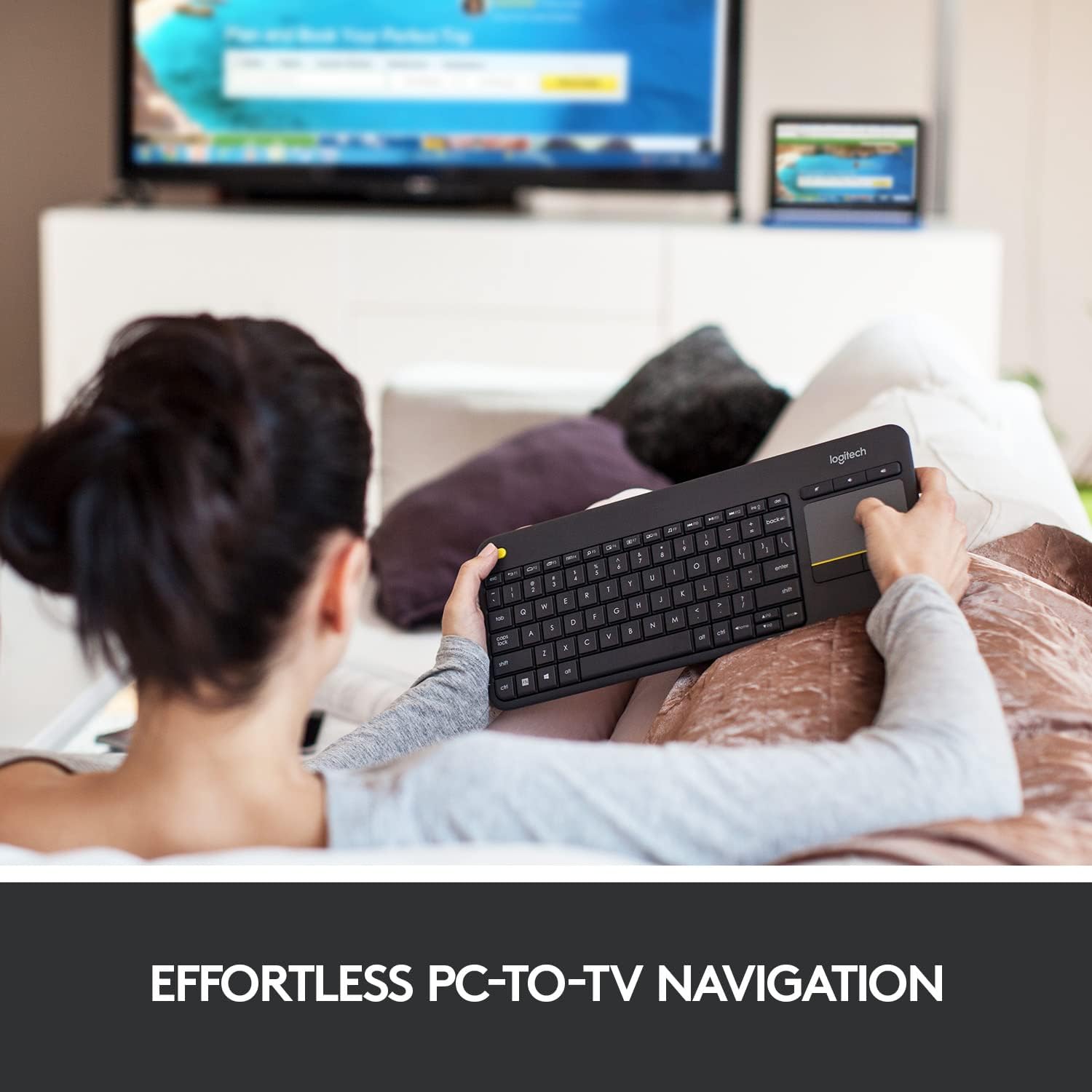
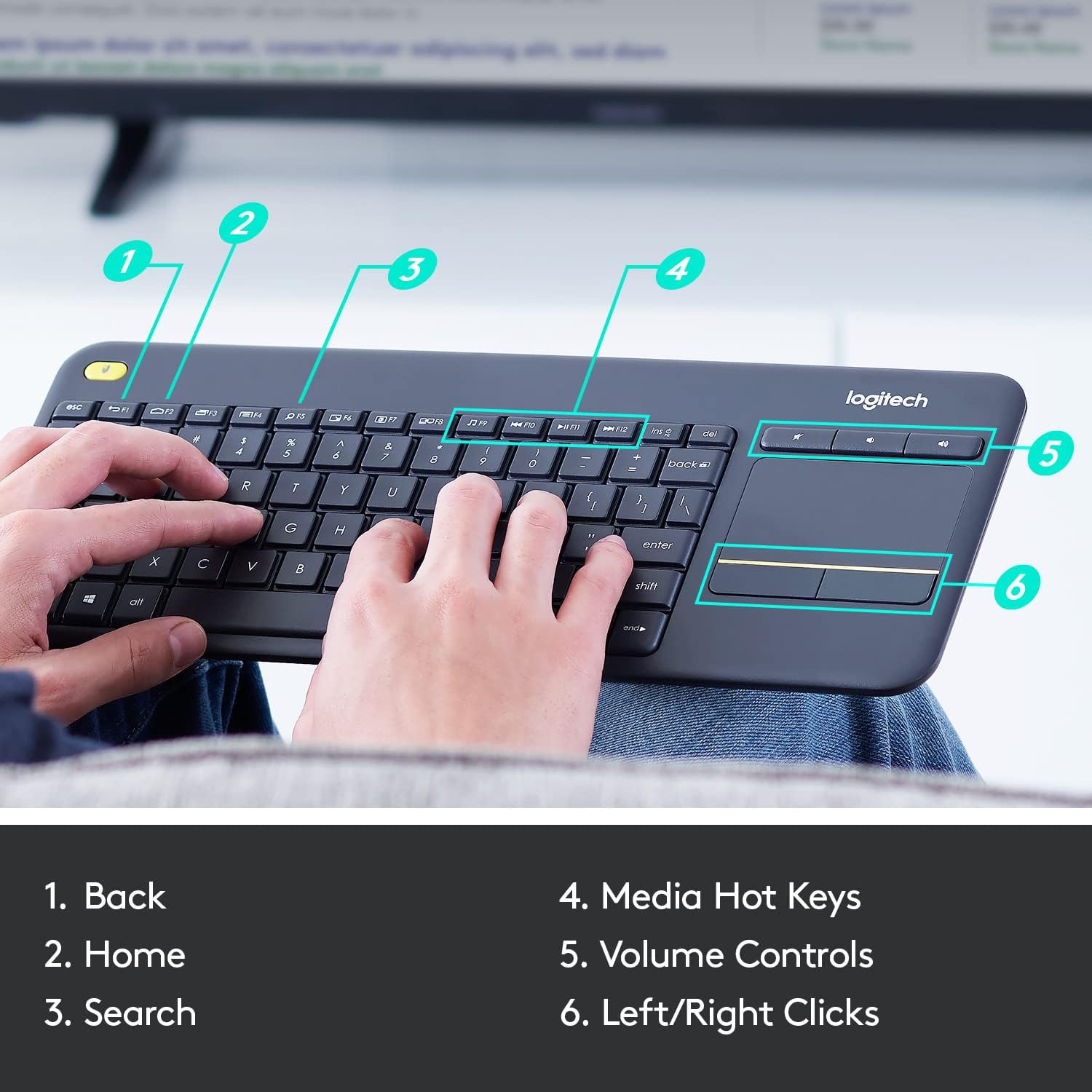
The Logitech K400 Plus is a wireless touch keyboard designed to simplify your PC-to-TV interactions. It combines a compact keyboard with a large touchpad, letting you control media, browse, and type from your couch or a media setup without juggling a separate keyboard and mouse. On paper, it aims to reduce clutter and improve convenience for living room PC tasks or HTPC use, where you want simple navigation and quick access to on-screen controls.
How it works
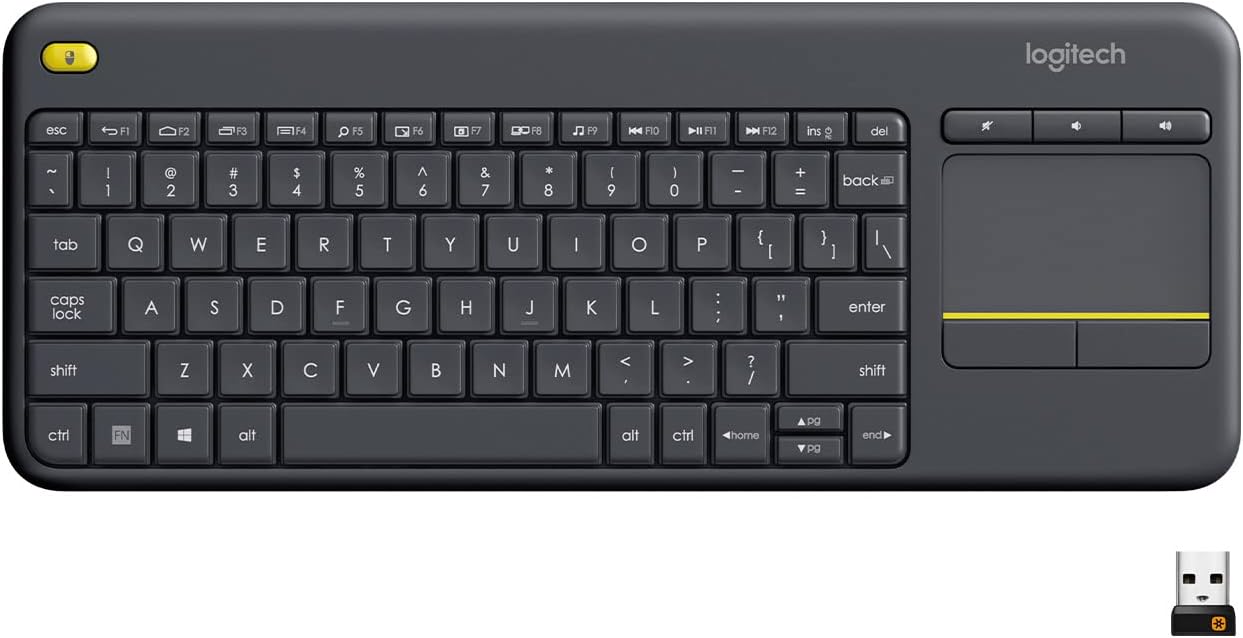
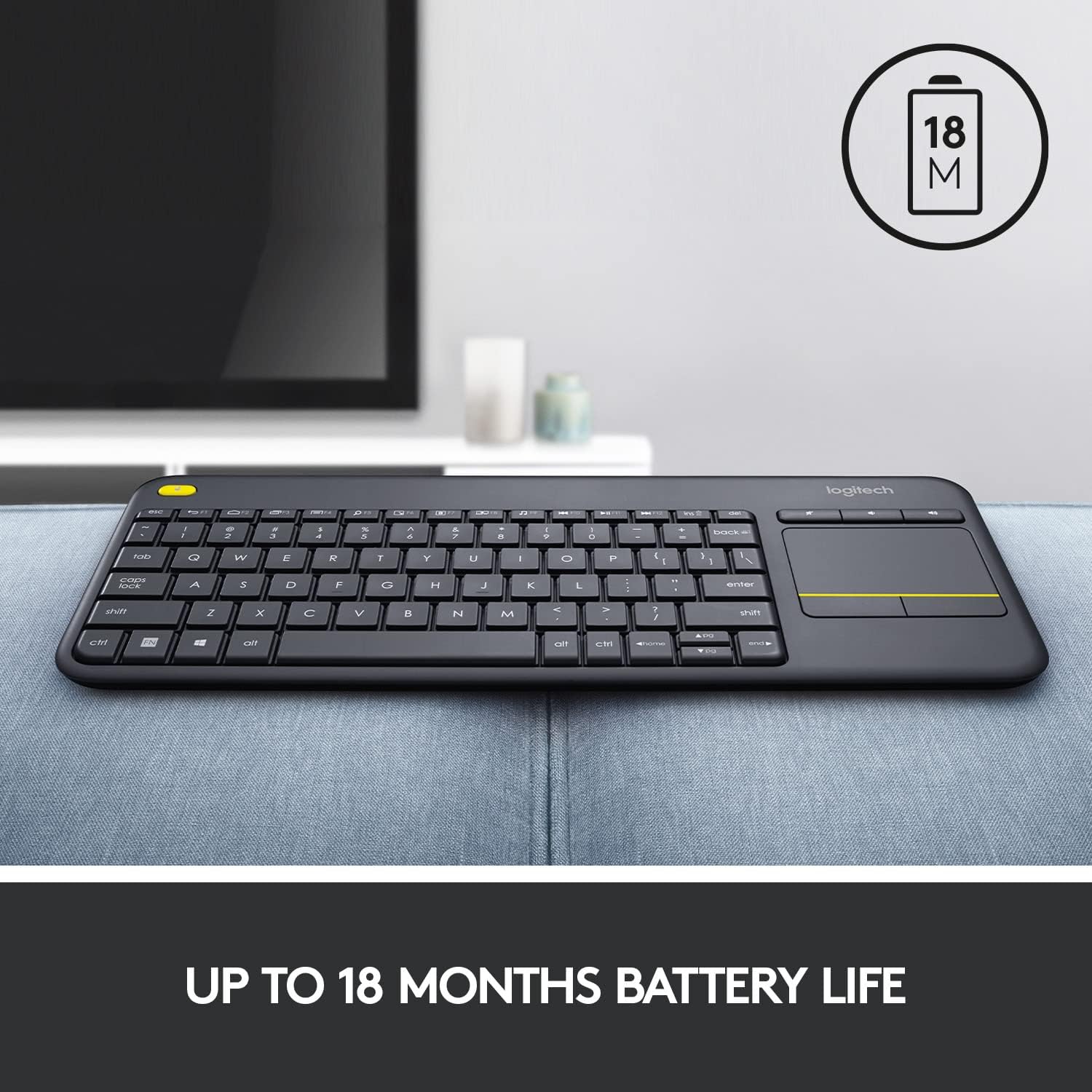
Setup is straightforward: plug the Unifying receiver into a USB port and you’re ready to go. Logitech Options software lets you adjust controls to save your preferred settings, so you can tailor shortcuts and gestures to what you actually use. The device is designed for long sessions with a battery life rated up to 18 months, and it includes an on/off button to stretch that lifespan further. The wireless range is advertised up to 33 feet, which helps when your media center is a couch’s distance away or behind a coffee table.
What stands out day to day
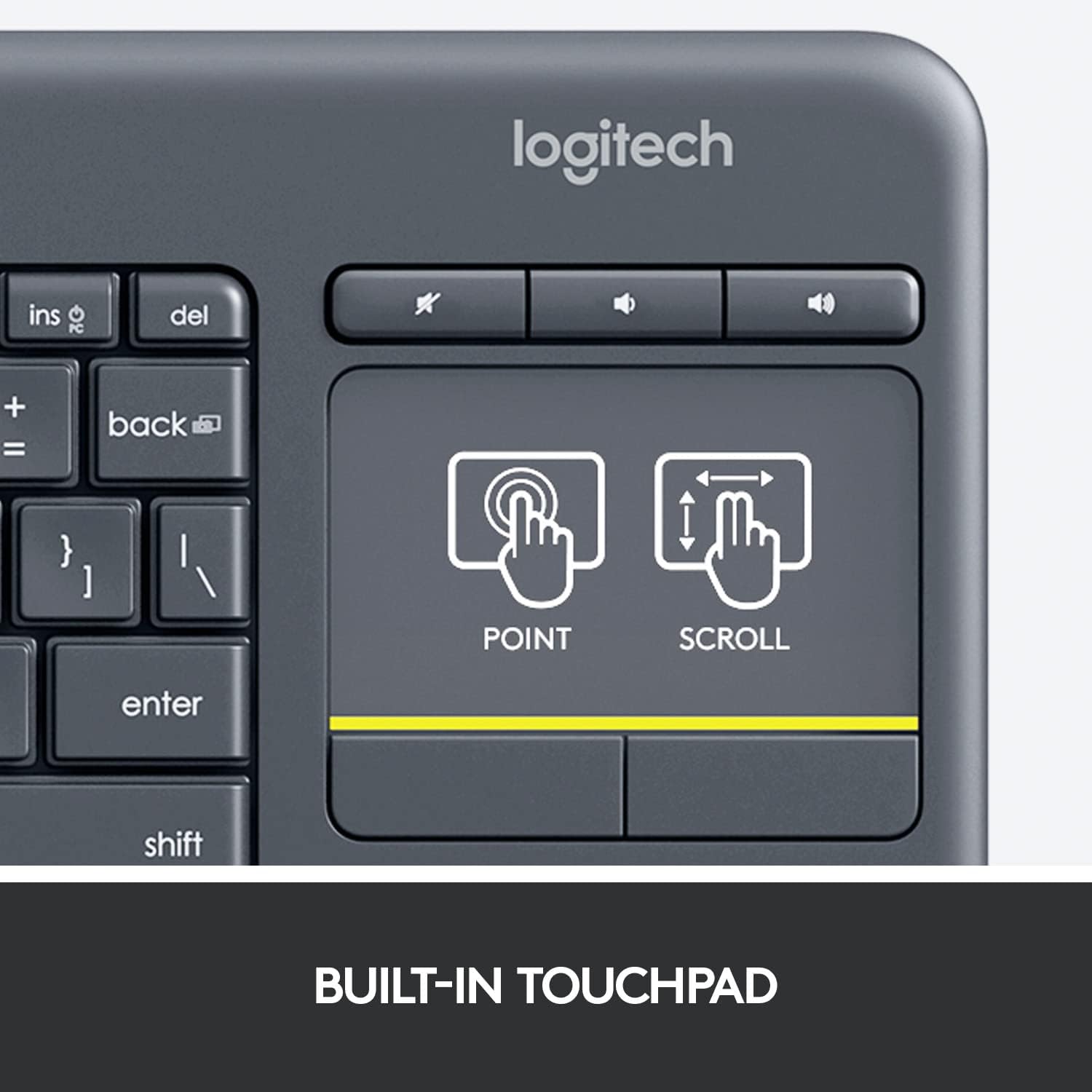
A big touchpad and quiet keys are practical for late-night movie nights or navigating a media library without waking others. The spill-resistant design adds a layer of resilience in case of accidental splashes, which is worth considering in a living room environment. The keyboard lists broad compatibility across Windows 7/8/10 and later, Android 7+ and Chrome OS, making it versatile if you switch devices or rely on different ecosystems.
Pros
- All-in-one control for media-focused use, no need to pack a separate keyboard and mouse.
- Plug-and-play setup with a USB receiver, quick to start using out of the box.
- Long battery life and an on/off switch help reduce maintenance and interruptions.
- Quiet keystrokes and a responsive touchpad support comfortable navigation from a distance.
- Spill-resistant design adds peace of mind in casual living-room use.
Cons or limitations

- It may not be the best choice if you require backlit keys or high-precision typing beyond casual use.
- Range and responsiveness can vary with furniture layout and wireless interference, real-world distance may feel less than the theoretical 33 ft.
- It’s tailored for media control and couch-use, if your use case is heavy typing or gaming, a regular keyboard might be a better fit.
Who this is for
If you want a simple, integrated control solution for media playback, web browsing on a connected TV, or a living-room PC setup, the K400 Plus can reduce clutter and simplify navigation. It’s especially appealing for those who value quick plug-and-play setup and a compact footprint in a media cabinet.
Who might want to pass
If your priority is fast, substantial typing input, illuminated keys, or a keyboard designed specifically for distance typing, you may prefer a different option. If you need a long-term, high-precision input device for productivity tasks beyond media control, this model may feel limited.
When does it make sense to buy

Purchase this if you want a ready-to-use, media-focused remote typing experience with minimal setup and a neat, integrated form factor for living-room computing.
What to check before buying
- Confirm device compatibility with your primary OS and any streaming devices in your setup.
- Consider your typical seating distance and whether the 33 ft range aligns with your room layout.
- Think about whether you’ll benefit from a backlit keyboard or more extensive typing capability.
Quick comparison angle (implicit)
If you’re weighing a compact all-in-one solution versus a traditional keyboard with separate mouse, the K400 Plus trades some typing speed for simplified media navigation and couch-friendly control. For those who want more precise typing or backlighting, a different model with those features could be worth a look.
Buying verdict
Is it worth it? The K400 Plus makes sense if you want a single, unobtrusive input device to control media and browse from your couch without fuss. It isn’t designed as a heavy-duty typing tool, but its convenience for living-room setups earns it a spot in the consideration set for media center computers and HTPCs.
FAQ (practical, not technical)
- Can I use this with a smart TV or streaming stick? It’s built to work with a PC-to-TV setup and broad OS compatibility, so it should integrate with many connected devices that support keyboard input.
- How long does the battery last in typical use? Logitech cites up to 18 months under normal conditions, aided by the on/off switch to conserve power.
- Is the touchpad accurate for navigation? The large touchpad is designed for easy navigation from a distance, but if you rely on fine cursor control, you might find it less precise than a dedicated mouse.