

GravaStar Mercury M1 Pro Gaming Mouse, 88g Magnesium Alloy, Tri-Mode, 26,000 DPI
Reviews
Price
Product description
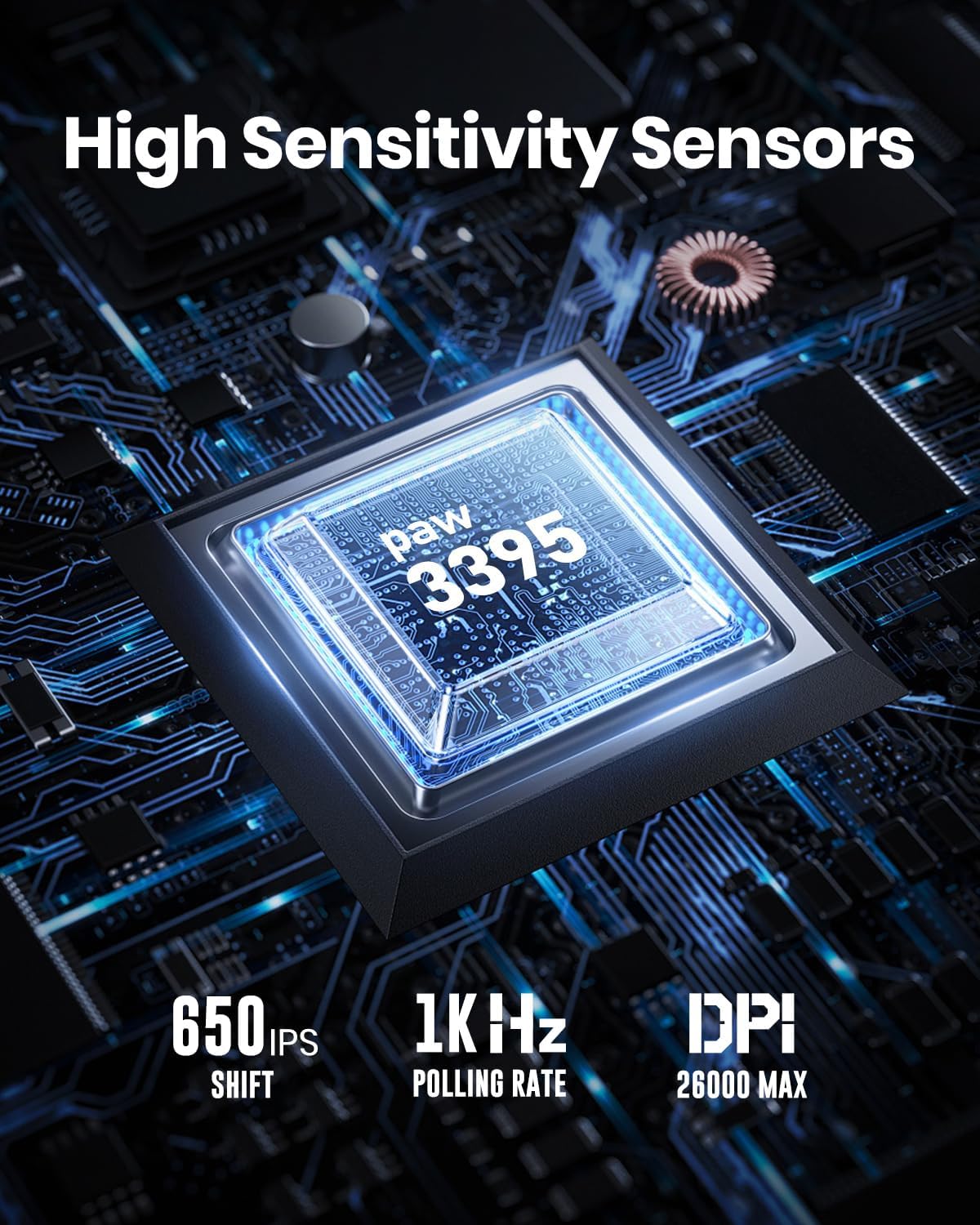
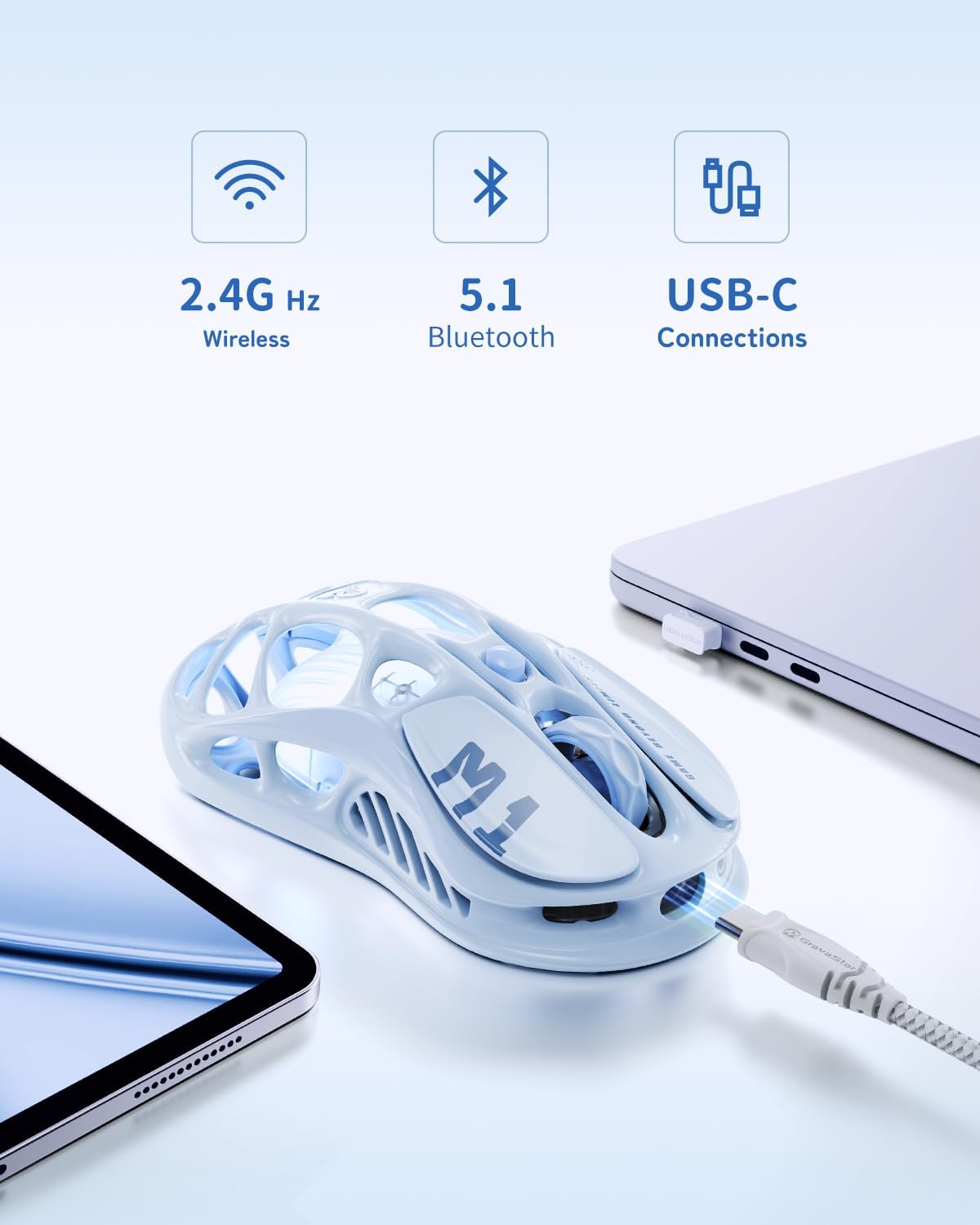
Tri-mode connectivity lets you switch between 2.4 GHz wireless, Bluetooth, and wired play, so the GravaStar Mercury M1 Pro can suit different gaming setups and everyday PC use. Its 26,000 DPI optical sensor gives you adjustable sensitivity for different play styles.
The 88g magnesium alloy body pairs a distinctive material with a weight designed for comfortable handling. An ambidextrous shape and five programmable buttons make it practical for a range of grips and control preferences.
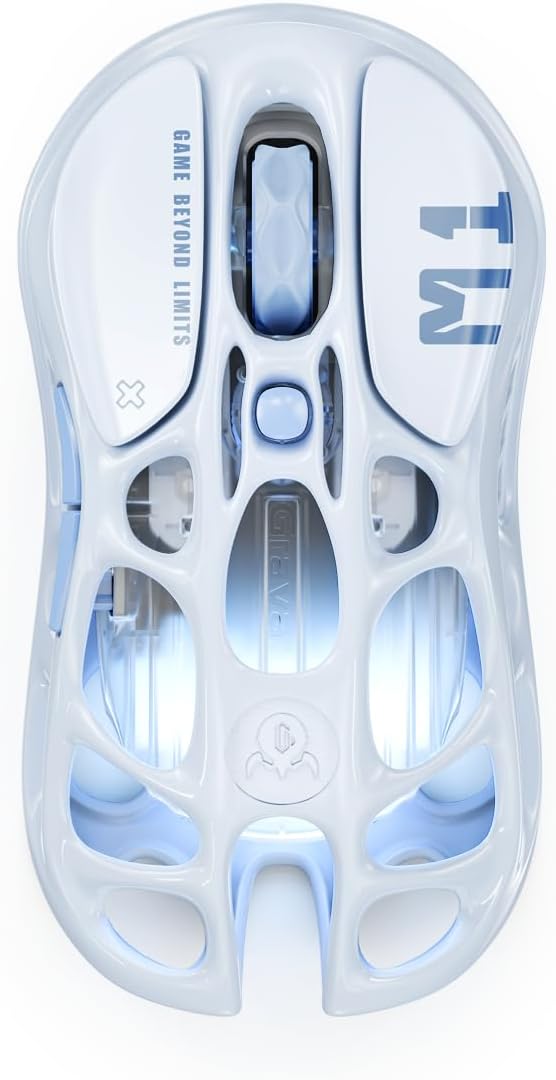
Use the customizable buttons and RGB lighting to tailor the mouse to your setup. With a stated battery life of up to 209 hours, it’s built for extended use between charges.
Who it’s for

The Mercury M1 Pro is designed for PC gamers who want a mouse with multiple connection choices, adjustable sensitivity, and customizable controls. Its ambidextrous design makes it suitable for different hand orientations, while the five programmable buttons let you assign controls to match the way you play. It supports Windows and Linux systems, including Windows 11 and Ubuntu 22.04.
It’s a great fit if you want one mouse that can move between a wired setup, a 2.4 GHz wireless connection, and Bluetooth. That flexibility can also be useful when your desk setup changes or you use Bluetooth for a separate compatible device.

Product specs
- Model: Mercury M1 Pro
- Type: Gaming mouse
- Material: Magnesium alloy
- Weight: 88g
- Color: Ice Blue
- Connectivity: 2.4 GHz wireless, Bluetooth, and wired
- Sensor: PAW3395DM optical sensor
- Maximum sensitivity: 26,000 DPI
- Polling rate: 1000Hz
- Buttons: 5 programmable buttons
- Design: Ambidextrous
- Battery life: Up to 209 hours
- Compatibility: PC, Windows and Linux
Where it shines
For games that call for different cursor sensitivity, the 26,000 DPI sensor gives you a broad range to adjust. The 1000Hz polling rate and optical movement detection support responsive cursor control, while the three connection modes let you choose wired use or wireless play over 2.4 GHz or Bluetooth. Switch modes to match the setup you’re using rather than being tied to a single connection type.

Customization extends beyond sensitivity. The buttons can be programmed for preferred commands, macros, or remapped controls, and the RGB lighting can be personalized to complement your gaming setup. These options are useful for making frequently used controls easier to access and coordinating the mouse with your desk’s look.
The product’s sculpted shape is designed for natural hand placement, and its 88g magnesium alloy construction gives it a defined feel. Buyers often highlight the ergonomics, design, responsiveness, and battery life. Feedback on durability and value is mixed, so those impressions are best treated as individual experiences rather than a guarantee of service life or satisfaction.

Questions before you buy
What connection modes does the Mercury M1 Pro support? It supports wired, Bluetooth, and 2.4 GHz wireless connections, giving you options for different PC setups.
Can I customize the buttons and lighting? Yes. The mouse supports programmable buttons, including remapping and macros, as well as customizable RGB lighting through its software.
Which operating systems are supported? It is listed for Windows and Linux PCs, with Windows 11 and Ubuntu 22.04 named as supported minimum operating system versions.
Should you buy it?
Choose the Mercury M1 Pro if you want an ambidextrous gaming mouse that combines a magnesium alloy body with adjustable 26,000 DPI sensitivity, programmable controls, and three connection modes. Its extended stated battery life and customizable RGB make it a practical match for PC players who value flexible setup options and personal control over their mouse.