

MIKIBY Y75 75% Gasket Wireless Mechanical Keyboard ⌨
Product description
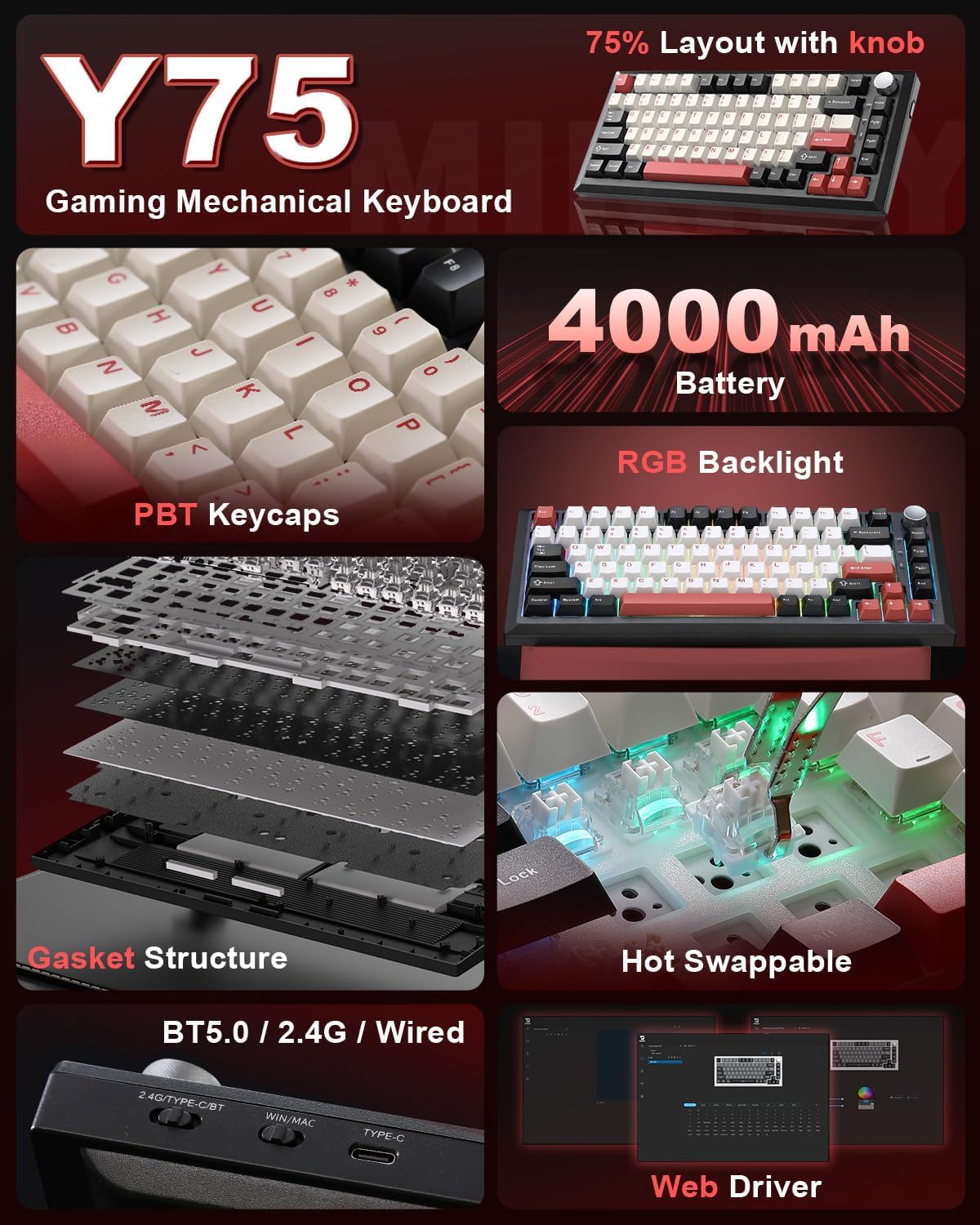
This compact 75% wireless mechanical keyboard blends a snug layout with customizable hardware and multimedia controls for both gaming and productive workflows. It connects via Bluetooth 5.0, ultra-fast 2.4 GHz dongle, or USB-C wired mode, so you can pair up to five devices and switch between them smoothly while keeping a clutter-free desk and reliable response during intense sessions.
Key Points
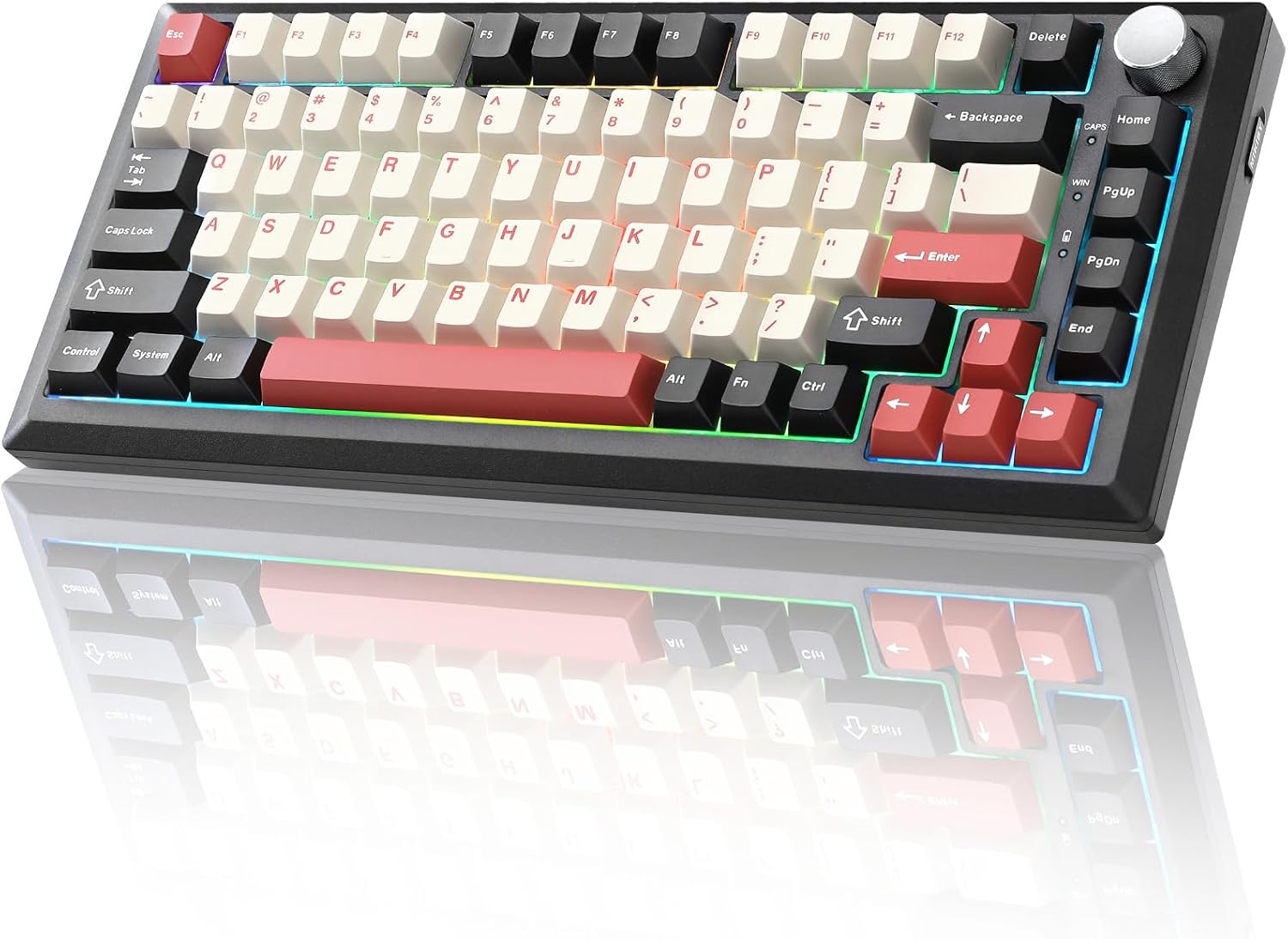
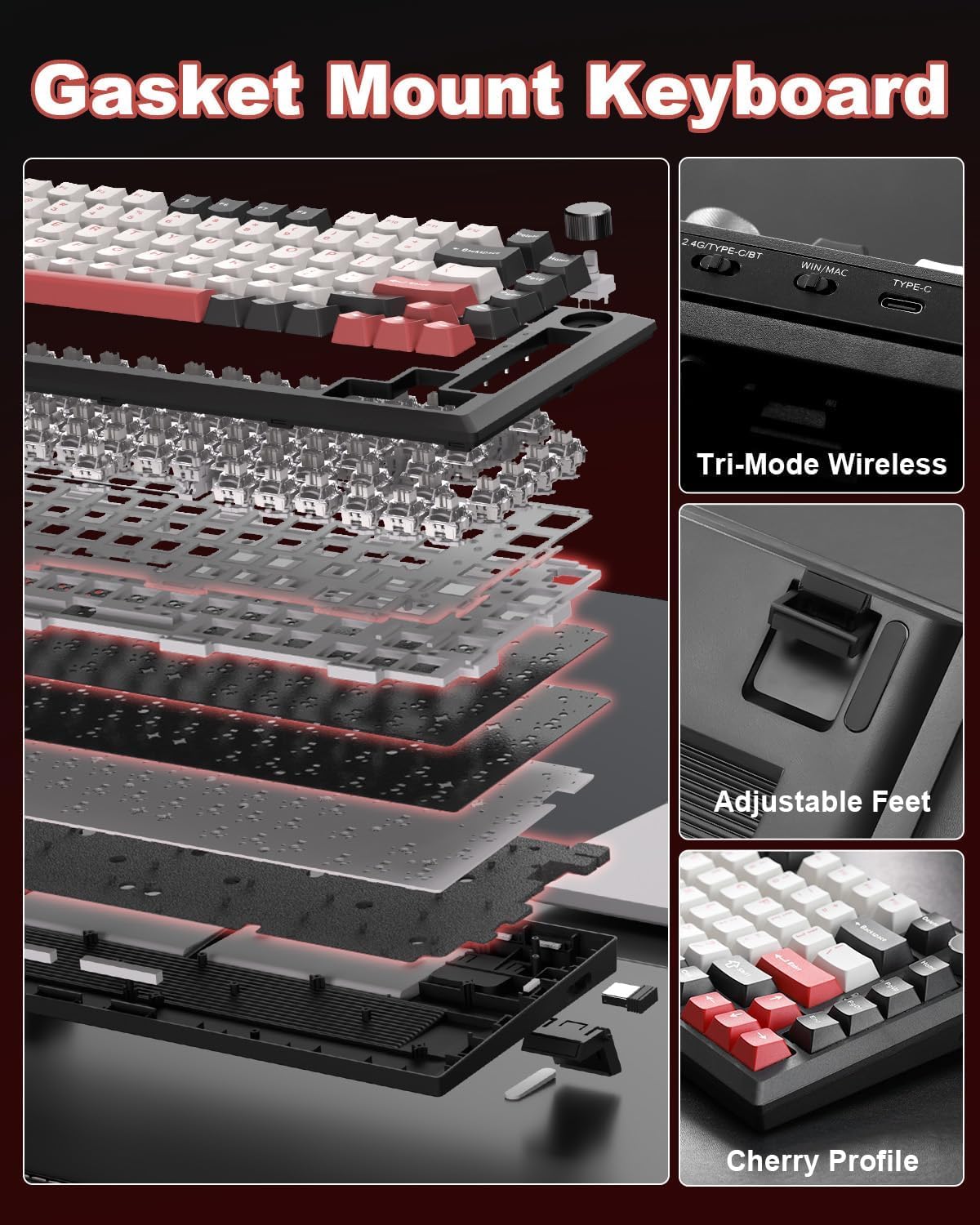
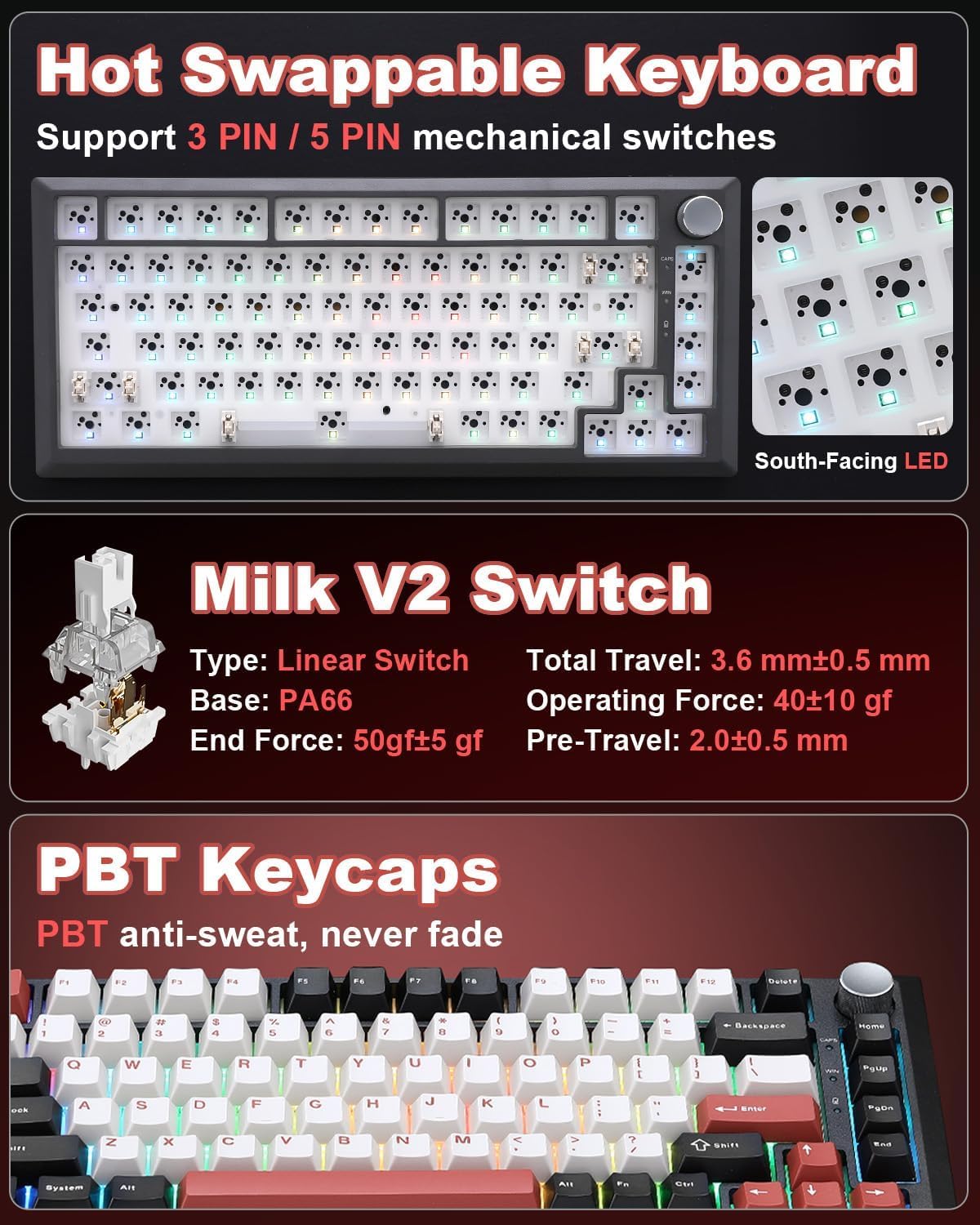
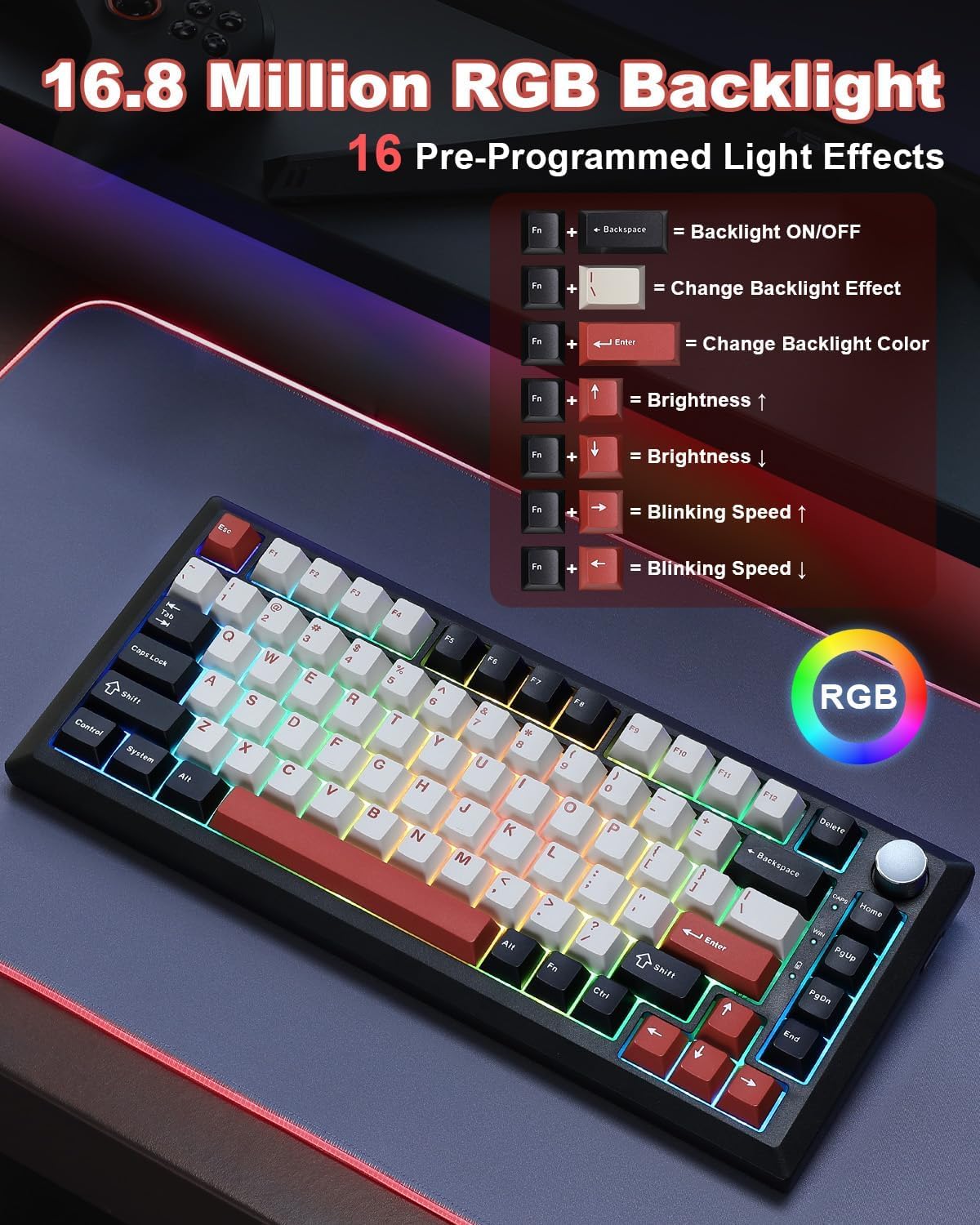
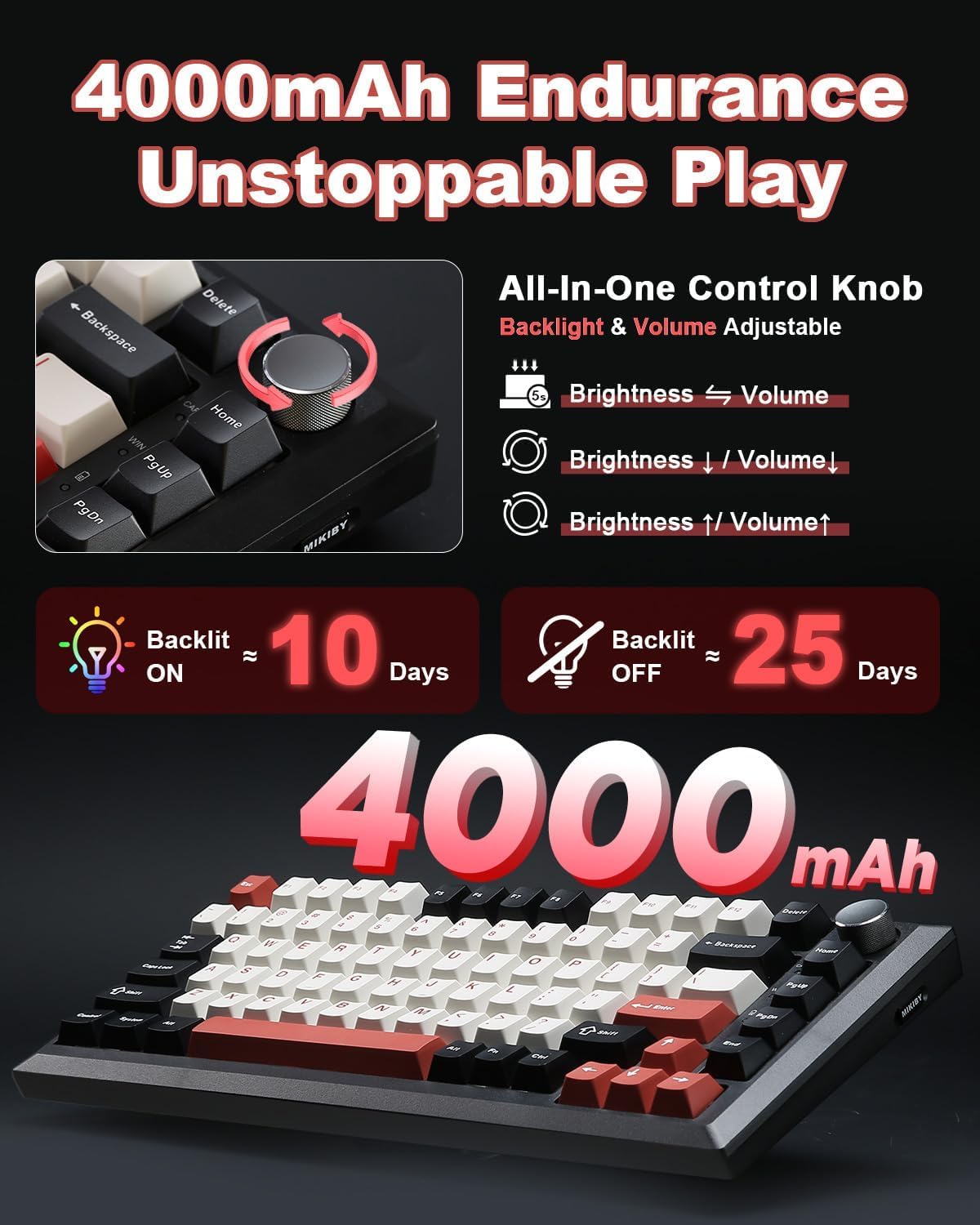
The keyboard uses a gasket-mounted design and comes with pre-lubed milk linear switches that aim for a smooth and quieter keystroke. RGB lighting supports 16.8 million colors and multiple dynamic effects to match gaming setups or ambient workspaces. A multifunction aluminum knob provides quick volume and media control in office mode and lets you cycle through lighting and brightness in gaming mode. Battery life is notable, with a 4000 mAh cell that the manufacturer indicates can last for weeks on typical use, reducing the need for frequent charging. Hot-swap sockets accept most 3-pin and 5-pin switches, enabling easy customization without soldering.
Technical Specifications
- Name: MIKIBY Y75 Gasket Wireless Mechanical Keyboard
- Layout: 75% (82 keys)
- Connectivity: Bluetooth 5.0, 2.4 GHz wireless, USB-C wired
- Battery: 4000 mAh
- Keycaps: Doubleshot PBT
- Switches: Pre-lubed milk linear switches, hot-swappable (3-pin and 5-pin compatible)
Advantages
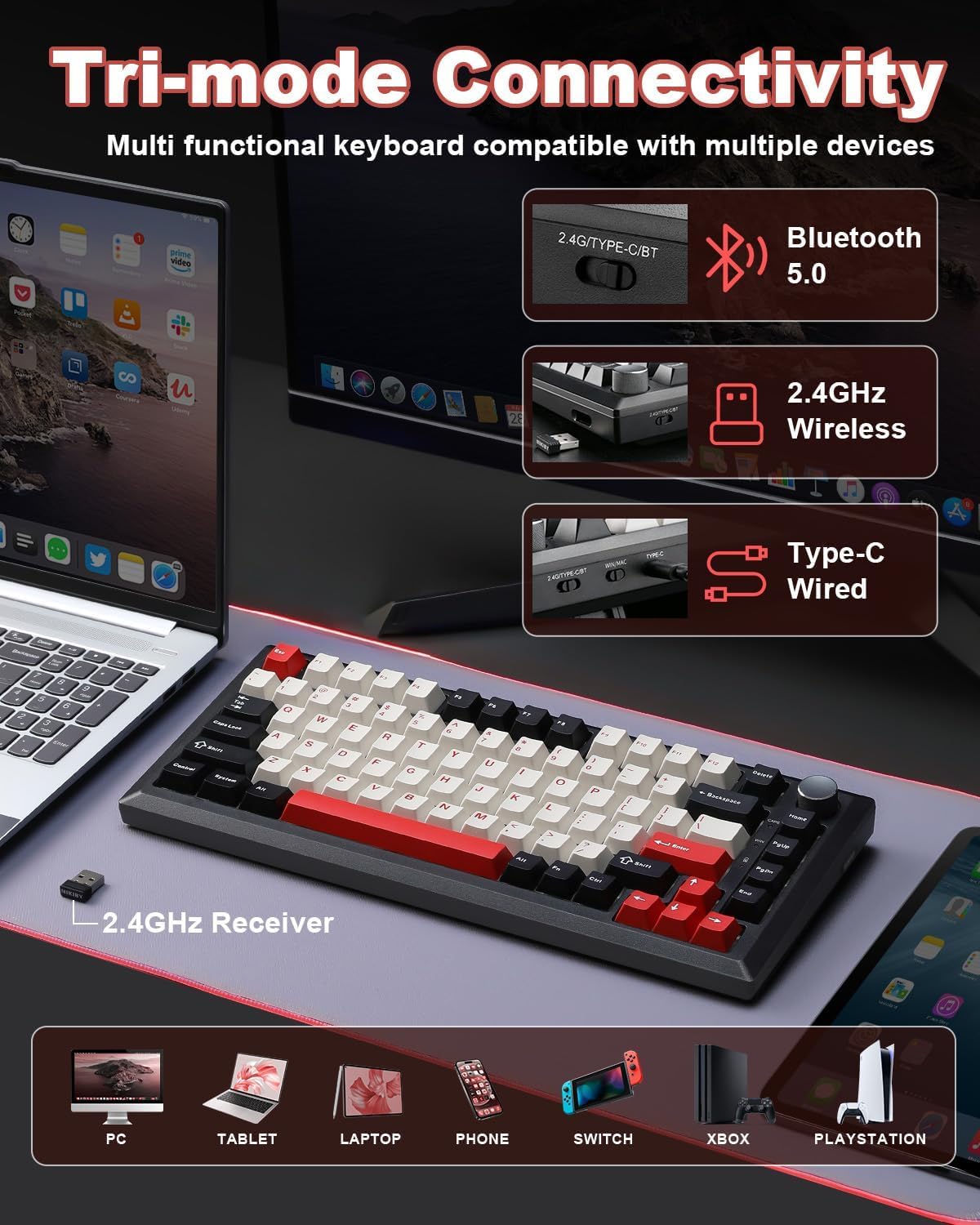
Compact footprint reclaims desk space while keeping dedicated arrow keys and a familiar navigation cluster. The gasket mounting softens typing feel and reduces harsh bottom-out, which some users prefer for longer typing sessions or streaming. Doubleshot PBT keycaps resist shine and sweat more effectively than standard ABS, so legends remain clear as the keycaps age. Hot-swappable sockets open up the keyboard for experimentation, allowing you to test tactile, linear, or clicky switches without tools. The tri-mode connectivity makes it easy to move between desktop, handheld device, and console setups with minimal hassle.
Usage Recommendations
For gamers who also multitask across devices, pair your PC on the 2.4 GHz dongle for the lowest latency and keep two additional devices on Bluetooth for chat or mobile use. Switch to wired USB-C when performing firmware updates or heavy macro programming. If you plan to swap switches, keep a small organizer for the removed switches and stems to avoid losing parts. Consider adjusting the knob mode based on context, using office mode for media control during work and gaming mode when you want on-the-fly RGB adjustments. Note that while the battery life is long, actual runtime depends on brightness and lighting effects according to the manufacturer, and heavy RGB use will shorten between charges.