

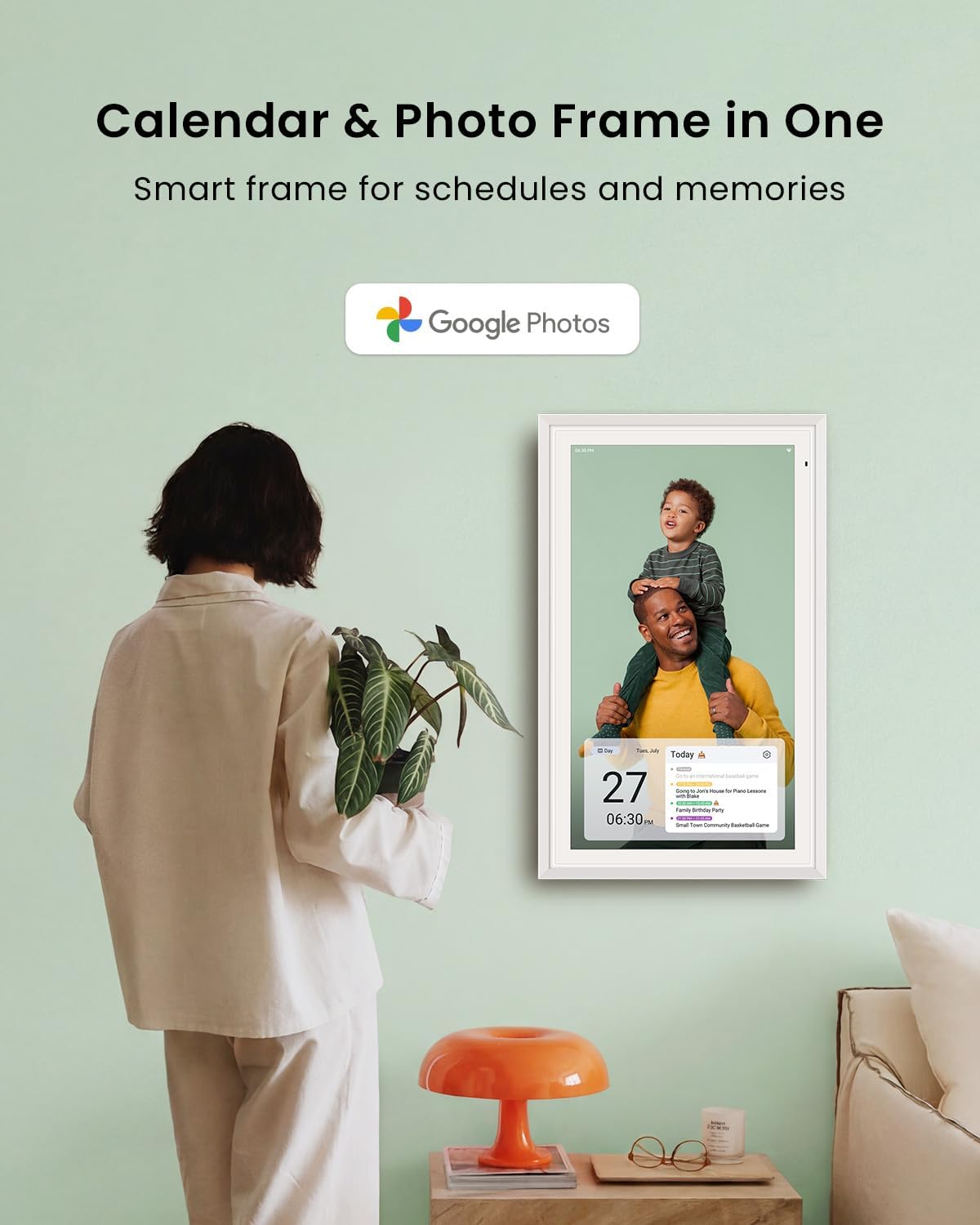
Apolosign 21.5-inch Digital Calendar: Dual Mode Smart Wall Planner
Product description
What it is
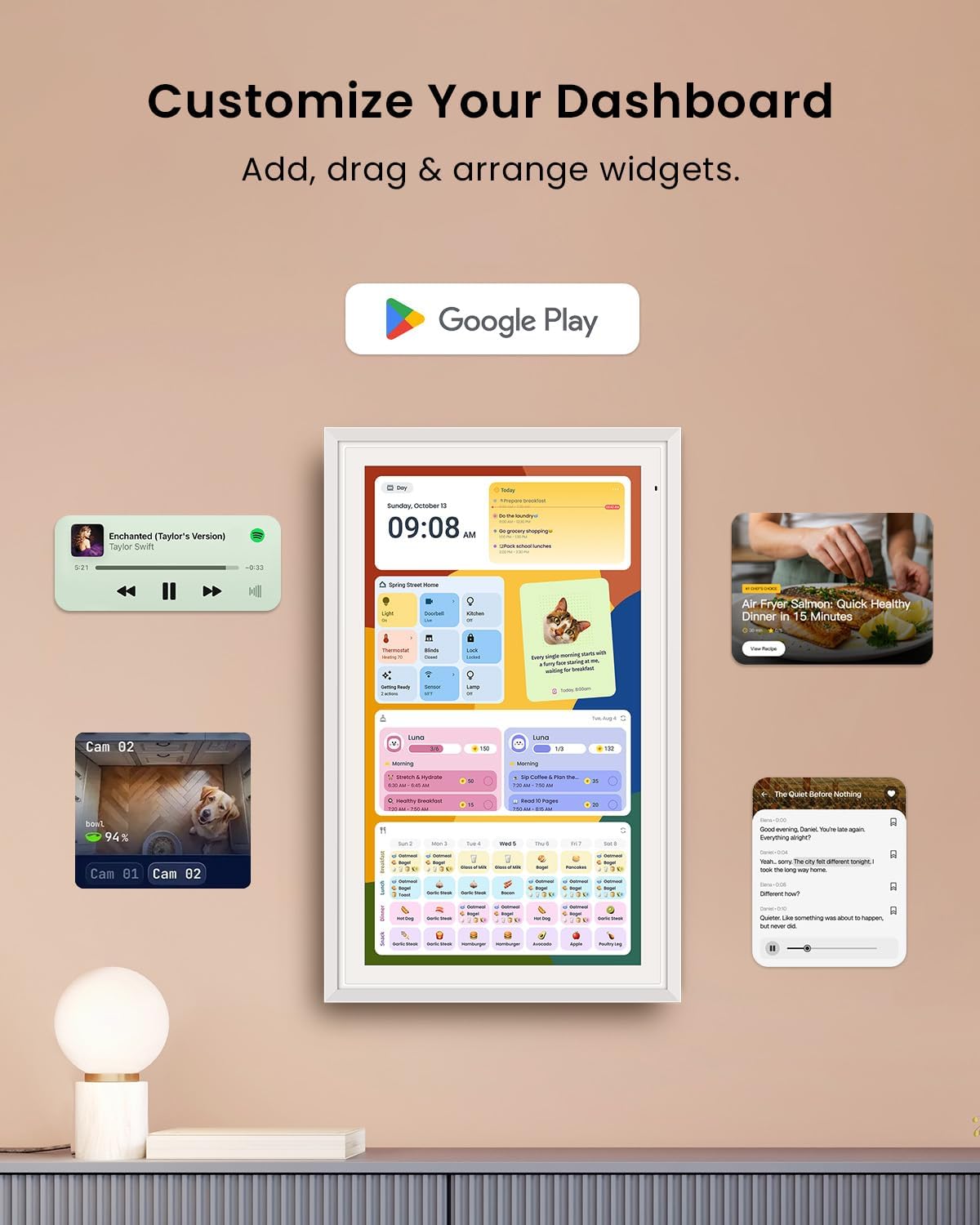
The Apolosign 21.5-inch Digital Calendar is a no-subscription smart wall planner that helps families coordinate events, chores, meals, and routines in one centralized display. It blends a calendar hub with a customizable dashboard, letting you switch between a traditional calendar view and an Android-style dashboard that can host widgets and apps.
How it helps in daily life
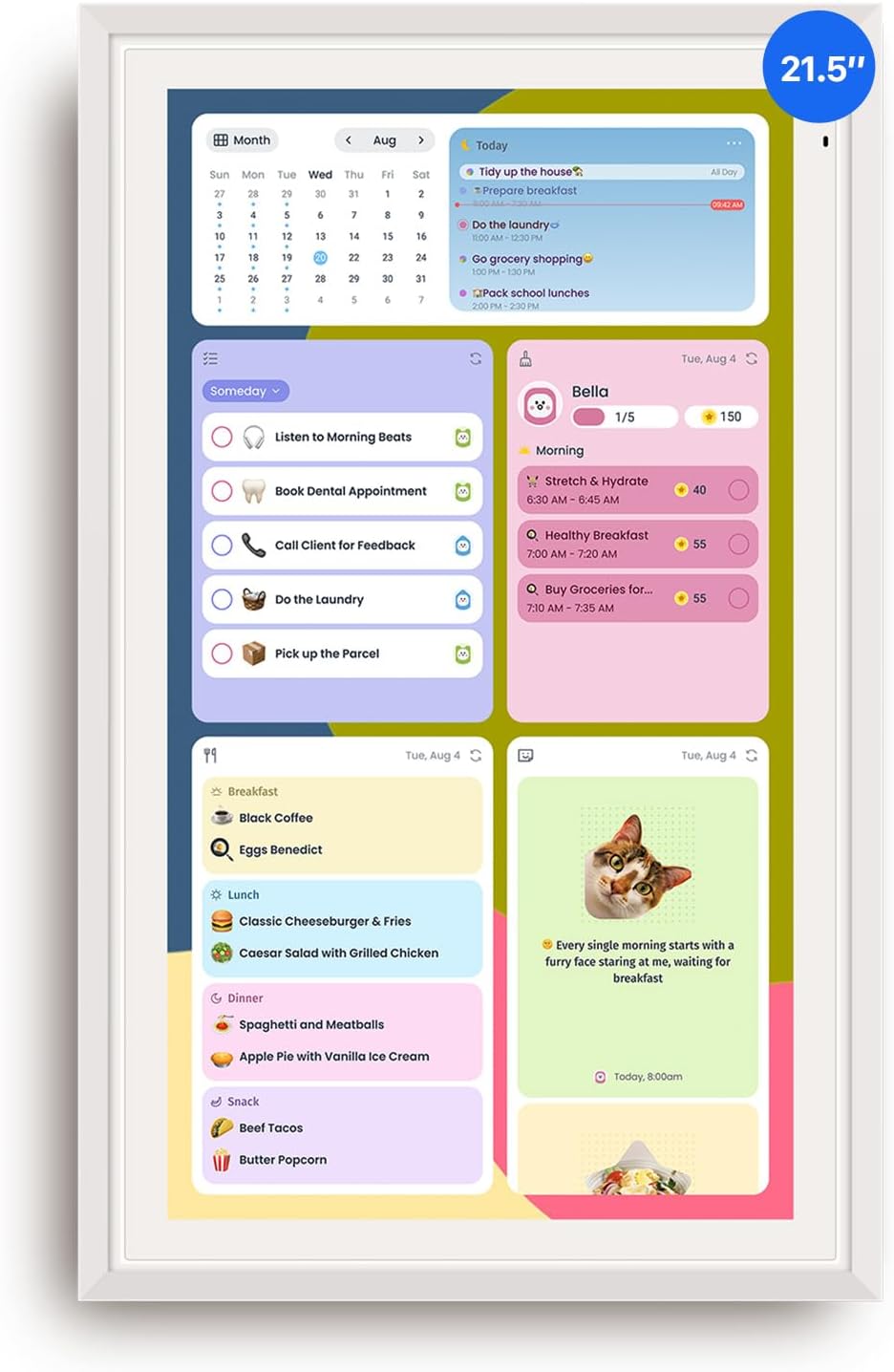
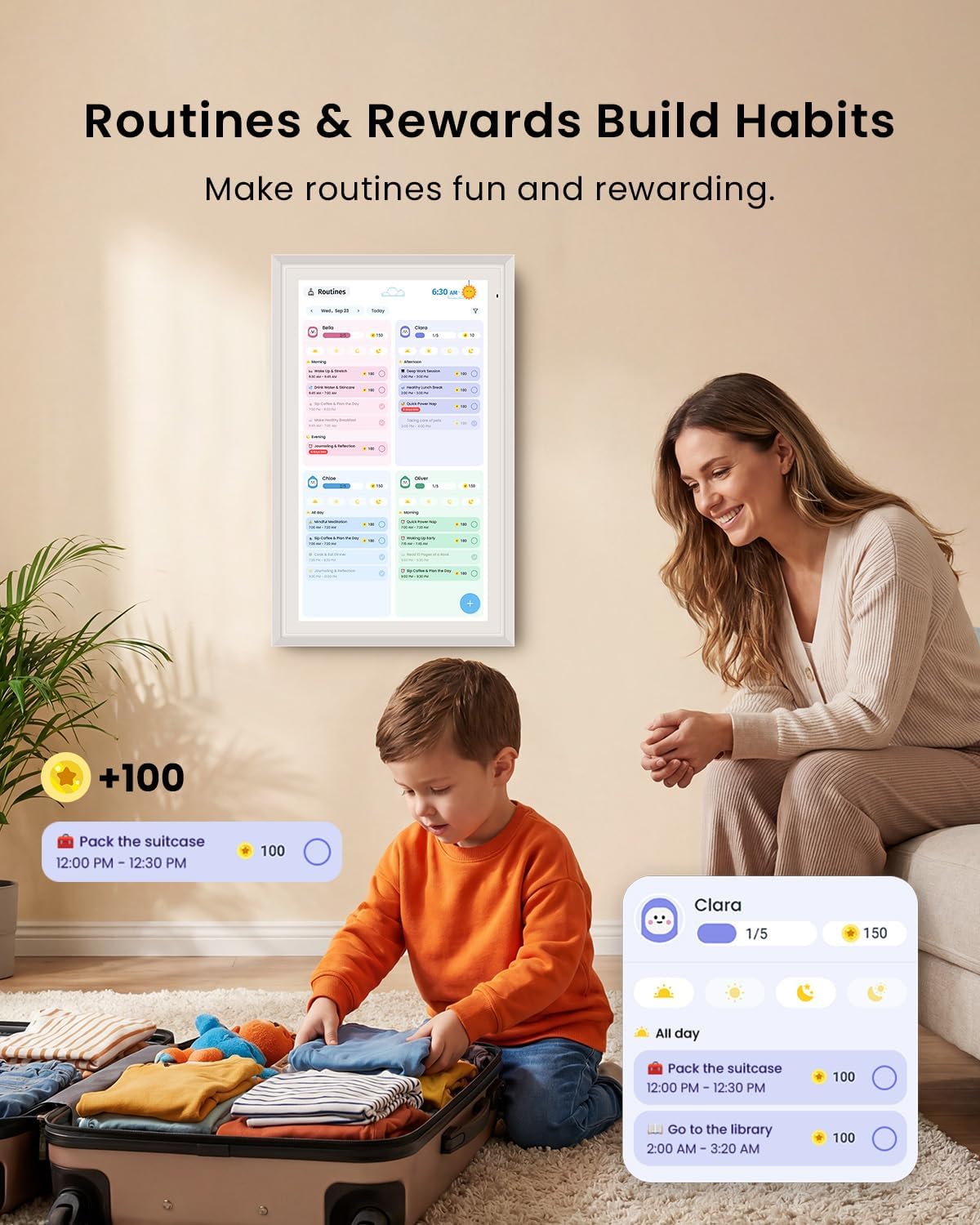
If your goal is to reduce back-and-forth planning and keep everyone on the same page, this device offers color-coded events, shared schedules, and a chore system that rewards completion. The touchscreen makes it easy for both kids and adults to interact with schedules, reminders, and lists without pulling out phones or notebooks.
What stands out on paper
Two modes stand out: Calendar Mode for scheduling and Smart Dashboard Mode for a personalized home screen with widgets (meals, weather, music, doorbells, stocks, and more). The integration via Google Play means you can expand functionality with third-party apps, all without a subscription.
Potential limitations
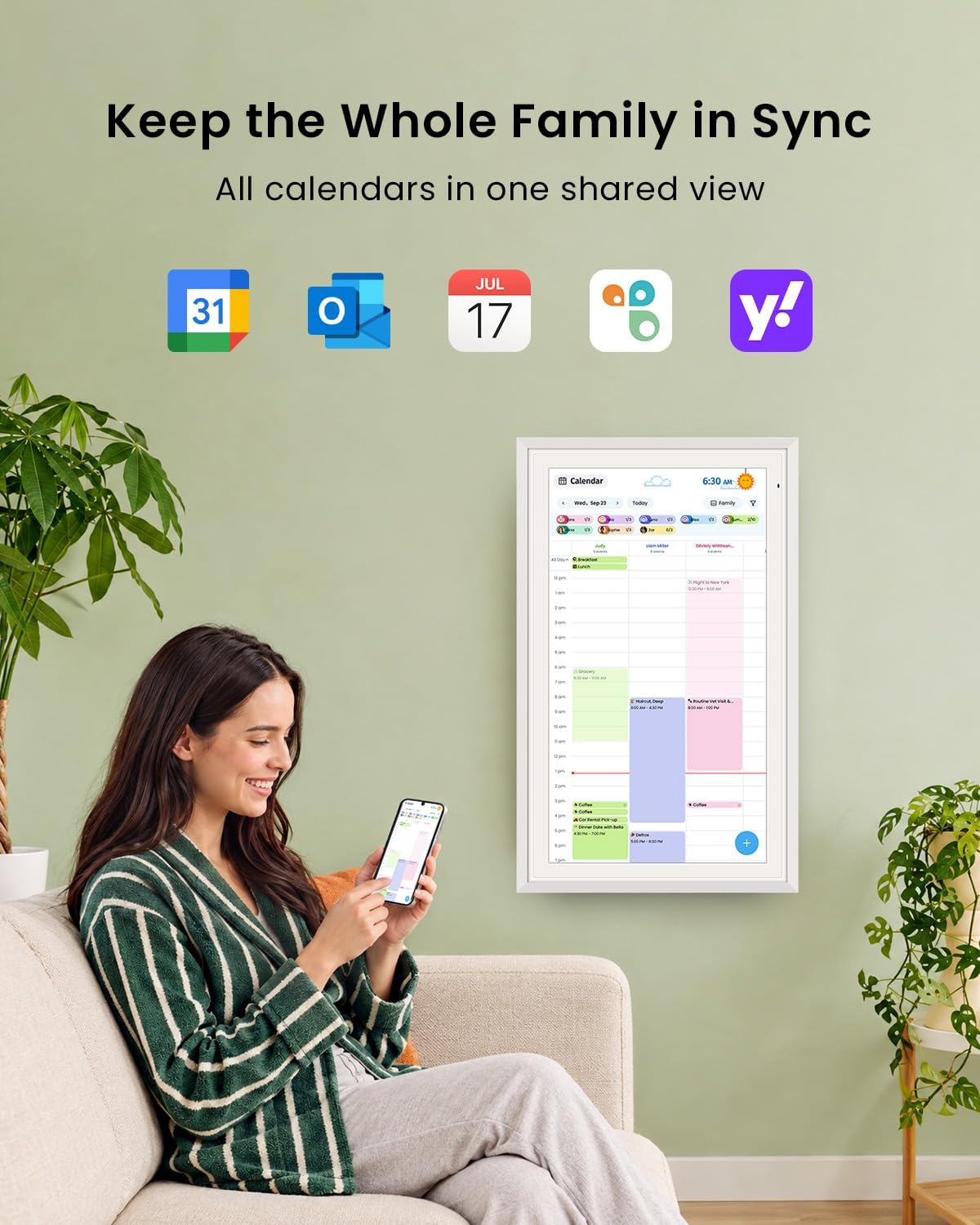
While it promises app extensibility, you’ll want to verify which apps are actually available in your region and how smoothly calendar sync works across different services. The in-device AI assistant relies on preloaded Google Gemini, so outcomes depend on how you set up and connect smart home devices. Also, the app ecosystem is currently noted for the U.S., Canada, and the U.K., which may affect availability outside those areas.
Who it’s for
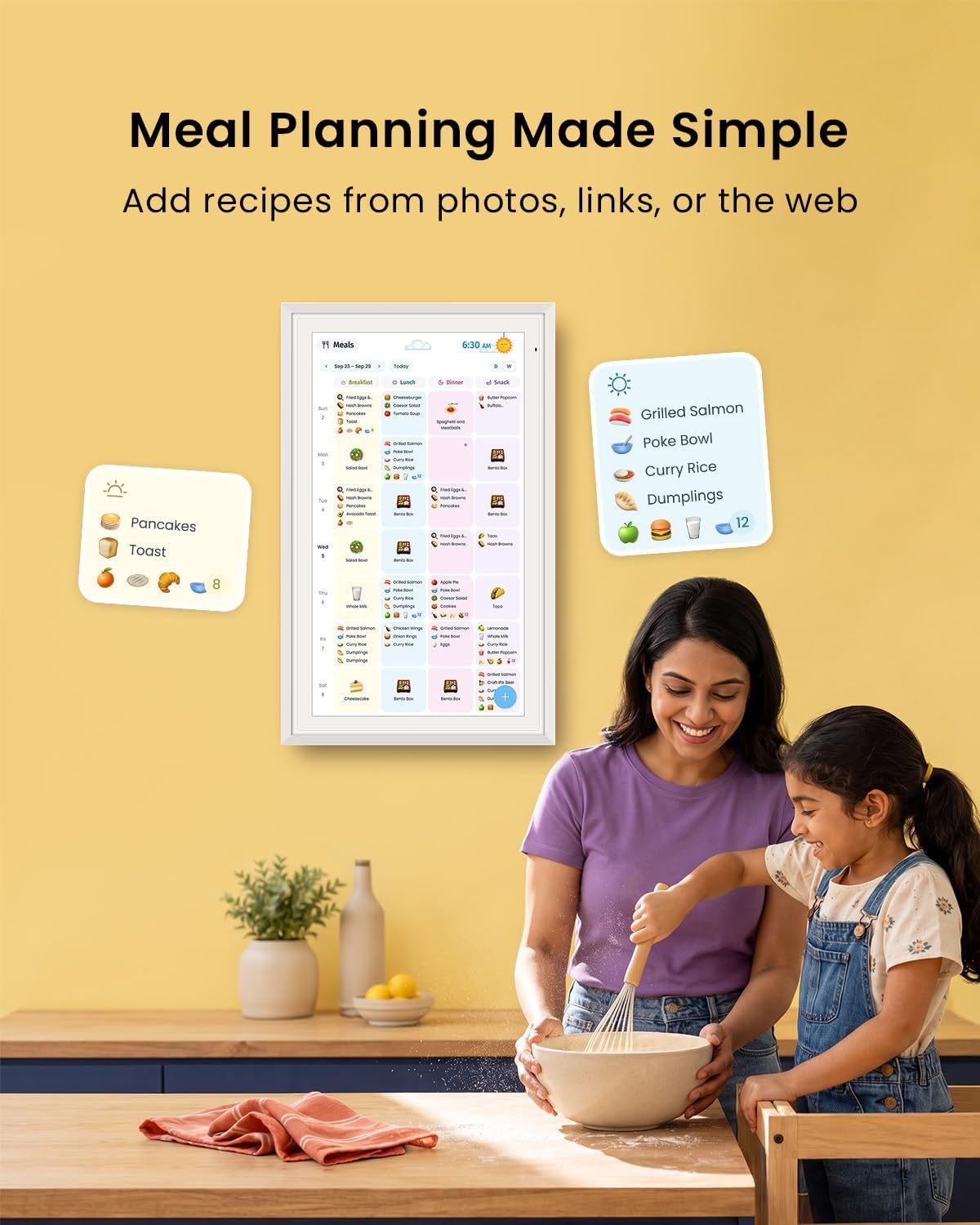
This device is a fit for families looking for a central, interactive calendar with a built-in chore chart and meal planning. If you value a visually driven, wall-mounted hub that reduces paper clutter and supports routines, it could be a practical upgrade.
Who it’s not the best for
If you need a purely plug-and-play, off-the-shelf calendar with zero-setup beyond the box, the learning curve and app setup might feel heavier than a basic wall calendar. Also, if your household relies heavily on calendars or apps not supported by Google Play in your region, you might hit feature gaps.
When it makes sense to buy
Consider buying when you want a shared family hub that combines scheduling, chores, and smart home controls in one place. It’s especially reasonable if you’re drawn to a touch-enabled display that can show memories via a photo frame and double as a screensaver when idle.
What to check before you buy
- Confirm regional availability for the Apolosign Mobile App and Gemini voice features.
- Review how calendar sync works with your current services and which apps are installed by default.
- Consider room lighting and glare, an anti-glare matte screen is included, but placement can affect readability.
- Think about space for mounting or placing the unit on a wall or desk, as it blends a faux-wood frame with a large touchscreen.
Practical use example
Imagine a Tuesday morning: the wall calendar shows today’s events in color, the chore board nudges kids to complete tasks for a reward, and a weather widget suggests what to wear. You can glance at groceries or meal plans as you walk by, and if someone forgets a deadline, you might get a quick reminder through the AI assistant or a connected smart-home alert.
How it compares to other approaches
If you’re weighing this against traditional paper calendars or a simple digital calendar, the Apolosign combines visual planning with interactive tasks and a room-friendly display. It’s more than a digital calendar—it’s a family hub with optional apps and smart-home control. If you prefer minimal setup and fewer features, a basic calendar might be easier, if you want a centralized, customizable dashboard, this device stands out.
What it’s like to use day-to-day
Setup is described as quick: plug in, connect to Wi-Fi, and sync calendars. In practice, a helpful onboarding guide and built-in AI assistant aim to speed up initial use and ongoing setup, though you may want to reserve time for configuring widgets and permissions.
Final decision
Is it worth it? If you prioritize a centralized, interactive family planning hub with a no-subscription model and expandable apps, this device offers clear benefits. It shines when you want color-coded planning, a chore system with rewards, and smart-home integration all in one display. It may not be ideal if you need a plug-and-play option with zero learning curve or if app availability is a concern in your region. A good fit for households ready to invest a bit of setup time for long-term organization gains.
FAQ
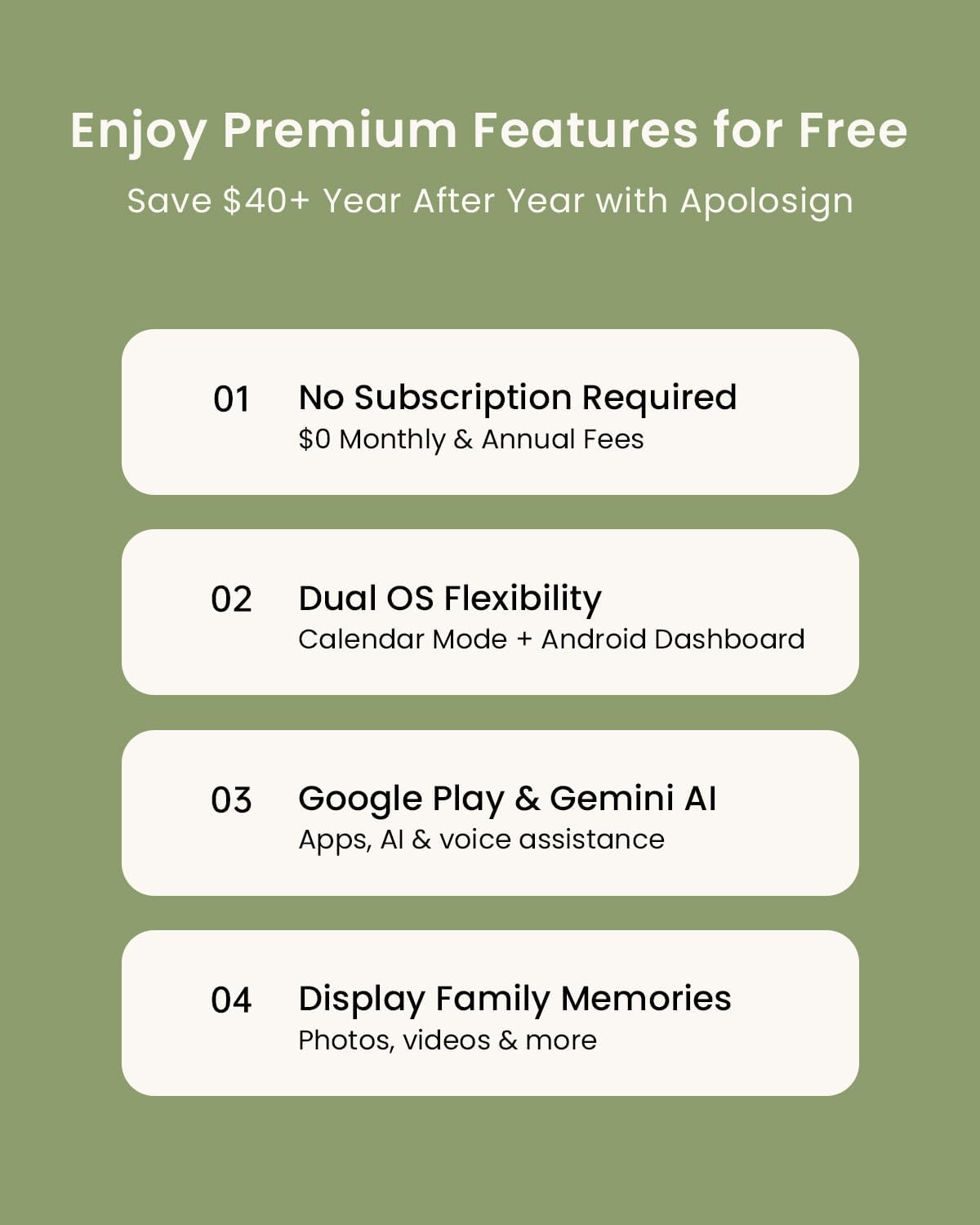
- Does it require a subscription? No, it’s advertised as no-subscription.
- Can I add apps from Google Play? Yes, you can download apps to extend functionality.
- What regions are supported for the mobile app? Currently the Apolosign app is supported in the U.S., Canada, and the U.K.
- Can it control other smart home devices? The device offers AI voice assistance and smart home control features, depending on compatible devices.