

HUION Kamvas 13 (Gen 3) 13.3" Pen Display
Product description
Key features
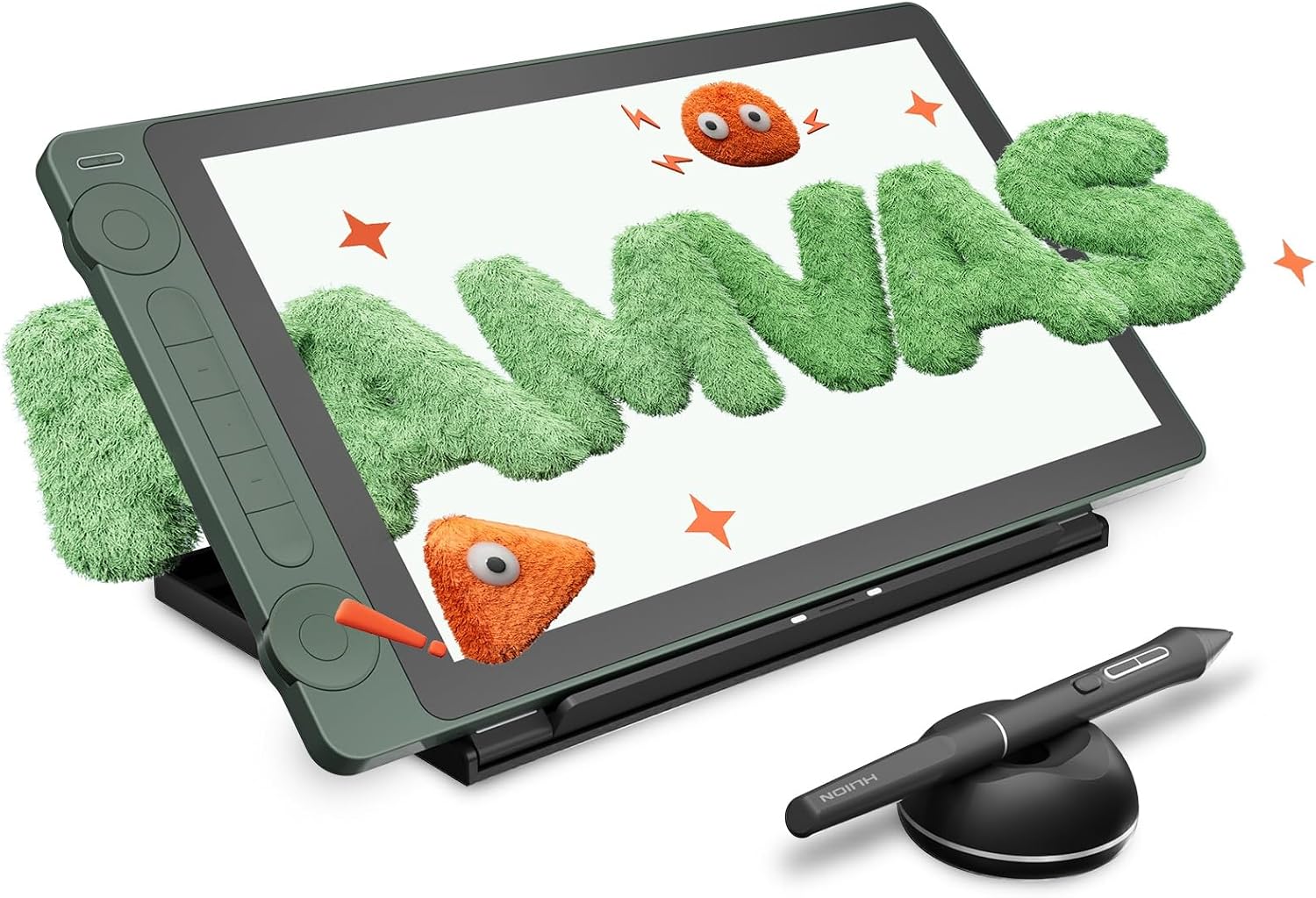
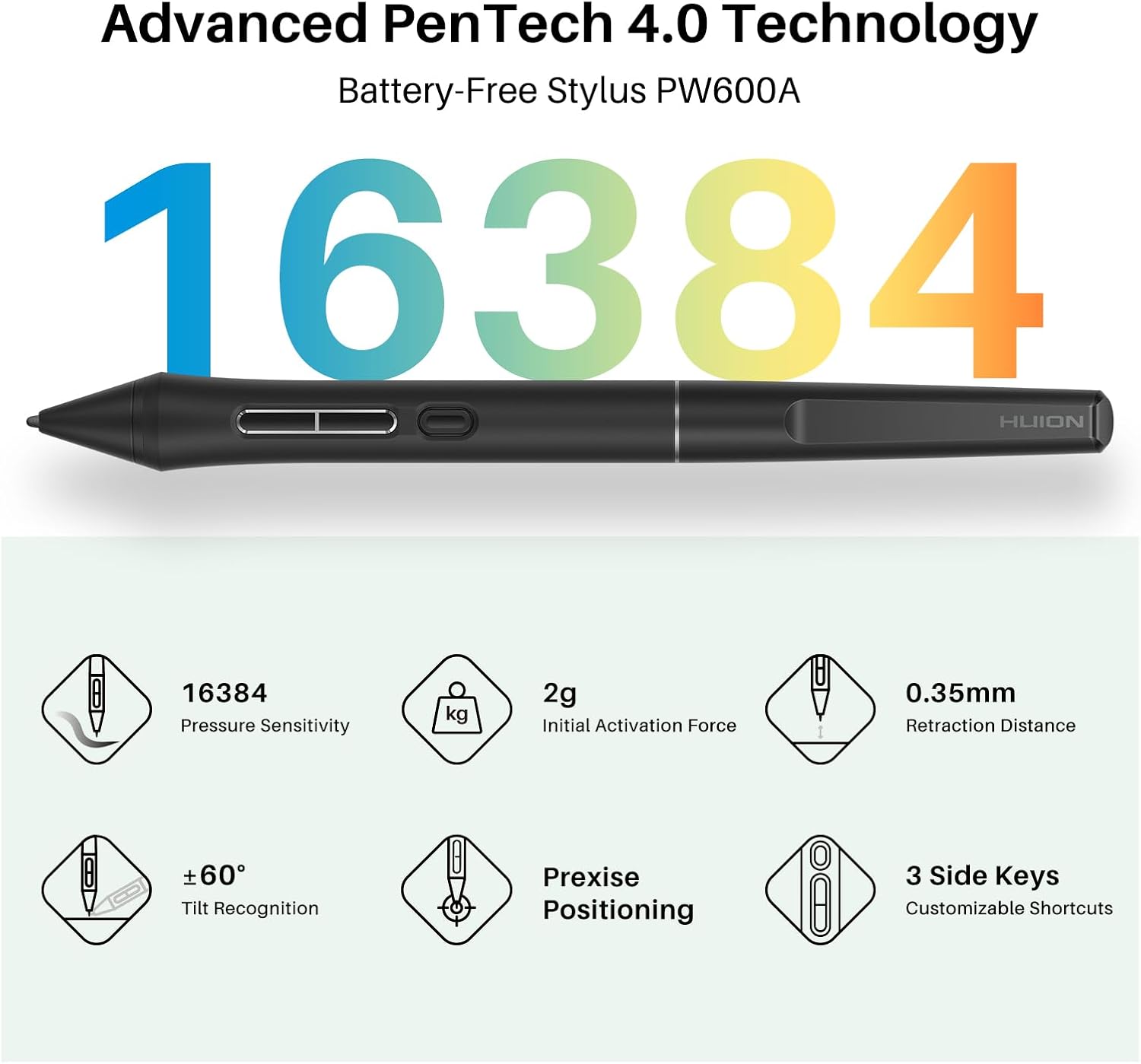
The HUION Kamvas 13 (Gen 3) SE is a 13.3 inch full-laminated pen display designed for digital artists who need precise stroke control and reliable color. It pairs PenTech 4.0 with 16,384 pressure levels and a thinner nib to reduce parallax and deliver natural line variation, making sketching, inking, and shading feel closer to paper. This tablet is a solid pick if you work across PC, Mac, or compatible Android devices and want a compact, color-accurate workspace.
Technical details
- Name: Kamvas 13 (Gen 3) SE
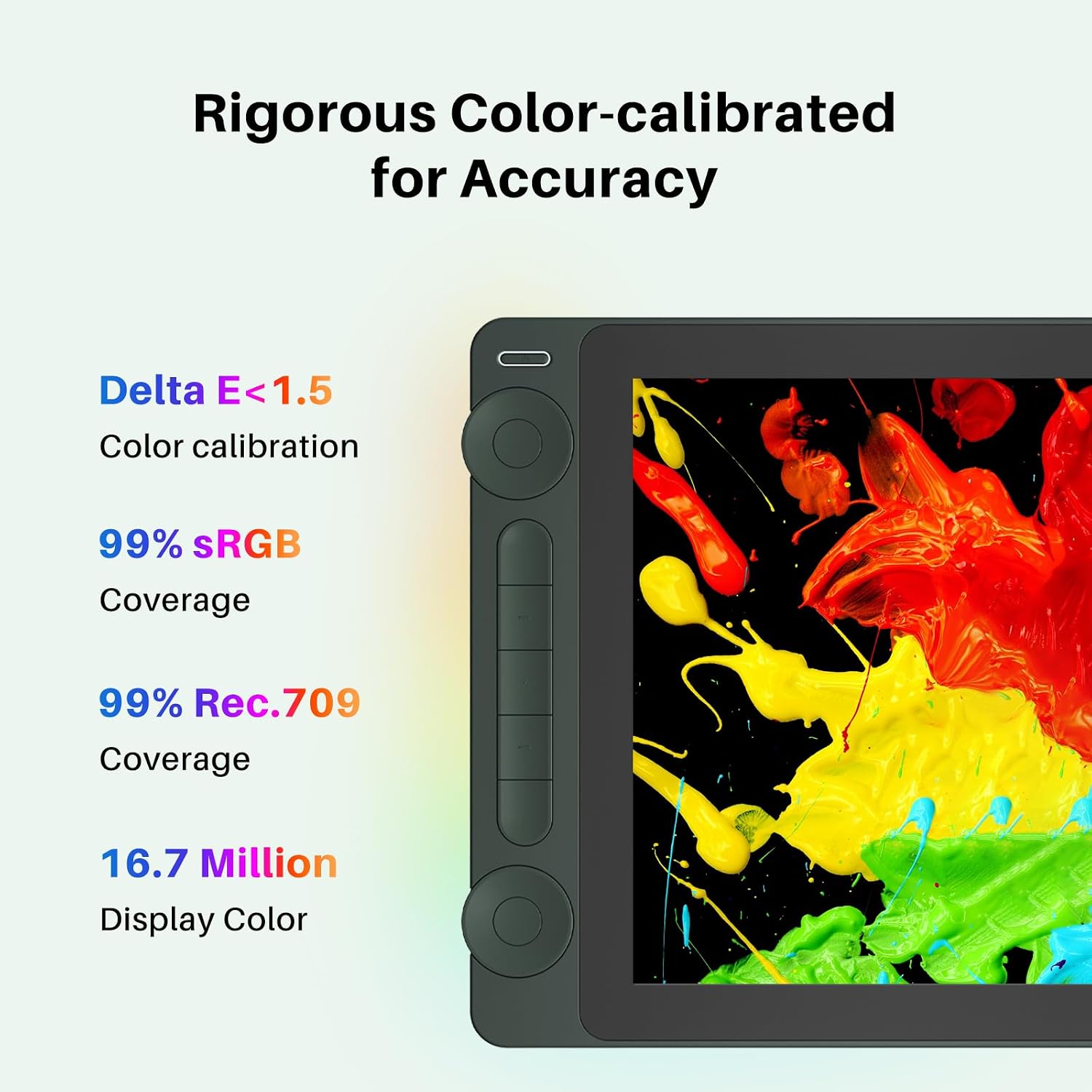
- Resolution: 16.7 million colors, 99% sRGB, Rec.709, 90% Adobe RGB
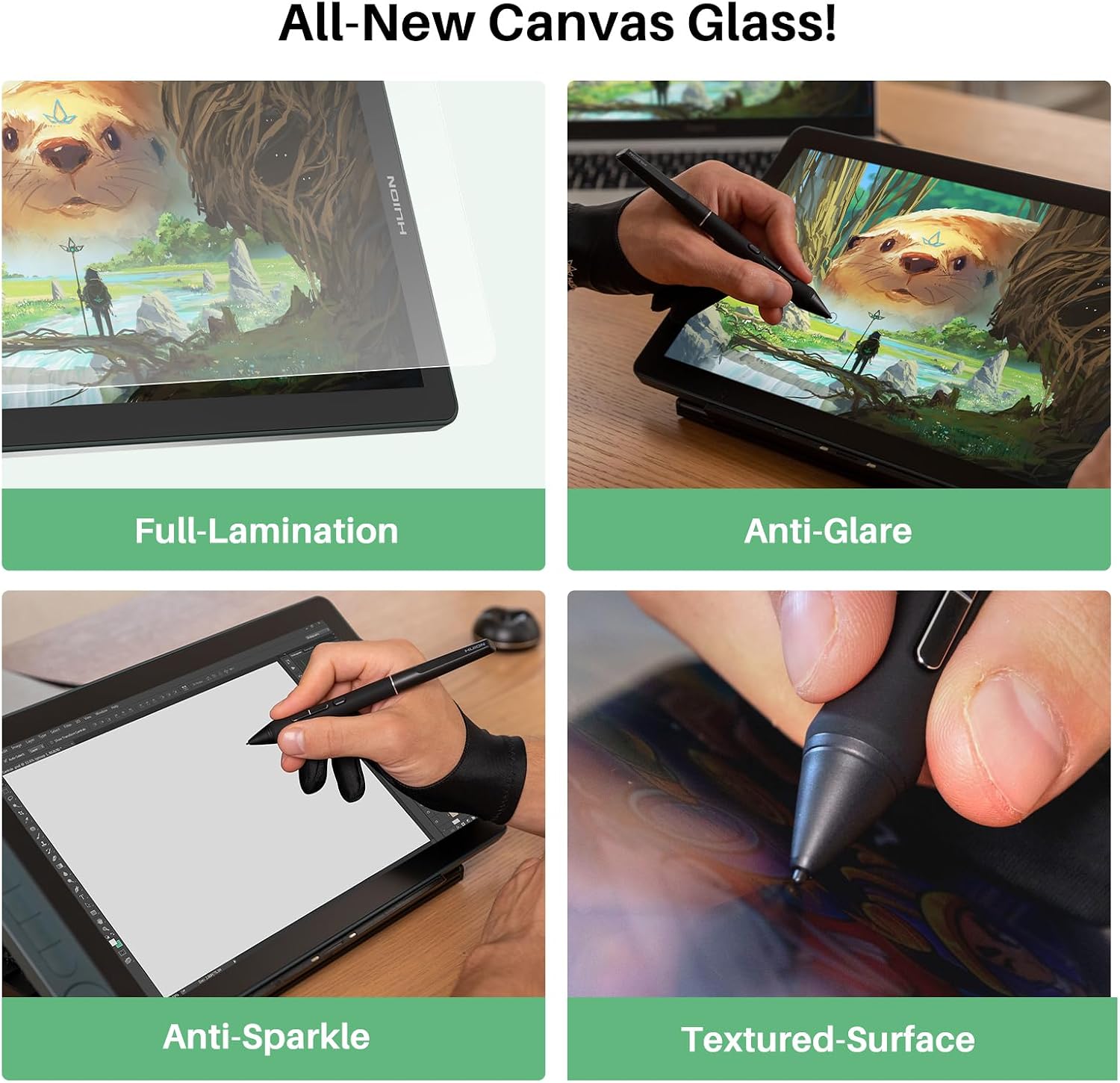
- Type: Full-laminated pen display with nano-etched anti-glare Canvas Glass 2.0
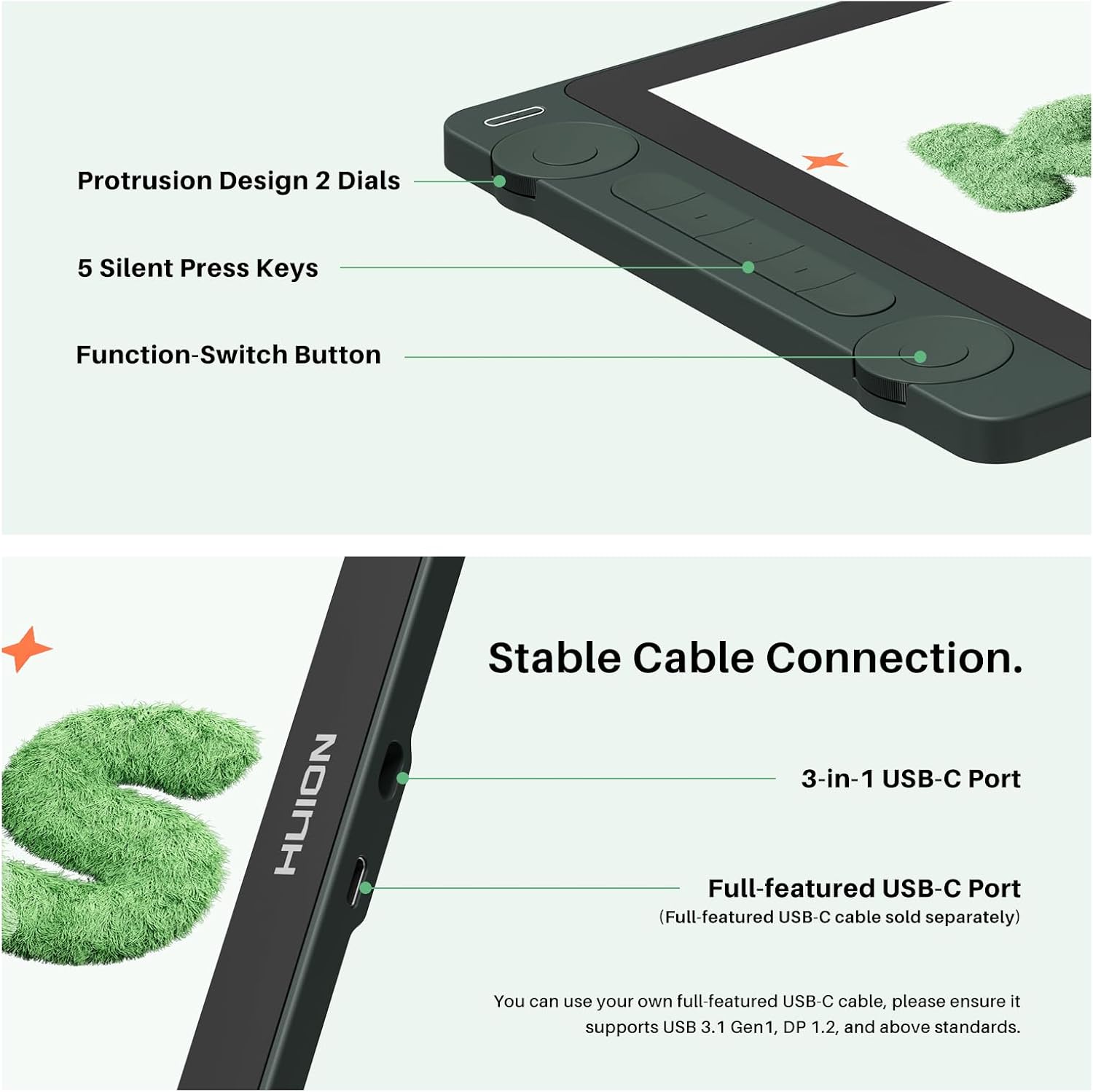
- Connectivity: USB-C single cable, supports USB 3.1 Gen1 and DP 1.2
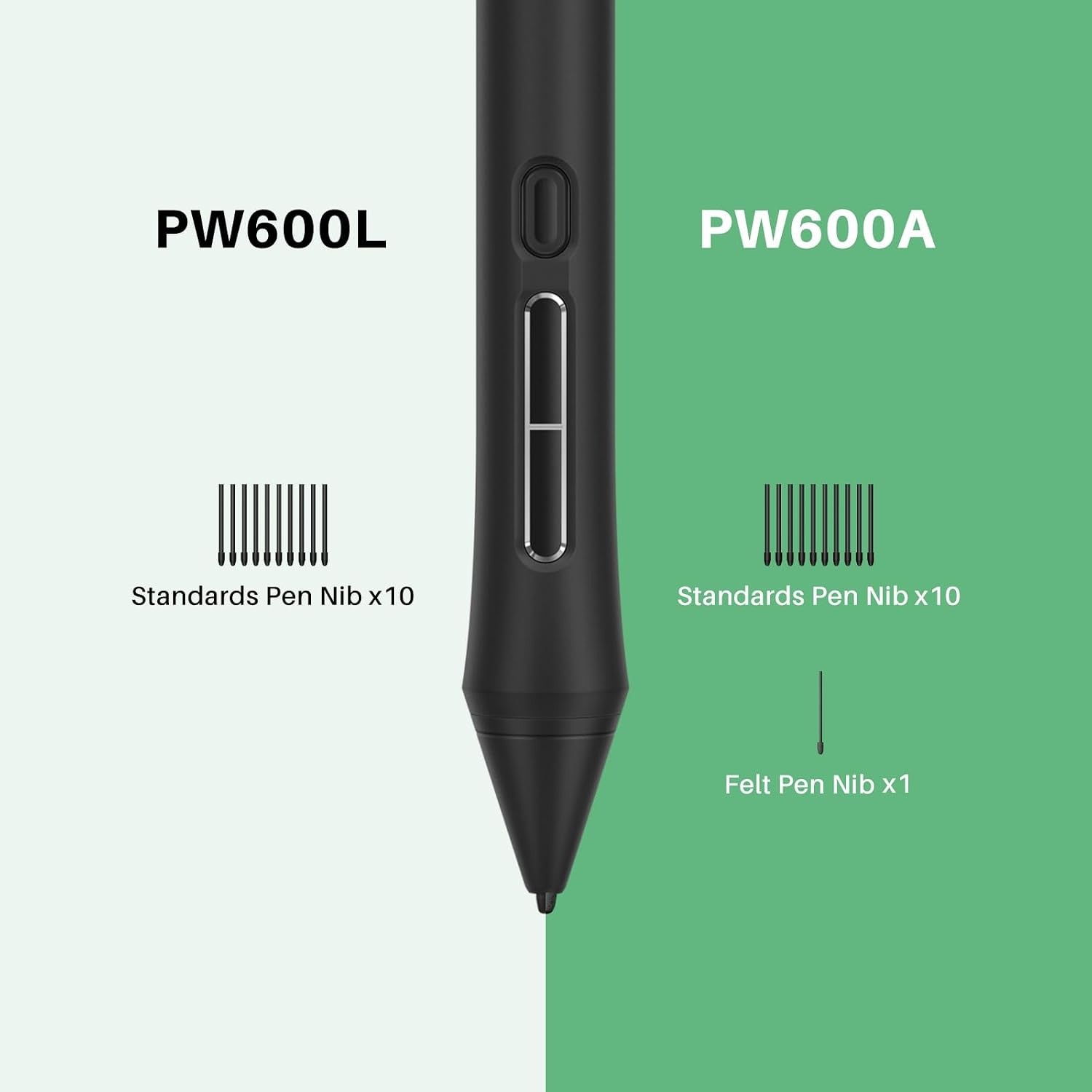
- Battery life: Battery-free Pen with 16384 pressure sensitivity
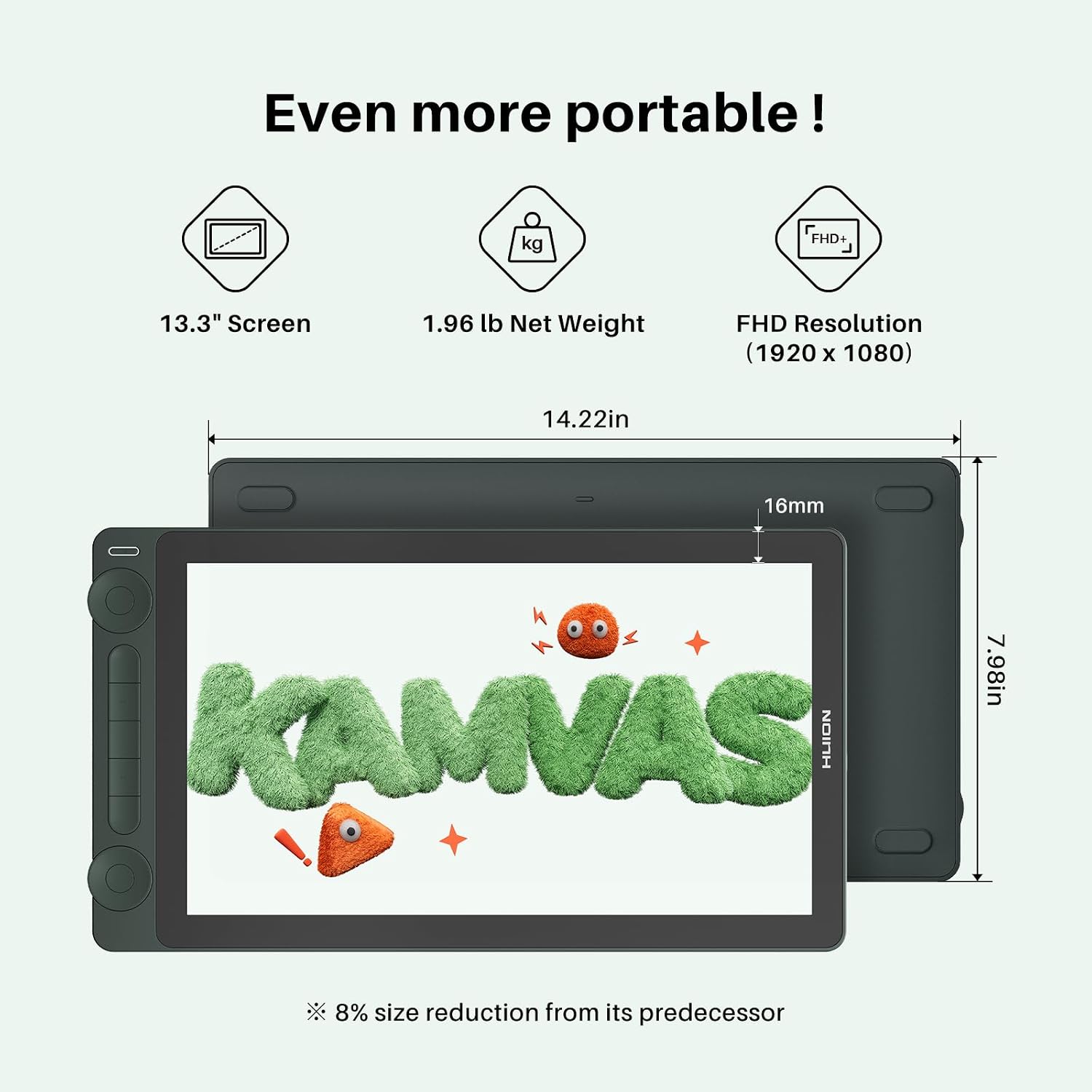
- Dimensions: 13.3 inch display
- Weight: Not specified by manufacturer
Where it shines
HUION Kamvas 13 (Gen 3) SE stands out for its factory color calibration and a reported ΔE less than 1.5 according to the manufacturer, so what you tweak on screen translates well to final output. The upgraded Canvas Glass 2.0 cuts down glare and sparkle while adding a paper-like texture, which helps when you rely on tactile feedback for line work and shading. Workflow feels smoother thanks to two dials and five silent keys for brush and canvas control, and three side customizable keys add convenience during long sessions.
Who it’s for
You’ll appreciate it if you need a portable pen display that balances responsiveness and color fidelity for illustration, concept art, or content creation. It may not be the best choice if you require a standalone tablet, because this pen display must connect to a computer, laptop, or supported Android device to function.
Compatibility & requirements
The device supports Windows 10 or later, Mac OS 10.12 or later, Android devices with USB 3.1 Gen1 and DP 1.2 support, and Linux distributions such as Ubuntu 20.04 LTS. It works with mainstream creative apps like Photoshop, Illustrator, After Effects, Blender, Clip Studio Paint, and Toon Boom. Make sure your USB-C cable and host device meet the stated connection standards for optimal performance.