

SVITOO 10-Inch Android Tablet with Android 16: A practical pick for families and casual users
Reviews
Price
Product description
What it is and who it’s for
The SVITOO 10-inch tablet is designed as a versatile everyday device for kids and adults alike. It runs Android 16 (Go Edition), emphasizing a streamlined, privacy-conscious environment. With a sturdy protective case included and parental controls, it aims to balance simple family use with a touch of personalization. If you’re seeking a basic tablet for learning apps, video streaming, light browsing, and video calls, this model positions itself as a reachable option.
Core performance and software
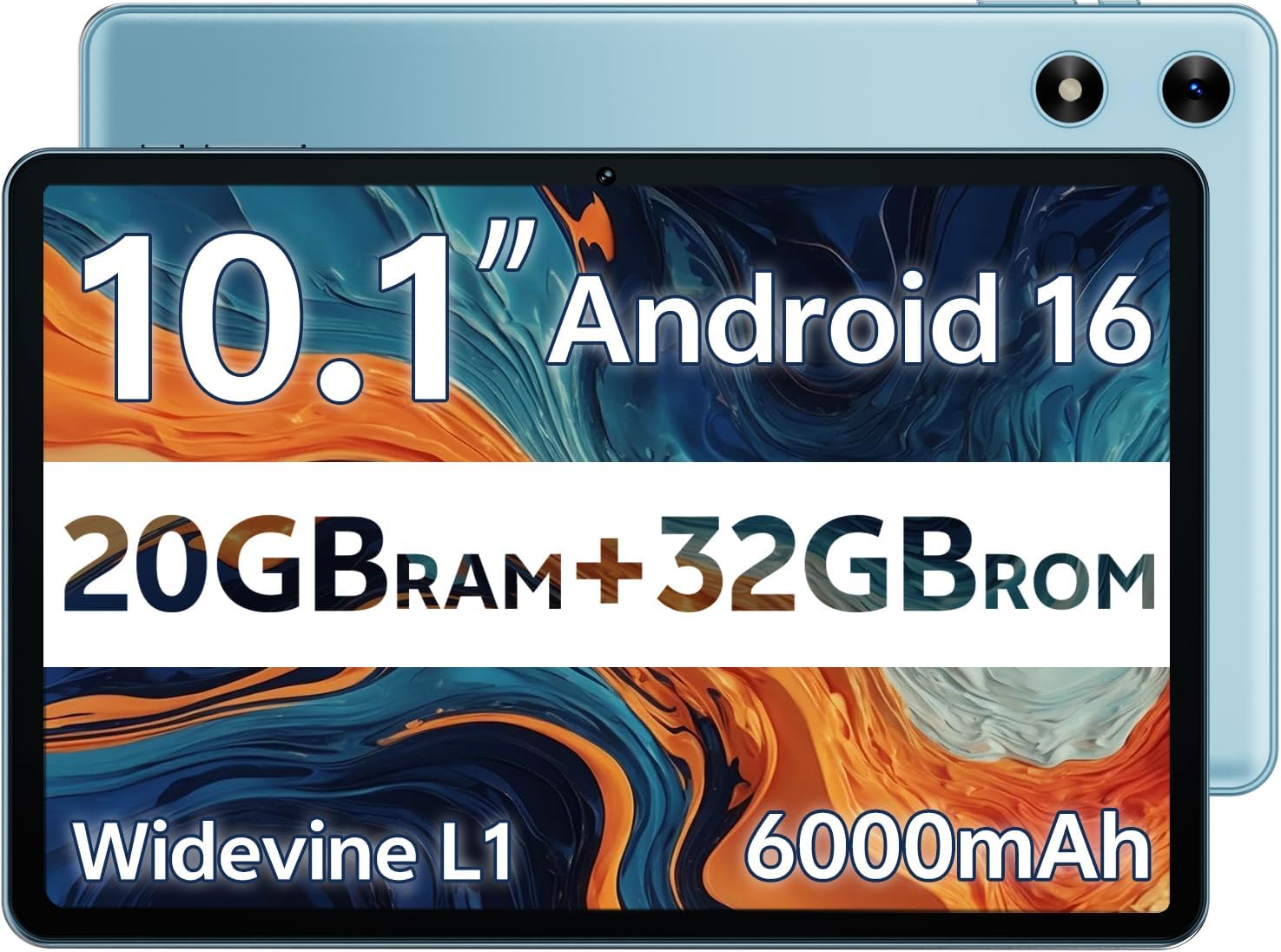
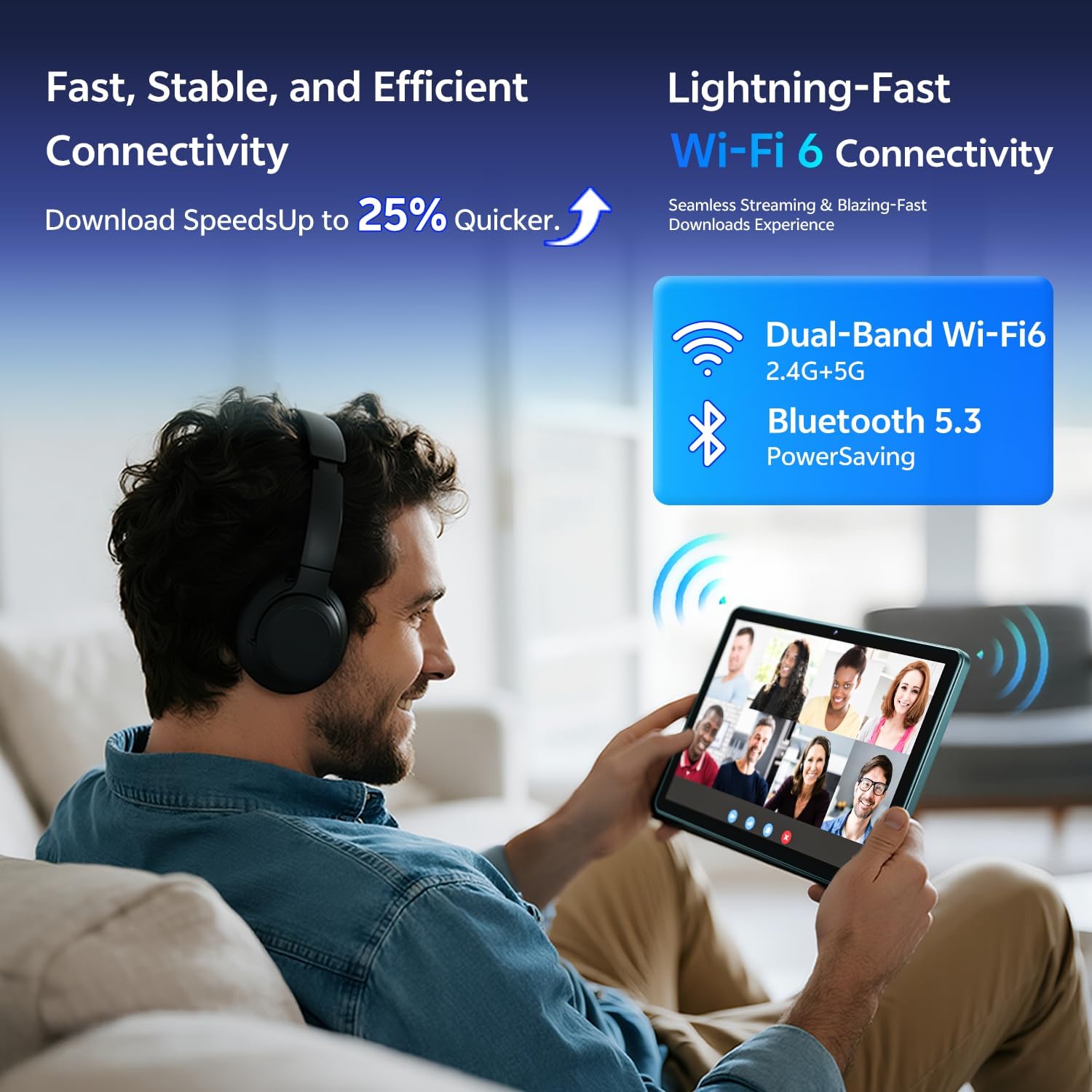
On paper, you get 20GB RAM (split as 3GB + 17GB) and 32GB of internal storage, with expandable memory via MicroSD up to 1TB. The Allwinner A333 processor supports everyday multitasking and reliable Wi‑Fi connectivity across 2.4 GHz and 5 GHz bands. Bluetooth 5.3 enables easy pairing with headphones, speakers, or peripherals. It ships with Google GMS certification, a 3.5mm jack, USB‑C charging, and delivers a familiar Android experience with some safety-focused tweaks. A notable caveat is the absence of a Split Screen feature and built-in GPS, which matters if you rely on multitasking or precise navigation.
Display and media
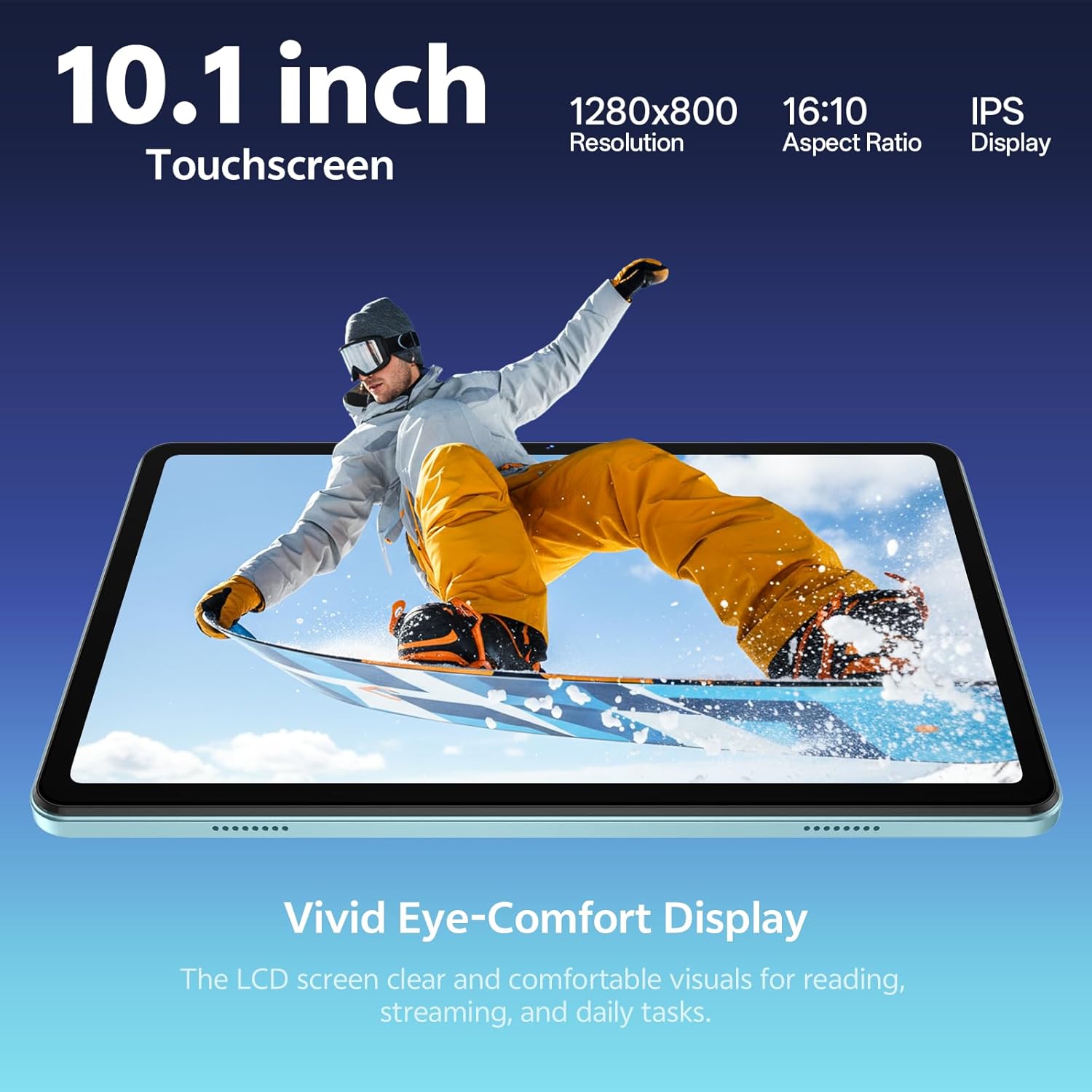
The 10.1-inch HD IPS screen offers a 1280x800 resolution with a 16:10 aspect ratio, good for reading, streaming, and light gaming. Widevine L1 certification supports HD streaming on compatible apps, and dual speakers help with media playback. The panel’s color and brightness are adequate for casual use, though it’s not designed for pro-tier color accuracy or bright outdoor performance.
Cameras and video calls
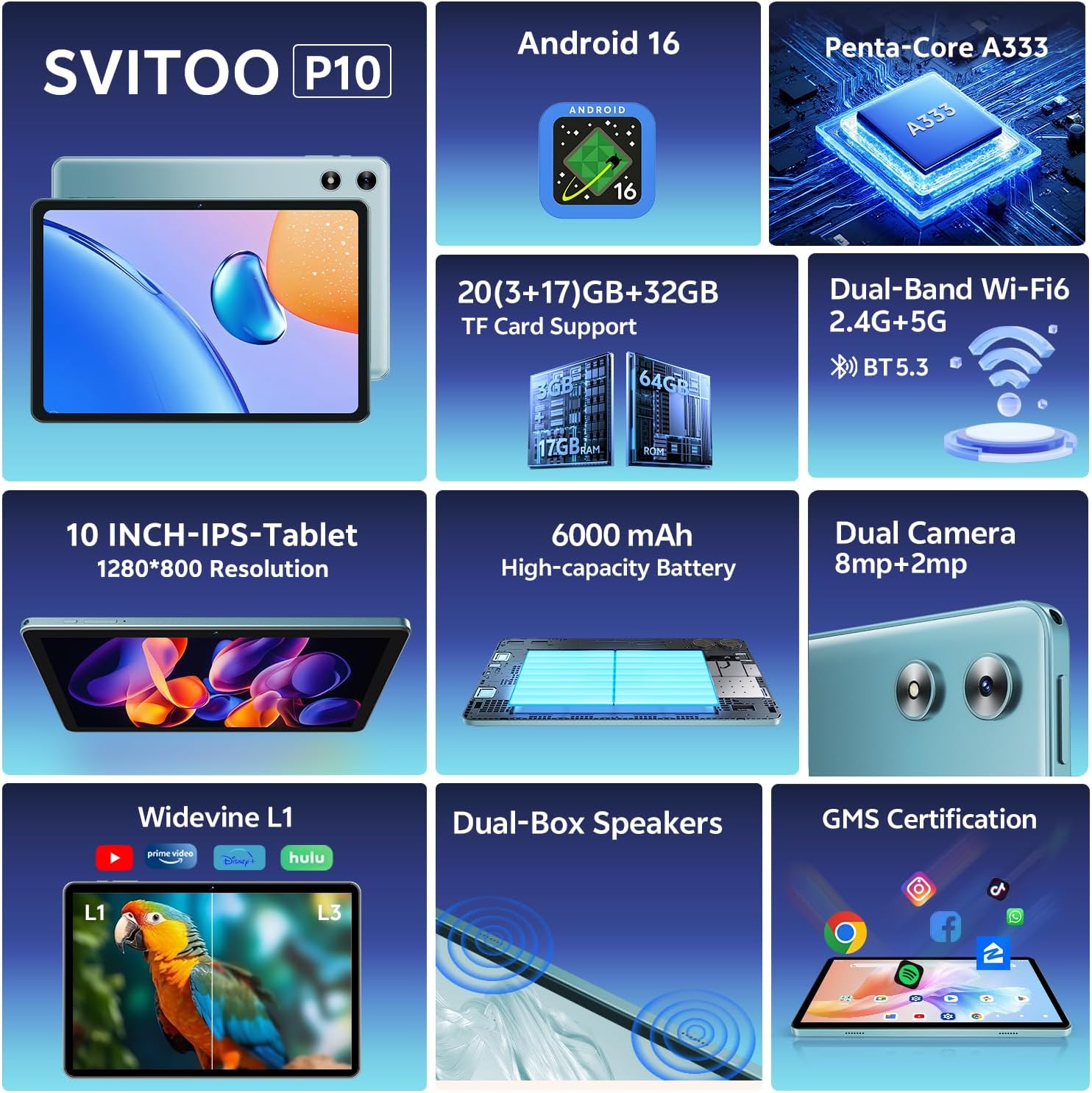
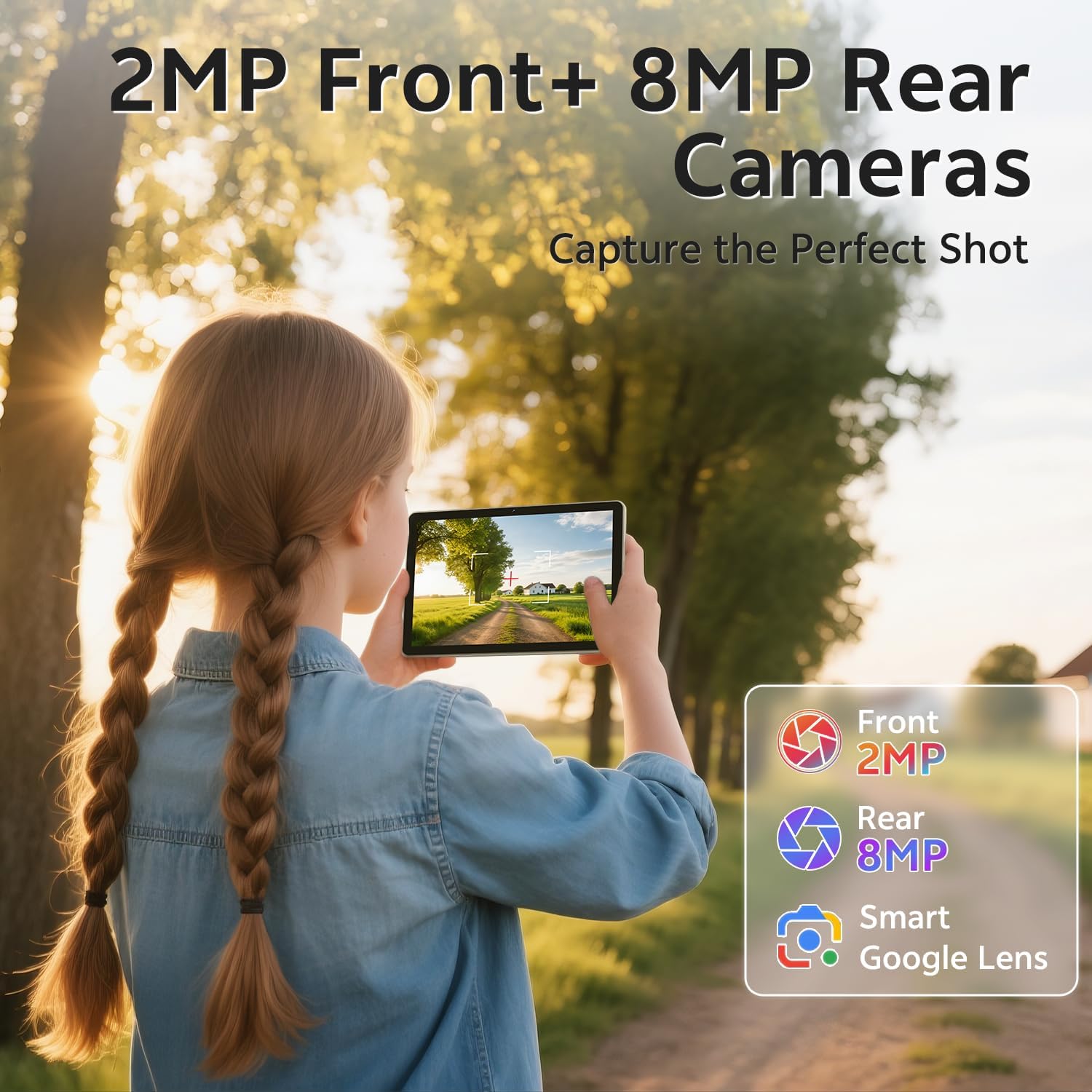
Equipped with an 8MP rear camera and a 2MP front camera, the tablet covers basic photos, video conferencing, and casual content creation. It’s sufficient for everyday chats, class activities, or quick snapshots, but it isn’t aimed at high-end photography.
Battery life and charging
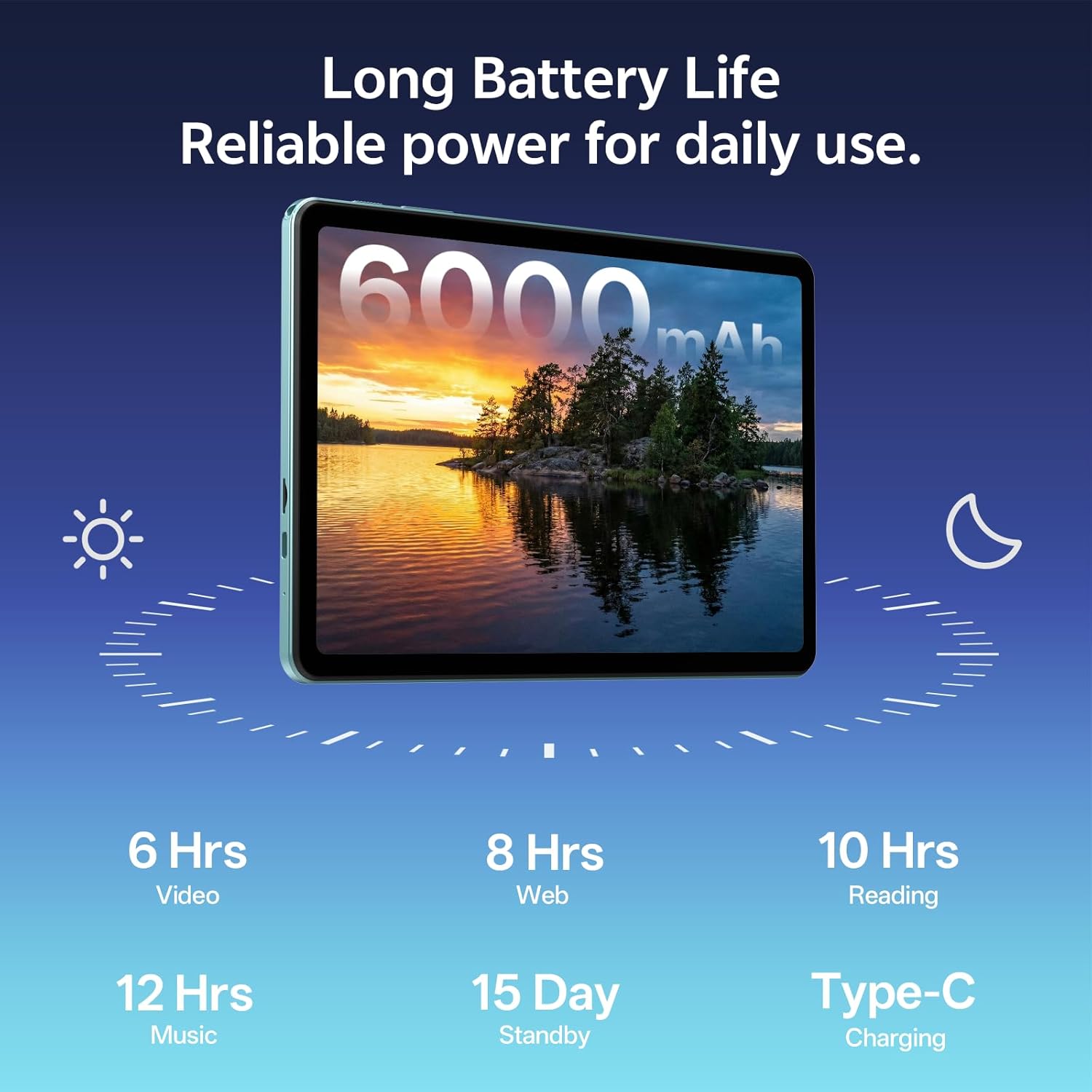
A 6000mAh battery is paired with USB-C charging and claims up to around 8 hours of video playback or web browsing on a full charge. Real-world runtimes will vary with brightness, apps, and network usage. If you tend to binge videos or rely on constant connectivity, expect to recharge during the day.
Privacy, security, and controls
Face unlock offers quick access, while parental controls provide a way to limit screen time and content for younger users. The device emphasizes a controlled user environment, which can be helpful for families or shared devices. Do keep in mind that Android Go Edition is lighter on system resources, so some apps may run with reduced functionality or speed compared to full Android builds.
Build, accessories, and setup
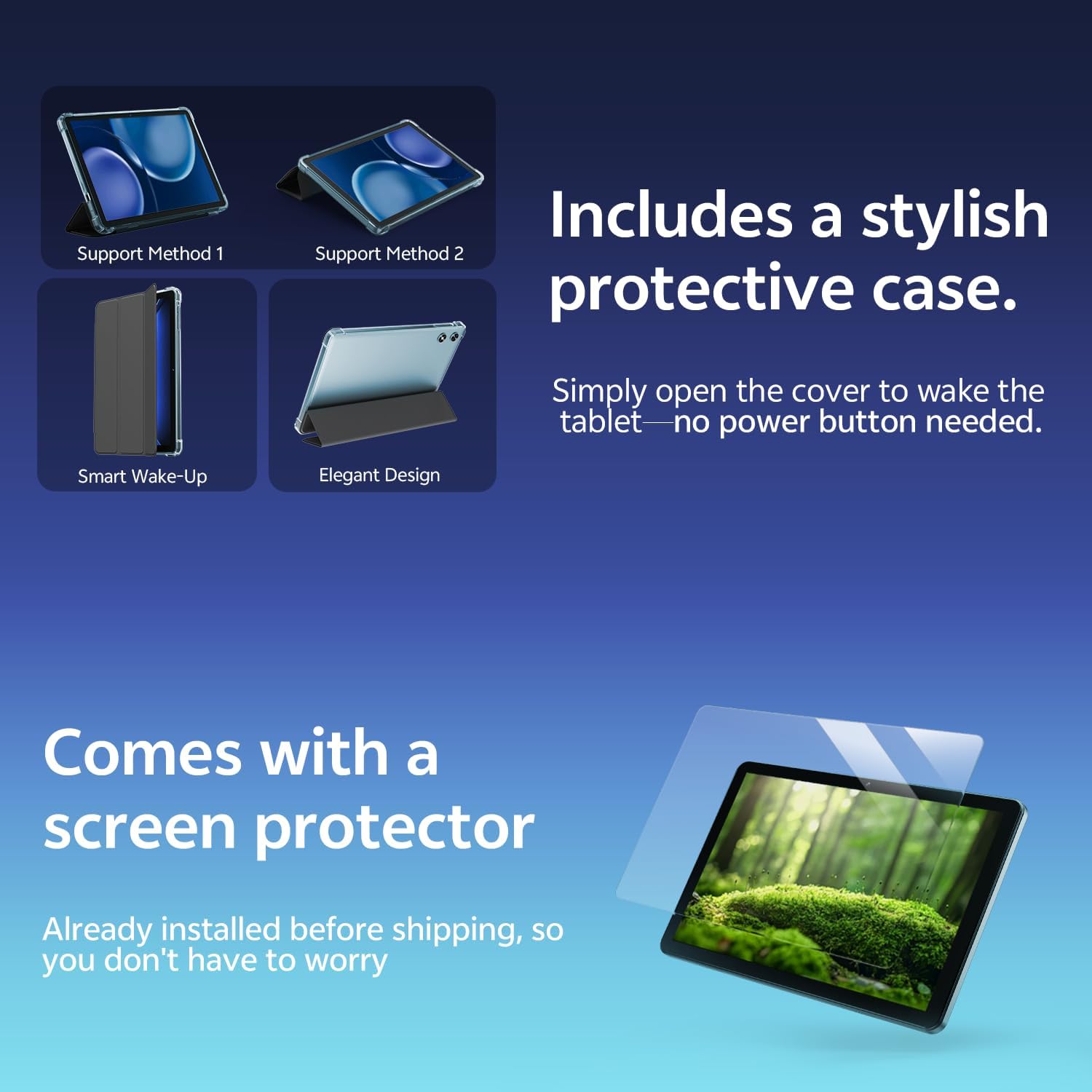
A protective case with a magnetic bracket is included, and opening the cover wakes the tablet automatically. This adds convenience, reduces button presses, and improves durability for households with kids. The device ships ready to use, with a gift-ready box and basic protections.
Practical use cases and limitations
If your main needs are watching videos, reading, light browsing, school apps, and video calls, this tablet covers those bases without a steep price tag. It may fall short for heavy multitasking, professional app workflows, GPS navigation, or demanding games. The lack of a split-screen feature can feel limiting if you frequently multitask side-by-side, and the absence of built-in GPS means you’ll want an alternative for in-car navigation.
Who it’s for and who should think twice
This model suits families seeking a budget-friendly, kid-friendly device with parental controls, or adults who want a simple, expandable tablet for media and light productivity. If you prioritize high-end performance, GPS navigation, or a more robust app ecosystem, you might find it not quite the right fit.
What to check before buying
- Confirm your storage needs and the practicality of relying on microSD expansion up to 1TB.
- Consider whether Android Go Edition meets your app expectations, especially for multitasking.
- If GPS navigation or a heavy app catalog is essential, this model may not be the best match.
- Review the parental controls setup and ensure you’re comfortable with the level of monitoring and limits.
In context of alternatives
For those weighing options, this tablet sits in the entry-to-mid range for casual use with a family-friendly angle. It’s more about value, safety features, and ease of use than top-tier specs. If you want stronger multitasking, a GPS-enabled experience, or a richer app library, you might prefer models with a full Android build and more RAM.
What you’ll notice in everyday use
Most users will appreciate the straightforward setup, the included protective case, and the ability to cast to a TV or monitor via wireless screen casting. The combination of a decently sized screen, usable cameras, and reliable battery makes it suitable for kids’ learning apps, bedtime videos, and light sessions of gaming or reading.
Final decision
Is it worth it?
Worth considering if you want a budget-friendly tablet with a family-friendly feature set, expandable storage, and straightforward parental controls. Not ideal if you need GPS, intense multitasking, or a premium Android experience. If you prioritize simple use, safety, and value for a shared device, this SVITOO model could be a sensible pick.
FAQ
- How capable is Android 16 on this tablet? It’s designed to be light and secure, suitable for everyday tasks but may limit demanding apps.
- Can I run all apps I want? Google GMS is included, but some apps may run with reduced performance due to the Go Edition and RAM/CPU configuration.
- Is the battery enough for a full school day? For typical video, reading, and light browsing, yes, heavy gaming or long sessions could require recharging sooner.