

Apple iPad Air 11-inch (M4) with Liquid Retina, 256GB, Wi‑Fi 7, Touch ID, 12MP Cameras, Space Gray
Product description
What this is and what it solves
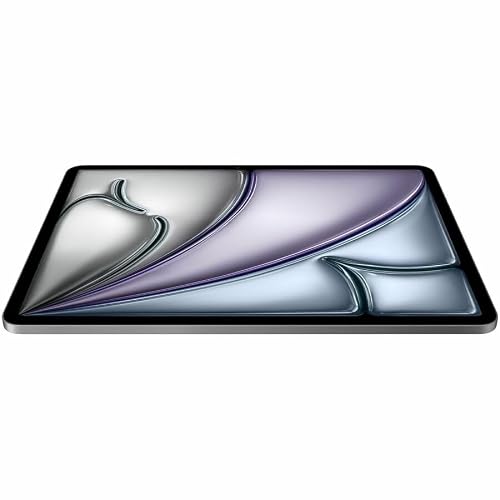
The Apple iPad Air 11-inch (M4) sits in the ultraportable, high-performance tablet category. It aims to blend a slim, travel-friendly design with strong processing power, making it a viable option for productivity, creativity, and media consumption on the go. If you’re weighing a tablet for note-taking, editing documents, light photo/video work, or casual gaming, this model promises to handle multitasking more smoothly than entry-level tablets without stepping up to a Pro-size price tag.
How it performs on paper
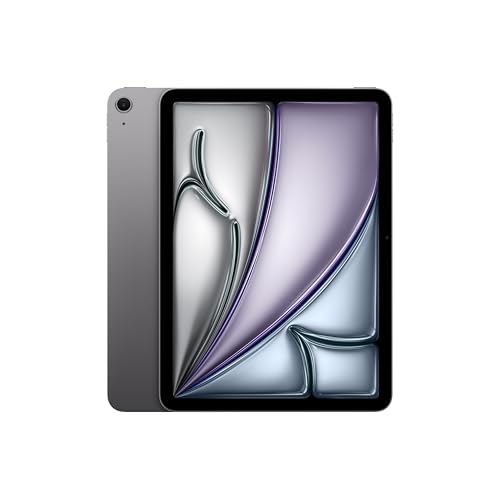
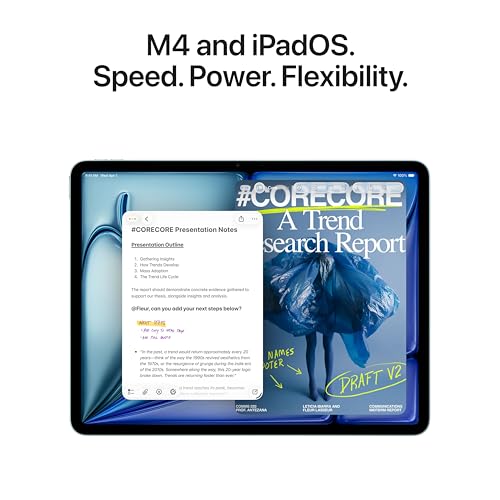
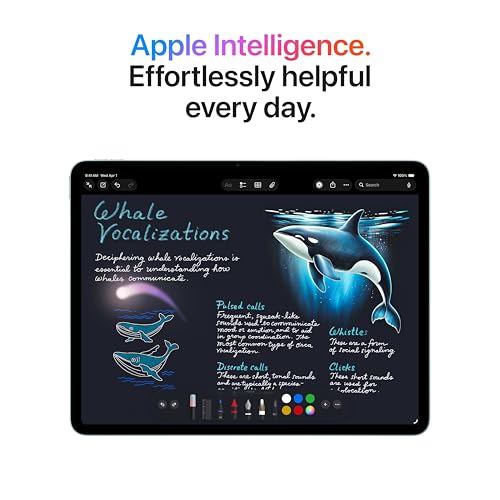
Powered by the M4 chip, the Air supports more complex graphics, smoother multitasking, and responsive app switching. The combination of Apple Intelligence and the latest iPadOS aims to keep workflows organized and responsive, with a battery life claim that supports all-day use in typical scenarios. Storage tops out at 256GB in the base configuration, with options up to higher capacities mentioned in the broader product language. In practice, this translates to room for apps, documents, photos, and media without frequent pruning.
Display and input experience
The 11-inch Liquid Retina display delivers vibrant color, broad dynamic range, and true-to-life visuals, with features like P3 wide color and True Tone. The screen quality matters for creative tasks (sketching, photo edits, video previews) and for enjoying movies or games. On the security side, Touch ID offers quick, secure authentication directly on the device.

Cameras and video workflows
With a 12MP front-facing camera and a 12MP rear camera, you get solid options for video calls, document capture, and casual photography. The front camera supports Center Stage for keeping you in frame during calls, which can be a real plus for remote work or family chats. If your work involves scanning documents or capturing clean 4K video, the rear camera is aligned with those needs, though serious videography might still pull toward higher-end setups.
Connectivity and accessories
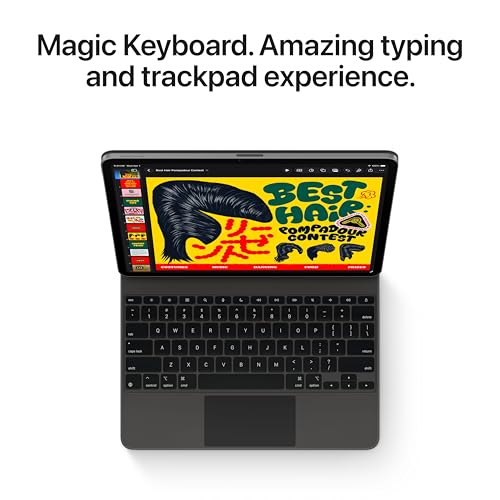
Wi‑Fi 7 with Apple N1 promises faster wireless connectivity on supported networks, which helps with large file transfers, cloud syncing, and streaming. The Air is compatible with Apple Pencil Pro and a USB-C connected stylus for drawing or note-taking, plus a Magic Keyboard option that provides a typing experience and a trackpad for more productive work sessions. If you value a compact setup for writing or editing on the go, this trio expands what the tablet can do beyond casual consumption.
What to consider before buying
- If you need flagship camera systems or pro-grade video editing, this model is a strong everyday performer but may not satisfy heavy professional workflows where a higher-tier device could be more appropriate.
- Storage options beyond 256GB exist in the broader Apple ecosystem, if your library of apps, media, and files grows quickly, plan for cloud storage or a model with higher capacity.
- The combination of a tablet and accessories is appealing for those who want a portable workstation, but it’s not a laptop replacement for everyone. Consider whether your typical tasks align more with lightweight productivity or with tasks that benefit from a physical keyboard and larger screen real estate.
Who it’s for
This iPad Air suits students, remote workers, creators who want a portable sketching tool, and media enthusiasts who prefer a lighter, more affordable alternative to larger Pro models. If you prioritize a balance of performance, portability, and ecosystem integration, you’ll likely find it a compelling fit.
Who might want to skip it
If you require the most storage without compromise, or if your mind leans toward heavier-duty creative software and multitasking with ultra-demanding apps, a higher-end configuration or different device class might be worth evaluating.
How to use it day to day
Picture this: you jot notes with the Pencil Pro during class, snap a quick doc scan with the rear camera, hop into a video call using Center Stage, and draft a few pages of editing in a split window with iPadOS windowing. The keyboard accessory can turn casual browsing into more productive writing sessions, and the Apple ecosystem makes transitions between apps feel natural.
How this compares to alternatives
In the realm of tablets, the Air line tends to sit between entry-level devices and Pro-class machines. It’s a practical middle ground if you want solid performance without the bulk or the premium price. If your use cases include heavy photo/video editing, 3D work, or long, intensive multitasking, you might look at devices with more horsepower or larger screens, but for most everyday tasks, the Air offers a compelling blend.
Practical usage example
Imagine preparing a presentation on the go: you sketch a few diagrams with the Pencil Pro, arrange slides with iPadOS multitasking, and share a quick video briefing from a coffee shop. The 11-inch form factor makes it easy to carry, while the fast wireless connectivity helps you pull assets from the cloud without long waits.
FAQ (quick answers based on available data)
- Does it have a front-facing camera with good quality for calls? Yes, a 12MP front camera with Center Stage is designed for video calls.
- Is there a keyboard option? Yes, accessories like Magic Keyboard offer a trackpad and a typing experience, enabling more traditional productivity workflows.
- Can I shoot 4K video? The rear camera supports 4K video capture per the feature set described, though for advanced videography, you might want to compare with higher-tier models.
Decision: final buying considerations
Is it worth it? It makes sense if you want a compact, capable tablet that handles everyday productivity, light creativity, and multimedia with strong ecosystem support. It’s a solid pick if you prioritize portability and a refined software experience over top-tier specs. You’ll want to avoid it if your work demands maximal storage, filming fidelity, or raw processing power beyond what the M4 handles comfortably.