

Lenovo all-in-one desktop, 23.8-inch
Product description
Quick overview
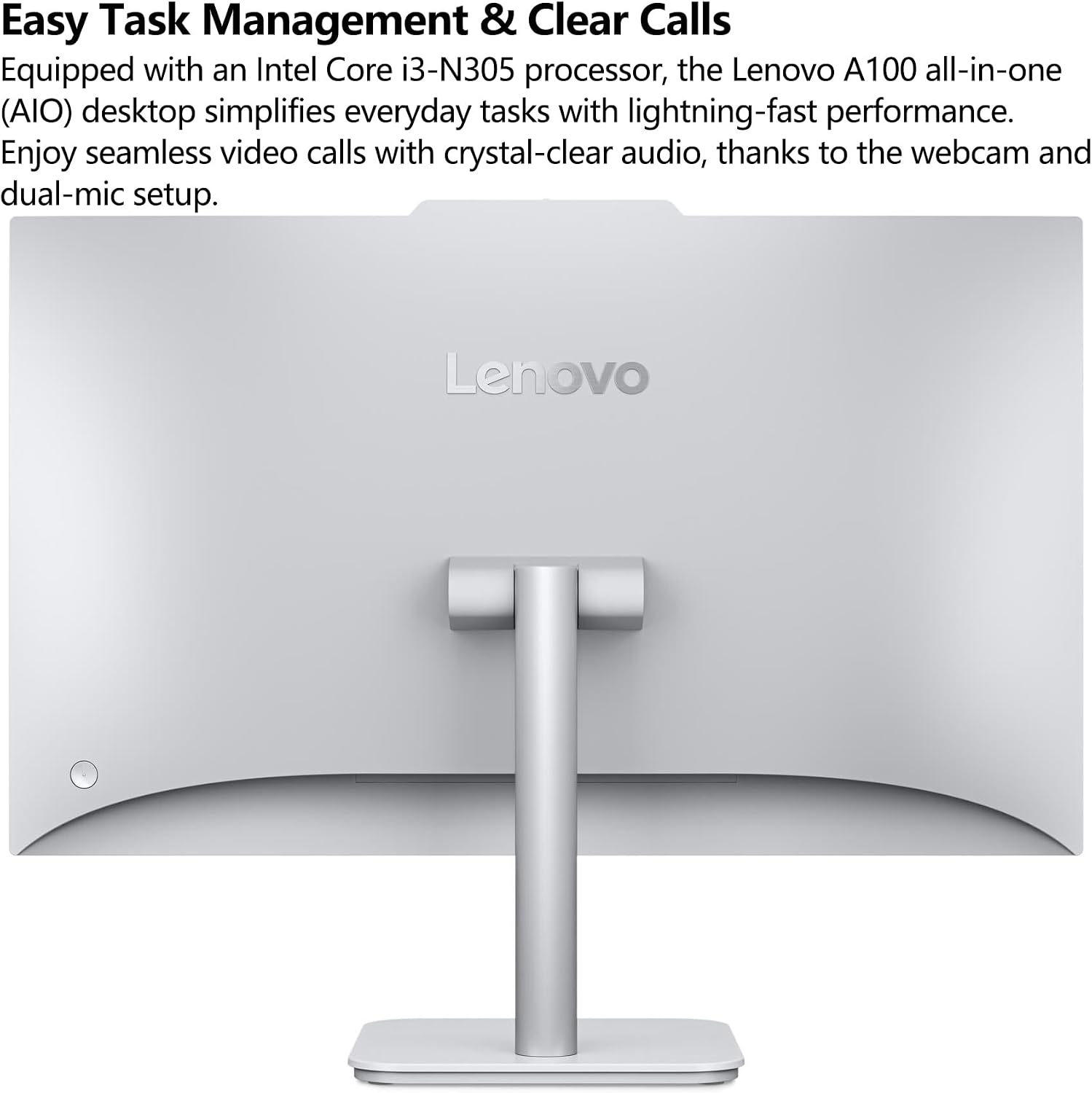
When a home office needs a computer without a separate tower taking up floor or desk space, an all-in-one can make the setup simpler. The Lenovo IdeaCentre 24 combines the computer and a 23.8-inch display in one unit.
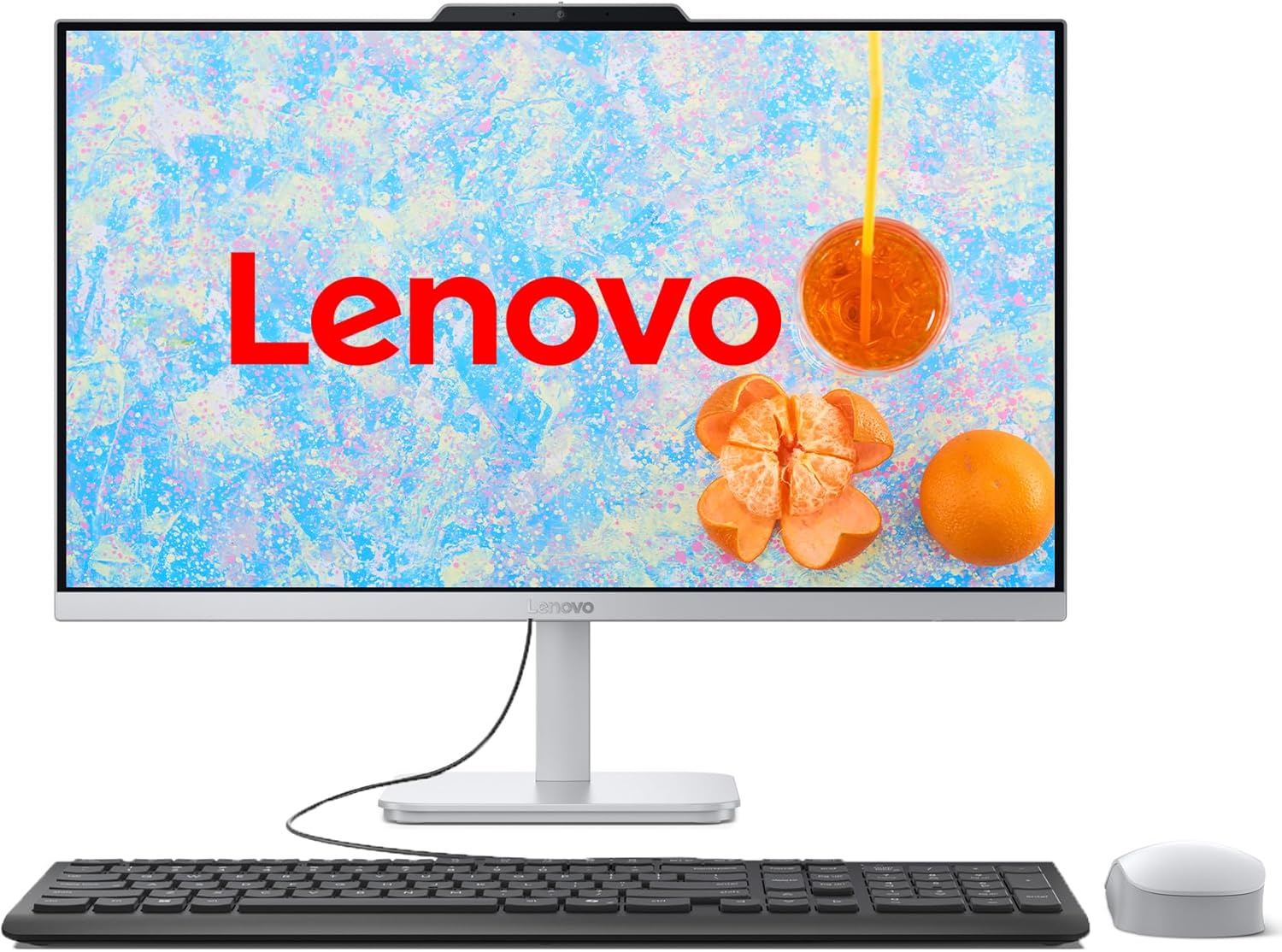
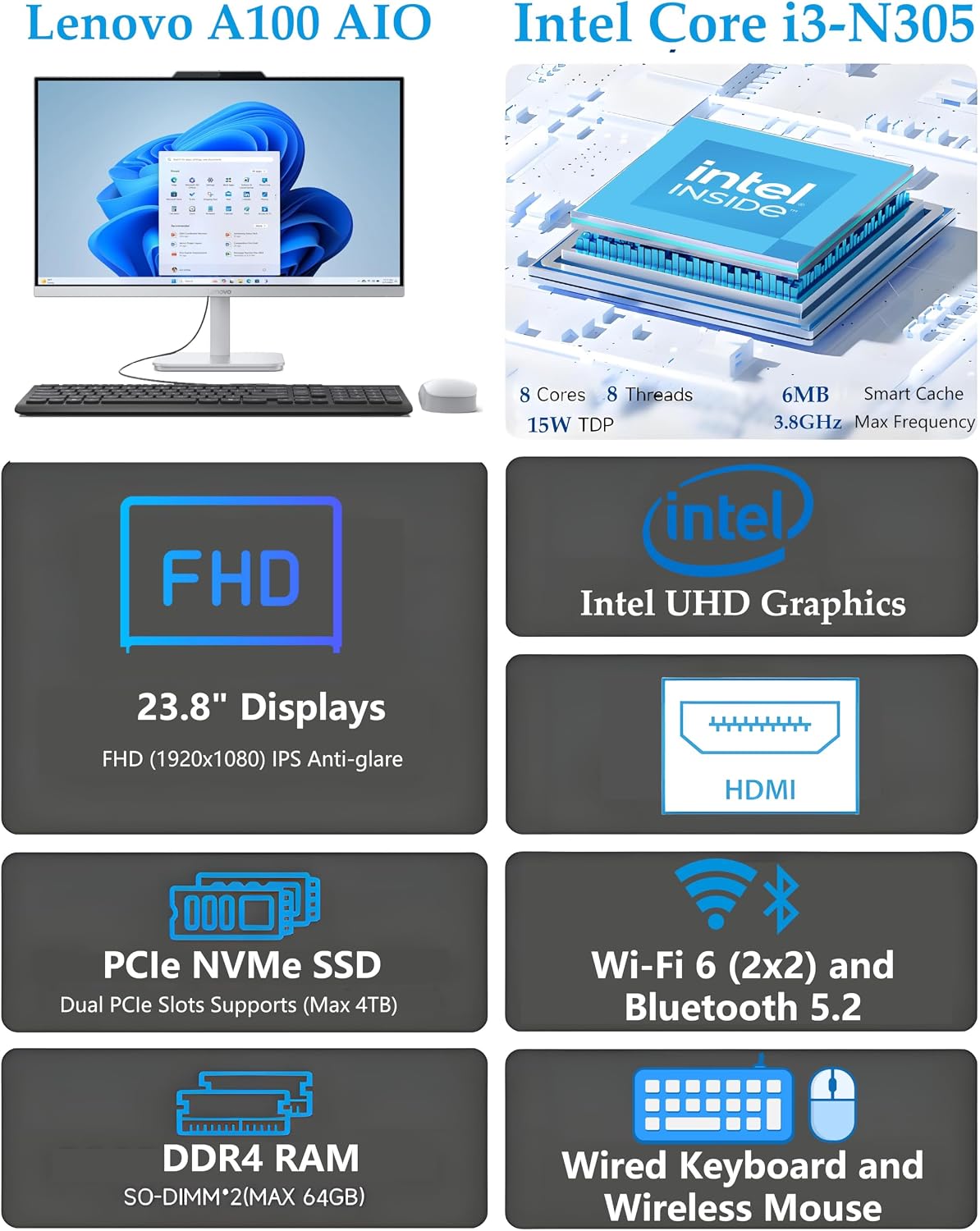
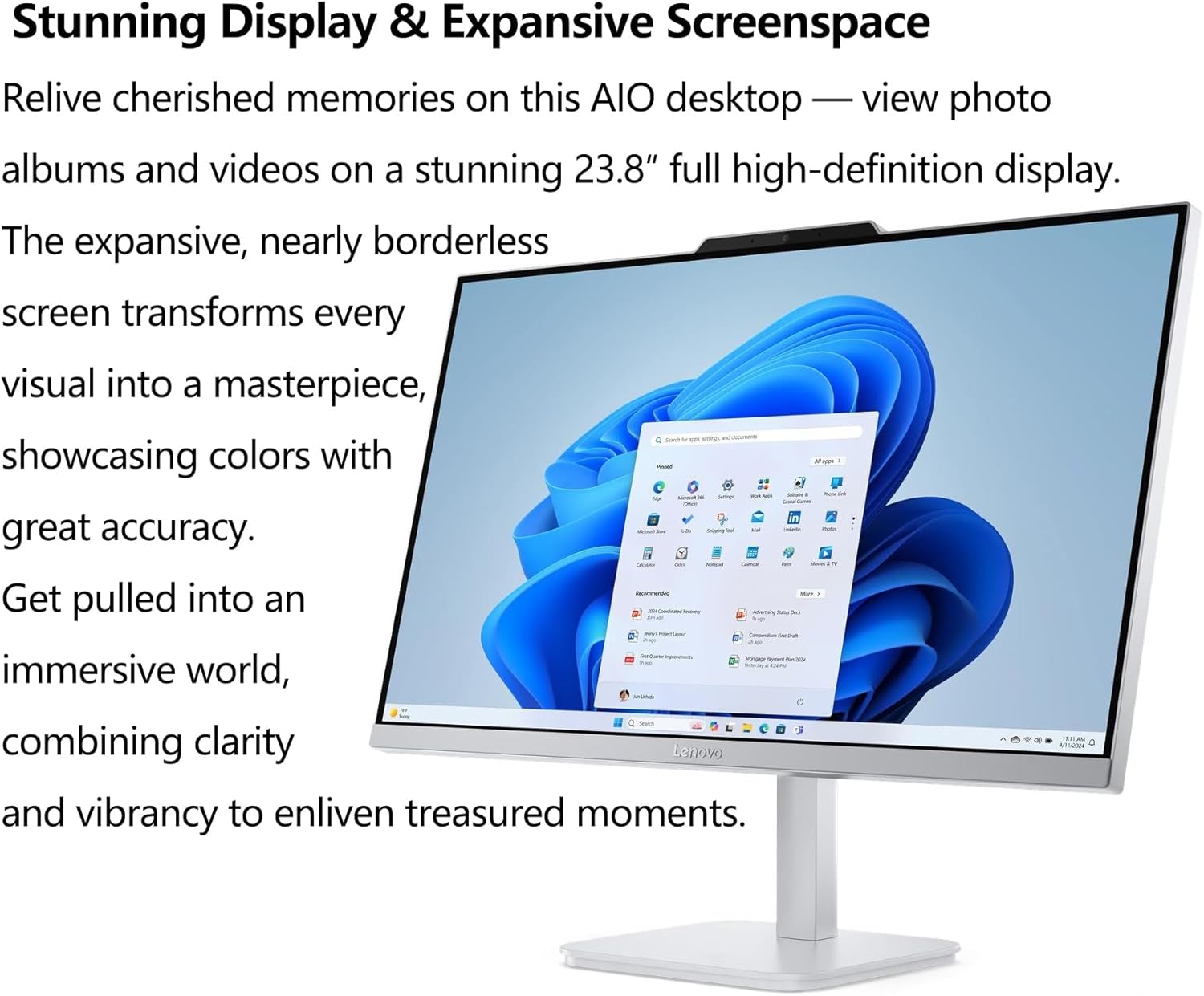
Its Full HD IPS screen is non-touch and has an anti-glare finish. A tilting stand, Windows 11, and the included wired keyboard and mouse help make it ready for everyday work, browsing, and video calls.
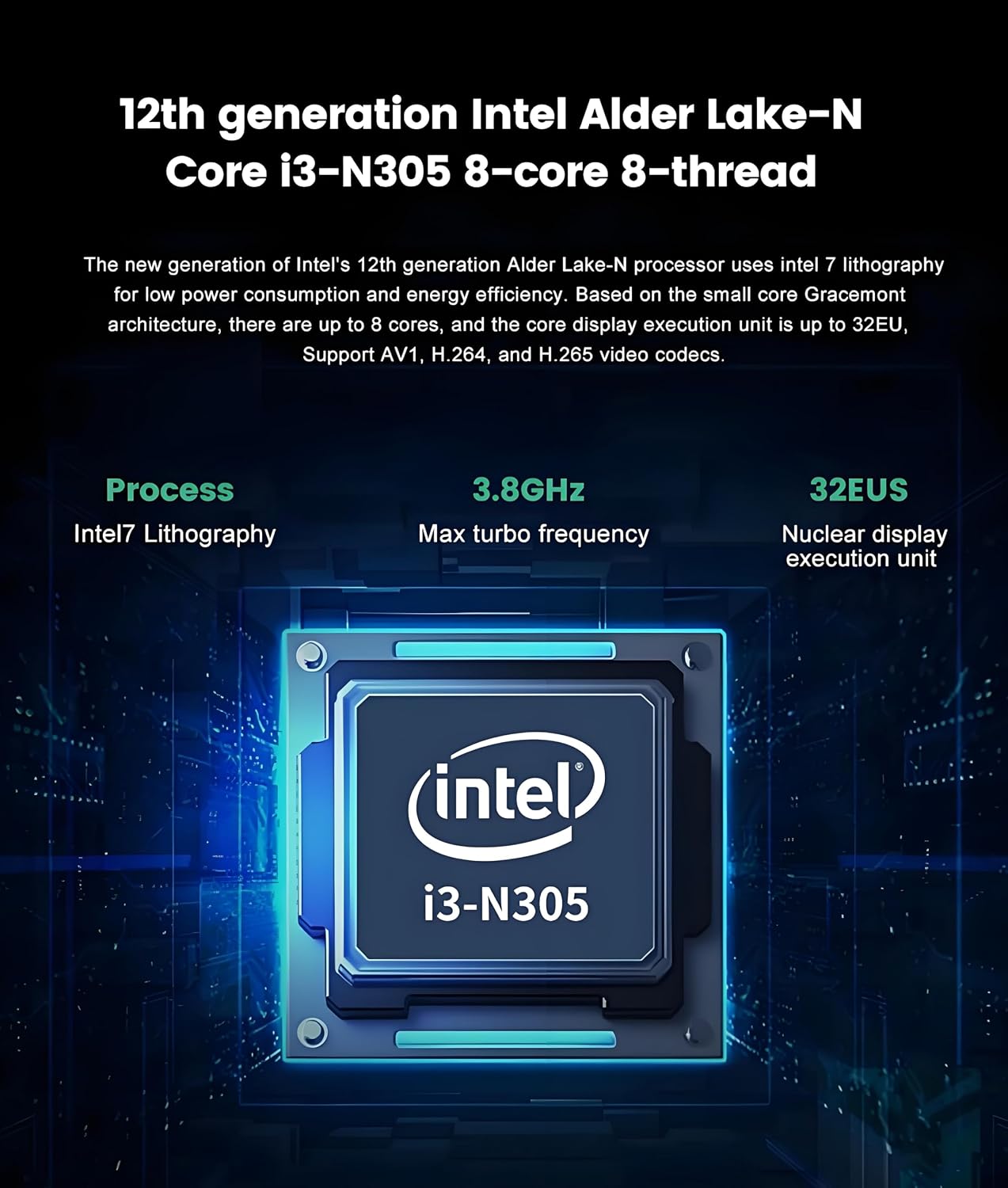
The listed configuration pairs an Intel Core i3-N305 processor with 32GB of DDR4 memory and a 1TB SSD. That gives you room for files and several open apps, though the processor description alone does not establish how it will handle demanding creative workloads.
Best use cases
This setup is aimed at familiar home and office tasks: editing documents, browsing, streaming video, online learning, and video conferencing. For example, you could keep a spreadsheet open beside a browser, join a call using the HD camera and mono microphone, and connect a printer without building a desk around a separate PC case.
It suits you if a tidy, fixed workstation and included peripherals matter more than a touchscreen or a separate, independently placed monitor. Compared with buying a tower and monitor separately, the all-in-one approach reduces the number of main components on the desk. A separate desktop setup may make more sense if you want a more modular arrangement or need to choose the display and computer independently.
The screen is 1920 × 1080, with a stated 250-nit brightness and 99% sRGB color accuracy. Keep in mind that it is not a touchscreen, so tapping or handwriting directly on the display is not an option. Not the best choice if touch input is central to your workflow.
Tips for day-to-day use
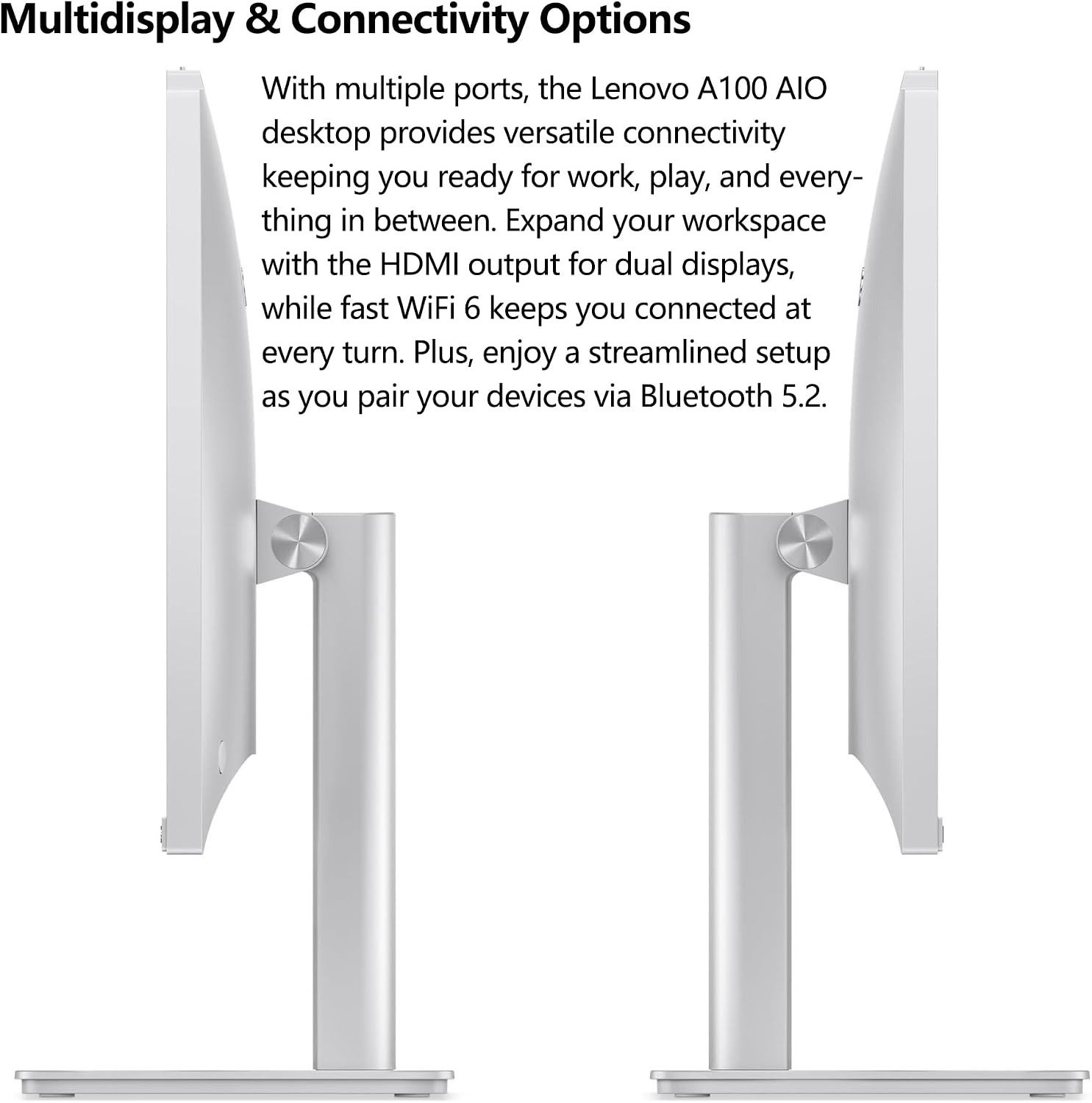
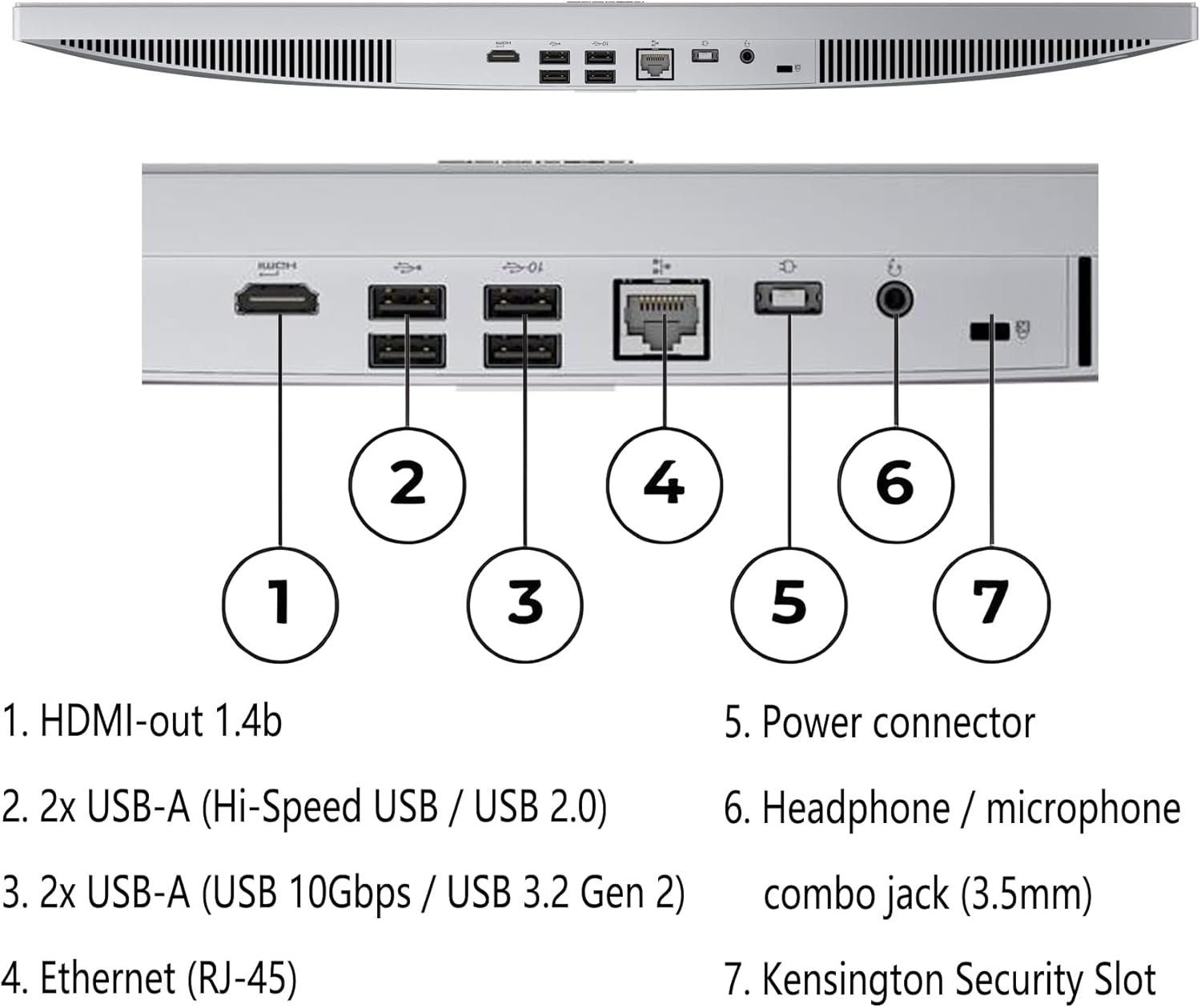
Use the tilting stand to set a comfortable viewing angle, then connect accessories through the USB-A ports or the 3.5mm audio jack. Wi-Fi 6 and Bluetooth 5.2 cover wireless connections, while Gigabit Ethernet is available if you prefer a wired network. The HDMI 1.4b port is listed as an output for connecting another display, it is not described as an input for using this screen with another computer.
The 1TB PCIe NVMe M.2 SSD is intended for local apps and files, and the product description lists two M.2 expansion slots. Treat that as potential flexibility, not a reason to assume a particular upgrade is included. The supplied keyboard is wired, so plan for a cable on the desk. Office 365 is described as compatible for web editing, the listing does not say that a paid subscription is included.
Before you decide
Does it include a keyboard and mouse? Yes. The listed accessories are a wired black keyboard and a Cloud Grey mouse.
Can it connect to a second display? The listed HDMI 1.4b output is intended for dual-display use.
Is the screen touch-enabled? No. The product description identifies it as a non-touch display.
Buying verdict
The IdeaCentre 24 makes sense if you want one desk-based system for routine productivity, calls, browsing, and media, with a large memory and SSD allocation in the listed configuration. Its built-in display, camera, speakers, keyboard, and mouse reduce the need to assemble a workstation from separate parts. The trade-off is a fixed all-in-one design with a non-touch screen, buyers who prioritize touch input, a more modular setup, or workloads that call for stronger processor performance should look at a different kind of desktop.