

Razer Wolverine V3 Pro Wireless Gaming Controller: Pro-grade versatility for Xbox and PC
Reviews
Price
Product description
What it is and who it suits
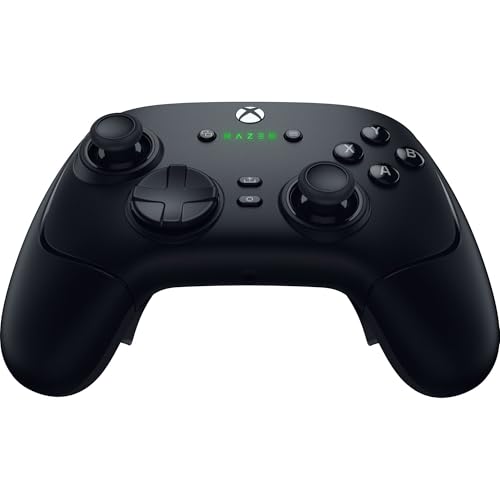
The Razer Wolverine V3 Pro is a wired/wireless gaming controller designed for competitive play on Xbox Series X|S, Xbox One, and Windows PC. It emphasizes fast inputs, precise control, and heavy customization, aiming to appeal to players who want more buttons within easy reach and tailored analog response. If you’re chasing tighter button mapping, adjustable thumbsticks, and a dedicated tournament mode for PC play, this model positions itself as a serious option rather than a casual gamepad.
How it feels and how it performs
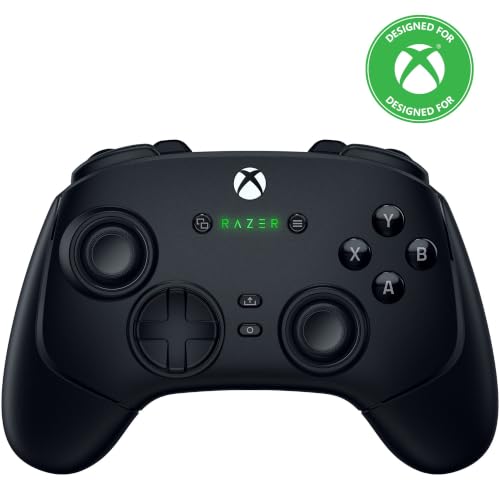
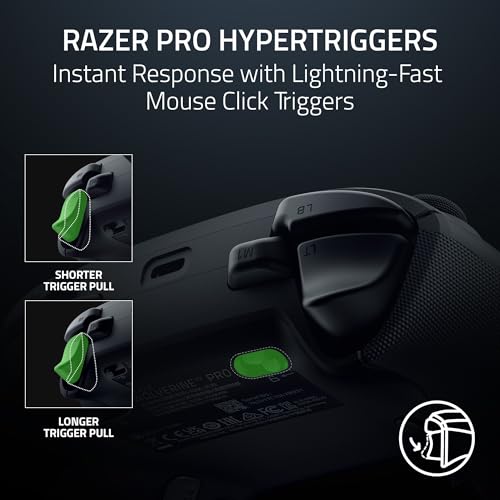
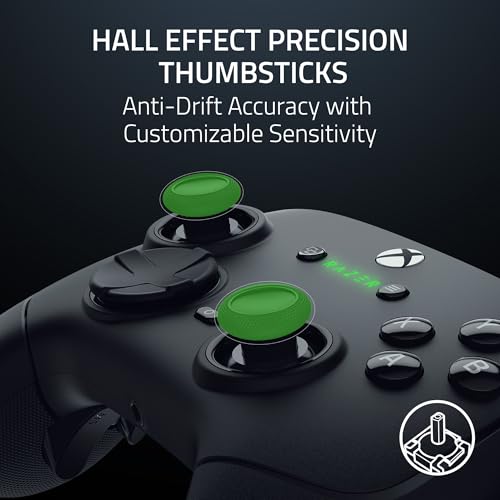
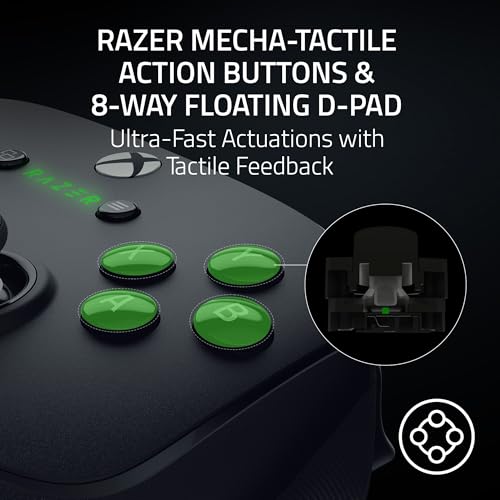
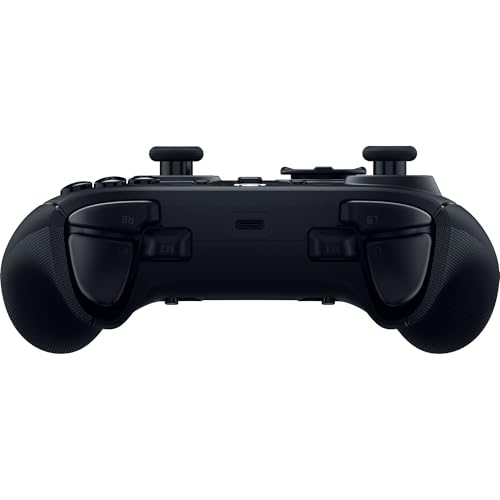
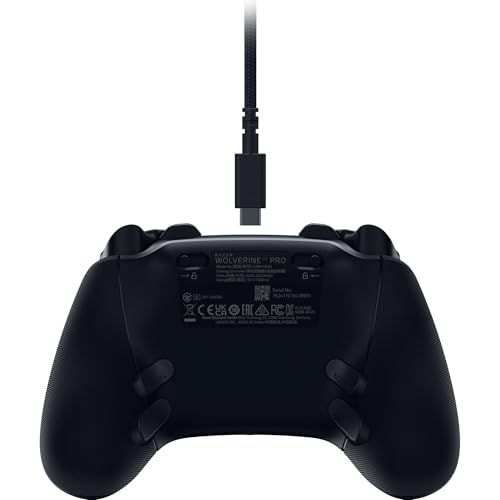
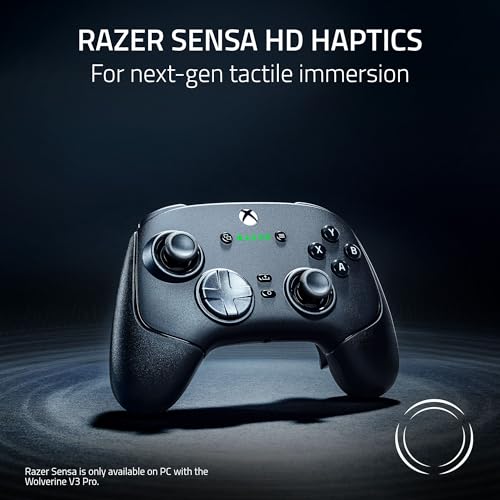
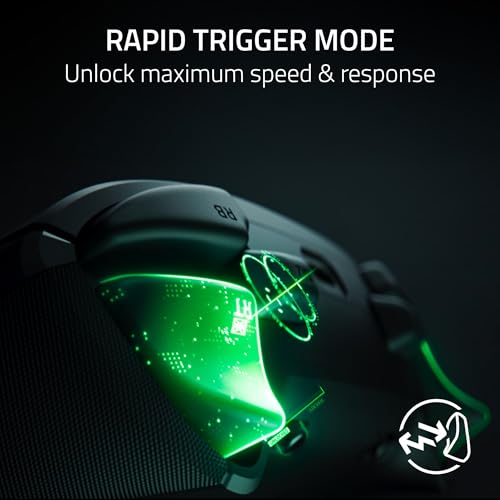
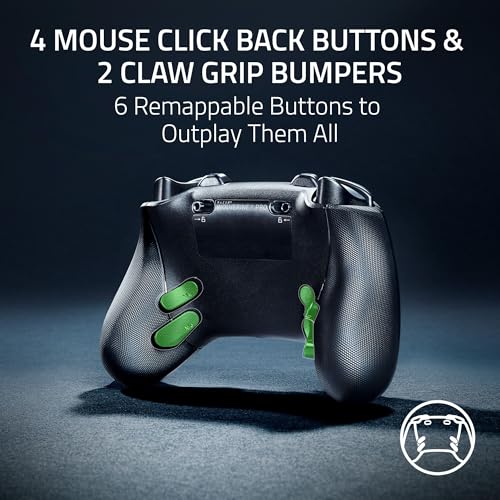
On the hardware side, the controller combines an ergonomic grip with additional back buttons (4 primary and 2 claw grip bumpers) for quick inputs without moving your thumbs away from the sticks. The triggers are marketed as PRO HYPERTRIGGERS, meant to minimize travel time and deliver precise actuation, which can matter in fast-paced shooters or fighting games. The thumbsticks use hall effect precision, a design choice that promises consistent, smooth movement and longer life due to reduced mechanical wear. The D-pad is described as 8-way floating, pairing rapid inputs with a comfortable surface feel thanks to a rubberized membrane and cushioned press.
Why it could be worth it on paper
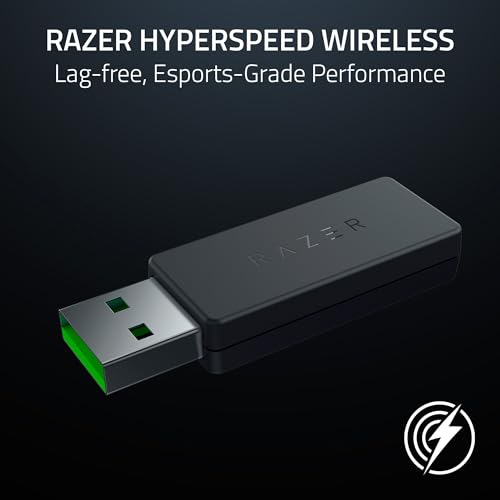
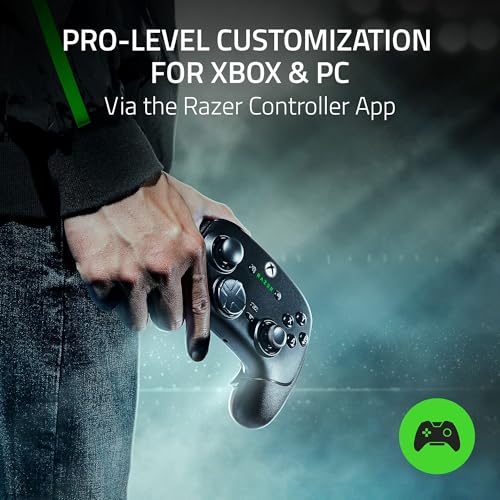
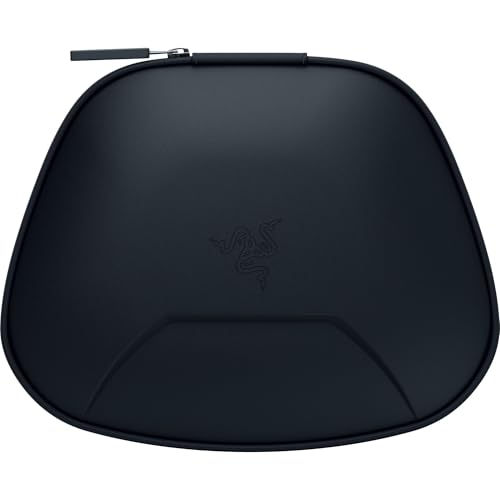
The hyperspeed wireless option utilizes a 2.4 GHz connection via USB Type A dongle, which can translate to low latency for competitive play. For tournament-minded sessions on PC, there’s a dedicated Tournament Mode that unlocks a 1000 Hz polling rate when wired and activated through the companion app or a controller shortcut—this is the kind of feature that can influence decision-making for players who value response speed. Customization is a core theme. Using the Razer app, you can adjust thumbstick sensitivity, tailor button layouts, and save profiles for different game genres or competition formats. The carrying case and 10 ft cable are practical inclusions for transport and consistent wired play when the wireless connection isn’t ideal.
What to watch out for and limitations
If you prioritize stock simplicity over feature depth, this controller’s breadth of options could feel overwhelming. Also, the 2.4 GHz wireless setup hinges on the dongle being present and configured, which may add friction for casual players who don’t need frequent profile changes. The emphasis on customization implies a learning curve, getting the most out of it requires time in the app to map buttons and calibrate sticks to your preferences.
Who it’s best suited for

This model is a strong match for players who want extra control at their fingertips—the 4 remappable back buttons plus 2 claw bumpers can streamline complex combos or macros in shooter and action titles. It also suits athletes who enjoy tweaking stick sensitivity and aiming to reach a preferred rhythm in different titles. If you typically play more relaxed sessions or value simplicity over depth, a more straightforward controller might feel easier to pick up and use right away.
Who might want to skip it
If you don’t need heavy customization, or if you’re satisfied with a standard layout, this device could feel like overkill. The reliance on software for full feature access means you’ll want to ensure your PC or console environment supports the companion app for the best experience.
Before you buy: key checks
- Confirm your preferred platform supports the advanced button mapping and Tournament Mode via the app.
- Consider whether you’ll benefit from back-button inputs in your favorite genres and whether you’re comfortable spending time configuring profiles.
- If you travel with gear, the carrying case is a practical perk, but verify that its size and weight suit your setup.
Practical use example
Imagine you’re in a fast-paced shooter tournament on PC. You map essential actions to the back buttons so you can perform reloads and weapon swaps without shifting your grip. You switch to a precision stick profile for snappy, controlled aiming during a tense moment, then switch back to a different layout for a different map or game mode. This kind of adaptability is what the Wolverine V3 Pro is designed to support—though it does demand a bit of setup to unlock the full potential.
Quick comparison context
If you’re choosing between a high-end controller and a more basic pad, this model sits closer to the advanced end—especially for players who value quick inputs, weight, and a robust customization pipeline. For those who don’t need tournament-grade polling or micro-adjustable triggers, a simpler controller could be more straightforward and lighter on the wallet.
Final decision
Is it worth it? It depends on how much you value rapid inputs, back-button efficiency, and the ability to tailor the experience across PC and console. If you foresee frequent use of custom profiles, a need for ultra-fast trigger actuation, and the benefits of a tournament-ready setup, this controller makes sense to consider. If you prefer plug-and-play simplicity or minimal setup, you may want to weigh alternatives that emphasize straightforward ergonomics over customization.
FAQ (practical questions)
- Does it work wired and wirelessly with PC and Xbox? Yes, it supports both modes, with a specialized PC Tournament Mode when wired.
- Are the back buttons programmable for different games? Yes, through the dedicated Razer app where you can remap inputs and save profiles.
- Will the triggers and thumbsticks feel robust over time? The design highlights hall effect thumbsticks and high-quality materials, but real-world durability depends on use and care.
- Is setup required to access all features? Accessing full customization and Tournament Mode benefits from the companion app.
- Can I use it with non-gaming software or macros? The primary focus is gaming inputs, external software support isn’t specified here and may vary by platform.